
Turn recordings into transcripts and summaries in minutes
Upload audio or video for multilingual transcription, AI notes, and action items
Faced with hour-long YouTube lecture videos or online courses, have you ever paused, rewound, and manually typed transcripts just to capture key points? This is not only time-consuming but also a killer of focus. For content creators, students, or marketers needing to analyze competitor information, 'quickly turning video into text' is key to efficiency.
This article reviews mainstream YouTube video-to-text tools in 2026, analyzing Chinese recognition accuracy, AI summarization capabilities, ease of use, and pricing plans. If you need precise subtitle timeline editing, dedicated tools like Taption are great choices; if your core need is quickly extracting video highlights, generating notes, or content retrieval, tools like Tinrec (second recording) and other AI note apps offer more comprehensive 'understanding' assistance.
Next, we dive into tool comparisons and practical tutorials to help you escape the transcription grind.
Why You Need Dedicated 'Video to Text' Tools?
Many rely on YouTube's built-in CC subtitles, but for heavy users, built-in features have three pain points:
- Lack of Structured Organization: YouTube only provides raw text without paragraph breaks or summaries, making it hard to read.
- No Instant Search: To find 'where a concept is mentioned,' you usually need to scrub the timeline blindly, unlike searching documents.
- Multilingual Understanding Barriers: For quality English or Japanese content, machine-translated subtitles often lack coherence and integrated summaries.
Modern AI transcription software goes beyond 'transcribing' to 'extracting.' Tools can automatically identify speakers, timestamp, and even generate meeting minutes or study notes.
2026 Popular YouTube Video to Text Tool Comparison
We selected tools with different positioning for a head-to-head comparison to help you choose based on your scenario.
| Dimension | YouTube Built-in Subtitles | Professional Subtitle Tool (e.g., Taption) | AI Note Assistant (e.g., Tinrec) | General Speech-to-Text App |
|---|---|---|---|---|
| Core Scenario | Aid comprehension while watching | Video post-production, subtitling | Study notes, content organization, meeting minutes | Live recording, short phrases |
| Input Method | None (watch only) | Upload video file/link | Paste YouTube link / Upload file | Primarily microphone recording |
| AI Summary & Conclusions | None | Partial support | Auto-generates summary, action items, mind maps | Rare |
| Interactive Query | None | None | AI chat (ask about video content) | None |
| Multilingual Support | Depends on creator uploads | Strong (manual proofreading needed) | Auto-recognizes 10+ languages (incl. Chinese/English/Japanese/Korean) | Varies by app |
| Export Formats | Requires third-party plugins | SRT, VTT, TXT | Word, PDF, TXT, Markdown | TXT |
Selection Advice:
- If you're a video editor: Prioritize subtitle tools that focus on timeline alignment and SRT export.
- If you're a student, researcher, or office worker: Recommend tools with 'AI summary' and 'link parsing' (e.g., Tinrec), because your goal is to extract information, not produce videos.
Stop organizing recordings by hand
Upload audio or video and automatically get a transcript, summary, and action items
Deep Dive: Tinrec's Differentiation in Video Organization
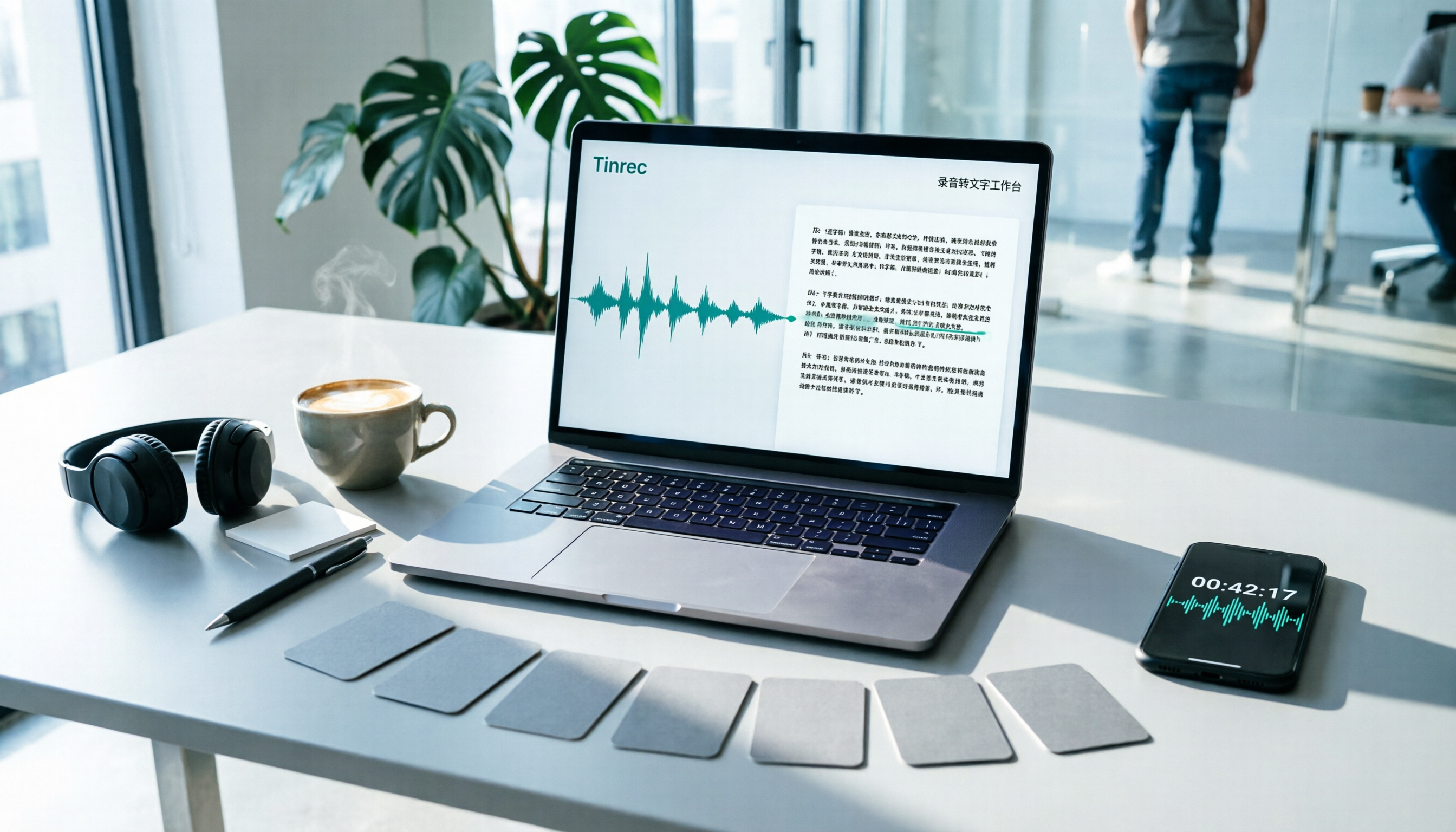
Among many tools, Tinrec (second recording) positions itself as a complete workflow from 'recording/video to action.' It doesn't aim to replace professional subtitle editors but focuses on solving 'information absorption' efficiency.

For heavy YouTube users, several Tinrec features are especially practical:
- One-click URL parsing: No need to download the video (key, eliminates downloader risks), just paste the YouTube link to start transcribing.
- AI Chat with Video: This is something traditional transcription tools lack. You can ask it like ChatGPT: 'What is this video's conclusion about AI trends?' or 'What are the three marketing strategies mentioned by the speaker?' It answers based on video content, drastically reducing replay time.
- Structured Note Generation: It doesn't just give you a wall of text; it automatically generates 'summary,' 'chapter sections,' and 'action items.' This is very helpful for organizing online courses or long interviews.

Practical Tutorial: How to Quickly Convert a 1-Hour YouTube Video into Notes
Below, using Tinrec as an example, we show how to turn a long video into editable notes. This process works for both web and app versions.
Step 1: Get the Video Link
Open YouTube, find the video you want to organize (e.g., TED talk, product launch, or tutorial), click 'Share' and copy the link.
Step 2: Import into Tinrec for Parsing
- Log in to Tinrec web or open the app.
- Select the 'Podcast/Online Video to Text' feature.
- Paste the copied link into the input box, select the original language (e.g., Traditional Chinese, English), and click start transcribing.


Step 3: Read AI Summary and Transcript
The system processes quickly in the cloud (usually a fraction of the video length). Once done, you'll see:
- Full transcript: Organized by timeline with speaker differentiation.
- AI smart summary: Includes overall summary and chapter highlights.
Step 4: Use AI to Dig into Details
If the video is long, don't read from the start. Use the 'AI Chat' window on the right and ask questions like:
- 'List all tool names mentioned in the video'
- 'What are the speaker's predictions for 2026?'
Step 5: Export and Share
After verifying, click the export button in the top right corner. You can export as Word or PDF and save directly to your Notion or Evernote knowledge base for archiving.

Frequently Asked Questions (FAQ)
Q1: Do these tools support iPhone or Android?
Most modern tools support multi-device sync. For example, Tinrec supports iOS, Android, and web. Content transcribed on your computer can be viewed and played on the mobile app, great for reviewing during commutes.
Q2: Is YouTube video-to-text completely free?
Most tools use a 'basic free + premium paid' model. For example, Tinrec offers a free plan with 100 minutes of recording/transcription per month, sufficient for occasional short video organization. For heavy course usage, the paid (Pro) plans offer more hours and priority processing.
Q3: Can the software still transcribe if the video has no subtitles?
Yes. These tools use ASR (Automatic Speech Recognition) to directly convert audio to text, independent of YouTube's CC subtitles, so they work even without any subtitles.
Q4: Does the transcribed text support Traditional Chinese?
Yes. Current AI models (e.g., the engine used by Tinrec) have high recognition accuracy for Traditional Chinese, Cantonese, and mixed Chinese-English business terms, though proper nouns may occasionally need manual tweaks.
Q5: Can I use the transcribed text directly as subtitle files (SRT)?
Some tools support SRT export. While Tinrec focuses on notes and summaries, it also supports exporting timestamps in text. However, for professional subtitle timeline editing, we recommend using dedicated subtitle software.
Q6: What if the video has fast speech or loud background music?
Background noise affects AI recognition. For best results, choose clear interview or lecture videos. If background music drowns out voices, accuracy will drop for any tool.
Turn every recording into actionable outcomes
Get 60 free transcription minutes when you sign in. No credit card required.
Related Reading
You might also like

Tinrec vs Otter.ai 2026: 5-Dimension Comparison — Who Manages Meeting Data Access Permissions Better?
Meeting data access permissions aren't just an IT issue — they're a team memory issue. Starting from the real-world pain of "who holds the data," this article reviews 6 solutions and compares Tinrec vs Otter.ai across 5 dimensions: team-level sharing, role and seat management, audit and recycle bin, data handover, and Chinese-language meeting experience — highlighting differences in meeting data access permissions and ideal use cases.

4 Meeting Notes Tools Tested in 2026: Which One Actually Builds a Team Knowledge Base?
Meeting notes shouldn't stay locked in personal accounts. We tested Tinrec, Otter.ai, Granola, and PLAUD across bot-free online meeting recording, post-meeting summaries and action items, AI Q&A, team spaces, roles, and seat management to help you find the tool that truly turns meetings into reusable team data.
Feishu Minutes Alternatives: 2026 Hands-On Comparison of 2 Tools, Tinrec Handles Chinese Meetings Better
Feishu Minutes free version has ASR time limits. This article compares Feishu Minutes and Tinrec in meeting recording, free quota, AI organization, export, and team collaboration to help users who meet across platforms and want to consolidate meeting materials find a more suitable alternative.

Notion AI Meeting Notes Alternative Tested: Tinrec's Bot-Free Workflow Review (2026)
Notion AI's meeting notes are well-integrated, but plan thresholds, device limits, and team sharing needs can still get in the way. From the perspective of a mid-level manager who runs 15 meetings a week, this hands-on review tests Tinrec as an alternative: bot-free recording, live transcription, AI summaries and action items, post-meeting Q&A, multi-format export, and team space roles and seat governance—plus an honest look at when it's not a good fit.

5 AI Meeting Tools Seat Management Tested for 2026: How Many Team Plan Seats Do You Really Need?
How many seats to buy for a team meeting tool is the biggest question most teams face before purchasing. This article uses Tinrec's team plan to demonstrate a replicable seat management process, explaining roles, seats, data ownership, and usage checks in 5 steps, along with FAQs and alternatives.
4 Best Audio-to-Text Tools for Chinese Meetings in 2026: Real-World Comparison
How to choose the right audio transcription tool? This article starts with common pitfalls, outlines 4 key buying factors, then compares Tinrec, Otter.ai, Granola, and TurboScribe in real-world tests for Chinese meeting transcription, bot-free recording, AI summary Q&A, and team data retention. It ends with a guide to avoid mistakes and recommendations based on your needs.
7 Best Free Audio-to-Text Transcription Tools in 2026: A Complete Comparison
Tired of spending hours transcribing meeting recordings? This guide reviews 7 free audio-to-text transcription solutions in 2026, comparing free tiers and paid pricing for Tinrec, MyEdit, cSubtitle, Otter.ai, Notta, TurboScribe, and Granola. Learn each tool's free limits, pricing, and ideal use cases to find the best fit for your transcription needs.

4 Meeting Transcription Tools Tested for 2026: Which One Actually Builds a Team Knowledge Base?
The real pain point with meeting notes isn't that nothing gets written down—it's that what's written down never gets used. Starting from real meeting scenarios, this article breaks down 4 key decision points for choosing a meeting transcription tool, compares Tinrec, Granola, Notta, and PLAUD in hands-on testing, and outlines the 3 most common buying mistakes, helping you turn scattered meeting content into a searchable, queryable, transferable team knowledge base.

2026 Comparison of 4 Meeting Transcription Tools: Who Does Permission Management Best?
Who should see meeting notes? This article examines four key points—roles and seats, team-level sharing, data ownership after member departure—and compares the permission management designs of Tinrec, Otter.ai, Fireflies.ai, and Granola, plus four common pitfalls to help you think clearly before adoption.