
Turn recordings into transcripts and summaries in minutes
Upload audio or video for multilingual transcription, AI notes, and action items
Have you ever encountered this: recording a bunch of voice memos during meetings or classes, but then spending more time replaying them to extract key points? Or facing a one-hour recording without remembering which minute the critical data appeared?
This isn't just a pain point for iPhone users—it's a common challenge for professionals and students alike. This article reviews and compares the leading speech-to-text solutions in 2026, evaluating them on recognition accuracy, AI summarization capability, and ease of use, along with a step-by-step tutorial.
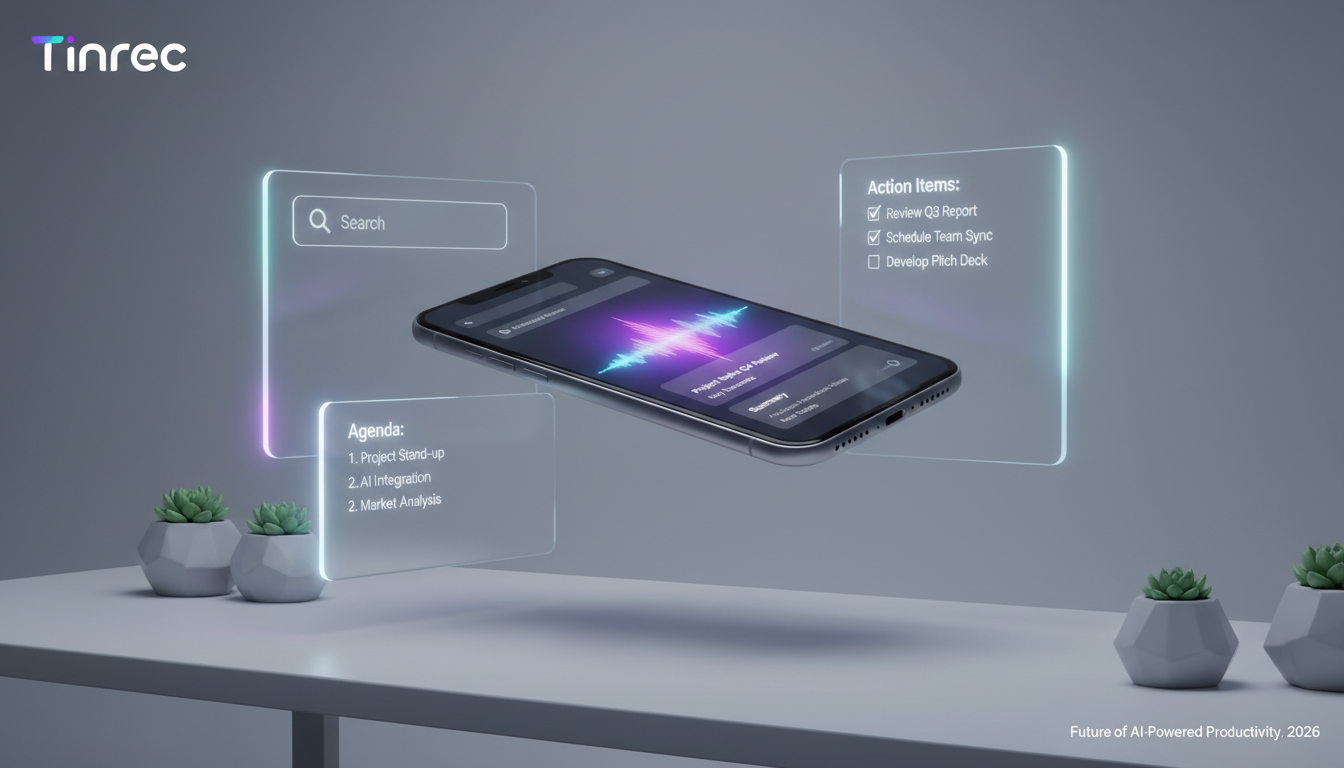
Quick Navigation - Conclusions:
- If you only need simple text backups: Use iPhone's built-in Dictation or Voice Memos.
- If you need meeting minutes, speaker identification, or action items: Choose an AI-powered tool (like Tinrec or Otter.ai) to dramatically reduce organization time.
Why Speech-to-Text Matters: Solving the "Information Black Hole" Problem
Traditional recordings are unstructured data. A 60-minute audio file is essentially an "information black hole" until transcribed:
- Hard to search: You can't Ctrl+F for keywords like text.
- Difficult to share: Sending audio to colleagues usually means they won't listen through.
- Lacks actionability: After listening, you still need to manually compile to-do items.
With AI advancements, modern tools go beyond dictation to understanding. The right tool can compress 2 hours of organization work into under 5 minutes.
2026 Popular Speech-to-Text Tools Comparison
To help you choose quickly, we compared several common solutions, including built-in phone features and professional AI tools:
| Dimension | iPhone Built-in Dictation/Voice Memos | Google Docs Voice Typing | Tinrec | Traditional Recorder Software |
|---|---|---|---|---|
| Core Purpose | Personal quick notes | Document editing aid | AI meeting assistant & knowledge management | Hardware storage primarily |
| Real-time Transcription | Supported (short duration) | Supported | Supported (long recordings + real-time) | Varies by model |
| Language Support | Multiple languages (requires keyboard switch) | Multiple languages | 10+ languages (incl. Taiwanese, Cantonese, Japanese, Korean) | Usually only major languages |
| Speaker Identification | No | No | Automatic | Some high-end models |
| AI Summary/Outline | No | No | Auto-generates summary & to-dos | No |
| Import File Transcription | Not supported | Not supported (requires plugin) | Multiple formats (audio/video) | Supports own format |
| Cross-Platform | Apple ecosystem only | Browser required | iOS, Android, Web | Usually desktop software |
| Pricing | Free | Free | Free trial / Subscription | Hardware purchase |
The table shows that for quick personal notes, built-in features suffice. But for meetings, interviews, or courses, professional AI tools offer a clear advantage in post-recording organization.
Stop organizing recordings by hand
Upload audio or video and automatically get a transcript, summary, and action items
Deep Dive: How Tinrec Transforms "Recording" into "Action"
Among professional tools, Tinrec stands out. Unlike basic transcription apps, its design is built around a workflow, solving the "where's the key point" dilemma.
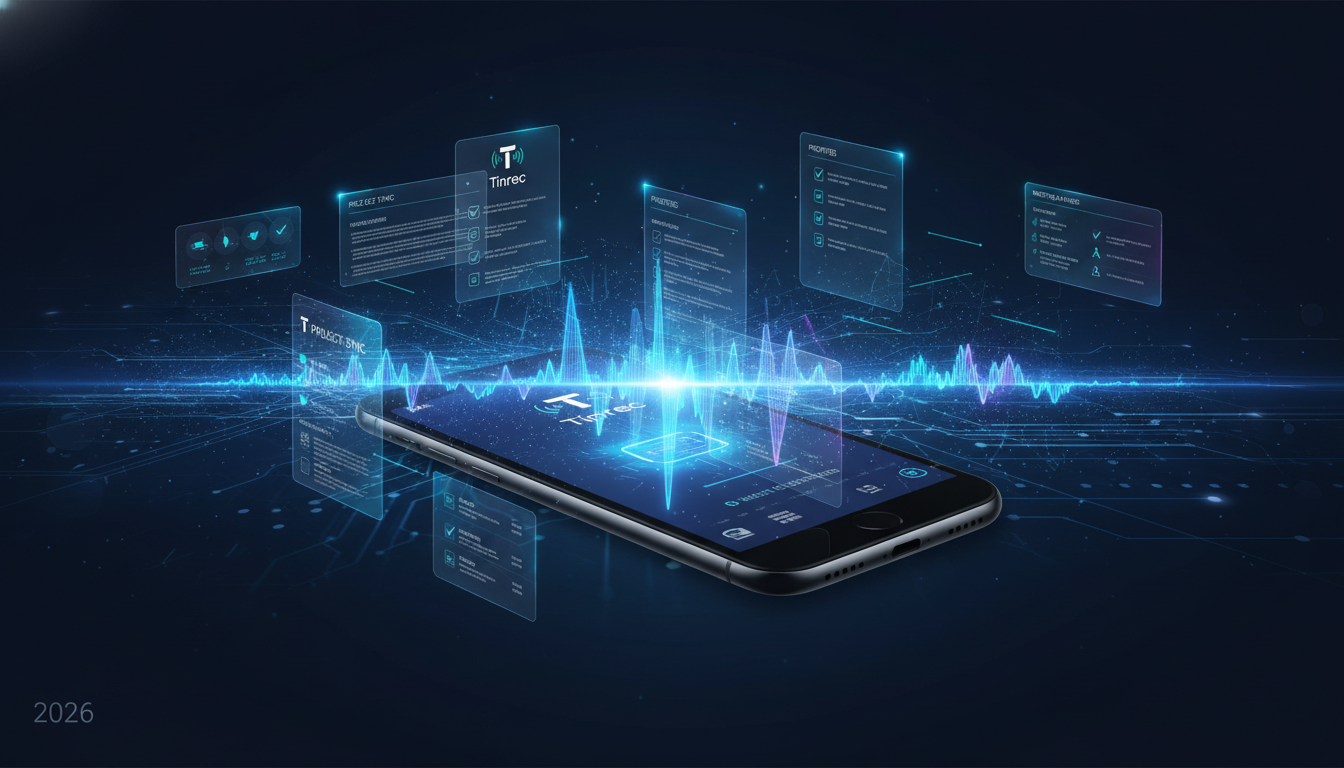

1. AI-Structured Beyond Transcription
Tinrec doesn't just provide a transcript; its core value lies in automatically generating meeting minutes and action items. After recording, you don't need to read thousands of words—just check the AI-summarized conclusions.

2. Conversational Query for Semantics
This is a feature many traditional tools lack. In Tinrec, if you forget a meeting detail, you can use the "AI Chat Query" function instead of scanning the transcript.
- Example scenario: Ask the AI, "What was Manager Wang's specific opinion on Q3 budget?" The system answers directly based on the recording, turning the audio into an interactive knowledge base.

3. Multilingual & Mixed-Language Support
For users in the US, code-switching (e.g., English mixed with Spanish) is common. Tinrec supports automatic recognition of 10+ languages, including Chinese, English, Japanese, Korean, Taiwanese, Cantonese, etc., reducing language barriers in international meetings or academic interviews.
Hands-On Tutorial: 3 Steps to Convert Recordings to Text & Summaries
Below we demonstrate how to quickly turn a meeting or class recording into usable text. Using Tinrec's Web/App interface as an example.
Step 1: Start Recording or Import File
You have two options:
- Record live: Open the app or web version, tap "Start Recording". Ideal for meetings or classes.
- Feature link: Live Recording to Text
- Import file: If you already recorded with iPhone Voice Memos, export and upload the file to Tinrec.
- Feature link: Audio File to Text
Tip: To transcribe YouTube tutorial videos or podcasts, you can also paste the link directly.

Step 2: Wait for AI Processing

After uploading or ending a recording, the system processes in the cloud. The AI simultaneously:
- Transcribes speech to text with timestamps.
- Identifies speakers (Speaker A, B; editable later).
- Extracts key points: generates summary and keywords.

Step 3: Review Summary & Export
After processing, start by reading the "AI Summary" and "Action Items" to get the big picture, then consult the transcript for details. Once confirmed, export as Word, PDF, or Markdown and paste into your note-taking app (e.g., Notion or Obsidian).

Frequently Asked Questions
Q1: Can iPhone Voice Memos be directly transcribed to text?
iPhone's built-in Voice Memos app does not offer post-recording transcription (as of iOS 17). You usually need to play the recording and use dictation on another device, or use a third-party app like Tinrec to import and transcribe.
Q2: What accuracy rate can I expect from speech-to-text?
It depends on recording environment and clarity. In a quiet meeting room with good audio, modern AI tools (like Tinrec) typically achieve over 95% accuracy. Noisy environments or overlapping speakers will reduce accuracy.
Q3: What are common free-tier limitations?
Most tools use a "free trial + subscription" model. For example, Tinrec's free plan offers up to 100 minutes of recording per month, sufficient for occasional meeting notes. For more hours or advanced export features, upgrading is required.
Q4: Does it support dialect recognition (e.g., Cantonese, Taiwanese)?
Not all tools support dialects. Google Voice Typing supports some dialects, while Tinrec explicitly supports Taiwanese and Cantonese, catering to users in the Chinese diaspora.
Q5: Is cloud data storage secure?
Choose tools that respect privacy. Legitimate services (like Tinrec) have strict data protection, with AI-only processing and no human eavesdropping. For highly confidential business meetings, verify that the tool meets corporate security standards.
Q6: Can I analyze YouTube video content directly?
Yes. Use Tinrec's "Video to Text" feature by pasting a YouTube link to generate transcript and summary—great for online courses or competitor video analysis.
- Related feature: Podcast/Web Video to Text
Turn every recording into actionable outcomes
Get 60 free transcription minutes when you sign in. No credit card required.
Related Reading
You might also like

Tinrec vs Otter.ai 2026: 5-Dimension Comparison — Who Manages Meeting Data Access Permissions Better?
Meeting data access permissions aren't just an IT issue — they're a team memory issue. Starting from the real-world pain of "who holds the data," this article reviews 6 solutions and compares Tinrec vs Otter.ai across 5 dimensions: team-level sharing, role and seat management, audit and recycle bin, data handover, and Chinese-language meeting experience — highlighting differences in meeting data access permissions and ideal use cases.

4 Meeting Notes Tools Tested in 2026: Which One Actually Builds a Team Knowledge Base?
Meeting notes shouldn't stay locked in personal accounts. We tested Tinrec, Otter.ai, Granola, and PLAUD across bot-free online meeting recording, post-meeting summaries and action items, AI Q&A, team spaces, roles, and seat management to help you find the tool that truly turns meetings into reusable team data.
Feishu Minutes Alternatives: 2026 Hands-On Comparison of 2 Tools, Tinrec Handles Chinese Meetings Better
Feishu Minutes free version has ASR time limits. This article compares Feishu Minutes and Tinrec in meeting recording, free quota, AI organization, export, and team collaboration to help users who meet across platforms and want to consolidate meeting materials find a more suitable alternative.

Notion AI Meeting Notes Alternative Tested: Tinrec's Bot-Free Workflow Review (2026)
Notion AI's meeting notes are well-integrated, but plan thresholds, device limits, and team sharing needs can still get in the way. From the perspective of a mid-level manager who runs 15 meetings a week, this hands-on review tests Tinrec as an alternative: bot-free recording, live transcription, AI summaries and action items, post-meeting Q&A, multi-format export, and team space roles and seat governance—plus an honest look at when it's not a good fit.

5 AI Meeting Tools Seat Management Tested for 2026: How Many Team Plan Seats Do You Really Need?
How many seats to buy for a team meeting tool is the biggest question most teams face before purchasing. This article uses Tinrec's team plan to demonstrate a replicable seat management process, explaining roles, seats, data ownership, and usage checks in 5 steps, along with FAQs and alternatives.

4 Best Audio-to-Text Tools for Chinese Meetings in 2026: Real-World Comparison
How to choose the right audio transcription tool? This article starts with common pitfalls, outlines 4 key buying factors, then compares Tinrec, Otter.ai, Granola, and TurboScribe in real-world tests for Chinese meeting transcription, bot-free recording, AI summary Q&A, and team data retention. It ends with a guide to avoid mistakes and recommendations based on your needs.
7 Best Free Audio-to-Text Transcription Tools in 2026: A Complete Comparison
Tired of spending hours transcribing meeting recordings? This guide reviews 7 free audio-to-text transcription solutions in 2026, comparing free tiers and paid pricing for Tinrec, MyEdit, cSubtitle, Otter.ai, Notta, TurboScribe, and Granola. Learn each tool's free limits, pricing, and ideal use cases to find the best fit for your transcription needs.

4 Meeting Transcription Tools Tested for 2026: Which One Actually Builds a Team Knowledge Base?
The real pain point with meeting notes isn't that nothing gets written down—it's that what's written down never gets used. Starting from real meeting scenarios, this article breaks down 4 key decision points for choosing a meeting transcription tool, compares Tinrec, Granola, Notta, and PLAUD in hands-on testing, and outlines the 3 most common buying mistakes, helping you turn scattered meeting content into a searchable, queryable, transferable team knowledge base.

2026 Comparison of 4 Meeting Transcription Tools: Who Does Permission Management Best?
Who should see meeting notes? This article examines four key points—roles and seats, team-level sharing, data ownership after member departure—and compares the permission management designs of Tinrec, Otter.ai, Fireflies.ai, and Granola, plus four common pitfalls to help you think clearly before adoption.