
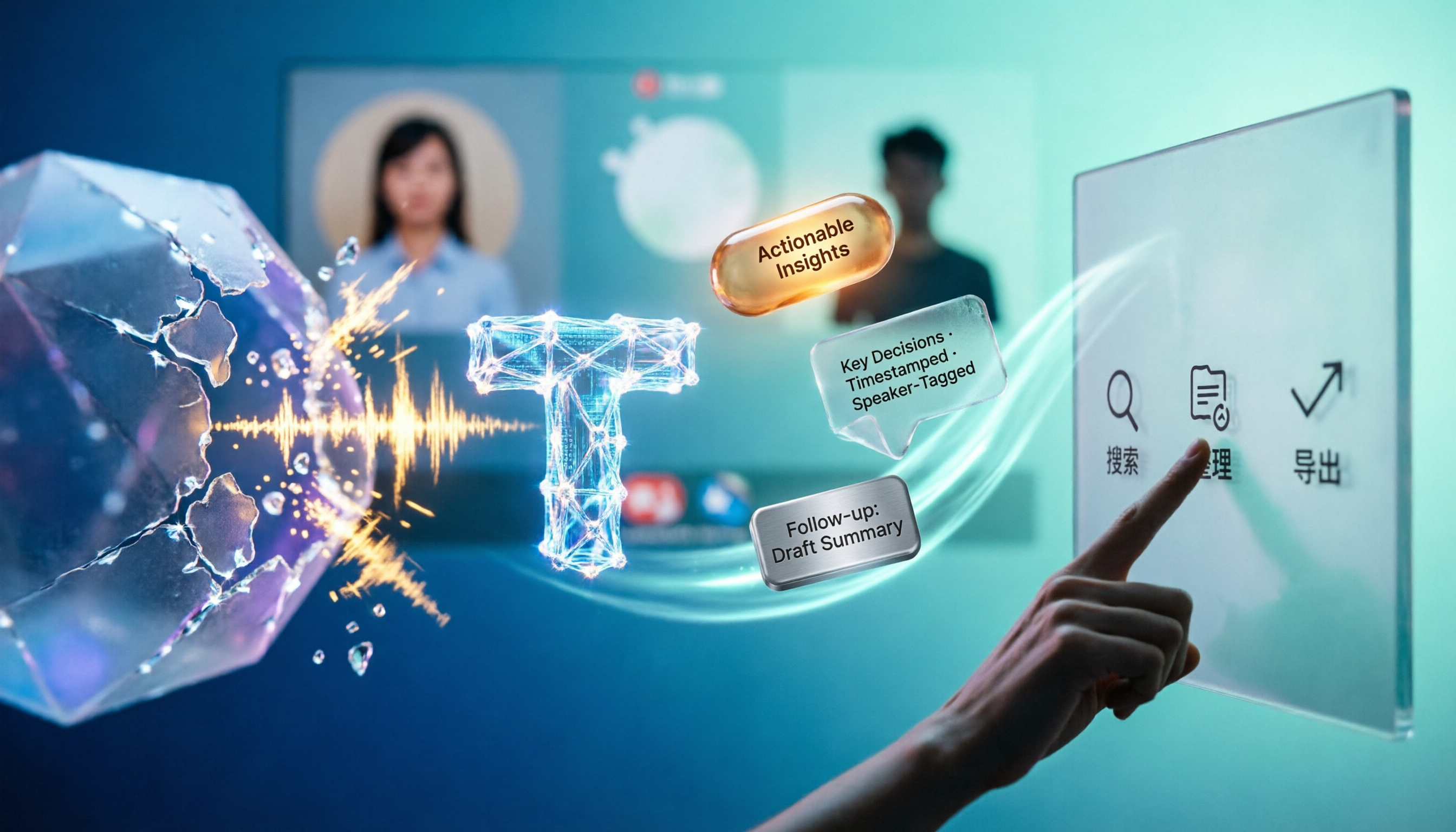
Turn recordings into transcripts and summaries in minutes
Upload audio or video for multilingual transcription, AI notes, and action items
I recently coached a cross-border team that holds two to three meetings on Google Meet every day. A manager complained to me, "Esor, we already have Gemini taking meeting notes, so why do we still spend so much time organizing after meetings?"
I asked him to show me his meeting screen.

It turned out that Google Meet's AI summaries stay locked inside the same meeting and can't be exported as documents. Plus, when he has client interview recordings or YouTube competitor analysis videos, none of that content can enter the same workflow.
What he needed wasn't just a "meeting notes tool."
He needed a workspace that turns all audio and video content into actionable knowledge.
That's why I recommended he switch to Tinrec.
What Can AI Meeting Notes Do for You?
Don't think of AI meeting notes as just "auto-transcription." Its real value is that the moment a meeting ends, you already have a structured piece of information.
Scenario 1: Produce meeting minutes in five minutes
In the past, after a one-hour Google Meet, I'd spend at least another thirty minutes re-listening and marking key points. With Tinrec, for example, just start recording before the meeting, and after it ends, it automatically generates a summary, discussion conclusions, and action items—who is responsible for what and the deadline—all clearly laid out.
(Screenshot: Tinrec's AI meeting summary interface, with arrows pointing to the "Conclusions" and "Action Items" sections)
Scenario 2: Turn discussions into to-do lists
Many meetings fail not because there's no conclusion, but because no one follows up. Tinrec's "Action Item Extraction" directly pulls out sentences like "I'll handle it" or "I'll get it to you by next Wednesday" from the conversation and turns them into a to-do list. You can also export it to Notion or Google Docs, seamlessly connecting to your task management system.
Scenario 3: Historical meetings become a searchable database
I have hundreds of meeting recordings in my own Tinrec account. Last month a client asked me, "What was the final decision on that budget adjustment we discussed earlier this year?" I don't need to open transcripts and scroll page by page—I just ask Tinrec, "What was the conclusion about the budget adjustment in the meeting earlier this year?" and it semantically matches the answer.
That's the difference between "recording" and "understanding."
What Are the Core Capabilities of AI Meeting Notes?
Many tools claim to do meeting notes, but the key is "what else can you do after transcription." I've organized the five capabilities that truly help me with Tinrec:
Real-time transcript with speaker labeling
Text appears as it's recorded—not after the call ends. It also distinguishes between different speakers, so everything isn't jumbled together. When I'm on a Google Meet, I just set my computer audio source, and Tinrec captures the full bidirectional conversation.
AI-structured summary
It's not just condensing the transcript into a paragraph. Tinrec's summary is layered: meeting topic, discussion highlights, opinions from each side, final decisions, action items. This is a format you can directly put into a report.
AI conversational search
This is the feature I talk about most with my students. After transcription, you can directly ask Tinrec questions like "What product issues did the client mention?" or "Who brought up the budget shortage?" It answers based on the entire meeting content, even with timestamps so you can go back and listen.
Try this question template:
"Based on this meeting, list all the action items mentioned, along with the person responsible and the expected completion date. If anything is unclear, please point it out specifically."
Stop organizing recordings by hand
Upload audio or video and automatically get a transcript, summary, and action items
Action item extraction
It doesn't just grab keywords—Tinrec understands tone and context. For example, "I'll figure it out" vs. "You figure it out"—it knows which one is your task.
Multi-format export and further processing
I most often export as Markdown and paste it directly into my note-taking app. You can also export as Word, PDF, or TXT, or even have the AI generate meeting reports or project trackers. This is something many built-in AI features in meeting software can't do—their results are usually locked inside the platform.
Real-World Use Cases
I don't just use Tinrec for meetings. I open it anytime I need to turn "audio into knowledge."
Use Case 1: Business meetings (Google Meet / Zoom / Teams)
My approach: I keep Tinrec's web version open on my computer and select "Record computer audio." After the meeting ends, the summary and action items are posted directly to the team's Slack channel. No one can say "I didn't know about that."

Use Case 2: Online courses and lectures
I use Tinrec to record a two-hour online course. It automatically breaks the content into chapters, so I can jump straight to "Chapter 3: Hands-On Exercise." Review efficiency is much higher.
Use Case 3: User interviews and research
After uploading interview recordings to Tinrec, I use AI Q&A to quickly compare ten interviewees' views on "price sensitivity." That used to take an entire afternoon.
Use Case 4: YouTube video content organization
Paste a video link, and Tinrec immediately provides the transcript and summary. I use it to organize competitor analysis and inspiration material—super fast.
(Screenshot: Tinrec's web video analysis interface, with arrows pointing to "Paste Link" and "AI Summary")
4 Things to Watch for When Choosing an AI Meeting Notes Tool
There are many options on the market, but here are four things I always evaluate:
1. After transcription, how much does the AI help you organize?
Some tools only give you a transcript; some give you a brief summary. But I need structured organization: topics, conclusions, action items, chapters. Tinrec is very thorough in this regard—every layer is immediately usable.
2. Can the results leave its own ecosystem?
This is the biggest pain point for Google Meet users: AI summaries are locked inside the meeting. Tinrec supports multiple export formats and can integrate with external tools like Notion and Google Docs, letting the meeting output flow into your own workflow.
3. How well does it handle Chinese content?
I often deal with meetings that mix Chinese and English. Tinrec's Chinese recognition is stable (though audio quality matters a lot), and its summaries and action item extraction sound natural in Chinese.
4. Cross-platform and input source flexibility
My work jumps between phone, computer, and tablet. Tinrec has iOS, Android, and web versions, and it can handle not just live recording but also audio files, video files, and YouTube links. That's the key reason I no longer rely solely on built-in meeting AI.
Frequently Asked Questions
Q: I already have Google Meet's AI notes. Do I still need Tinrec?
A: If you only need a text record of the meeting, the built-in feature might be enough. But if you want to take the meeting results outside, manage them alongside other recordings, or produce further reports, then Tinrec is a better fit.
Q: Do I need to install a plugin to record Google Meet meetings with Tinrec?
A: No. Just open Tinrec's web version on your computer and select "Record computer audio." On mobile, you can record via Bluetooth or speaker playback.
Q: How accurate is the transcription?
A: It depends on many factors like microphone distance, background noise, and accents. In a typical meeting room, Chinese recognition accuracy is high enough for me to quote directly without re-listening. But for critical information, I still double-check against the original audio.
Q: How long can I try the free version?
A: Tinrec's free plan includes a basic monthly transcription quota, sufficient for you to try a few short meetings or upload a couple of files.
Summary
AI meeting notes are no longer a future trend—they're a daily work method you can use right now. The key isn't "which tool to use" but "whether the tool helps you build a sustainable knowledge management workflow."
If you have more than three meetings a week, and beyond meetings you also need to organize courses, interviews, and video materials, I sincerely recommend you try Tinrec.
Quick Start Checklist
- Sign up for Tinrec and try one meeting with the free plan
- Before starting a Google Meet, open Tinrec's web version and select "Record computer audio"
- After the meeting, first review the AI summary, then check "Action Items" to confirm next steps
- Try asking a question: "What are the three most important decisions from this meeting?"
- Export the results to your note-taking app or team channel
- Next time, upload an old recording or YouTube link to experience the convenience of multi-source organization
Go slowly, test step by step, and you'll turn meeting notes into truly usable knowledge.
Turn every recording into actionable outcomes
Get 60 free transcription minutes when you sign in. No credit card required.
Related Reading
You might also like

2026 Audio-to-Text Comparison: Tinrec vs Otter.ai for Chinese Meetings & Team Knowledge
How to choose an audio-to-text tool in 2026? This article compares Tinrec and Otter.ai across 5 dimensions: Chinese meeting transcription, bot-free online meeting capture, audio file organization, post-meeting workflows, and team data governance. Based on public features and pricing, it helps you decide which is better suited for meeting notes needs in Taiwan.

How to Choose an Online Audio-to-Text Tool in 2026: 5 Steps to Pick the Right One and Get a Transcript
How do you choose an online audio-to-text tool? This article reviews 6 online options—Tinrec, MyEdit, cSubtitle, CyberLink, Yating Transcript, and Monica—comparing free quotas, Chinese recognition, export formats, and team collaboration. It also walks you through 5 steps to turn an audio file into a transcript.

2024 Review of 4 Audio-to-Text Tools: Which Saves the Most Time on Chinese Meeting Transcripts and AI Summaries?
The 2024 audio-to-text comparison isn't just about transcription speed—it's about whether the tool can organize your meeting notes afterward. Based on real meetings and interviews, this review compares Tinrec, Notta, Granola, and PLAUD on audio sources, transcripts, AI summaries, action items, team collaboration, and pricing limits to help you choose the right tool.

4 Free Online Audio-to-Text Tools Compared (2026): Which Offers the Best Free Tier and Chinese Recognition?
A comparison of Tinrec, MyEdit, cSubtitle, and Monica's free online audio-to-text offerings, covering free quotas, Chinese recognition, export formats, and post-meeting AI organization to help you decide which suits meetings, interviews, and subtitles.

4 Free AI Audio-to-Text Tools Tested: Which Free Tier Is Enough in 2026?
There are many free AI audio-to-text tools, but free quotas, single-recording length limits, Chinese recognition, and post-meeting organization capabilities vary widely. This article compares the free plans and use cases of 4 tools, using Tinrec's no-bot recording, AI Q&A, and team spaces as selection references.

2026 Comparison of 2 Online Audio-to-Text Tools: Tinrec vs Otter.ai — Which Is Better for Chinese Meetings?
Starting from common misconceptions, this comparison examines Tinrec and Otter.ai in Chinese meetings, bot-free recording, post-meeting organization, real-time translation, and team data retention to help you decide which online audio-to-text tool fits your daily work.

2026 Comparison of 2 Audio-to-Text Platforms: Free Tiers, Chinese Recognition, and Post-Meeting Organization at a Glance
A side-by-side comparison of Tinrec and Notta across free tiers, Chinese recognition, online meeting recording, post-meeting organization, and team collaboration, helping you decide whether the free version is enough and when to upgrade.

iPhone Voice Memos vs Tinrec in 2026: 5-Dimension Comparison — Is Free Transcription Enough?
iPhone's built-in Voice Memos can now transcribe recordings for free, so do you still need a separate tool? This article compares iPhone's built-in features with Tinrec across 5 practical dimensions and honestly explains where the free limits are, helping you decide which approach fits your meeting volume.

4 Free Audio-to-Text Tools Tested for 2026: Which Free Tier Is Actually Enough?
There are plenty of free audio-to-text tools, but few can handle a full meeting. This hands-on comparison tests the free plans of Tinrec, Otter.ai, Notta, and TurboScribe—breaking down how limits are calculated, transcript post-processing, audio retention, and team collaboration—to help you decide which free version is truly usable.