

Turn recordings into transcripts and summaries in minutes
Upload audio or video for multilingual transcription, AI notes, and action items
You Don't Just Need a Tool, You Need a Solution
Spending two hours in a meeting and another two hours organizing meeting notes—this is the daily reality for many office workers. Worse still, the action items, decisions, and tasks discussed in the meeting are often scattered across recordings or notes, forcing you to re-listen to recordings to find key points—highly inefficient.

If you've experienced these situations, chances are you haven't found the right AI meeting efficiency assistant. In this article, I'll share my hands-on experience comparing four tools to help you make an informed decision.
Before You Buy an AI Meeting Assistant, Understand These 3 Key Points
Before we dive into the reviews, let's look at what matters when choosing such tools. If you don't clarify your own needs, you can easily be swayed by marketing hype.
Key 1: Accuracy—Don't Just Look at Official Numbers, Test Real Scenarios
Many tools claim "98% AI accuracy," but those are lab results. Real meetings have background noise, multiple speakers, and different accents, so actual performance varies. Rather than trusting numbers, use your own meeting recordings to try the free version and see if the transcripts help you quickly review content. I personally focus on performance with Chinese, Traditional Chinese, and Chinese-English mixed content—that's what matters for US users dealing with multilingual meetings.
Key 2: AI Features—It Should Do More Than Just Transcribe; It Must "Understand" Meeting Content
If a tool only converts audio to text, it solves only half the problem. The real time sink is post-processing: generating summaries, to-do lists, key points, and even allowing you to ask questions about past meetings. This is crucial for long-term use because no one wants to read through tens of thousands of words of transcripts after every meeting.
Key 3: Cross-Platform Support—Seamlessly Record on Phone, Edit on Computer
Modern work is not tied to a single device. You might record a meeting on your phone but need to edit it on your computer at the office, or use the web version during a meeting. So make sure the tool has corresponding apps and a web version, and that data syncs. Honestly, if it's limited to one device, it'll be a pain to use.
Tinrec (Seconds to Listen) — Our Top Pick After Testing
Tinrec (Seconds to Listen) is an AI tool that handles multi-source audio/video input. Whether it's live meeting recording, uploading local audio files, or pasting YouTube/TikTok links, it transcribes and organizes the content. It supports iOS, Android, and web versions, making it very friendly for cross-device users.
More Than Just Transcription: It Makes Meeting Content "Usable"
Many tools can transcribe in real time, but Tinrec stands out with its post-processing capabilities. For example, open the app to record a meeting live, and it generates a transcript simultaneously. After the meeting, the AI automatically creates a summary and action items, and can even split long meetings into titled chapters for quick navigation. A standout feature is "AI Conversational Query"—you can ask your recording library directly: "Who mentioned the budget in the last meeting?" Tinrec will find the answer based on meaning, not just keyword search. Few tools in this category offer such semantic Q&A.
In our daily tests, using a 20-minute Chinese meeting recording (indoor environment with slight keyboard noise), Tinrec's transcription accuracy was very high, especially for Traditional Chinese and mixed Chinese-English, saving a lot of correction time later. Of course, in extremely noisy or heavy-accented situations, there are still errors, but it's more than sufficient for typical office scenarios.
Stop organizing recordings by hand
Upload audio or video and automatically get a transcript, summary, and action items
Pros
- Multi-source input: Supports live recording, audio files, and online video links—no need to categorize input types beforehand.
- Practical AI organization: Automatically generates summaries, chapters, and to-do lists, so you get a draft of meeting notes quickly after recording.
- Cross-platform support: Record on phone, view, edit, and export on computer with smooth syncing.
Things to Note
The free plan offers 100 minutes of transcription per month, which is enough for light users who have 2-3 meetings a week. But if you have frequent meetings or need to process long lectures, you'll need the Pro plan. Also, while the AI summary is convenient, it's always good to double-check important decisions against the original text to avoid misunderstandings.
Who Is It For?

If you frequently need to organize meeting notes, interviews, or lectures, and want to get usable summaries and to-do items right after recording, or even search historical meetings later, Tinrec is a great choice to try.
Beyond Tinrec: What Other Options Are There?
Otter.ai
Otter.ai is a well-known AI meeting note tool, strong in automatically joining online meetings like Zoom and Google Meet and recording. The free plan offers 300 minutes per month, which is generous. However, Otter is primarily designed for English meetings, with weaker support for Chinese and Traditional Chinese, and lacks the ability to parse online video links. If your meetings are mostly in English, Otter might be a better fit than Tinrec; but if you need to handle Chinese content or want to organize knowledge videos from YouTube, Tinrec is more comprehensive.
Fireflies.ai
Fireflies.ai is also famous for its meeting bot, supporting over 100 languages. Its free plan boasts unlimited transcription (with storage limits), which is very attractive. However, its AI organization logic is more focused on meeting collaboration and CRM integration. For personal use, if you want to ask after a meeting "What's the key point of this lecture?", Fireflies doesn't offer as intuitive a semantic query as Tinrec. For personal knowledge management, Tinrec's AI conversational query is more practical.
Notta
Notta is a strong competitor in transcription tools, offering multi-platform support, translation, and subtitles. The free plan provides 120 minutes/month, and the Pro plan goes up to 1800 minutes/month, which is competitive in terms of minutes. The difference between Notta and Tinrec is that Notta leans more toward "fast transcription and translation," while Tinrec emphasizes "post-transcription usability." For example, Tinrec lets you directly ask questions about your recording library or automatically extract action items from discussions, which Notta currently cannot do. If you care a lot about transcription minutes and translation features, Notta is worth considering; but if you want to save time organizing after transcription, Tinrec is more efficient.
Buying Guide: 3 Common Mistakes When Choosing an AI Meeting Assistant
Mistake 1: Believing Official Accuracy Claims
As mentioned earlier, official numbers are usually from ideal environments. Real meetings with air conditioning noise, keyboard clicks, and overlapping speech will lower accuracy. Always test with your own recordings—don't rely solely on advertising.
Mistake 2: Ignoring Cross-Platform Needs
Today you record on your phone, tomorrow you edit on your computer. If the tool only has an app and no web version, or data doesn't sync, your workflow will be disrupted. Tinrec offers iOS, Android, and web versions—make sure to check this when choosing.
Mistake 3: Using the Tool Only as a "Voice-to-Text Machine"
Many people buy a tool but only use its basic transcription, which is like using only a third of its value. Features like Tinrec's AI conversational query and automatic to-do extraction are time-saving magic. Don't leave them unused. Asking the tool "What's the conclusion of this meeting?" is much smarter than re-listening to two hours of audio.
Conclusion: Which One Should You Choose?
Based on hands-on experience, if most of your meetings are in Chinese, you work across devices, and you want structured meeting minutes and to-do items right after recording, Tinrec is the top choice. Its multi-source input (including online videos) and AI conversational query are hard to beat among similar tools.
Here's a quick summary of recommendations by scenario:
- Need Chinese meeting organization + automatic summary and tasks → Tinrec (most comprehensive)
- Pure English meetings with heavy team collaboration → Otter.ai
- Extremely concerned about free transcription minutes and don't mind fewer features → Fireflies.ai
- Heavy translation/subtitle needs and lots of transcription minutes → Notta
Finally, a tip: Download the free version of Tinrec first and try it. The monthly 100-minute limit is enough for 2-3 meetings to experience the full workflow. Upgrade only if you find it useful—no need to pay upfront.
Turn every recording into actionable outcomes
Get 60 free transcription minutes when you sign in. No credit card required.
Related Reading
You might also like

Free Management Meeting Report Solutions in 2026: A Look at 4 Types of Tools
Starting from common pitfalls, this article reviews free solutions and tool types for management meeting reports, and explains how Tinrec uses real-time transcription, AI summaries, action items, and team spaces to turn meeting content into trackable decision data.

How to Turn Meeting Notes into Work Reports in 2026: 5 Steps from Recording to AI Output
Meeting notes are not transcripts. This article compares Tinrec and Otter.ai on Chinese meetings, bot-free recording, post-meeting report generation, and team knowledge retention, and outlines a 5-step process to turn meeting recordings into deliverable work reports.

2026 AI Meeting Transcription Tools with Free Plans: 5 Options Compared
Tired of writing meeting minutes after a long day? This article compares 5 AI meeting transcription tools that offer free plans, breaking down free quotas, meeting capture methods, and post-meeting organization capabilities. It focuses on Tinrec and Notta to help you find the best tool for your needs.

Tinrec vs Notta 2026: 5-Dimension Comparison — Which Generates Meeting Minutes PDFs More Easily?
Generating deliverable PDF meeting minutes isn't just about transcription accuracy; it also involves format output, post-meeting organization, and team data retention. This article reviews 6 common solutions, covering recording methods, transcription, summarization, export, and team management, and helps you choose based on budget and use case.

2026 Meeting Notes Tool Comparison: Tinrec vs Notta, Otter.ai, Granola — Which Should You Choose?
How do you choose between Tinrec and other meeting note tools? This article compares Tinrec with Notta, Otter.ai, and Granola based on 4 key criteria: Chinese meeting transcription, bot-free recording, post-meeting organization, and team collaboration. We also cover selection standards and common pitfalls to help you find a meeting notes tool that truly saves time.
5 Project Meeting Report Templates Compared for 2026: Which One Turns into an Action List Fastest?
We compare 5 project meeting report templates and tools—from manual Word templates to Tinrec, Notta, Otter, Fireflies, and TurboScribe—covering free limits, pricing, and best use cases to help you choose the fastest way to produce actionable meeting minutes.

2026 AI Meeting Recorder Comparison: Fathom vs Tinrec for Chinese Meeting Notes
We tested four AI meeting note tools—Tinrec, Fathom, Notta, and Otter.ai—in real meeting scenarios. From Chinese and mixed Chinese-English recognition to bot-free recording, post-meeting organization, and team data management, we explain why Fathom suits English sales teams and how Tinrec performs in Chinese meetings and team collaboration.
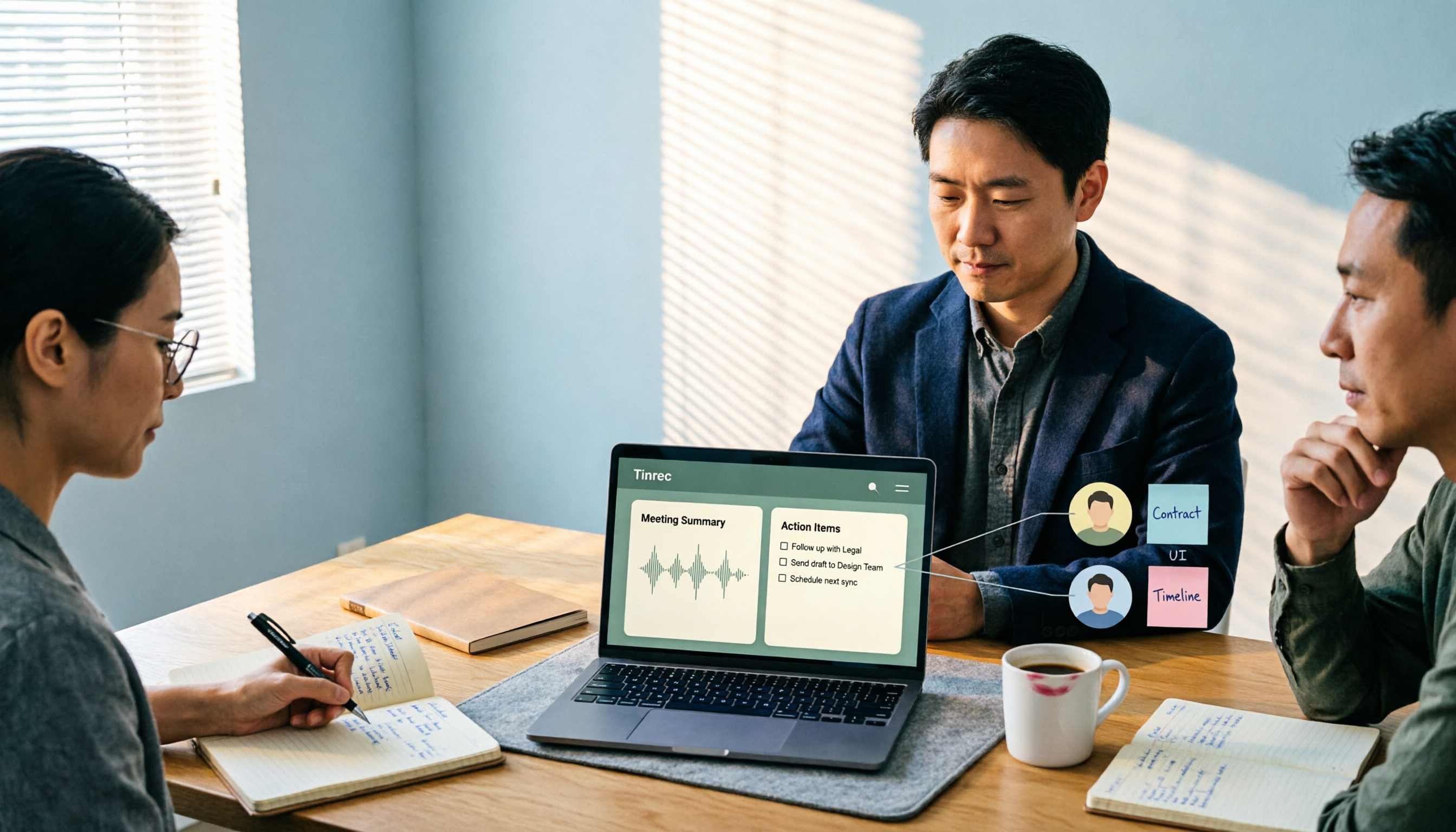
2026 Comparison of 4 Meeting Recording-to-Report Tools: How Fast Can You Get a Report After a Meeting?
Turning a meeting recording into a deliverable report isn't about transcription speed—it's about post-meeting output and team knowledge retention. This article tests Tinrec, Otter.ai, Granola, and TurboScribe from a mid-level manager's perspective, breaking down bot-free recording, summaries and action items, AI follow-up questions, audio retention, and team seat management, with scenario-based recommendations and three common pitfalls to avoid.

4 Meeting Minutes Tools Tested for 2026: Which One Turns Notes into a PPT Outline Fastest?
Still building a PPT outline after the meeting? We tested 4 meeting minutes tools, comparing transcription accuracy, structured output, AI Q&A, and team collaboration to find out which one turns meeting minutes into a PPT outline fastest.