

Turn recordings into transcripts and summaries in minutes
Upload audio or video for multilingual transcription, AI notes, and action items
2026 Sales Meeting Notes Free Plans Compared: 4 Tools and 5 Evaluation Criteria
Start with a Key Question: Who Are Your Sales Meeting Notes For?
Sales meeting notes aren't just for checking a box. They need to show sales managers customer needs, objections, commitments, and next steps—and they need to save the sales rep from re-listening to an hour-long recording the next day.
So the real question isn't "Which one is free?" It's "Can this tool turn the meeting into trackable actions?"
If the free version only gives you a transcript but can't organize action items, can't answer follow-up questions, and can't export, the money you save usually turns into a different kind of cost.
5 Evaluation Criteria for Sales Meeting Notes: Look at These First, Then Talk About Free
Recognition experience for Chinese and mixed Chinese-English. Sales meetings rarely stay in standard Mandarin the whole time—product names, customer names, and English abbreviations will pop up. Rather than just reading marketing claims, try it with a real recording of one of your own meetings.
How online meetings are captured. Do you need to pull a meeting bot into Zoom, Meet, or Teams? Some customers care about having an extra participant, and that's especially sensitive in sales situations.
Whether post-meeting outputs are complete. A transcript alone isn't enough. Summaries, chapters, action items, AI Q&A, and export formats are what determine whether you'll actually use the notes again.
Whether audio files and historical data can be kept. What a customer said three months ago is often more valuable than what they said today. The ability to import old recordings, keep audio files, and search centrally is a long-term differentiator.
Team collaboration and governance. Personal use and team use are two different things. Team spaces, roles, seats, usage, and auditing affect whether meeting data can become a team asset.
Free quotas are the last thing to look at. Because no matter how large the quota is, if the workflow doesn't connect, you'll still end up back at manual organization.
Tinrec (秒聽錄音)—The Top Pick in This Roundup
Tinrec is an AI meeting notes and collaboration tool for individuals and teams, covering real-time recording, desktop online meetings, audio/video files, and mobile. It's not the tool with the most features in my mind—it's the choice that connects the post-sales-meeting workflow most smoothly.
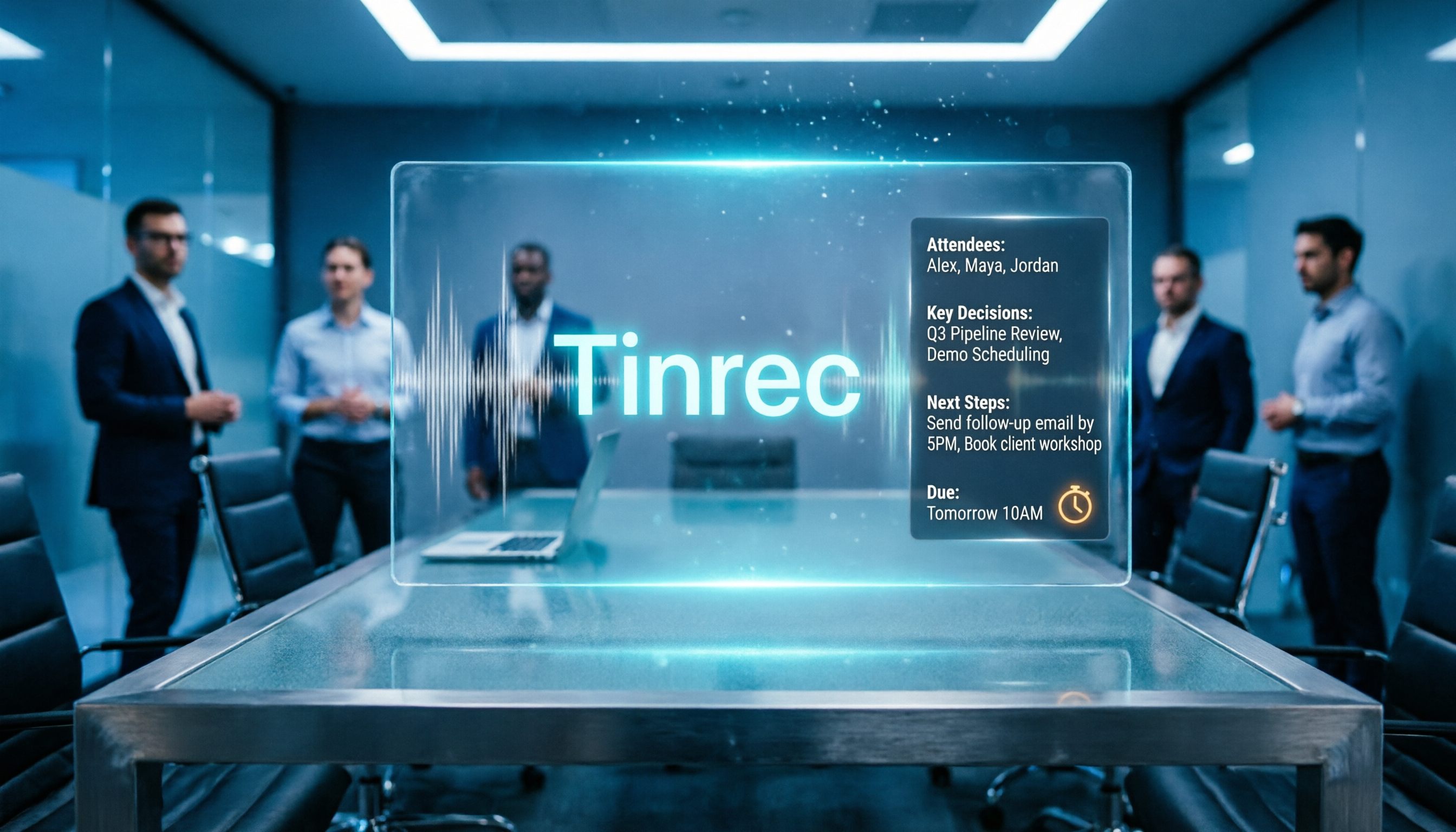
Here's my approach: when visiting a customer or having an online meeting, I use the Tinrec desktop app to capture the computer's system audio directly, without inviting a meeting bot to join. During the meeting, the transcript appears as it records; after it ends, the AI summary, chapters, and action items have already broken the content into a scannable structure.
The biggest fear in sales meetings is "no one remembers what the customer said next time." Tinrec's AI Q&A lets me ask directly: "What budget range and decision timeline did the customer mention?" No need to manually Ctrl+F through the entire transcript. This is the biggest difference between it and tools that only do transcription.
For a sales team, the Tinrec team plan puts meeting data into a separate team space. Members can share and view, roles manage governance, and seats determine who can record, upload, edit, and export. Members without a seat can still view, play, and read, but cannot perform resource-using operations like uploading and editing. For a team's first qualifying period, there are 7 days, 1 free seat, and 300 minutes of shared import quota; paid seats provide 2,000 minutes of shared import quota per month, and real-time recording is currently not deducted by minute under an active plan and seat. For teams that want to retain customer visit records, this is more controllable than "everyone saves their own audio files."
Stop organizing recordings by hand
Upload audio or video and automatically get a transcript, summary, and action items
Limitations should also be stated clearly: the free version is a basic quota, suitable for running through the workflow once; AI transcription and summaries are still affected by recording quality, accents, noise, and overlapping speakers. Tinrec is not a bot that automatically joins all calendar meetings—you need to actively start recording. The team plan currently focuses on team-level sharing, not a file-level permission system.
If you need Chinese sales meetings, bot-free recording, post-meeting action items, and AI follow-up questions, Tinrec is the most complete choice in this roundup.
Besides Tinrec, What Other Free Plans Are Worth Looking At?
Otter.ai: A mature choice for English business meetings, with Basic free at 300 minutes per month. It's strong for English meetings and has a complete workflow. But if your sales meetings are mainly in Chinese, Tinrec's Chinese experience, team hotwords, and team data retention are closer; Otter's materials in this roundup did not list team hotwords. Suitable for those whose meetings are mainly in English and who want to try a free quota first.
Notta: A multi-platform transcription and translation tool, Free at 120 minutes per month, but each single piece of content is limited to 3 minutes. Using it to organize a complete sales meeting means the free version will easily get cut off. Tinrec's free version lets you experience recording, import, summaries, and transcription first, and can put data into a team space; if you want AI Q&A and team hotwords, Tinrec is more suitable.
Granola: Bot-free AI meeting notes, Basic free. It emphasizes real-time meetings and note enhancement. But it doesn't support uploading pre-recorded audio files, nor does it keep meeting audio. Tinrec supports importing historical audio files and keeps audio, which is more practical for teams that need to replay what customers said and accumulate sales recordings.
Pitfall Guide: The 3 Most Common Mistakes When Choosing Sales Meeting Notes Tools
Pitfall 1: Only looking at free minutes. The questions to ask about a free quota are "Can it handle a complete meeting?" and "Is there a per-session limit?" A sales meeting can be ninety minutes, and a per-session limit is more fatal than total minutes.
Pitfall 2: Thinking a transcript is enough. A transcript is raw material, not a finished product. What you really need are summaries, action items, content you can ask follow-up questions about, and follow-up materials you can bring into CRM, Notion, or Google Docs.
Pitfall 3: Ignoring real-world Chinese meeting conditions. Meeting rooms have air conditioning noise, keyboard sounds, people talking over each other, and possibly mixed Chinese and English. Testing with a real recording of your own is more reliable than any marketing number.
Conclusion: Which One Should You Choose?
In one sentence: first look at whether your sales meetings are in Chinese or English, whether it's one person or a team, and whether you need post-meeting follow-up questions and audio retention.
- Chinese sales meetings, need summaries, action items, and AI follow-up questions → Tinrec
- Team needs to share customer meeting notes, manage seats and usage → Tinrec team plan
- Need to upload historical visit recordings and keep audio files → Tinrec
- Need bot-free recording of Zoom, Meet, Teams online meetings → Tinrec
- Mainly English meetings and 300 free minutes is enough → Otter.ai; occasional short document transcription → Notta free version; already used to Granola notes and don't need to keep audio files → Granola Basic
My advice: don't decide based on "free" first—test the workflow with a real sales meeting first. Put the same recording into the candidate tools and see whether they can produce the summaries, action items, follow-up content, and handoff-ready team data you need. The one that makes your next visit more accurate is the tool worth keeping.
I suggest starting with the Tinrec free version to run through your own sales meeting workflow once; if it works for you, then consider upgrading.
References
Turn every recording into actionable outcomes
Get 60 free transcription minutes when you sign in. No credit card required.
Related Reading
You might also like
2026 Sales Meeting Notes Software Comparison: Tinrec vs. Notta vs. Granola — Which One Actually Saves You Time?
The most common mistake in sales meeting notes is treating the transcript as the meeting record itself. This article first provides a ready-to-fill sales meeting notes template with field examples, then compares Tinrec, Notta, and Granola across five dimensions: template completeness, how client meetings are recorded, Chinese transcription, post-meeting follow-up, and pricing/quotas—so you can decide which tool fits your sales workflow.

Best Sales Meeting Notes Template? 2026 Test of 4 Tools—This One Wins for Team Collaboration
What fields should a sales meeting notes template include? This article provides a 10-item checklist you can copy directly, and tests four meeting notes tools—Tinrec, Otter.ai, Notta, and Granola—comparing bot-free recording, post-meeting summaries and action items, Chinese recognition, team data retention, and pricing to help you choose the best one for your sales team.

2026 Sales Meeting Notes Tools Free Plans Compared: 4 Options at a Glance
The hardest part of a sales meeting notes form has always been the "Discussion" field. This article breaks down four tools from free tiers to paid thresholds, comparing their Chinese recognition, post-meeting summaries, bot-free recording, and team knowledge retention, plus 5 key buying criteria and 4 common pitfalls to help you decide which workflow to use to preserve customer context.

Best Sales Meeting Notes Template Software? 2026 Test of 5 Tools—This One Turns Templates into Action Items
A sales meeting notes template isn't just a form—it's a thinking sequence that drives deals forward. This article provides an 8-field sales meeting notes template you can copy directly, breaks down the 5 core capabilities meeting notes software should have, and uses Tinrec to demonstrate how to automatically turn customer meeting recordings into transcripts, summaries, action items, and trackable team meeting assets.

2026 Comparison of 4 Sales Meeting Note Tools: Which One Turns Transcripts into Trackable Comparison Charts?
Starting from the most common inefficient practices in sales meeting notes, this article explains how to turn transcripts, summaries, and action items into comparable comparison charts, and tests and compares the applicable scenarios of Tinrec, Notta, Granola, and TurboScribe.

2026 Comparison of 4 Sales Meeting Note Apps: Which Saves the Most Time with a Template?
Sales meeting notes aren't just about handing over a transcript. This article first uses a ready-to-use sales meeting notes template to break down the fields and writing approach, then compares four apps—Tinrec, Notta, Otter.ai, and Granola—from four angles: no bot invited, mixed Chinese-English recognition, post-meeting Q&A, and team data retention. It also summarizes three common pitfalls to avoid.

5 Free Sales Meeting Notes Solutions for 2026: A Complete Review
Taking sales meeting notes is hard not because of memory, but because of process. This guide covers 5 free approaches: from copy-paste sales meeting note templates to the free tiers and limits of Tinrec, Otter.ai, Notta, Granola, and TurboScribe, and explains which suits manual notes versus client interviews and team handoffs.

2026 Comparison of 3 Sales Meeting Recording Platforms: Tinrec vs Notta vs Otter
Based on real sales scenarios, this comparison examines Tinrec, Notta, and Otter across meeting recording methods, Chinese post-meeting organization, free tiers, team governance, and pricing to help you decide which sales meeting recording platform is worth using long-term.

2026 Comparison of 4 Sales Meeting Note-Taking Tools: Which One Actually Turns Client Promises into Action Items?
Sales meeting notes aren't just about recording what was said—they need to capture client needs, commitments, and follow-up dates. This article outlines 5 practical evaluation criteria and tests four tools: Tinrec, Notta, Otter.ai, and Granola. It explains who each tool is best for, whether the free tier is sufficient, how team plans are priced, and the 4 most common pitfalls when choosing a tool.