
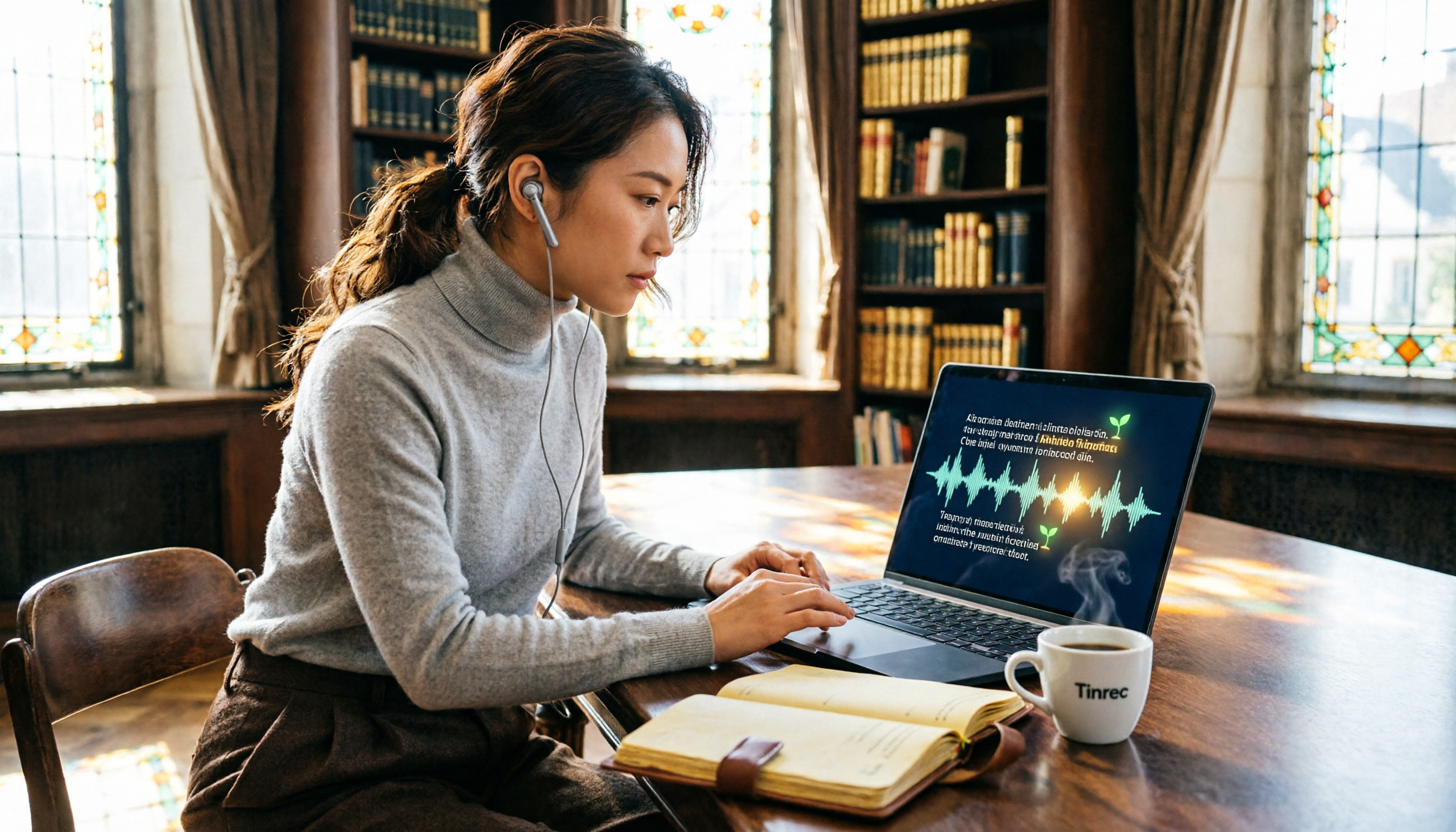
Turn recordings into transcripts and summaries in minutes
Upload audio or video for multilingual transcription, AI notes, and action items
Last month, I attended a three-day international academic conference.
One keynote after another, parallel sessions, poster presentations – just deciding which talks to attend was a headache.

Even more frustrating: no matter how attentively you listen, without writing things down on the spot, you'll be left with only vague memories a week later.
My old habit was to bring a laptop or tablet and type quick summaries in OneNote.
But typing while listening makes it easy to miss important points when speakers suddenly mention them; no matter how fast you type, you can't keep up with the presentation pace, especially when the speaker talks quickly or has an accent.
This time, I decided to try a different approach.
I pulled out my phone, opened Tinrec, and hit record at the start of every talk.
Three days later, my phone had more than twenty recordings.
In the past, I would have handed these files to an assistant to transcribe. But this time, I handled everything myself – and finished organizing all the content in one afternoon.
(Screenshot: Tinrec main screen showing a list of multiple conference recordings, with an arrow pointing to an item labeled "International Conference Day1-Keynote")
The key is that Tinrec doesn't just transcribe my recordings – it also helps me "understand" the content.
Why Academic Conference Notes Need AI Assistance
Academic conferences are very different from regular meetings.
A one-hour keynote is incredibly information-dense. In just 15 minutes, a speaker might cite five papers, introduce three new concepts, and throw in two sets of experimental data.
Your brain is busy grasping the structure, leaving no time for note-taking.
Even if you record, re-listening to an hour of audio just to find the crucial five minutes is too time-consuming.
Over the years, I've tried several methods: using a voice recorder, typing on a laptop, and even hiring an assistant to transcribe.
But each method has its drawbacks.
A recorder only captures audio, not text; typing causes distraction; transcribing requires time for communication, and assistants may not understand specialized terms.
So I started looking for a tool that could "generate structured notes directly from recordings."
Tinrec perfectly fills this gap.
How Tinrec Turns Academic Recordings into a Knowledge Base
My on-site approach was simple:
1. Real-time transcription, confirm while listening
Before each talk, I opened Tinrec's real-time recording feature.
(Screenshot: Tinrec real-time recording interface, microphone icon active, text appearing below in real-time, arrow pointing to the constantly updating text area)
The text appeared almost simultaneously as I recorded. This had two benefits:
First, I could quickly glance to ensure the recording was capturing audio properly, avoiding the disappointment of discovering muffled audio after a whole session.
Second, if the speaker mentioned something I needed to note immediately, I could tap the "Memo" feature on that segment to quickly mark it, making it easy to find later.
(Screenshot: Tinrec recording screen with "Mark Key Point" feature, arrow pointing to color-coded markers after user tap)
2. Centralized management of multiple recordings, no confusion switching
Over three days, I accumulated more than twenty recordings, each automatically transcribed and arranged chronologically.
I just tapped one to see the full transcript, summary, and key points.
(Screenshot: Tinrec recording list showing name, date, and auto-generated summary snippets for each session)
3. AI summaries and chapters – grasp a talk in five minutes
This was my favorite feature.
Opening any recording, Tinrec had already generated a summary and chapter titles.
(Screenshot: A completed talk page with transcript on the left and AI summary card on the right; arrow points to "Main Arguments" and "Research Findings" sections in the summary)
For example, for a talk on "Generative AI in Medical Imaging," the summary told me directly: the speaker believed GANs had clear breakthroughs in MRI reconstruction, but diffusion models showed more potential for ultra-high resolution.
That was far more accurate than my own recall after listening.
Moreover, the chapter feature split a 90-minute talk into six topics. To review a specific part, I just clicked the chapter title, and the transcript jumped to that section.
Stop organizing recordings by hand
Upload audio or video and automatically get a transcript, summary, and action items
4. AI chat queries – like asking an assistant who knows the content
When I needed to write conference reports or compare different speakers' views on the same topic, this feature was a lifesaver.
I opened "AI Q&A" in Tinrec and asked questions conversationally.
(Screenshot: Tinrec AI Q&A screen showing user input "What three views did the speaker present on regulatory restrictions for medical AI?" and AI listing three points with corresponding transcript excerpts)
For instance, I asked, "What specific radiology cases were mentioned in this talk?"

The AI answered directly based on the recording and provided transcript references, so I could verify the original text.
This was far smarter than a traditional Ctrl+F keyword search because it understood semantics, not just literal words.
5. Automatic to-do extraction – clearer next steps after the conference
At academic conferences, you often hear about papers worth following up, researchers to contact, or potential collaboration directions.
Previously, I'd jot them on sticky notes, half of which would get lost.
Now Tinrec's automatic to-do extraction pulls action items from recordings.
(Screenshot: Tinrec to-do page listing actions extracted from recordings, such as "Follow up on Dr. Huang's Nature 2025 paper" and "Email XX lab about collaboration interest")
Although sometimes it extracted too broadly (treating the speaker's suggestions as my to-dos), quickly editing and deleting still saved enormous time compared to creating a list from scratch.
Real Usage Scenarios: My Three-Day Conference Organization Workflow
Here's my actual process – feel free to adapt:
Scenario 1: Keynote speeches (need full context retention)
I used real-time transcription throughout and tapped "Mark Key Point" whenever I heard something important or unclear.
Afterwards, I first read the AI summary to quickly recall the gist; then I clicked into chapters to review specific topic transcripts.
Finally, I used AI Q&A to ask for things like "List five future research directions proposed in this talk."
Scenario 2: Parallel sessions (quick information filtering)
With many parallel sessions, I couldn't attend all. I selected a few interesting ones, used transcription, and only reviewed the AI summaries and chapter titles.
If the summary showed little overlap with my research, I skipped it; if highly relevant, I dived into the transcript.
This way, I could digest content from four or five parallel sessions in one hour.
Scenario 3: Poster sessions (capture key contacts)
At the poster area, I had brief conversations with researchers while keeping Tinrec recording on my phone (after informing them, of course).
A three-minute conversation, when transcribed, allowed me to use the to-do extraction feature to automatically capture the researcher's topic and contact info.
(Screenshot: To-do list from a short recording showing "Contact Dr. Zhang about deep learning model optimization" and "Download the open-source toolkit he mentioned")
Back at the office, these items went straight into my task management system.
Key Points When Choosing an AI Recording Tool for Academic Use
If you're considering a similar tool for academic conference notes, here are the aspects I found most important:
1. Real-time transcription stability
On-site recording is frustrating when it disconnects or lags. During my three-day use, Tinrec only stuttered a few times in a basement venue with weak network; otherwise, it was very real-time.
2. Recognition of specialized terms
Academic conferences are full of jargon. Tinrec recognized common AI, medical, and biology terms well, but rare terms might still be mis-transcribed. However, since the transcript is linked to the audio timeline, I could quickly find and listen to the original.
3. Reliability of summaries and Q&A
AI summaries and Q&A are very convenient, but I found that if recording quality was poor (e.g., background noise), the summary might misinterpret the speaker. So I always cross-checked important interpretations with the transcript.
4. Cross-device convenience
I recorded on my phone at the venue, reviewed transcripts on my iPad at the hotel, and later exported reports on my laptop via the web version. Tinrec's iOS, Android, and Web sync was smooth – a big plus.
(Screenshot: Multi-device sync illustration showing the same recording project on phone, tablet, and computer)
5. Export format variety
After organizing, I needed to add content to my knowledge base. Tinrec exports to Word, PDF, TXT, and can send directly to Evernote or Notion. This kept my conference materials from scattering across different apps.
Summary: Try Turning Recordings into Your Academic Assistant
Over three days at an international conference, I used more than twenty recordings to generate over forty pages of key takeaways, a to-follow paper list, three emails to international scholars, and two internal team meeting reports – something that would have taken me a full week before.
Of course, AI tools aren't magic; they require you to adjust your note-taking habits a bit and do a final manual review.
But if you attend one or two such academic conferences each year, or as a student you need to process many lecture recordings, a tool like Tinrec that can "think after transcribing" will help you turn audio files into valuable knowledge far better than a simple recorder or traditional transcription.
I recommend starting with the free version and testing it with your own conference recordings.
Go through the entire workflow once, and you'll likely discover that organizing academic conference notes can be this easy.
Quick Start Checklist:
- Download Tinrec before the conference and register a free account.
- Find a spot with good audio pickup in the venue.
- When the talk begins, open the app and start real-time recording.
- Tap "Mark" when you hear a key point for easy reference later.
- After the talk, read the AI summary and chapters first to get the big picture.
- Use AI Q&A to dive into specific topics or viewpoints.
- Export key points and to-dos into your note or task management tool.
Test it step by step, and you'll soon master this method.
Turn every recording into actionable outcomes
Get 60 free transcription minutes when you sign in. No credit card required.
Related Reading
You might also like

iPhone Voice Memos vs Tinrec in 2026: 5-Factor Comparison — Which Is Better for Transcribing Meetings?
From the built-in iPhone Voice Memos app to Tinrec, we compare 5 practical factors to help you decide which iPhone transcription solution best fits your meetings, interviews, and team collaboration.

4 AI Meeting Notes Tools Tested for 2026: Which Saves the Most Time for Cantonese Meetings?
Cantonese meetings with mixed Chinese and English, then having to listen to recordings and type up minutes yourself? This article breaks down 4 key factors for choosing an AI meeting notes tool and compares Tinrec, Subanana, Notta, and PLAUD to clarify which suits Hong Kong teams and which are traps.

2026 Comparison of 3 Meeting Minutes Templates: Tinrec Auto-Generates Chinese Minutes Fastest
When searching for meeting minutes Chinese templates, most people want a format they can directly apply. This article provides 3 Chinese meeting minutes templates for enterprise project meetings, client interviews, and school club meetings, and compares Tinrec and Notta on bot-free recording, Chinese transcription, post-meeting outputs, and team data retention, helping you decide whether to write manually or use a tool.

2026 Mac Transcription Software Guide: Tinrec's Bot-Free Recording + AI Q&A for Meeting Notes
The real difference between Mac transcription apps isn't how fast they transcribe—it's how much time you spend organizing afterward. This guide compares MacWhisper and Tinrec across five dimensions: how meetings are captured, post-meeting output, AI follow-up questions, cross-language handling, and team data ownership. Includes a ready-to-use starter checklist.

Tinrec vs Notta 2026: 5-Dimension Comparison for iPad Meeting Notes
Many people think recording a meeting on an iPad is enough, but they still have to listen to the 90-minute audio afterward. This article debunks two common myths about iPad meeting note apps and compares Tinrec and Notta across five dimensions: transcription, AI summaries, action item extraction, team knowledge retention, and governance. It also covers practical use cases and buying tips.

6 Meeting Minutes Tools Compared for 2026: From MoM Abbreviation to AI-Generated Summaries
Meeting minutes are abbreviated as MoM (Minutes of Meeting), but 'minutes' here doesn't mean time. This article first breaks down common abbreviations and terms like take the minutes, minutes taker, resolution, and action items, then compares six meeting minutes solutions—Tinrec, Otter.ai, Notta, Granola, TurboScribe, and PLAUD—from the decision-making perspective of whether to organize minutes yourself or let a tool do it, helping you choose the right workflow for your meeting style.

2026 Voice-to-Transcript Tools Compared: NotebookLM vs. Tinrec — Which Saves More Time?
No more manual typing for meeting transcripts. This hands-on comparison of NotebookLM, Tinrec, EchoScript, and Otter.ai covers Chinese transcription, post-meeting organization, online meeting audio capture, and team collaboration, plus 4 key buying factors and common pitfalls to help you pick the one that truly saves time.

2026 Comparison of 4 Meeting Minutes Tools: Which Saves the Most Time After Using a Template?
Most people looking for meeting minutes templates get stuck not on the format, but on filling them out after the meeting. Starting from a 12-field meeting minutes template skeleton, this article explains 5 key points to consider before choosing a tool, and compares Tinrec, Notta, Otter.ai, and Granola in terms of efficiency, limitations, and suitable users for filling out templates.

2026 Comparison of 5 iPhone Recording-to-Meeting-Notes Tools: Is the Free Version Enough?
What's the most time-saving way to turn iPhone recordings into meeting notes? This article starts with common misconceptions and compares 5 approaches: built-in Voice Memos, Notes app, third-party transcription apps, meeting bot tools, and Tinrec desktop bot-free recording. It uses Tinrec to demonstrate the complete workflow from recording, transcription, AI summary to to-dos and team collaboration, with buying tips and FAQs.