

Turn recordings into transcripts and summaries in minutes
Upload audio or video for multilingual transcription, AI notes, and action items
Best Voice Recorder for Students? 2026 Hands-On Test of 5 Tools: This AI Saves the Most Effort
Why Do You Need a Voice Recorder?

Mid-semester, and your phone is again cluttered with lecture recordings and seminar audio files.
When it's time to review, you find yourself not knowing where to start listening.
Just recording isn't enough—you need to turn recordings into "searchable, readable, reviewable notes."
This article compiles 5 recording management solutions I've personally tested, ranging from free to paid, software to hardware, to help you organize your study materials in the most suitable way.
Solution 1 | Tinrec (Quick Audio) – The Most Comprehensive AI Recording Assistant
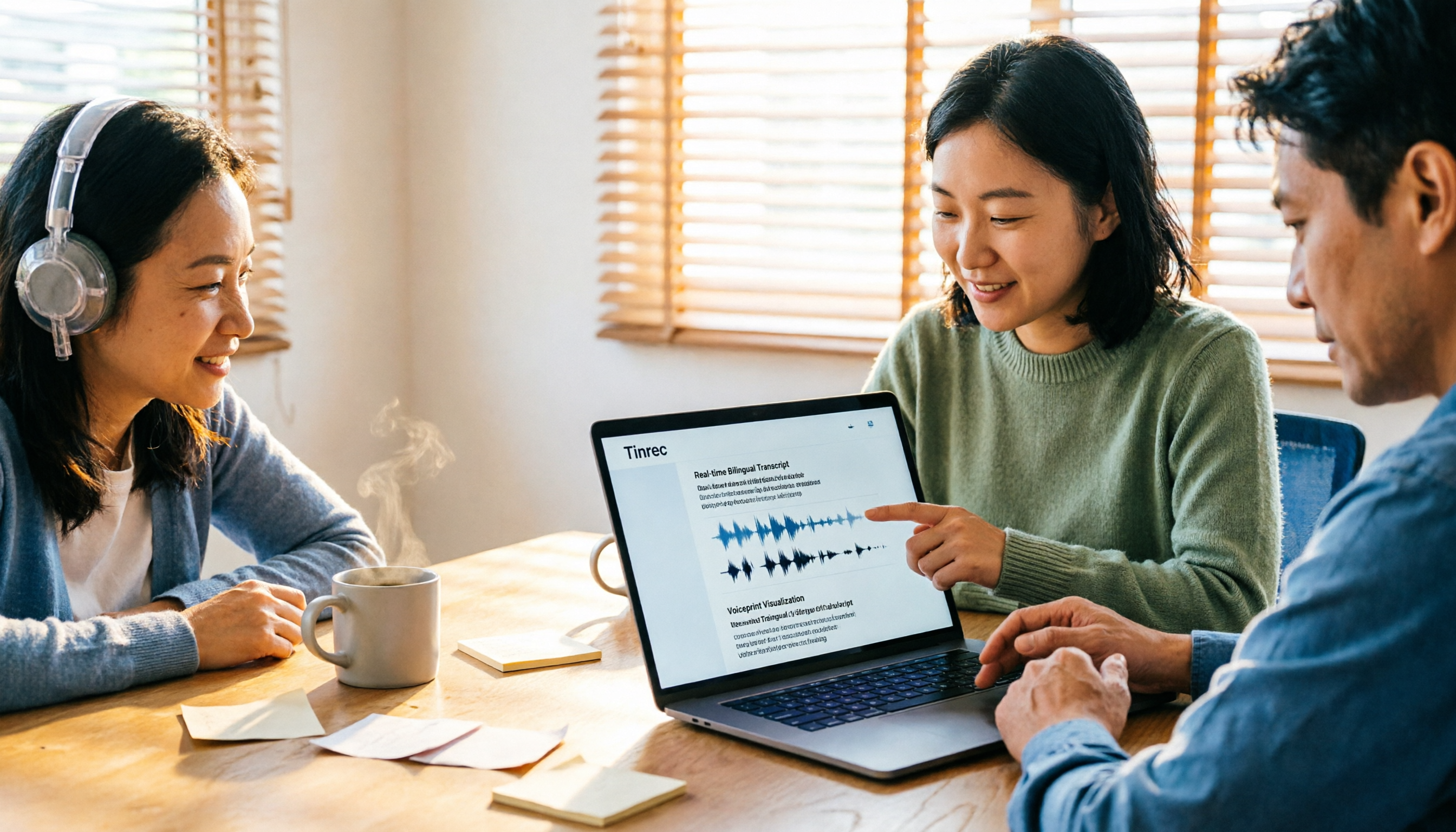
(Screenshot: Tinrec's real-time speech-to-text interface, showing live transcription during a lecture, with the ability to highlight key points.)
Tinrec is more than just a speech-to-text tool; it's like your "AI learning assistant."
My own usage: open real-time recording during class, it transcribes on the fly and automatically divides into chapters.
After class, instead of listening from start to finish, just check the AI summary to grasp the key points of the lecture.
Even better is the "AI Chat Query"—you can directly ask, "What important formulas were mentioned in this class?" and it will find the relevant segments from the recording.
For students, this solves a fundamental problem: from passive recording to actively organizing knowledge.
(Screenshot: Review class content through Q&A, directly pinpointing key passages.)
Core Highlights:
- Beyond transcription, it offers AI summaries, chapters, and to-do lists, structuring your lecture content.
- Supports web video links (YouTube, Bilibili), so online courses can be directly turned into notes.
- AI chat query lets you review recording content as if asking a study buddy.
- Available on web, iOS, and Android—no need to buy an extra recorder.
Pricing:
- Free: Monthly basic transcription credit; try core features first.
- Weekly Pass: Ideal for intensive organizing during midterms or finals.
- Pro Monthly/Yearly: More cost-effective for long-term users; monthly cost about the price of a drink.
Who It's For: If you want to truly turn lecture content into reviewable, searchable notes—not just store recordings—Tinrec is the most complete choice.
Solution 2 | PLAUD Note – Portable AI Voice Recorder
PLAUD Note is a standalone AI recording hardware that's lightweight and portable.
Its advantage: press a button to record without pulling out your phone, and long battery life.
After recording, it transcribes via app, with summaries and Q&A features.
Stop organizing recordings by hand
Upload audio or video and automatically get a transcript, summary, and action items
But compared to Tinrec, it lacks web video transcription, browser-based operation, and the depth of "AI chat query."
Price: Hardware starts at ~$179 USD, plus subscription for transcription hours (~$99 USD/year).
Who It's For: Students who prefer a dedicated recording device, don't want phone distractions, or need long recording sessions.
Solution 3 | Otter.ai – Online Meeting & Lecture Transcription
Otter.ai is a well-known AI meeting transcription tool abroad, also suitable for lectures.

English transcription quality is excellent; real-time transcription and speaker identification are mature.
However, for Chinese-speaking students, its Chinese recognition and summarization are less native-friendly compared to the first two tools, and web video transcription requires additional tools.
Price: Free: 300 minutes/month; Pro annual ~$8.33 USD/month.
Who It's For: Students who frequently attend English lectures or international conferences, and value team collaboration features.
Solution 4 | Notta – Multilingual Transcription Tool
Notta is similar to Tinrec in positioning as a multi-platform AI transcription tool.
Its strength: fast transcription and support for multilingual translation—great for students needing foreign language transcripts.
However, Notta's AI summary and Q&A features are more basic, making it harder to achieve deep learning organization like "asking questions and mining key points from recordings."
Price: Free: 120 minutes/month; Pro annual ~$8.17 USD/month.
Who It's For: Students who need precise multilingual transcription and subtitle creation, with lower AI organization needs.
Solution 5 | Phone Built-in Recorder + Google Docs Voice Typing (Free Combo)
This is the zero-cost solution.
Record with your phone's built-in recorder app, then use Google Docs' "Voice Typing" to play the recording and let it transcribe.
Advantage: completely free.
Disadvantages: you have to spend time playing the recording and waiting for transcription; no auto-summarization, segmentation, or AI Q&A.
Who It's For: Very light users who only need to transcribe one or two short recordings per month and are willing to manually organize.
With So Many Options, How Do You Choose?
- Want the most complete AI organization (summaries, Q&A, to-dos) → Tinrec (the only student tool with real-time transcription, web video parsing, and AI chat query)
- Prefer to bring only a recorder to class, no phone → PLAUD Note (hardware convenience, but less depth in organization)
- Mainly English lectures, need shared notes with team → Otter.ai (strong in English, weaker in Chinese and video transcription)
- Need high-quality multilingual transcripts → Notta (accurate transcription, but less post-AI organization)
- Zero budget, transcribe less than twice a month → Phone recorder + Google Docs (manual and time-consuming, but free)
3 Things to Know Before Using Recording Tools
- Recording quality determines transcription accuracy: Sit near the front, avoid noise; phone recordings work fine—don't blindly chase hardware.
- AI summaries are not 100% accurate: Cross-check important concepts with the original text; treat AI summaries as quick indexes, then revisit key segments.
- Start with the free version: Whatever solution you choose, test free credits in a real lecture setting to confirm it meets your needs before paying.
Summary
A good "voice recorder" is no longer just for recording; it transforms your learning content into reviewable assets.
After testing 5 solutions, if you want the most effortless way to handle lecture notes, Tinrec is the most integrated choice.
Start with the free version, organize one class, and you'll see how systematic recording can be.
Test step by step, and you'll gradually master this method.
Turn every recording into actionable outcomes
Get 60 free transcription minutes when you sign in. No credit card required.
Related Reading
You might also like
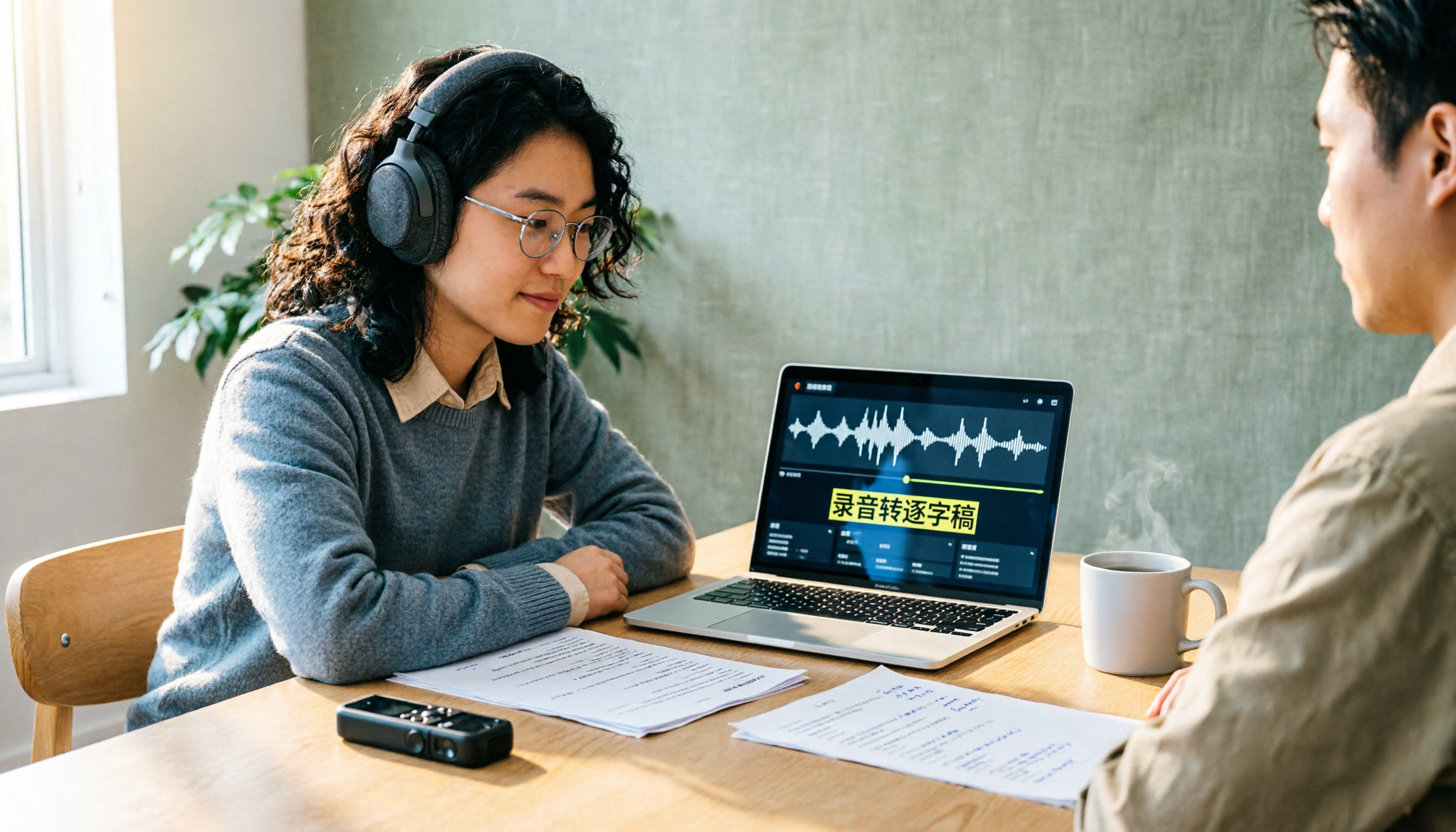
How to Create a Transcript in 2026: 5 Steps from Recording to Quotable Text
A transcript isn't just typing what you hear. This guide starts with the three most common inefficient approaches, then breaks down 5 practical steps: define the purpose, ensure good recording quality, let AI do the first pass, proofread against the audio, and label speakers before exporting. It also shares the author's most efficient tool after testing, Tinrec, along with when to use Notta, TurboScribe, and Yating Transcript.

2026 Zoom AI Meeting Summary Tools Compared: Is Built-in Enough?
How to enable Zoom AI meeting summaries, where to find them, and whether the free version is sufficient? This article starts from real meeting scenarios and compares Zoom's built-in Meeting summary, Tinrec, Otter.ai, and Notta. It covers 4 key selection points, 3 common pitfalls, and scenario-based recommendations to help you decide whether to use the built-in feature or switch tools.
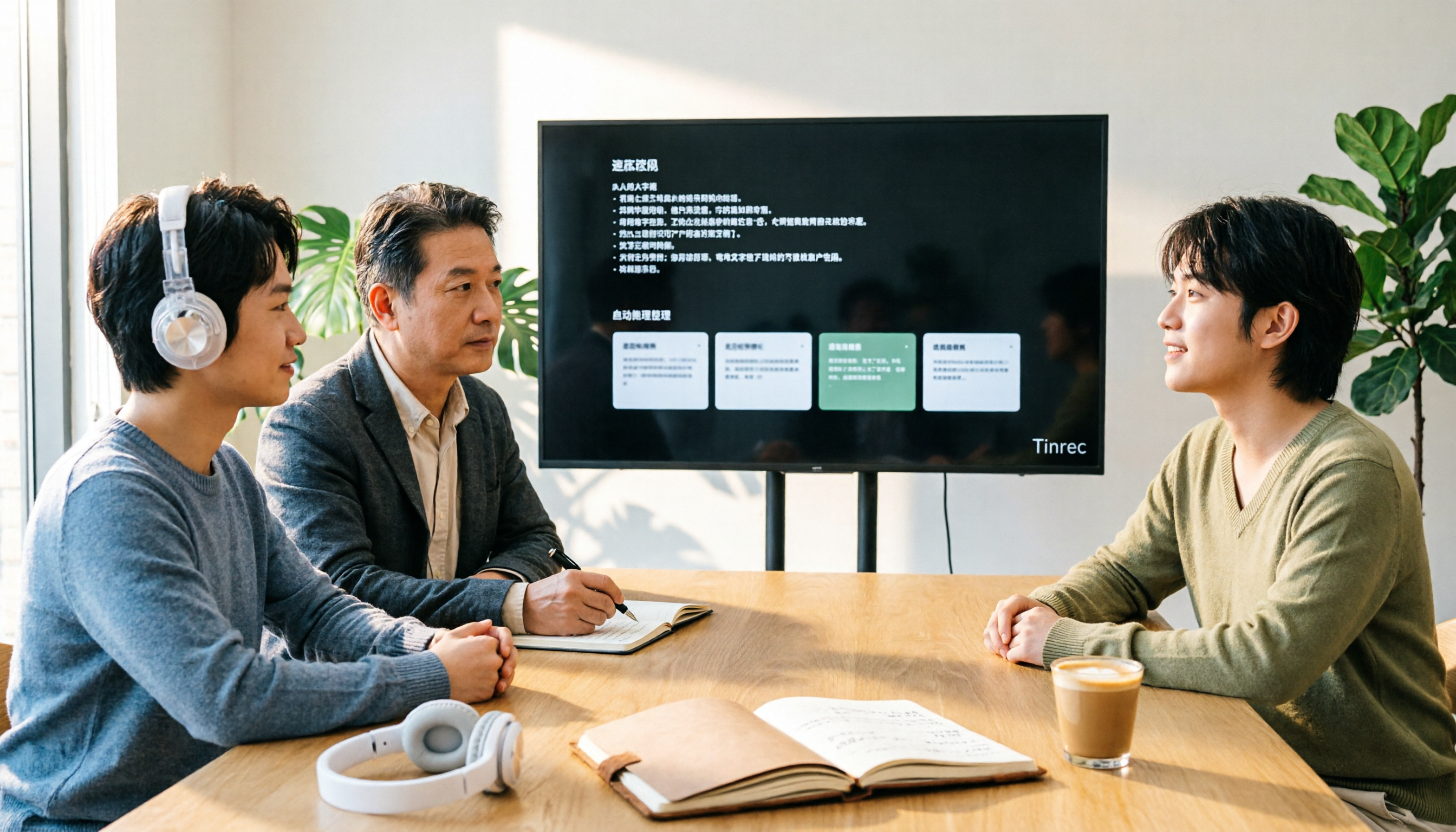
2026 Zoom Transcription Comparison: Built-in, Transcribe, Tactiq, and Tinrec
How do you get a transcript after a Zoom meeting? This comparison covers Zoom's built-in transcription, Transcribe, Tactiq, and Tinrec, breaking down recording methods, Chinese recognition, post-meeting organization, cross-platform support, team collaboration, and pricing to help you choose the approach that best fits your meeting habits.

Tinrec vs Granola 2026: 5-Dimension Comparison — Which Is Better for Chinese Interview Transcripts?
The biggest pitfalls in interview transcription are choosing the wrong mode and only comparing text conversion. This article compares Tinrec and Granola across 5 dimensions, from importing existing audio files, punctuation and paragraphing, post-meeting follow-up questions, to team data retention, explaining how to choose the most time-saving workflow for Chinese interview scenarios.
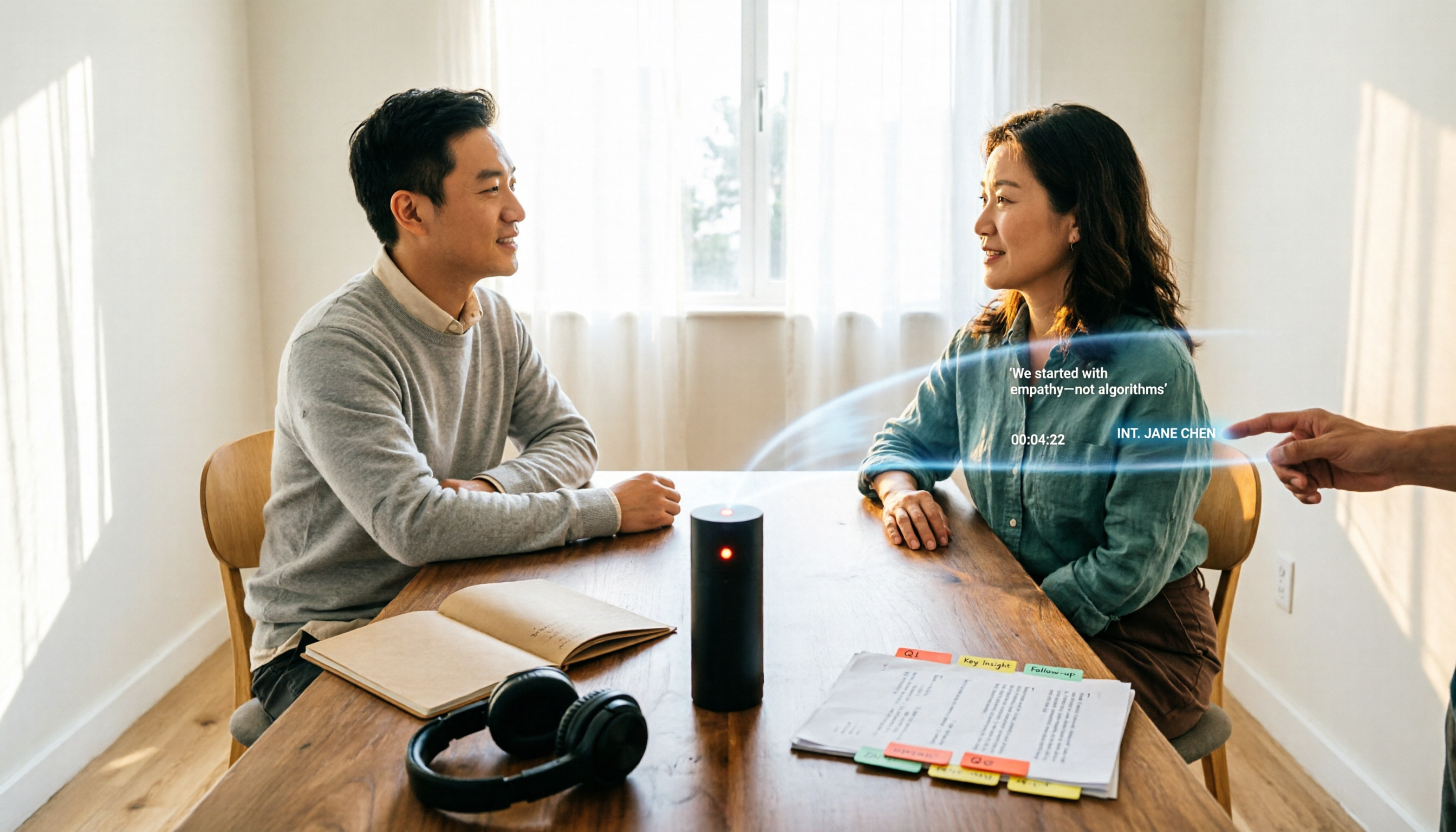
5 Interview Transcription Tools Tested: Which Saves the Most Proofreading Time in 2026?
After a 90-minute interview, the real work begins. This guide compares five interview transcription tools—covering speaker labeling, time codes, export formats, and free tiers—and offers scenario-based recommendations to turn your recordings into citable, codeable transcripts you can hand off to colleagues.
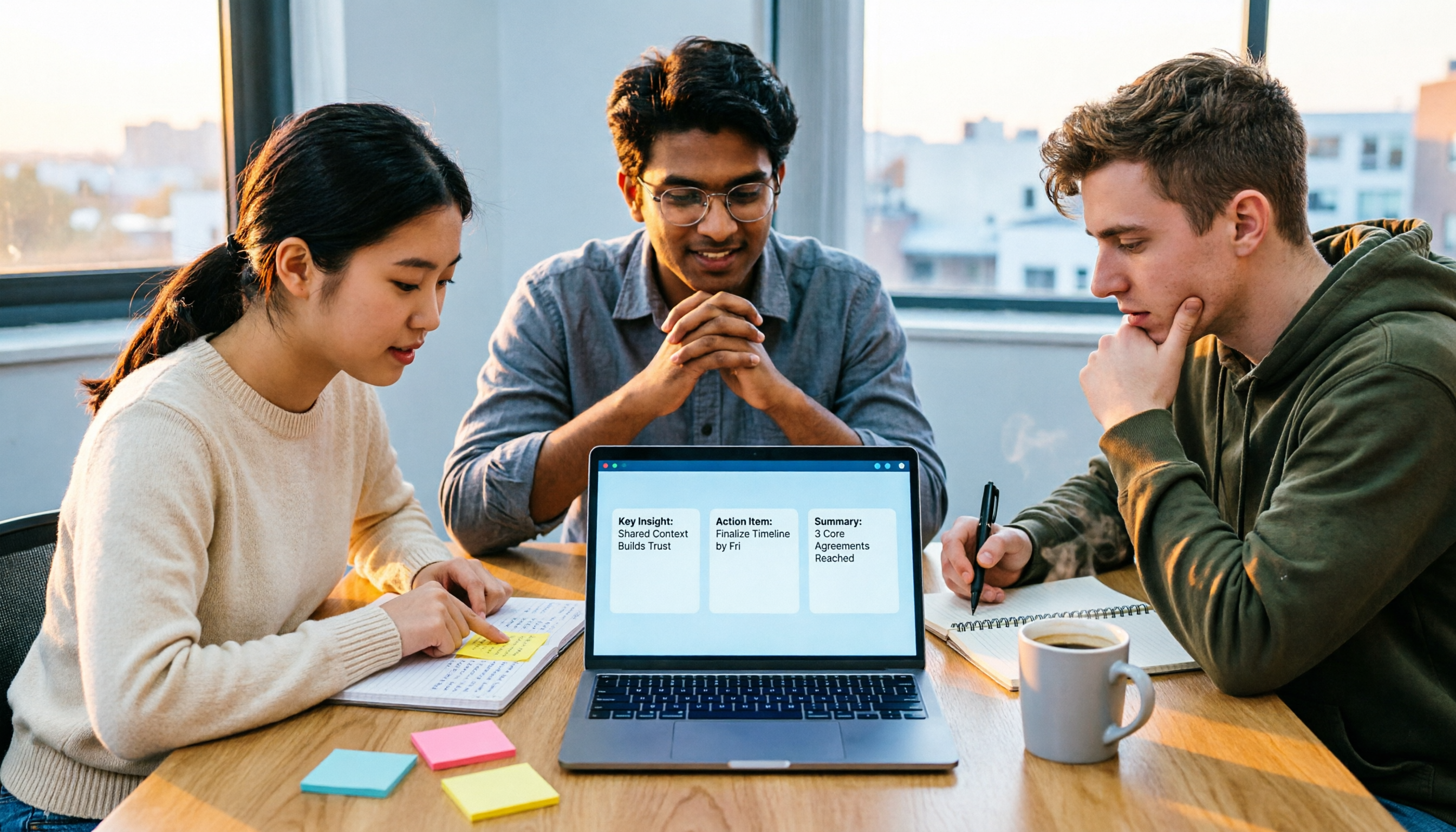
The Complete Guide to Zoom Meeting Recording Tools in 2026: Tinrec's Bot-Free Transcription and Post-Meeting Organization
Recording a Zoom meeting isn't as simple as hitting record. Drawing from real student project experience, this guide breaks down common pitfalls of "recording but never using it," explains the differences between bot-free recording, transcripts, AI summaries, and action item organization, and helps you determine if free tiers are sufficient and how to properly archive meeting data for team projects.
4 Zoom Transcription Tools Tested: Which One Actually Saves Meeting Notes Time in 2026?
Recording a Zoom meeting doesn't automatically give you a transcript. This article addresses three common misconceptions and compares Zoom's built-in transcription, Tinrec, Notta, and TurboScribe on speed of getting transcripts, post-meeting organization, Chinese and mixed Chinese-English handling, and team data ownership. It also lists 4 key points to consider before buying and 4 common pitfalls, with clear recommendations based on use cases.

6 Zoom Meeting Settings and Recording Tools Compared for 2026: From Built-in to AI-Powered
Getting your Zoom meeting settings right determines whether your transcript is usable. This guide starts with microphone audio and recording methods, then compares 6 meeting recording tools—Zoom built-in, Otter, Notta, Granola, TurboScribe, and Tinrec—covering pricing, quotas, and ideal users so you can decide which one to use.

2026 Comparison of 4 Online Meeting Transcription Tools: Which One's Post-Meeting Output Is Actually Ready to Use?
A meeting transcription tool isn't automatically useful just because it produces text. This article addresses three common misconceptions, breaks down 4 key factors for choosing a tool, and compares Tinrec, Otter.ai, Notta, and TurboScribe in terms of meeting capture methods, post-meeting output, Chinese language performance, and team data retention.