
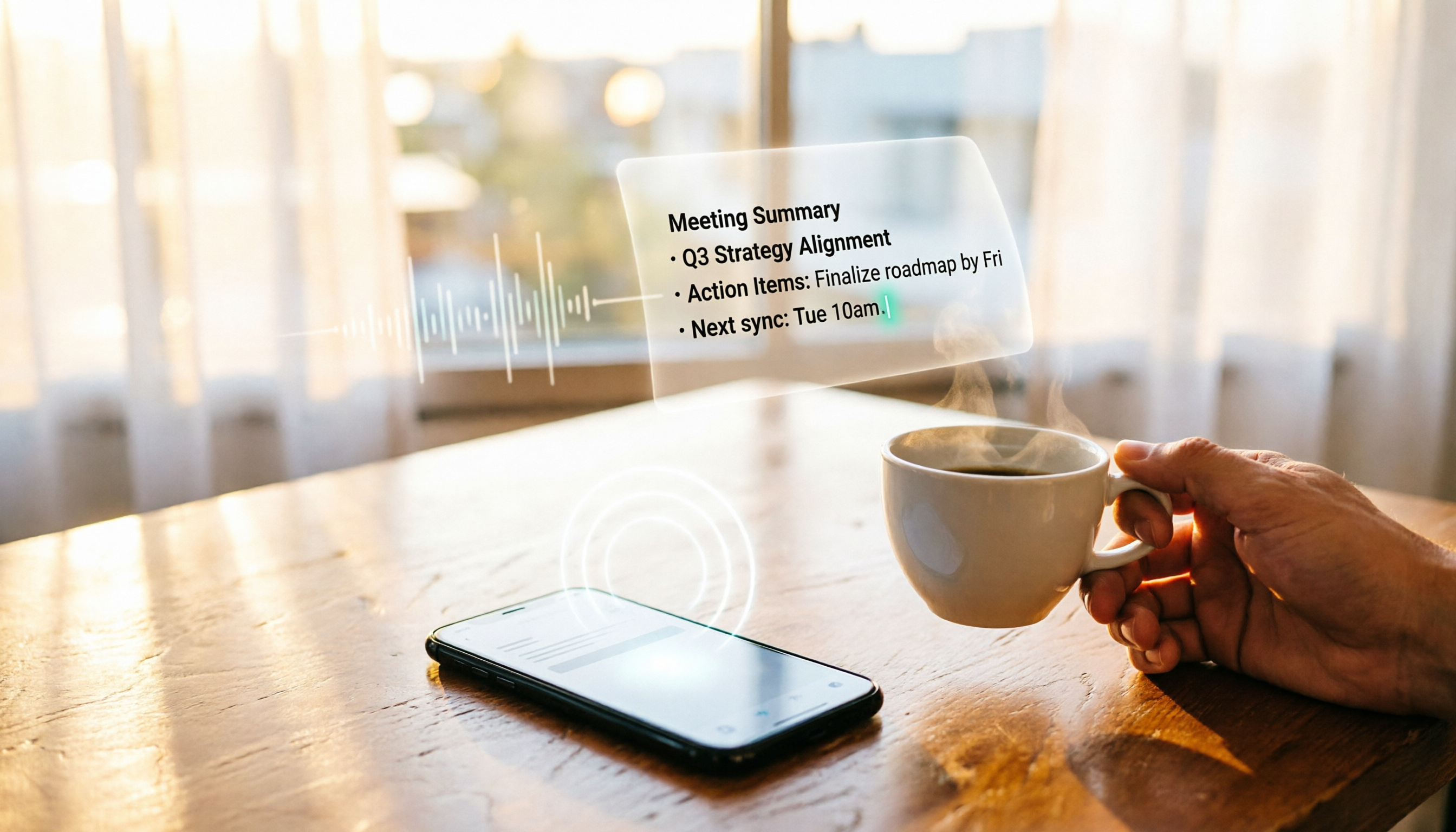
Turn recordings into transcripts and summaries in minutes
Upload audio or video for multilingual transcription, AI notes, and action items
Traditional voice recorders are simple to use, but the real pain point comes after recording—you have to type up transcripts yourself, listen for key points, and write meeting minutes from scratch. Now, there's no need for that hassle: with just a smartphone and an AI recording tool, you can automatically get transcription, summaries, and to-do lists.
This article focuses on Tinrec (Miao Ting voice recording) as the main test subject, walking you through the entire process from live recording to generating meeting minutes. Finally, we'll also briefly introduce another option so you can decide which one best suits your meeting needs.

Before You Begin: What You'll Need
• A smartphone (iPhone or Android; Tinrec works on both)
• Download the Tinrec app (free from the App Store or Google Play; sign in with Google or Apple ID)
• A meeting you'll attend or need to review (online or in-person)
• A stable internet connection (real-time transcription requires internet; if the connection is unstable, record first and upload later)
Step 1: Record Your Meeting
The goal is to get a clear recording—everything later depends on it.
Open the Tinrec main screen and tap the record button to start capturing audio. For in-person meetings, place your phone in the center of the table near the main speaker for best results. For online meetings, you can use your phone's speaker or point your computer speakers toward the phone, but the most reliable method is to use the "Computer Meeting Recording" feature (activate it on the web version first).
Pro tip: Many people realize too late that the audio is too quiet or too noisy, ruining the AI transcription quality. A handy trick is to enable "Smart Noise Cancellation" in settings before recording to filter out background noise like AC or keyboard clicks.
After recording, the file appears on the main screen with its duration and size; you can tap it to play or continue processing.
(Illustration: phone placed in the center of the meeting table recording, with real-time transcription on screen)
Step 2: Let AI Create a Transcript
Once recording is done, the next step is converting it to text. Tinrec's transcription engine handles it automatically—almost no extra setup needed.
Tap the recording, and the system starts transcription immediately—a few minutes of meeting usually yields a transcript in seconds. If you already have audio files on your phone (e.g., from a voice recorder), you can tap "Import" to upload music or video files for transcription.
During transcription, AI automatically identifies speakers (e.g., "Speaker A," "Speaker B"), making it clear who said what in multi-person meetings. This is especially useful for tracking action items later.
(Illustration: transcript screen with different speakers color-coded and timestamps on the side)
Step 3: Quickly Proofread the Transcript
AI transcription is fairly accurate, but for specialized terms, mixed languages, or heavy accents, a quick review is helpful.
I usually focus on key paragraphs or decisions—errors there can be costly. Tinrec's editing interface lets you tap the text to edit, and timestamps automatically sync with the recording—tap to replay that segment for confirmation.
Stop organizing recordings by hand
Upload audio or video and automatically get a transcript, summary, and action items
If you frequently host meetings in specialized fields (e.g., medical, legal), consider using the custom vocabulary feature (available in some plans) to help AI recognize your terminology, boosting accuracy.
Step 4: Let AI Generate Meeting Minutes
This is the most time-saving step, in my opinion. No need to relisten to the meeting—Tinrec automatically extracts a summary, to-do items, and key points.
On the recording page, tap "AI Summary" to get a few paragraphs summarizing the discussion and conclusions. There's also a "To-Do" tab that automatically captures task assignments, deadlines, etc., turning them into an action list.

If you need more formal minutes, Tinrec can generate a structured draft with sections like "Meeting Purpose," "Discussion Points," "Decisions," and "Action Items." Just tweak the wording and send it to your boss or client.
(Illustration: AI-generated summary and to-do list with speaker and time labels)
Step 5: Export and Share
Tinrec supports multiple export formats. You can save as plain text, Word, PDF, or sync directly to cloud tools like Notion, Google Docs, or OneNote.
I personally export meeting minutes as Markdown and store them in a Notion project database for easy searching. For client meetings, I export to PDF and send it directly.
FAQ and Troubleshooting
Q: The transcription has many errors. What should I do?
Usually because the recording environment is too noisy or you're too far away. Tinrec has built-in Smart Noise Cancellation—enable it in settings before recording. For pre-recorded files, select "High Noise Environment" mode after importing.
Q: Can Tinrec join an online meeting directly?
Tinrec doesn't join Zoom or Teams like a bot, but you can play the meeting audio on your computer while recording with the Tinrec phone app, or use the "Computer Meeting Recording" feature to capture system sound.
Q: Is the free version sufficient?
The free plan offers basic transcription minutes each month, suitable for light use. If you have multiple meetings weekly, consider upgrading to Pro for more minutes and advanced features like custom vocabulary and detailed AI summaries.
Q: Are transcriptions stored in the cloud?
Audio and transcriptions are encrypted and stored in the cloud, accessible only to your account. Tinrec does not use your recordings for other purposes. See the privacy policy for details.
Pro Tips: 3 Ways to Double Your Efficiency with Tinrec
1. Use AI Q&A to Find Key Points
After transcription, ask Tinrec questions like "What was the budget number discussed?" or "Who's responsible for contacting the vendor?" It finds answers directly from the recording—most tools lack this intuitive feature.
2. Batch Process Online Videos
If you're a content creator or researcher, paste YouTube, TikTok, or Bilibili video links. Tinrec automatically downloads and transcribes them. Much more flexible than a voice recorder for analyzing public videos.
3. Cross-Device Sync
Recordings and documents sync automatically between the phone app and web version. Record on your phone, edit and export on your computer—smooth workflow.
If You Don't Use Tinrec: Other Options
Some people still prefer the one-touch simplicity of traditional voice recorders. If you insist on hardware, Sony or Olympus PCM recorders are reliable choices. But after recording, you'll still need to import to a computer for transcription and organization.
Honestly, mid-range smartphones today have recording quality on par with budget voice recorders. Given the convenience of AI post-processing, I'd recommend trying the free Tinrec version first. If you find the audio quality lacking, just buy a directional microphone.
Summary
From recording to generating meeting minutes, the entire process can be done with just a smartphone. No more late nights typing transcripts, no more panic when your boss asks for meeting conclusions. Download the free version of Tinrec and try it on your next meeting. The monthly basic allowance is enough for several small to medium meetings. If you need more minutes and advanced features, choose a plan based on your usage. Save your time for what matters most—let AI handle the meeting notes.
Turn every recording into actionable outcomes
Get 60 free transcription minutes when you sign in. No credit card required.
Related Reading
You might also like

iPhone Voice Memos vs Tinrec in 2026: 5-Factor Comparison — Which Is Better for Transcribing Meetings?
From the built-in iPhone Voice Memos app to Tinrec, we compare 5 practical factors to help you decide which iPhone transcription solution best fits your meetings, interviews, and team collaboration.

4 AI Meeting Notes Tools Tested for 2026: Which Saves the Most Time for Cantonese Meetings?
Cantonese meetings with mixed Chinese and English, then having to listen to recordings and type up minutes yourself? This article breaks down 4 key factors for choosing an AI meeting notes tool and compares Tinrec, Subanana, Notta, and PLAUD to clarify which suits Hong Kong teams and which are traps.

2026 Comparison of 3 Meeting Minutes Templates: Tinrec Auto-Generates Chinese Minutes Fastest
When searching for meeting minutes Chinese templates, most people want a format they can directly apply. This article provides 3 Chinese meeting minutes templates for enterprise project meetings, client interviews, and school club meetings, and compares Tinrec and Notta on bot-free recording, Chinese transcription, post-meeting outputs, and team data retention, helping you decide whether to write manually or use a tool.

2026 Mac Transcription Software Guide: Tinrec's Bot-Free Recording + AI Q&A for Meeting Notes
The real difference between Mac transcription apps isn't how fast they transcribe—it's how much time you spend organizing afterward. This guide compares MacWhisper and Tinrec across five dimensions: how meetings are captured, post-meeting output, AI follow-up questions, cross-language handling, and team data ownership. Includes a ready-to-use starter checklist.

Tinrec vs Notta 2026: 5-Dimension Comparison for iPad Meeting Notes
Many people think recording a meeting on an iPad is enough, but they still have to listen to the 90-minute audio afterward. This article debunks two common myths about iPad meeting note apps and compares Tinrec and Notta across five dimensions: transcription, AI summaries, action item extraction, team knowledge retention, and governance. It also covers practical use cases and buying tips.

6 Meeting Minutes Tools Compared for 2026: From MoM Abbreviation to AI-Generated Summaries
Meeting minutes are abbreviated as MoM (Minutes of Meeting), but 'minutes' here doesn't mean time. This article first breaks down common abbreviations and terms like take the minutes, minutes taker, resolution, and action items, then compares six meeting minutes solutions—Tinrec, Otter.ai, Notta, Granola, TurboScribe, and PLAUD—from the decision-making perspective of whether to organize minutes yourself or let a tool do it, helping you choose the right workflow for your meeting style.

2026 Voice-to-Transcript Tools Compared: NotebookLM vs. Tinrec — Which Saves More Time?
No more manual typing for meeting transcripts. This hands-on comparison of NotebookLM, Tinrec, EchoScript, and Otter.ai covers Chinese transcription, post-meeting organization, online meeting audio capture, and team collaboration, plus 4 key buying factors and common pitfalls to help you pick the one that truly saves time.

2026 Comparison of 4 Meeting Minutes Tools: Which Saves the Most Time After Using a Template?
Most people looking for meeting minutes templates get stuck not on the format, but on filling them out after the meeting. Starting from a 12-field meeting minutes template skeleton, this article explains 5 key points to consider before choosing a tool, and compares Tinrec, Notta, Otter.ai, and Granola in terms of efficiency, limitations, and suitable users for filling out templates.

2026 Comparison of 5 iPhone Recording-to-Meeting-Notes Tools: Is the Free Version Enough?
What's the most time-saving way to turn iPhone recordings into meeting notes? This article starts with common misconceptions and compares 5 approaches: built-in Voice Memos, Notes app, third-party transcription apps, meeting bot tools, and Tinrec desktop bot-free recording. It uses Tinrec to demonstrate the complete workflow from recording, transcription, AI summary to to-dos and team collaboration, with buying tips and FAQs.