

Turn recordings into transcripts and summaries in minutes
Upload audio or video for multilingual transcription, AI notes, and action items
Why You Need a Cantonese Real-Time Translation Tool
Professionals in Cantonese-speaking regions like Hong Kong, Guangzhou, and Macau often face two pain points: first, discussions in Cantonese during meetings or classes can't be quickly transcribed into text; second, when collaborating with Mandarin or foreign language speakers, there's a lack of real-time translation assistance. The traditional approach—manual note-taking followed by translation—is time-consuming and prone to missing key details.

Now, AI tools can directly convert Cantonese speech into verbatim transcripts and even translate it in real time into your desired language. This article reviews 5 real-time translation tools suitable for Cantonese users, covering voice transcription, video analysis, and AI summaries, so you can pick the best fit.
Tinrec (Second Listening Recorder)|The Most Complete AI Recording & Translation Assistant
If there's one tool that handles both "Cantonese voice-to-text" and "real-time translation" in one go, Tinrec is currently my top recommendation. It's more than just a recording app—it's a workstation that turns Cantonese audio and video into usable knowledge.
Key Highlights:
- Real-time Cantonese Recording + Translation: Open Tinrec during meetings or interviews, and it transcribes on the fly while supporting translation into Mandarin, English, and more. Its built-in simultaneous interpretation mode even works for live streams or on-site speeches.
- Online Video Link Analysis: Paste a Cantonese video link from YouTube, BiliBili, or Xiaohongshu, and Tinrec will transcribe the entire dialogue and translate it into your chosen language—great for content repurposing or learning.
- AI Chat & Auto Summarization: Beyond verbatim transcripts, Tinrec automatically generates summaries, to-do lists, and even lets you ask questions like "What was said about the budget?"—it extracts key points like querying a database.
- Seamless Cross-Device Use: Supports iOS, Android, and web. Record on your phone, edit on your computer, all synced via cloud—no extra hardware needed.
Pricing: A free tier is available to test basic quotas; for frequent Cantonese content processing, Pro monthly or annual plans offer lower per-month costs.
Best for: Chinese-language users who regularly handle Cantonese meetings, classes, or video translations, especially those wanting an all-in-one "transcription + translation + organization" solution.
Notta|A Capable Multi-Language Transcription & Translation Tool
Notta is similar to Tinrec in positioning, offering real-time voice-to-text and multi-language translation with decent Cantonese recognition. Its strengths are a clean interface and a wide range of translation languages, making it popular in international meeting scenarios.
Key Highlights:
- Real-time recording transcription supports Cantonese, with one-click translation into English, Japanese, Korean, and more.
- Free tier includes 120 minutes per month; Pro raises it to 1800 minutes, suitable for heavier business use.
Stop organizing recordings by hand
Upload audio or video and automatically get a transcript, summary, and action items
However, Notta's main strength remains transcription itself; it lacks Tinrec's AI chat query and post-processing capabilities. If you only need basic transcription and translation, Notta is fine; for turning content into reports or tasks, Tinrec is more complete.
Best for: Light to moderate users whose primary need is real-time bilingual meeting transcription and translation.
Otter.ai|Great for English Meetings, Limited for Cantonese
Otter.ai is synonymous with AI meeting notes—its English recognition is top-notch, but Cantonese support is only partial. It offers real-time transcription and translation, but is designed for English speakers; Cantonese accuracy and translation fluency fall short of tools focused on Asian languages.
Free tier: 300 minutes per month; Pro is about $8.33/month. Best for teams where English is the primary meeting language. If you need a "Cantonese + Mandarin" bilingual workflow, Otter may not be the best choice.
Best for: Users with mixed Chinese-English meetings where English dominates.

TurboScribe|High Value for Long File Transcription, Weak in Real-Time Translation
TurboScribe excels at quickly transcribing uploaded audio or video files into text, supporting 98 languages including Cantonese, at an affordable price (Unlimited plan $10/month). However, it leans toward batch file processing and lacks real-time recording transcription and simultaneous translation.
If you have pre-recorded Cantonese meeting audio and want a quick transcript, TurboScribe is efficient; but if you need to see translations while a meeting is happening, it's not ideal.
Best for: Users who need to process large volumes of Cantonese audio files in one go without real-time translation.
PLAUD NOTE|Hardware Recorder + Translation, Good for On-the-Go
PLAUD is an AI recording hardware device, praised for its standalone design, long battery life, and portability. Its app transcribes recordings and supports translation, with decent Cantonese recognition. However, full translation features require a paid subscription.
Hardware cost is relatively high (Note Pro about $179), and transcription minutes must be purchased separately, making total ownership cost significant. If you already need a high-quality voice recorder, PLAUD could work; but if your phone suffices, Tinrec is more economical.
Best for: Users who value a dedicated recording experience and don't mind carrying an extra device.
So Many Options—How Do You Choose?
- For the most comprehensive Cantonese real-time translation experience (transcription + translation + AI organization) → Tinrec: The only tool that offers simultaneous interpretation, video parsing, and AI chat queries in one.
- For basic two-way translation with light usage → Notta: The free quota handles occasional needs, and the interface is easy to learn.
- For meetings primarily in English with occasional Cantonese → Otter.ai: Best English meeting experience.
- If you have a large backlog of Cantonese recordings to batch-transcribe → TurboScribe: Fast and cheap for long files.
- If you're willing to invest in a dedicated recording device and on-the-go recording is a must → PLAUD NOTE: But translation requires extra fees.
In most cases, Tinrec's "real-time Cantonese transcription + translation + post-processing" solves the problem best, especially for those who don't want to juggle multiple tools.
3 Things to Know Before Using Cantonese Real-Time Translation Tools
- Audio quality determines accuracy: No matter which tool, noisy environments, heavy accents, or overlapping speech reduce transcription and translation accuracy. Tinrec performs well with clear audio, but always manually review important documents.
- Free tiers have limits: Every free plan has minute or feature caps—e.g., Notta: 120 min, Otter: 300 min. Estimate your monthly usage before deciding to upgrade.
- Real-time translation isn't just about text: Some tools translate after transcription; Tinrec has a true simultaneous interpretation mode that displays translations as you listen—a crucial difference for live meetings.
Summary
If you need a tool that turns Cantonese content into actionable knowledge—for meetings, classes, interviews, or online videos—Tinrec is currently the most feature-complete choice.
It eliminates the need for extra hardware: open your phone to transcribe and translate in real time, then automatically generate summaries, ask questions, and export. Try the free tier first to experience how AI makes Cantonese content easy to manage.
Turn every recording into actionable outcomes
Get 60 free transcription minutes when you sign in. No credit card required.
Related Reading
You might also like

2025 Speech-to-Text Tools Compared: Free Tiers and Chinese Accuracy — Which One Is Enough?
A hands-on comparison of four speech-to-text tools in 2025, focusing on free usage limits, Chinese recognition, and post-meeting organization. Real-world insights from class recordings, group discussions, and interview transcripts, plus four key factors and three common mistakes to avoid when choosing a tool.

2026 Journalist Interview Transcription Apps: 2 Free Options Compared
The most time-consuming part of an interview isn't recording—it's transcribing afterward. This article compares Tinrec and Yating Transcription across five dimensions for interview scenarios: recording and import methods, accents and languages, post-interview organization, team collaboration, and free quotas and paid plans, helping you decide which one deserves a spot in your reporting toolkit.

4 AI Speech-to-Text Tools Tested: Which One Can Actually Tell Who Said What?
A mid-level manager who runs over a dozen meetings a week tests four AI speech-to-text approaches, comparing speaker identification, Chinese recognition, post-meeting organization, and team governance. The article explains how Tinrec's desktop version records without a bot, uses AI Q&A for retrospective queries, and turns transcripts into usable data within team spaces.

2026 Comparison of 4 Real-Time Audio Transcription & Translation Tools: Whose Chinese Meeting Transcripts Are Ready to Use?
Listening and taking notes during cross-language meetings is exhausting. This article compares four audio transcription and real-time translation tools—Tinrec, Otter.ai, Notta, and TurboScribe—based on real-world usage scenarios, highlighting key purchasing factors, strengths, and limitations to help you choose the one that truly delivers usable results right after your meeting.
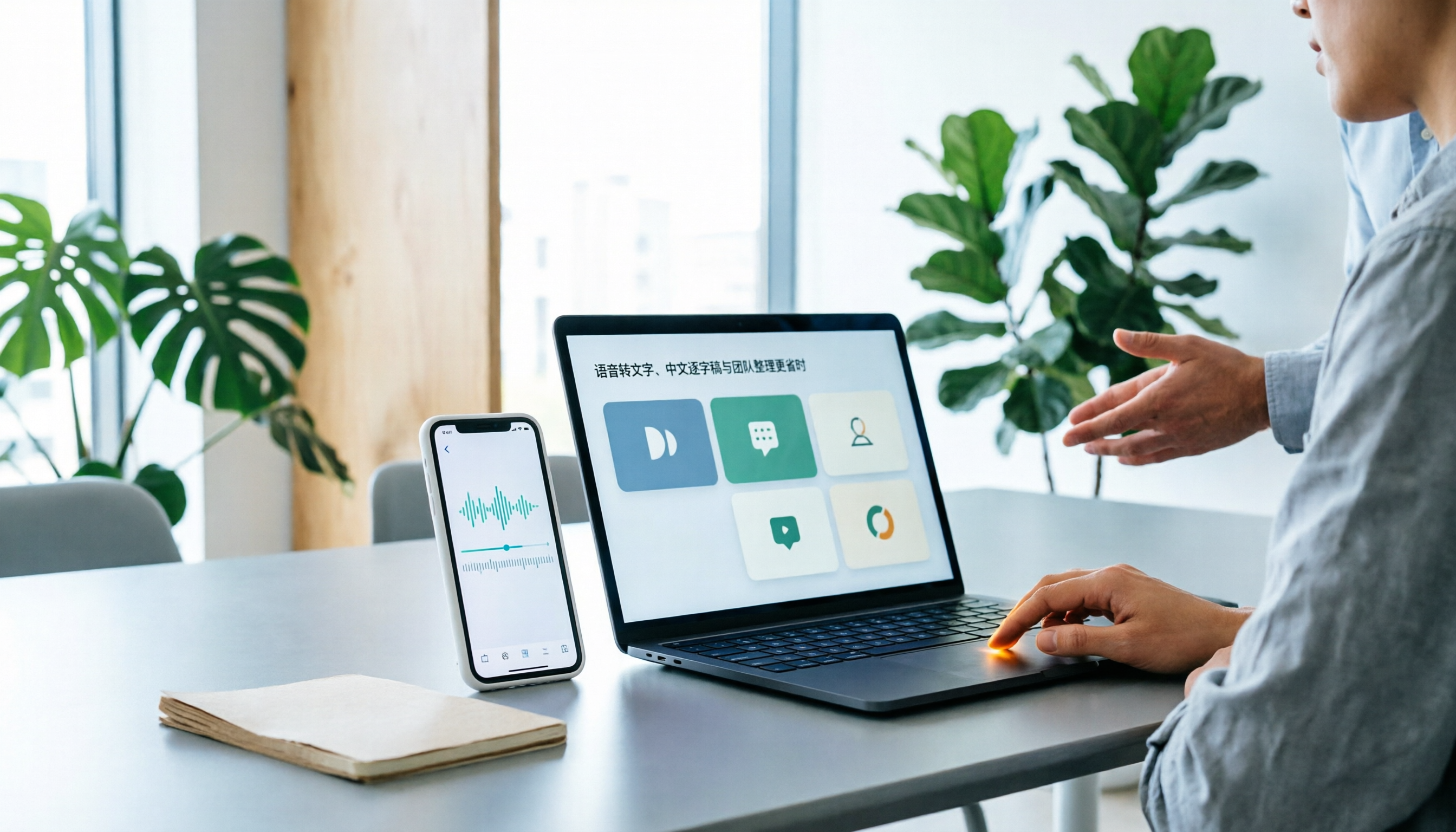
Best Speech-to-Text Apps in 2026: 6 Tested Picks for Chinese Transcripts & Team Workflows
Recorded a meeting or interview but dreading typing up the transcript? We tested 6 practical speech-to-text apps—from the free built-in iPhone feature and Taiwan-accent recognition tools to AI meeting assistants that turn conversations into team knowledge. Each app's positioning, highlights, pricing, and ideal users are covered, plus scenario-based recommendations and 4 must-know tips before you start.

2026 Speech-to-Text Tools Compared: Which One Handles Chinese Best According to Dcard 2024 Discussions?
Starting from Dcard discussions about speech-to-text, this article focuses on Tinrec and Notta, the two most frequently compared tools. It compares them on online meeting recording methods, Chinese and mixed Chinese-English recognition, post-meeting organization, team collaboration, free quotas, and pricing to help you decide which one to choose.

Tinrec vs Notta 2026: 5-Factor Comparison for Medical Consultation Recording Apps
Back-to-back clinic visits make it hard to remember what was said and even harder to look up later. This article compares Tinrec and Notta across five practical dimensions—Chinese consultation transcription, post-visit organization, and team sharing—and includes four common pitfalls of clinic recording plus selection advice.

5 AI Speech-to-Text Tools Tested for 2026: Which PTT-Favorite Actually Works for Meeting Minutes?
There's a lot of discussion on PTT about AI speech-to-text, but most reviews only cover transcription accuracy and skip how to use the output. This article starts from real meeting scenarios, outlines 4 key buying factors, and hands-on compares 5 popular tools including Tinrec, Otter.ai, Notta, and Granola. It also honestly lists free quotas and paid pricing to help you decide which one truly saves time on meeting notes.

2026 iPhone Meeting Transcription Showdown: Free Built-in vs. AI Tools—Which Saves More Time?
We tested four iPhone meeting transcription solutions in 2026, from the free built-in Voice Memos to Tinrec, Otter.ai, and Notta. Here's how to decide which one best fits your meeting needs for transcripts, AI summaries, action items, and team collaboration.