

Turn recordings into transcripts and summaries in minutes
Upload audio or video for multilingual transcription, AI notes, and action items
At last week's cross-department meeting, I needed to double-check something: "Who agreed to the client's monthly cap?" Three people in the room looked at me at the same time—no one remembered. I pulled up that day's meeting notes—a long stretch of dialogue with no names, impossible to tell who said what.
That's when I started looking seriously into "speaker identification." For someone who has to attend over a dozen meetings a week, whether a transcript has speaker labels isn't about looking nice—it's about whether it's usable. Below are my takeaways after trying four approaches over this period, and how the tool I ultimately kept handles this.
What Can Speaker Identification Do for You?
Scenario 1: Going back after the meeting to confirm "who committed to what"
In cross-department meetings, the hard part is never the meeting itself—it's following up two weeks later when no one admits they agreed to anything. If the transcript has speaker labels, you can jump straight to that part of the conversation. With Tinrec, for example, after transcription the transcript preserves the original speech content, so you can search keywords to review the context, then use AI Q&A to ask "who proposed the cap?" It will search the entire meeting for the answer, so you don't have to read through everything yourself.
Scenario 2: Uncovering real concerns in client interviews
In client meetings, what the salesperson says and what the client says are often two different things. Only by distinguishing who said what can you determine whether a statement is the client's requirement or a colleague's assumption. Tinrec can organize the entire content into summaries and chapters, listing the client's concerns, commitments, and action items separately, so when you review later you won't mistake your own team's words for the client's.
Scenario 3: Making multi-person discussion transcripts readable
If a discussion with five or more people has no paragraph breaks, punctuation, or chapters, the transcript is useless. Tinrec's automatic segmentation and chapter features divide long meetings into browsable structures—after a two-hour meeting, you only need to look at those sections.
What Are the Core Capabilities of Speaker Identification?
1. Ability to separate multiple simultaneous speakers
This is the first test of whether a tool is good. When two people in a meeting room talk over each other, a good tool can still separate them into two streams; a poor one merges three sentences into one. Actual performance is affected by recording quality, distance, accents, and overlapping speech—no tool can guarantee 100% separation in noisy environments. That's why for important meetings I place the microphone close to the chairperson's position.
2. Transcripts must be searchable and navigable
Text without search is as good as nothing. Tinrec's transcripts support search and review—if you want to find every place the word "budget" appears, just type it in; no need to rely on memory.
3. Audio retention and playback at specific timestamps
Text can have errors; audio doesn't. Tinrec retains meeting audio, so when it comes to key decisions or amounts, I replay that segment to confirm tone and context. This is more practical than many approaches that only provide text summaries.
4. AI Q&A: Using "who" as a query condition
This is my most-used feature. After a meeting, I directly ask Tinrec: "Who committed to this action item?" "What were the client's concerns about pricing?" "Does the conclusion from the last meeting conflict with this one?" It answers based on the meeting content, without having to dig through the transcript again.
5. Summaries and action items: Writing "who is responsible" as a field
Identifying who spoke is only the first step; turning it into action items is the key. Tinrec extracts action items from the discussion—who does what and when it's due—visible right after the meeting.
Practical Application Scenarios
Weekly stand-ups and project progress meetings
My team's weekly meeting is every Monday morning. I used to type while listening, then spend another forty minutes organizing afterward. Now I use Tinrec's desktop version to record directly—no need to bring an extra bot into the meeting room; it captures the computer's system audio, compatible with Zoom, Google Meet, Teams, and Webex. When the meeting ends, the summary, chapters, and action items are already there.
Client meetings and requirements interviews
Clients speak quickly and information density is high—missing one sentence could mean a spec wasn't discussed. Tinrec supports real-time translation and bilingual viewing, so with overseas clients or mixed Chinese-English content, you can view the original and translation while recording, then export the organized content to Google Docs or Notion after the meeting, turning it directly into a proposal draft.
Stop organizing recordings by hand
Upload audio or video and automatically get a transcript, summary, and action items
One-on-one interviews
What matters most in interviews is remembering "what they said" and "what I promised." Transcripts plus action item extraction mean I won't be asked "that thing you mentioned last time" in the next interview and draw a blank. Before recording, I always inform colleagues and get consent—that's a basic principle.
Team handover and onboarding
This is something the personal version can't do. Tinrec's team version is a separate team space where meeting data belongs to the team. When a member leaves, is removed, or loses their seat, the data they were responsible for is handed over to other members—it doesn't disappear with the personal account. New hires can browse historical meetings instead of asking from scratch every time.
5 Things to Consider When Choosing a Speaker Identification Tool
1. How meetings are recorded
Some approaches require a bot account to join the meeting as a participant; others capture computer audio directly. Tinrec's desktop version is the latter—you press record yourself, and no unfamiliar account appears in the meeting. The downside is it won't automatically join every meeting on your calendar; you need to start it manually.
2. Chinese and mixed Chinese-English recognition
Meetings in Taiwan often sound like "let's review this spec next week"—pure English models get stuck. Tinrec covers Chinese, Traditional Chinese, and multilingual scenarios, and the team version has a hotword feature that lets you add internal terminology and product codes. But don't expect a fixed accuracy rate—microphone quality, accents, and overlapping speech all affect results, so important content should still be verified by playback.
3. Post-transcription organization capabilities
Transcripts are just raw material. The question is: can it generate summaries, chapters, action items, mind maps? Can you continue asking questions? Can you export to existing workflows? Tinrec is comprehensive at this layer and supports export to Notion, Google Docs, OneNote, and Dropbox for further editing.
4. Audio retention and playback
Some tools only provide text without audio, leaving no way to verify when issues arise. Tinrec retains audio; in the team version, deleted audio goes to the recycle bin with a 30-day retention period, during which it can be restored.
5. Team governance and quotas
If it's just for personal use, the free version lets you test the waters; for short-term intensive interviews, consider a weekly pass; for steady weekly meeting organization, the Pro monthly or annual plan is more cost-effective. For team use, governance capabilities matter: Tinrec's team version distinguishes roles and seats—roles determine who can manage members and audit, seats determine who can record, upload, and edit; members without seats can still view and play team data. Eligible teams get a 7-day trial, 1 free seat, and 300 minutes of shared import quota on first signup; team monthly billing is USD 29.80 per paid seat per month, annual billing is USD 199 per paid seat per year (about USD 16.58 per month), each paid seat provides 2,000 minutes of team shared import quota per month, and real-time recording under an active plan is currently not deducted by minute. Actual prices and benefits are subject to the official purchase page.
Frequently Asked Questions
Q1: How accurate is speaker identification really?
It performs reliably with clear audio and normal speaking pace; it degrades noticeably with overlapping speech, meeting room echo, and phone recordings. The practical approach is to use a good microphone for important meetings and replay key segments for verification afterward, rather than expecting AI to be fully automatic and error-free.
Q2: Do I need to add the tool to online meetings?
Not necessarily. Tinrec's desktop version captures computer system audio and doesn't require an extra bot as a participant. The catch is you have to start recording manually—it won't automatically jump into every calendar meeting.
Q3: Is the free version enough?
If you only organize one or two recordings a week, the free version is fine to start. If you have meetings every day like me, the free quota runs out after about two or three meetings—going straight to Pro is more practical, saving an hour of organizing time each day.
Q4: Can it handle mixed Chinese-English and Taiwanese accents?
Tinrec focuses on Chinese and multilingual meetings; mixed Chinese-English content can be organized and viewed with real-time translation. For proper nouns, it's recommended to maintain team hotwords for a better recognition experience.
Q5: What's the difference between the team version and the personal version?
In the personal version, data belongs to the individual account; the team version is a separate space where data belongs to the team, with member invitations, role and seat management, usage analytics, audit logs, and an audio recycle bin. Note that the team version currently focuses on team-level sharing, not fine-grained file-level permission control.
Conclusion
Speaker identification isn't a gimmick—it determines whether you can answer "who said this" afterward. Each approach I tried has its strengths, but the reason I ultimately kept Tinrec is simple: no bot to bring in, smooth enough for Chinese meetings, summaries and action items ready to query right after, and data that settles in the team space.
If you have more than three meetings a week, I suggest running two or three of your own meetings on the free version first, testing in your familiar recording environment—don't rely on official numbers. Get participant consent on test day, confirm the recognition performance matches your meeting style, then decide whether to upgrade—that's more accurate than any review.
References
- Speech-to-Text: AI voice input and transcription | Google Cloud
- [AI Voice Notes] 5 Highly Recommended AI Transcription Tools! Generate Transcripts and Meeting Notes Highlights, Free vs Subscription, Pros and Cons Comparison | 104 Career Power
- Free AI Speech-to-Text Tool – 99% Accuracy, No Registration
- AI Speech-to-Text Tool Recommendations: 8 Comparisons, Which Is Best for Meeting Notes, Transcripts, and Voice Input? — Leading Era
- No Time Limit! 3 Free AI Transcript Tools, Highly Recommended! AI Voice Notes Generate Meeting Notes, Presentations, Mind Maps | 104 Career Power
Turn every recording into actionable outcomes
Get 60 free transcription minutes when you sign in. No credit card required.
Related Reading
You might also like

Tinrec vs Notta 2026: 5-Dimension Comparison — Which Is Better for Chinese Meeting Notes?
Starting from the common Dcard demand for AI speech-to-text, this article compares Tinrec and Notta across 5 dimensions, and organizes key purchasing points, pitfalls to avoid, and suitable users to help you choose the right meeting notes and transcription tool.

2026 Comparison of 4 Interview Recording Review Tools: Can AI Q&A Really Replace Re-listening?
Interview recordings aren't just for recording—you need to quickly review, search, and analyze them. Starting from the interviewer's actual decision-making process, this article compares Tinrec, Granola, TurboScribe, and PLAUD Note on recording sources, AI Q&A, post-meeting outputs, and team collaboration to help you choose the right tool.

How to Jump to That Sentence in 2026 Audio Transcription: 5-Step Timestamp Tutorial
After audio is transcribed, the real challenge is finding that one sentence again. This guide starts with common tool-selection mistakes, covers 5 key criteria from timestamps and search navigation to post-meeting organization and team knowledge retention, walks through a 5-step workflow, and compares Tinrec, Notta, Otter.ai, and TurboScribe with practical pitfalls to avoid.

2026 Speech-to-Text Software Comparison: 4 Tools Tested for Fastest Transcription
Many people think speech-to-text software is as simple as uploading an audio file, but the real hassle comes after transcription—and the limits hidden in free tiers. This article starts with common misconceptions, explains 4 key factors for choosing a tool, tests Tinrec, Otter.ai, Notta, and TurboScribe, and summarizes 4 common pitfalls plus selection advice.

2025 Speech-to-Text Tools Comparison: Tinrec vs. Notta vs. Otter — Which Should You Choose?
How to choose a speech-to-text tool in 2025? This article starts with common pitfalls and compares the meeting-notes workflows of Tinrec, Notta, and Otter. It covers Tinrec's bot-free recording, AI summaries, action-item extraction, Q&A, and team spaces, plus buying tips and an FAQ.

2025 Speech-to-Text Tools Compared: Free Tiers and Chinese Accuracy — Which One Is Enough?
A hands-on comparison of four speech-to-text tools in 2025, focusing on free usage limits, Chinese recognition, and post-meeting organization. Real-world insights from class recordings, group discussions, and interview transcripts, plus four key factors and three common mistakes to avoid when choosing a tool.

2026 Journalist Interview Transcription Apps: 2 Free Options Compared
The most time-consuming part of an interview isn't recording—it's transcribing afterward. This article compares Tinrec and Yating Transcription across five dimensions for interview scenarios: recording and import methods, accents and languages, post-interview organization, team collaboration, and free quotas and paid plans, helping you decide which one deserves a spot in your reporting toolkit.

2026 Comparison of 4 Real-Time Audio Transcription & Translation Tools: Whose Chinese Meeting Transcripts Are Ready to Use?
Listening and taking notes during cross-language meetings is exhausting. This article compares four audio transcription and real-time translation tools—Tinrec, Otter.ai, Notta, and TurboScribe—based on real-world usage scenarios, highlighting key purchasing factors, strengths, and limitations to help you choose the one that truly delivers usable results right after your meeting.
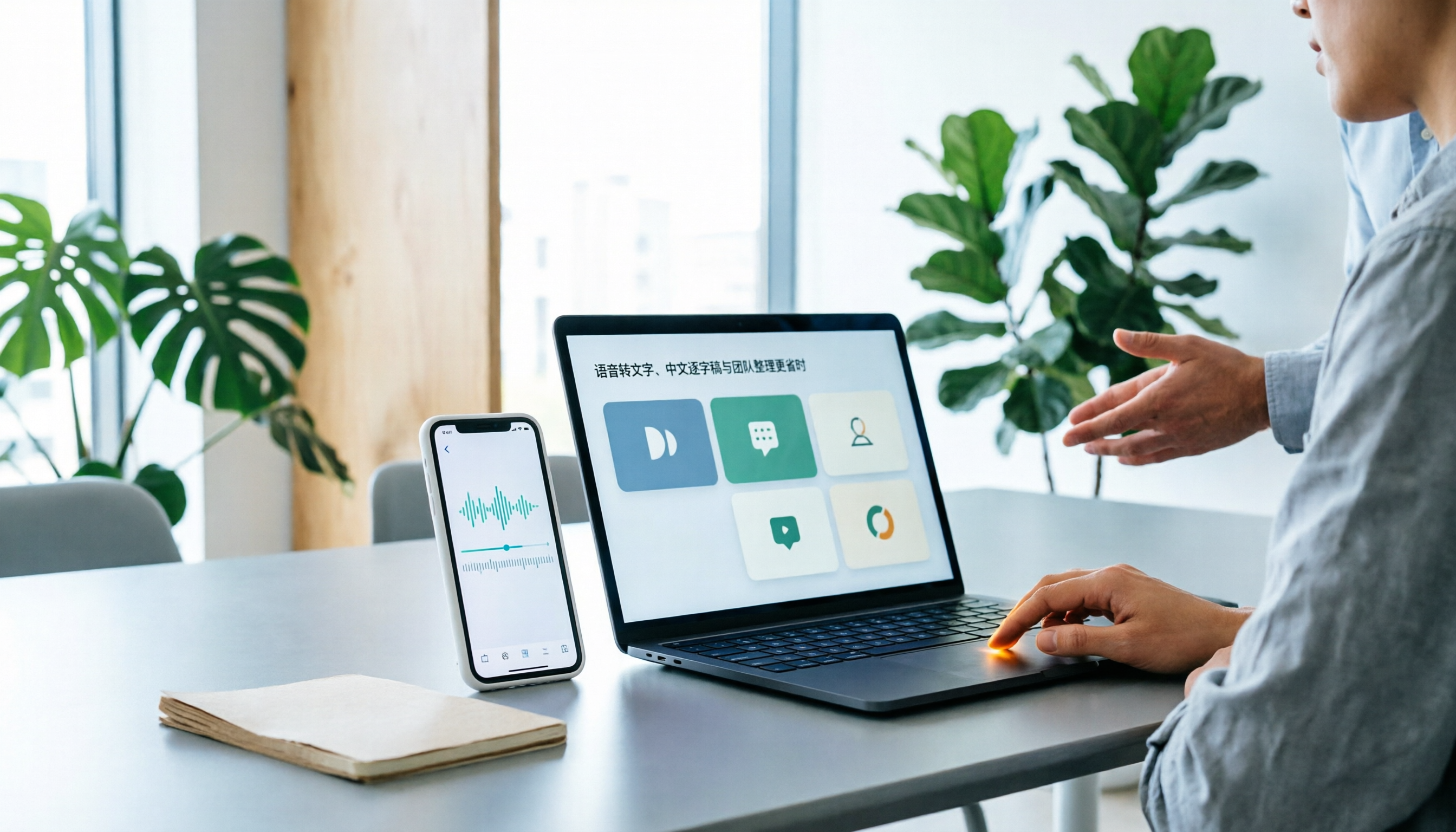
Best Speech-to-Text Apps in 2026: 6 Tested Picks for Chinese Transcripts & Team Workflows
Recorded a meeting or interview but dreading typing up the transcript? We tested 6 practical speech-to-text apps—from the free built-in iPhone feature and Taiwan-accent recognition tools to AI meeting assistants that turn conversations into team knowledge. Each app's positioning, highlights, pricing, and ideal users are covered, plus scenario-based recommendations and 4 must-know tips before you start.