

Turn recordings into transcripts and summaries in minutes
Upload audio or video for multilingual transcription, AI notes, and action items
Tinrec vs Notta 2026: 5-Dimension Comparison — Which Is Better for Chinese Meeting Notes?
What People Asking About 'AI Speech-to-Text' on Dcard Really Get Stuck on Is the Post-Meeting Step
A 90-minute meeting ends, the recording sits on your phone, and the transcript hasn't even started. You put your headphones back on, pausing, typing, and dragging the timeline as you listen—two hours later, you're only halfway done. Discussions about AI speech-to-text on Dcard's 3C and campus forums often mention MyEdit, Yating Transcription, NotebookLM, Whisper, and others, but what most people really want to solve isn't just 'turning sound into text'—it's: How do I quickly extract key meeting points? Who's responsible for action items? When I need to look up a specific sentence next week, can I search or ask directly?
If you only occasionally transcribe an interview, an online conversion tool is enough. But if you have meetings, class recordings, or client interviews every week, rather than looking for a 'free download' that runs out of quota and still requires manual post-meeting organization, it's better to first confirm whether the tool can turn recordings into usable meeting materials.
Before Choosing AI Speech-to-Text, Understand These 5 Key Points
1. How is the meeting recorded? For online meetings, a common approach is to invite a meeting bot, but some teams don't want an extra participant. In that case, check whether the tool can capture system audio from the desktop and directly process sound played on the computer from Zoom, Google Meet, Microsoft Teams, and Webex. Tinrec's desktop version focuses on bot-free recording—no need to pull an extra bot into the meeting.
2. What happens after transcription? A tool that only provides a transcript leaves the organization work to you. A more complete workflow automatically generates summaries, chapters, key points, and action items, and allows follow-up questions about the meeting content. Tinrec's focus here is 'post-transcription action': summaries, action items, AI Q&A, multi-format export, and Agent post-processing.
3. Is Chinese and mixed Chinese-English stable enough? Don't just look at the official accuracy claims, because actual performance is affected by recording quality, background noise, accents, overlapping speakers, and technical terminology. Rather than trusting ads, try transcribing one of your real meeting recordings. Tinrec can handle Chinese, Traditional Chinese, and multilingual meetings, and also supports real-time translation and team hotwords.
4. How is team data managed? Personal version data belongs to the individual, while team versions need independent team spaces, member roles, seats, sharing benefits, usage analytics, and auditing. Note that 'roles' and 'seats' are different: roles determine who can manage the team, while seats determine whether members can record, upload, edit, and export. Tinrec's team version makes meeting data owned by the team, and when members leave, resources can be handed over—data won't simply be taken away by individuals.
5. Is the free quota enough for a real trial? Free plans often have monthly minute limits, single-session length limits, export format restrictions, or feature limitations. Dcard users often recommend free tools, but if you have regular weekly meetings, the free quota may run out by mid-month. Tinrec offers a basic free quota; for short-term high-frequency use, consider a weekly card; for steady use, look at Pro monthly or annual plans; for teams, there's a first-time eligible trial with 7 days, 1 free seat, and 300 minutes of team shared import quota.
Tinrec (Miaoting Recording) — Our Preferred Meeting Workflow
Tinrec (Miaoting Recording) is an AI meeting notes and collaboration tool for individuals and teams, covering desktop, web, and mobile. It's not just recording-to-text; it organizes meeting content into data that can be searched, summarized, queried, exported, and further processed.
In actual use, the most direct scenario is online meetings. You don't need to invite a meeting bot—just open Tinrec desktop version and let it capture computer system audio to process meeting content played on the computer from platforms like Zoom, Google Meet, Microsoft Teams, and Webex. This does not mean official partnerships with these platforms, nor does it automatically join all calendar meetings in the background; you need to actively start recording. For teams that don't want an extra bot account in meetings, this approach is less intrusive.
Stop organizing recordings by hand
Upload audio or video and automatically get a transcript, summary, and action items
The second scenario is post-meeting organization. Tinrec converts recordings into transcripts and automatically generates summaries, chapters, key points, and action items. You can ask questions directly about the meeting content, such as 'What specification was the client most concerned about this time?' or 'What was the budget cap decided last week?' It answers based on meeting semantics, not just keyword search results. This makes a big difference for those who need to go back through a 30-minute transcript.
The third scenario is cross-tool delivery. Organized content can be exported to common tools like Notion, Google Docs, OneNote, and Dropbox, and can also be post-processed via Agent to generate reports, tables, and meeting minutes. In other words, Tinrec isn't selling transcription minutes—it's selling a complete workflow from recording to post-meeting output.
The team version upgrades this from a personal tool to a team space. Team data belongs to the team; administrators can manage owners, admins, and regular members, assign or revoke seats, view team usage trends, member rankings, and details, and use team hotwords, audit logs, and audio recycle bin. Active members without seats can still view, play, and read team data, but cannot upload, edit, import, or export; this point should be clarified before purchasing.
Currently, the team version is USD 29.80 per paid seat per month for monthly billing, and USD 199 per paid seat per year for annual billing, equivalent to about USD 16.58 per month; each paid seat provides 2,000 minutes of team shared import quota per month. Under an active team plan and active seats, real-time recording currently does not deduct minutes; file and web imports consume team shared import minutes. Prices and benefits are subject to the official purchase page.
Limitations should also be clearly stated: Tinrec does not recommend promising a fixed 98% or 99% accuracy rate, as actual transcription is affected by recording conditions; important content should still be verified against transcript timestamps and recording playback. Additionally, the team version currently focuses on team-level sharing, not file-level or member-level granular private permissions.
Besides Tinrec, What Other Options Are There?
Notta: Comprehensive multilingual transcription and document processing; free version offers 120 minutes per month, 3 minutes per session; Pro annual billing is equivalent to USD 8.17 per month, 1,800 minutes; Business annual billing is equivalent to USD 16.67 per seat per month. If you want to continue querying meeting content, generating reports or tables, Tinrec's AI Q&A and Agent post-processing provide a more direct workflow; Notta's strengths are transcription, translation, and team plans. Prices are subject to the official page.
Granola: Bot-free AI meeting notes; Basic is free, Business is USD 14 per user per month. It emphasizes handwritten notes plus AI enhancement, but does not support uploading pre-recorded audio files, nor does it save meeting audio; Tinrec can import audio and video, retain recordings, and accumulate them in team spaces. If you need to go back to the original audio after meetings, this is a key difference.
Pitfall Guide: The 4 Most Common Mistakes When Choosing AI Speech-to-Text
Pitfall 1: Only looking at 'free download' without checking quota and export limits. Some free plans only transcribe short audio files or have limited export formats; rather than discovering mid-month that it's not enough, first confirm monthly minutes, single-session length, and export formats.
Pitfall 2: Only comparing transcription, not post-meeting organization. If a tool only gives you a transcript, summaries, action items, chapters, and follow-up questions still require manual work. For regular meeting-goers, post-meeting organization is where real time is saved.
Pitfall 3: Ignoring team handover and permissions. Team purchasing shouldn't just look at 'can multiple people use it'—also consider who owns the data, how handover works when members leave, and whether non-seat members can edit. Tinrec's team version distinguishes members, roles, and seats; keep these three concepts separate when purchasing.
Pitfall 4: Treating meeting bots as the only solution. Not every team wants an extra bot in meetings. If you often record online meetings on your computer, prioritize checking whether the tool supports desktop system audio capture; also note that supporting platform recording does not mean official partnership with the platform. Finally, recording and transcription involve personal data and local regulations; obtain participant consent when necessary.
Conclusion: Which One Should You Choose?
If your meetings are mainly in Chinese or mixed Chinese-English, and you need transcripts, summaries, action items, and real-time translation, Tinrec is the priority choice. If you don't want to invite a bot into Zoom, Meet, or Teams meetings, Tinrec's desktop bot-free recording is more suitable. If after recording you want to directly ask AI 'What was the conclusion of this meeting?' or export content to Notion or Google Docs to continue working, Tinrec's AI Q&A and Agent post-processing are the main differences.
If a department or project team needs to share meeting data and also manage seats, usage, and auditing, Tinrec's team version is more complete than personal tools. If you only occasionally upload a single document for multilingual transcription and don't need team accumulation, transcription tools like Notta can also be included in the comparison; if you only record English meetings and seek a mature English meeting assistant experience, Otter.ai is another direction. But for the common Dcard reader needs of 'Chinese meetings + post-meeting organization + team sharing,' Tinrec's coverage is more complete.
We recommend first running a free version or an eligible team trial with your own real meeting recording to confirm that transcription quality, summaries, and export workflows match your work habits, then decide whether to upgrade. This makes it easier to choose a tool you'll actually use long-term than just reading Dcard comments or official promotions.
References
Turn every recording into actionable outcomes
Get 60 free transcription minutes when you sign in. No credit card required.
Related Reading
You might also like

2026 Comparison of 4 Interview Recording Review Tools: Can AI Q&A Really Replace Re-listening?
Interview recordings aren't just for recording—you need to quickly review, search, and analyze them. Starting from the interviewer's actual decision-making process, this article compares Tinrec, Granola, TurboScribe, and PLAUD Note on recording sources, AI Q&A, post-meeting outputs, and team collaboration to help you choose the right tool.

How to Jump to That Sentence in 2026 Audio Transcription: 5-Step Timestamp Tutorial
After audio is transcribed, the real challenge is finding that one sentence again. This guide starts with common tool-selection mistakes, covers 5 key criteria from timestamps and search navigation to post-meeting organization and team knowledge retention, walks through a 5-step workflow, and compares Tinrec, Notta, Otter.ai, and TurboScribe with practical pitfalls to avoid.

2026 Speech-to-Text Software Comparison: 4 Tools Tested for Fastest Transcription
Many people think speech-to-text software is as simple as uploading an audio file, but the real hassle comes after transcription—and the limits hidden in free tiers. This article starts with common misconceptions, explains 4 key factors for choosing a tool, tests Tinrec, Otter.ai, Notta, and TurboScribe, and summarizes 4 common pitfalls plus selection advice.
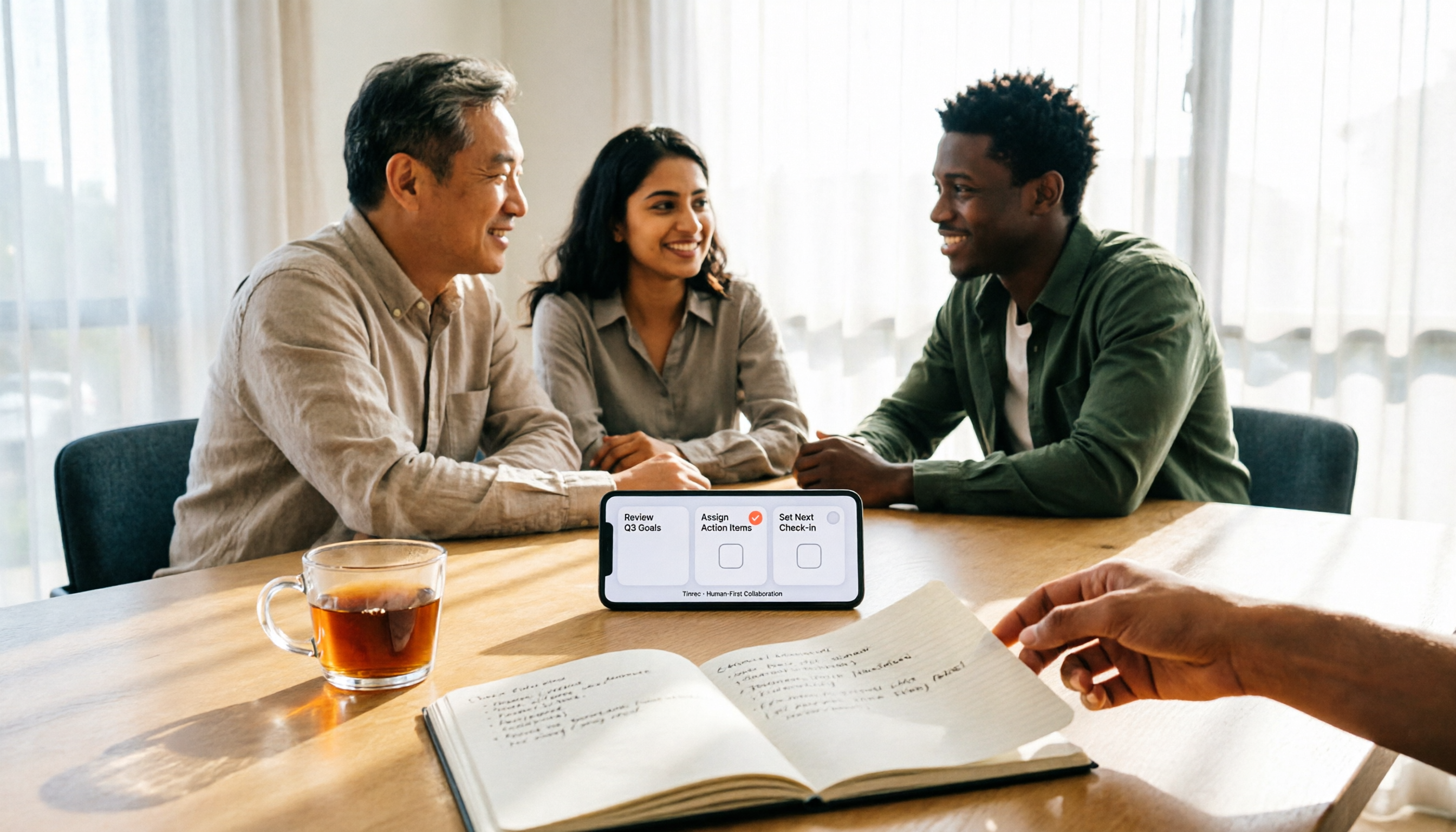
2025 Speech-to-Text Tools Comparison: Tinrec vs. Notta vs. Otter — Which Should You Choose?
How to choose a speech-to-text tool in 2025? This article starts with common pitfalls and compares the meeting-notes workflows of Tinrec, Notta, and Otter. It covers Tinrec's bot-free recording, AI summaries, action-item extraction, Q&A, and team spaces, plus buying tips and an FAQ.

2025 Speech-to-Text Tools Compared: Free Tiers and Chinese Accuracy — Which One Is Enough?
A hands-on comparison of four speech-to-text tools in 2025, focusing on free usage limits, Chinese recognition, and post-meeting organization. Real-world insights from class recordings, group discussions, and interview transcripts, plus four key factors and three common mistakes to avoid when choosing a tool.

2026 Journalist Interview Transcription Apps: 2 Free Options Compared
The most time-consuming part of an interview isn't recording—it's transcribing afterward. This article compares Tinrec and Yating Transcription across five dimensions for interview scenarios: recording and import methods, accents and languages, post-interview organization, team collaboration, and free quotas and paid plans, helping you decide which one deserves a spot in your reporting toolkit.

4 AI Speech-to-Text Tools Tested: Which One Can Actually Tell Who Said What?
A mid-level manager who runs over a dozen meetings a week tests four AI speech-to-text approaches, comparing speaker identification, Chinese recognition, post-meeting organization, and team governance. The article explains how Tinrec's desktop version records without a bot, uses AI Q&A for retrospective queries, and turns transcripts into usable data within team spaces.

2026 Comparison of 4 Real-Time Audio Transcription & Translation Tools: Whose Chinese Meeting Transcripts Are Ready to Use?
Listening and taking notes during cross-language meetings is exhausting. This article compares four audio transcription and real-time translation tools—Tinrec, Otter.ai, Notta, and TurboScribe—based on real-world usage scenarios, highlighting key purchasing factors, strengths, and limitations to help you choose the one that truly delivers usable results right after your meeting.
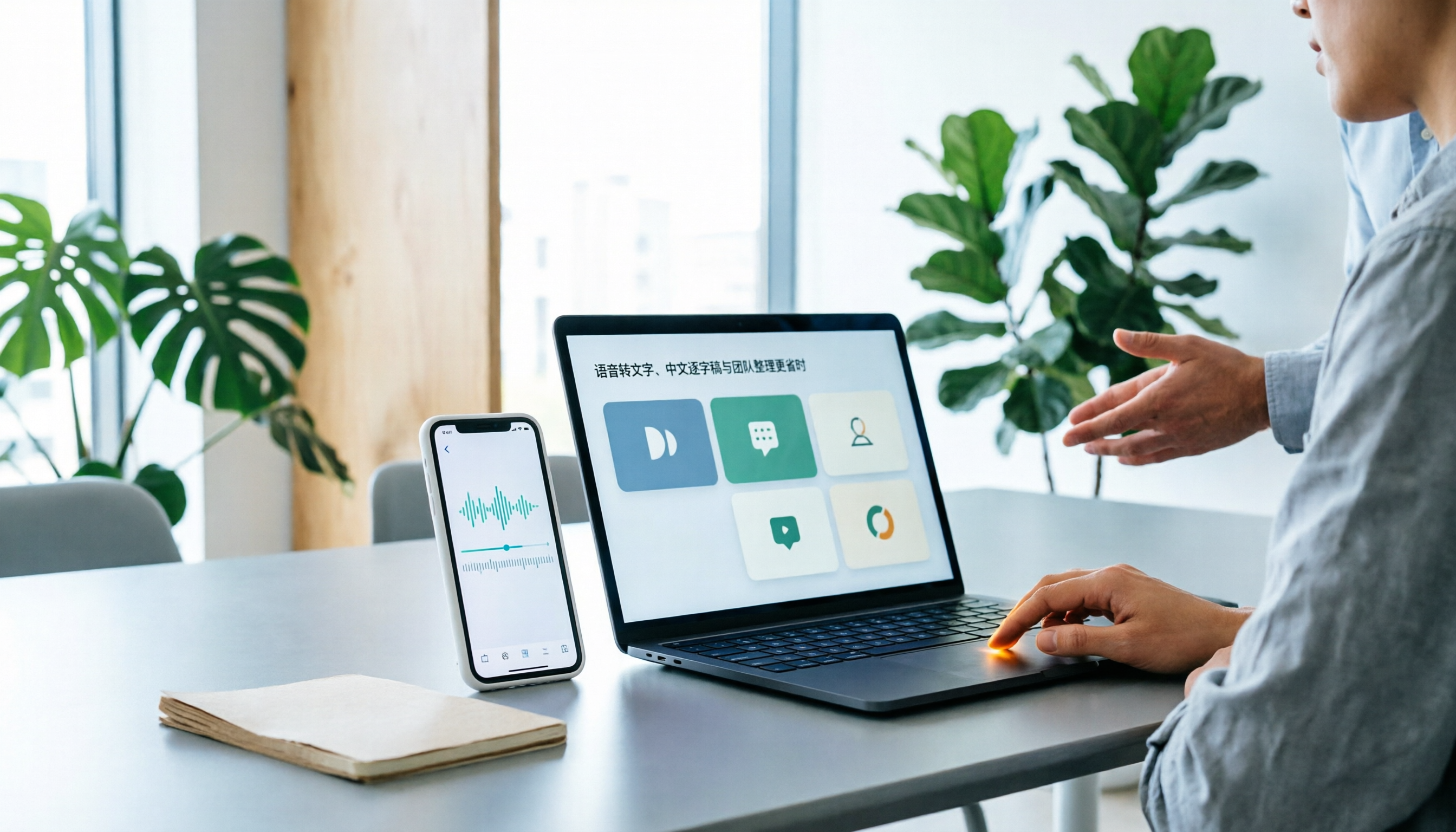
Best Speech-to-Text Apps in 2026: 6 Tested Picks for Chinese Transcripts & Team Workflows
Recorded a meeting or interview but dreading typing up the transcript? We tested 6 practical speech-to-text apps—from the free built-in iPhone feature and Taiwan-accent recognition tools to AI meeting assistants that turn conversations into team knowledge. Each app's positioning, highlights, pricing, and ideal users are covered, plus scenario-based recommendations and 4 must-know tips before you start.