
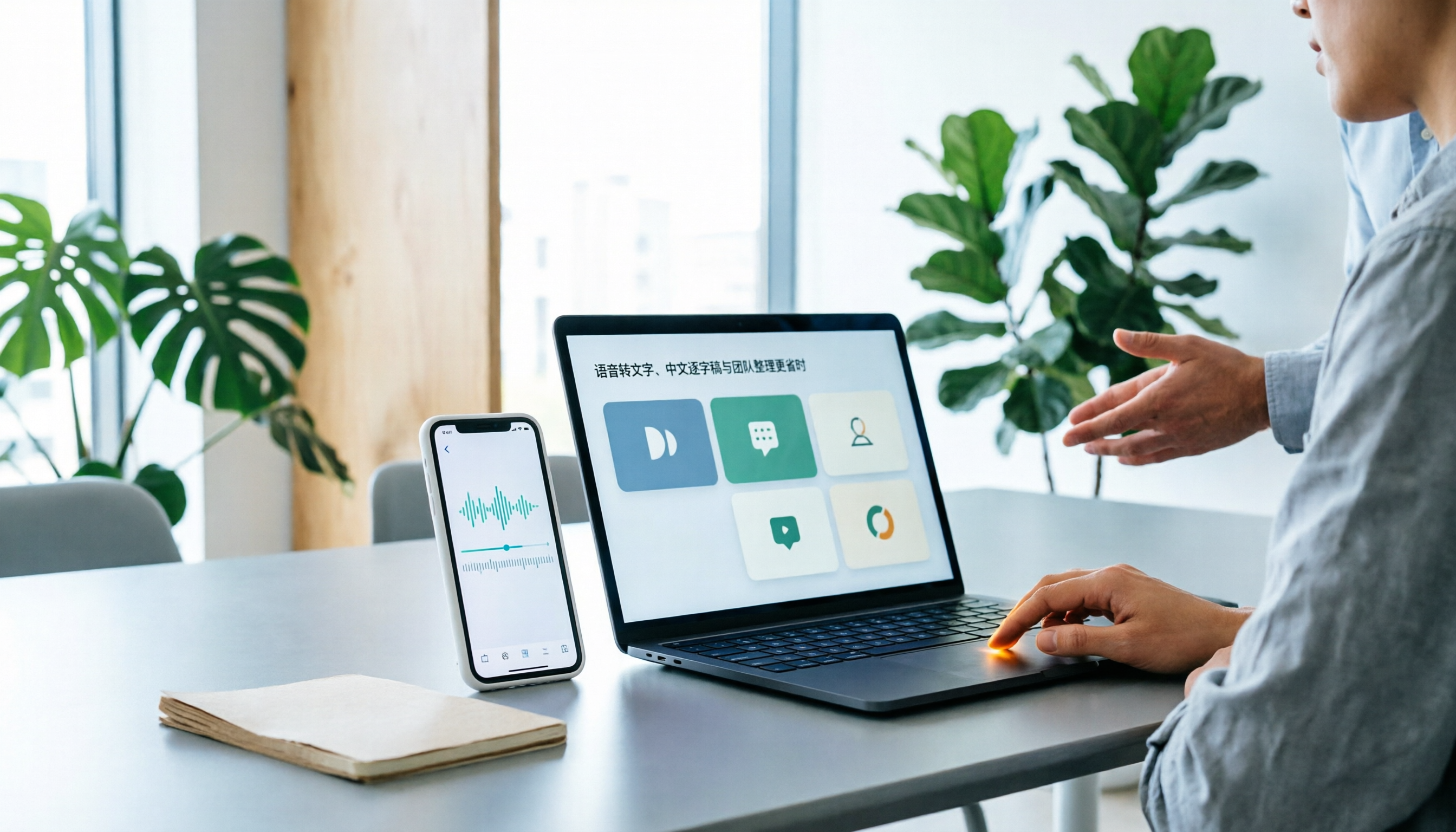
Turn recordings into transcripts and summaries in minutes
Upload audio or video for multilingual transcription, AI notes, and action items
Best Speech-to-Text Apps in 2026: 6 Tested Picks for Chinese Transcripts & Team Workflows
Why Do You Need a Speech-to-Text App?
The meeting ended, but the recording is still sitting on your phone. You recorded a 90-minute interview, but now you have to listen and type it all out. You finished an online class, but your notes are just a few keywords. The common thread: audio is easy to capture, but turning it into searchable, quotable, deliverable text often takes another evening.
This article covers 6 practical solutions—from free built-in phone features and Taiwan-accent recognition tools to AI meeting assistants that turn meetings into team knowledge. We'll go through each one's positioning, highlights, pricing, and ideal users, then give our recommendations.
Tinrec (Miao Ting Recording) — The Most Complete AI Meeting Notes & Team Collaboration Solution
In a nutshell: Turn meetings into searchable, collaborative, actionable team knowledge.
- No-bot online meeting recording: The desktop version captures your computer's system audio directly, handling Zoom, Google Meet, Microsoft Teams, Webex, and more without inviting an extra bot to join as a participant. Especially useful for client meetings—no need to explain who the extra attendee is.
- Workflow beyond transcription: Automatically generates summaries, chapters, and action items. You can ask AI questions about a single meeting or across multiple meetings, and further generate reports, tables, and documents, then export to Notion, Google Docs, OneNote, Dropbox, and other tools for further processing.
- Chinese and multilingual meetings: Supports transcription in Chinese, Traditional Chinese, and multilingual meetings, including mixed Chinese-English content. During recording, you can switch between original text, translation, or bilingual view—no need to wait until after the meeting to translate for cross-language meetings.
- Team spaces and governance: Meeting data is stored by the team, and new members can view past meetings. Admins can manage roles, seats, sharing permissions, usage analytics, and audit logs. Accidentally deleted audio can be restored from the recycle bin (currently retained for 30 days).
Pricing and plans: The personal plan offers a free version, weekly pass, Pro monthly, and annual plans—choose based on your usage frequency. The team plan offers a 7-day trial for first-time eligible users, including 1 free seat and 300 minutes of shared import quota; monthly USD 29.80 per paid seat per month, annual USD 199 per paid seat per year (about USD 16.58/month), with each paid seat providing 2,000 minutes of team shared import quota per month; under an active team plan and active seat, live recording is currently not deducted by minutes. Actual prices and benefits are subject to the official purchase page.
Who it's for: Those who need Chinese meeting transcripts, post-meeting summaries and action items, and want to keep meeting data within the team for ongoing use; also suitable for organizations that need to distinguish between "who can manage the team" and "who can record and upload."
Yating Transcription — The Most Local Choice for Taiwanese Accents and Taiwanese Hokkien
100% developed in Taiwan, it claims to be the first AI speech-to-text service developed specifically for Taiwanese accents and open to the public. It supports Taiwanese Mandarin, Taiwanese Hokkien, Cantonese, Japanese, and mixed Chinese-English. You can use Share-in to send audio from other apps (e.g., iOS Voice Memos) for transcription, and share the finished transcript with colleagues. Suitable for interviews, classes, meetings, and any recording that requires Taiwanese Hokkien. Pricing and quotas are as listed on the App Store page. If you have a very long recording and need it delivered the same day, allow extra processing time—104's tool review describes it as "strong at recognizing multiple speakers, but slower at transcription."
Stop organizing recordings by hand
Upload audio or video and automatically get a transcript, summary, and action items
Notta — Multilingual Transcription and File Processing
Multi-platform transcription, meeting notes, file import, translation, and team plans. Free version: 120 minutes per month, max 3 minutes per item; Pro annual billing about USD 8.17/month, 1,800 minutes per month; Business annual billing about USD 16.67 per seat per month, including unlimited transcription, role permissions, and usage reports. Suitable for multilingual file transcription and teams that need Business role permissions and usage reports.
TurboScribe — High Value for Long Files and Batch Transcription
A cost-effective file transcription tool. Free version: 3 files per day, max 30 minutes per file; Unlimited annual plan USD 120 (about USD 10/month), paid version supports files up to 10 hours or 5GB, up to 50 files at once, plus subtitles and translation. Suitable for long recordings, batch files, and subtitle creation; if you need real-time meeting notes and post-meeting collaboration, this type of tool is not its main strength.
Granola — AI Meeting Notes Without a Bot
Transcribes in real time via desktop system audio and microphone, and combines with your own notes to generate meeting content. Basic is free, Business USD 14 per user per month, Enterprise USD 35 per user per month. Supports viewing, copying, and searching live transcripts, but does not support uploading pre-recorded audio and does not save meeting audio files. Suitable for users who are used to typing during meetings and primarily have English meetings.
iPhone/iPad Notes — A Completely Free Entry-Level Option
Built into iOS, free, supports real-time transcription in both Chinese and English. Suitable for occasional quick notes and Apple-only users. Limitations are clear: iOS only, no summaries or action items, no team collaboration, and long meetings still require manual organization. If you just want to check whether "free is enough," it's the fastest way to start.
With So Many Options, How Should You Choose?
- Want transcription + summaries + action items + AI Q&A all in one → Tinrec (one tool handles post-meeting organization)
- Meetings are mainly in Chinese or mixed Chinese-English, and you also need cross-language meetings → Tinrec (supports real-time translation and bilingual view)
- Need to keep meeting data for the team and distinguish member permissions and usage → Tinrec (team spaces, roles and seats, usage analytics, and audit logs)
- Don't want a bot joining the meeting room → Tinrec or Granola (both capture system audio on desktop; Tinrec also saves recordings and supports file import)
- Only need to turn long recordings or batch files into subtitles → TurboScribe
- Meetings are mainly in Taiwanese Hokkien or Taiwanese Mandarin → Yating Transcription
- Don't want to pay at all, just use iPhone to note a few sentences → iOS Notes
4 Things to Know Before Using a Speech-to-Text App
- Handle recording consent first. Laws vary by region; informing participants and obtaining consent before meetings or interviews is a prerequisite for using these tools.
- Check whether quotas are in "minutes" or "number of files". Free versions usually count by minutes or files—for example, TurboScribe's free version is 3 files per day, 30 minutes per file; Tinrec's team plan file and web imports consume team shared import minutes, not individual member quotas.
- Always proofread transcripts. Even the best tools make mistakes with proper nouns, overlapping speech, and noise. Building a glossary of your company's common terms (e.g., Tinrec's team glossary) can reduce editing time later.
- "Visible" does not mean "editable". When choosing a team plan, ask clearly: How is data handed over when a member leaves? Can members without a seat upload? For example, Tinrec controls governance by roles and usage eligibility by seats; members without a seat can still view and play team data.
Conclusion
When choosing a speech-to-text app, ask yourself three questions: What language is the meeting in? Do you need post-meeting summaries and action items? Is the data for yourself or for the team? If it's just occasional notes, iPhone Notes is enough; if you need Taiwanese Hokkien and Taiwanese accents, Yating Transcription fits well; but to go from "recording" to "deliverable meeting knowledge," Tinrec has the most complete workflow on this list—live recording, no-bot online meetings, summaries and action items, AI Q&A, and team spaces all in one tool. To see if it fits, start with the free quota and transcribe one of your own meeting recordings, then decide based on the transcript and summary results.
References
- Yating Transcription App - App Store
- Speech-to-Text App Recommendations 1. iPhone/iPad "Notes" App - Supports real-time transcription - Cost: Free - Supports Chinese, English
- TranscribeAI Speech-to-Text App: Supports recording, YouTube videos, Podcast multilingual translation and AI summaries - KOCPC
- No time limit! 3 free AI transcription tools, highly recommended! AI voice notes generate meeting records, presentations, mind maps | 104 Workplace
- [AI Voice Notes] 5 highly recommended AI transcription tools! Generate transcripts and meeting highlights, free vs subscription, pros and cons review | 104 Workplace
Turn every recording into actionable outcomes
Get 60 free transcription minutes when you sign in. No credit card required.
Related Reading
You might also like

Tinrec vs Notta 2026: 5-Dimension Comparison — Which Is Better for Chinese Meeting Notes?
Starting from the common Dcard demand for AI speech-to-text, this article compares Tinrec and Notta across 5 dimensions, and organizes key purchasing points, pitfalls to avoid, and suitable users to help you choose the right meeting notes and transcription tool.

2026 Comparison of 4 Interview Recording Review Tools: Can AI Q&A Really Replace Re-listening?
Interview recordings aren't just for recording—you need to quickly review, search, and analyze them. Starting from the interviewer's actual decision-making process, this article compares Tinrec, Granola, TurboScribe, and PLAUD Note on recording sources, AI Q&A, post-meeting outputs, and team collaboration to help you choose the right tool.

How to Jump to That Sentence in 2026 Audio Transcription: 5-Step Timestamp Tutorial
After audio is transcribed, the real challenge is finding that one sentence again. This guide starts with common tool-selection mistakes, covers 5 key criteria from timestamps and search navigation to post-meeting organization and team knowledge retention, walks through a 5-step workflow, and compares Tinrec, Notta, Otter.ai, and TurboScribe with practical pitfalls to avoid.

2026 Speech-to-Text Software Comparison: 4 Tools Tested for Fastest Transcription
Many people think speech-to-text software is as simple as uploading an audio file, but the real hassle comes after transcription—and the limits hidden in free tiers. This article starts with common misconceptions, explains 4 key factors for choosing a tool, tests Tinrec, Otter.ai, Notta, and TurboScribe, and summarizes 4 common pitfalls plus selection advice.

2025 Speech-to-Text Tools Comparison: Tinrec vs. Notta vs. Otter — Which Should You Choose?
How to choose a speech-to-text tool in 2025? This article starts with common pitfalls and compares the meeting-notes workflows of Tinrec, Notta, and Otter. It covers Tinrec's bot-free recording, AI summaries, action-item extraction, Q&A, and team spaces, plus buying tips and an FAQ.

2025 Speech-to-Text Tools Compared: Free Tiers and Chinese Accuracy — Which One Is Enough?
A hands-on comparison of four speech-to-text tools in 2025, focusing on free usage limits, Chinese recognition, and post-meeting organization. Real-world insights from class recordings, group discussions, and interview transcripts, plus four key factors and three common mistakes to avoid when choosing a tool.

2026 Journalist Interview Transcription Apps: 2 Free Options Compared
The most time-consuming part of an interview isn't recording—it's transcribing afterward. This article compares Tinrec and Yating Transcription across five dimensions for interview scenarios: recording and import methods, accents and languages, post-interview organization, team collaboration, and free quotas and paid plans, helping you decide which one deserves a spot in your reporting toolkit.

4 AI Speech-to-Text Tools Tested: Which One Can Actually Tell Who Said What?
A mid-level manager who runs over a dozen meetings a week tests four AI speech-to-text approaches, comparing speaker identification, Chinese recognition, post-meeting organization, and team governance. The article explains how Tinrec's desktop version records without a bot, uses AI Q&A for retrospective queries, and turns transcripts into usable data within team spaces.

2026 Comparison of 4 Real-Time Audio Transcription & Translation Tools: Whose Chinese Meeting Transcripts Are Ready to Use?
Listening and taking notes during cross-language meetings is exhausting. This article compares four audio transcription and real-time translation tools—Tinrec, Otter.ai, Notta, and TurboScribe—based on real-world usage scenarios, highlighting key purchasing factors, strengths, and limitations to help you choose the one that truly delivers usable results right after your meeting.