

Turn recordings into transcripts and summaries in minutes
Upload audio or video for multilingual transcription, AI notes, and action items
Choosing a tool isn't about which one has the most features—it's about which one fits your situation. Before you read on, answer these three questions:
- Do you need real-time transcription during class, or do you want to turn recorded audio into a transcript afterward?
- How many hours do you record per month? Will the free tier get you through midterms week?
- Do you just want a transcript, or do you want the tool to pull out key points, action items, and study outlines for you?
These three answers will determine whether the free version is enough or whether it's worth paying. Here's what I've learned from actually using these tools over the past year.
You recorded a whole semester of lectures—how many times have you re-listened?
Last semester I took a three-credit general education course. The professor spoke fast and flipped through slides even faster. I diligently hit record, thinking "I'll listen to it later." Turns out, I re-listened to those 18 recordings exactly 0 times.
It's not laziness—it's the cost. A 50-minute recording takes 25 minutes even at 2x speed, and you still don't know which minute has the key point.
The second scenario is group discussions. Our project team had five people, and every meeting was a free-for-all. Afterward, someone would ask in the group chat, "So what did we decide?" and nobody could remember. The third scenario is final reports. I interviewed three seniors, totaling over two hours of audio, and just thinking about typing it all out made me want to give up.
The common thread across these three scenarios: what you're missing isn't the recording—it's turning audio into text you can search, skim, and quote directly.
Before Choosing a Speech-to-Text Tool, Understand These 4 Key Points
1. Is the free quota monthly or daily, and is there a per-file length limit? Many tools say "free," but the restrictions are buried in the fine print. Some offer 120 minutes per month, some allow 3 files per day, and some limit each file to 3 minutes. Your class is 50 minutes—if the per-file limit is short, it's out. When comparing plans, look at all three numbers together.
2. Chinese and mixed Chinese-English recognition Classes in Taiwan are almost entirely in Chinese, but specialized subjects mix in English terminology. Tools built for English meetings often struggle with Chinese. When testing, use your own recordings—don't just rely on the official claims.
3. What can you do after the transcript is generated? If a tool only gives you a transcript, you still have to read through 40 minutes of content yourself. The real time-saver is automatic summaries, chapters, key points, and action items—especially two weeks before exams, when you need a one-page summary, not ten thousand words.
4. How many devices will you use it on? Recording on your phone and organizing on your computer is the most common student combo. If a tool only supports one platform, you'll get stuck at "how do I get the file to my computer." True seamless experience means it works across phone, computer, and web.
Tinrec: The One I Kept Using After Testing
Tinrec is an AI meeting notes and collaboration tool for individuals and teams, available on mobile, desktop, and web. I initially just used it to record lectures, but eventually handed over project interviews to it too.
Real-time recording during class, transcribing as you go. I just open the app and place it on my desk—it transcribes while recording. I used to spend 20 minutes organizing notes after class; now the transcript is already on my phone before class ends. If the teacher speaks too fast to copy the board, I can just search for keywords later.
Online classes and group meetings without inviting a bot. Sometimes our project meetings moved online via Zoom or Google Meet. Tinrec's desktop version captures system audio directly—no need to invite a meeting bot. The screen stays clean, and nobody asks "who's that bot?"
The real value is after transcription: summaries, chapters, action items, AI Q&A. This is the main reason I kept it. After recording, it automatically generates summaries and chapters, breaking a 40-minute class into sections. Even more useful is the AI Q&A—I can directly ask "What percentage is the final report worth?" or "Did this class cover exam material?" and it answers based on the entire content, rather than giving me keywords to search through myself.
Export directly into my workflow. Transcripts can be exported and brought into Notion, Google Docs, OneNote, or Dropbox for further editing. It can also generate reports, tables, and documents based on meeting content. That's how I put together my final interview summaries.
Stop organizing recordings by hand
Upload audio or video and automatically get a transcript, summary, and action items
My testing method and conditions. I used the same ~40-minute general education lecture recording (classroom with AC noise, students raising hands to ask questions, teacher mixing Chinese and English) and fed it in. I didn't calculate word error rate because that's meaningless for students—what I really care about is "how much time do I need to spend to get a usable set of notes." By that standard, it cut my time from two hours to about ten minutes. Actual performance still depends on recording quality, accents, overlapping speech, and technical terminology—noisy classrooms will always be tougher.
Three advantages I consider purchase reasons:
- No need to re-listen after recording: summaries, chapters, and action items all at once—just review the key points before exams.
- Handles Chinese and mixed Chinese-English classroom content smoothly, plus real-time translation and viewing transcripts in original/translated/bilingual modes.
- Your data remains queryable, searchable, and exportable—not a one-time use file you throw away.
Honest limitations: The free version is a basic quota, not unlimited—actual minutes are subject to the official website. If you record every class and several hours a week, you'll need a paid plan (personal plans include free, weekly card, Pro monthly, and Pro annual—choose based on usage frequency; prices on the official site). Also, team version permissions are "team-level sharing + role and seat management," not file-level or member-level granular private permissions—make sure you understand this first.
Who it's for: If you record a dozen or so classes per semester and want to keep transcripts for reuse, or if you're a project leader who needs to turn discussion content into searchable data for everyone—it's a great fit. By the way, for group use, the team version is a separate team space rather than a shared account: eligible users can try 7 days, 1 free seat, 300 minutes of team shared import quota; monthly USD 29.80 per paid seat, annual USD 199 per paid seat (about USD 16.58/month), each paid seat provides 2,000 minutes of team shared import quota per month, and real-time recording within the active plan is currently not deducted by minutes. Members without a seat can still view and play team data, but need a seat to upload, edit, and export.
Besides Tinrec, What Are the Alternatives?
Otter.ai: The long-standing favorite for English meetings. The free version offers a generous 300 minutes per month; Pro annual is about USD 8.49/user/month with 1,200 minutes per month. If you're mostly recording English classes or English podcasts, it's a good deal. But Chinese and mixed Chinese-English aren't its strong suit, and it lacks Tinrec's AI Q&A experience for directly querying Chinese meeting content.
Notta: Good multilingual transcription and supports meetings and file uploads—a close competitor to Tinrec. Free version: 120 minutes per month, max 3 minutes per session; Pro annual about USD 8.17/month with 1,800 minutes per month. Note that the free version limits each session to 3 minutes—a 50-minute class would be cut off. Tinrec, on the other hand, can record online meetings via desktop without a bot and connects transcripts to summaries, Q&A, and team spaces.
TurboScribe: If you already have a bunch of recorded audio files to process all at once, it's great value. Free: 3 files per day, max 30 minutes per file; Unlimited annual USD 120 (about USD 10/month), paid version allows up to 10 hours or 5 GB per file and 50 files at once. Its strength is long files and batch transcription, but real-time meeting notes, post-meeting summary Q&A, and action item organization aren't its focus—that's Tinrec's territory.
Pitfall Guide: The 3 Most Common Mistakes Students Make When Choosing Speech-to-Text
Pitfall 1: Only looking at official accuracy claims. Official numbers are usually measured in ideal conditions. Real classrooms have AC noise, coughing, and people talking over each other—performance will drop. The right approach is to test the free version with your own class recording—you'll know in ten minutes if it works.
Pitfall 2: Not checking the per-file length limit. This is the most common trap. The free quota looks sufficient, but if each file is limited to 3 or 30 minutes, you can't record a full class. Before choosing, confirm that the per-file limit exceeds your class length.
Pitfall 3: Using the tool only as "audio-to-text." If you still read the transcript from start to finish, you're only using a third of its value. The real time-saver is the summaries, chapters, and Q&A after transcription—directly asking "What's the exam scope for this class?" is much faster than flipping through a 40-minute transcript yourself.
One last often-overlooked point: remember to get consent before recording, especially for interviews and group discussions—respect everyone's wishes and protect yourself.
Conclusion: Which One Should You Choose?
In one sentence: For the Chinese class recordings, post-meeting organization, and budget considerations that students most commonly face, Tinrec is the one I'd recommend first right now.
Here's a breakdown by scenario:
- Want real-time transcription during class and notes ready when class ends → Tinrec (real-time speech-to-text)
- Online classes or group meetings without inviting a bot → Tinrec (desktop captures system audio)
- Want to directly ask "What's the exam scope?" or "What was the conclusion?" after recording → Tinrec (AI Q&A + summary chapters)
- Project team needs to manage meeting data together and hand off to junior members → Tinrec Team version (team space, roles and seats, usage and audit)
- Only recording English content, zero budget → Otter.ai (the only exception, free 300 minutes/month)
My advice is simple: don't rush to pay. Use the free version to record the hardest class you have, then see if the summary it gives you can be used directly for review. If yes, consider upgrading; if not, move on to the next one. Tools are meant to save time, not add to your to-do list.
References
- Speech to Text - Google Play App
- [AI Voice Notes] Top 5 AI Transcription Tools! Generate Transcripts and Meeting Notes, Free vs Subscription, Pros and Cons Comparison | 104 Career Power
- 2026 Free Transcription Platforms Complete Review: 15 Free Speech-to-Text Tools Tested and Recommended
- Speech to Text Converter – Free Online | TicNote Cloud
- Speech-to-Text: AI Voice Input and Transcription | Google Cloud
Turn every recording into actionable outcomes
Get 60 free transcription minutes when you sign in. No credit card required.
Related Reading
You might also like

Tinrec vs Notta 2026: 5-Dimension Comparison — Which Is Better for Chinese Meeting Notes?
Starting from the common Dcard demand for AI speech-to-text, this article compares Tinrec and Notta across 5 dimensions, and organizes key purchasing points, pitfalls to avoid, and suitable users to help you choose the right meeting notes and transcription tool.

2026 Comparison of 4 Interview Recording Review Tools: Can AI Q&A Really Replace Re-listening?
Interview recordings aren't just for recording—you need to quickly review, search, and analyze them. Starting from the interviewer's actual decision-making process, this article compares Tinrec, Granola, TurboScribe, and PLAUD Note on recording sources, AI Q&A, post-meeting outputs, and team collaboration to help you choose the right tool.

How to Jump to That Sentence in 2026 Audio Transcription: 5-Step Timestamp Tutorial
After audio is transcribed, the real challenge is finding that one sentence again. This guide starts with common tool-selection mistakes, covers 5 key criteria from timestamps and search navigation to post-meeting organization and team knowledge retention, walks through a 5-step workflow, and compares Tinrec, Notta, Otter.ai, and TurboScribe with practical pitfalls to avoid.

2026 Speech-to-Text Software Comparison: 4 Tools Tested for Fastest Transcription
Many people think speech-to-text software is as simple as uploading an audio file, but the real hassle comes after transcription—and the limits hidden in free tiers. This article starts with common misconceptions, explains 4 key factors for choosing a tool, tests Tinrec, Otter.ai, Notta, and TurboScribe, and summarizes 4 common pitfalls plus selection advice.

2025 Speech-to-Text Tools Comparison: Tinrec vs. Notta vs. Otter — Which Should You Choose?
How to choose a speech-to-text tool in 2025? This article starts with common pitfalls and compares the meeting-notes workflows of Tinrec, Notta, and Otter. It covers Tinrec's bot-free recording, AI summaries, action-item extraction, Q&A, and team spaces, plus buying tips and an FAQ.

2026 Journalist Interview Transcription Apps: 2 Free Options Compared
The most time-consuming part of an interview isn't recording—it's transcribing afterward. This article compares Tinrec and Yating Transcription across five dimensions for interview scenarios: recording and import methods, accents and languages, post-interview organization, team collaboration, and free quotas and paid plans, helping you decide which one deserves a spot in your reporting toolkit.

4 AI Speech-to-Text Tools Tested: Which One Can Actually Tell Who Said What?
A mid-level manager who runs over a dozen meetings a week tests four AI speech-to-text approaches, comparing speaker identification, Chinese recognition, post-meeting organization, and team governance. The article explains how Tinrec's desktop version records without a bot, uses AI Q&A for retrospective queries, and turns transcripts into usable data within team spaces.

2026 Comparison of 4 Real-Time Audio Transcription & Translation Tools: Whose Chinese Meeting Transcripts Are Ready to Use?
Listening and taking notes during cross-language meetings is exhausting. This article compares four audio transcription and real-time translation tools—Tinrec, Otter.ai, Notta, and TurboScribe—based on real-world usage scenarios, highlighting key purchasing factors, strengths, and limitations to help you choose the one that truly delivers usable results right after your meeting.
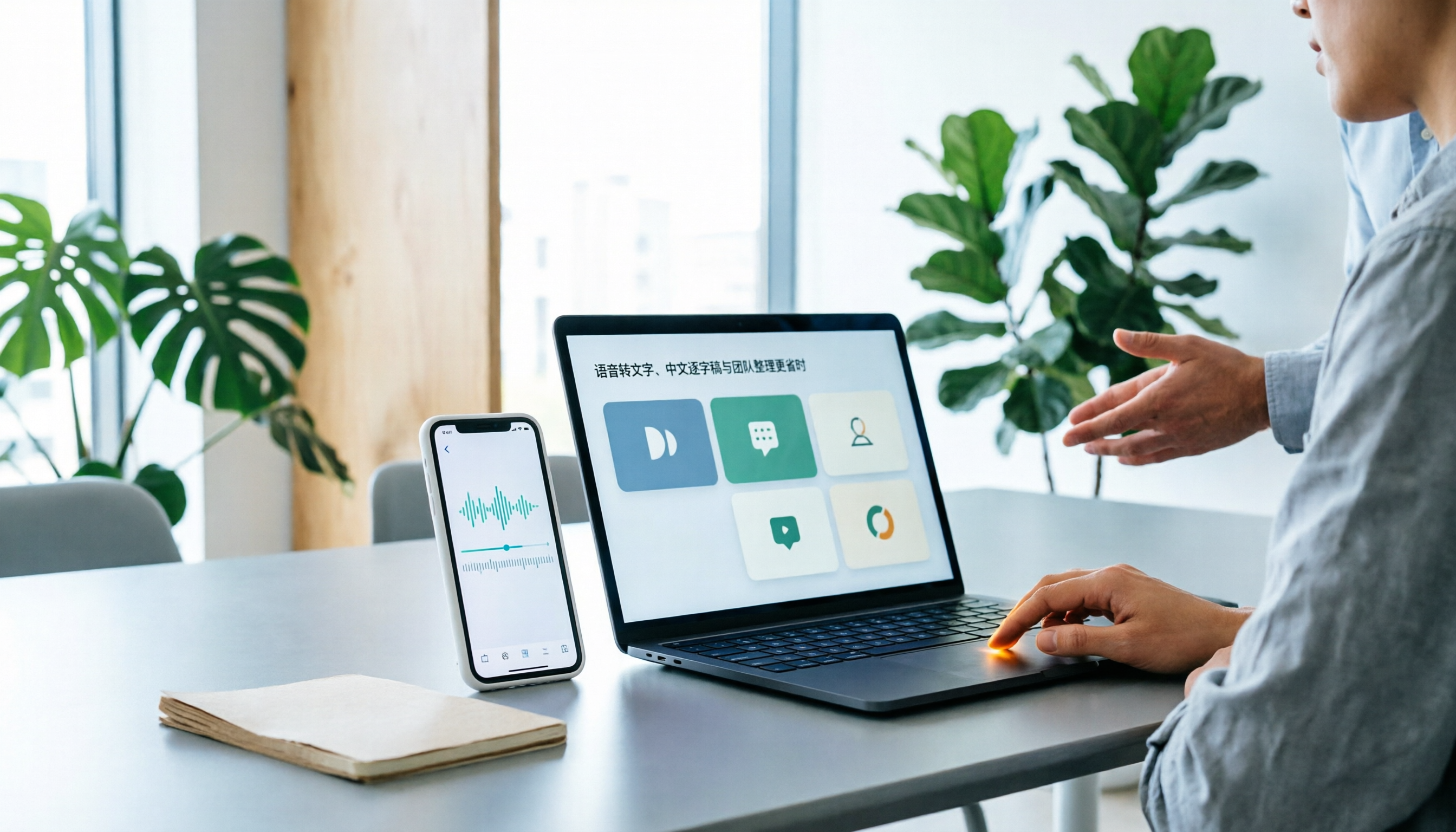
Best Speech-to-Text Apps in 2026: 6 Tested Picks for Chinese Transcripts & Team Workflows
Recorded a meeting or interview but dreading typing up the transcript? We tested 6 practical speech-to-text apps—from the free built-in iPhone feature and Taiwan-accent recognition tools to AI meeting assistants that turn conversations into team knowledge. Each app's positioning, highlights, pricing, and ideal users are covered, plus scenario-based recommendations and 4 must-know tips before you start.