

Turn recordings into transcripts and summaries in minutes
Upload audio or video for multilingual transcription, AI notes, and action items
Wednesday, 3 PM. A two-hour international meeting. You have one hand on the mouse and the other taking notes. The client speaks English, your colleagues speak Chinese, and product codes and pricing terms are mixed in.
When the meeting ends, you think you're free. But the real work just begins: replaying the recording, typing out fragments, guessing which specification that English sentence referred to, and finally piecing together a meeting record you can deliver.
If this is how you spend every meeting day, this article summarizes the options I've personally tried over time and found worth keeping in my toolkit.
"Not understanding" and "not being able to write fast enough" are actually two different problems
Let's clarify the problems first. The first is not understanding—foreign language meetings, accents, technical terms—you can only nod at the moment, and by the time you refocus, you've missed three sentences. The second is not being able to write fast enough—even if you understand everything, your handwriting can't keep up with the speaker.
These two problems require different features. The former relies on real-time translation, converting speech to text while translating into a language you're familiar with; the latter relies on speech-to-text, automatically generating a transcript.
The trouble is, most people face a third task after the meeting: organizing. A 20,000-word transcript—who has time to read it from beginning to end?
So a truly useful tool doesn't stop at "turning sound into text." It should let you know within five minutes after the meeting what was discussed and who needs to do what.
Before choosing a transcription + real-time translation tool, understand these 4 key points
1. Is real-time translation "translate while speaking" or "translate afterward"?
There's a big difference. Translate-while-speaking lets you follow what the other person is saying in real time, suitable for foreign language meetings and classes; translate-afterward converts the transcript to another language after the meeting ends. Before choosing a tool, decide whether you need "real-time understanding" or "post-meeting archiving."
2. Chinese and mixed Chinese-English recognition performance
Meetings in Taiwan are rarely pure Chinese; usually English product names, abbreviations, and technical terms are inserted into Chinese sentences. This mixed content is the most error-prone. Note that the official claim "supports multiple languages" does not equal "handles mixed Chinese-English well"—these are two different things.
3. What can you do after getting the transcript?
Having only a transcript is like giving you a 20,000-word document with no highlights. Whether it has automatic summaries, chapters, action item extraction, and the ability to ask questions directly about the content is the key to saving time.
4. How is the free quota calculated, and does real-time recording deduct minutes?
Many tools offer free quotas for "uploading files," but real-time recording is calculated separately or even not supported. Also, if you want to record an online meeting, confirm whether it uses a meeting bot to join or directly captures the computer's system audio—some client meetings are not convenient for an extra bot to appear on the participant list.
Tinrec — The one I open most often after actually using it
Tinrec is an AI meeting notes and collaboration tool for individuals and teams, supporting iOS, Android, web, and desktop. Its main focus is not "recording" but turning meetings into something searchable, queryable, and deliverable.
During the meeting: transcribe while recording, and translate
For online meetings, I use the desktop version. It directly captures the computer's system audio, handling Zoom, Google Meet, Microsoft Teams, Webex, and similar meetings without inviting an extra bot into the meeting room. This is especially important for external client meetings—the participant list stays clean.
For cross-language settings, turn on real-time translation; during recording, you can switch between original text, translation, or bilingual view. Honestly, the bilingual side-by-side design is thoughtful—you can confirm the original words and immediately understand the meaning.
After the meeting: summaries, chapters, and action items all come out together
This is where it stands out from pure transcription tools. As soon as the meeting ends, AI summaries and chapters are generated, and action items from the discussion are organized into to-dos.
Even better, you can ask questions directly about the meeting content. For example, ask "What was the budget cap the client mentioned?" and it will give an answer, rather than throwing a list of keyword search results for you to dig through. Currently, few tools in the same price range have this feature.
The organized content can be further processed into reports, tables, or documents, and exported to Notion, Google Docs, OneNote, Dropbox, etc., without retyping.
Team use: data belongs to the team, not individuals
If a department or project team uses it together, the team version is a separate space, not multiple people sharing one account. Meeting data is stored centrally; roles determine who can manage the team, and seats determine who can record, upload, edit, and export. Active members without a seat can still view, play, and read team data.
Stop organizing recordings by hand
Upload audio or video and automatically get a transcript, summary, and action items
Admins can also see team usage trends, member rankings, and usage details, and query and export operation logs. The team hotword feature allows adding company-specific product codes and technical terms in advance to reduce recognition errors.
Pricing and limitations, written honestly
The personal version has a free version to experience basic quotas; for short-term intensive use, there's a weekly card; for long-term stable use, there's a Pro monthly or annual card. The team version is USD 29.80 per paid seat per month, or USD 199 per paid seat per year (about USD 16.58 per month), with each paid seat providing 2,000 minutes of team shared import quota per month; eligible new teams get a 7-day trial, 1 free seat, and 300 minutes of shared import quota. Under an active team plan and active seats, real-time recording currently does not deduct minutes.
Note: the free version has limited quota, so heavy users must pay; transcription accuracy is affected by recording quality, ambient noise, accents, and multiple people talking over each other; for important content, it's recommended to cross-check with recording playback; also, the team version currently shares at the team level, not file-level permission control; the desktop version also requires you to press start recording yourself, not automatically join every meeting on your calendar.
Who it's for
People who frequently have mixed Chinese-English meetings, need real-time translation to aid understanding, want to directly use AI to find key points and action items after meetings, or hope meeting data can accumulate within the team.
Besides Tinrec, what other options are there?
Otter.ai: A veteran choice for English meetings
Otter is a mature AI meeting assistant with a stable experience for English meetings. The free version offers 300 minutes per month; Pro annual billing is about USD 8.49 per user per month. If your meetings are almost entirely in English and your team communicates mainly in English, it's sufficient. But for Chinese and mixed Chinese-English transcripts, Tinrec's handling is closer to the Taiwanese usage context, and Tinrec can also collect meeting data into a team space for unified management.
Notta: Multilingual transcription and translation output
Notta overlaps significantly with Tinrec, both supporting multi-platform transcription, file import, and translation. The free version offers 120 minutes per month, with a maximum of 3 minutes per single session; Pro annual billing is about USD 8.17 per month. Its strengths are concentrated in transcription, subtitles, and translation output; if you want to directly ask questions about the meeting, generate reports, or tables after recording, Tinrec's post-meeting workflow goes further.
TurboScribe: A cost-effective option for long files and batch transcription
TurboScribe takes a high cost-performance approach: the free version allows 3 files per day, with a maximum of 30 minutes per file; Unlimited annual billing is USD 120 (about USD 10 per month), and the paid version supports files up to 10 hours. Suitable for organizing large amounts of pre-recorded audio files, podcasts, or course recordings. However, it is essentially a file transcription tool; real-time recording, bot-free online meeting recording, and team collaboration spaces are features only meeting tools like Tinrec have.
Pitfall avoidance guide: The 3 most common mistakes when choosing such tools
Pitfall 1: Only looking at "how many languages are supported," not Chinese performance
Supporting 100 languages sounds impressive, but 90% of your meetings are in Chinese. What you should really test is: mixed Chinese-English sentences, company-specific technical terms, and fast-talking colleagues. It's better to take a real recording of your own and try the free version—much more accurate than looking at spec sheets.
Pitfall 2: Thinking it's over once you have the transcript
The transcript is just raw material. If the tool doesn't have summaries, chapters, and action item extraction, you still have to read it from the beginning. That's like using only one-third of its capabilities, which is why many people use it once and then let it gather dust.
Pitfall 3: Ignoring the "third person" in the meeting room
Meeting bots are convenient, but for external client meetings, interviews, or sensitive internal discussions, an extra bot on the participant list may be inappropriate. In such cases, a desktop solution that directly captures system audio is more natural than inviting a bot.
Pitfall 4: Treating real-time translation as simultaneous interpretation
Real-time translation helps you understand content, not speak for you. For real-time dialogue with foreign clients, you still need a human. Treat it as an aid to "understand what the other person is saying," and your expectations won't be disappointed.
Conclusion: Which one should you choose?
In one sentence: if you want to "deliver right after the meeting," Tinrec is currently the most integrated option.
Match your scenario:
- Mixed Chinese-English meetings, need to see translation while recording → Tinrec (switch between original and translation, bilingual view)
- Online meetings but inconvenient to have a bot join → Tinrec (desktop version captures system audio)
- Want to directly ask "What's the conclusion, who's responsible for what" after recording → Tinrec (AI Q&A, summaries, action item extraction)
- Meeting data needs to be shared within the team, manage members and usage → Tinrec Team version (roles, seats, usage, audit logs)
- Meetings are almost entirely in English, and you only need English → Otter.ai is a reasonable choice
- You have a bunch of pre-recorded long audio files to batch process → TurboScribe is more cost-effective
I suggest starting with the free version and running a recent real meeting recording through it. Whether it feels comfortable, whether the transcript is directly usable, whether the summary captures key points—you'll know after one try, no need to rush to pay.
One last reminder: recording involves participant privacy; before transcribing, make sure it complies with local regulations and obtain consent when necessary.
References
- Audio to Text - Free Speech-to-Text Tool
- Real-time Translation and Simultaneous Interpretation | JotMe
- 2026 Latest 5 Real-time Recording Translation Apps: Solving Cross-language Meeting and Transcript Pain Points - Tinrec Blog
- 9 Speech-to-Text Software Recommendations: How to Choose Transcripts and Subtitles
- 2026 Comparison of 5 Free Real-time Translation Tools: Whose Chinese Translation Is Most Natural? - Tinrec Blog
Turn every recording into actionable outcomes
Get 60 free transcription minutes when you sign in. No credit card required.
Related Reading
You might also like

Tinrec vs Notta 2026: 5-Dimension Comparison — Which Is Better for Chinese Meeting Notes?
Starting from the common Dcard demand for AI speech-to-text, this article compares Tinrec and Notta across 5 dimensions, and organizes key purchasing points, pitfalls to avoid, and suitable users to help you choose the right meeting notes and transcription tool.

2026 Comparison of 4 Interview Recording Review Tools: Can AI Q&A Really Replace Re-listening?
Interview recordings aren't just for recording—you need to quickly review, search, and analyze them. Starting from the interviewer's actual decision-making process, this article compares Tinrec, Granola, TurboScribe, and PLAUD Note on recording sources, AI Q&A, post-meeting outputs, and team collaboration to help you choose the right tool.

How to Jump to That Sentence in 2026 Audio Transcription: 5-Step Timestamp Tutorial
After audio is transcribed, the real challenge is finding that one sentence again. This guide starts with common tool-selection mistakes, covers 5 key criteria from timestamps and search navigation to post-meeting organization and team knowledge retention, walks through a 5-step workflow, and compares Tinrec, Notta, Otter.ai, and TurboScribe with practical pitfalls to avoid.

2026 Speech-to-Text Software Comparison: 4 Tools Tested for Fastest Transcription
Many people think speech-to-text software is as simple as uploading an audio file, but the real hassle comes after transcription—and the limits hidden in free tiers. This article starts with common misconceptions, explains 4 key factors for choosing a tool, tests Tinrec, Otter.ai, Notta, and TurboScribe, and summarizes 4 common pitfalls plus selection advice.

2025 Speech-to-Text Tools Comparison: Tinrec vs. Notta vs. Otter — Which Should You Choose?
How to choose a speech-to-text tool in 2025? This article starts with common pitfalls and compares the meeting-notes workflows of Tinrec, Notta, and Otter. It covers Tinrec's bot-free recording, AI summaries, action-item extraction, Q&A, and team spaces, plus buying tips and an FAQ.

2025 Speech-to-Text Tools Compared: Free Tiers and Chinese Accuracy — Which One Is Enough?
A hands-on comparison of four speech-to-text tools in 2025, focusing on free usage limits, Chinese recognition, and post-meeting organization. Real-world insights from class recordings, group discussions, and interview transcripts, plus four key factors and three common mistakes to avoid when choosing a tool.

2026 Journalist Interview Transcription Apps: 2 Free Options Compared
The most time-consuming part of an interview isn't recording—it's transcribing afterward. This article compares Tinrec and Yating Transcription across five dimensions for interview scenarios: recording and import methods, accents and languages, post-interview organization, team collaboration, and free quotas and paid plans, helping you decide which one deserves a spot in your reporting toolkit.

4 AI Speech-to-Text Tools Tested: Which One Can Actually Tell Who Said What?
A mid-level manager who runs over a dozen meetings a week tests four AI speech-to-text approaches, comparing speaker identification, Chinese recognition, post-meeting organization, and team governance. The article explains how Tinrec's desktop version records without a bot, uses AI Q&A for retrospective queries, and turns transcripts into usable data within team spaces.
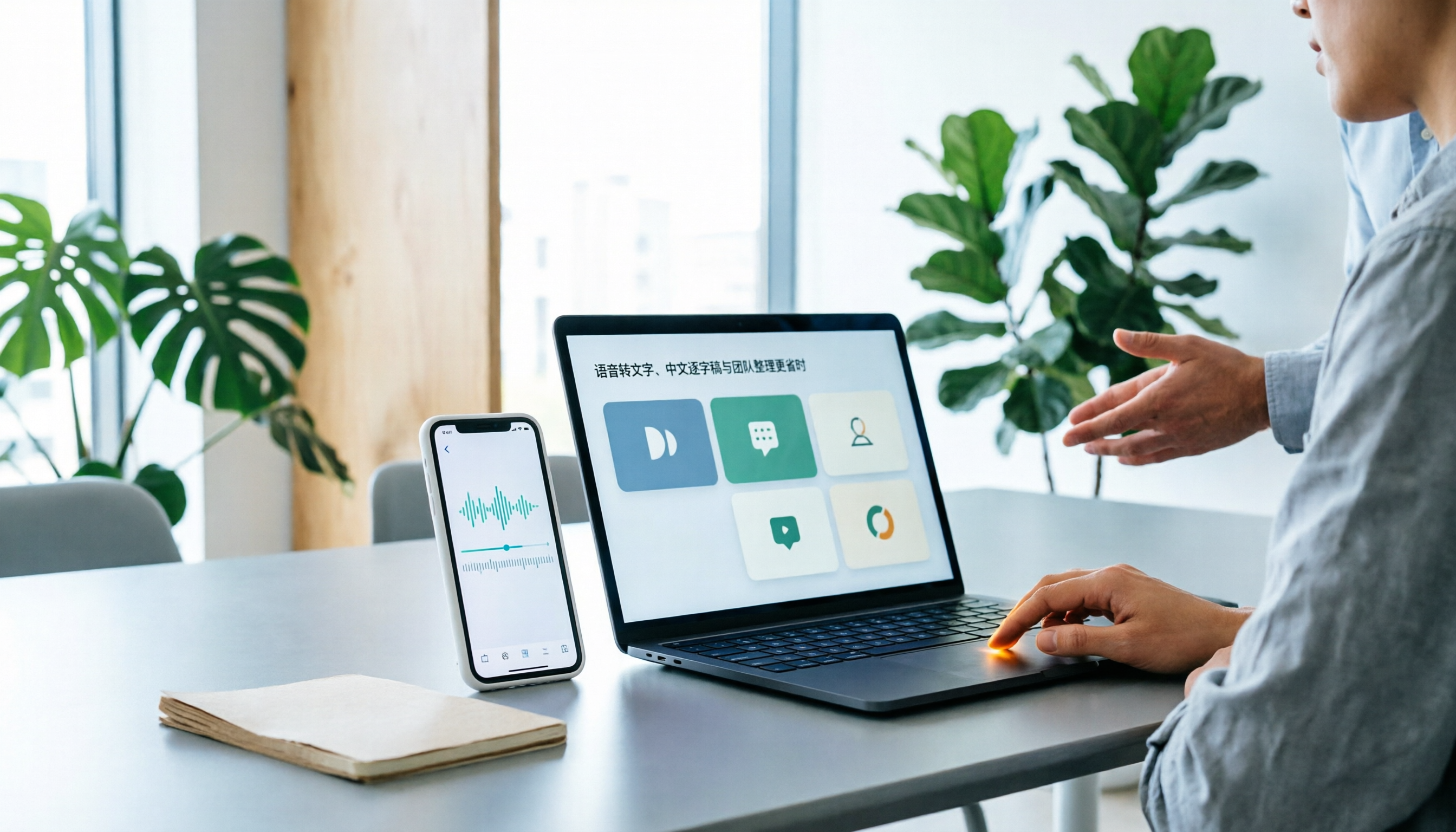
Best Speech-to-Text Apps in 2026: 6 Tested Picks for Chinese Transcripts & Team Workflows
Recorded a meeting or interview but dreading typing up the transcript? We tested 6 practical speech-to-text apps—from the free built-in iPhone feature and Taiwan-accent recognition tools to AI meeting assistants that turn conversations into team knowledge. Each app's positioning, highlights, pricing, and ideal users are covered, plus scenario-based recommendations and 4 must-know tips before you start.