

Turn recordings into transcripts and summaries in minutes
Upload audio or video for multilingual transcription, AI notes, and action items
After a two-hour Cantonese meeting, do you still need another hour to organize notes? If your job often involves processing Cantonese meeting recordings, you know this pain well. There are many speech-to-text tools on the market, but how many truly support Cantonese? We tested 3 popular tools to help you find the best meeting recording solution for Hong Kong workplaces.
What Can AI Meeting Recording Tools Do for You?

In the past, after a meeting, you might have to listen to the recording, type out a transcript, and manually organize key points and action items. Now, AI meeting recording tools can directly convert recordings into text and help you analyze the content. Take Tinrec as an example, it can handle the following scenarios:
- Instant meeting notes after the meeting: By the time the meeting ends, AI has already generated summaries, conclusions, and action items, showing who is responsible for what and deadlines at a glance.
- Understands mixed languages: Hong Kong workplaces often mix Cantonese, Mandarin, and English. Tinrec's language recognition can handle such mixed content without interruption when switching languages.
- Reuse old recordings: Upload past meeting recordings or interview recordings to Tinrec, and they are instantly converted to text. You can even search keywords without having to listen again.
- Handles remote meetings: During Zoom or Google Meet sessions, Tinrec can record computer audio and automatically organize it after the meeting, so colleagues who didn't attend can still review the notes.
Core Capabilities of AI Meeting Recording Tools
The capabilities of different tools vary greatly. Pay attention to the following core features when choosing. We use Tinrec as an example to explain each:
- Real-time transcription: Generates text as it records, not after the fact. Tinrec's real-time transcription has extremely low latency, so you can watch the text synchronously during the meeting to ensure no key points are missed.
- AI semantic summary: Not simply a condensation of the transcript, but a structured organization—meeting topics, discussion conclusions, action items, responsible persons, all listed separately.
- AI conversation query: After transcription, you can directly ask Tinrec questions like "Who mentioned the budget in the meeting?" or "What was the client's feedback?" It answers based on semantics, saving a lot of search time.
- Automatic action item extraction: The system automatically identifies action items mentioned in the meeting and generates a to-do list, so you don't have to search manually.
- Cross-platform sync: Whether you use iPhone, Android, or the web version, all recordings and notes are synced and accessible anytime, anywhere.
Stop organizing recordings by hand
Upload audio or video and automatically get a transcript, summary, and action items
Practical Application Scenarios: How to Use Cantonese Meeting Recording?
Scenario 1: Internal Weekly Team Meetings
Weekly team meetings often cover many topics with new tasks assigned. Use Tinrec to record the entire process, and it will automatically generate meeting notes and a to-do list that can be shared with the whole team, so you don't have to write minutes manually.
Scenario 2: Client Meetings
During client meetings, you often need to focus entirely on the conversation and cannot take notes. After recording with Tinrec, you can ask AI: "What are the client's main requirements?" or "Which feature are they most concerned about?" You get answers in seconds, speeding up project follow-up.
Scenario 3: Online Cross-Department Meetings
For Zoom or Teams meetings, use Tinrec to record computer audio without additional hardware. After the meeting, the AI summary splits the content by topic, allowing colleagues who joined late to quickly catch up.
Scenario 4: Lecture Recording for Study
Students can record lectures and import them into Tinrec to convert into text notes. They can also search for keywords or ask AI "What important theories were covered in this class?" to study more efficiently.
4 Points to Consider When Choosing a Cantonese Meeting Recording Tool

1. Cantonese Recognition Accuracy
Don't just trust official claims; test with your own recordings. Some tools have weaker support for Cantonese colloquialisms and slang. Tinrec excels in Chinese recognition with clear recordings; in our test with mixed Cantonese and English, key terms were mostly captured.
2. AI Organization Capability
Transcription is just the first step. How the tool helps you organize after transcription is key. Some tools only output transcripts, leaving you to read thousands of words. Tinrec's AI conversation query gives you direct answers and can generate to-do lists, truly saving time.
3. Cross-Platform and Sharing Features
Ensure the tool supports your usual devices. Tinrec has iOS, Android, and web versions, so you can use it on company computers or phones. Meeting notes can be exported to Notion, Google Docs, etc., for team collaboration.
4. Pricing Plan Fits Your Usage
If you only have occasional meetings, the free tier's allowance may be enough. But if you have many meetings and recordings each week, a Pro monthly or annual plan may be more cost-effective. Tinrec's free version offers basic transcription minutes per month, so you can try it before upgrading.
Frequently Asked Questions
Q: Does Tinrec support Cantonese transcription? A: Tinrec supports multiple languages, including Chinese, and can provide transcription services for Cantonese meeting scenarios. Although colloquial speech and background noise affect accuracy, overall usability is high, especially for more formal Cantonese meetings.
Q: Is the free version enough? A: The free version offers a basic number of transcription minutes per month, suitable for light users. If you only have two or three meetings a month, it's generally sufficient. For heavy usage, consider a weekly card or Pro monthly plan.
Q: Can I import old recordings? A: Yes, Tinrec supports uploading audio and video files such as mp3, wav, mp4, etc. Old meeting recordings or interview recordings can be imported and transcribed.
Q: How accurate is it? A: Accuracy is affected by recording quality, background noise, accents, and overlapping speech. We recommend trying the free version with your own recordings to see the actual performance.
Conclusion
If you need a tool that truly understands Cantonese and helps organize meeting content, Tinrec is a worthwhile choice. It not only provides transcripts but also uses AI to summarize, generate to-do lists, and answer questions, turning recordings into immediately usable material. Whether you are a manager, project lead, or student, it can save you a lot of organization time. We recommend downloading the free version of Tinrec and testing it with your own meeting recordings to experience the efficiency of AI meeting notes.
Turn every recording into actionable outcomes
Get 60 free transcription minutes when you sign in. No credit card required.
Related Reading
You might also like

2025 Speech-to-Text Tools Compared: Free Tiers and Chinese Accuracy — Which One Is Enough?
A hands-on comparison of four speech-to-text tools in 2025, focusing on free usage limits, Chinese recognition, and post-meeting organization. Real-world insights from class recordings, group discussions, and interview transcripts, plus four key factors and three common mistakes to avoid when choosing a tool.

2026 Journalist Interview Transcription Apps: 2 Free Options Compared
The most time-consuming part of an interview isn't recording—it's transcribing afterward. This article compares Tinrec and Yating Transcription across five dimensions for interview scenarios: recording and import methods, accents and languages, post-interview organization, team collaboration, and free quotas and paid plans, helping you decide which one deserves a spot in your reporting toolkit.

4 AI Speech-to-Text Tools Tested: Which One Can Actually Tell Who Said What?
A mid-level manager who runs over a dozen meetings a week tests four AI speech-to-text approaches, comparing speaker identification, Chinese recognition, post-meeting organization, and team governance. The article explains how Tinrec's desktop version records without a bot, uses AI Q&A for retrospective queries, and turns transcripts into usable data within team spaces.

2026 Comparison of 4 Real-Time Audio Transcription & Translation Tools: Whose Chinese Meeting Transcripts Are Ready to Use?
Listening and taking notes during cross-language meetings is exhausting. This article compares four audio transcription and real-time translation tools—Tinrec, Otter.ai, Notta, and TurboScribe—based on real-world usage scenarios, highlighting key purchasing factors, strengths, and limitations to help you choose the one that truly delivers usable results right after your meeting.
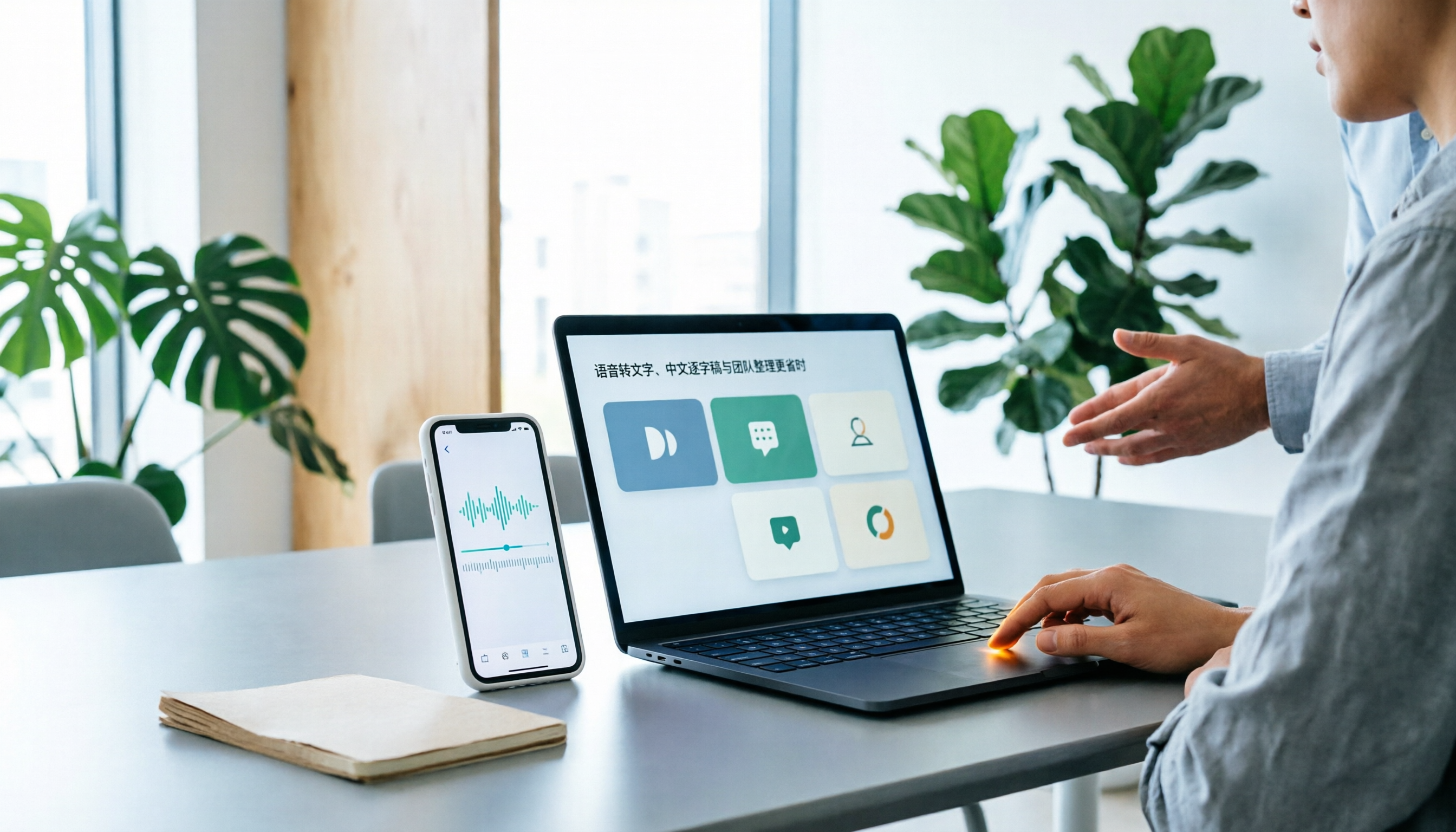
Best Speech-to-Text Apps in 2026: 6 Tested Picks for Chinese Transcripts & Team Workflows
Recorded a meeting or interview but dreading typing up the transcript? We tested 6 practical speech-to-text apps—from the free built-in iPhone feature and Taiwan-accent recognition tools to AI meeting assistants that turn conversations into team knowledge. Each app's positioning, highlights, pricing, and ideal users are covered, plus scenario-based recommendations and 4 must-know tips before you start.

2026 Speech-to-Text Tools Compared: Which One Handles Chinese Best According to Dcard 2024 Discussions?
Starting from Dcard discussions about speech-to-text, this article focuses on Tinrec and Notta, the two most frequently compared tools. It compares them on online meeting recording methods, Chinese and mixed Chinese-English recognition, post-meeting organization, team collaboration, free quotas, and pricing to help you decide which one to choose.

Tinrec vs Notta 2026: 5-Factor Comparison for Medical Consultation Recording Apps
Back-to-back clinic visits make it hard to remember what was said and even harder to look up later. This article compares Tinrec and Notta across five practical dimensions—Chinese consultation transcription, post-visit organization, and team sharing—and includes four common pitfalls of clinic recording plus selection advice.

5 AI Speech-to-Text Tools Tested for 2026: Which PTT-Favorite Actually Works for Meeting Minutes?
There's a lot of discussion on PTT about AI speech-to-text, but most reviews only cover transcription accuracy and skip how to use the output. This article starts from real meeting scenarios, outlines 4 key buying factors, and hands-on compares 5 popular tools including Tinrec, Otter.ai, Notta, and Granola. It also honestly lists free quotas and paid pricing to help you decide which one truly saves time on meeting notes.

2026 iPhone Meeting Transcription Showdown: Free Built-in vs. AI Tools—Which Saves More Time?
We tested four iPhone meeting transcription solutions in 2026, from the free built-in Voice Memos to Tinrec, Otter.ai, and Notta. Here's how to decide which one best fits your meeting needs for transcripts, AI summaries, action items, and team collaboration.