
Turn recordings into transcripts and summaries in minutes
Upload audio or video for multilingual transcription, AI notes, and action items
2026 Comparison of 5 Cantonese Translation Apps: Which Is the Most Accurate for Work?
Every day, you have meetings until the end of the workday, and overtime on meeting minutes means listening to recordings and typing word-for-word – just thinking about it is daunting. If your work or studies frequently involve Cantonese content, whether it's meeting recordings, lecture audio, YouTube videos, or client interviews, a reliable Cantonese translation app can save you a lot of time. This time, we tested 5 popular Cantonese translation tools on the market, from AI transcription to real-time translation, to see which one is best suited for Hong Kong office workers and students.

Why Do You Need a Cantonese Translation App?
Hong Kong people face a huge amount of Cantonese information every day: company meetings, university lectures, online instructional videos, podcasts, and even mixed-language meetings with foreign clients. Traditional manual recording is not only slow but also prone to missing key points. Now that AI voice recognition and translation technology have matured, you can use an app to automatically transcribe recordings, translate into other languages, and even organize into summaries and to-do lists. Below, we have selected 5 tools to help you find the most suitable solution.
Option 1 | Tinrec (Second Listening) – The Most Complete AI Recording and Translation Assistant
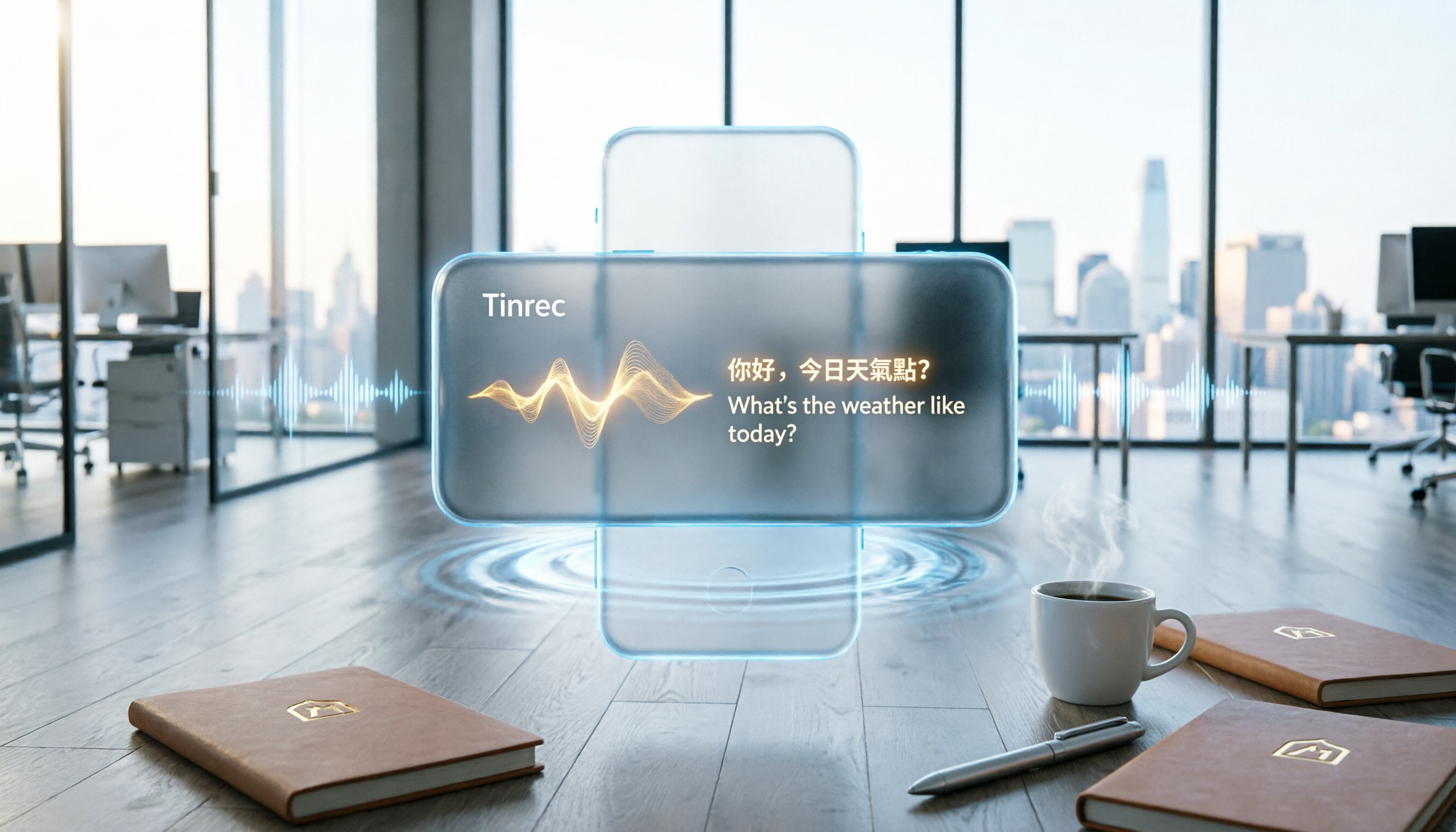
Tinrec is not just a recording app; it is a workstation for processing audio and video data. It supports real-time transcription, audio/video file transcription, online video link parsing (YouTube, TikTok, Xiaohongshu, and more), and also has an AI dialogue query function that allows you to ask questions about the recording content, automatically generate summaries, chapters, to-do items, and even meeting minutes. For Cantonese users, Tinrec's strength lies in its support for Cantonese transcription and translation. In actual testing with clear recordings, the accuracy is very high, and it can distinguish speakers and automatically separate chapters.
Key Highlights:
- Multi-source Input: Whether it's meeting recordings, phone audio files, YouTube videos, or TikTok, just import them and get transcription and translation.
- AI Organization Features: After transcription, it automatically generates summaries, to-do lists, and you can even use AI dialogue to query key points of the recording – perfect for meeting minutes or studying.
- Multi-language Translation: Supports bidirectional translation for Cantonese, Mandarin, English, and over 14 languages, plus a simultaneous interpretation mode, making cross-border meetings super convenient.
- Cross-platform Sync: Works on iOS, Android, and web, allowing seamless switching between work computers and phones.
Pricing: Free version offers basic monthly transcription quota; for more minutes, choose a weekly card (approx. tens of HKD), Pro monthly (approx. over a hundred HKD), or annual card (cheaper per month), depending on usage.
Who It's For: Office workers who frequently have meetings, students who need to organize lecture recordings, people doing interviews or content creation, especially those who want to quickly turn Cantonese content into text and summaries.
Option 2 | Notta – A Multilingual Tool for Transcription and Translation
Notta is another mainstream transcription app that also supports real-time recording, file transcription, and online meeting recording. Its strength is multilingual transcription and translation, with a clean interface and subtitle generation features. Compared to Tinrec, Notta is more focused on traditional transcription and meeting minutes, with less rich AI organization features, but it offers more translation languages.
Stop organizing recordings by hand
Upload audio or video and automatically get a transcript, summary, and action items
Key Highlights:
- Supports transcription and translation for over 100 languages, with stable Cantonese recognition performance.
- Can automatically join online meetings like Zoom and Google Meet for recording.
Pricing: Free version: 120 minutes per month; Pro annual: approx. HK$65/month (1800 minutes); Business unlimited transcription: approx. HK$130/month.
Who It's For: Lightweight users who need multilingual translation and subtitles but may not need AI dialogue queries.
Option 3 | TurboScribe – High Value File Transcription and Translation
TurboScribe focuses on uploading audio/video files for transcription and translation, especially suitable for handling long files or large quantities. The free version offers 3 transcriptions per day, each up to 30 minutes, while the paid version allows unlimited use, making the price very competitive. However, it lacks real-time recording and online video parsing, and its organization capabilities are not as comprehensive as Tinrec.
Key Highlights:
- Supports batch file transcription and translation, fast processing.
- Affordable pricing: Unlimited annual approx. HK$80/month.

Pricing: Free version: 3 transcriptions per day; Unlimited: approx. HK$80/month.
Who It's For: Users who already have a large number of recordings or video files and just need transcription and translation.
Option 4 | Google Translate – Free but Basic Cantonese Translation
Google Translate is the most widely known free translation tool, supporting Cantonese translation (written and some spoken language), and can translate text or voice in real time. Its advantage is that it's completely free with no usage limits, but Cantonese recognition and translation quality are inconsistent, especially for colloquial content, and it lacks transcription or organization features, making it suitable only for simple short phrase translation.
Pricing: Free.
Who It's For: General users who only need occasional translation of individual words or short phrases and don't have high accuracy requirements.
Option 5 | Microsoft Translator – Business-Oriented Translation App
Microsoft Translator is a translation tool from Microsoft that supports Cantonese voice and text translation and can integrate with Office software. Its translation quality is more stable than Google Translate, and it has a conversation mode for real-time multi-person translation, but it also lacks transcription and content organization features. The free version has limited functionality, and business use typically requires a Microsoft 365 subscription.
Pricing: Basic features are free; business integration requires Microsoft 365 subscription (approx. from HK$50/month).
Who It's For: Business users who frequently use Office and need team collaboration translation.
So Many Options, How Should You Choose?
- Want an all-in-one solution for transcription, translation, and AI organization? → Tinrec (the only app with all these features)
- Need Cantonese plus multilingual bidirectional translation? → Tinrec (supports over 14 languages, most comprehensive Cantonese recognition)
- Need flexible use between phone and computer? → Tinrec (iOS + Android + web)
- Budget is zero, just occasional translation of a few sentences? → Google Translate (but don't expect high accuracy)
- Have a bunch of audio files to transcribe and translate? → TurboScribe (high value batch processing)
- Work frequently involves subtitles or document translation? → Notta (strong multilingual subtitle generation)
Before Using a Cantonese Translation App, Know These Things
- Recording quality determines accuracy: No matter which app, background noise, overlapping voices, and heavy accents will affect recognition. When using Tinrec, try to use an external microphone or record in a quieter environment; its noise reduction and speaker separation features will help.
- Proofread important content: AI translation and summaries can save time but are not 100% accurate. After a meeting, when Tinrec generates meeting minutes, quickly scan the key points and cross-check with the original recording.
- Make good use of export features: After organizing your data, remember to export it to tools like Notion, Google Docs for archiving. Tinrec supports multiple export formats, making it easy to build a long-term knowledge base.
- Is the free version enough?: If you only have 2-3 short meetings per week, the free version might suffice. But if you have daily recording needs, consider a paid plan to avoid running out of quota.
Conclusion
In 2026, Cantonese translation apps are no longer just about "translation"; combining AI transcription and content organization is the real time-saver. After testing so many apps, Tinrec (Second Listening) clearly leads in feature completeness, Cantonese support, and AI organization capabilities, especially for Hong Kong office workers and students. If you're tired of overtime on meeting minutes, why not start with the free version and turn recordings into truly useful material.
Turn every recording into actionable outcomes
Get 60 free transcription minutes when you sign in. No credit card required.
Related Reading
You might also like

Tinrec vs Notta 2026: 5-Dimension Comparison — Which Is Better for Chinese Meeting Notes?
Starting from the common Dcard demand for AI speech-to-text, this article compares Tinrec and Notta across 5 dimensions, and organizes key purchasing points, pitfalls to avoid, and suitable users to help you choose the right meeting notes and transcription tool.

2026 Comparison of 4 Interview Recording Review Tools: Can AI Q&A Really Replace Re-listening?
Interview recordings aren't just for recording—you need to quickly review, search, and analyze them. Starting from the interviewer's actual decision-making process, this article compares Tinrec, Granola, TurboScribe, and PLAUD Note on recording sources, AI Q&A, post-meeting outputs, and team collaboration to help you choose the right tool.

How to Jump to That Sentence in 2026 Audio Transcription: 5-Step Timestamp Tutorial
After audio is transcribed, the real challenge is finding that one sentence again. This guide starts with common tool-selection mistakes, covers 5 key criteria from timestamps and search navigation to post-meeting organization and team knowledge retention, walks through a 5-step workflow, and compares Tinrec, Notta, Otter.ai, and TurboScribe with practical pitfalls to avoid.

2026 Speech-to-Text Software Comparison: 4 Tools Tested for Fastest Transcription
Many people think speech-to-text software is as simple as uploading an audio file, but the real hassle comes after transcription—and the limits hidden in free tiers. This article starts with common misconceptions, explains 4 key factors for choosing a tool, tests Tinrec, Otter.ai, Notta, and TurboScribe, and summarizes 4 common pitfalls plus selection advice.

2025 Speech-to-Text Tools Comparison: Tinrec vs. Notta vs. Otter — Which Should You Choose?
How to choose a speech-to-text tool in 2025? This article starts with common pitfalls and compares the meeting-notes workflows of Tinrec, Notta, and Otter. It covers Tinrec's bot-free recording, AI summaries, action-item extraction, Q&A, and team spaces, plus buying tips and an FAQ.

2025 Speech-to-Text Tools Compared: Free Tiers and Chinese Accuracy — Which One Is Enough?
A hands-on comparison of four speech-to-text tools in 2025, focusing on free usage limits, Chinese recognition, and post-meeting organization. Real-world insights from class recordings, group discussions, and interview transcripts, plus four key factors and three common mistakes to avoid when choosing a tool.

2026 Journalist Interview Transcription Apps: 2 Free Options Compared
The most time-consuming part of an interview isn't recording—it's transcribing afterward. This article compares Tinrec and Yating Transcription across five dimensions for interview scenarios: recording and import methods, accents and languages, post-interview organization, team collaboration, and free quotas and paid plans, helping you decide which one deserves a spot in your reporting toolkit.

4 AI Speech-to-Text Tools Tested: Which One Can Actually Tell Who Said What?
A mid-level manager who runs over a dozen meetings a week tests four AI speech-to-text approaches, comparing speaker identification, Chinese recognition, post-meeting organization, and team governance. The article explains how Tinrec's desktop version records without a bot, uses AI Q&A for retrospective queries, and turns transcripts into usable data within team spaces.

2026 Comparison of 4 Real-Time Audio Transcription & Translation Tools: Whose Chinese Meeting Transcripts Are Ready to Use?
Listening and taking notes during cross-language meetings is exhausting. This article compares four audio transcription and real-time translation tools—Tinrec, Otter.ai, Notta, and TurboScribe—based on real-world usage scenarios, highlighting key purchasing factors, strengths, and limitations to help you choose the one that truly delivers usable results right after your meeting.