
Turn recordings into transcripts and summaries in minutes
Upload audio or video for multilingual transcription, AI notes, and action items
Facing a one-hour interview recording or meeting video, are you still repeatedly hitting the pause button and painfully typing out transcripts by hand? This is a common nightmare for administrative staff, content creators, and students. Traditional manual transcription is not only time-consuming (1 hour of audio typically takes 4 hours to process) but also prone to missing key information.
This article evaluates the mainstream "video-to-transcript AI tools" on the market. We analyze them from four dimensions: language support, transcription accuracy, summary generation, and pricing plans. If you need precise timed captions, specialized tools like Taption are the first choice; but if your goal is to quickly extract "action items" and "meeting conclusions" from recordings, or need to paste a YouTube link to generate notes, tools like Tinrec with "AI semantic understanding" will better suit your needs. Below, we dive into the pros and cons and practical usage of each tool.
The Pain Point: Why Simply Recording Audio Is No Longer Enough
In digital office and learning scenarios, simply keeping MP3 or MP4 files usually faces three major problems:
- Extremely low information density: Audio is linear; you can't "scan" it like text. To find a key point, you have to drag the progress bar from the start.
- High cost of relistening: To confirm a sentence, you often need to replay it repeatedly, which is highly inefficient.
- Lack of action connection: If a recording is not converted to text and has action items extracted, the meeting content is easily forgotten, leading to a "meeting with no follow-up" situation.
Therefore, modern AI tools no longer just "transcribe" but emphasize "understanding and summarizing," which is the most important criterion when choosing a tool.
2026 Top 5 Video-to-Transcript Tools Compared
To help you decide quickly, we selected tools with different positioning on the market for a horizontal comparison. These include tools focused on captioning, international meeting tools, and note-taking assistants optimized for Asian languages like Tinrec.
Tool Specs and Features Comparison Table
| Dimension | Tinrec | Taption (Caption-oriented) | Otter.ai (English-oriented) | Good Tape (File-oriented) | Traditional Recorder |
|---|---|---|---|---|---|
| Core Positioning | Meeting minutes & action item management | Video captioning & timeline | English meeting notes | Simple file-to-text | Pure hardware recording |
| Language Support | 10+ languages including Chinese, English, Japanese, Korean, Cantonese | Multilingual (strong in bilingual captions) | English only | Multilingual (based on Whisper) | None (only storage) |
| Real-time Transcription | Supported (text appears during recording) | Not supported (file upload needed) | Supported | Not supported | Not supported |
| AI Summary/Action Items | Auto-generates conclusions and to-do lists | None (focuses on transcript editing) | Yes (auto summary) | None | None |
| Video Link Parsing | Supported (YouTube/Podcast URLs) | Supported | Not supported | Not supported | Not supported |
| AI Chat Query | Supported (query recording content) | None | Supported (OtterPilot) | None | None |
| Free Tier | 100 minutes/month | Limited trial minutes | 300 minutes/month (many restrictions) | 3 files/month | None |
Stop organizing recordings by hand
Upload audio or video and automatically get a transcript, summary, and action items
Key Tool Reviews
- Taption: If you're a YouTuber or video editor who needs precise timestamps (timecode) and the ability to export SRT subtitle files, this type of tool is powerful. It focuses on the interface experience of "editing transcripts."
- Otter.ai: Well-known internationally, excellent for full English meetings, but support for Chinese (especially Traditional Chinese and proper nouns) is relatively weak.
- Tinrec: Performs excellently in mixed-language environments like Chinese, Japanese, and others. Its unique feature is not just providing a transcript but also auto-generating "meeting minutes" and "to-do items." For those who don't want to relisten, it offers an "AI chat query" function that lets you ask questions to find key points in the recording, making it ideal for business meetings and class notes.
In-Depth Review of Tinrec: From "Transcription" to "Action"
Among many tools, Tinrec takes a different product philosophy. It doesn't just convert audio to text; it emphasizes a complete workflow of "Recording → Understanding → Action."
1. AI Summaries to Solve "Information Overload"
Most tools generate transcripts that can be tens of thousands of words, which are still difficult to read. After transcription, Tinrec uses AI to automatically analyze the content and generate structured meeting minutes, key summaries, and most importantly, to-do lists. For project managers or assistants, this significantly reduces post-meeting organization time.
2. Treating Recordings as a Searchable Database
This is a highly differentiating feature. Through the "AI chat query," users don't need to manually search through transcripts. For example, you can directly ask in the chat box: "What was the conclusion about the marketing budget in this meeting?" or "Who did the manager assign to lead next week's report?" The system will provide precise answers based on the recording content, turning the audio file into a searchable knowledge base.
3. Support for Online Video Link (URL) Parsing
Besides local recordings, Tinrec also supports directly pasting links from YouTube, podcasts, or Instagram. For users who need to organize competitor analysis, study online courses, or process interview videos, this eliminates the tedious steps of "download video → convert → upload." Simply paste the URL to get a transcript and summary.
Hands-On Tutorial: How to Quickly Convert Video/Audio to Transcript
Below, we demonstrate how to establish an efficient transcription workflow using AI tools, using Tinrec's interface logic as an example. It covers two scenarios: "real-time recording" and "file/link processing."
Scenario 1: Real-Time Transcription During a Meeting/Class
- Open the tool: Log in to Tinrec's web or app version.
- Start recording: Click the "Real-time audio transcription" button on the homepage. It's recommended to place your phone or computer close to the speaker for better audio quality.
- Monitor in real time: During recording, the screen will display the transcribed text in real time. You can mark key points or pause anytime.
- Generate summary: After recording ends, the system will automatically process and generate a transcript and AI summary. You can directly export it as Word or PDF to share with your team.

Scenario 2: Processing Existing Video Files or YouTube Videos
- Choose the function entry:
- For files on your computer (MP3/MP4), select "Audio file to text."
- For online resources, select "Podcast/online video to text."
- Upload or paste link:
- Drag and drop files or paste a YouTube/podcast URL.
- Wait for processing: The AI quickly reads the audio content (usually much faster than the video length) and distinguishes between different speakers.
- Interact with AI: In the AI chat box on the right, enter keywords you want to query, e.g., "List the three key points mentioned in this video," to quickly get core information.
FAQ
Q1: Do these AI transcription tools support iPhone or Android? Most modern cloud tools support multi-device sync. For example, Tinrec supports iOS, Android, and web. You can record a meeting on your phone and log in on your computer to see the transcribed text and summaries for further editing.
Q2: Can AI recognize mixed Chinese and English in a meeting? This depends on the tool's language model. Traditional tools often require manual language switching, but newer AI tools (like Tinrec) have multi-language auto-detection capabilities to handle meetings with Chinese, English, Japanese, Korean, and other languages.
Q3: What are the typical limits of free versions? Most tools use a "freemium" model. Common limitations include "monthly recording minutes" or "single file duration." For example, Tinrec's free version offers 100 minutes per month, which is usually sufficient for occasional personal use. For heavy meeting needs, upgrading to Basic or Pro may be necessary.
Q4: Can the exported transcript be directly used for video subtitles? Yes, but the tool needs to support exporting SRT or VTT formats. Tools like Tinrec and Taption usually support exporting subtitle files with timecodes, making them easy to import into Premiere or Final Cut Pro.
Q5: How accurate is transcription with noisy background audio? AI has noise reduction, but extremely noisy environments still affect accuracy. It's best to record close to the sound source or use a directional microphone. If the audio quality is poor, using the "AI summary" function is usually more effective than reading the full transcript, as AI can infer meaning from context.
Q6: Will my meeting data be leaked? When choosing a tool, be sure to check the privacy policy. Reputable paid tools (like Tinrec, Otter) usually have strict data protection measures. Enterprise users should confirm compliance with their company's security policies before use.
Turn every recording into actionable outcomes
Get 60 free transcription minutes when you sign in. No credit card required.
Related Reading
You might also like

2026 Webcam Recording Guide: From Video Capture to AI Meeting Notes
Can a webcam record video? Yes. This guide covers standard webcam recording methods and compares them with Tinrec's AI meeting notes workflow, showing how to turn recordings into searchable, collaborative, and actionable meeting data.

4 AI Transcription Tools Tested in 2026: Which Saves the Most Time for Chinese Meetings?
Still spending two hours after a meeting to clean up transcripts? This article compares Tinrec, Yating Transcription, Google AI Studio, and Notta from four angles: Chinese recognition, post-meeting organization, online meeting recording methods, and team data retention. It also covers free quotas, pricing, and three common pitfalls in choosing a tool, helping you find the one that saves the most time.

4 Audio-to-Text Apps Tested for 2026: Which Saves the Most Time in Cantonese Meetings?
2026 audio-to-text app comparison. We used the same Cantonese meeting recording with mixed English to compare transcription and post-meeting organization across 4 tools, breaking down 4 key buying factors, pitfalls to avoid, and scenario-based recommendations. We also tested Tinrec's desktop bot-free meeting recording, AI Q&A, and team seat management.

4 Best Browser Audio Recorders in 2026: Which One Transcribes While Recording and Keeps the Audio?
We tested and compared 4 tools for recording browser audio, analyzing recording sources, format limits, transcription, and team collaboration. We cover key buying factors and common pitfalls, and explain how Tinrec turns browser recordings into searchable, actionable transcripts and summaries.

4 AI Transcription Tools Tested in 2026: Which Saves the Most Time on Chinese Meeting Transcripts?
AI transcription isn't just pressing record. This article addresses common misconceptions and compares four AI transcription tools—Tinrec, Notta, Otter.ai, and TurboScribe—on recording methods, Chinese language performance, and post-meeting organization. It also outlines selection criteria and pitfalls to avoid.

2026 Comparison of 4 AI Meeting Note-Takers for Chinese: Which Saves the Most Time on Chinese Transcription and Post-Meeting Organization?
How to choose an AI meeting note-taker for Chinese? This article compares Tinrec, Notta, Otter.ai, and Granola on Chinese recognition performance, recording methods, and post-meeting organization capabilities. It covers free tiers, team collaboration, and common pitfalls to help you find the most time-saving Chinese meeting note-taking tool.
2026 Comparison of 4 Web Recording Tools: Which One Can Record Both Microphone and System Audio?
The most common reason web recording fails isn't the tool—it's setting the wrong audio source and not organizing the recording afterward. This article first highlights three common pitfalls, then uses Tinrec as an example to explain the core capabilities of web recording, practical use cases, 5 key factors to consider when choosing a tool, and the differences and costs between personal and team plans, ending with an FAQ.
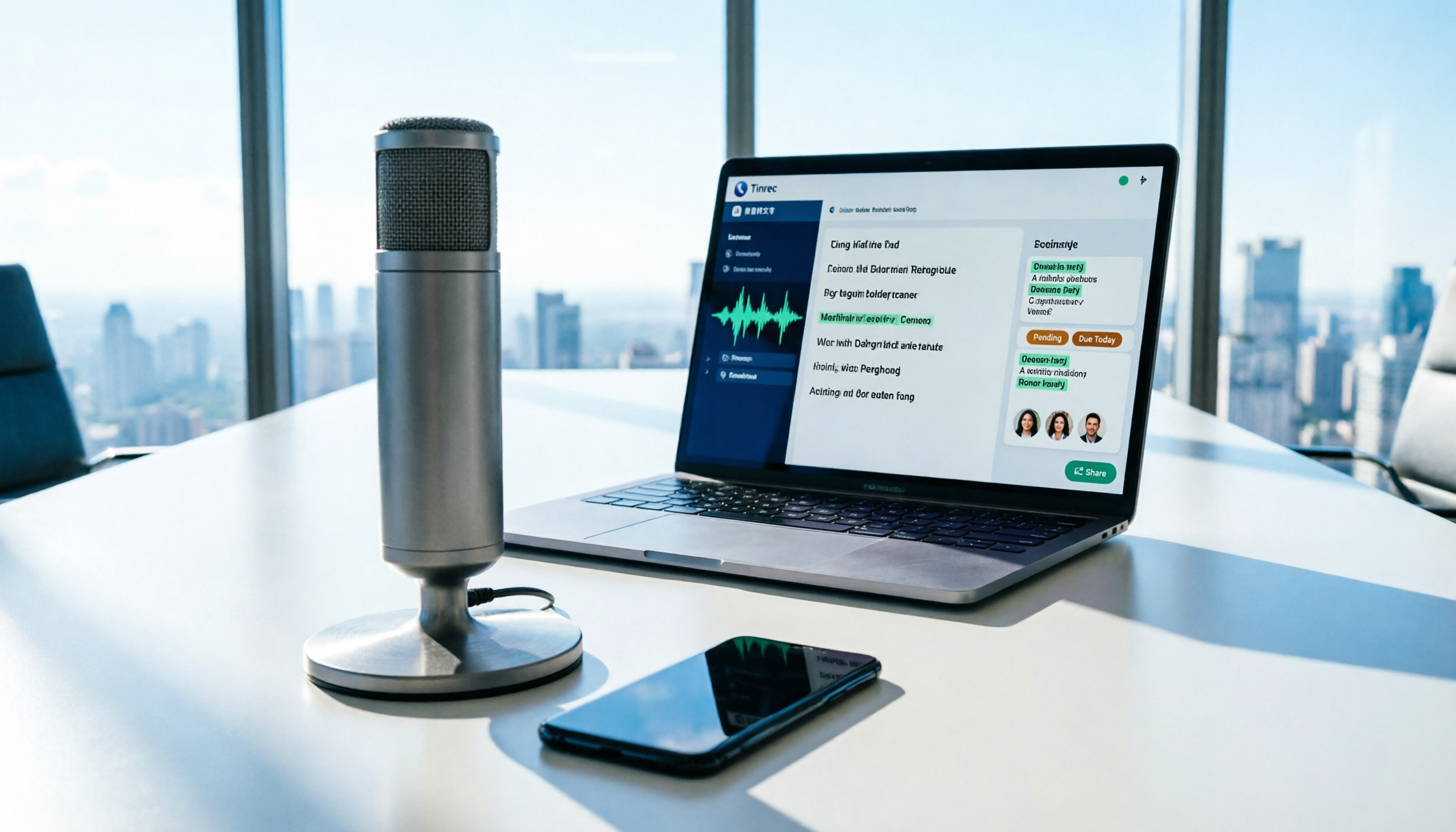
How to Use AI for Meeting Recordings in 2026: A Complete 5-Step Tutorial
Struggling to organize long meeting recordings? This tutorial uses Tinrec as an example to guide you through 5 steps: recording, transcription, proofreading, generating meeting minutes, and exporting/sharing. It also includes troubleshooting FAQs and 3 efficiency-boosting tips to turn your meeting recordings into searchable, collaborative team resources with AI.

2026 AI Meeting Notes Tools Comparison: Tinrec vs Notta — Which Is Better for Chinese-Speaking Teams Across 5 Key Areas?
Starting from common misconceptions, this hands-on comparison of Tinrec and Notta examines 5 key areas: Chinese meeting recording, post-meeting organization, team governance, pricing and quotas, and export workflows. It also answers 6 common questions to help you decide which AI meeting notes workflow best fits your work style.