
Turn recordings into transcripts and summaries in minutes
Upload audio or video for multilingual transcription, AI notes, and action items
What Can Simultaneous Interpretation Software Do for You?
If you've ever felt overwhelmed during a cross-border meeting, foreign language lecture, or language learning session, simultaneous interpretation software is your lifesaver. These tools instantly convert the spoken language you hear into text you can understand, or even directly translate it into your native language, saving you from frantic note-taking or worrying about missing key information.

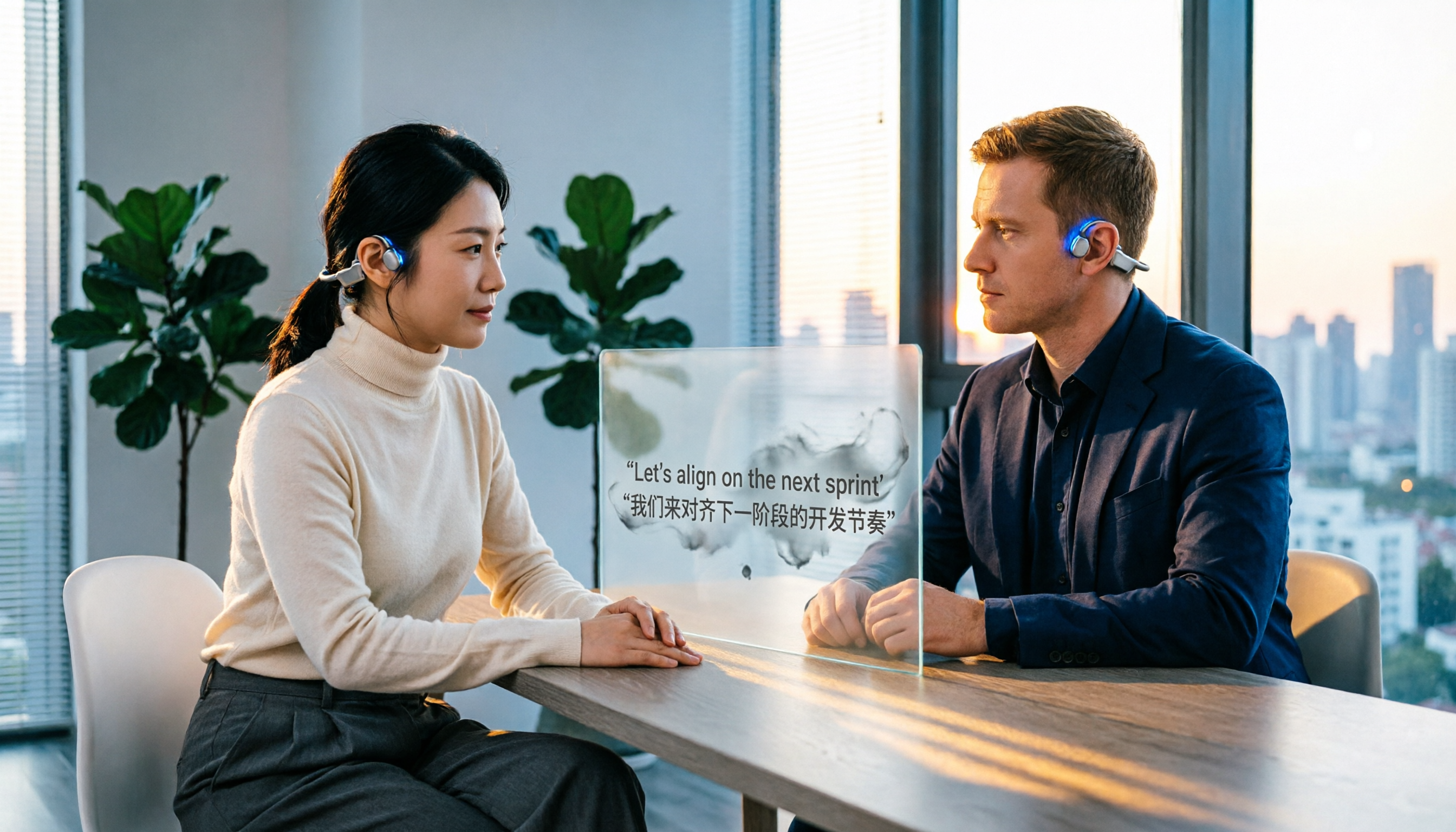
Take Tinrec for example. Its simultaneous interpretation function is more than just "transcription"—it combines real-time voice recognition with a translation engine. While you listen to an English speech, the Chinese transcript appears on your phone screen simultaneously; when a German client speaks in a meeting, you can immediately see the translated key points, and meeting minutes can even be automatically generated.
Scenario 1: No more feeling left in the dark during international online meetings. In the past, you might have had to record an English meeting and listen again later. Now, Tinrec provides real-time Chinese subtitles as the meeting progresses and automatically summarizes conclusions and action items afterward.
Scenario 2: Listening to foreign online courses or podcasts. Open Tinrec for real-time transcription, read along with the text, mark key points, and later search or ask the AI, "What were the three main points covered in this lesson?"
Scenario 3: Traveling abroad or business communication. When the other person only speaks a foreign language, use your phone with Tinrec to capture the audio, and the screen will display the translation in real time, allowing smooth communication without gestures.
What Are the Core Capabilities of Simultaneous Interpretation Software?
When choosing a simultaneous interpretation tool, don't just look at whether it "can translate"—also consider how it helps you organize the content after transcription. Below are five core abilities you must pay attention to, and we use Tinrec to explain how it achieves them.
Real-time voice recognition and translation: This is the basic function of simultaneous interpretation. Tinrec has a latency of less than 1 second, so text appears the moment you speak, and it supports translation between 14 languages including Chinese, English, Japanese, and Korean. In actual tests, as long as the environment is not too noisy, both recognition and translation accuracy are satisfactory.
Automatic summary and key points generation: It doesn't just give you text. Tinrec automatically organizes what the recording was about. When a meeting ends, the summary, conclusions, and action items are already listed, with who is responsible for what and deadlines clearly shown.
AI query for conversation: When reviewing later, you can directly ask Tinrec, "What was the client's quotation?" or "What book did the lecturer mention?" It will answer based on context, saving you from listening to the entire recording.
Multi-source input: Tinrec can not only record in real time but also supports uploading audio and video files, or even pasting links from YouTube or Bilibili for transcription and translation. This means whether you're listening to a live lecture or reviewing an online course, you can use the same tool.
Stop organizing recordings by hand
Upload audio or video and automatically get a transcript, summary, and action items
Export and post-processing: The translated text can be exported to Word, PDF, TXT, or synced to Notion and Google Docs for further editing or sharing with the team.
Practical Application Scenarios
Meetings and business communication: Office workers with weekly international meetings can place their phone near the meeting table or computer. Tinrec transcribes and translates in real time. After the meeting, besides a bilingual transcript, AI-organized action items are sent directly to participants.
Language learning and lectures: Students or self-learners watching foreign MOOC courses can use Tinrec to generate Chinese subtitles simultaneously. When they don't understand something, they can immediately read the text and later use AI Q&A to review key points.

Interviews and research: Journalists or researchers conducting interviews in a foreign language can use Tinrec to record and see the transcript in real time. After the interview, they have a preliminary summary ready, saving hours of re-listening.
Content creation: Podcasters or YouTubers who want to repurpose foreign video content can simply paste a link into Tinrec for transcription and translation, quickly extracting quotable passages.
4 Key Points to Consider When Choosing a Simultaneous Interpretation Tool
Check accuracy in real-world scenarios: Don't just rely on official figures. Test in environments you commonly face (e.g., meeting room, coffee shop). For Tinrec, in a quiet meeting room, the accuracy of Chinese-English translation is quite high; if background noise is an issue, use an external microphone for improvement.
Post-translation organization capability: Getting a transcript is just the beginning. Tinrec's AI summary, action item extraction, and conversation query turn the translated content into something truly useful, rather than another file gathering dust.
Check language support: Ensure the tool supports the language pairs you need. Tinrec currently supports 14 languages including Chinese, English, Japanese, Korean, and Cantonese, making it especially suitable for Asian language users.
Free plan limitations: Most simultaneous interpretation software offers free trial quotas. Tinrec's free version provides 100 minutes of transcription per month, enough to experience real-time translation and summary features. For heavy users, the Pro monthly or yearly plan unlocks more minutes and advanced features.
Frequently Asked Questions
Q: How is simultaneous interpretation software different from ordinary speech-to-text? A: Speech-to-text only converts sound into text, while simultaneous interpretation adds real-time translation, converting foreign language into your native tongue. With Tinrec, for example, it not only recognizes English speech but also outputs Chinese translation simultaneously and organizes the key points.
Q: Is the free version really enough? A: If you only occasionally need to translate an English speech or meeting, Tinrec's free version with 100 minutes per month is sufficient. If you have multiple meetings or long courses every week, consider the paid plan.
Q: Can I use it on my phone? A: Yes. Tinrec has iOS and Android apps as well as a web version, so whether you're on a computer meeting or a mobile lecture, you can use it seamlessly.
Q: Are there privacy concerns with the translated content? A: Tinrec uses industry-standard encryption. Recording and transcription data are saved only under your account, and you can delete them at any time. For highly confidential meetings, we suggest checking your company's security policy first.
Q: Can it handle dialects or strong accents? A: Currently, Tinrec performs best with standard language and clear accents. For heavy accents or dialects, we recommend testing it first, and using it in a quiet environment for optimal results.
Summary
Simultaneous interpretation software is no longer a distant technology but a practical tool that can save you a lot of time right now. Whether you need to attend international meetings, take foreign language classes, or organize foreign video materials, give Tinrec a try. Download the free version and experience the 100-minute monthly quota to see what it feels like to have AI translate, summarize, and organize content in real time—you might find that language barriers are no longer a problem.
Turn every recording into actionable outcomes
Get 60 free transcription minutes when you sign in. No credit card required.
Related Reading
You might also like

cSubtitle vs MyEdit 2026: 4-Dimension Comparison for Chinese Speech-to-Text Transcription
Which AI speech-to-text tool should you use for meeting, interview, or class recordings? This article compares cSubtitle and MyEdit across four dimensions: Chinese recognition, format support, editing and export, and free usage limits. It also covers alternatives like NotebookLM, Yating Transcription, inFin, and Easemate AI Meeting Recorder to help you choose the best fit for your needs.
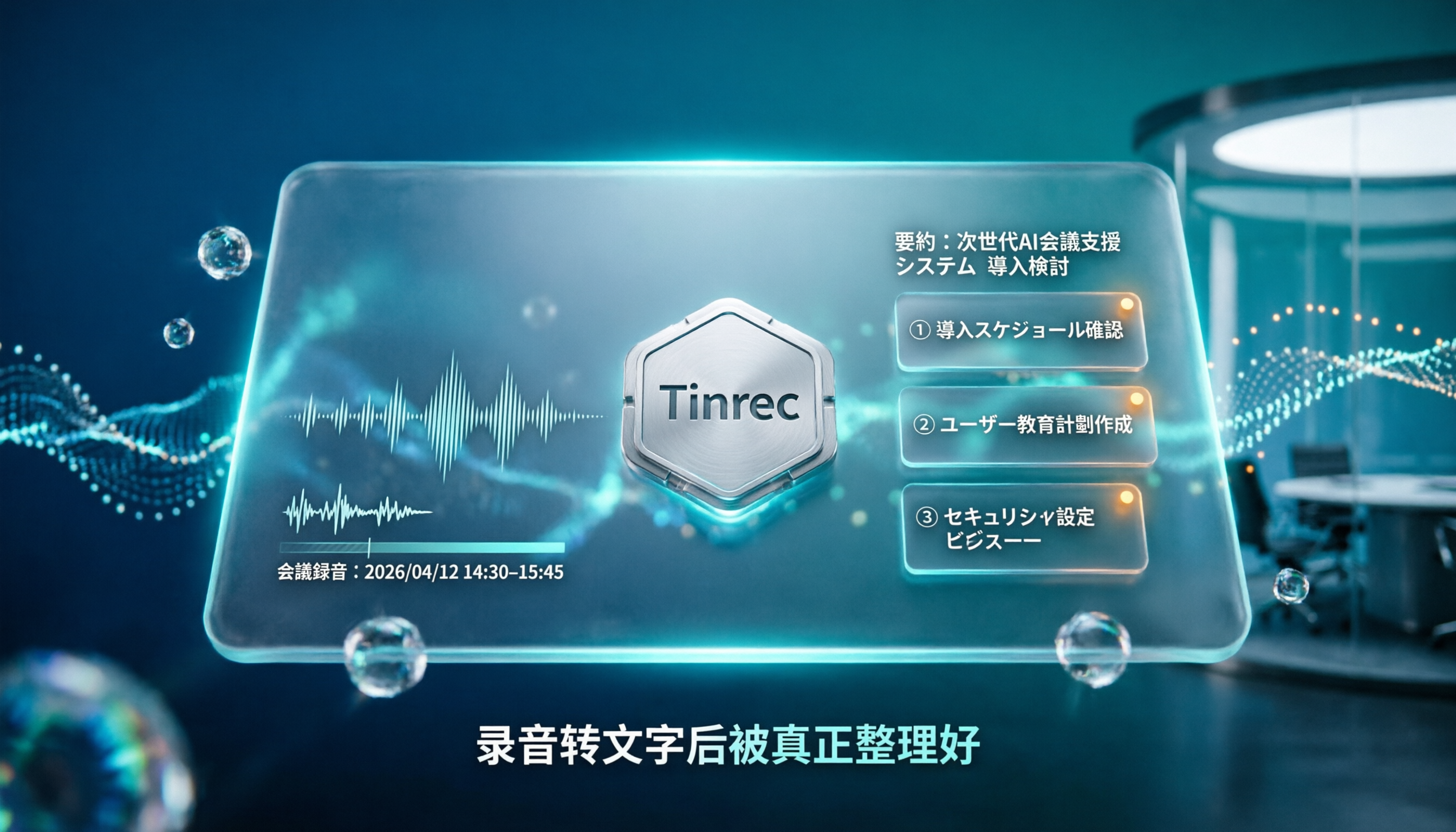
4 Japanese Audio-to-Text AI Tools Tested: Which One Actually Organizes Your Notes?
Transcribing Japanese meeting recordings isn't just about accuracy—it's about what happens after the transcript is generated. This article compares Tinrec, VOMO, MyEdit, and Notta on Japanese transcription and post-meeting organization, and covers 4 key factors and 3 common pitfalls to help you choose a time-saving solution.

2026 iFlytek Voice Alternative: Tinrec Chinese Transcription + Team Meeting Organization
When looking for an iFlytek Voice alternative in Taiwan, the real challenges are Traditional Chinese meeting transcription, recording Zoom/Meet/Teams without bots, and post-meeting summaries, action items, and team knowledge retention. This article starts from use cases, compares iFlytek Voice, Otter.ai, TurboScribe, and Tinrec, and covers selection criteria, pitfalls to avoid, and scenario-based recommendations.

2026 Comparison of 3 Free Plaud Alternatives: Why Tinrec Is Better for Meeting Notes
Plaud's free tier pauses transcription once you run out of minutes, and you need hardware first. This article compares Plaud and Tinrec from a mid-level manager's meeting perspective, covering acquisition cost, online meeting handling, post-meeting outputs, and team collaboration, and explains why Tinrec is a more suitable free alternative for meeting notes.

4 Notta Free Alternatives Tested in 2026: Which Offers Enough Free Minutes and AI Organization?
Notta's free plan limits recordings to 3 minutes per session. We tested Tinrec, Notta, Otter.ai, and Granola, comparing free tiers, AI summaries, meeting recording methods, and team knowledge retention to help you find the best alternative for Chinese-language meetings and post-meeting organization.

2026 Comparison of 5 Multilingual Meeting Transcription Tools: Which Handles Mixed Chinese, English, Japanese, and Korean Best?
In multinational meetings with mixed Chinese, English, Japanese, and Korean, organizing transcripts and action items afterward takes the most time. Using Tinrec as an example, this article walks you through recording, transcription, proofreading, AI meeting summaries, and exporting/sharing to complete multilingual meeting notes step by step, and also covers tool selection criteria and common questions.

4 Best Granola Alternatives for Meeting Notes in 2026: Which One Keeps Recordings and Chinese Transcripts at the Best Value?
Granola excels at making meeting notes smarter, but it doesn't save meeting audio or support uploading pre-recorded files. This article compares Tinrec, Granola, Otter.ai, and Notta on recording retention, Chinese transcription, post-meeting organization, and team management to help you find the alternative that truly handles post-meeting work.
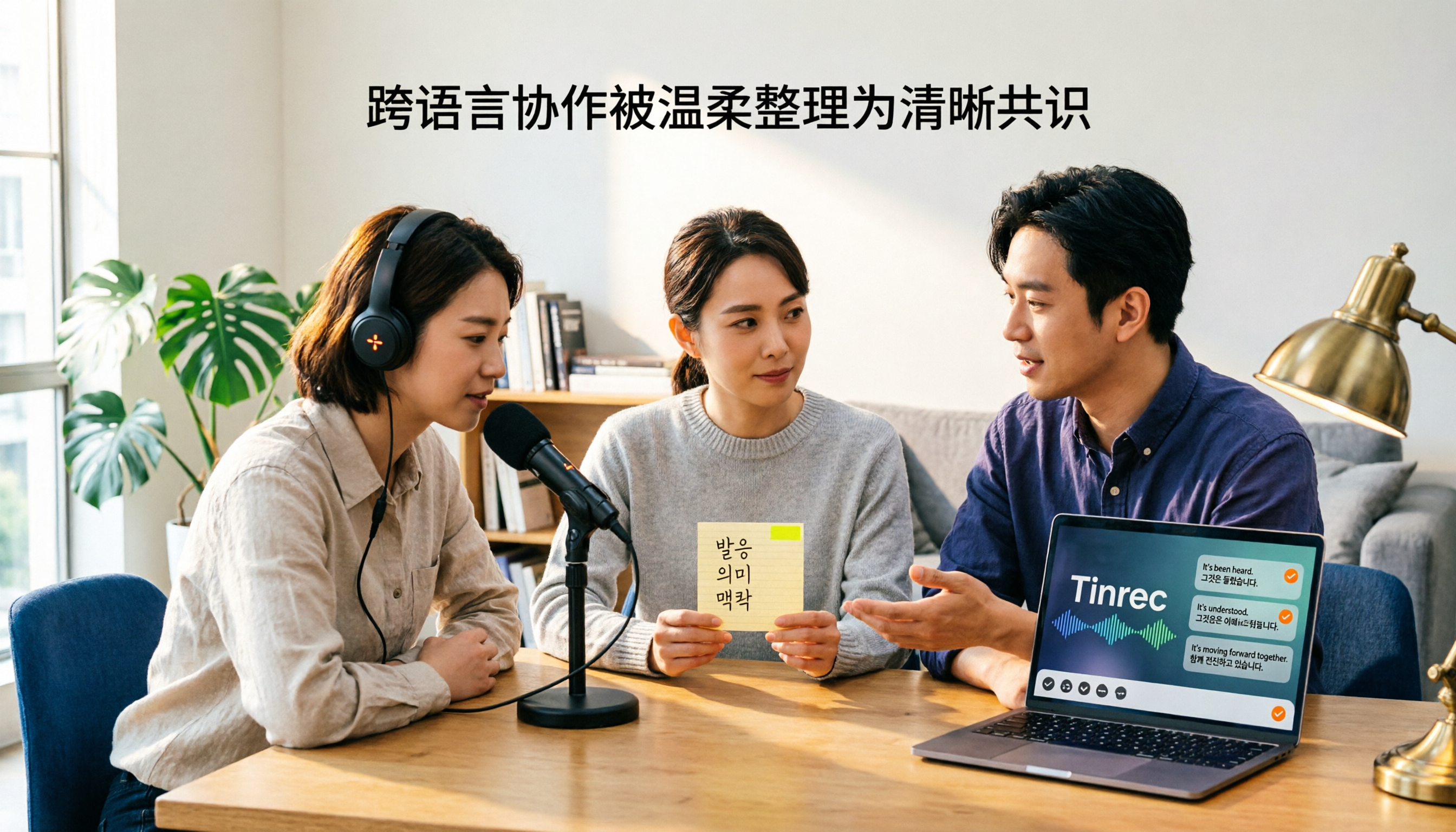
Best Korean Speech-to-Text Translation Tools? 2026 Test of 4 Picks, Tinrec Tops Post-Meeting Organization
From Korean interviews and classes to cross-border meetings, speech-to-text is just the first step. What really sets tools apart is translation, summarization, action items, and team sharing. This article tests 4 tools across four buying criteria to help you decide which fits your Korean workflow.

Good Tape Traditional Chinese Alternative 2026: Tinrec + AI Meeting Minutes Workflow
Good Tape supports 40+ languages and .SRT subtitle output, but Traditional Chinese punctuation, post-meeting organization, and team collaboration are often cited as shortcomings. This article addresses three common misconceptions, breaks down 4 key purchasing criteria, explains Tinrec's bot-free meeting recording, AI summaries and action items, AI Q&A, and team spaces, and compares Good Tape, Notta, and TurboScribe for their suitable scenarios.