

Turn recordings into transcripts and summaries in minutes
Upload audio or video for multilingual transcription, AI notes, and action items
Two days after the meeting, your boss asks one question, and you know you're in trouble
Monday morning after your Zoom weekly meeting, you open Granola. The transcript is neatly organized, the summary is auto-generated, and you feel good. By Wednesday, your boss suddenly asks: "What was the quote the client mentioned last week? Who agreed to follow up?" You try to find that one sentence—but Granola doesn't save meeting audio, so there's nothing to replay. You want to casually drop in a client interview you recorded on your phone earlier to organize it together, but Granola doesn't support uploading pre-recorded audio either.
In the end, you open your notes app and piece things back together from memory and a few handwritten keywords.
This isn't because Granola does a bad job—its positioning is simply "help you make better notes," not "help you keep meeting data." So when you search for Granola alternatives, what you really want is probably three things: keep the recording, understand Chinese, and keep using it after the meeting. Below, we'll compare 4 tools item by item along these three lines.
Before choosing an alternative, understand these 4 key points
1. Whether audio is retained determines whether you can verify things afterward. The scariest thing about meeting notes isn't missing words—it's getting numbers wrong. With a tool that retains audio and timestamps transcripts, if you're unsure whether you heard "three hundred thousand" or "one hundred thirty thousand," you can click back and listen for three seconds to confirm. Solutions that only keep text leave you guessing afterward.
2. Chinese and mixed Chinese-English is the norm for local meetings. Many tools perform beautifully in English meetings, but start breaking sentences randomly when they encounter mixed Chinese-English, technical terms, or names of people and places. When choosing a tool, test it with real meeting clips from your own company—don't just look at official marketing copy.
3. Post-meeting outputs are more valuable than transcripts. Transcripts are just raw material. Summaries, chapters, action items, and AI Q&A you can follow up with—that's the part that saves you overtime. A tool that just gives you a big block of text and leaves the rest for you to organize only does half the job.
4. Team use depends on "roles" and "seats." Multiple people sharing one account saves money short-term but will definitely cause problems long-term: who owns the data, what happens when someone leaves, who can export. Only tools with team spaces, role permissions, seat allocation, and usage auditing can support department-level use.
Tinrec (秒聽錄音) — Turn meetings into searchable, queryable data
Tinrec (秒聽錄音) is an AI meeting notes and collaboration tool for individuals and teams, available on web, desktop, and mobile. It doesn't just convert sound to text—it organizes a meeting into data you can search, summarize, query, export, and reprocess.
Bot-free recording of online meetings. When meeting via Zoom, Google Meet, Microsoft Teams, or Webex, you don't need to invite a meeting bot to join. The desktop version directly captures your computer's system audio and generates a transcript while you meet—no unfamiliar account appears on the participant list. Remember to inform participants and get consent before recording; this applies to any tool.
Keep querying after the meeting. After the meeting ends, Tinrec produces summaries, chapters, and action items. More importantly, AI Q&A: you can directly ask "What was the budget ceiling the client mentioned?" or "Who's responsible for delivering the proposal next week?" It answers based on the meeting content instead of dumping a bunch of keyword search results on you. You can also ask it to organize the same data into a report, table, or meeting minutes ready to deliver.
Recordings are retained, and old files can come in too. Tinrec retains audio, and transcripts correspond to timestamps so you can replay and verify important numbers. Existing interview recordings or videos can be uploaded directly for transcription—no need to re-record. For cross-language meetings, you can enable real-time translation and view in original, translated, or bilingual mode. Output supports multiple formats and third-party tools, so meeting results can flow back into your existing workflow.
Team edition is a separate space, not a shared account. You can create multiple teams, invite members via link, set owners/admins/regular members, and allocate or revoke seats. Note that roles and seats are two different things: roles determine who can manage the team and audit, while seats determine who can record, upload, edit, import, and export; members without seats can still view, play, and read team data. The team edition also includes shared import quotas, usage trends and member rankings, team hot words, audit logs, and an audio recycle bin (currently retained for 30 days). When a member leaves or is removed, team resources are transferred to other active members—they don't disappear with the individual.
Pricing and limitations. Team monthly billing is USD 29.80 per paid seat per month; annual billing is USD 199 per paid seat per year, equivalent to about USD 16.58 per month. The first eligible trial is 7 days, 1 free seat, 300 minutes of shared import quota; each paid seat provides 2,000 minutes of shared import quota per month, and real-time recording under an active plan is currently not deducted by the minute. Limitations we should honestly state: the free version only has basic quota, so heavy users need to pay; file and web imports consume shared import minutes and are not unlimited; transcription quality is affected by recording environment, accents, people talking over each other, and technical terminology—for important content, we still recommend cross-checking against transcript timestamps and the recording.
Stop organizing recordings by hand
Upload audio or video and automatically get a transcript, summary, and action items
Who it's for. If you need to retain meeting recordings, often hold Chinese or mixed Chinese-English meetings, want to use AI directly to find key points and action items after meetings, or need an entire group to share the same meeting data, Tinrec is currently the closest fit for this need.
Besides Tinrec, what other alternatives are there?
Granola. A bot-free AI meeting notes tool that transcribes in real time via desktop system audio and microphone, then combines it with notes you write during the meeting to generate content—this "human-machine collaboration" is handy for people who like to capture key points themselves. Pricing is Basic free, Business USD 14 per user per month, Enterprise USD 35 per user per month. Its limitations are also clear: it supports transcript viewing, copying, and searching, but does not support uploading pre-recorded audio and does not save meeting audio—exactly what Tinrec can do and it cannot. If you only hold English meetings and are used to handwritten notes, it's still competent.
Otter.ai. A mature choice for English business meetings. Basic is free with 300 minutes per month; Pro annual billing is equivalent to USD 8.49 per user per month, including 1,200 minutes per month and 10 file imports. If 90% of your meetings are in English and your team is already used to its interface, it's a good deal. But for Chinese and mixed Chinese-English meetings, as well as post-meeting bilingual viewing and team data retention, Tinrec puts more effort there; forcing an English-oriented tool into Chinese scenarios usually costs an extra round of proofreading time.
Notta. A veteran choice for multilingual transcription and translation. Free is 120 minutes per month with a 3-minute limit per single item; Pro annual billing is equivalent to USD 8.17 per month with 1,800 minutes per month; Business annual billing is equivalent to USD 16.67 per seat per month. It suits teams already using Notta whose needs are mainly high-volume transcription. The difference is in the post-meeting workflow: Tinrec strings AI Q&A, action item extraction, and Agent post-processing (generating reports, tables, documents) into one flow, and adds team governance capabilities like seat management, audit logs, and an audio recycle bin.
(Prices above are from official pages at the time of writing; actual plans and benefits may change over time—please refer to the official website before purchasing.)
Pitfall guide: The 4 most common mistakes when choosing a meeting notes tool
Pitfall 1: Assuming a transcript equals meeting notes. A transcript is raw material, not a finished product. What really saves time is summaries, chapters, and action items—and whether you can ask the data "What's the conclusion?" When choosing a tool, first look at what it gives you after the meeting, not just transcription speed.
Pitfall 2: Not confirming whether audio will be retained. Few people ask this before buying, but it hurts most when trouble hits. Granola explicitly does not save meeting audio, so you can't replay and verify; if your work requires reviewing statements and numbers, make "whether audio is retained and whether transcripts can be located and replayed" a must-have when choosing a tool.
Pitfall 3: Only looking at free minutes, ignoring per-item length limits. Some free plans look like they have enough minutes per month, but the per-item limit is very short (e.g., Notta's free version is 3 minutes per item)—a 50-minute meeting simply can't be processed. What matters is "can one meeting be completed," not whether the total minutes look impressive.
Pitfall 4: The team buys one account for everyone to share. Saves money short-term, but long-term it's three disasters: unclear data ownership, files leaving with departing employees, and no one knowing who exported what. For team use, choose a tool with team spaces, roles, seats, usage, and auditing so there's a handover mechanism when members change.
Conclusion: Which one should you actually choose?
One-sentence conclusion: If what you want is meeting data that "stays retained, is understandable, and remains usable after the meeting," Tinrec is the most complete choice in this comparison.
- Need to retain recordings and replay transcripts for verification → Tinrec (Granola doesn't save audio)
- Often hold Chinese or mixed Chinese-English meetings and need bilingual viewing → Tinrec (focuses on Chinese and real-time translation)
- Have a pile of old recordings and videos to organize → Tinrec (supports audio and video file import; Granola doesn't support uploads)
- Want to directly ask AI after meetings "who said what, what are the action items" → Tinrec (AI Q&A and post-meeting output generation)
- Department needs to share meeting data and manage seats and usage → Tinrec team edition (roles, seats, usage, auditing, recycle bin)
- 90% English meetings, zero budget → Otter.ai (free 300 minutes per month; one of the few exceptions recommended in this article)
- Already using Notta, needs mainly high-volume multilingual transcription → Notta
One final reminder: no matter how powerful the tool, always inform participants and get consent before recording, and cross-check important decisions and external numbers against the transcript and recording. We suggest first using free quota for one or two real meetings to see whether the summaries and action items it produces suit you, then decide whether to upgrade—no need to pay from the start.
Data sources
- Can Granola dictation replace meeting notes tools? | APPI News: https://appi.news/articles/granola-dictation-workflow/
- Which Google Meet meeting notes tool is best? 7 tested in 2026, this one is the most complete for bot-free Chinese meetings | 秒聽錄音 Blog: https://tinrec.com/blog/16752
- Comparison of 5 Google Meet recording and AI organization tools tested in 2026: Which free plan is most sufficient? | 秒聽錄音 Blog: https://tinrec.com/blog/11415
- Granola AI meeting assistant improves meeting efficiency and recording accuracy | 奕昇AI學習平台: https://ainote.tw/granola-ai-meeting-assistant-enhances-meeting-efficiency-and-recording-accuracy/
References
- Can Granola dictation replace meeting notes tools? | APPI News
- Which Google Meet meeting notes tool is best? 7 tested in 2026, this one is the most complete for bot-free Chinese meetings - 秒聽錄音Blog
- Comparison of 5 Google Meet recording and AI organization tools tested in 2026: Which free plan is most sufficient? - 秒聽錄音Blog
- Granola AI meeting assistant improves meeting efficiency and recording accuracy - 奕昇AI學習平台
- Top AI meeting notes tools of 2026, essential time-saving tools for meetings!
Turn every recording into actionable outcomes
Get 60 free transcription minutes when you sign in. No credit card required.
Related Reading
You might also like

2026 Comparison of 5 Multilingual Meeting Transcription Tools: Which Handles Mixed Chinese, English, Japanese, and Korean Best?
In multinational meetings with mixed Chinese, English, Japanese, and Korean, organizing transcripts and action items afterward takes the most time. Using Tinrec as an example, this article walks you through recording, transcription, proofreading, AI meeting summaries, and exporting/sharing to complete multilingual meeting notes step by step, and also covers tool selection criteria and common questions.

Best Korean Speech-to-Text Translation Tools? 2026 Test of 4 Picks, Tinrec Tops Post-Meeting Organization
From Korean interviews and classes to cross-border meetings, speech-to-text is just the first step. What really sets tools apart is translation, summarization, action items, and team sharing. This article tests 4 tools across four buying criteria to help you decide which fits your Korean workflow.

Good Tape Traditional Chinese Alternative 2026: Tinrec + AI Meeting Minutes Workflow
Good Tape supports 40+ languages and .SRT subtitle output, but Traditional Chinese punctuation, post-meeting organization, and team collaboration are often cited as shortcomings. This article addresses three common misconceptions, breaks down 4 key purchasing criteria, explains Tinrec's bot-free meeting recording, AI summaries and action items, AI Q&A, and team spaces, and compares Good Tape, Notta, and TurboScribe for their suitable scenarios.
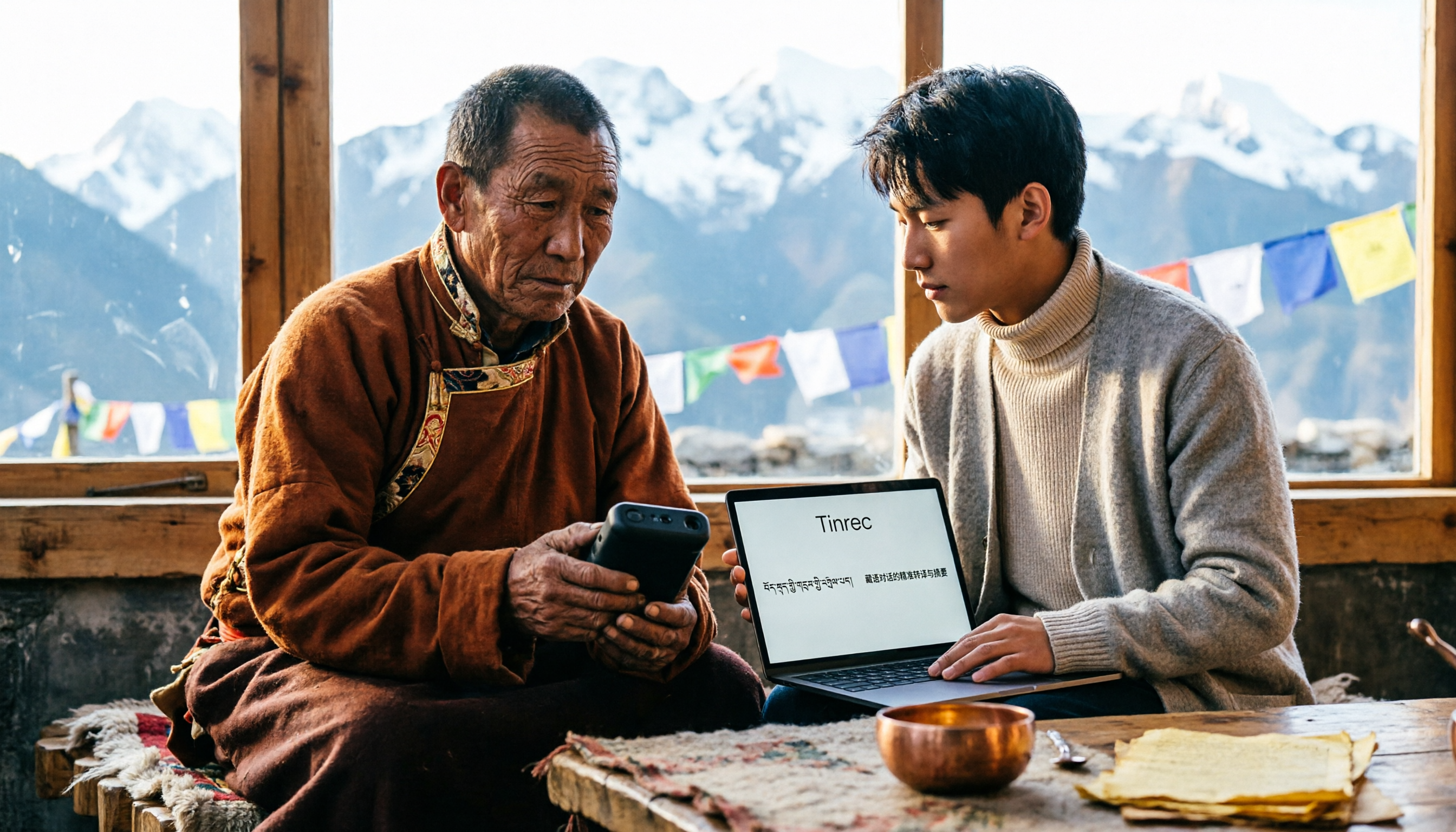
5 Tibetan Speech-to-Text Tools Tested: Which One Actually Understands Tibetan? (2026)
How to choose a Tibetan speech-to-text tool? This article starts with the real limitations of Tibetan speech recognition, outlines 4 key buying factors, and compares Tinrec, Tibetan Translator, Whisper local solution, Notta, and Yating Transcription. It also includes a pitfalls guide and scenario-based recommendations.

2026 Free vs Paid Audio-to-Text Apps: 4 Real-World Comparisons of Limits, Features, and Pricing
Is the free version enough? What do you actually get when you pay? This article compares the free tiers, paid plans, and post-meeting organization capabilities of four popular audio-to-text apps. From Chinese transcripts and AI summary Q&A to team seat management, we break it down so you can decide whether to stick with free or if paying is worth it.

4 Best Voice Recorder App Alternatives in 2026: Free vs. Paid Comparison
A voice recorder is no longer your only option. This side-by-side comparison of Tinrec, Otter.ai, Notta, and PLAUD covers online meeting recording, Chinese transcription, post-meeting organization, team collaboration, and pricing limits to help you find a tool that truly works right after recording.

Fireflies.ai vs Tinrec (2026): 5-Factor Comparison for Chinese Meeting Notes — Which Is Better for Taiwan Teams?
Fireflies.ai lists Chinese in its supported languages, but after a real Chinese meeting, do you still have to spend time proofreading the transcript? This article compares Fireflies.ai and Tinrec across 5 dimensions — meeting recording method, Chinese transcript usability, post-meeting organization, quota calculation, and team management — to help you decide which is more suitable for Chinese meeting scenarios in Taiwan teams.

Best Speech-to-Text Tools in 2026: 4 Tested for Mixed Chinese-English Meetings
A sentence like "check the budget" turning into gibberish is a common frustration with speech-to-text tools in mixed Chinese-English meetings. We tested Tinrec, Otter.ai, Yating, and Notta on the same real meeting recording, comparing language switching, file and live meeting support, post-meeting workflows, and team data ownership. We also highlight 4 common purchasing pitfalls to help you choose the right tool within budget.

The Complete Guide to tl;dv Alternatives in 2026: Features, Use Cases, and How to Choose a Chinese Meeting Transcription Tool
When looking for a tl;dv alternative, focusing only on free minutes usually leads nowhere. Starting from real campus scenarios, this article explains what a meeting transcription tool really needs: real-time Chinese transcription, bot-free online meeting recording, AI summaries and action items, transcript Q&A, and export. Using Tinrec as a hands-on example, it covers five things to watch for when choosing a tool and answers common questions.