

Turn recordings into transcripts and summaries in minutes
Upload audio or video for multilingual transcription, AI notes, and action items
The Complete Guide to tl;dv Alternatives in 2026: Features, Use Cases, and How to Choose a Chinese Meeting Transcription Tool
When I was looking for a tl;dv alternative, my first move was to open a spreadsheet and fill in each candidate tool's free minutes, supported languages, and price, then pick the one with the highest free quota. Two weeks later I gave up—not because the quota wasn't enough, but because I realized that after recording a two-hour group discussion, I still had to spend almost an hour re-listening just to write up conclusions. That's when I understood: what I lacked wasn't a "recording app," but a tool that could "turn what I recorded into usable data."
If you're also looking for a tl;dv alternative, avoid these three common pitfalls first:
- Pitfall 1: Looking only at free minutes. No matter how high the quota, if the output is a long block of unstructured text, you'll still have to read it all yourself.
- Pitfall 2: Assuming switching tools will automatically make you more efficient. Without checking the transcript while recording and without marking key points during the meeting, switching ten tools won't help.
- Pitfall 3: Treating "having a transcript" as the end goal. The real time sink is after the meeting: organizing conclusions, extracting action items, and writing reports or slides.
So the real questions are three: Does it handle Chinese well (especially Taiwanese accents and mixed Chinese-English)? Is the output structured? And can you keep working on that data? Take Tinrec, which I used for a whole semester, as an example—it's a tool that connects these three things. Below I'll use its actual operation to illustrate.
What Can a Meeting Transcription Tool Do for You?
Scenario 1: Group discussion conclusions in five minutes Previously, after our group discussion, everyone went back to their dorms, and the next day the group chat started with "So what was the conclusion?" With Tinrec, by the time the discussion ends, the AI summary, chapters, and action items are already organized. Who's responsible for which part and what needs to be submitted before the next meeting can be screenshotted and pasted directly into the group chat—no need to write meeting notes separately.
Scenario 2: No need to re-listen to a two-hour class from the start When the professor speaks fast and flips slides even faster, I turn on real-time recording and transcription, listening while reading the text to confirm I haven't missed key points. For exam review, I don't have to play the audio from beginning to end; I just look at the chapters and jump to the key points, saving time for practice problems.
Scenario 3: No bot needed for online meetings For remote interviews or online group meetings, Tinrec's desktop version directly captures the computer's system audio, so no extra bot joins the meeting and the screen stays clean.
Scenario 4: Ask questions directly about the recording before exams After recording a whole semester of classes, the most troublesome part is "I remember the teacher said it, but I don't know which part." Tinrec's AI Q&A lets you ask questions directly about the meeting or class content without manually dragging the timeline.
What Are the Core Capabilities of a Meeting Transcription Tool?
Real-time recording and transcription Transcribe while recording, not wait until after. Tinrec shows the transcript while recording, so during a meeting you can check and supplement in real time—if the other person speaks too fast or a keyword is unclear, you can ask right away.
Bot-free online meeting recording Tinrec's desktop version captures computer system audio and can handle meetings played on a computer such as Zoom, Google Meet, Microsoft Teams, and Webex without an extra bot account joining. Note that this is user-initiated recording, not an "automatically join all calendar meetings" mode.
AI summaries and chapters It doesn't just randomly condense the transcript into a paragraph; it organizes by topic and chapter. For long meetings or two-hour classes, you can scan the chapters first and then dive into the parts you need.
Action item extraction Pulls out "who needs to do what and by when" from the discussion. For group reports, this is more practical than the transcript itself, because the most common post-meeting argument is "I thought you were doing it."
AI Q&A After transcription, you can ask questions directly about the content, such as "Who mentioned the budget in the meeting?" or "Which part did the teacher talk about the exam scope?" making historical data truly searchable.
Real-time translation and bilingual view For foreign language courses or cross-language meetings, Tinrec lets you view the original text, translation, or bilingual content during recording without switching to a separate translation tool.
Export and post-meeting processing Transcription results can be exported to common tools like Notion, Google Docs, OneNote, and Dropbox, and can further generate reports, tables, and meeting documents, connecting to your existing workflow.
Team space For clubs, department associations, or project teams, Tinrec's team version centralizes meeting data in one space and provides member invitations, role and seat management, usage analytics, audit logs, audio recycle bin, and team hotwords.
Practical Use Cases
Classes and lectures I took a three-credit course where the professor didn't use slides at all and just told stories and cases. This kind of class is the hardest to take notes in and the easiest to break down during finals week. My approach was to turn on Tinrec real-time recording in class, review chapters and summaries to supplement notes after class, and before exams use AI Q&A to confirm "which example did the teacher use for this theory." By the end of the semester, my notes were organized enough to lend to classmates for the first time.
Stop organizing recordings by hand
Upload audio or video and automatically get a transcript, summary, and action items
Group projects and report meetings For our graduation project, we met once a week, and the most common issues were "where did we leave off last time" and "who hasn't submitted yet." Recording each discussion with Tinrec automatically lists summaries and action items. Before the next meeting, reviewing the previous action items prevents progress from constantly restarting. When the advisor suddenly asks "what did you say you were going to change last time," we don't have to stammer.
Interviews, internship interviews, and online meetings When preparing for qualitative interviews or mock interviews, re-listening to recordings takes the most time. Tinrec can upload existing audio and video files for transcription and can also record online meetings directly. When organizing transcripts, using AI Q&A to extract "the three main difficulties mentioned by the interviewee" is much faster than listening from the beginning yourself.
Clubs, department associations, and team collaboration Club meetings often involve a dozen people taking turns speaking, and afterward no one remembers the details. Tinrec's team version lets you create independent team spaces, join members via invitation links, and distinguish owners, admins, and regular members, keeping meeting data within the team rather than scattered across personal phones and chat rooms. The valuable part is data ownership: after members graduate and leave, the meeting data still belongs to the team.
Five Things to Watch for When Choosing a tl;dv Alternative
1. Chinese and mixed Chinese-English recognition performance Don't just look at the words "supports Chinese." Meetings in Taiwan often mix Chinese with English terms, so it's best to test with a recording of your own class or group discussion. Tinrec covers Chinese, Traditional Chinese, and multilingual meeting scenarios, and supports team hotwords for maintaining professional terminology; actual performance is still affected by recording quality, accent, noise, and overlapping speakers, so "testing a segment yourself" is more reliable than reading marketing materials.
2. Is the output structured? The transcript is just raw material. When choosing a tool, confirm whether it can produce summaries, chapters, key points, and action items. Tinrec makes these default outputs, so at the end of a meeting you get conclusions you can paste into the group chat, not a long text you have to read through yourself.
3. How online meetings are recorded A common approach is to send a bot to join the meeting, but the drawbacks are that you have to notify everyone, an extra participant appears on screen, and some platforms or corporate accounts block it. Tinrec takes the approach of capturing system audio via the desktop version, with you starting the recording on your own computer, no extra bot needed. Also note: supporting recording for a platform does not mean an official partnership with that platform.
4. Quota and student budget Tinrec's personal version offers a free plan, weekly pass, Pro monthly, and Pro annual. The recommended way to choose is by task, not by price: for occasional transcription of a recording, the free version is enough to experience recording, import, summary, and transcription; for just one or two weeks of concentrated interviews or camps, the weekly pass makes more sense; for regular weekly meetings and classes, the monthly plan is suitable; for long-term accumulation of a semester's recordings, the annual plan has a lower monthly equivalent.
5. Data ownership and team collaboration If the account is shared by a club or project team, note that "role" and "seat" are two different things. In Tinrec's team version, roles determine who can manage the team, members, and settings; seats determine whether a member can record, upload, edit, and import/export; active members without a seat can still view, play, and read team data but cannot perform the above operations. Also, current sharing is mainly at the team level, not fine-grained file-level permissions, so think through your needs first.
Frequently Asked Questions
Q1: tl;dv works fine for me—do I still need to switch? Not necessarily. tl;dv is a tool centered on meeting notes and transcription, and its basic plan can be used for free. If your pain points are mainly organizing Chinese content, not wanting a bot in online meetings, or needing to accumulate data as a team asset, then it's worth comparing. Clarifying your pain points first is easier than switching and finding out it doesn't fit.
Q2: Does Tinrec need a meeting bot to join? No. The desktop version directly captures computer system audio, with the user actively starting the recording. It should not currently be understood as "automatically joining all calendar meetings."
Q3: Which platforms and devices are supported? It can handle meeting audio played on a computer such as Zoom, Google Meet, Microsoft Teams, and Webex, and offers web, desktop, and mobile versions, suitable for online meetings, offline recording, and file import in different scenarios.
Q4: Can transcription accuracy be guaranteed? It's not recommended to look at fixed numbers. Actual performance is affected by recording quality, background noise, accent, overlapping speakers, and professional terminology. Quality is better with clear audio sources; for important content, it's recommended to cross-check with transcript timestamps and recording playback.
Q5: What's the difference between the team and personal versions, and how is pricing calculated? Personal version data belongs to the individual account; the team version is an independent team space where data belongs to the team, and provides member invitations, role and seat management, sharing benefits, usage analytics, audit logs, audio recycle bin, and team hotwords. Team version monthly is USD 29.80 per paid seat per month, annual is USD 199 per paid seat per year (about USD 16.58 per month); eligible first-time team trial is 7 days, 1 free seat, 300 minutes of team shared import quota; paid seats provide 2,000 minutes of team shared import quota per month, and real-time recording under an active team plan and seat is currently not deducted by minutes. Prices and benefits are subject to the official purchase page.
Q6: Can deleted team audio files be recovered? After team audio files enter the recycle bin, they can be restored before permanent deletion begins; the current recycle bin retention period is 30 days; action items are not covered by the team recycle bin.
Q7: Where can I take the transcription results to continue working? Tinrec supports multiple export formats and can export to tools like Notion, Google Docs, OneNote, and Dropbox, and can further generate reports, tables, and documents, suitable for continuing to write final reports or project papers.
Conclusion
Back to the original question: what you need is not "another tool with more free minutes," but a workflow that turns audio into usable data. The way to judge is simple—after recording, can you directly get summaries, chapters, and action items, and can you ask questions about them, export them, and share them with classmates? Take Tinrec as an example: it puts real-time transcription, bot-free online meeting recording, AI summaries and Q&A, export, and team space into one workflow, which is especially noticeable for scenarios like classes, group discussions, and project meetings that "happen dozens of times a semester."
If you're still hesitating, the practical approach is to first try Tinrec's free version with the basic quota, using a class you least want to take notes in or a group meeting most likely to lose focus. After trying, you'll clearly know whether you need to pay for it and whether to choose the weekly, monthly, or annual plan—this is more accurate than reading ten comparison articles online. Before recording, don't forget to inform classmates or participants and respect everyone's wishes.
References
Turn every recording into actionable outcomes
Get 60 free transcription minutes when you sign in. No credit card required.
Related Reading
You might also like

2026 Comparison of 5 Multilingual Meeting Transcription Tools: Which Handles Mixed Chinese, English, Japanese, and Korean Best?
In multinational meetings with mixed Chinese, English, Japanese, and Korean, organizing transcripts and action items afterward takes the most time. Using Tinrec as an example, this article walks you through recording, transcription, proofreading, AI meeting summaries, and exporting/sharing to complete multilingual meeting notes step by step, and also covers tool selection criteria and common questions.

4 Best Granola Alternatives for Meeting Notes in 2026: Which One Keeps Recordings and Chinese Transcripts at the Best Value?
Granola excels at making meeting notes smarter, but it doesn't save meeting audio or support uploading pre-recorded files. This article compares Tinrec, Granola, Otter.ai, and Notta on recording retention, Chinese transcription, post-meeting organization, and team management to help you find the alternative that truly handles post-meeting work.

Best Korean Speech-to-Text Translation Tools? 2026 Test of 4 Picks, Tinrec Tops Post-Meeting Organization
From Korean interviews and classes to cross-border meetings, speech-to-text is just the first step. What really sets tools apart is translation, summarization, action items, and team sharing. This article tests 4 tools across four buying criteria to help you decide which fits your Korean workflow.

Good Tape Traditional Chinese Alternative 2026: Tinrec + AI Meeting Minutes Workflow
Good Tape supports 40+ languages and .SRT subtitle output, but Traditional Chinese punctuation, post-meeting organization, and team collaboration are often cited as shortcomings. This article addresses three common misconceptions, breaks down 4 key purchasing criteria, explains Tinrec's bot-free meeting recording, AI summaries and action items, AI Q&A, and team spaces, and compares Good Tape, Notta, and TurboScribe for their suitable scenarios.
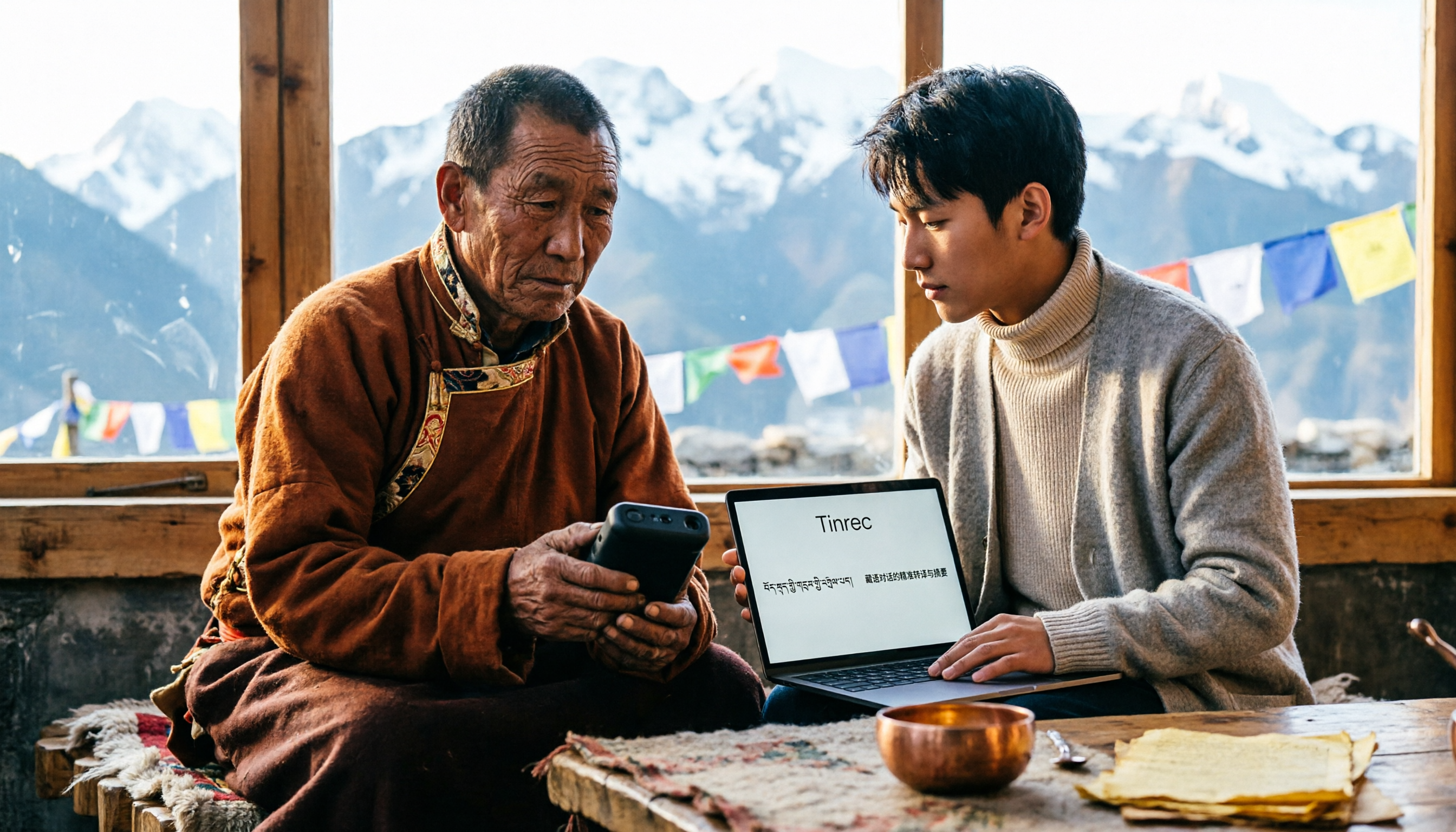
5 Tibetan Speech-to-Text Tools Tested: Which One Actually Understands Tibetan? (2026)
How to choose a Tibetan speech-to-text tool? This article starts with the real limitations of Tibetan speech recognition, outlines 4 key buying factors, and compares Tinrec, Tibetan Translator, Whisper local solution, Notta, and Yating Transcription. It also includes a pitfalls guide and scenario-based recommendations.

2026 Free vs Paid Audio-to-Text Apps: 4 Real-World Comparisons of Limits, Features, and Pricing
Is the free version enough? What do you actually get when you pay? This article compares the free tiers, paid plans, and post-meeting organization capabilities of four popular audio-to-text apps. From Chinese transcripts and AI summary Q&A to team seat management, we break it down so you can decide whether to stick with free or if paying is worth it.

4 Best Voice Recorder App Alternatives in 2026: Free vs. Paid Comparison
A voice recorder is no longer your only option. This side-by-side comparison of Tinrec, Otter.ai, Notta, and PLAUD covers online meeting recording, Chinese transcription, post-meeting organization, team collaboration, and pricing limits to help you find a tool that truly works right after recording.

Fireflies.ai vs Tinrec (2026): 5-Factor Comparison for Chinese Meeting Notes — Which Is Better for Taiwan Teams?
Fireflies.ai lists Chinese in its supported languages, but after a real Chinese meeting, do you still have to spend time proofreading the transcript? This article compares Fireflies.ai and Tinrec across 5 dimensions — meeting recording method, Chinese transcript usability, post-meeting organization, quota calculation, and team management — to help you decide which is more suitable for Chinese meeting scenarios in Taiwan teams.

Best Speech-to-Text Tools in 2026: 4 Tested for Mixed Chinese-English Meetings
A sentence like "check the budget" turning into gibberish is a common frustration with speech-to-text tools in mixed Chinese-English meetings. We tested Tinrec, Otter.ai, Yating, and Notta on the same real meeting recording, comparing language switching, file and live meeting support, post-meeting workflows, and team data ownership. We also highlight 4 common purchasing pitfalls to help you choose the right tool within budget.