
Turn recordings into transcripts and summaries in minutes
Upload audio or video for multilingual transcription, AI notes, and action items
First, ask yourself: Do you want to "understand Tibetan" or "turn meetings into data"?
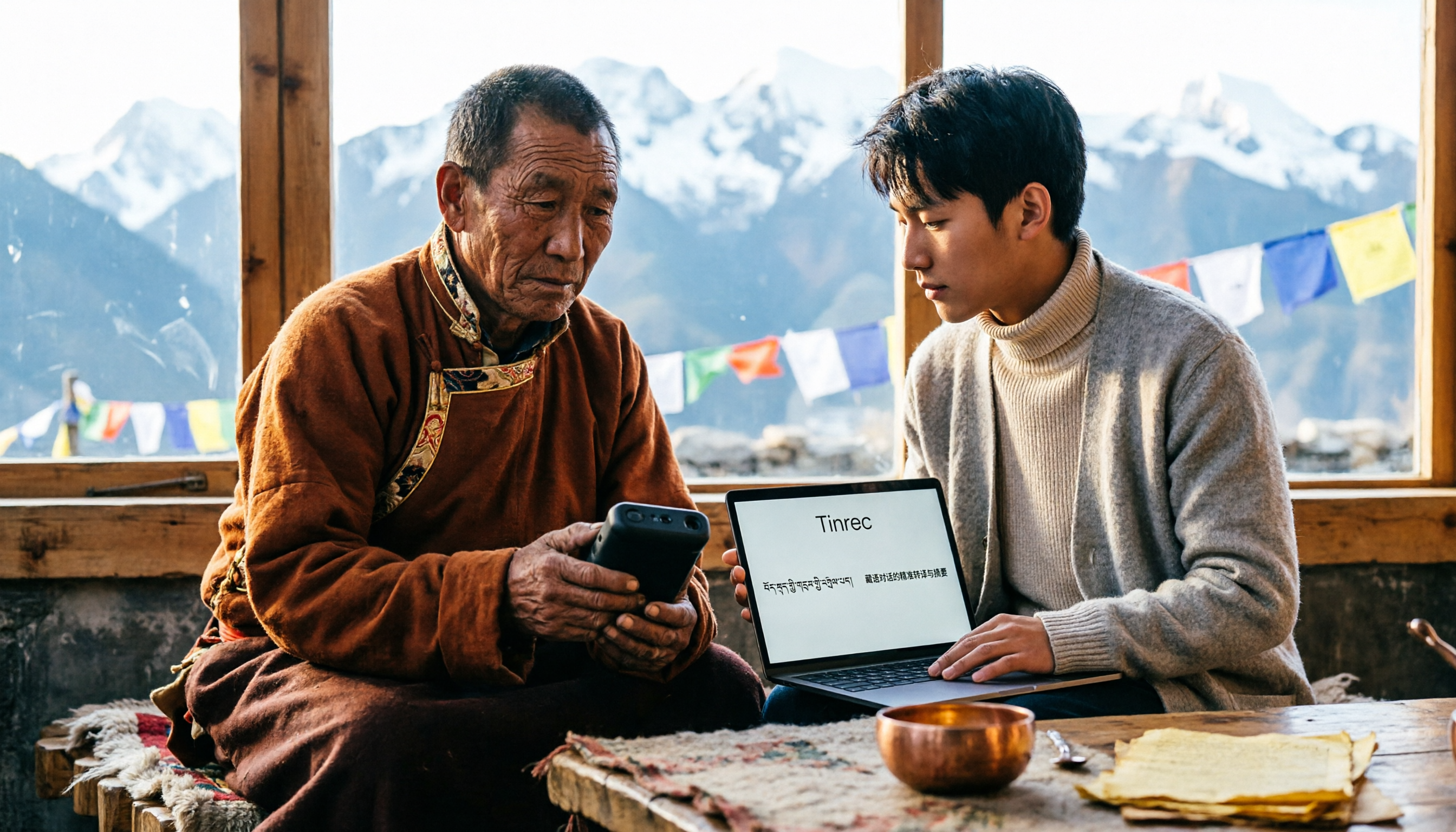
Before looking for a Tibetan speech-to-text tool, one question is more critical than "which one is the best": Do you want to turn Tibetan speech into Tibetan text, or turn a Tibetan meeting into data you can hand over to colleagues?
These two needs point to completely different types of tools.
The former depends on how well the speech recognition model itself is trained on Tibetan; the latter depends on whether there are summaries, chapters, action items, Q&A, exports, and whether the team can take over after recognition.
Confusing these two can easily lead you to buy a tool that "looks like it supports Tibetan on paper" but is actually unhelpful.
Pain Point: The trouble with Tibetan recordings is never "recording"—it's "organizing"
Cross-regional business negotiations, academic fieldwork, in-depth interviews in Tibetan areas—these recordings share a common trait: the content is precious, but the cost of organizing is extremely high.
The traditional approach is manual transcription. A skilled transcriptionist often spends several times the duration to process a one-hour two-person interview, and has to repeatedly replay to confirm names, places, and technical terms.
Although most general speech recognition tools claim to "support multiple languages," when it comes to relatively less-spoken languages like Tibetan, recognition quality often drops significantly, or they simply fail to recognize it.
The result: the recording is saved, but no one has the energy to open it again.
This article addresses that gap.
Before Buying a Tibetan Speech-to-Text Tool, Understand These 4 Key Points
1. The phrase "supports Tibetan"—you need to see which kind of support it is
A model theoretically supporting a language and a product being tuned for that language are two completely different things.
The former means an open-source model (e.g., Whisper) has that language in its training data; the latter means the product has been optimized for accent, word segmentation, and punctuation. You can set up and test the former yourself; the latter is what most people actually need.
A simple practical test: take your own most difficult recording—the one with background noise, accents, and proper nouns—and try it.
2. Do you want a transcript, or "data you can still use after transcription"?
This is usually the first thing I look at. What most people really lack is not text, but what comes after text: What are the key points of this interview? Who agreed to what? What are the next steps?
A tool that only gives transcripts is equivalent to returning the organizing work to you unchanged; a tool that provides summaries, chapters, action items, and Q&A truly saves you time.
3. Are there enough input channels for audio?
Fieldwork recorded on phones, online meetings recorded on computers, old data in piles of MP3s and MP4s—if a tool only supports file upload or only supports a single platform, you'll soon face the dilemma of "this recording can't get in."
The ideal approach: live recording, audio files, video files, and online meetings all go through the same workflow.
4. Is the free quota enough for you to validate before deciding to pay?
Recognition performance for less-common languages has too many variables; any accuracy number anyone gives you can only be a reference.
A more pragmatic order: first use the free quota to run one of your own real recordings, confirm the readability of the transcript, and then consider paying.
Tinrec — Our Main Recommendation After Testing
Tinrec is an AI meeting notes and collaboration tool for individuals and teams, available on iOS, Android, desktop, and web. It doesn't just turn sound into text; it organizes meeting content into searchable, summarizable, queryable, and exportable data.
Let's be clear about its role in Tibetan scenarios: Tinrec covers Chinese, Traditional Chinese, and multilingual meeting transcription, and supports real-time translation and bilingual comparison during recording. Tibetan is a less-spoken language family, and actual recognition performance will be affected by audio quality, accent, noise, and overlapping speakers—which is why I always recommend using the free quota to test with your own recordings first.
What really sets it apart is the "after transcription" part.
When you open Tinrec during a meeting, it produces a transcript while recording; when the meeting ends, summaries, chapters, key points, and action items are automatically organized—who is responsible for what and when it's due, all at a glance. If you're recording cross-language content, you can switch between original text, translation, or bilingual view, so you don't need to open another translation tool for verification.
Even better is the AI conversational query. After recording, you can directly ask it: "What was the budget cap mentioned in this interview?" "What's the next step for that project?" It gives semantic-based answers and marks the corresponding timestamps, which is much more efficient than Ctrl+F searching through the transcript. This is also a relatively rare feature among tools in the same price range.
Stop organizing recordings by hand
Upload audio or video and automatically get a transcript, summary, and action items
For online meetings, the Tinrec desktop version directly captures the computer's system audio, without needing to pull an extra meeting bot into Zoom, Google Meet, Microsoft Teams, or Webex. For external client meetings, this is very practical—no need to explain "why there's an extra participant in the meeting."
Several advantages I think are worth listing as purchase reasons:
- It outputs more than just a transcript. Summaries, chapters, action items, mind maps, reports, and tables can all be generated directly, effectively completing the post-meeting draft deliverable as well.
- Historical data can go in and come out. Existing audio and video files can be uploaded for transcription, and results can be exported to Notion, Google Docs, OneNote, Dropbox, and other tools for continued use.
- The team version is an independent collaboration space, not "multiple people sharing one account." Meeting data belongs to the team, with role and seat distinctions, usage analytics, audit logs, and an audio recycle bin; when a member leaves, data can be handed over to other members and won't disappear with the personal account.
There are also two limitations to be honest about:
First, the recognition stability for less-common languages like Tibetan is still highly dependent on the audio conditions you have; any claim of a "fixed accuracy rate" is not trustworthy. For important content, it's recommended to replay and verify with timestamps.
Second, the free version provides a basic quota, suitable for validating the workflow first; if you have steady needs every week, then consider Pro or annual plans. The team version is priced per paid seat (USD 29.80/seat/month, USD 199/seat/year for annual), with each paid seat providing 2,000 minutes of team shared import quota per month; real-time recording currently does not deduct minutes under active seats. Actual prices and benefits are subject to the official purchase page.
Who it's for: People who need to organize interviews, meetings, and course recordings into deliverable data, especially when the content involves Chinese-English or multiple languages, requires follow-up questions on details, or needs to accumulate data as team assets.
Besides Tinrec, What Other Options Are There?
Tibetan Translator (iOS): A Tibetan-Chinese translation tool on the App Store, supporting Tibetan speech recognition input, text translation, common phrases, and introductory Tibetan courses—convenient for communication when traveling in Tibetan areas. Note that its output is "translation results," not editable, searchable transcripts, and it lacks summaries, action items, and team sharing. If you need to organize a two-hour Tibetan interview, it will struggle.
Whisper local solution (macOS): A desktop client running the open-source Whisper model locally, focusing on offline use and privacy, leveraging Apple Silicon's speed advantages—very attractive for scenarios where data cannot leave the device. Limitations: Mac only, no cloud sync or collaboration, and you have to handle models and formats yourself. Tinrec takes a different path: cross-platform use, plus summaries, Q&A, and team spaces after transcription.
Notta: Comprehensive multilingual transcription and file import; free version offers 120 minutes per month with a 3-minute limit per session; Pro annual billing is about USD 8.17/month with 1,800 minutes per month. If you have a batch of existing files and your main need is converting to text, it's a good choice; but if you want live meeting recording plus post-meeting queries and team accumulation, Tinrec's workflow is more complete. Prices and benefits are subject to the official page.
Also worth knowing is Yating Transcription, familiar to Taiwanese users—a local service with stable Traditional Chinese performance, suitable for occasions that simply need Chinese transcripts; however, it is transcript-centric, and post-meeting summaries, Q&A, and team collaboration are not its focus.
Pitfall Guide: The 4 Most Common Mistakes When Choosing a Tibetan Speech-to-Text Tool
Pitfall 1: Treating "the model theoretically supports it" as "this tool can help you complete the work." Theoretical support means there's a chance to produce something, not that the output can be used directly. There's still punctuation, word segmentation, proper nouns, and formatting in between.
Pitfall 2: Looking only at recognition rate, not the post-transcription workflow. Even if the transcript is 90% readable, you still have to read through two hours of content yourself, extract key points yourself, and write action items yourself. Factor in that time, and many "cheap" tools are actually not cheap.
Pitfall 3: Ignoring data ownership. A colleague leaves, and the meeting recordings stay in their personal account—this is a pitfall many teams have fallen into. When choosing a tool, ask first: Does the data belong to the individual or the team?
Pitfall 4: Paying the annual fee without validating with your own recordings. Everyone's recording environment is different; others' reviews can only help you narrow down the options. First use the free quota to run one of your own files, then decide whether to pay.
One final reminder: Recording and transcription involve others' privacy and local regulations; for official or research occasions, please obtain participants' consent first.
Conclusion: Which One Should You Choose?
In one sentence: If your goal is to "turn Tibetan or cross-language meetings into data you can continue to use," Tinrec currently has the most complete workflow; if you just need real-time communication translation, or insist on offline self-hosting, the other two paths also have their value.
- To organize interviews and meetings into transcripts + summaries + action items → Tinrec
- For cross-language meetings where you want to see original text and translation side by side → Tinrec (real-time translation, bilingual view)
- For teams that need to share meeting data, manage seats and usage → Tinrec Team Version
- Just for real-time Tibetan-Chinese communication while traveling → Tibetan Translator
- Mac only, extremely concerned about offline privacy, technically savvy → Whisper local solution
- Have a batch of existing files, only need text → Notta or Yating Transcription
Practical advice: First open Tinrec's free version and run your most difficult recording through it. If you can understand the transcript and ask key questions, then consider upgrading; if it doesn't suit you, you've only lost a little time.
References
- Tibetan Speech to Text / Audio to Transcript: 2026 5 AI Tool Recommendations and Practical Tutorial (including Tinrec) - Tinrec Blog
- Tibetan Translator - Tibetan-Chinese Intelligent Speech Recognition Translation Software App - App Store
- Yating Transcription
- Free Transcription Software: 10 Audio and Speech-to-Text Tool Recommendations (2023)
- Tibetan Translation - Tibetan-Chinese Translation Tool App - App Store
Turn every recording into actionable outcomes
Get 60 free transcription minutes when you sign in. No credit card required.
Related Reading
You might also like

2026 Comparison of 5 Multilingual Meeting Transcription Tools: Which Handles Mixed Chinese, English, Japanese, and Korean Best?
In multinational meetings with mixed Chinese, English, Japanese, and Korean, organizing transcripts and action items afterward takes the most time. Using Tinrec as an example, this article walks you through recording, transcription, proofreading, AI meeting summaries, and exporting/sharing to complete multilingual meeting notes step by step, and also covers tool selection criteria and common questions.

4 Best Granola Alternatives for Meeting Notes in 2026: Which One Keeps Recordings and Chinese Transcripts at the Best Value?
Granola excels at making meeting notes smarter, but it doesn't save meeting audio or support uploading pre-recorded files. This article compares Tinrec, Granola, Otter.ai, and Notta on recording retention, Chinese transcription, post-meeting organization, and team management to help you find the alternative that truly handles post-meeting work.

Best Korean Speech-to-Text Translation Tools? 2026 Test of 4 Picks, Tinrec Tops Post-Meeting Organization
From Korean interviews and classes to cross-border meetings, speech-to-text is just the first step. What really sets tools apart is translation, summarization, action items, and team sharing. This article tests 4 tools across four buying criteria to help you decide which fits your Korean workflow.

Good Tape Traditional Chinese Alternative 2026: Tinrec + AI Meeting Minutes Workflow
Good Tape supports 40+ languages and .SRT subtitle output, but Traditional Chinese punctuation, post-meeting organization, and team collaboration are often cited as shortcomings. This article addresses three common misconceptions, breaks down 4 key purchasing criteria, explains Tinrec's bot-free meeting recording, AI summaries and action items, AI Q&A, and team spaces, and compares Good Tape, Notta, and TurboScribe for their suitable scenarios.

2026 Free vs Paid Audio-to-Text Apps: 4 Real-World Comparisons of Limits, Features, and Pricing
Is the free version enough? What do you actually get when you pay? This article compares the free tiers, paid plans, and post-meeting organization capabilities of four popular audio-to-text apps. From Chinese transcripts and AI summary Q&A to team seat management, we break it down so you can decide whether to stick with free or if paying is worth it.

4 Best Voice Recorder App Alternatives in 2026: Free vs. Paid Comparison
A voice recorder is no longer your only option. This side-by-side comparison of Tinrec, Otter.ai, Notta, and PLAUD covers online meeting recording, Chinese transcription, post-meeting organization, team collaboration, and pricing limits to help you find a tool that truly works right after recording.

Fireflies.ai vs Tinrec (2026): 5-Factor Comparison for Chinese Meeting Notes — Which Is Better for Taiwan Teams?
Fireflies.ai lists Chinese in its supported languages, but after a real Chinese meeting, do you still have to spend time proofreading the transcript? This article compares Fireflies.ai and Tinrec across 5 dimensions — meeting recording method, Chinese transcript usability, post-meeting organization, quota calculation, and team management — to help you decide which is more suitable for Chinese meeting scenarios in Taiwan teams.

Best Speech-to-Text Tools in 2026: 4 Tested for Mixed Chinese-English Meetings
A sentence like "check the budget" turning into gibberish is a common frustration with speech-to-text tools in mixed Chinese-English meetings. We tested Tinrec, Otter.ai, Yating, and Notta on the same real meeting recording, comparing language switching, file and live meeting support, post-meeting workflows, and team data ownership. We also highlight 4 common purchasing pitfalls to help you choose the right tool within budget.

The Complete Guide to tl;dv Alternatives in 2026: Features, Use Cases, and How to Choose a Chinese Meeting Transcription Tool
When looking for a tl;dv alternative, focusing only on free minutes usually leads nowhere. Starting from real campus scenarios, this article explains what a meeting transcription tool really needs: real-time Chinese transcription, bot-free online meeting recording, AI summaries and action items, transcript Q&A, and export. Using Tinrec as a hands-on example, it covers five things to watch for when choosing a tool and answers common questions.