
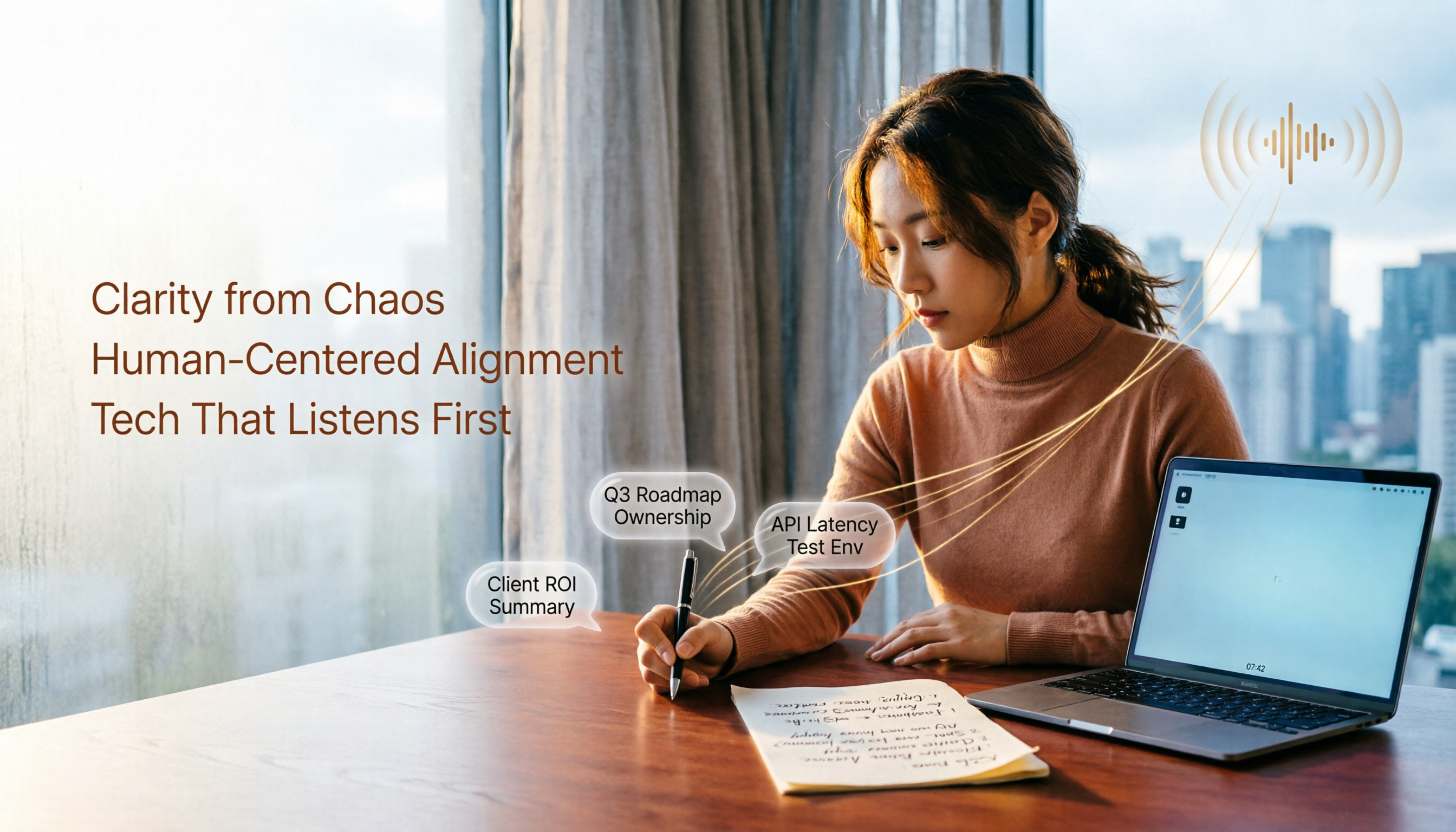
Turn recordings into transcripts and summaries in minutes
Upload audio or video for multilingual transcription, AI notes, and action items
I attend about 15 meetings per week, and more than half are on Google Meet. The most annoying part isn't the meeting itself—it's what comes after. Every meeting leaves a pile of decisions and action items, so my real work only starts when the meeting ends. I tried Google Meet's built-in recording and transcription, but organizing the notes still took forever. Then my team switched to Tinrec, and it finally erased "post-meeting clean-up" from my calendar.
This article uses my most common scenario—Google Meet—as a benchmark and compares Tinrec with Google Meet's native transcription across five dimensions to see which meeting notes tool is more practical for mid-level managers.

Tinrec vs Google Meet Built-in Transcription: Quick Overview
Google Meet's built-in transcription is an add-on tucked inside the recording feature. It provides live captions and post-meeting transcripts, but requires a paid Google Workspace plan and only works during meetings and on recorded files. Tinrec, on the other hand, is a cross-platform AI recording and audio/video organization tool. It not only records Google Meet meetings but also processes local audio files, video files, and even web links like YouTube. After transcription, it automatically generates summaries, action items, chapters, and lets you query historical content via AI chat.
I compared the two based on my team's actual workflow across five dimensions.
Dimension 1: Post-Transcription Processing—Auto Summary & Action Item Extraction
After recording, Google Meet gives you a transcript. It seems like the note-taking problem is solved, but you still have to read through the entire thing to pick out key points and action items. After a one-hour meeting, I'd spend at least 30 minutes re-listening and highlighting.
Tinrec automatically generates AI summaries, chapters, and action item lists after transcription, and you can edit them within the app. Last week, during a cross-department product direction meeting, Tinrec automatically listed 5 action items. I reviewed them and sent them to the group—less than 2 minutes from recording finish to distributing the task list.
→ This dimension: Tinrec clearly wins, because post-transcription organization is where I actually spend my time.
Dimension 2: Input Sources—Not Just Google Meet
Google Meet's built-in transcription only works for live meetings on its own platform. If you have client call recordings, podcast interview material, or archived meetings to process, it's useless.
Tinrec can not only record Google Meet meetings using system audio, but also import existing audio/video files and even paste public video links like YouTube or TikTok for direct transcription. For someone like me who needs to organize meetings, courses, and interview material, this means no more switching between tools.
→ This dimension: Tinrec wins overwhelmingly, especially for professionals who need to organize audio/video from multiple sources.
Stop organizing recordings by hand
Upload audio or video and automatically get a transcript, summary, and action items
Dimension 3: Cross-Platform & Mobile Experience
Google Meet's transcription works fine on desktop, but when you join a meeting on your phone, the built-in transcription is much less usable. Plus, transcripts are only stored in your Google Drive with no dedicated mobile app for review.
Tinrec offers iOS, Android, and web versions. Mobile recordings are transcribed synchronously, so you can quickly skim summaries and mark highlights on your phone during your commute. I used the Android app in a taxi to review the conclusions from a previous meeting and start assigning tasks, without waiting to get back to my desk.

→ This dimension: Tinrec is better for busy managers who need to switch flexibly between phone and computer.
Dimension 4: Historical Data Management & AI Q&A
After Google Meet transcripts are saved as documents, finding the details of a meeting from six months ago means searching by file name in Drive or clicking through files based on memory—very inefficient.
Tinrec centralizes all recordings and transcriptions in one workspace. You can search historical content by keyword like a note app, and it even has a built-in AI chat query feature. Last month, I needed to recall a specific number from a Q2 budget meeting. I just typed the question into Tinrec, and it pulled up the relevant section from past recordings—much faster than flipping through my notes.
→ This dimension: Tinrec completely changes how meeting data is used, turning historical recordings into a live resource.
Dimension 5: Export & Collaboration Flexibility
Google Meet's transcription result is a Google Doc. Sharing it with unauthorized colleagues or clients requires adjusting permissions, and the document contains plain text only—no timestamps or structured summaries.
Tinrec supports exporting in multiple formats, including Word, PDF, plain text, and timestamped transcripts. It also lets you sync meeting notes to collaboration tools like Notion and Google Docs with one click. For someone who needs to report upward and communicate downward, this saves a ton of copy-paste time.
→ This dimension: Tinrec offers higher export integration, especially for teams that need cross-department information sharing.
What Unique Advantages Does Each Have?
Tinrec's Unique Strengths:
- More than a meeting tool: It handles audio files, video files, and web links, bringing together Google Meet, interviews, and online courses in one place.
- Instant action after transcription: Auto summaries, action items, chapters, and AI Q&A turn recordings into executable tasks.
- Consistent cross-platform experience: Works on iOS, Android, and web; record on phone, edit on computer—no interruption.
- Chinese content support: High recognition for mixed Chinese/English and Taiwan-specific phrasing, more attuned to local language contexts than foreign tools.
Google Meet Built-in Transcription's Unique Strengths:
- Native integration: No additional app needed; just start recording to get a transcript. Lowest barrier for ultra-light users.
- Live captions: Useful for hearing assistance or quiet environments during the meeting.
Conclusion: Which Should You Choose?
• If you have many Google Meet meetings per week and don't want to spend time after meetings re-listening and organizing action items → Tinrec is better (auto summaries, action items, and AI Q&A directly save half your organization time).
• If your meetings aren't only on Google Meet—you also have client calls, interview recordings, or online videos to organize → Tinrec is the only solution (native transcription can't handle other sources).
• If you need to review meeting content on your phone anytime and manage tasks during your commute → Tinrec offers a more complete cross-platform experience.
• If you only meet occasionally, need just a basic transcript, and all meetings are on Google Meet → Google Meet's built-in feature is enough.
In a nutshell: For most professionals who need to manage meetings and organize data, Tinrec is a more complete choice. Since switching from Google Meet's native transcription to Tinrec, I save at least 4 hours per week on post-meeting organization. I recommend starting with the free plan and running a test with your own meeting recordings to see if it's worth it.
Turn every recording into actionable outcomes
Get 60 free transcription minutes when you sign in. No credit card required.
Related Reading
You might also like

4 AI Agent Auto-Delivery Tools Tested in 2026: Which One Turns Meetings into Reports?
After a meeting ends, transcripts, minutes, and action items still need to be filled in manually. This article approaches the topic from the perspective of 'post-meeting delivery' and tests four tools: Tinrec, Otter.ai, Notta, and Granola. It summarizes 4 key purchasing criteria, 3 common pitfalls, and explains which tool fits which work scenario.

2026 Complete Guide to AI Meeting Notes: Master Key Points and Action Items Without Listening to Playbacks
Recording audio but never having time to listen back is a reality for most people in meetings and classes. This guide, from student and team collaboration scenarios, explains how AI meeting notes turn recordings into searchable, queryable, and actionable data, and outlines 5 key points to consider when choosing a tool.

2026 AI Work Assistant Comparison: 4 Tools from Meeting Notes to Team Collaboration
How to choose an AI work assistant in 2026? This article compares Tinrec, Otter.ai, Notta, and Granola across four dimensions—meeting transcription, post-meeting organization, AI Q&A, and team collaboration—and outlines selection criteria and common pitfalls to help you find the right AI work assistant.

2026 Comparison of 5 AI Meeting Notes Tools: From Free to Team Collaboration
Looking for an AI Agent to automatically organize meetings? This article compares common meeting-notes solutions using 5 evaluation criteria and explains how Tinrec can turn meetings into searchable, trackable data—from bot-free recording, transcripts, summaries, and action items to AI Q&A and team spaces—and covers how to choose between the free and team versions.

2026 Comparison of 4 Meeting Minutes PDF Tools: Which One Can Export Deliverable-Ready Documents in One Click?
From meeting recordings to PDF meeting minutes, compare Tinrec, Otter.ai, Fireflies.ai, and Notta on export workflow, Chinese language support, team collaboration, and pricing to help you choose the right tool.

2026 AI Meeting Management Tools Comparison: Tinrec vs Granola for Recording, Organization, and Team Knowledge
Compare Tinrec and Granola across bot-free recording, audio retention, Chinese and bilingual support, post-meeting outputs, and team governance to help readers quickly decide which AI meeting management tool fits their workflow.

2026 AI Agent Meeting Review Tools Compared: Which One Turns Decisions into Action Items?
Starting from the pain points of mid-level managers in review meetings, this comparison of Tinrec, Otter.ai, Fireflies.ai, and Granola covers differences in bot-free recording, Chinese-language meetings, action item extraction, AI Q&A, and team governance to help you choose an AI Agent tool that turns meeting conclusions into action.

How to Turn Meeting Minutes into a PowerPoint in 2026: Tinrec Highlights + Presentation Outline Walkthrough
Turning meeting minutes into a PowerPoint isn't just about pasting a transcript into a slide tool. This guide uses Tinrec to demonstrate the full workflow—from recording and transcription to AI summaries, action item extraction, and presentation outlines—plus 5 things to consider when choosing a meeting minutes tool and answers to common questions.

5 AI Agent Recording Tools Tested: Which One Actually Saves You Time in 2026?
The real nightmare begins after the meeting ends. This article compares AI Agent recording tools like Tinrec, Granola, Notta, and TurboScribe from real-world usage scenarios, covering the 4 key factors to consider when choosing, our main pick after testing, how each tool differs in positioning, and the 4 most common pitfalls—helping you find the one that truly saves time.