

Turn recordings into transcripts and summaries in minutes
Upload audio or video for multilingual transcription, AI notes, and action items
2026 Comparison of 4 Meeting Minutes PDF Tools: Which One Can Export Deliverable-Ready Documents in One Click?
Do you want a PDF you can send directly to your manager, client, or project members, or do you just want to save the transcript as a PDF?
These two answers will determine which type of meeting minutes tool you should choose.
Many people first look at transcription accuracy and free minutes when choosing a tool, but what really holds up delivery is often not transcription, but the subsequent organization and export: summaries lack structure, action items lack owners, Chinese names are wrong and not proofread, and the PDF layout is hard to read.
This article focuses on "generating PDF meeting minutes" and compares 4 tools on export workflow, Chinese language support, meeting capture methods, and team collaboration. This article focuses on feature and export workflow comparisons and does not include laboratory-grade accuracy data; actual transcription results will vary depending on recording quality, accent, noise, and overlapping speakers.
The Pain Point of Meeting Minutes PDFs—You Need Deliverable Results, Not Just File Conversion
A one-hour meeting produces only one hour of recording, but organizing it into a PDF may take another two hours.
What's more troublesome is that once a PDF is sent out, it represents the final version. Attendees will use it to track progress, managers will use it to judge decisions, and clients will use it to confirm commitments.
If the PDF contains only a full transcript with no decisions, no action items, and no owners or deadlines, recipients still have to review it themselves.
Therefore, a good meeting minutes PDF tool cannot just "convert files"; it must be able to condense discussions into summaries, turn conclusions into action items, arrange action items into tables, and finally export them as an easy-to-read PDF.
This is also the core of this comparison: who can help you go from a meeting recording to a PDF that can be delivered directly.
Before Choosing a Meeting Minutes PDF Tool, Understand These 4 Key Points
Rather than comparing who offers more free minutes, first confirm these four aspects that affect delivery quality.
1. Export Format and Layout Readability
PDF is not just about pouring text onto a page. You need to see whether it can preserve headings, agendas, decisions, action item tables, and paragraph hierarchy.
If you still have to manually adjust formatting after export, then it's not really saving time.
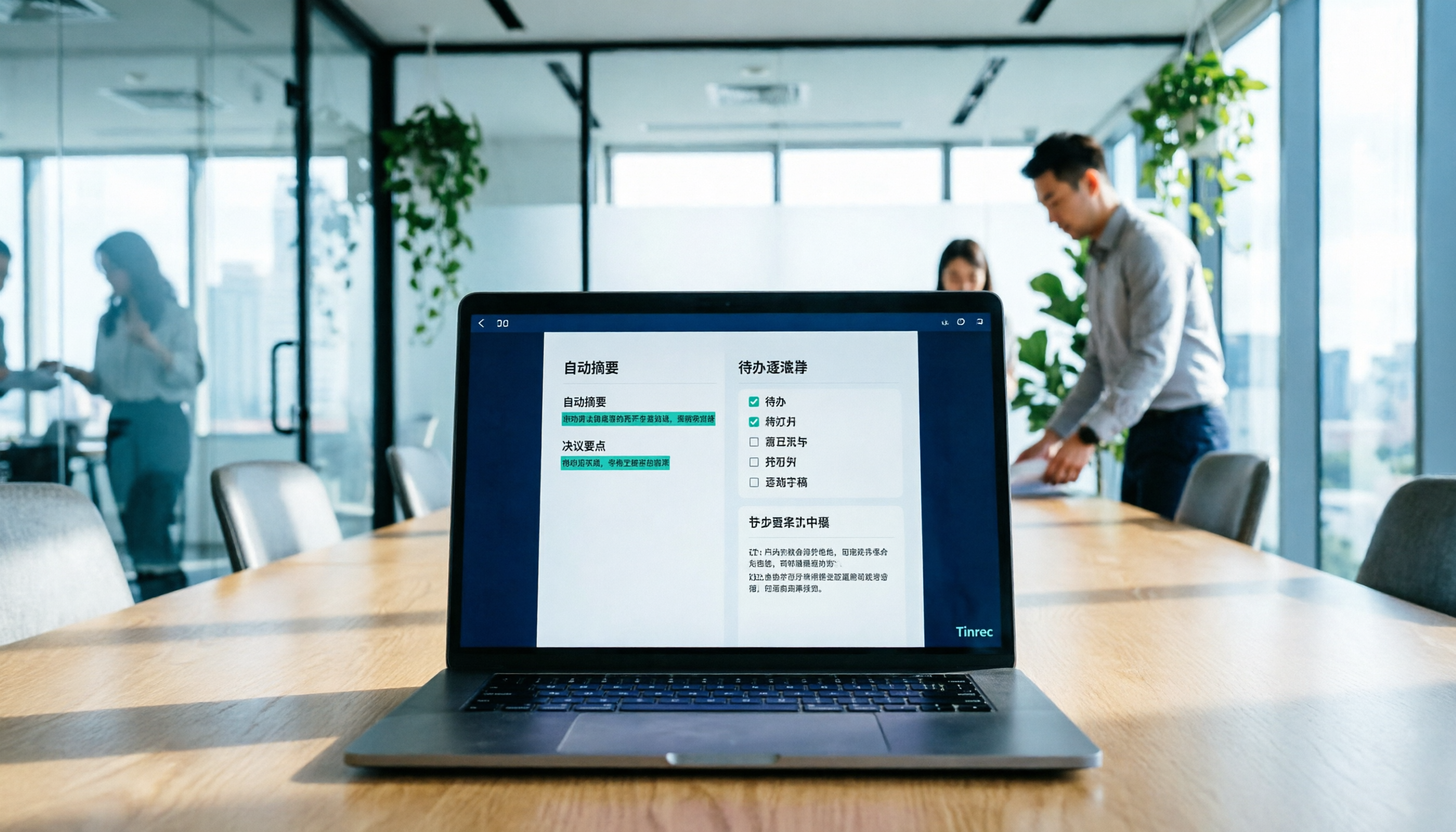
Tools like Tinrec organize summaries, chapters, and action items first, then let you choose the export format, which is friendlier for people who need to archive or forward.
2. Transcription Quality for Chinese and Mixed Chinese-English
In Taiwanese workplaces, pure Chinese or pure English is rare. In a meeting, product names, KPIs, and project codes are often mixed Chinese-English.
When choosing a tool, don't just look at how many languages it supports; look at how it handles Chinese sentence segmentation, names, technical terms, and mixed Chinese-English.
Actual results will be affected by recording quality, accent, noise, and overlapping speakers; no tool can guarantee 100% accuracy.
Tinrec can handle Chinese, Traditional Chinese, and multilingual meetings, and supports team hotwords, which helps teams that frequently use product terminology.
3. Meeting Capture Method: Bot or No Bot
A meeting bot joins the meeting as an additional account, suitable for fully automatic scheduling, but some client meetings don't like seeing a bot.
The no-bot method usually captures system audio from the desktop, which is more natural for external meetings and sensitive occasions.
Tinrec's desktop version uses the no-bot method; users initiate recording actively and do not need to invite a bot to join Zoom, Google Meet, Microsoft Teams, or Webex.
Note that this does not mean it automatically joins all calendar meetings; you still need to start it manually.
4. Post-Meeting Workflow and Team Data Ownership
After meeting minutes PDFs are produced, people often ask: "Who said that decision last week?" "Are the action items done?"
If the tool can only export a one-time PDF, the meeting data cannot be used again.
A better approach is to keep minutes, transcripts, action items, and recordings in the same space, so they can be searched, queried, and used to generate reports later.
For team use, also consider roles, seats, usage, and auditing to avoid data scattering after members leave.
Tinrec—The Best Choice for "Record and Directly Produce PDF" After Trial
Tinrec is an AI meeting notes and collaboration tool for individuals and teams. It supports real-time recording, bot-free desktop recording of online meetings, audio and video file import, real-time translation, and automatically generates summaries, chapters, action items, and mind maps.
In one sentence: it doesn't just convert voice to text; it organizes meetings into data that can be searched, queried, exported, and collaborated on.
During meetings, you can use the desktop version to directly capture computer system audio, handling online meetings on Zoom, Google Meet, Microsoft Teams, Webex, etc., without inviting a bot.
After the meeting, Tinrec generates transcripts, AI summaries, chapters, and action items. Instead of rewatching a 60-minute recording yourself, look at the summary first, then click back to the transcript to confirm details.
Even better is AI Q&A. You can directly ask: "Who mentioned the budget in this meeting?" "What were the client's concerns about the delivery date?" It answers based on the meeting content, rather than just throwing keyword search results.
Stop organizing recordings by hand
Upload audio or video and automatically get a transcript, summary, and action items
If you need a PDF, Tinrec's meeting minutes support multiple export formats, and PDF is one of the common delivery formats; actual available formats are subject to the export menu. Before exporting, it is recommended to proofread names, numbers, and action item owners, because once a PDF is sent, it represents the final version.
Besides PDF, Tinrec can also bring results to Notion, Google Docs, OneNote, Dropbox, etc. for further processing, or use Agent post-processing to generate reports, tables, and documents.
The team version puts meeting data into an independent team space, providing member invitations, owner/admin/member roles, seat allocation, shared import quota, usage analytics, audit logs, and audio recycle bin.
Pricing: team monthly is USD 29.80/paid seat/month, annual is USD 199/paid seat/year (about USD 16.58/month); each paid seat provides 2,000 minutes of team shared import quota per month. The first eligible team trial is 7 days, 1 free seat, and 300 minutes of team shared import quota. Actual prices and benefits are subject to the official purchase page.
Note that the team version distinguishes roles and seats: members without a seat can view, play, and read team data, but cannot upload, edit, import, or export. Real-time recording under an active team plan and active seat currently does not deduct minutes; file and web imports consume team shared import minutes.
Limitations should also be clear: the free version provides basic quota, and heavy use requires an upgrade; Tinrec requires you to actively initiate recording, not automatically join all meetings; transcription and minutes may still miss words or misunderstand, and important content should be verified with recording playback.
Who it's for: people who often hold Chinese or mixed Chinese-English meetings, want to directly produce deliverable PDFs after meetings, need bot-free recording of online meetings, or want to accumulate meeting data as team assets.
Besides Tinrec, What Other Options Are There?
If you already have a preferred ecosystem, or your needs are not in Chinese meetings, the following three can also be included in the comparison.
Otter.ai
Otter.ai is a mature English meeting assistant. The Basic free version offers 300 minutes per month, and Pro annual billing is about USD 8.49/user/month, including 1,200 minutes of in-app recording per month and 10 file imports. It is suitable for English business meetings and existing Otter workflows.
However, if you need Chinese meeting minutes, bot-free desktop recording, and integrated post-meeting Agent report generation, Tinrec is closer to the usage scenarios of Taiwanese teams.
Fireflies.ai
Fireflies.ai's strengths are meeting automation, meeting bots, AI summaries, AskFred, team analytics, and extensive integrations. Annual pricing is approximately Free, Pro USD 10/seat/month, Business USD 19/seat/month, Enterprise USD 39/seat/month.
Its "unlimited transcription" is still subject to storage, upload speed, and AI Credit rules; not all capabilities are unlimited. If you value bot-free recording, Chinese experience, and team meeting data management, Tinrec is another route.
Notta
Notta overlaps heavily with Tinrec, supporting multi-platform transcription, meeting notes, file import, translation, and team plans. Free offers 120 minutes per month, with a maximum of 3 minutes per content; Pro annual billing is about USD 8.17/month, 1,800 minutes per month; Business annual billing is about USD 16.67/seat/month, providing unlimited transcription, role permissions, and usage reports.
Notta is suitable for people who need multilingual transcription and existing team plans; but if you care more about bot-free online meeting recording, team space, AI Q&A, and Agent post-processing, Tinrec offers higher integration.
Pitfall Guide: The 4 Most Common Mistakes When Generating Meeting Minutes PDFs
Mistake 1: Saving the Transcript Directly as a PDF
A transcript is a raw record, not meeting minutes. Recipients usually only want to know: what the conclusion is, who needs to do what, and when it will be completed.
The correct approach is to first let the tool generate summaries, chapters, and action items, then proofread, and finally export to PDF.
Mistake 2: Not Proofreading Names, Numbers, and Action Item Owners Before Export
No matter how good AI transcription is, it may mishear names, product codes, amounts, or dates. Once a PDF is sent, errors will be amplified.
Before exporting, check at least three things: names, numbers, and action item owners and deadlines. If your team frequently uses technical terms, you can use team hotwords as an aid.
Mistake 3: Only Looking at Free Minutes and Ignoring Export and Team Limitations
Many tools' free versions seem to offer many minutes, but export formats, single-session length, file imports, and team features may be limited.
If you want a deliverable PDF, include the "export workflow" in your trial, and don't just look at transcription minutes.
Mistake 4: Using a Personal Account to Manage Team Meeting Data
Personal accounts are convenient, but when members leave, change phones, or accounts are deactivated, meeting data can easily scatter.
For team use, choose a tool with team space, roles, seats, and data handover mechanisms. For example, Tinrec's team version requires team resources to be handed over to other active members when a member exits or loses a seat, preventing data from following individuals.
Conclusion: Which One Should You Choose?
If you want to go from meeting recording to a deliverable PDF, in this comparison, Tinrec is the choice closest to this workflow.
It doesn't just transcribe for you; it connects summaries, chapters, action items, Q&A, export, and team accumulation.
- Need Chinese or mixed Chinese-English meeting minutes, finally export PDF → Tinrec (Chinese experience, summaries, and multi-format export)
- Don't want a meeting bot to join Zoom, Meet, Teams → Tinrec (bot-free desktop recording)
- Want to directly query meeting content, generate reports or tables after meetings → Tinrec (AI Q&A and Agent post-processing)
- Team needs to share meeting data, manage roles and seats → Tinrec team version (team space, usage, audit, recycle bin)
- Mainly record English meetings, already used to Otter ecosystem → Otter.ai (mature for English meetings)
- Need meeting bots and extensive integrations → Fireflies.ai (strong automation and integration)
- Need multilingual transcription and team plans → Notta (multilingual and team plans)
Final suggestion: first use a real meeting recording you have on hand and go through the process of "record or import → generate minutes → proofread → export PDF".
The free version or trial quota is enough for you to judge whether it suits you; there is no need to pay from the start.
References
- Meeting Minutes PDF Sample: Complete Template | NoteLyn AI
- Free Meeting Minutes Templates (Word, Google Docs, PDF) | HiNoter Blog
- Export Meeting Minutes | Tinrec Help Center
- 5 Free Meeting Minutes Templates and How to Create Them
- Meeting Minutes: Best Writing Guide, Examples (+ Free Templates) for 2025 - AhaSlides
Turn every recording into actionable outcomes
Get 60 free transcription minutes when you sign in. No credit card required.
Related Reading
You might also like

2026 Meeting Efficiency Agents Compared: Tinrec vs. Notta — Which Turns Meetings into Action?
Meeting efficiency agents are about more than transcription accuracy. This comparison of Tinrec and Notta covers how online meetings are captured, post-meeting outputs, AI follow-up questions, team data governance, and pricing structure to help you decide which workflow fits your work style.

2026 AI Agent Excel Tools Tested: Which One Actually Saves Time on Post-Meeting Spreadsheets?
AI agents that generate Excel files sound amazing, but in practice you often get spreadsheets that look polished and are full of wrong numbers. Drawing on my own trial and error, this article breaks down the three most common pitfalls of AI-generated Excel and explains why the key isn't generation—it's what data you feed the AI. It also shows how Tinrec turns meeting recordings into structured input that can then produce action-item trackers, requirements summaries, and project status sheets.

2026 AI Meeting Notes Tools Compared: Context Understanding and Retention
AI Agents often fail not because of the model, but because of the context you feed them. This article starts with common misconceptions and reviews 6 solutions that can capture meeting content, structure it, and make it queryable, comparing their positioning, pricing, and ideal users.

4 AI Agent Word Generation Tools Tested: Which Turns Meeting Content into Deliverable Documents? (2026)
People searching for 'AI Agent generate Word' fall into two camps: those who want content generated from scratch, and those who need to turn a finished meeting into a document they can hand off. This article compares four approaches—Tinrec, OfficeCLI, Kimi Agent, and ChatGPT/Gemini export—based on real workflows, and outlines selection criteria, common mistakes, and recommendations.
How to Use AI to Generate Meeting Minutes in Word (2026): No-Bot Recording + Auto Summaries & Action Items
After a meeting ends, the transcript, decisions, and action items are often still stuck in the recording. This guide tackles real pain points, explaining how to choose and use AI tools to generate meeting minutes in Word in 2026. It compares Tinrec, Otter.ai, Granola, and Notta to help you pick the right one, and includes a copy-paste prompt for organizing meeting minutes.

4 AI Agent Auto-Delivery Tools Tested in 2026: Which One Turns Meetings into Reports?
After a meeting ends, transcripts, minutes, and action items still need to be filled in manually. This article approaches the topic from the perspective of 'post-meeting delivery' and tests four tools: Tinrec, Otter.ai, Notta, and Granola. It summarizes 4 key purchasing criteria, 3 common pitfalls, and explains which tool fits which work scenario.

2026 Complete Guide to AI Meeting Notes: Master Key Points and Action Items Without Listening to Playbacks
Recording audio but never having time to listen back is a reality for most people in meetings and classes. This guide, from student and team collaboration scenarios, explains how AI meeting notes turn recordings into searchable, queryable, and actionable data, and outlines 5 key points to consider when choosing a tool.

2026 AI Work Assistant Comparison: 4 Tools from Meeting Notes to Team Collaboration
How to choose an AI work assistant in 2026? This article compares Tinrec, Otter.ai, Notta, and Granola across four dimensions—meeting transcription, post-meeting organization, AI Q&A, and team collaboration—and outlines selection criteria and common pitfalls to help you find the right AI work assistant.

2026 Comparison of 5 AI Meeting Notes Tools: From Free to Team Collaboration
Looking for an AI Agent to automatically organize meetings? This article compares common meeting-notes solutions using 5 evaluation criteria and explains how Tinrec can turn meetings into searchable, trackable data—from bot-free recording, transcripts, summaries, and action items to AI Q&A and team spaces—and covers how to choose between the free and team versions.