

Turn recordings into transcripts and summaries in minutes
Upload audio or video for multilingual transcription, AI notes, and action items
2026 AI Agent Excel Tools Tested: Which One Actually Saves Time on Post-Meeting Spreadsheets?
Last month I did something dumb. The day before a quarterly review, I handed a meeting transcript to an AI and said, "Generate a project status Excel for me." Three minutes later I had a spreadsheet—all the columns were there, the borders were neat, the header row was frozen. It looked incredibly professional.
The problem was that half the numbers in it were made up.
That's when I finally understood: With AI agents generating Excel, the bottleneck is never the "generation"—it's what you feed it.
Three Pitfalls I've Fallen Into (You Might Be Too)
Pitfall 1: Thinking that if the prompt is long enough, the AI will understand your project. It won't. It doesn't have your meeting recordings, the terms you negotiated with a client last week, or your team members' names. If you don't give it that information, it can only make things up. And the most dangerous thing about AI-fabricated numbers is that they look exactly like real ones.
Pitfall 2: Thinking the job is done once the file is generated. Would you dare present a spreadsheet with no source to your boss? When I got asked "How was this 37% calculated?" I spent three minutes searching for the source and finally had to say, "Let me double-check." It felt terrible.
Pitfall 3: Thinking that dumping a 30,000-word transcript in counts as "providing data." Giving more isn't the same as giving the right thing. When you dump a long transcript in, the AI can't tell who's responsible, which sentence is a conclusion, and which is just small talk. As a result, it treats discussion as decisions and writes "let's revisit this" as "confirmed."
A more reasonable approach is this: first turn the meeting content into structured data—summaries, sections, action items, owners, deadlines—then let the agent turn that into a spreadsheet. The spreadsheet is just the last mile. If the earlier part isn't done well, everything downstream is wasted effort.
That's why I switched to Tinrec. It's not an "Excel generator," but it handles the hardest upfront work: recording, transcription, summarization, action-item extraction, and then letting an agent post-process everything into spreadsheets and reports.
What Can AI Agents Generating Excel Do for You?
Scenario 1: Produce an Action-Item Tracker Right After a Meeting
My old workflow was: finish meeting → handwrite notes → go back to my desk and type them into Excel → email everyone → discover three days later that nobody did anything.
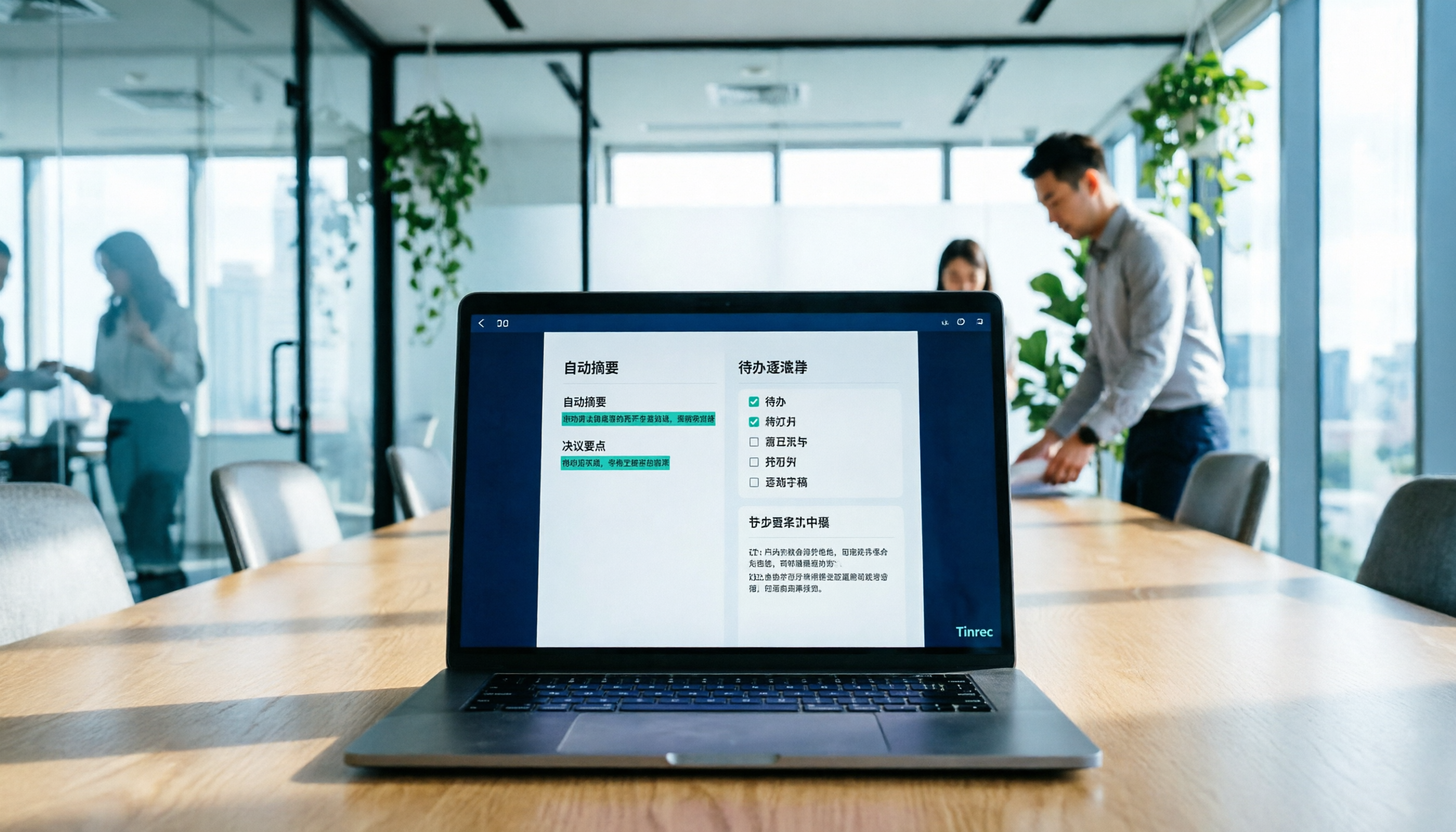
Now with Tinrec, the transcript is generated in real time during the meeting, and after the meeting the AI directly produces a summary, sections, and action items. Then I have an agent post-process those action items into a table: task, owner, deadline, status. This used to eat up 40 minutes of my time. Now I get it by the time I come back with a glass of water after the meeting ends.
Scenario 2: Turn Customer Interviews into a Requirements Summary
The hardest part for sales teams isn't the interview—it's the pile of scattered customer comments afterward. After Tinrec transcribes the interview recording, you can directly ask it "What's the customer's budget ceiling?" or "Which feature are they concerned about?" and then generate a requirements summary. Having the original recording and timestamps to trace back to is the key difference between something you can reconcile with a customer and something you can't.
Scenario 3: Turn Weekly Meeting Content into a Project Status Sheet
Our team has three regular project meetings every week. Previously, each group filled in the status sheet themselves, formats varied, and numbers didn't match up. Now it's generated uniformly from meeting notes, with consistent columns, and every entry can be traced back to the original statement in the meeting.
What Are the Core Capabilities of AI Agents That Generate Excel?
Capability 1: Source Material Capture—Without a Clean Source, Everything Else Is Empty Talk
Tinrec's desktop version directly captures your computer's system audio, handling online meetings on Zoom, Google Meet, Microsoft Teams, Webex, and similar platforms without needing to add a meeting bot to the room. This matters a lot for cross-department meetings—you don't want a strange account hanging out in the participant list during a client meeting. For in-person meetings, use real-time recording to transcribe as you record.
Capability 2: Transcript and Sections—Slice Long Meetings into AI-Digestible Chunks
Tinrec automatically generates summaries and sections, breaking a 90-minute meeting into several topic segments. This helps enormously with generating spreadsheets later: AI is far more accurate at handling "what was discussed in this section" than "what was discussed in these 30,000 words."
Capability 3: Action Item Extraction—This Is Where the Spreadsheet Rows Come From
The hardest part of a spreadsheet is never the format—it's the content. Tinrec extracts action items from the discussion, showing who's responsible and what needs to be done at a glance. These become the raw data rows for your status sheet.
Capability 4: AI Q&A—Ask Follow-Up Questions to Fill in Missing Columns
Spreadsheets often lack a column. Instead of re-listening to the recording, I now just ask: "Was there any budget figure mentioned in this meeting?" or "What did the customer say about the delivery timeline?" Tinrec searches the meeting data semantically for answers, so I don't have to scrub through the timeline from the beginning.
Stop organizing recordings by hand
Upload audio or video and automatically get a transcript, summary, and action items
Capability 5: Agent Post-Processing and Multi-Format Export—Generate Spreadsheets, Reports, and Documents
Tinrec's agent post-processing can generate reports, spreadsheets, and documents based on meeting content, and supports export to common formats and third-party tools to fit into your existing workflow. What you want is a table you can paste into a company report, not a view you can only look at but can't use.
Practical Use Cases
Weekly Meetings and Project Progress Tracking After the department weekly meeting every Monday, I get three things: the transcript, the summary, and the action item list. The action items are directly converted into a tracking sheet with fixed columns: Task / Owner / Deadline / Status. The benefit isn't just saving time—it's that "what we said we'd do last week" is always searchable, no more digging through notes.
Customer Interviews and Requirements Organization Interview recordings from sales and customer success teams can be imported into Tinrec for transcription and then directly turned into a requirements summary. Customer quotes, requirement priorities, and objections are listed in separate columns. Cross-language customers are no problem either—Tinrec supports real-time translation, so you can view the original, the translation, or a bilingual side-by-side.
Cross-Department Coordination and Decision Records The most time-consuming part of cross-department meetings isn't the meeting itself—it's the follow-up afterward. Which department committed to what, and when it will be delivered. Generate a decision log from meeting notes so you have a basis when disputes arise.
Personal: Organizing Course and Interview Material Recordings from my own classes or expert interviews can be transcribed and then organized into a key-points table for easy future reference, without re-listening.
5 Things to Watch for When Choosing an AI Agent Excel Tool
1. Where does the source material come from? If a tool can only "generate" but can't "record," it will always rely on you manually pasting in data. Tinrec connects recording, transcription, summarization, action items, and generation into one pipeline—that's the biggest difference between it and pure generation tools.
2. Can it take only structured data? Feeding a 30,000-word transcript to an AI versus feeding it an organized document with sections, summaries, and action items yields a whole different level of quality. Tinrec structures the content for you by default.
3. Can you trace back and verify after generation? Ideally, every number and every conclusion in the spreadsheet can be traced back to a timestamp in the transcript. Tinrec keeps the original recording and transcript, and I always click back and listen once before sending anything important out.
4. Does it hold up with Chinese and mixed Chinese-English? About half of our meetings are mixed Chinese-English. Tinrec supports Chinese, Traditional Chinese, and multilingual meetings, and the team version has a hotword feature that lets you add your company's commonly used proper nouns to reduce misheard technical terms. Actual performance is affected by recording quality, accents, and multiple people speaking at once—I won't tell you it's "100% accurate."
5. Data ownership and team governance This is a pitfall many teams have fallen into: all the data lives in one person's account, and when they leave, three years of meeting records go with them. Tinrec's team version is a separate team space where data belongs to the team; resources can be handed over when members change. Roles govern administration, seats govern usage—members with an effective role but no seat can view, play, and read team data, but need a seat to record, upload, edit, and export. Be sure to understand this before buying—don't assume "adding a person means adding edit permissions."
FAQ
Q: Can AI-generated Excel be used directly? You can use it as a draft first, but important numbers should be checked against the original data. AI sometimes misinterprets meaning, especially when discussion and final decisions are mixed together. One of Tinrec's values is that every conclusion can be traced back to a timestamp in the transcript.
Q: Do I need to write really good prompts? No. What really determines output quality is the completeness of the material you provide. If you organize the meeting notes well, a simple "organize the action items into a table" is enough.
Q: Are there privacy concerns with converting meeting recordings into spreadsheets? You should inform participants and get consent before recording—that's a basic principle. When choosing a tool, pay attention to where data is stored and who can see it. Tinrec's team version has role and seat management, plus an audit log for querying and exporting important operation records.
Q: Is the free version enough? If you only have two or three meetings a week and occasionally organize a recording, the free version is worth trying. If you're doing a dozen or more meetings a week, or need to accumulate meeting data long-term, upgrade.
Q: What's the difference between the team version and the personal version? In the personal version, data belongs to the individual account; the team version is a separate space with additional members, roles, seats, shared benefits, usage analytics, and audit logs. The team version currently offers a 7-day trial for first-time users, including 1 free seat and 300 minutes of shared team import quota; paid seats are USD 29.80 per month, or USD 199 per paid seat per year (about USD 16.58 per month), with each paid seat providing 2,000 minutes of shared team import quota per month. Also, under an active team plan and active seat, real-time recording currently does not deduct minutes—a big difference for teams with heavy meeting volume. Actual prices and benefits are subject to the official purchase page.
Q: Can it handle in-person meetings? Yes. Tinrec supports real-time recording, computer meeting recording, audio/video file import, and has a mobile app. No additional recording hardware needed.
Conclusion
AI agents generating Excel isn't hard—the hard part is making that spreadsheet "trustworthy."
My experience is simple: Instead of spending time writing longer prompts, spend time organizing meeting content into structured data. Do that one thing well, and the spreadsheets, reports, and documents that follow will fall into place.
If you're like me and have a dozen or more meetings a week, where the meeting ending is just the start of the work, Tinrec is worth a try. The free version has a basic quota—record one of your own meetings first and see whether the summary and action items it produces are the kind of spreadsheet raw material you actually need.
References
- FAQ about Agent Mode in Excel - Microsoft Support
- AI Excel File Generator
- Gemini Notebook Agent Can Generate Word, Excel, PPT Directly from a Database! Four Work Case Tests and Tutorial
- ChatGPT Can Now Be Added to Excel! 6 Steps to Bring AI into Excel and Google Sheets to Quickly Organize Data | BusinessNext
- GitHub - gaaiyun/excel-skill: AI agent skill for generating industry-specific Excel templates | Finance / FMCG / E-commerce / Internet | openpyxl + Power Query + pivot tables | Chinese-friendly · GitHub
Turn every recording into actionable outcomes
Get 60 free transcription minutes when you sign in. No credit card required.
Related Reading
You might also like

Tinrec vs Notta 2026: 5-Dimension Comparison — Which Handles End-to-End Meeting Processing Better?
The value of an AI Agent isn't just having an 'AI button' — it's whether it can take a meeting from recording to transcript, summary, and action items all the way to deliverable documents. This article compares Tinrec and Notta across 5 dimensions, breaking down processing chain completeness, follow-up Q&A and verification, team governance, language support, and actual cost to help you make a purchasing decision.

2026 AI Meeting Assistant Comparison: Why Tinrec May Fit Chinese Meetings Better Than Fireflies
Starting from the pain point of rushing to write meeting minutes after a meeting ends, this compares Tinrec and Fireflies on meeting capture, Chinese-language experience, post-meeting workflows, team governance, and pricing/quotas, and summarizes Tinrec's core features, real-world scenarios, and buying considerations.

2026 AI Meeting Recorder Showdown: Tinrec vs Granola — Which Is Better for Chinese-Speaking Teams?
This comparison of Tinrec and Granola, two bot-free AI meeting note tools, covers meeting capture, input sources, audio retention, Chinese-language experience, post-meeting outputs, and team management. It outlines each tool's ideal use cases and pricing to help you decide which fits your meeting workflow.

2026 AI Meeting Productivity Tools Buyer's Guide: 4 Hands-On Tests and Selection Advice
How do you choose an AI meeting tool? This guide examines four key criteria—meeting capture method, post-meeting outputs, Chinese-language experience, and team data governance—and hands-on tests Tinrec, Otter.ai, Notta, and Granola to compare their differences. It also includes a pitfalls guide and scenario-based selection advice to help you pick the one tool you'll actually use after meetings.

2026 Comparison of 4 AI Agent PPT Generators: Where the Content Comes From Is What Matters
The success of AI Agent PPT generation often depends less on layout and more on whether the input material is solid enough. This article compares Tinrec, PowerPoint AI Generator, MiniMax Agent, and MultiAgentPPT across four dimensions—content source, editability, outline structure, and team knowledge retention—to help you determine which workflow suits your presentation scenario.

2026 Meeting Efficiency Agents Compared: Tinrec vs. Notta — Which Turns Meetings into Action?
Meeting efficiency agents are about more than transcription accuracy. This comparison of Tinrec and Notta covers how online meetings are captured, post-meeting outputs, AI follow-up questions, team data governance, and pricing structure to help you decide which workflow fits your work style.

2026 AI Meeting Notes Tools Compared: Context Understanding and Retention
AI Agents often fail not because of the model, but because of the context you feed them. This article starts with common misconceptions and reviews 6 solutions that can capture meeting content, structure it, and make it queryable, comparing their positioning, pricing, and ideal users.

4 AI Agent Word Generation Tools Tested: Which Turns Meeting Content into Deliverable Documents? (2026)
People searching for 'AI Agent generate Word' fall into two camps: those who want content generated from scratch, and those who need to turn a finished meeting into a document they can hand off. This article compares four approaches—Tinrec, OfficeCLI, Kimi Agent, and ChatGPT/Gemini export—based on real workflows, and outlines selection criteria, common mistakes, and recommendations.
How to Use AI to Generate Meeting Minutes in Word (2026): No-Bot Recording + Auto Summaries & Action Items
After a meeting ends, the transcript, decisions, and action items are often still stuck in the recording. This guide tackles real pain points, explaining how to choose and use AI tools to generate meeting minutes in Word in 2026. It compares Tinrec, Otter.ai, Granola, and Notta to help you pick the right one, and includes a copy-paste prompt for organizing meeting minutes.