

Turn recordings into transcripts and summaries in minutes
Upload audio or video for multilingual transcription, AI notes, and action items
Why Should You Care About "AI Agent Context Understanding"?
Many people still imagine AI Agents as: "If you write a long enough, detailed enough prompt, the Agent will become smart." This is the first common misconception.
The second misconception is the opposite: assuming that when the model upgrades, the Agent will naturally become stronger.
In reality, there is a commonly cited formula: Agent = LLM + Context + Tools. The model is just one piece.
Most Agent failures are not due to the model itself, but because the context fed to it is not good enough—missing what should be given, stuffing in what shouldn't be, or providing it in the wrong format. An Agent's workflow consists of perception, planning, and action, and each step relies on context.
This is why "context engineering" has been discussed repeatedly in recent years. The principle is simple: put in what's needed, clear out what's not.
In enterprise scenarios, the most easily overlooked yet valuable piece of context is meetings. Decisions, requirements, commitments, and customer concerns are often discussed in meetings and then forgotten.
This article reviews 6 solutions that can capture meeting content, structure it, and make it queryable, starting with the most comprehensive one.
Solution 1 | Tinrec — Turn Meetings into Queryable Context
Tinrec is an AI meeting notes and collaboration tool for individuals and teams, positioned not just as "audio-to-text."
For context, it solves the most fundamental problem: can meeting content be fully captured, structured, and later searched and queried?
Record online meetings without a bot The desktop version directly captures computer system audio, so when handling Zoom, Google Meet, Microsoft Teams, or Webex, you don't need to invite a bot into the meeting. For internal or client meetings, having one less unfamiliar participant makes a big difference. Note that this requires you to actively open Tinrec to start recording; it does not automatically join all calendar meetings.
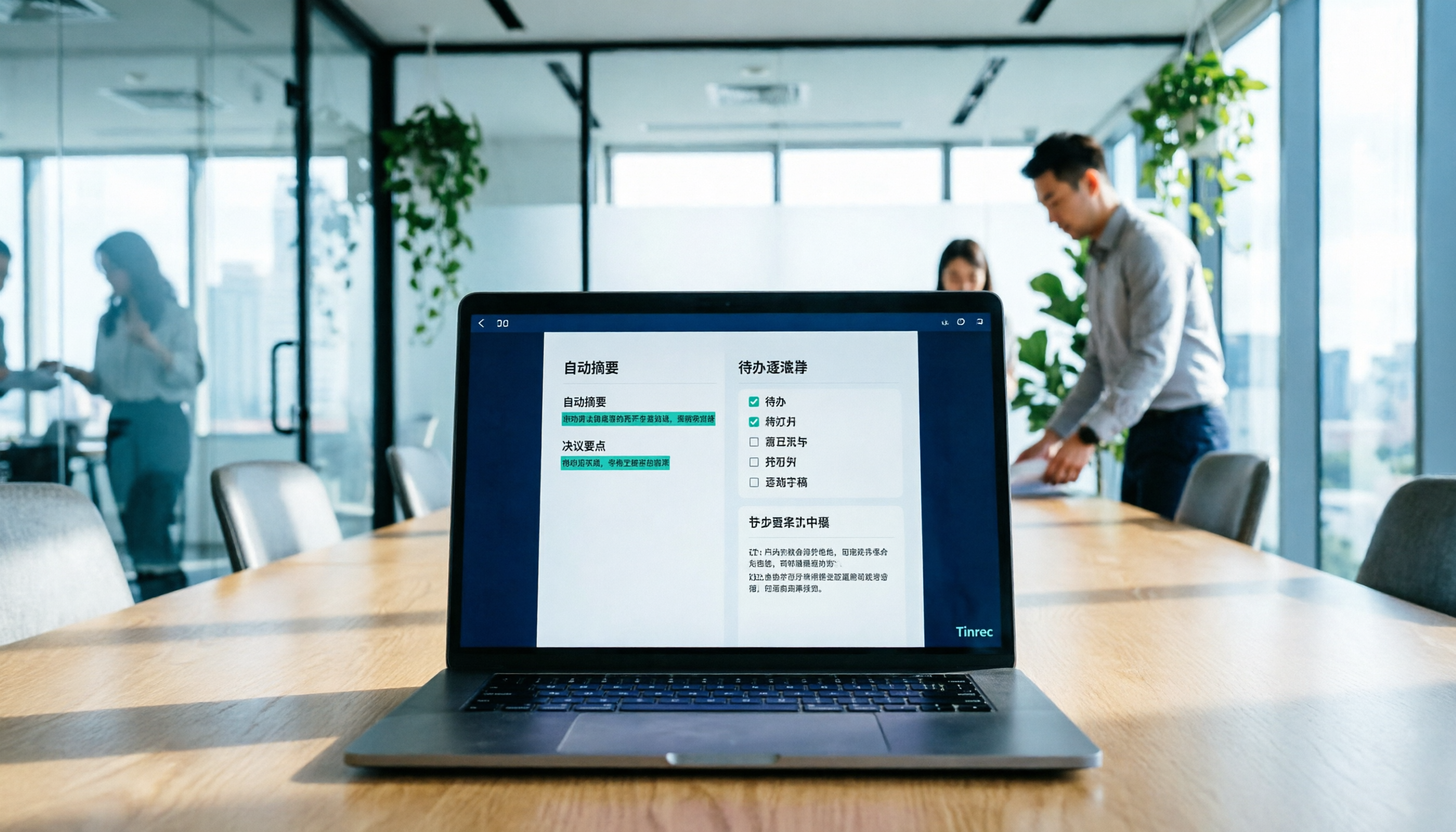
Workflow after transcription Automatically generates summaries, chapters, key points, and action items, so you don't have to rewatch long meetings. The transcript is searchable, making it quick to find a specific commitment.
Ask follow-up questions about meeting content AI Q&A allows you to continue asking questions about a single meeting or multiple meetings. This essentially turns "historical conversations" and "long-term memory" into searchable context, rather than audio files sitting on a hard drive. It also supports real-time translation, so cross-language meetings can be viewed in original, translated, or bilingual mode.
Team spaces retain data The team version is a separate collaboration space where meeting data belongs to the team, and new members can view historical meetings; admins can manage members, roles, seats, usage, and query and export audit logs, plus a 30-day audio recycle bin.
Post-meeting outputs can be delivered directly Agent post-processing can generate reports, tables, and documents based on meeting content, turning discussion results into deliverable items.
Pricing: The personal version has a free tier to try basic quotas, plus weekly, Pro monthly, and Pro annual plans. The team version offers a 7-day trial for first-time eligible users, 1 free seat, and 300 minutes of shared team import quota; team monthly is USD 29.80 per paid seat per month, annual is USD 199 per paid seat per year (about USD 16.58 per month), with each paid seat providing 2,000 minutes of shared team import quota per month. Real-time recording is currently not deducted by minutes under valid plans and active seats.
Who it's for: Those who need Chinese meeting notes, don't want bots in meetings, and want post-meeting data to remain in the team for continuous use.
Solution 2 | Otter.ai — A Mature Choice for English Business Meetings
Otter.ai is a mature AI meeting assistant covering meeting notes for Zoom, Microsoft Teams, and Google Meet, speaker identification, AI Chat, and team management. It is the most impressive tool in this category for English business scenarios.
The main differences from Tinrec are language and recording method: Otter focuses on meeting bots and English meetings, while Tinrec emphasizes desktop bot-free recording and Chinese meeting experience.
Pricing: Basic is free, 300 minutes per month; Pro annual billing is about USD 8.49 per user per month, including 1,200 minutes of in-app recording per month and 10 file imports; Business offers unlimited meetings and in-app recording, actual pricing may vary due to promotions, refer to the official page.
Who it's for: Those whose team meetings are primarily in English and need mature meeting automation.
Solution 3 | Fireflies.ai — Strong in Meeting Automation and Integrations
Fireflies.ai's strengths are meeting automation, meeting bots, AI summaries, AskFred Q&A, team analytics, and a large number of third-party integrations.
If you want "meetings automatically flow into CRM and project management tools" type integrations, its ecosystem is more complete; in contrast, Tinrec focuses more on Chinese experience and the retention of meeting data itself.
Pricing (annual billing): Free USD 0, Pro USD 10 per seat per month, Business USD 19 per seat per month, Enterprise USD 39 per seat per month. Note that its "unlimited transcription" is still subject to storage space, file upload speed, and AI Credit rules, so not all capabilities are completely unlimited.
Who it's for: Teams that already have a complete toolchain and need highly automated workflows.
Stop organizing recordings by hand
Upload audio or video and automatically get a transcript, summary, and action items
Solution 4 | Notta — Multilingual Transcription and Team Plans
Notta actually overlaps significantly with Tinrec, both covering multi-platform transcription, meeting notes, file import, translation, and team plans. Multilingual transcription is its strength.
The differences are in recording method and depth of post-processing: Tinrec's desktop version does not require a bot to join meetings and focuses on post-meeting Q&A, action items, and Agent post-processing.
Pricing: Free 120 minutes per month, max 3 minutes per item; Pro annual billing is about USD 8.17 per month, 1,800 minutes per month; Business annual billing is about USD 16.67 per seat per month, offering unlimited transcription, role permissions, and usage reports.
Who it's for: Teams that need multilingual transcription and basic team permission management.
Solution 5 | Granola — Bot-Free with Handwritten Note Enhancement
Granola is also a bot-free AI meeting notes tool that uses the desktop device's system audio and microphone for real-time transcription, combined with your own typed notes to generate content. It follows a "notes-first, AI-enhanced" approach.
Two things to note: It supports viewing, copying, and searching real-time transcripts, but does not support uploading pre-recorded audio files and does not save meeting audio. That means once the meeting ends, there is no audio file, which is a limitation for post-meeting verification or using meetings as a long-term context source.
Pricing: Basic free, Business USD 14 per user per month, Enterprise USD 35 per user per month.
Who it's for: Those who are used to taking notes during meetings and don't need to retain recordings.
Solution 6 | TurboScribe — Pure Free File Transcription to Start
TurboScribe is more of a cost-effective file transcription tool, focusing on long files, batch uploads, subtitles, and translation, not a meeting collaboration platform.
Pricing: Free 3 files per day, max 30 minutes per file; Unlimited annual billing USD 120 (about USD 10 per month), paid version supports up to 10 hours or 5 GB per file, and up to 50 files at once.
Who it's for: Those who already have a bunch of audio files and just want to convert them to text with a near-zero budget.
With So Many Solutions, How Should You Choose?
・Want the most complete all-in-one (transcription + summary + action items + AI Q&A + team retention) → Tinrec, all these are in one tool ・Meetings in Chinese or mixed Chinese-English → Tinrec, Chinese meetings and mixed-language organization are its focus ・Don't want bots in meetings → Tinrec or Granola, both use desktop capture; but only Tinrec retains audio and supports file import ・Need to directly produce reports, tables, documents after meetings → Tinrec's Agent post-processing can generate them directly ・Team sharing of meeting data, need to manage seats and usage → Tinrec team version, with roles, seats, usage analytics, and audit logs ・Team meetings all in English, need deep meeting automation → Otter.ai or Fireflies.ai ・Need multilingual transcription and large file imports → Notta ・Zero budget, just occasional audio transcription → TurboScribe free version
4 Things to Know Before Using AI Agents to Organize Context
**1. Context is not better when longer.** Pouring a whole year of meeting notes into the model often works worse than giving just the key three paragraphs. "Put in what's needed, clear out what's not" is the basic principle.
**2. Only if audio is retained can you verify.** AI summaries may miss or misunderstand details; for important decisions, it's advisable to go back to the transcript timestamp to verify. This is why "whether recordings are saved" is worth considering when choosing a tool—Tinrec keeps audio in the team space and has a 30-day recycle bin after deletion; Granola does not retain meeting audio, so be prepared for that.
**3. Role is not the same as seat.** In the team version, roles determine who can manage the team, members, and audits; seats determine who can record, upload, edit, and export. Members without a seat can still view, play, and read team data, but cannot upload or edit. Before purchasing, think clearly about how many people "need to take action."
**4. Recording must be compliant.** Recording and transcription involve local laws and others' privacy; obtain participant consent when necessary. For highly regulated scenarios such as healthcare, legal, and finance, confirm internal policies before discussing tools.
Conclusion
The upper limit of an AI Agent largely depends on the quality of the context you give it, not how fancy the prompt is. To feed good context, the first step is to capture scattered meeting content, structure it, and make it queryable.
Tinrec is quite complete in this chain: desktop bot-free recording, transcript, summary and action items, AI Q&A, team space, and permission management all in one tool. To first check if it works for you, the personal version has a free quota to try; to evaluate team collaboration and governance, you can start with the 7-day trial.
FAQ
Q1: Does Tinrec require a bot to join meetings? No. The desktop version directly captures computer system audio, so handling Zoom, Meet, Teams, and Webex does not require inviting an extra participant. However, you need to actively start recording; it currently does not automatically join all calendar meetings.
Q2: Is the free version enough? If you only occasionally organize a recording, the free version lets you try basic quotas. If you have regular weekly meetings, Pro is more suitable; for short-term intensive interviews or project sprints, consider the weekly plan.
Q3: What's the difference between roles and seats in the team version? Roles determine governance permissions (who can manage the team, members, and audits), seats determine usage eligibility (whether one can record, upload, edit, export). Members who are active but have no seat can still view, play, and read team data.
Q4: Can transcription accuracy be guaranteed? It is not advisable to promise a fixed number. Actual performance is affected by recording quality, noise, accents, overlapping speakers, and technical terms. A more prudent statement: it can significantly reduce manual note-taking and organization costs; verify important content against the original text.
Q5: Can meeting results be exported to other tools? Yes. Tinrec supports multi-format export to common tools like Notion, Google Docs, OneNote, Dropbox, and can also generate reports, tables, and documents for further processing.
Q6: Can team audio be recovered after deletion? After audio enters the team recycle bin, it can be restored before permanent cleanup begins; the current retention period is 30 days. Note that action items are not covered by the team recycle bin.
References
- Discussing AI Agent Context Engineering - Zhihu
- Understanding AI Agents in Depth - AI Agents in Depth
- Goodbye Prompt Engineering, "Context Engineering" is the Core Competitiveness of AI Agents - Zhihu
- AI Agent Context Engineering Knowledge Summary - Jiujuan's Blog - Cnblogs
- [2026 Latest] What is an AI Agent? 7 Core Architectures, Operating Principles, and Enterprise Applications Explained | 91APP
Turn every recording into actionable outcomes
Get 60 free transcription minutes when you sign in. No credit card required.
Related Reading
You might also like

Tinrec vs Notta 2026: 5-Dimension Comparison — Which Handles End-to-End Meeting Processing Better?
The value of an AI Agent isn't just having an 'AI button' — it's whether it can take a meeting from recording to transcript, summary, and action items all the way to deliverable documents. This article compares Tinrec and Notta across 5 dimensions, breaking down processing chain completeness, follow-up Q&A and verification, team governance, language support, and actual cost to help you make a purchasing decision.

2026 AI Meeting Assistant Comparison: Why Tinrec May Fit Chinese Meetings Better Than Fireflies
Starting from the pain point of rushing to write meeting minutes after a meeting ends, this compares Tinrec and Fireflies on meeting capture, Chinese-language experience, post-meeting workflows, team governance, and pricing/quotas, and summarizes Tinrec's core features, real-world scenarios, and buying considerations.

2026 AI Meeting Recorder Showdown: Tinrec vs Granola — Which Is Better for Chinese-Speaking Teams?
This comparison of Tinrec and Granola, two bot-free AI meeting note tools, covers meeting capture, input sources, audio retention, Chinese-language experience, post-meeting outputs, and team management. It outlines each tool's ideal use cases and pricing to help you decide which fits your meeting workflow.

2026 AI Meeting Productivity Tools Buyer's Guide: 4 Hands-On Tests and Selection Advice
How do you choose an AI meeting tool? This guide examines four key criteria—meeting capture method, post-meeting outputs, Chinese-language experience, and team data governance—and hands-on tests Tinrec, Otter.ai, Notta, and Granola to compare their differences. It also includes a pitfalls guide and scenario-based selection advice to help you pick the one tool you'll actually use after meetings.

2026 Comparison of 4 AI Agent PPT Generators: Where the Content Comes From Is What Matters
The success of AI Agent PPT generation often depends less on layout and more on whether the input material is solid enough. This article compares Tinrec, PowerPoint AI Generator, MiniMax Agent, and MultiAgentPPT across four dimensions—content source, editability, outline structure, and team knowledge retention—to help you determine which workflow suits your presentation scenario.

2026 Meeting Efficiency Agents Compared: Tinrec vs. Notta — Which Turns Meetings into Action?
Meeting efficiency agents are about more than transcription accuracy. This comparison of Tinrec and Notta covers how online meetings are captured, post-meeting outputs, AI follow-up questions, team data governance, and pricing structure to help you decide which workflow fits your work style.

2026 AI Agent Excel Tools Tested: Which One Actually Saves Time on Post-Meeting Spreadsheets?
AI agents that generate Excel files sound amazing, but in practice you often get spreadsheets that look polished and are full of wrong numbers. Drawing on my own trial and error, this article breaks down the three most common pitfalls of AI-generated Excel and explains why the key isn't generation—it's what data you feed the AI. It also shows how Tinrec turns meeting recordings into structured input that can then produce action-item trackers, requirements summaries, and project status sheets.

4 AI Agent Word Generation Tools Tested: Which Turns Meeting Content into Deliverable Documents? (2026)
People searching for 'AI Agent generate Word' fall into two camps: those who want content generated from scratch, and those who need to turn a finished meeting into a document they can hand off. This article compares four approaches—Tinrec, OfficeCLI, Kimi Agent, and ChatGPT/Gemini export—based on real workflows, and outlines selection criteria, common mistakes, and recommendations.
How to Use AI to Generate Meeting Minutes in Word (2026): No-Bot Recording + Auto Summaries & Action Items
After a meeting ends, the transcript, decisions, and action items are often still stuck in the recording. This guide tackles real pain points, explaining how to choose and use AI tools to generate meeting minutes in Word in 2026. It compares Tinrec, Otter.ai, Granola, and Notta to help you pick the right one, and includes a copy-paste prompt for organizing meeting minutes.