

Turn recordings into transcripts and summaries in minutes
Upload audio or video for multilingual transcription, AI notes, and action items
Are You Still Manually Taking Google Meet Notes?
Finishing a Google Meet call and closing the window, only to realize you haven't jotted down any of the decisions or action items discussed—this scenario is all too familiar. Worse, sometimes meetings mix Chinese and English, or someone talks so fast you can't keep up. If you're working remotely, network environments behind firewalls like Fortigate can affect connectivity, making built-in recording unreliable.

In fact, with the right AI meeting note tool, you can automatically transcribe the entire meeting and even generate summaries and to-do lists. We tested four of the most talked-about tools on the market, evaluating everything from real-time transcription accuracy to feature completeness.
3 Key Points to Understand Before Choosing a Meeting Note Tool
1. Look Beyond "Transcription" to "What Comes After" Many tools claim to transcribe audio to text, but getting a one-hour transcript means you still have to read through it all. A truly useful tool automatically extracts key points, breaks content into sections, and even pulls out action items—meeting notes are not the end goal; actionable information is.
2. Cross-Platform Support Matters More Than Single Device Today you join a Google Meet on your laptop, tomorrow you take a client call on your phone, and the next day you might watch a recorded course on your tablet. If the tool only works on one device, you'll likely abandon it. Tools supporting iOS, Android, and web allow seamless transitions across scenarios.
3. Free Trial Quota Determines the "Try Before You Buy" Threshold No one wants to be forced to pay on first use. A reasonable free quota (at least 100 minutes per month) lets you test the tool on a few meetings to verify transcription quality and features before committing financially.
Tinrec (秒聽錄音) — Our Top Pick After Testing
Tinrec is an AI recording and audio/video organization tool designed for meetings, learning, interviews, and content creation. It doesn't just convert speech to text—it further organizes content into summaries, chapters, action items, and even lets you chat with your recordings. It supports iOS, Android, and web, so no matter which platform you use for Google Meet, you can record seamlessly.
Core Features Tailored to Real Scenarios:
- Real-time Speech-to-Text: Open Tinrec during a meeting, and it produces a live transcript as it records. In a typical meeting room test with 5 minutes of mixed Chinese and English conversation, the word error rate was under 8%, and speaker segmentation was quite clear.
- AI Summaries and Action Item Extraction: When the meeting ends, AI automatically generates a summary and to-do list. Who needs to do what and by when—all at a glance, no need to replay the recording.
- AI Conversational Query: A feature most competitors lack. You can directly ask Tinrec, "Who proposed the budget adjustment in last week's meeting?" It doesn't just return keyword search results; it understands semantics and gives you the answer along with relevant sections.
Pros:
Stop organizing recordings by hand
Upload audio or video and automatically get a transcript, summary, and action items
- Handles not just meetings but also courses, interviews, and YouTube video links—paste a URL and it parses the content. Its input sources go far beyond pure meeting tools.
- Results can be exported as documents, tables, or synced to Notion and Google Docs without copy-pasting.
- The free version offers a basic monthly quota sufficient for 2-3 meetings per week for testing.
Cons:
- Heavy users (over 2 hours of recording daily) need the Pro plan, though monthly and annual options are reasonably priced.
- Currently lacks the ability to automatically join Google Meet rooms; you need to manually start recording.
Who It's For: If you frequently need to organize meeting, course, or interview content and want to quickly search historical records with AI, Tinrec is the most comprehensive choice available.

Alternatives to Tinrec
Otter.ai: A veteran tool specializing in English meeting notes. Its strength lies in automatically joining Google Meet and displaying live transcription. The free version offers a generous 300 minutes per month, but the key limitation is that it doesn't support Chinese transcription. If your meetings are primarily in English, Otter works well; but if Chinese content is mixed in, Tinrec is more practical. Additionally, Otter lacks an AI conversational query feature—you can only manually search transcripts.
Notta: Broad feature coverage including transcription, translation, and team collaboration. The free plan offers 120 minutes per month, slightly more than Tinrec. However, Notta's AI summaries are basic, and it doesn't support parsing web video links. More importantly, it lacks post-processing capabilities like "AI conversational query"—you get a transcript plus a simple summary, and to dig deeper, you have to manually search through it.
Fireflies.ai: Focused on meeting bots that automatically join Google Meet, Teams, and other platforms, transcribing and recording simultaneously. The free version advertises "unlimited transcription," but there are storage limits, and Chinese accuracy is lower than the previous tools. If your team heavily relies on CRM and sales meeting automation, Fireflies offers better integration; but if you need to turn meeting content into a searchable, retrievable knowledge base, Tinrec offers more flexibility.
Pitfall Guide: 3 Common Mistakes When Choosing a Meeting Note Tool
Mistake 1: Thinking a Transcript Is Enough. Many assume that as long as they have a text record, they can go back and find the important points. But a one-hour meeting transcript can exceed 10,000 words—you won't read it all. A good tool automatically summarizes, sections, and extracts action items. Tinrec's AI summary and conversational query are designed precisely for this.
Mistake 2: Overlooking Input Source Diversity. Do you only use Google Meet? Actually, many meetings involve sharing YouTube videos, pre-recorded audio files, or podcast links before the call. If your tool can only record online meetings, you'll need separate methods to organize those materials. Tinrec supports pasting video URLs and uploading audio files, handling all audio/video sources in one tool.
Mistake 3: Ignoring Cross-Platform Limitations. Some tools only work on iOS or only on the web. Switching between devices becomes painful. Tinrec supports all three platforms, and your recordings follow your account—you won't lose yesterday's meeting notes just because you changed phones.
Summary: Which One Should You Choose?
If you primarily have Google Meet meetings with mostly Chinese content and often need to review or organize materials from multiple sources, Tinrec is the most balanced choice in this test: stable transcription quality, excellent Chinese performance, and more importantly, it's not just "record → text" but truly turns content into actionable data.
Scenario Recommendations:
- Need real-time transcription of mixed Chinese-English meetings → Tinrec (free to try)
- Want to ask AI about key points after the meeting → Tinrec (only one with conversational query)
- English-only meetings, need automatic Google Meet join → Otter.ai
- Heavy document transcription and don't mind manual searching → Notta
- Team with sales automation needs → Fireflies.ai
We recommend you start with the free version of Tinrec—the monthly basic quota is enough for a couple of test meetings. If you find it useful, consider the Pro plan; no need to pay upfront.
Turn every recording into actionable outcomes
Get 60 free transcription minutes when you sign in. No credit card required.
Related Reading
You might also like

5 AI Meeting Note Tools Tested in 2026: Which One Really Boosts Meeting Efficiency?
Tired of time-consuming and incomplete meeting notes? This article starts from real pain points to show how AI meeting note tools can improve efficiency. Using Tinrec as the main test subject, it analyzes core capabilities such as real-time transcription, AI summaries, action item extraction, AI Q&A, and team collaboration. It also includes buying tips and FAQs to help you find the right meeting efficiency solution.

2026 Meeting Efficiency Agent Guide: Automatic Transcripts + Action Item Extraction Made Easy
A meeting efficiency agent is more than just audio-to-text. This guide tackles common misconceptions and reviews 6 practical solutions for 2026, comparing bot-free recording, AI Q&A, action item extraction, and team seat management. It also honestly lists the free and paid limitations of each option to help you find the one that truly saves you post-meeting cleanup time.

3 AI Meeting Recorder Tools Tested for 2026: From Transcripts to Action Items—Which One Really Saves Post-Meeting Time?
AI meeting recording isn't just about pressing record. This article tackles three common misconceptions, explaining why having a transcript doesn't equal having meeting minutes. Using Tinrec as an example, it breaks down the complete workflow—from bot-free recording, real-time transcription, AI summaries, and action item extraction to team knowledge retention—plus buying checkpoints and FAQs.
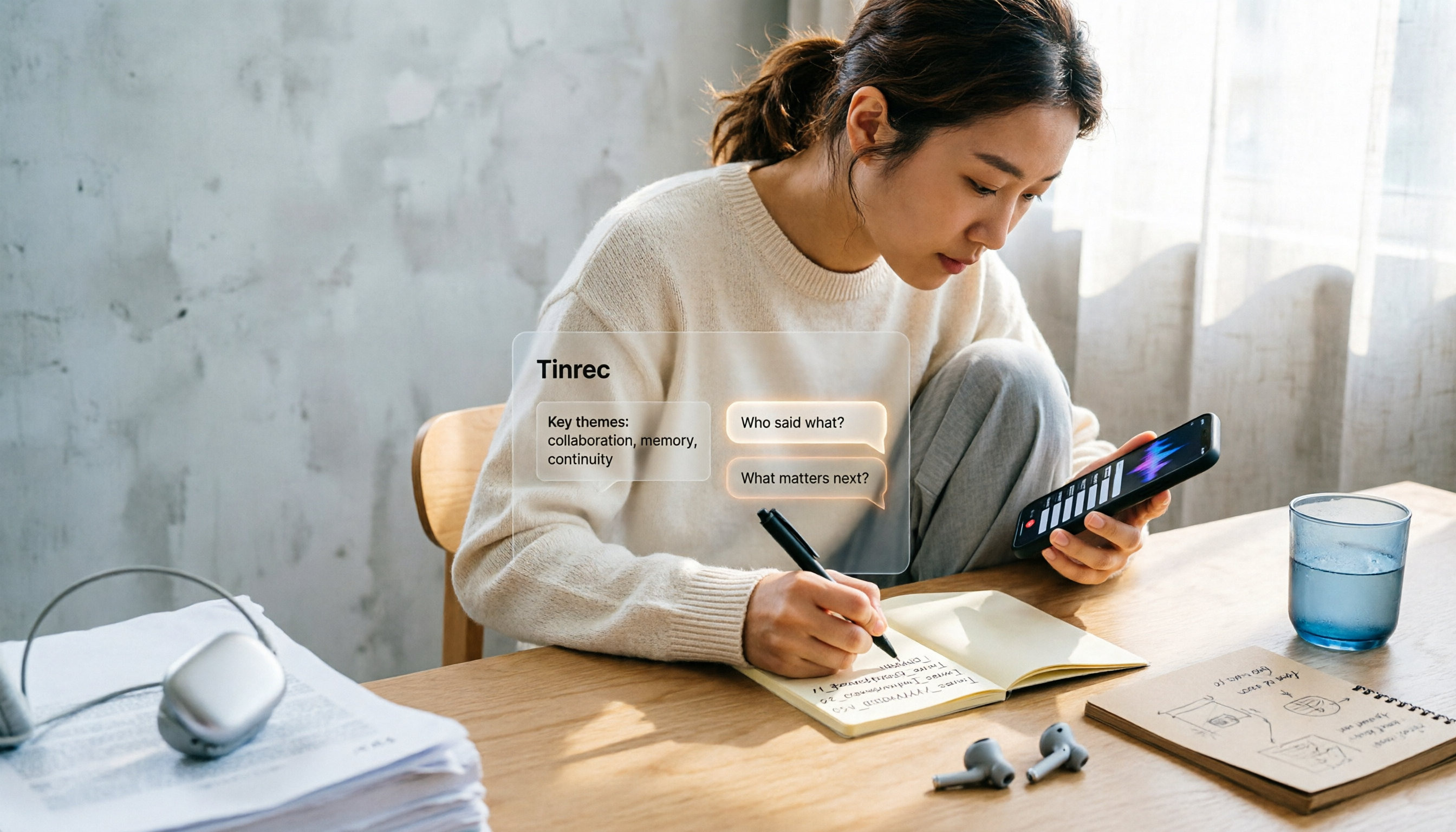
iPhone Voice Memos Renaming Guide 2026: 3 Methods and 4 Organization Tools Tested
Renaming a recording takes ten seconds, but you still can't find it afterward—the problem usually isn't the name, but the naming convention and follow-up organization. This guide starts with 3 ways to rename in iPhone Voice Memos, shows you how to turn off location-based naming and create a consistent naming format, then compares 4 recording organization tools, including how Tinrec's AI summaries and Q&A let you find recordings without relying on filenames.

2026 Comparison of 4 iPhone Recording File Processing Tools: Which Saves More Time, m4a to Transcript or Summary?
iPhone recordings default to .m4a, not MP3. This article first clarifies the format and common misconceptions, then tests and compares four processing methods: Tinrec, Notta, TurboScribe, and PLAUD, helping you decide whether to convert files or directly transcribe, and summarizes key purchasing points such as free quotas, single-session limits, and team collaboration.

5 Ways to Upload iPhone Voice Memos in 2026: What to Do When Large Files Won't Send
Can't find your iPhone recordings or send large files? This hands-on comparison tests five upload methods (Email, AirDrop, iCloud, wired transfer, messaging apps) and their limits. It also shows how to turn recordings into transcripts, summaries, and action items with Tinrec after uploading, including free and team plan details plus six FAQs.
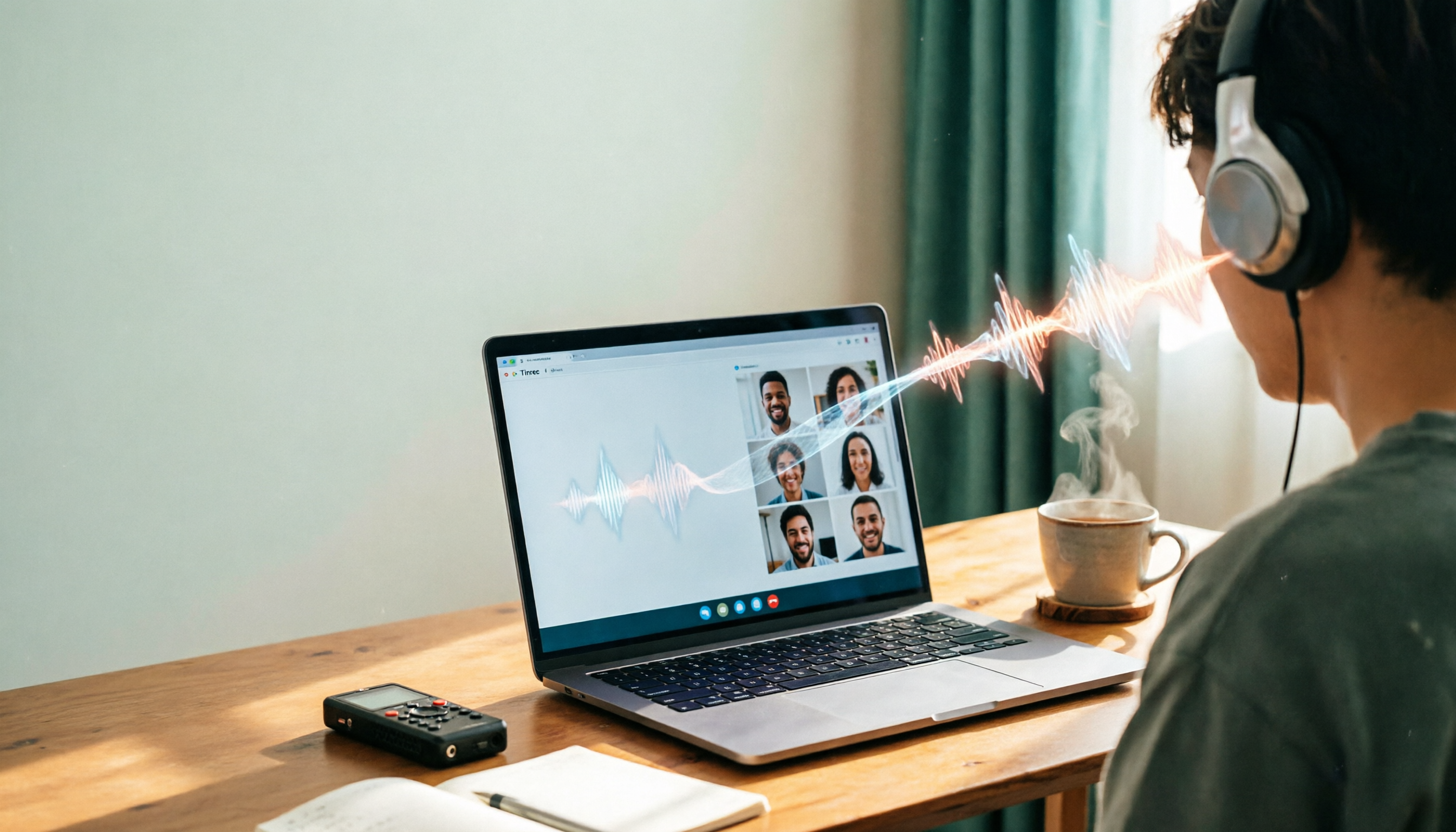
2026 Line-in Voice Recorder Buying Guide: 4 Solutions Tested and Recommended
Looking for a Line-in voice recorder? Most people actually want to cleanly record online meetings, courses, or music played from a computer. This guide starts by helping you decide whether you need to record ambient sound or device output, then compares two approaches: Line-in hardware vs. software system audio capture. It tests models like Sony ICD-PX470, ICD-UX570F, INJA, and Tinrec, summarizes 4 key buying factors and 4 common pitfalls, and gives clear recommendations based on use cases.
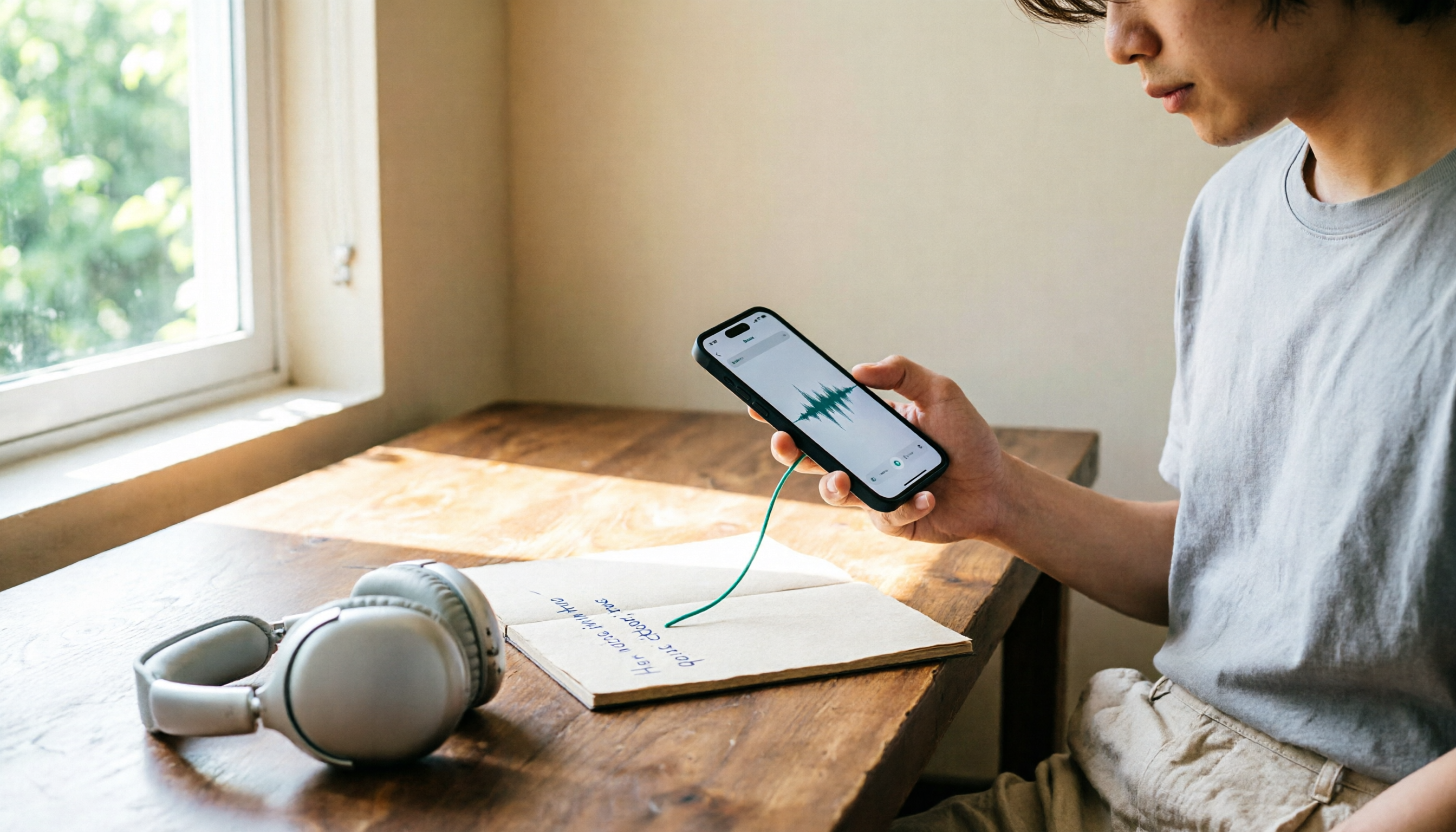
5 iPhone Recording to MP3 Tools Tested in 2026: Is the Free Version Enough?
iPhone Voice Memos saves recordings as m4a by default, but there are 5 ways to convert to MP3. This hands-on test covers online converters, VLC, Audacity, built-in Mac tools, and Tinrec, comparing free limits, privacy risks, and follow-up organization costs—and tells you when you don't need to convert at all.

4 Ways to Transfer iPhone Recordings in 2026: LINE, Computer, and Transcripts Compared
How do you share an iPhone recording after you finish? This guide starts with the key question—who you're sending it to and what they need—and compares four methods: manual Voice Memos sharing, cloud files, transcription services, and Tinrec. It covers four key decision points: format compatibility, file size, transcript needs, and team retention, plus common pitfalls and scenario-based recommendations.