

Turn recordings into transcripts and summaries in minutes
Upload audio or video for multilingual transcription, AI notes, and action items
Two Hours of Lecture, Can't Keep Up with Notes—You Need a "Record and Auto-Summarize" Solution
Last semester I took an elective. The professor talked faster than a bullet train and flipped through slides even faster. I tried taking handwritten notes, but when I opened my notebook before midterms, I couldn't even read my own writing. So I borrowed notes from a classmate, but his were even messier.

Later, a senior showed me a trick: start a Google Meet recording in class (or use iOS's built-in screen recording), then drop the audio file into an app to get a transcript and auto-extracted key points. I did this for every class that semester. Before finals, I didn't need to borrow anyone's notes—I just sent the AI-summarized PDF to the group chat, and everyone thought I was a straight-A student.
If you often face these situations:
- Your typing speed can't keep up with the professor's speech
- Group discussions are chaotic, and no one remembers the conclusions afterward
- You want to save key points from online lectures or YouTube tutorials
Then this article is for you. I tested four iOS recording-to-text apps in real student scenarios to tell you which one offers the best value and is best for assignments and exam prep.
Before Choosing a Recording-to-Text App, Understand These 3 Key Points
1. Transcription Accuracy: Don't Trust Official Numbers, Look at Real Classroom Conditions
Official "98% accuracy" is usually measured in a quiet recording studio. Your real scenario: the professor talks while writing on the board, classmates eat breakfast, and the AC hums. I tested with the same 5-minute English liberal arts lecture recording (with background noise and accented speaker), and the differences were immediate.
2. AI Organization: It's Not Just About Getting a Transcript—It's About Saving Time After Class
Transcription is just the first step. What really affects your review efficiency is: can the app auto-detect chapters, highlight key points, and compile action items? Even better, can you ask it something like "What are the exam topics for this class?" like you would ask a top student? That's the key to never failing again.
3. Free Quota and Cross-Platform: Students Have Limited Budgets but Often Use Multiple Devices
You'll likely record on your phone but want to edit the transcript on your computer. So whether the app has a web version and how many minutes the free plan gives you matters more than anything. I'd rather skip one late-night snack for a month of smooth usage than have a permanently free crippled version.
Tinrec (秒聽錄音) — My Top Pick After Testing, a Lifesaver for Students
Tinrec is an AI recording and audio/video processing tool supporting 14 languages, available on iOS, Android, and web. It doesn't just convert speech to text; it turns lecture recordings, group discussions, and YouTube tutorials into searchable, actionable notes.
After Using It for a Whole Semester, These Three Features Are Most Useful:
1. Record and Transcribe in Real Time, Get Key Points Right After Class Open Tinrec during class, and it shows a live transcript. After a two-hour lecture, you get not only the full text but also auto-generated chapters, summaries, and action items (e.g., "Next quiz covers Chapter 3"). Before exams, I export it as a PDF and share it with classmates.
2. Turn Online Videos into Study Notes—YouTube, Bilibili, etc. Some liberal arts professors just read from the textbook, so I find supplementary videos on YouTube. Just paste the link, and Tinrec not only transcribes but also organizes the video's structure and key points. For final reports, this trick gets me halfway through the literature review.
Stop organizing recordings by hand
Upload audio or video and automatically get a transcript, summary, and action items
3. AI Q&A: Ask It "What Are the Must-Know Topics from This Lecture?" This feels like having a study buddy. After uploading a recording, you can chat with Tinrec about the content, and it answers based on meaning. Unlike other tools that only search keywords, Tinrec understands what you're asking. Before midterms, I asked, "Did the professor hint at which chapters are important?" It summarized from multiple recordings, saving me 8 hours of re-listening.
Test Data (Especially Relevant for Students)
I recorded a 5-minute English literature lecture on an iPhone 15 in a 50-person classroom (with slight AC noise). Tinrec had a word error rate of about 5.2%, which is good enough for noisy environments. The free plan gives 100 minutes per month—enough for 2-3 key classes per week. If you record every class like I do, the Pro plan costs NT$150 per month, less than two Frappuccinos.
Pros
- Not just transcription—it also provides summaries, chapters, and action items
- AI Q&A is like a personal TA; no need to re-listen for key points
- Supports online video links, making it easy to organize digital resources

Cons
- Free plan only has 100 minutes per month; heavy users need to upgrade (but sufficient for most students)
- No automatic meeting join feature (you need to start recording manually, but that's fine for classes)
Who It's For
If you mainly use iOS to record lectures, supplement with YouTube or online courses, and want AI to extract key points instead of manually scanning transcripts—Tinrec is the best student choice.
What Are the Alternatives to Tinrec?
Otter.ai: Great for English Classes, but Useless for Chinese
Otter.ai is a powerhouse for English meetings. The free plan offers 300 minutes per month, with decent transcripts and summaries. However, it doesn't support Chinese transcription or online video parsing. If you only record English-taught classes, Otter.ai is more cost-effective than Tinrec. But for liberal arts or Chinese lectures, it's a no-go.
Notta: Good Transcription Quality, but No AI Q&A
Notta's transcription accuracy is high, and it has decent summarization. But it lacks Tinrec's conversational Q&A, so you have to manually search transcripts. The free plan gives 120 minutes per month—slightly more than Tinrec—but without the key Q&A feature, it's less helpful for exam review.
Yating Transcription: A Local Taiwanese Choice, but No Free Trial
Yating Transcription is good at recognizing Taiwanese Mandarin and Chinese, but its free plan offers no transcription quota—you either pay or don't use it. For broke students, no free trial is hard to swallow. It also lacks AI Q&A and online video parsing, making it less versatile.
Pitfall Guide: 3 Common Mistakes When Choosing a Recording-to-Text App
Pitfall 1: Only Looking at Accuracy, Ignoring Organization Features Many apps claim 98% accuracy, but if you have to spend three hours highlighting key points after a one-hour recording, it's useless. What matters is whether the AI can save you organizing time. Tinrec's auto-chapters and Q&A are where it truly stands out.
Pitfall 2: Overlooking Cross-Platform Needs You'll likely view transcripts on an iPad, record on an iPhone, and write reports on a computer. If the app only supports one device, transferring files becomes a nightmare. Tinrec has a web version, which is crucial for students with both phones and laptops.
Pitfall 3: Assuming the Free Plan Is Enough, Then Getting Blocked by Paywalls Some apps heavily restrict the free version, forcing you into a paid plan after a three-day trial. Check the free minutes and feature limits first. Look for apps like Tinrec that offer a "100-minute full-feature trial" so you don't waste time installing and deleting.
Conclusion: Which One Should Students Choose?
I've used all four for at least a semester. Here's my verdict:
- Lecture recording + YouTube learning + need AI to extract key points → Tinrec (100 free minutes, affordable Pro, best cross-platform support)
- Only recording English classes and care about free minutes → Otter.ai (300 minutes/month, but no Chinese or Q&A)
- Need pure transcription with a bigger budget → Notta (high-quality transcription, but no AI Q&A)
- Heavily prioritize Taiwanese Mandarin recognition and willing to pay upfront → Yating Transcription (but limited features)
Simply put, if you're like me and want to turn lecture recordings and online resources into exam-ready notes, start with Tinrec's free trial. 100 minutes per month is enough for 2-3 key classes. After one class, you'll experience the joy of "no need to re-listen." Upgrade only if you find it useful—don't pay upfront.
I've already convinced three roommates. Now we all use Tinrec for group discussions: we just share the summary in the group chat right after. No one can pretend they didn't hear the conclusion anymore.
Turn every recording into actionable outcomes
Get 60 free transcription minutes when you sign in. No credit card required.
Related Reading
You might also like

5 AI Meeting Note Tools Tested in 2026: Which One Really Boosts Meeting Efficiency?
Tired of time-consuming and incomplete meeting notes? This article starts from real pain points to show how AI meeting note tools can improve efficiency. Using Tinrec as the main test subject, it analyzes core capabilities such as real-time transcription, AI summaries, action item extraction, AI Q&A, and team collaboration. It also includes buying tips and FAQs to help you find the right meeting efficiency solution.

2026 Meeting Efficiency Agent Guide: Automatic Transcripts + Action Item Extraction Made Easy
A meeting efficiency agent is more than just audio-to-text. This guide tackles common misconceptions and reviews 6 practical solutions for 2026, comparing bot-free recording, AI Q&A, action item extraction, and team seat management. It also honestly lists the free and paid limitations of each option to help you find the one that truly saves you post-meeting cleanup time.

3 AI Meeting Recorder Tools Tested for 2026: From Transcripts to Action Items—Which One Really Saves Post-Meeting Time?
AI meeting recording isn't just about pressing record. This article tackles three common misconceptions, explaining why having a transcript doesn't equal having meeting minutes. Using Tinrec as an example, it breaks down the complete workflow—from bot-free recording, real-time transcription, AI summaries, and action item extraction to team knowledge retention—plus buying checkpoints and FAQs.
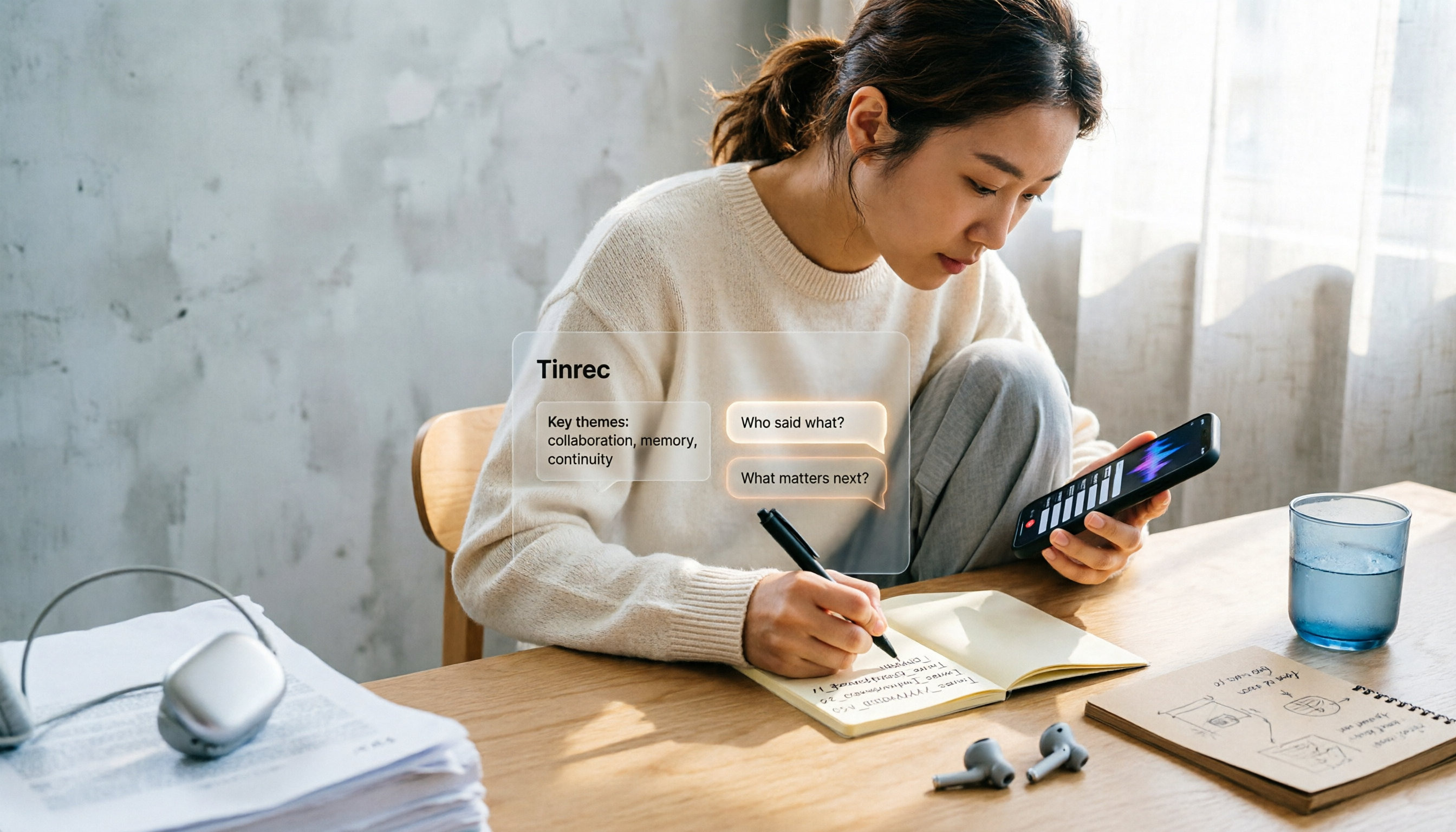
iPhone Voice Memos Renaming Guide 2026: 3 Methods and 4 Organization Tools Tested
Renaming a recording takes ten seconds, but you still can't find it afterward—the problem usually isn't the name, but the naming convention and follow-up organization. This guide starts with 3 ways to rename in iPhone Voice Memos, shows you how to turn off location-based naming and create a consistent naming format, then compares 4 recording organization tools, including how Tinrec's AI summaries and Q&A let you find recordings without relying on filenames.

2026 Comparison of 4 iPhone Recording File Processing Tools: Which Saves More Time, m4a to Transcript or Summary?
iPhone recordings default to .m4a, not MP3. This article first clarifies the format and common misconceptions, then tests and compares four processing methods: Tinrec, Notta, TurboScribe, and PLAUD, helping you decide whether to convert files or directly transcribe, and summarizes key purchasing points such as free quotas, single-session limits, and team collaboration.
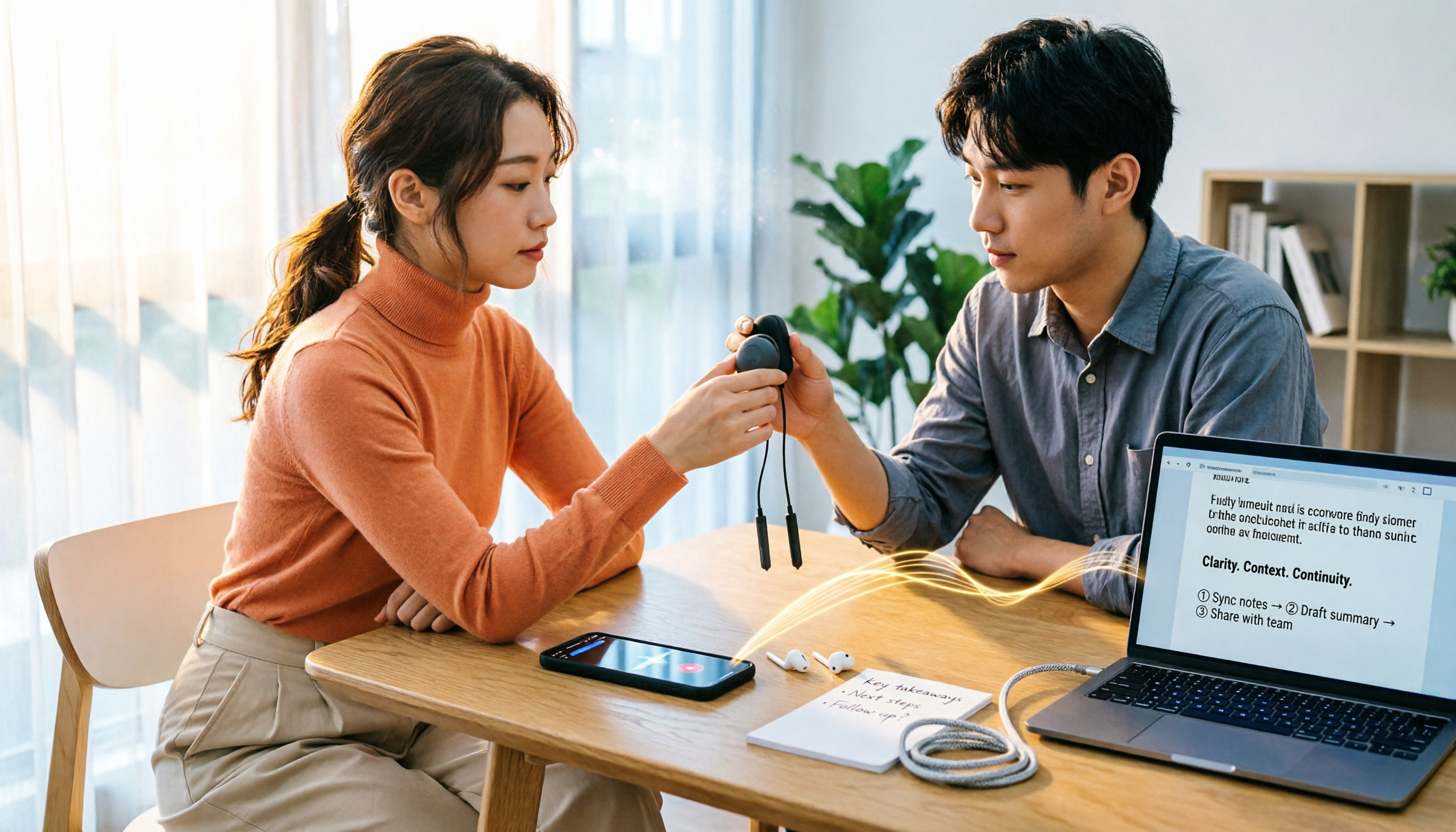
5 Ways to Upload iPhone Voice Memos in 2026: What to Do When Large Files Won't Send
Can't find your iPhone recordings or send large files? This hands-on comparison tests five upload methods (Email, AirDrop, iCloud, wired transfer, messaging apps) and their limits. It also shows how to turn recordings into transcripts, summaries, and action items with Tinrec after uploading, including free and team plan details plus six FAQs.
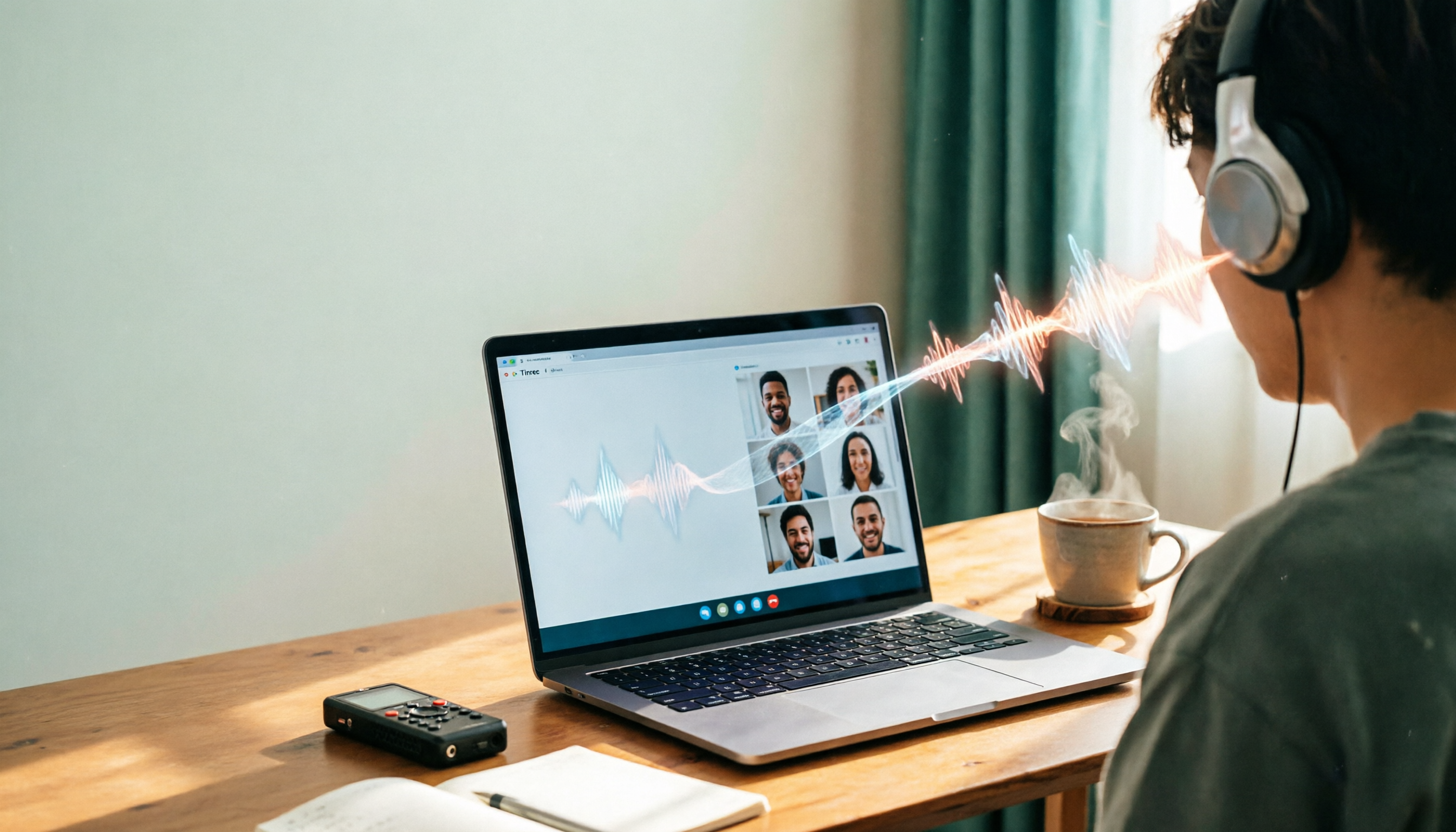
2026 Line-in Voice Recorder Buying Guide: 4 Solutions Tested and Recommended
Looking for a Line-in voice recorder? Most people actually want to cleanly record online meetings, courses, or music played from a computer. This guide starts by helping you decide whether you need to record ambient sound or device output, then compares two approaches: Line-in hardware vs. software system audio capture. It tests models like Sony ICD-PX470, ICD-UX570F, INJA, and Tinrec, summarizes 4 key buying factors and 4 common pitfalls, and gives clear recommendations based on use cases.
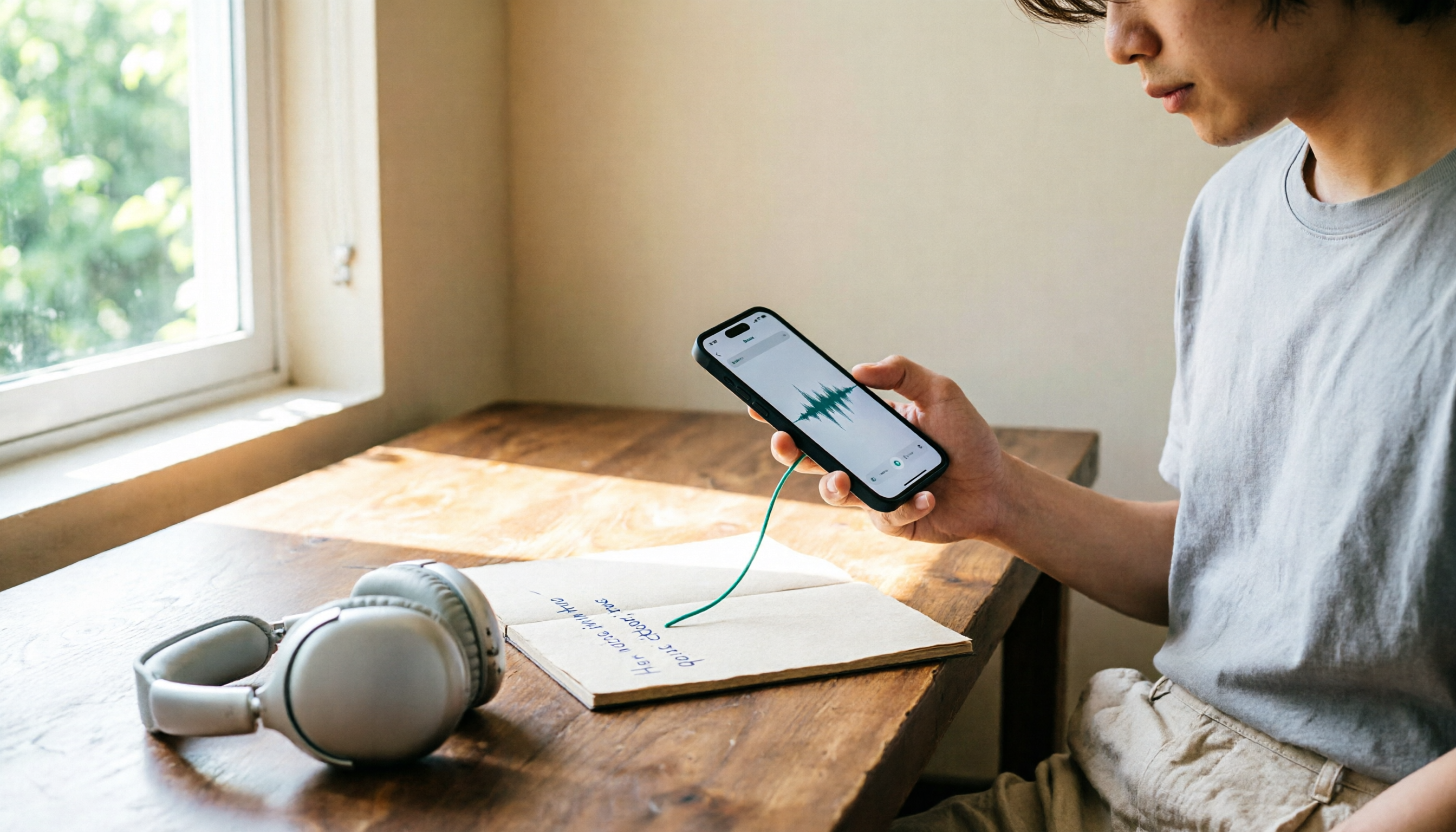
5 iPhone Recording to MP3 Tools Tested in 2026: Is the Free Version Enough?
iPhone Voice Memos saves recordings as m4a by default, but there are 5 ways to convert to MP3. This hands-on test covers online converters, VLC, Audacity, built-in Mac tools, and Tinrec, comparing free limits, privacy risks, and follow-up organization costs—and tells you when you don't need to convert at all.
4 Ways to Transfer iPhone Recordings in 2026: LINE, Computer, and Transcripts Compared
How do you share an iPhone recording after you finish? This guide starts with the key question—who you're sending it to and what they need—and compares four methods: manual Voice Memos sharing, cloud files, transcription services, and Tinrec. It covers four key decision points: format compatibility, file size, transcript needs, and team retention, plus common pitfalls and scenario-based recommendations.