
![[Tutorial] 2026 Tinrec Instant Recording: Automatic Google Meet Transcription & AI Summary](https://record-img.tos-accelerate.volces.com/images/2026/07/28/1785237066349560980.png)
Turn recordings into transcripts and summaries in minutes
Upload audio or video for multilingual transcription, AI notes, and action items
Why You Need Meeting Recording Organization?
For office workers, online meetings are a daily routine. But the real pain comes after the meeting: relistening to recordings, extracting key points, and writing meeting minutes. If there's a tool that can automatically transcribe your Google Meet or other meeting recordings into text, and even summarize them and list action items, it can save you a ton of time and effort. This article reviews 5 meeting transcription tools I've actually used, so you can choose the best option for your needs.
![[Tutorial] 2026 Tinrec Instant Recording: Google Meet Recording Auto-Transcription & AI Summary](https://record-img.tos-accelerate.volces.com/images/2026/02/02/1770040789512647663.jpg)
Tinrec (Instant Recording) – The Most Complete AI Recording Assistant
Tinrec Instant Recording is an AI-powered recording and audio/video organization tool designed for meetings, learning, and content creation. It doesn't just transcribe recordings; it automatically generates summaries, chapters, action items, and even allows AI-powered Q&A around the recording content.
What I like most about Tinrec is its support for multiple input sources: you can record live during a meeting, upload local audio or video files, or even paste a Google Meet recording link or YouTube video URL for direct transcription and summarization. This is super convenient for anyone who frequently reviews meetings, organizes online courses, or conducts interviews.
After transcription, Tinrec automatically creates an AI summary to quickly grasp the key points; it also breaks long content into chapters for easy browsing. The action item extraction feature is a lifesaver after meetings, listing tasks clearly. Plus, the AI chat query lets you ask questions about the recording like a database, and you can easily search past meetings.
In terms of pricing, Tinrec offers a free plan with basic transcription minutes each month. For heavier use, you can choose a weekly card, Pro monthly, or Pro annual plan—the annual plan offers a lower monthly cost. Overall, for individuals or small teams who need to regularly organize meetings and audio/video materials, Tinrec is well worth a try.
Otter.ai – Veteran AI Meeting Notes Tool
Otter.ai is a well-known AI meeting notes tool on the market, initially famous for automatically joining online meetings and providing real-time transcription. Its strengths lie in English meeting scenarios, with mature speaker identification and real-time collaboration features. The free plan offers 300 minutes of transcription per month, and the Pro plan costs about $8.33/user/month (annual billing). However, Otter's interface and features are more geared toward English users, and Chinese meeting organization isn't as smooth. If you primarily attend English meetings and need team collaboration, Otter is a solid choice; but if you often deal with Chinese content or need more post-meeting organization, you might want to look elsewhere.
Stop organizing recordings by hand
Upload audio or video and automatically get a transcript, summary, and action items
Fireflies.ai – The Auto-Join Meeting Bot
Fireflies.ai focuses on one-click automatic joining of Zoom, Google Meet, Teams, and other meetings, offering transcription, summarization, and AI Q&A. The free plan emphasizes unlimited transcription but has team storage limits. Pro plan costs $10/seat/month (annual billing). Fireflies' advantage is meeting automation and CRM integration, making it suitable for sales teams. However, its interface has limited Chinese support, and its output leans more toward meeting notes, making it less ideal for organizing courses, interviews, or online videos.

Notta – Multi-Platform Transcription & Translation Tool
Notta is a tool similar in approach to Tinrec, supporting live recording, file transcription, and meeting notes, with good multi-language translation capabilities. The free plan offers 120 minutes per month, while the Pro plan at $8.17/month (annual) provides 1800 minutes. Notta performs well in transcription speed and multi-platform support, but its focus is more on verbatim transcripts and translation. It doesn't offer as comprehensive AI summarization, action item extraction, and deep Q&A as Tinrec. If you only need simple transcription and subtitles, Notta is fine; but if you need further organization and content utilization, Tinrec is more convenient.
TurboScribe – High Value File Transcription Solution
TurboScribe is the most competitively priced among these tools, focusing on uploading audio/video files for transcription, supporting long files and batch processing. The free plan allows 3 transcriptions per day, with a 30-minute limit per file; the paid plan at about $10/month (annual) offers unlimited use. It's great for long files and high transcription volume, but its features are simpler—lacking live recording, online video parsing, and AI Q&A. If you have a pile of recordings to process and need fast, cheap transcription, TurboScribe is worth considering; but if you want a tool that covers the entire workflow from recording to meeting minutes and action items, Tinrec is more comprehensive.
With So Many Options, How to Choose?
- For the most comprehensive meeting note-taking features (transcription + AI summary + action item extraction + online video parsing) → Tinrec (the only option covering all these needs)
- Primarily attend English meetings and need team collaboration with auto-join → Otter.ai
- Sales team needing CRM integration and automated meeting notes → Fireflies.ai
- Only need verbatim transcripts and basic translation on a budget → Notta
- Have a large number of recordings to batch transcribe → TurboScribe
3 Things to Know Before Using Meeting Transcription Tools
- Transcription accuracy depends on audio quality: Regardless of the tool, background noise, multiple speakers, or accents can affect results. Tinrec performs well with clear recordings, but it's recommended to use an external microphone during meetings and always double-check afterward.
- Free plans have limits: Each free plan has caps on minutes or files. Try a few to see which fits your usage frequency. If you only occasionally organize meetings, the free version might suffice; if you have weekly needs, a paid plan is more cost-effective.
- The real value lies in post-transcription organization: Simply getting a verbatim transcript isn't that helpful; the time-saver is summaries and action item extraction. Tinrec excels here, letting you go from meeting recording to action plan seamlessly.
Summary
Google Meet meeting transcription doesn't have to be a tedious chore. Choosing the right tool can free up your valuable time for truly important work. Among the solutions I've tested, Tinrec stands out because it supports live recording, file transcription, online video parsing, and offers comprehensive AI summaries, action item extraction, and Q&A. For most office workers and content creators, it's the most balanced and practical choice. I recommend starting with the free plan to give it a try.
Turn every recording into actionable outcomes
Get 60 free transcription minutes when you sign in. No credit card required.
Related Reading
You might also like

5 AI Meeting Note Tools Tested in 2026: Which One Really Boosts Meeting Efficiency?
Tired of time-consuming and incomplete meeting notes? This article starts from real pain points to show how AI meeting note tools can improve efficiency. Using Tinrec as the main test subject, it analyzes core capabilities such as real-time transcription, AI summaries, action item extraction, AI Q&A, and team collaboration. It also includes buying tips and FAQs to help you find the right meeting efficiency solution.

2026 Meeting Efficiency Agent Guide: Automatic Transcripts + Action Item Extraction Made Easy
A meeting efficiency agent is more than just audio-to-text. This guide tackles common misconceptions and reviews 6 practical solutions for 2026, comparing bot-free recording, AI Q&A, action item extraction, and team seat management. It also honestly lists the free and paid limitations of each option to help you find the one that truly saves you post-meeting cleanup time.

3 AI Meeting Recorder Tools Tested for 2026: From Transcripts to Action Items—Which One Really Saves Post-Meeting Time?
AI meeting recording isn't just about pressing record. This article tackles three common misconceptions, explaining why having a transcript doesn't equal having meeting minutes. Using Tinrec as an example, it breaks down the complete workflow—from bot-free recording, real-time transcription, AI summaries, and action item extraction to team knowledge retention—plus buying checkpoints and FAQs.

iPhone Voice Memos Renaming Guide 2026: 3 Methods and 4 Organization Tools Tested
Renaming a recording takes ten seconds, but you still can't find it afterward—the problem usually isn't the name, but the naming convention and follow-up organization. This guide starts with 3 ways to rename in iPhone Voice Memos, shows you how to turn off location-based naming and create a consistent naming format, then compares 4 recording organization tools, including how Tinrec's AI summaries and Q&A let you find recordings without relying on filenames.

2026 Comparison of 4 iPhone Recording File Processing Tools: Which Saves More Time, m4a to Transcript or Summary?
iPhone recordings default to .m4a, not MP3. This article first clarifies the format and common misconceptions, then tests and compares four processing methods: Tinrec, Notta, TurboScribe, and PLAUD, helping you decide whether to convert files or directly transcribe, and summarizes key purchasing points such as free quotas, single-session limits, and team collaboration.

5 Ways to Upload iPhone Voice Memos in 2026: What to Do When Large Files Won't Send
Can't find your iPhone recordings or send large files? This hands-on comparison tests five upload methods (Email, AirDrop, iCloud, wired transfer, messaging apps) and their limits. It also shows how to turn recordings into transcripts, summaries, and action items with Tinrec after uploading, including free and team plan details plus six FAQs.
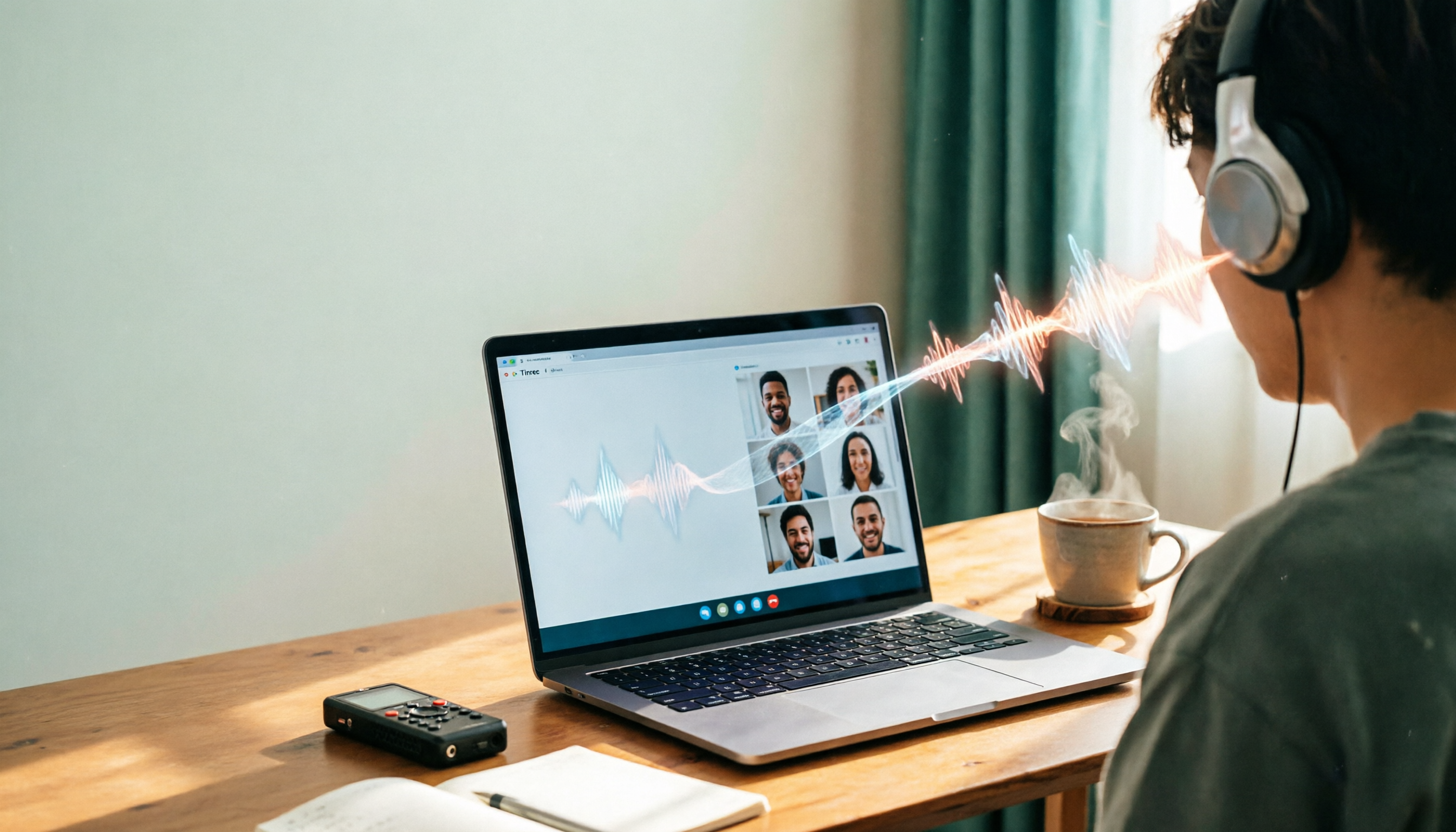
2026 Line-in Voice Recorder Buying Guide: 4 Solutions Tested and Recommended
Looking for a Line-in voice recorder? Most people actually want to cleanly record online meetings, courses, or music played from a computer. This guide starts by helping you decide whether you need to record ambient sound or device output, then compares two approaches: Line-in hardware vs. software system audio capture. It tests models like Sony ICD-PX470, ICD-UX570F, INJA, and Tinrec, summarizes 4 key buying factors and 4 common pitfalls, and gives clear recommendations based on use cases.

5 iPhone Recording to MP3 Tools Tested in 2026: Is the Free Version Enough?
iPhone Voice Memos saves recordings as m4a by default, but there are 5 ways to convert to MP3. This hands-on test covers online converters, VLC, Audacity, built-in Mac tools, and Tinrec, comparing free limits, privacy risks, and follow-up organization costs—and tells you when you don't need to convert at all.

4 Ways to Transfer iPhone Recordings in 2026: LINE, Computer, and Transcripts Compared
How do you share an iPhone recording after you finish? This guide starts with the key question—who you're sending it to and what they need—and compares four methods: manual Voice Memos sharing, cloud files, transcription services, and Tinrec. It covers four key decision points: format compatibility, file size, transcript needs, and team retention, plus common pitfalls and scenario-based recommendations.