
Turn recordings into transcripts and summaries in minutes
Upload audio or video for multilingual transcription, AI notes, and action items
As a video creator or professional who needs to organize meeting records, facing hours of Cantonese recordings, manual transcription is undoubtedly the most time-consuming nightmare. Especially since Cantonese often involves "code-mixing" (mixing Chinese and English) and the "separation of colloquial and written language," the accuracy of many general speech recognition software drops significantly.
The good news is that with the maturity of AI technology in 2026, there are already several tools on the market that can accurately solve these problems. This article evaluates 6 tools including Subanana, Premiere Pro, and Tinrec from three dimensions: "recognition accuracy," "functional scenarios," and "cost-effectiveness," helping you make a quick choice.
Quick Navigation Tips:
- Focus on video subtitles and colloquial-to-written conversion: Prioritize Subanana.
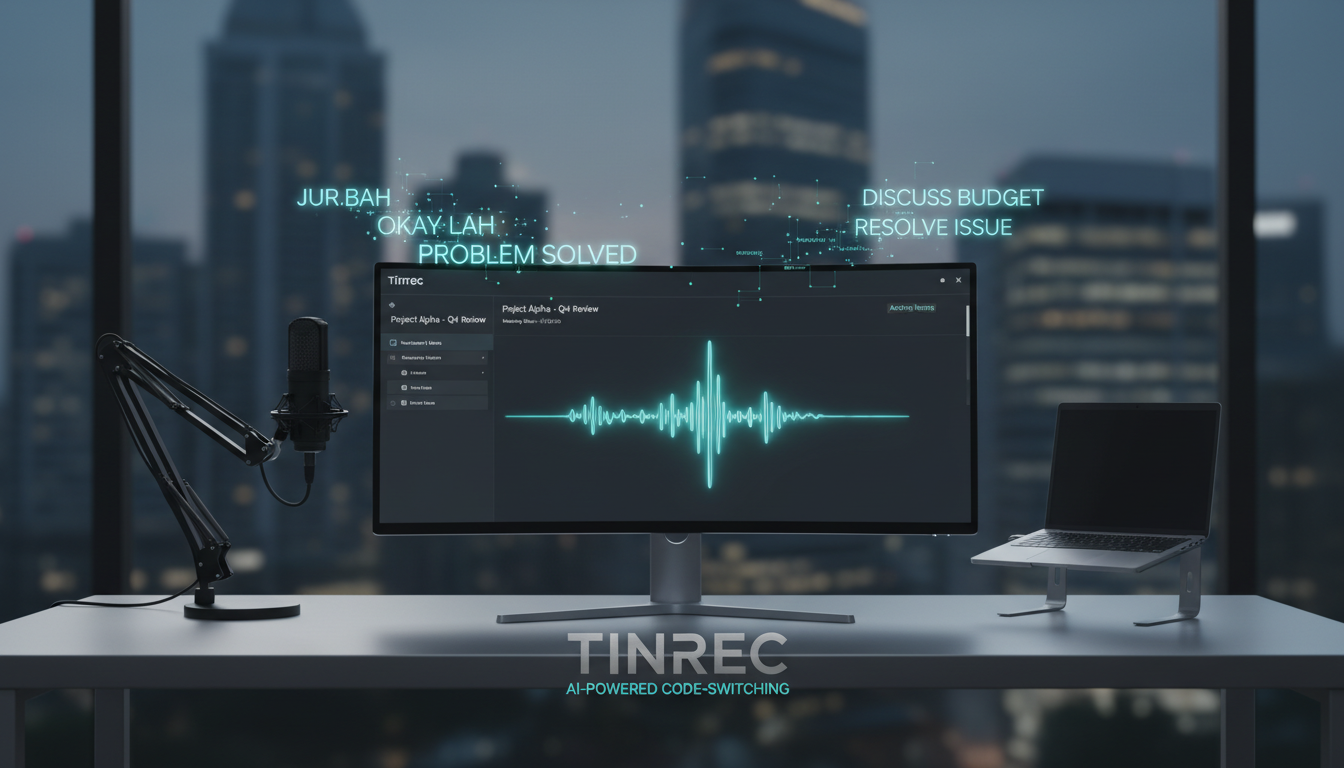
- Focus on meeting notes, AI summaries, and action item management: Prioritize Tinrec.
- Professional video editing workflow: Use Adobe Premiere Pro directly.
Why Is Cantonese Speech-to-Text Particularly Difficult? (Common Pain Points)
Before choosing a tool, we must first clarify why many tools that "support Chinese" perform poorly when processing Cantonese. The main challenges come from the following three points:
- Colloquial vs. Written Discrepancy: In daily Cantonese, people speak "colloquial" (e.g., "咁樣"), but formal documents or subtitles often need to be converted to "written" (e.g., "這樣"). Most tools can only "transcribe what they hear" and cannot automatically polish.
- Code-mixing: In Hong Kong and workplace communication, it's common to intersperse Cantonese with English terms (e.g., Presentation, Deadline). Many single-language engines get stuck or misrecognize here.
- Environmental Noise Interference: Outdoor interviews or multi-person meeting noise greatly tests AI's noise resistance capabilities.
2026 Selected Cantonese Speech-to-Text Tools Comparison
Based on actual test data and user scenarios, we have compiled the following comparative analysis of mainstream tools. Evaluation dimensions include accuracy, core strengths, and target users.
Tool Specifications and Features Overview Table
| Tool Name | Cantonese Accuracy | Colloquial to Written | Core Strengths | Use Cases | Platform/Installation |
|---|---|---|---|---|---|
| Subanana | ⭐⭐⭐⭐⭐ (Very High) | Yes (Exclusive) | Optimized for Hong Kong accent, strong code-mixing recognition | Video subtitle creation, YouTubers | Web (No installation) |
| Tinrec | ⭐⭐⭐⭐ (High) | Via AI Summary | Recording, transcription, summary, chat all-in-one workflow | Meeting notes, lecture notes, interview transcription | iOS, Android, Web |
| Premiere Pro | ⭐⭐ (Medium) | No | Directly integrated into editing software, no switching needed | Professional video post-production | Desktop software |
| ArcTime | ⭐⭐ (Medium) | No | Cross-platform subtitle creation, strong timeline adjustment | Subtitle groups, post-production | Desktop software |
| Taption | ⭐ (Average) | No | Simple interface, supports bilingual subtitle editing | Lightweight video creators | Web (No installation) |
| pyTranscriber | ⭐ (Average) | No | Completely free, based on Google API | Budget-conscious individual users | Open source software |
Key Tool Analysis
1. Subanana: Top Choice for Video Creators
Based on actual tests, Subanana performs the best when dealing with "code-mixing" and "background noise." It is currently one of the few tools that can automatically convert Cantonese colloquial (e.g., "喺度") into written language (e.g., "在這裡"), with an accuracy rate of over 95%, greatly saving subtitle proofreading time. It supports direct import of YouTube links, making it very friendly for creators.
Stop organizing recordings by hand
Upload audio or video and automatically get a transcript, summary, and action items
2. Tinrec (Seconds Recorder): Efficiency Tool for Meetings and Notes
If your need is not just "making subtitles" but "organizing information," Tinrec offers a different approach. It not only supports 10 languages including Cantonese, Chinese, and English, but also emphasizes "post-recording actions."

- Difference: Compared to pure subtitle tools, Tinrec's strength lies in using AI to convert lengthy recordings into structured meeting minutes and action items.
- Multi-platform Sync: Supports iOS and Android apps, ideal for recording ideas or meetings anytime, anywhere, and deep editing via the web version.
- AI Chat Query: This is a feature rarely seen in traditional transcription tools. Users can ask the AI specific details in the recording as if asking a person, without having to replay the entire file.

3. Adobe Premiere Pro: Standard Equipment for Editors
For users already subscribed to Adobe Creative Cloud, Pr's built-in speech-to-text feature is the most convenient option. Although its Cantonese recognition and noise resistance are not as good as dedicated AI tools, it excels in that there's no need to leave the editing interface, suitable for quick output where subtitle accuracy is not extremely demanding.
Practical Tutorial: How to Quickly Produce Text and Summaries Using AI Tools
Different scenarios require different workflows. Below are specific steps for "meeting/study notes" and "video file processing."
Scenario 1: Real-time Recording of Meetings or Classes (Using Tinrec as Example)
When you are in an important cross-department meeting or academic lecture, the goal is to "quickly capture key points" rather than verbatim transcription.
- Start Real-time Recording: Log in to the Tinrec mobile app or web version, click the Real-time Recording to Text feature. The system will generate real-time transcription on the screen while recording.
- Mark Key Points: During recording, if you hear a key decision or exam point, click the bookmark button for easy later review.
- Generate AI Summary: After recording, click "AI Analysis." The system will automatically identify speakers and generate meeting minutes, conclusions, and to-do items, condensing a 1-hour recording into a 3-minute readable note.


Scenario 2: Processing Existing Audio/Video Files or Links
If you already have recorded MP3/MP4 files or want to transcribe Cantonese YouTube videos:
- Import File/Link: Use Subanana or Tinrec's Audio File to Text feature to upload files. For online videos, use the Podcast/Online Video to Text feature and paste the link.
- Select Language and Mode: Be sure to choose "Cantonese" or "Cantonese (Hong Kong)" in the language settings to ensure the recognition engine is optimized for the dialect.
- Export and Apply:
- For video subtitles: Export in SRT format (recommend Subanana).
- For content organization: Export in TXT/Word or Notion format, and use the AI Chat Query feature to ask AI: "What are the three main points mentioned in this video?" to quickly extract information.

Frequently Asked Questions (FAQ)
Q1: Which tool is the most accurate for Cantonese "colloquial" recognition?
Subanana is the current champion, especially with its exclusive "colloquial-to-written" feature that automatically converts "佢地" to "他們," perfect for creators needing formal subtitles.
Q2: What are the limitations of the free versions?
Most tools follow a "basic free + paid upgrade" model:
- pyTranscriber: Completely free, but requires manual installation and has a basic interface.
- Subanana & Taption: Offer some free credits, then require payment.
- Tinrec: Free version provides 100 minutes of recording per month, suitable for light users to try the full AI features.
Q3: After transcription, how to quickly find key points?
The traditional method is to use Ctrl+F to search keywords, but it's inefficient. Modern AI tools like Tinrec offer an "AI Chat Query" feature. You can directly ask: "What was the conclusion about the budget in the meeting?" The system will provide an answer based on semantic understanding, which is more accurate than simple keyword search.
Q4: Do these tools support iPhone or Android?
Tinrec provides full iOS and Android app support with cloud sync. Subanana and Taption are mainly operated via mobile browser (Web), no app installation required but dependent on network stability. Adobe Premiere Pro and pyTranscriber are desktop-only.
Q5: For code-mixing videos, which software makes fewer errors?
For code-mixing scenarios, Subanana and Tinrec perform better. Adobe Premiere Pro tends to have more sentence segmentation errors or missing words when frequently switching languages.
Q6: Can I directly transcribe YouTube videos to text?
Yes. Subanana, Taption, and Tinrec all support direct pasting of YouTube links for parsing, no need to download the video file first, saving bandwidth and time.
Turn every recording into actionable outcomes
Get 60 free transcription minutes when you sign in. No credit card required.
Related Reading
You might also like

2026 AI Meeting Assistant Comparison: 4 Tools Tested for Chinese Transcription and Post-Meeting Organization — Which One Actually Saves Time?
A 2026 hands-on comparison of 4 AI meeting assistants, starting with the most common pre-download misconceptions. We break down 4 key buying factors, share real-world experience with Tinrec, compare the positioning of Otter.ai, Notta, and Granola, and highlight 3 pitfalls to avoid — so you can think clearly before hitting install.

How to Choose an AI Meeting Notes Tool in 2026: 7 Tools Compared + Summaries and Action Items in One Go
Most people compare AI meeting note tools only by minutes and price, overlooking who will actually use the notes after the meeting. This guide starts with three key questions and compares seven tools—Tinrec, Otter.ai, Fireflies.ai, Notta, Granola, PLAUD, and TurboScribe—on meeting capture methods, Chinese-language experience, post-meeting output, and team management, with clear recommendations by scenario.

Best AI Meeting Recorder in 2026? We Tested 2 Options — This One Saves the Most Time for Chinese Meetings
Many people think the pain point of meeting notes is whether the recording captures audio, so they buy a recorder first—only to still spend time organizing afterward. This article compares Tinrec and Plaud Note across online meeting recording, Chinese transcription, post-meeting organization, team collaboration, and cost structure to help you choose the truly time-saving option in 2026.

How to Download AI Meeting Assistants in 2025: Bot-Free Recording + Chinese Transcripts
Tired of recording meetings but never organizing them? This guide walks you through downloading and using two AI meeting assistants, Tinrec and Otter.ai, comparing them across five dimensions: recording methods, Chinese and mixed-language handling, post-meeting outputs, file import/export, and team collaboration governance. Find out which one fits your meeting scenarios and budget.

Tinrec vs Granola 2026: 5-Dimension Comparison — Which Wins for Chinese Meetings and Team Knowledge Retention?
Looking for the best AI meeting assistant in 2026? This article compares Tinrec and Granola across 5 dimensions: meeting capture and audio retention, Chinese transcription and real-time translation, post-meeting organization and AI follow-up, team workspace governance, and platform coverage and export. It also lists pricing and ideal use cases to help Hong Kong office workers decide which tool fits them best.

3 Smart Meeting Notes Solutions Tested for 2026: Which Saves the Most Time?
Still replaying recordings and manually taking notes after meetings? This article walks through the smart meeting notes workflow using Tinrec, from pre-meeting preparation and in-meeting recording to post-meeting proofreading and archiving. It also provides a ready-to-use meeting minutes format, buying tips, and FAQs.

4 Smart Meeting Notes Tools Tested: How to Go from Recording to Action Items with the Least Time in 2026
How do smart meeting notes work? This article breaks down the five-step workflow—record, transcribe, summarize, query, and create action items—and compares Tinrec, Otter.ai, Granola, and TurboScribe on Chinese meetings, bot-free recording, post-meeting organization, and team collaboration. It includes quota and pricing comparisons, pitfalls to avoid, and selection advice to help you choose the right tool at once.

2026 Smart Meeting Minutes Comparison: Tinrec vs Otter.ai on 5 Dimensions — Which Saves More Time?
Good meeting minutes aren't about verbatim transcription—they're about conclusions and action items. This article compares Tinrec's instant recording and Otter.ai dimension by dimension, from note-taking style, meeting capture, Chinese transcription, post-meeting workflow to team governance and pricing, to help you choose the smart meeting minutes solution that truly saves time.

How to Use AI Meeting Assistants in 2026: Tinrec 6-Step Guide + Auto-Generated Meeting Minutes
A student's hands-on guide to using AI meeting assistants, featuring Tinrec: six steps to get started, how to record online meetings without bots, how to generate post-meeting summaries and action items, and an honest comparison of Google Meet, Tactiq, Notta, and Granola for student use cases. Also covers whether the free version is enough.