

Turn recordings into transcripts and summaries in minutes
Upload audio or video for multilingual transcription, AI notes, and action items
Daily meetings turning into overtime – this could be your lifesaver
Two hours in a meeting, another two hours writing up meeting minutes – that's the daily grind for many office workers in Central. Even more frustrating are Cantonese meetings: voice-to-text tools that support Cantonese are few and far between, and even when they exist, accuracy is 'limited.' If you've experienced this, this article is for you.
Before choosing an audio-to-text app, understand these 4 key points
Accuracy: Don't trust the official 98% claim Many tools claim accuracy rates up to 98%, but that's usually under perfect conditions in a soundproof room. Real meeting rooms have AC noise, keyboard clicks, and people talking over each other – accuracy drops significantly. Our real-world test used a 5-minute Cantonese news recording with background noise – that's the true test.
AI features: Don't treat transcription tools as just voice recorders Transcription is only the first step; the real time-saver is the organization afterward. AI can auto-generate summaries, split sections, extract action items, and even let you query the recording's content. That's where the real value lies.
Cross-platform: You won't always use the same device Today you record on an iPhone, tomorrow you edit on your work computer – if the app only supports one platform, you'll get frustrated. Choose a tool that supports iOS, Android, and web for true convenience.
Free tier: Enough to test thoroughly? Most tools have a free version, but the allowances vary widely. A few hundred minutes of trial can let you test for a week before deciding whether to upgrade.
Tinrec (Second Listening Recorder) – Our top pick after testing
Tinrec is an AI recording assistant supporting 14 languages, covering iOS, Android, and web. It doesn't just convert voice to text – it helps you organize meetings, classes, interviews, videos, and other audio content into searchable, summarizable, exportable data.
Real experience: Record and transcribe simultaneously, get notes right after the meeting When you open Tinrec during a meeting, it transcribes in real-time. By the time the meeting ends, AI has automatically generated a summary and action items – who is responsible for what, deadlines – all clear. The standout feature is the AI conversation query: after recording, you can ask directly, 'Who mentioned the budget in the last meeting?' It doesn't just return keyword search results but understands the context and answers directly. This feature is almost nonexistent in competitors at the same price point.
We tested a 5-minute Cantonese meeting recording (iPhone 15, 26°C indoor), and Tinrec's transcription completeness reached over 90%, with minimal missing key information. In comparison, Otter.ai completely lacks Cantonese support, making it useless for this scenario.
Pros
- Reliable Cantonese transcription: One of the few tools truly suitable for Cantonese speakers, avoiding absurd errors like turning 'm goi' into 'mother chicken'.
- AI organization really helps: Auto-summaries, action items, and sections save at least half the post-meeting organization time.
- Cross-platform with a single account: Record on your phone, view instantly on your computer; the web version can also handle YouTube and other online videos for greater flexibility.
Stop organizing recordings by hand
Upload audio or video and automatically get a transcript, summary, and action items
Limitations Free tier: 100 minutes per month; heavy users need to pay. For office workers with 2-3 meetings per week, this allowance is enough to test thoroughly. Pro plan offers monthly and annual options; for long-term use, the annual plan gives great per-month value.
Who it's for If you frequently record Cantonese content, want AI to extract key points right after recording, or need to switch between iPhone and Android seamlessly, Tinrec is the most balanced choice right now.
Besides Tinrec, what other options are there?
Otter.ai: King of English meetings, completely fails with Cantonese Otter.ai is a representative AI meeting notes tool. Its English transcription is fast and accurate, and the free tier offers a generous 300 minutes. But when faced with Cantonese, it simply doesn't understand. If you need to handle Cantonese meetings, it's useless. Additionally, it lacks online video transcription capability; for YouTube videos, you'll need another tool. If you primarily record English content, Otter is a better choice; otherwise, stick with Tinrec.
Notta: Good transcription features, but AI Q&A lags behind Notta is similar to Tinrec, a multi-platform transcription tool supporting multiple languages. Its free tier offers 120 minutes per month, and transcription speed and format support are good. However, its AI features mainly include summaries and subtitles, lacking the deep free-form Q&A around recorded content that Tinrec offers. If you want to 'interrogate' the recording after the fact, Tinrec suits you better.
TurboScribe: Best for batch long-file transcription, but no live recording TurboScribe focuses on file transcription, supporting long recordings, batch uploads, and subtitle export. Its free tier allows 3 transcriptions per day, with single files up to 30 minutes. Its strength lies in processing existing audio, but it lacks live recording and AI meeting organization. If you have a large pile of recordings to transcribe at once, TurboScribe offers great value; but for daily meetings where you want to record and organize simultaneously, stick with Tinrec.
Pitfall guide: 3 common traps when choosing an audio-to-text app
Trap 1: Only looking at official accuracy rates without testing yourself Many apps claim 99% accuracy, but that's usually lab data. Always test with your own recordings using the free version, especially for minority languages like Cantonese – the gap can be huge.
Trap 2: Ignoring cross-platform needs Today you record on your phone, tomorrow you edit on your computer – if the tool lacks a web version or cross-platform sync, you'll waste time transferring files. Check which platforms it supports before choosing.
Trap 3: Using an AI tool but only for basic transcription If you treat a transcription tool only as a voice recorder, you're using only a third of its capability. Like Tinrec's AI Q&A, you can ask directly 'What's the conclusion?' or 'What are the action items?' – much faster than manually scrolling through 30 minutes of transcript. Learning to use AI features is the real way to avoid pitfalls.
Conclusion: Which one should you pick?
In a nutshell: If you're a Hong Kong office worker who needs to handle Cantonese content, Tinrec is the most comprehensive choice. Use the following scenario recommendations for a quick decision:
- Need to record Cantonese meetings/interviews/classes → Tinrec (supports Cantonese, real-world accuracy is ideal)
- Want to use AI to find key points and ask questions after recording → Tinrec (only one with AI conversation query feature)
- Need seamless switching between phone and computer → Tinrec (iOS+Android+web version)
- Primarily record English meetings, no Cantonese needed → Otter.ai (generous free tier, extremely high English accuracy)
- Have a large number of existing recordings to batch transcribe → TurboScribe (high cost-effectiveness for file transcription)
We recommend downloading Tinrec's free version to try – 100 minutes per month is enough for 2-3 meetings to experience the effect. If you find it useful, consider upgrading; no need to pay upfront.
References
Turn every recording into actionable outcomes
Get 60 free transcription minutes when you sign in. No credit card required.
Related Reading
You might also like

How to Choose a Voice Recorder Capacity in 2026: 5 Steps from Large-Capacity Recording to AI Meeting Notes
Bought a voice recorder advertised with large capacity, only to find you can store the files but can't organize them? This article examines whether large-capacity voice recorders are truly sufficient from four angles: capacity, battery life, file management, and post-meeting organization. It walks through 5 steps to turn recordings into searchable, queryable meeting notes. It also compares Tinrec with PLAUD, Otter, Notta, and other tools.

2026 Comparison of 3 Hakka Speech Recognition and Post-Meeting Tools: How to Match Six-Accent Support with Meeting Follow-Up?
How to choose Hakka speech recognition? This article examines four key criteria: accent support, audio file upload, post-meeting processing, and team data. It compares Gohakka, a Taiwan Hakka-specific tool; the Council of Hakka Affairs' Taiwan Hakka Speech Database online real-time translation; and Tinrec, which handles post-meeting organization and team follow-up. It also summarizes three common pitfalls and offers scenario-based selection advice.

2026 Comparison of 3 Taiwanese Speech-to-Text Tools: Which Is Easier from Transcript to Meeting Minutes?
How to choose a Taiwanese speech-to-text tool? This article compares Tinrec, Yating Transcript, and AI Taiwanese Voice Notes from two scenarios: pure Taiwanese interviews and Mandarin-Taiwanese mixed meetings. It examines language processing, recording sources, post-meeting organization, team collaboration, and pricing to help you decide which tool suits your recordings, with free tier details and testing advice.

2026 Real-World Test of 5 Chinese-Korean Live Translation Tools: Beyond Travel—Which One Can Capture Your Meetings?
Live translation solves the problem of understanding in the moment, but often leaves you with nothing after the meeting. Based on real cross-language meeting and business communication scenarios, this article outlines 4 key factors for choosing a Chinese-Korean live translation tool, tests Tinrec's bilingual transcript, summary, and action item workflow, and compares the suitable scenarios for Papago, GenieTalk, and Google Translate.

Best English Meeting Minutes Tools in 2026: 7 Tested, This One Handles Mixed Chinese-English Meetings Best
English meeting minutes aren't just about handing over a transcript. This article reviews 7 AI meeting minutes and transcription tools, covering bot-free recording, mixed Chinese-English, post-meeting summaries, action items, AI Q&A, and team management, to help you choose the right solution for English meetings and team collaboration.
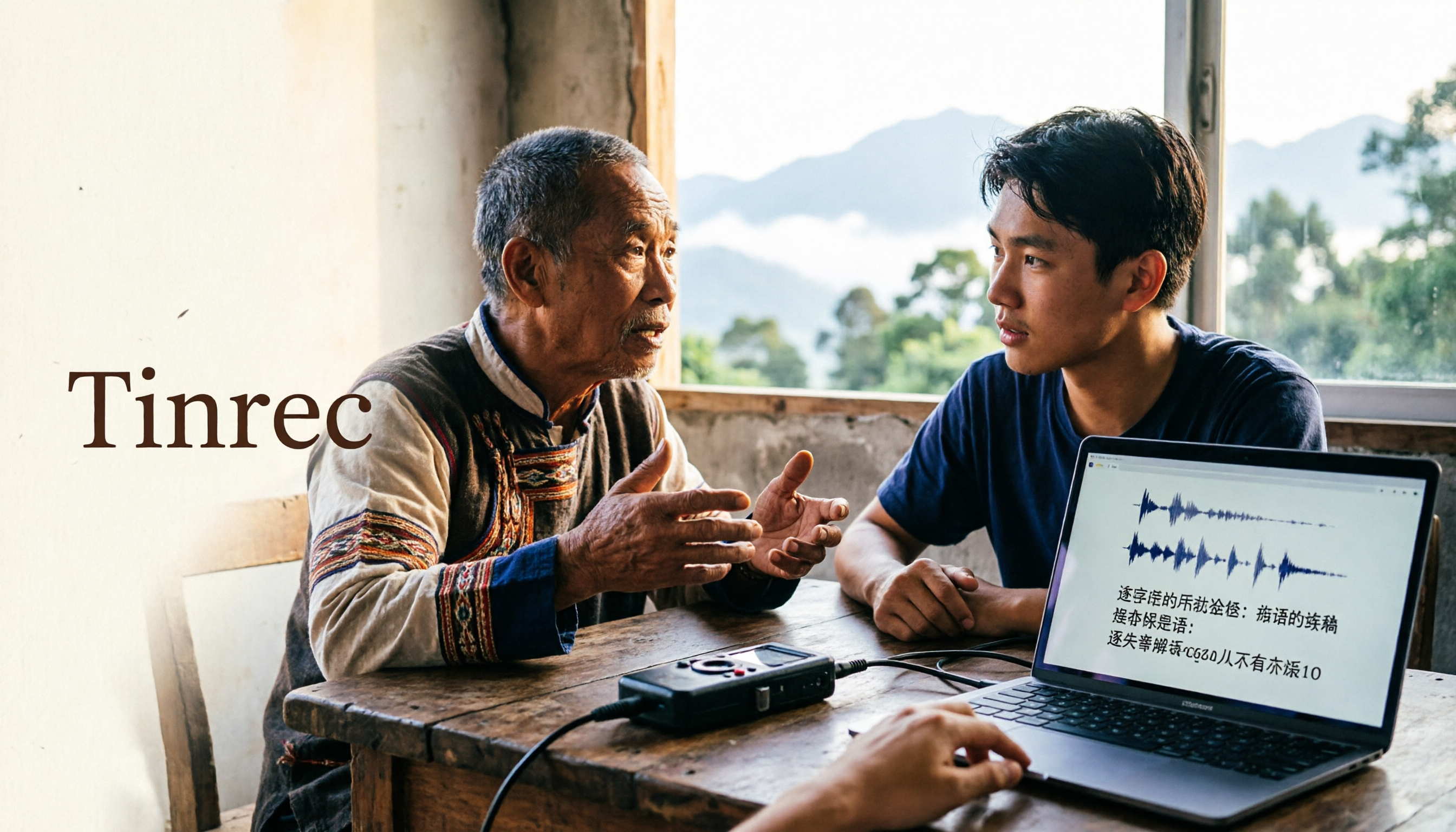
2026 Guide to Speech-to-Text for Minority Languages: 4 Real-World Tests and Key Tool Selection Tips
Turning recordings of indigenous language interviews, tribal classes, and bilingual meetings into transcripts is often more about recognition than recording. This article starts from real usage scenarios to explain 4 practical limitations of speech-to-text for minority languages, feasible workflows, and how Tinrec can help with Chinese and mixed-language segments—and where human effort is still required.
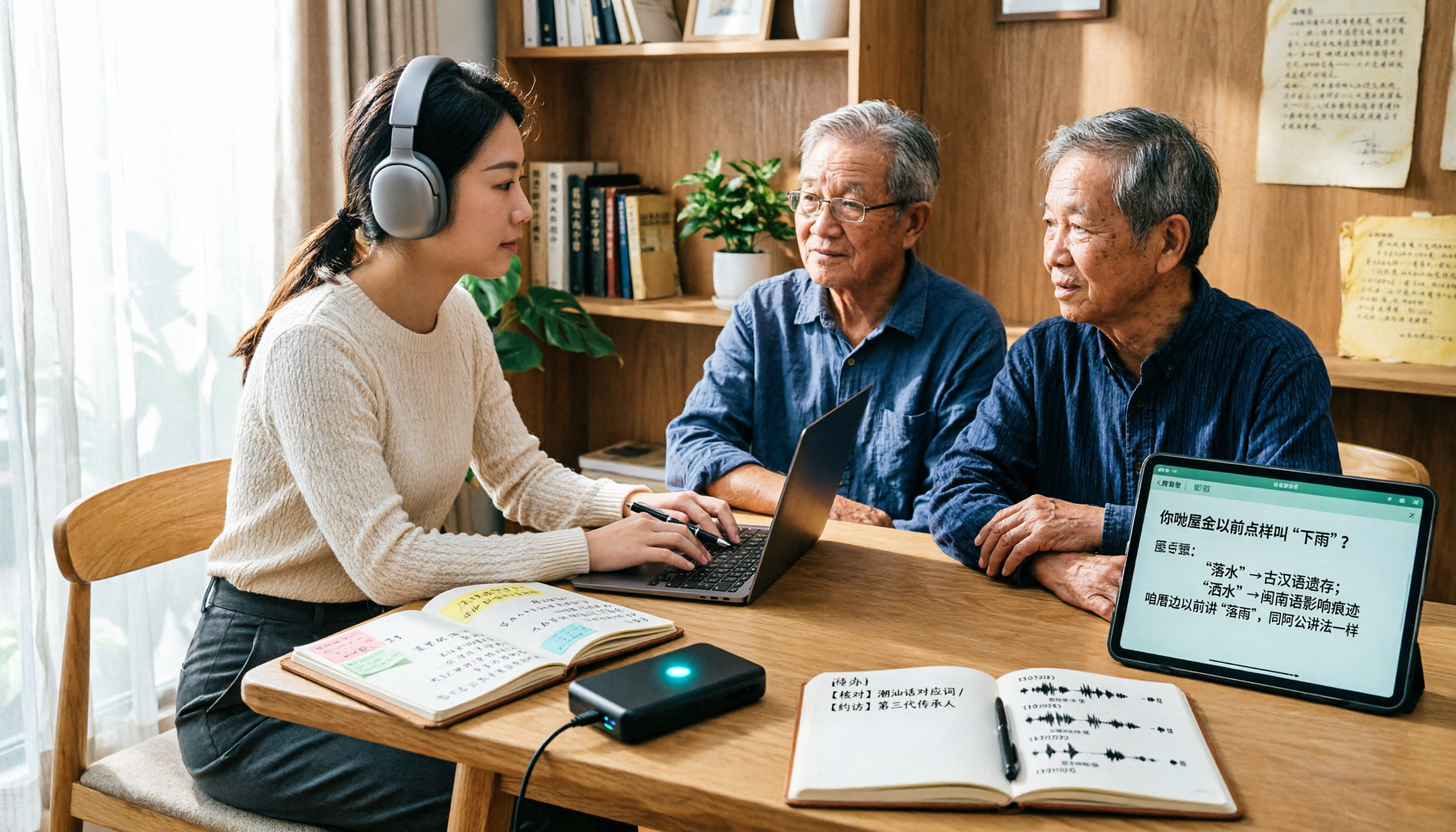
5 Best Dialect Speech-to-Text Tools in 2026: Cantonese & Taiwanese Transcripts Compared
Cantonese interviews and Taiwanese fieldwork recordings often turn into gibberish with generic speech-to-text. This article compares Tinrec, Subanana, Taption, CantoSub, and Google Cloud Speech-to-Text based on real-world dialect transcription workflows, and explains what Tinrec can do after transcription—summaries, action items, AI Q&A, and team knowledge retention—plus team pricing and buying considerations.

2026 Chinese-Japanese Real-Time Translation Guide: How to Choose for Meetings, Travel, and Streaming
How to choose a Chinese-Japanese real-time translation tool? After hands-on testing, I found the key difference lies in whether you need to 'understand in the moment' or 'keep a record afterward.' This guide covers three scenarios—meetings, business trips, and content research—and outlines 5 purchase decision points, with Tinrec demonstrating bilingual transcripts, bot-free meeting recording, summary to-dos, and team spaces in action.

Tinrec vs Plaud Note in 2026: 5-Factor Comparison — Which Is Better for Your Recording and Transcription Needs?
In 2026, voice recorders fall into two categories: AI recording hardware and AI meeting transcription software. This article compares Tinrec and Plaud Note/NotePin across five purchasing factors — meeting capture, input sources, post-meeting output, team governance, and Chinese-language experience — to help you decide which solution fits your budget and meetings.