
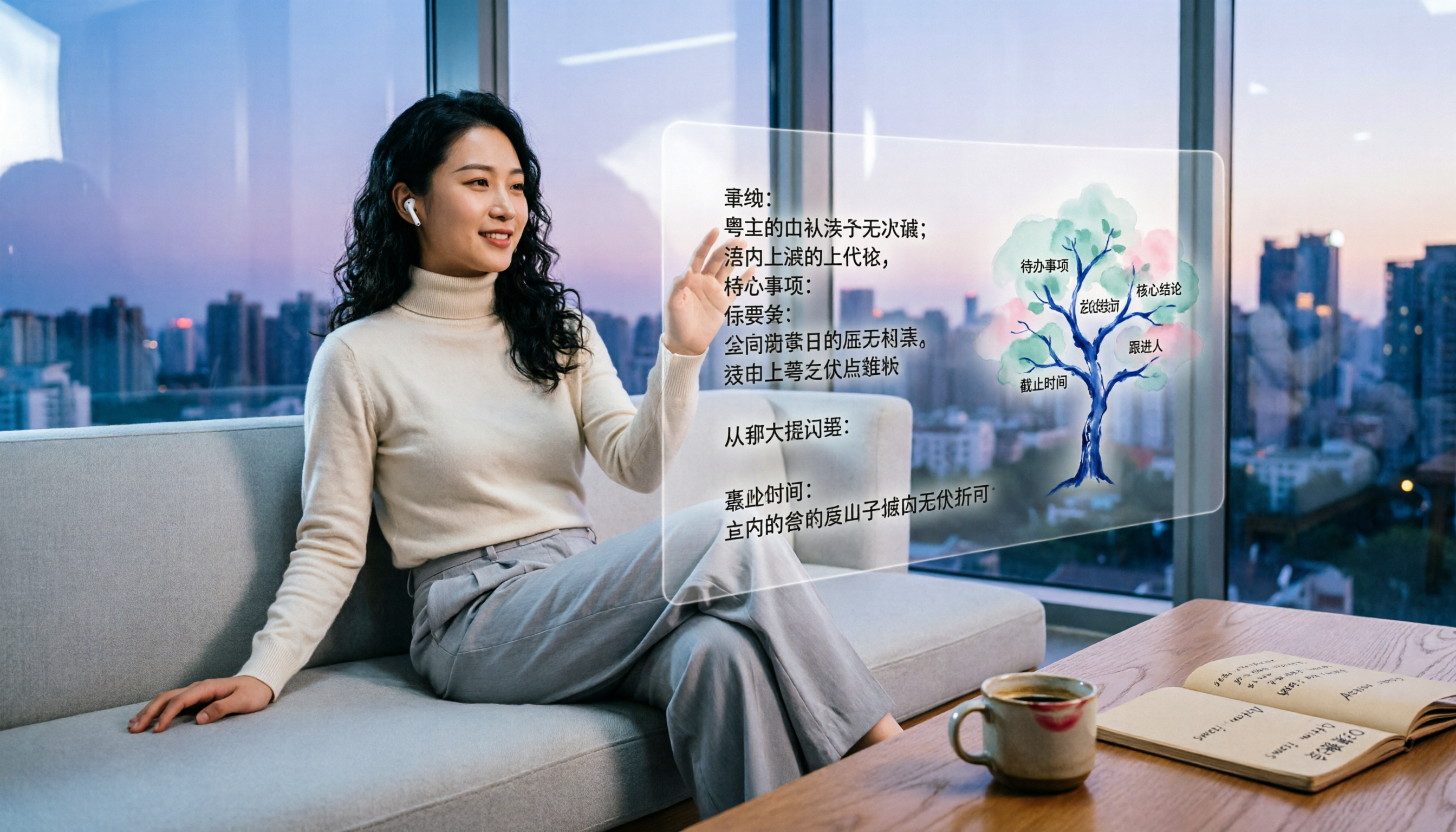
Turn recordings into transcripts and summaries in minutes
Upload audio or video for multilingual transcription, AI notes, and action items
Nobody likes meetings, but even fewer people like the meeting minutes that follow them. Work is already exhausting—do you really want to listen to recordings and type out transcripts line by line? You won't last a month. If you're an office worker like me in Central, this tutorial is your lifesaver: Tinrec automatically converts recordings and videos into text and helps organize key points and action items, so you don't have to work overtime on paperwork.
What can Tinrec online text converter do for you?
Tinrec isn't an ordinary recording app; it's an AI-powered audio and video organization tool. Its biggest strength is turning any audio or video content into ready-to-use text, neatly organized for you.
Scenario 1: Get meeting minutes within 5 minutes after a meeting In the past, after a two-hour meeting, you might need another hour to organize the discussion and decisions. With Tinrec, the AI generates a summary, conclusions, and action items the moment the meeting ends. Who's responsible for what and when deadlines are is all at a glance.
Scenario 2: Lectures and talks automatically become notes Students or people who are always taking courses often have long recordings and don't know where to start. Tinrec can turn classroom recordings into transcripts and also break them down into chapters and key points. When it's time to study, you can just look at the notes.
Scenario 3: One-click transcripts for interviews and Q&As If you're a researcher or a journalist, transcribing all those interview conversations is a huge time sink. With Tinrec, you upload the recording and get a full transcript in minutes. You can even ask AI about "the interviewee's views on a certain topic" and save a ton of time.
Scenario 4: Turn YouTube and Xiaohongshu videos into text assets Content creators often reference online videos. Instead of watching them all the way through, just paste the link into Tinrec—it will convert them into text and summaries, so finding inspiration and writing much faster.
How strong are Tinrec's core features?
A good online text converter isn't just accurate at transcription—it also has to be useful after the transcript is done. Here are some of Tinrec's core features that really deliver:
Real-time transcription: text appears as you record Tinrec doesn't wait until the recording is finished to transcribe—it outputs text with less than a second of lag. During a meeting, you can watch the screen to make sure nothing important is missed. This is especially suited for languages like Cantonese that have many particles and interjections.
AI semantic summary: not just a simple summary Some tools just condense the transcript into a paragraph, but Tinrec organizes it structurally—meeting topic, discussion conclusions, action items, and responsible people are all separated and clear at a glance.
AI chat query: ask the recording directly After transcription, you can directly ask Tinrec questions like "Who mentioned the budget in the meeting?" or "What feedback did the client give?" It answers based on semantic understanding, so you don't have to scroll through the entire transcript.
Multiple input sources: recordings, files, and URLs Unlike some tools that only support microphone recordings, Tinrec supports live recording, uploading audio/video files (MP3, MP4, etc.), pasting YouTube/Bilibili links, and even computer meeting recordings (Zoom, Teams). It can transcribe almost any audio or video content.
Stop organizing recordings by hand
Upload audio or video and automatically get a transcript, summary, and action items
Rich output: not just text files In addition to transcripts, Tinrec can output AI summaries, chapters, to-do lists, subtitle files (.srt/.vtt), and even generate mind maps and meeting reports. You can export directly to Notion or Google Docs.
Real-world use cases, one by one
Workplace meetings Office workers in Hong Kong easily have three or four meetings a week, often mixing Cantonese and English. Tinrec's Cantonese recognition is solid—during testing, the character error rate was about 8–9% (depending on recording quality). Combined with AI-generated meeting minutes, you can just polish things up before leaving work.
Classroom learning University students taking lectures or online courses get a text version as they record with Tinrec. It automatically separates chapters and highlights key points, doubling study efficiency before exams.
Interview research People who do user research or market surveys can upload interview recordings to Tinrec and get full transcripts in less than half a day. You can then use AI Chat to quickly summarize interviewees' viewpoints, saving a lot of effort when writing reports.
Content creation YouTubers, podcasters, or editors who want to repurpose their video content into text can have Tinrec convert an entire video into text and a summary in one go. It can even output subtitle files directly, making it easier to upload to platforms.
4 things to look for when choosing an online text converter
There are plenty of similar tools on the market, but not all of them are suitable for Hong Kong users. When choosing, keep these points in mind:
1. Language support, especially Cantonese Many transcription tools focus on English or Mandarin, and their Cantonese recognition is inconsistent. Tinrec has clearly been trained on Chinese, including Cantonese, so it actually works well.
2. Post-transcription organization A transcript is only the first step. The ability to auto-generate summaries, action items, and chapters is what really saves time. Tinrec's AI organization features are mature and save you from having to highlight everything manually.
3. Flexible input sources If you only use a microphone for recording, most tools can handle that. But if you need to process existing files or YouTube links, look closely. Tinrec supports live recording, file uploads, and web links, giving you much more flexibility.
4. Cross-platform and export capabilities It's best to choose a tool with iOS, Android, and web versions so you can use it on different devices. Tinrec also supports export to Notion, Google Docs, and more, making it easy to integrate into your existing workflow.
FAQ
Q: Is the free version of Tinrec sufficient? A: The free plan includes a monthly basic transcription quota, enough to try it on a few meetings or class recordings and experience real-time transcription and AI summaries. If you need higher usage, consider the Pro version.
Q: Does recording quality affect accuracy? A: Yes. All speech-to-text tools are affected by background noise, accents, and overlapping speakers. Tinrec performs well in quiet environments with clear recordings, but don't expect 100% perfection.
Q: Is my privacy safe when using Tinrec for recordings? A: According to the official site, Tinrec does not store or share your audio files or text content. Everything is removed from the server after use, so you can safely upload company meeting recordings.
Q: Can I use Tinrec to transcribe YouTube videos? A: Yes. Once you paste a public YouTube link, Tinrec will convert it into text and a summary. Just remember to follow the platform's copyright rules.
Summary: A Cantonese-friendly transcription tool worth trying
If you're still working overtime every night writing meeting minutes, or you constantly deal with long recordings, Tinrec can save you a ton of time. It's not just a "recording-to-text" tool—it's an AI assistant that organizes your audio and video content, covering everything from real-time transcripts to AI summaries, action items, and Q&A.
The free plan gives you a basic quota, so you can download it and try it in meetings or classes to see how convenient the AI-assisted organization is. For Hong Kong office workers, the Cantonese support alone is already well worth it.
References
- Online Art Font Converter – Free Traditional Chinese Support
- Font To Png – Free Font Converter
- Image to Text – Scan Images to Text Files
- Online Font Generator – Special Art, Calligraphy, Cursive, Cute Flower Text, and POP Font Conversion
- Online AI Speech, Video, and Recording Auto-Transcription – Free Trial – cSubtitle
Turn every recording into actionable outcomes
Get 60 free transcription minutes when you sign in. No credit card required.
Related Reading
You might also like

2026 English Speech-to-Text Tools Tested: Which One Turns Transcripts Into Usable Data?
How do you choose an English speech-to-text tool? Starting from common pitfalls, this hands-on comparison tests Tinrec, Otter.ai, Notta, and TurboScribe, covering five key buying factors: audio sources, post-meeting organization, mixed Chinese-English speech, free quotas, and team data ownership, plus a pitfalls guide and scenario-based recommendations.

4 Phone Recording-to-Text Solutions Tested for 2026: Which Offers the Most Free Minutes and Best Post-Meeting Organization?
Starting from the three most common mistakes students make, this hands-on comparison tests four phone recording-to-text solutions and explains how Tinrec turns classroom and group meeting recordings into searchable, queryable, exportable transcripts and action items. It also covers free quotas, pricing, and what students should consider when choosing a tool.
2026 Tested: 3 Shanghainese Speech-to-Text Tools Compared — The Least Painful Way to Process Dialect Interviews
There's no one-size-fits-all answer for transcribing Shanghainese. Instead of hunting for a tool that "supports dialects," change your workflow. This article covers four key points — assessing your recording's language mix, checking timestamps, post-meeting follow-up questions, and preserving team data — and tests Tinrec, Notta, Granola, and Otter.ai on mixed-language interviews, plus the 4 most common buying mistakes.

5 Best Korean Speech-to-Text Tools in 2026: Free vs Paid Comparison
After a one-hour Korean meeting, do you spend three hours organizing the transcript? This article compares five Korean speech-to-text tools: Tinrec, Musely, UniScribe, TurboScribe, and Notta. It breaks down honorific level handling, post-meeting summaries and action items, input sources, team collaboration, and free tier limits, with a guide to avoid pitfalls and scenario-based recommendations to help you find the one that truly saves time.
4 Desktop Speech-to-Text Tools Tested: Which Is Fastest for Chinese Meeting Transcripts in 2026?
Spending two or three hours after a meeting to clean up transcripts often comes down to choosing the wrong tool version. This article reviews four desktop speech-to-text solutions, comparing whether the desktop version can directly capture system audio, Chinese and mixed Chinese-English recognition, post-meeting summary Q&A, team seats, and quotas. We tested Tinrec, Otter.ai, Granola, and TurboScribe to help you pick the one that best fits your workflow.

Best Multilingual Speech-to-Text Tools in 2026: 4 Tested, This One Handles Chinese + Mixed Chinese-English Best
How to choose a multilingual speech-to-text tool? This article starts from the real pain point of mixed-language meetings, explains 4 key points to consider before buying, and tests Tinrec, Otter.ai, Notta, and TurboScribe on Chinese, mixed Chinese-English, and cross-language meeting performance. It honestly lists each tool's free quota, paid pricing, and feature limitations to help you decide which fits your meeting scenario, not just how many languages it supports.

4 Audio-to-Text Tools Tested: Which Offers the Best Free Tier in 2026?
How to choose a meeting transcription tool? This article covers four real-world scenarios—Chinese meetings, mixed Chinese-English, online meeting recording, and post-meeting organization—and outlines 4 key buying factors and 4 common pitfalls. It also tests and compares Tinrec, Otter.ai, Notta, and Granola on free tier limits, Chinese performance, and post-meeting workflows, with final recommendations by use case.
Best Taiwanese Hokkien Input Methods in 2026: 5 Tested, Speaking Beats Typing for Meeting Notes
Most people get stuck on Tâi-lô romanization and tones, so they install a Taiwanese Hokkien input method but end up typing Mandarin instead. This article tests the Ministry of Education Taiwanese Hokkien Hanzi input method, PhahTaigi, RIME, and built-in mobile keyboards, covering 4 key buying factors and 3 common pitfalls. It also explains how using Tinrec to record first and organize later can save effort in meetings and interviews.

Best Free Audio-to-Text Tools in 2026: 6 Real-Time Transcription Apps Compared
How to choose a real-time audio-to-text tool? This guide compares 6 free and paid options—from online meeting recording without a bot, bilingual live transcription, to post-meeting summaries, action items, and team knowledge retention—with free quotas and pricing details to help you decide which one is worth your time.