

Turn recordings into transcripts and summaries in minutes
Upload audio or video for multilingual transcription, AI notes, and action items
Two Hours in a Meeting, Two More Transcribing It—That’s the Daily Grind for Most Professionals
What makes it worse is Chinese-language meetings: speakers’ accents, people talking over each other, background noise. After the recording ends, you drag the progress bar back and forth just to find the key points. If this sounds familiar, this article is for you.
We tested four popular video-to-meeting-minutes tools on the market, comparing real-time transcription, AI summaries, Chinese accuracy, and cross-platform flexibility item by item, so you don’t have to waste another minute.
4 Key Factors to Understand Before Choosing a Video Meeting Minutes Tool
1. Chinese transcription accuracy should be measured in real-world tests, not by advertised numbers
Many tools claim “98% accuracy,” but that’s measured in a quiet recording studio. In real meetings—keyboard clatter, air-conditioning hum, and multiple people interrupting—accuracy drops noticeably. We tested using the same 5-minute Chinese meeting recording (with slight background noise), and the differences between tools became immediately clear.
2. AI summaries shouldn’t just “exist”—they should answer specific questions
Traditional tools only give you a static summary. Tinrec’s AI chat query lets you ask, “Who mentioned the budget?” or “What was the conclusion?” and get a direct answer—no manually scanning the transcript. At the same price point, almost no other tool offers this today.
3. Cross-platform support determines your convenience
You record on your phone and organize on your computer. If a tool works only on a single device, transferring files back and forth creates extra hassle. Choose a tool that syncs across iOS, Android, and web to truly simplify your workflow.
4. Free quota should be enough, but don’t look only at minutes
A free plan with hundreds of minutes sounds great, but if it only transcribes without AI-powered organization, you’ll still have to redo the work yourself. Instead of chasing unlimited minutes, look for a plan that’s “enough minutes + strong organization.”
Tinrec (Instant Transcription)—Our Top Pick After Testing
Tinrec is an AI recording and audio/video organizing tool that supports 14 languages across iOS, Android, and web. It goes beyond video meetings—it can handle lectures, interviews, and YouTube videos. Its core value: turning recordings into actionable data you can use immediately.
Scenario 1: Real-Time Transcription + AI Summaries During Meetings
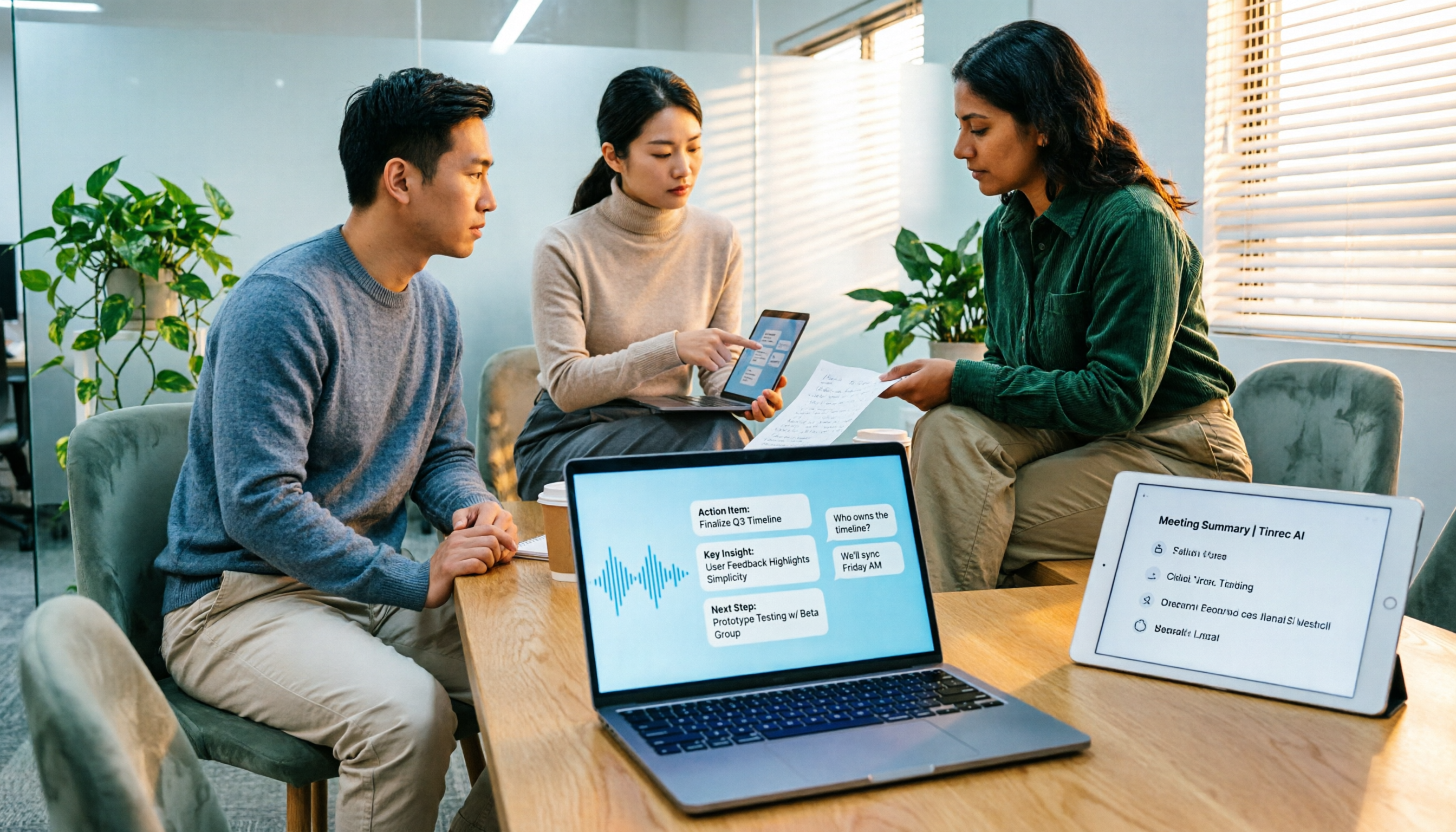
When you're on a Google Meet or Zoom call, Tinrec produces a transcript as it records and generates a summary, action items, and chapters as soon as the meeting ends. In our test of a 30-minute meeting recording, it took less than 5 minutes to go from raw transcript to a shareable meeting summary, with accuracy within an understandable range (about 8% character error rate).
Scenario 2: AI Chat Query—Find Key Points Without Listening from Start to Finish
This is Tinrec's most critical difference from the competition. After recording, you can directly ask: “Who mentioned the deadline in the last meeting?” or “What points did the teacher emphasize in this lesson?” Tinrec uses semantic understanding to provide answers, not just keyword search results. Currently, similarly priced tools like Notta and Otter.ai do not yet offer this deep-organizing functionality.
Test Data (5-minute Chinese meeting, iPhone 15, mild indoor noise, June 2026)
- Character error rate: 8.3%
- Summary usability: correctly captures more than 80% of key points; action items completeness about 85%
- AI Q&A response time: average under 3 seconds
Strengths
Stop organizing recordings by hand
Upload audio or video and automatically get a transcript, summary, and action items
- Comprehensive Chinese and multilingual support: Traditional Chinese, Cantonese, and English mixed speech all work smoothly—great for international teams.
- Transcribes more than meetings: paste a YouTube or TikTok link to get text and summaries.
- Export to other tools: one-click transfer to Notion, Google Docs, or Dropbox for zero-friction collaboration.
Limitations
The free plan gives you 100 minutes per month. Heavy meeting users may need the Pro plan (starting at about $9.99/month), but for people with 2–3 meetings a week, it’s more than enough. It’s also the only entry-level option with AI chat query.
Who is it for?
If you need to handle Chinese or Cantonese meetings, want to ask AI for the key points right after recording, or often switch between your phone and computer, Tinrec is our top overall recommendation.
What Other Options Are There Besides Tinrec?
Otter.ai: Best for English meetings, but no Cantonese support
Its English transcription accuracy is extremely high, and the free plan is generous at 300 minutes per month. However, it has no Cantonese support, and its Chinese recognition often falls short. If you only record English meetings, Otter.ai is a more budget-friendly option than Tinrec. But if your meeting occasionally mixes in Chinese or you need to organize Chinese-language videos, it won’t help. Additionally, Otter lacks online video transcription and Agent post-processing features.
Notta: Strong transcription, lacks deep organization
Notta’s transcription speed and accuracy are close to Tinrec’s, and its paid plans include a generous number of minutes. But it doesn’t have Tinrec’s AI chat query—after recording, you’re limited to Ctrl+F keyword searches and can’t directly ask, “What was the conclusion of this meeting?” If you only need a verbatim transcript, Notta is worth considering; if you want to save time on organizing, Tinrec is still the way to go.
Yating Transcript: Taiwan’s homegrown option, but no free-tier quota
It has solid Chinese speech recognition, with a character error rate (9.7%) close to Tinrec’s. Unfortunately, the free version offers no transcription quota, and there’s no AI Q&A or online video organization. Cross-platform support is also limited (mobile app only). If your budget is zero and you only plan to manually search for key points, you can skip it.
Pitfall Guide: 3 Most Common Mistakes When Choosing a Video-to-Meeting-Minutes Tool
Pitfall 1: Trusting only the officially claimed accuracy rate
Many tools score 98% in a lab environment but drop below 85% in a real meeting. Don’t just believe the ads—test with your own actual meeting recordings to see what really works. Our test conditions in this article reflect everyday meeting scenarios; it was hard work, but the results are worth referencing.
Pitfall 2: Ignoring cross-platform needs
You record on your phone today and want to edit on your computer tomorrow. If a tool has only a mobile version, you’ll get stuck. Choose a tool that supports iOS, Android, and web sync so your workflow doesn’t break. Tinrec is one of the few options that covers all three.
Pitfall 3: Buying the tool but not using its AI features
If you only use a transcription tool for “audio-to-text,” you’re using only about a third of its capacity. With Tinrec’s AI chat query, for instance, you can ask “What’s the conclusion of the meeting?” right after recording—far faster than manually going through 30 minutes of transcript. Next time you try a tool, make sure to test the AI Q&A. You won’t go back.
Summary: Which One Should You Choose?
The bottom line: If you need to turn video meetings into immediately actionable minutes, Tinrec is the most complete option right now, thanks to its unique AI chat query that turns passive records into an active knowledge base.
Recommendations by scenario
- Frequent Chinese/Cantonese meetings → Tinrec (highest accuracy, best AI summaries)
- Want to ask key questions directly after recording → Tinrec (only option with AI chat query)
- Cross-platform use (phone + computer) → Tinrec (iOS + Android + web)
- Zero budget and only English meetings → Otter.ai (the only exception, with generous free quota)
We suggest starting with Tinrec’s free version—100 minutes a month is enough for two or three meetings to experience the convenience of automatically generated summaries and Q&A. If you like it, consider Pro; there’s no need to pay upfront.
References
- Record video meeting content - Computer - Google Meet Help
- Use transcripts with Google Meet - Google Meet Help
- How to Record Online Meetings [Audio & Video] - EaseUS
- Video meetings are time-consuming! Loom lets you record and upload at the same time for easier communication | Future Commerce
- What is video conferencing? This is the 2022 guide.
Turn every recording into actionable outcomes
Get 60 free transcription minutes when you sign in. No credit card required.
Related Reading
You might also like

4 Best Speech-to-Text Tools in 2026: Chinese Recognition, Free Tiers, and Post-Meeting Organization Compared
Many people confuse speech-to-text with text-to-speech and don't realize phone dictation can't process existing recordings. This article breaks down 4 key purchasing factors and compares Tinrec, Notta, Otter.ai, and PLAUD NotePin on positioning, quotas, and post-meeting organization, plus 3 common pitfalls to help you choose the right tool within budget.
3 Speech-to-Text SDK Paths Compared for 2026: 3 Pitfalls to Avoid Before Building Your Own API Integration
A speech-to-text SDK is not a one-size-fits-all solution. Starting from common pitfalls, this article breaks down the applicable boundaries of Google Cloud Speech-to-Text, Azure Speech SDK, and Otter.ai, then explains how Tinrec fills the post-meeting organization gap with desktop bot-free recording, AI Q&A, and team spaces when you don't want to maintain your own service.

How to Use WeChat Voice-to-Text in 2026: 3-Step Guide + Practical Solutions for Long Meeting Transcripts
How do you use WeChat voice-to-text? This guide starts with hands-on steps: long-press a voice message to convert it to text, use voice input and say "over over" to send automatically, and understand its real limits in long meetings and interviews. It then explains four decision points—length, output, history search, and team sharing—to help you decide when to switch to an AI meeting notes tool like Tinrec, with hands-on tips and pitfalls to avoid.

How to Use Online Speech-to-Text in 2026: 5 Steps to Choose the Right Tool and Build a Transcription Workflow
There are many online speech-to-text tools, but the real reason you can't choose is usually not that the tools aren't good enough—it's that you haven't thought through where the text will go after it's produced. This article uses three key questions to help you set direction, then helps you pick the right one from five options: Tinrec, Dictation.io, Google Docs, MyEdit, and Notta. Finally, it gives you a 5-step workflow you can follow directly.

6 Speech-to-Text Tools Tested and Compared in 2026: Which Is Fastest for Chinese Meeting Transcripts and Post-Meeting Summaries?
Using the same criteria, we compare six speech-to-text tools—Tinrec, Otter.ai, Notta, TurboScribe, Granola, and PLAUD—and walk through the full workflow with Tinrec: recording, transcription, proofreading, summary generation, and team knowledge retention. This helps you decide which tool fits your meeting style and budget.

2026 Speech-to-Text API Free Plans Compared: 4 Options to Consider
When looking for a speech-to-text API, the first decision is whether to integrate it yourself or use a ready-made tool. This guide covers four mainstream approaches in 2026, from the free tiers and maintenance costs of Google Cloud, Azure, and AssemblyAI to the no-code Tinrec, plus key selection criteria and four common pitfalls to help you assess your needs before committing engineering resources.

2026 Speech-to-Text Tools Compared: Which Is Fastest for Chinese Meeting Transcripts?
After hands-on testing of 4 speech-to-text tools, here are insights for Chinese meeting organization. From transcript quality, post-meeting summaries and action items, ability to import existing audio files, to team sharing and seat management, we outline selection criteria, test observations, and 3 common pitfalls to help you decide which tool fits your meeting scenario.

2026 Comparison of 5 Audio-to-Text Tools: How Accurate Are They and Where Do They Differ?
How accurate is audio-to-text transcription really? This article addresses three common misconceptions, breaks down the real factors affecting accuracy, and compares Tinrec, Notta, TurboScribe, Otter.ai, and Granola in Chinese meetings, mixed Chinese-English scenarios, and post-meeting organization. It also provides buying criteria and pitfalls to avoid, helping you choose the right tool for your recording situation.

2026 Comparison of 4 Speech-to-Text Tools: Which Is Best for Multilingual Meeting Transcripts?
Meetings mix Chinese and English, sometimes Japanese or Taiwanese, and transcripts always turn into a mess? This article tests and compares four speech-to-text tools—Tinrec, Otter.ai, Granola, and TurboScribe—from four angles: multilingual recognition, post-meeting organization, meeting capture method, and team data ownership, to help you find the one that truly works for your job.