
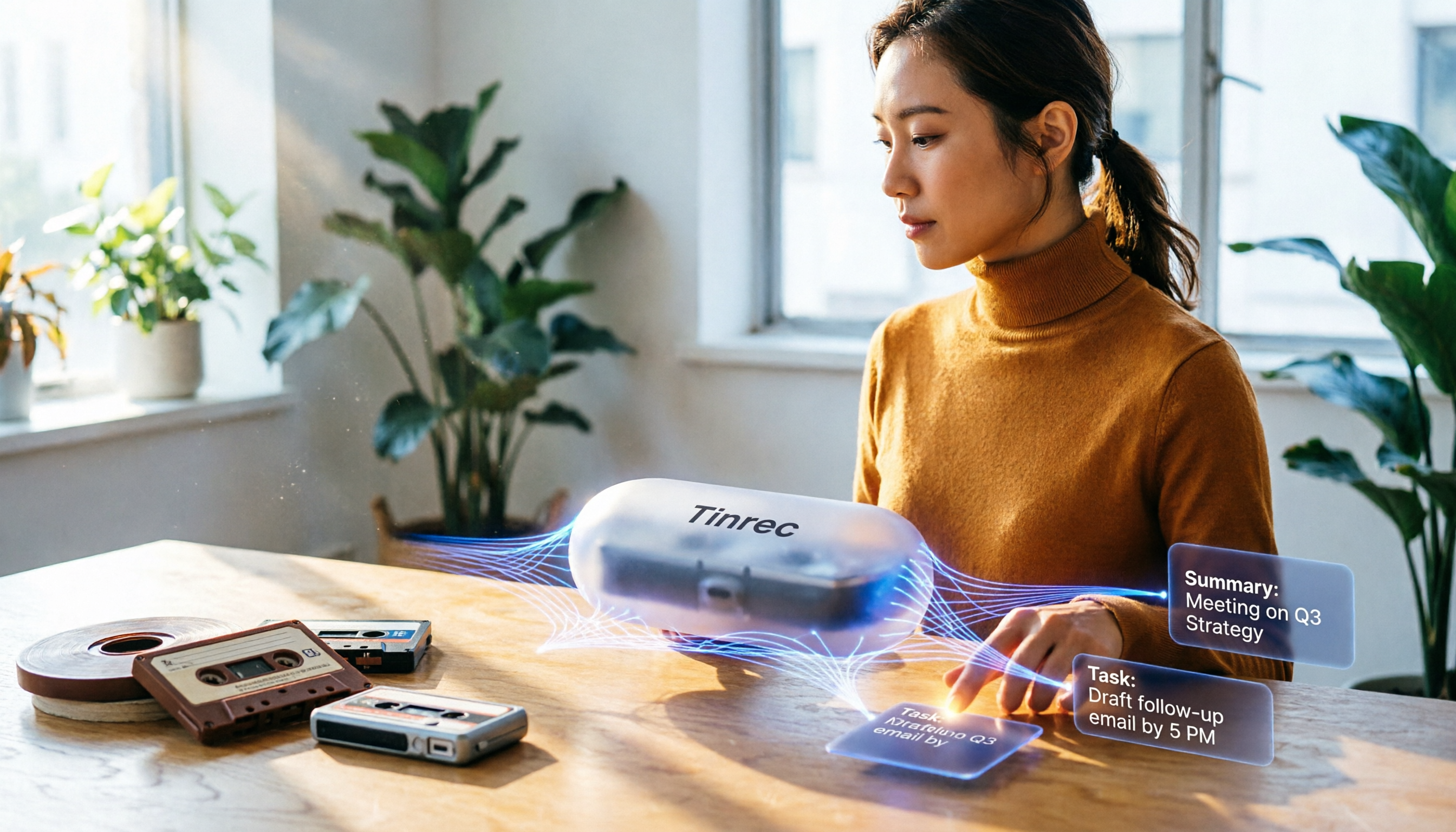
Turn recordings into transcripts and summaries in minutes
Upload audio or video for multilingual transcription, AI notes, and action items
Every time you search for a free MP3 converter? What you actually need isn't a converter—it's an organizing solution
After a meeting, you've recorded a long audio file, but the format isn't the common MP3, making it inconvenient to share with colleagues or archive. That's why many people immediately open a browser and search for "convert audio to MP3."
But you've probably had this experience too: after successfully converting WAV or M4A to MP3, the file is smaller and playable anywhere, but you still have to listen from start to finish to pick out the key points. If the recording runs over an hour, that alone eats up half a workday.
Also, some online conversion tools are free, but uploading large files takes time, and after conversion you still have to download. Eventually you still need another way to process the content. If you only want to change formats, a traditional converter is enough. But if you want "audio content you can use immediately," you need to change your mindset: use the right tool from the start and stop taking the long way around.
Before choosing an audio conversion (or organizing) solution, understand these 3 key factors
1. Does your audio file need to be "converted" before a tool can process it?
Most online converters restrict input formats, such as only allowing WAV, OGG, or M4A. But if you use an AI audio organization tool like Tinrec, its design is "accept everything"—no matter what format you recorded, just drop it in and it will automatically grab the audio track and turn it into text and summaries.
Since you can process files without converting, you don't have to waste time in the "find converter → upload → download" loop.
2. After conversion, what can you "extract" from the audio file?
A typical converter only gives you a new file format; the content remains exactly the same. AI organizing tools, after transcribing the text, go further and generate summaries, chapter segments, to-do items, and even let you ask direct questions about details in the recording.
For example, in our test of the same meeting recording, a converter required 30 minutes of manual listening; Tinrec delivered a 300-word summary in 5 minutes and could answer questions like "Who brought up the budget? What was the conclusion?"
3. Do you need to switch back and forth between phone and computer?
Some tools only have a web version, making phone uploads inconvenient. If you often record on the go and later organize on your computer, choosing a tool that offers iOS, Android, and web versions will save you a lot of hassle.
Tinrec (Listen in Seconds) — our top pick after real-world testing
Tinrec (Listen in Seconds) is an AI recording and audio organization tool that supports direct import of a wide range of audio formats. Whether you're recording on your phone, recording meetings on your computer, or downloading videos from the web, you can upload them directly—no need to convert to MP3 first.
It doesn't just skip conversion—it turns your content into "battle-ready" material
I tested it with a 20-minute team meeting recording (original format WAV, with slight background noise). After dropping it directly into Tinrec, I had a transcript and automatic summary within 3 minutes. What impressed me even more was that it automatically listed three to-do items, even marking the owner and timestamps—like having someone re-listen to the meeting for you.
You can upload pre-recorded audio or video files—whether M4A, WAV, MP4, or MOV—Tinrec handles them all directly. If you want to turn a public YouTube lecture into notes, just paste the link.
AI Q&A brings historical recordings to life
Most organizing tools stop after giving you text. Tinrec lets you ask it like a database: "What three budget items were mentioned in the last meeting?" "What was the most common complaint in the customer interview?" The system finds answers based on semantics, not keyword search, with noticeably higher accuracy. Currently, few tools in the same category offer such a complete conversational query feature.
Stop organizing recordings by hand
Upload audio or video and automatically get a transcript, summary, and action items
Pros
- Save conversion time: Directly supports common audio and video formats, no need to convert to MP3 in advance
- Rich output: Not just transcripts; automatically generates summaries, to-dos, chapters, and even mind maps
- Consistent cross-platform experience: iOS, Android, and web versions sync; record on your phone, continue editing on your computer
Limitations
- The free plan only includes 100 minutes of transcription per month; heavy users need paid upgrades. But with 2-3 meetings a week, that quota is plenty for testing
- AI summaries may have slight errors due to audio quality or accents; for important documents, we recommend double-checking against the transcript
Who it's for
If you frequently record meetings, classes, or interviews and no longer want to spend time converting or transcribing, Tinrec is currently the most "one-stop" solution. It's especially strong if you often deal with mixed Chinese and Cantonese content—its language support is very comprehensive.
Besides Tinrec, what other options are there?
Online Audio Converter
It focuses on quick conversion, supporting conversion between more than 300 formats, and provides simple editing and ringtone creation. But it is purely a conversion tool with no content organizing features. If you only need to convert WAV to MP3, it's free and fast. But if you want to make notes or summaries afterward, you'll need to combine other services, which is time-consuming and troublesome.
FlexClip's MP3 Converter
No registration required; the web page is ready to use and can quickly convert common audio formats to MP3. The interface is clean, and even beginners can get started instantly. Unfortunately, its capabilities stop at conversion—it can't help you extract key points from recordings. If you regularly record meetings, you'll find that after converting to MP3 you still have to listen to the whole thing again. Compared with Tinrec's automatic summaries, the efficiency gap is obvious.
VEED Audio Converter
VEED's conversion tool covers multiple formats and offers an online editor, but its strengths are video production and subtitles; audio conversion is just an add-on. After conversion, you have to manage the content yourself. If you need to know conclusions, to-dos, and key points immediately after listening, VEED has no built-in AI summary or Q&A, so it won't be as direct as Tinrec.
Pitfall guide: the 3 most common mistakes when choosing an audio conversion tool
Pitfall 1: Only looking at conversion speed, ignoring downstream organizing needs
Many people start using a tool because of "3-second conversion," but they don't think about what happens after conversion. If you have to manually organize meeting notes every time, the time wasted each month far exceeds those few seconds you saved. Choose a tool that can directly process native formats and produce summaries to truly save time.
Pitfall 2: Assuming free means cost-effective
Free conversion tools may limit file size or lower conversion quality. More often, you're trading your time for the free quota—upload, wait, download, listen again. Tinrec's free plan has a minute limit, but every minute produces valuable summaries, making it more cost-effective in the long run.
Pitfall 3: Using only transcripts and ignoring AI post-processing capabilities
If you only treat these tools as "text transcription machines," you're missing out. Tinrec's AI conversational search lets you ask questions in natural language and directly pull out meeting conclusions or customer opinions—10 times faster than manually scanning transcripts. Don't just stop at the first layer; make the most of smart features to escape the grind.
Summary: Which one should you choose?
Overall, if you occasionally convert an audio file to MP3 for listening on your phone, any of the online converters above can do the job. But as long as your audio files need to be "understood" and "used," Tinrec is currently the most complete solution.
Recommendations by scenario:
- Just need format conversion (WAV→MP3), don't care about content → Online Audio Converter (free, fast)
- Need to regularly organize meeting, class, or interview recordings and want automatic summaries and to-dos → Tinrec (directly imports multiple formats, strongest AI organizing)
- Have many online videos you want to turn into written notes → Tinrec (paste a link and convert)
- Record on your phone and want to continue editing on your computer → Tinrec (cross-platform sync)
- Only deal with English meetings and have zero budget → Otter.ai (free 300 minutes), but if you need Chinese content organization, we recommend trying Tinrec
We suggest downloading Tinrec's free version first, dropping your next meeting recording into it, and experiencing the difference from "convert → transcribe → organize" to "upload → read summary." If you like it, you can consider upgrading later—no need to pay upfront.
References
Turn every recording into actionable outcomes
Get 60 free transcription minutes when you sign in. No credit card required.
Related Reading
You might also like

2026 Transcription Tools Guide: AI Transcription Selection Tips + Tinrec Workflow
There are countless transcription tools, but the real challenge isn't transcription—it's what to do after. This guide covers selection criteria, hands-on testing, and pitfalls to avoid, rounding up transcription tools worth considering in 2026, and demonstrates how Tinrec turns meeting recordings into searchable, queryable, and shareable team knowledge.

4 AI Meeting Recorders Tested for 2026: Which Free Tier Works Best for Students?
A student's hands-on comparison of AI meeting note tools—Tinrec, Notta, Granola, and Otter.ai—covering free tiers, per-recording limits, post-transcript organization, and cross-platform use, with recommendations for class recordings, group projects, and final exam review.

How to Write Meeting Minutes in 2026: 5-Step Template Tutorial
Struggling to produce meeting minutes after the meeting ends? This article provides a ready-to-use meeting minutes template with fields and a 5-step process, and compares "template-only handwriting" vs. "template plus AI workflow" across recording, organizing, tracking, and team knowledge retention, helping you choose the right meeting minutes approach for your team.

2026 Tested: 4 AI Meeting Minutes Generators Compared — Which One Actually Saves You That Hour After the Meeting?
AI meeting minutes generation isn't just about uploading a recording. From the perspective of a mid-level manager who holds 15 meetings a week, I break down the most common misconceptions, 4 key purchasing criteria, and hands-on comparisons of Tinrec, Notta, Otter.ai, and Granola across Chinese-language meetings, bot-free recording, post-meeting Q&A, and team knowledge retention — with final recommendations by scenario.

Tinrec vs Granola 2026: 5-Dimension Comparison — Which Is Better for Chinese Meeting Notes?
Both avoid meeting bots, but how do Tinrec and Granola differ in meeting notes organization? This article compares them across 5 dimensions: meeting capture, Chinese-language experience, post-meeting outputs, input sources, and team governance, providing a side-by-side reference for your choice.
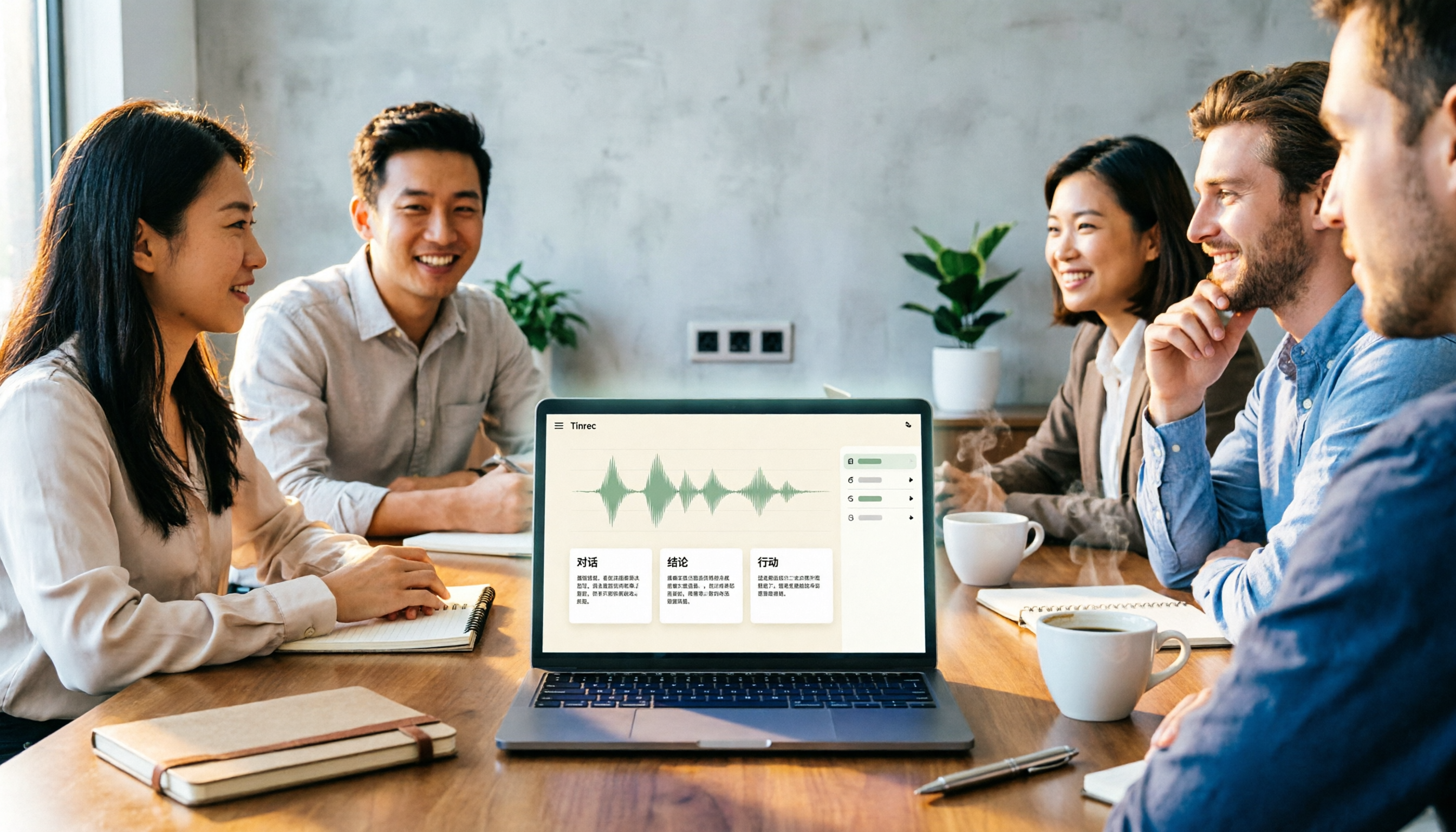
2026 Comparison of 4 Meeting Notes Tools: Which Free Version Is Good Enough?
There are countless meeting notes tools, but what really matters is whether they can turn recordings into trackable conclusions and action items. This article breaks down the selection criteria using 4 common tool approaches and demonstrates Tinrec's practical use for real-time transcription, AI summaries, action item extraction, AI Q&A, and team knowledge retention, along with buying tips and FAQs.

Teams Meeting Creation: 3 Methods Tested in 2026, Tinrec Makes Post-Meeting Cleanup Easier
A comparison of three common ways to create Teams meetings: Teams calendar, Outlook calendar, and channel meetings. Covers attendee invitations, external participants, recording storage, and post-meeting data management, plus how Tinrec fits into transcription, summaries, action items, and team knowledge retention.
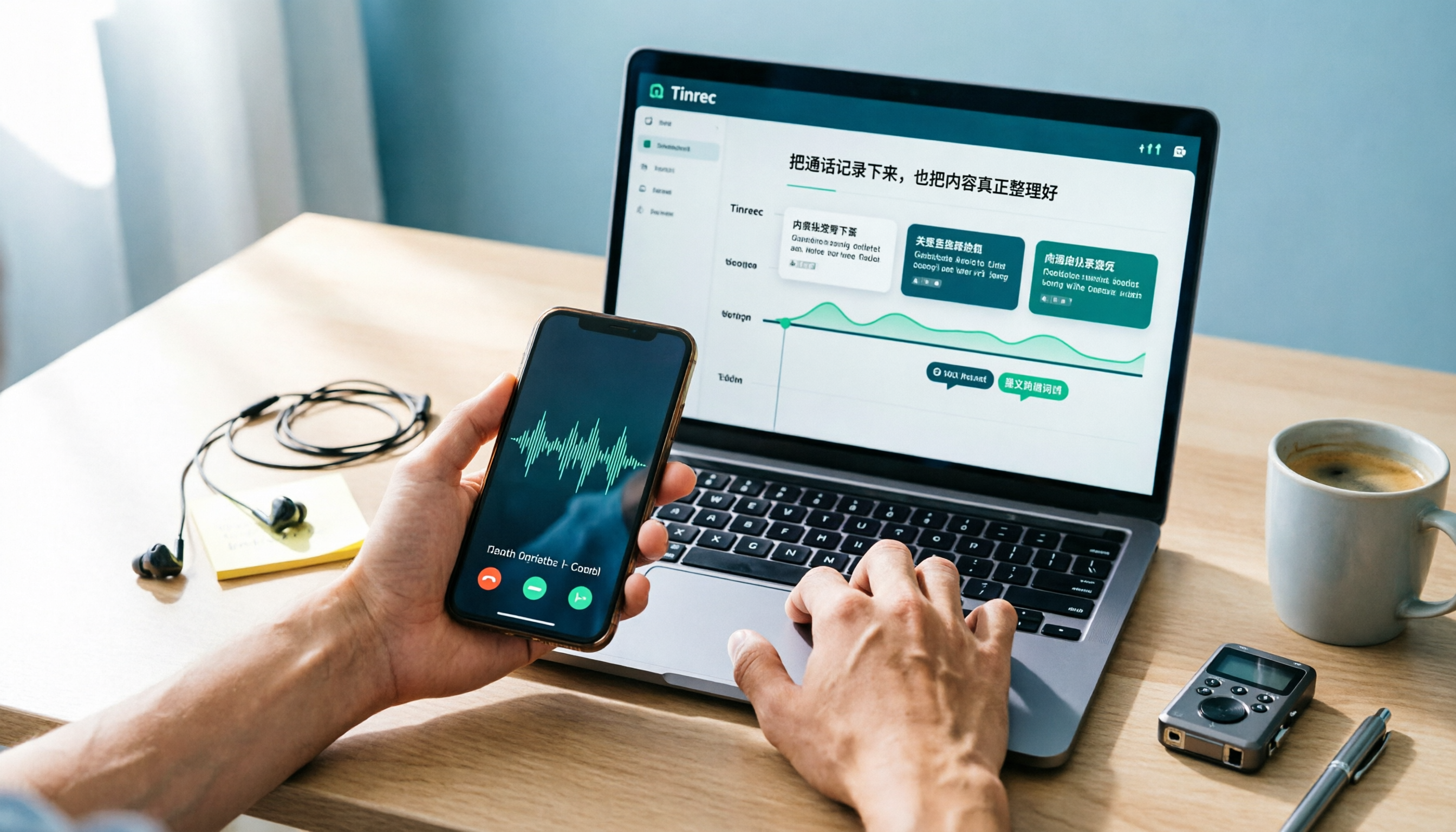
4 LINE Call Recording Methods Compared for 2026: How to Choose Between iPhone, Android, and Desktop
LINE doesn't have built-in call recording, but the methods fall into two layers: capturing the audio and then using it. This guide starts with the system limitations on iPhone and Android, compares screen recording, third-party call recording apps, external recording devices, and Tinrec's post-recording workflow, helping you choose the method that truly saves time.

4 Ways to Start a New Meeting in Microsoft Teams: Instant Meeting, Calendar, Channel, or Outlook — Which Is Fastest?
A comparison of four ways to start a new meeting in Microsoft Teams: Calendar Instant Meeting, Calendar New Meeting, Team Channel Instant Meeting, and the Outlook add-in. It also covers how to use Tinrec to transcribe, summarize, and capture action items after the meeting.