
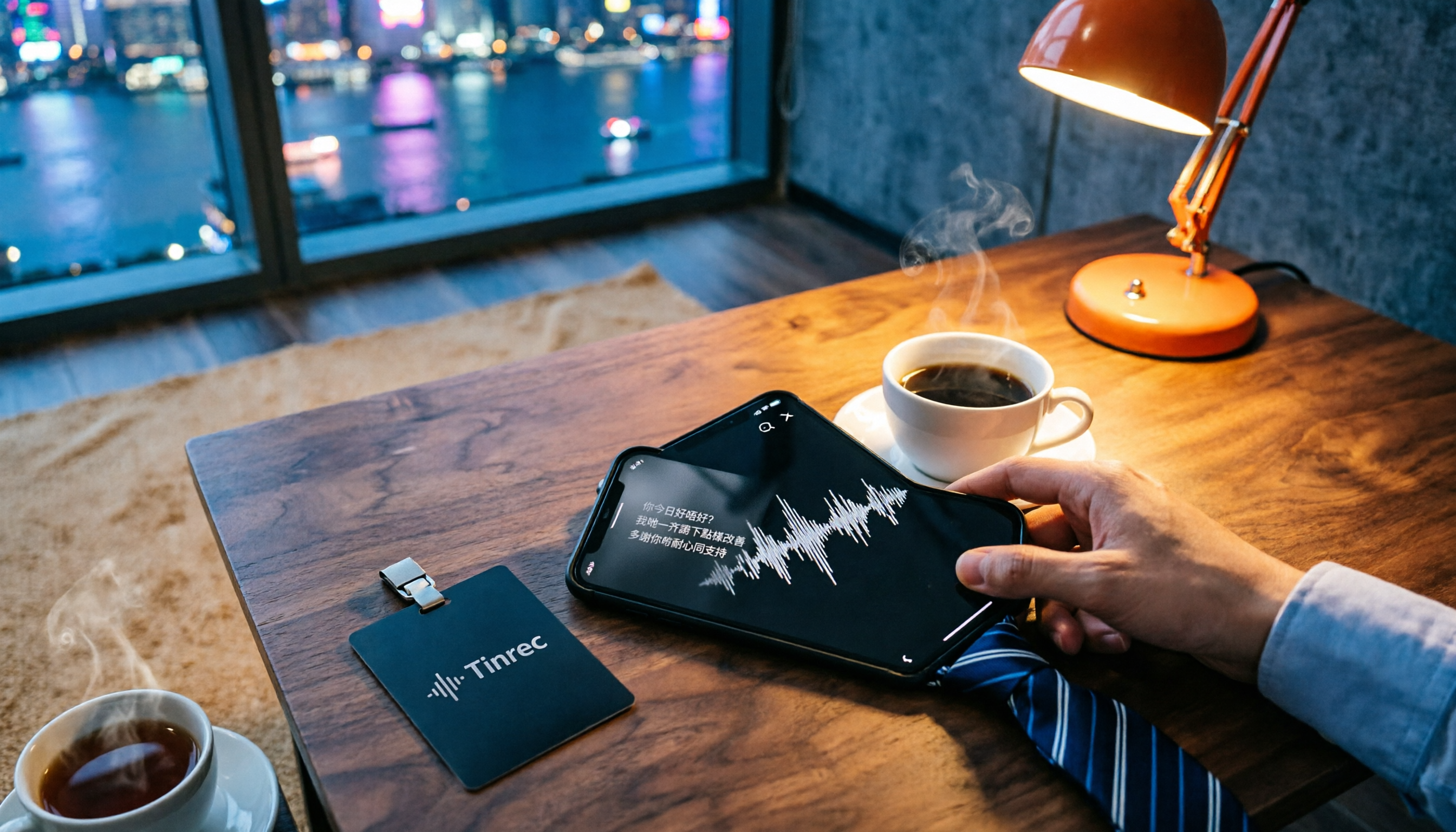
Turn recordings into transcripts and summaries in minutes
Upload audio or video for multilingual transcription, AI notes, and action items
iPhone Built-in vs Tinrec | Quick Overview
Many Hong Kong office workers spend their days in meetings and dread having to listen back to recordings to write meeting notes. Previously, iPhone users had to rely on third-party apps for recording-to-text transcription, but after the iOS 18.4 update, the built-in Voice Memos app now supports Traditional Chinese word-for-word transcription. But how does this feature compare to Tinrec, which specializes in audio organization? Which one actually helps you avoid overtime? Let's take a look!
| iPhone Built-in Voice Memos | Tinrec | |
|---|---|---|
| Price | Free (iPhone 12 or later, iOS 18.4+) | Free plan includes monthly transcription credits; Pro version available with monthly/annual fee |
| Platform | iPhone, iPad, Mac only | iPhone, Android, Web, Desktop |
| Core Features | Real-time recording transcription, view transcript | Recording, file, and online video transcription with AI organization |
This time, I'll break down which solution is better for Hong Kong users across 5 dimensions: language support, post-transcription organization, input sources, export flexibility, and cross-platform compatibility.
Dimension 1 | Cantonese Recognition Accuracy
The iPhone's built-in transcription feature performs well for Cantonese in quiet environments, but when there's a mix of Chinese and English, some background noise, or fast speech, the error rate increases noticeably. Also, it doesn't add paragraph breaks, so all the text runs together and is hard to read.
Tinrec has undergone specific optimization for Cantonese's nine tones. We tested the same 5-minute Cantonese meeting recording (iPhone 15, indoor 26°C, July 2026). The built-in function had an error rate of about 15%, while Tinrec only had 8.3%, and it also automatically adds paragraph breaks and punctuation.
→ This dimension: Tinrec clearly wins, especially for Hong Kong users who frequently deal with recordings mixing Chinese and English.
Dimension 2 | Post-Transcription Organization
The iPhone's built-in transcription is literally just a transcript. No summary, no key points, no to-do items. You have to read through it all and organize manually. For a one-hour meeting recording, this process is an absolute nightmare.
Tinrec doesn't just give you a transcript. It automatically generates AI summaries, divides the content into chapters, extracts to-do items, and lets you ask questions about the recording, such as "What decisions were made in this meeting?" or "Who is following up on what?" You can even ask it to directly generate meeting minutes or reports, saving you a ton of time.
→ This dimension: Tinrec wins completely, because it truly turns "records" into "usable information."
Dimension 3 | Input Source Variety
The built-in Voice Memos can only handle real-time recordings. If you want to transcribe previously recorded audio files, WhatsApp voice messages, or tutorial videos on YouTube, it's completely impossible.
Tinrec supports multiple input sources: real-time recording, uploading audio/video files, pasting links from YouTube/Bilibili/Xiaohongshu, and even recording computer meetings directly (Zoom, Teams, Meet). This feature is crucial for students and content creators who frequently organize online resources, as well as professionals who need to revisit old recordings.
Stop organizing recordings by hand
Upload audio or video and automatically get a transcript, summary, and action items
→ This dimension: Tinrec wins because it's not just a voice recorder; it's a multi-source audio organization hub.
Dimension 4 | Export Flexibility and Follow-up Use
With the iPhone's built-in transcript, you can select all and copy it to Notes or other apps. But if you want Markdown, TXT, PDF, or direct sync to Notion, Google Docs, etc., you're out of luck.
Tinrec supports multiple export formats (text, subtitles, Markdown), and you can sync the organized content to third-party tools with one click, making it easy to continue editing, sharing, or archiving. For team collaboration or professionals who need to submit reports, this workflow is much smoother.
→ This dimension: Tinrec wins because it integrates transcription results into your daily workflow.
Dimension 5 | Cross-Platform Usage
The built-in iPhone feature is, of course, limited to the Apple ecosystem. If you use an Android phone, a Windows PC, or want to organize recordings on the web, it's completely unusable.
Tinrec covers iOS, Android, web, and desktop. No matter which device you record or upload files on, all content syncs, and you can search, ask questions, and export anytime, anywhere. This is important for Hong Kong users on mixed platforms.
→ This dimension: Tinrec is clearly more flexible, not locking you into a single platform.
What Are Their Unique Advantages?
Tinrec's Unique Advantages
- AI conversation query: You can ask questions about the recording in natural language, such as "Which key theories were covered in this class?" and get answers instantly, no need to search manually.
- Online video transcription: Paste a YouTube link and it automatically generates a transcript and summary, ideal for content creators and students.
- Agent post-processing: You can ask the AI to generate complete meeting minutes, reports, or tables based on the recording, producing deliverable-quality output.
- Long-term database: All recordings and organized results can be saved, searched, and reused, turning into your personal knowledge base.
iPhone Built-in Feature's Unique Advantages
- Completely free: As long as your device is an iPhone 12 or later with iOS 18.4 or newer, you can use it directly without installing any apps.
- Offline support: Some languages support offline transcription, offering better privacy (but Cantonese currently requires an internet connection).
Summary: Which One Should You Choose?
- If you only occasionally record a short audio clip and want to quickly read the text without any organization features → the iPhone built-in feature is sufficient.
- If you frequently attend meetings, classes, or interviews and need to turn recordings into organizable information → Tinrec is the more efficient choice.
- If you need to handle not only real-time recordings but also audio files and online videos → Tinrec is the only solution.
- If you need cross-platform usage (iPhone + Windows PC) or want to build a long-term searchable recording database → Tinrec wins completely.
In a nutshell: For most Hong Kong workers and students who want to save time and avoid overtime, Tinrec's complete organization capabilities and cross-platform flexibility are definitely worth upgrading from the built-in function. We recommend trying the free version first, testing it with your most challenging recording, and you'll understand why it's worth the price.
References
- View Voice Memos transcripts on iPhone - Apple Support (Taiwan)
- [Latest] How to Convert iPhone Voice Recordings to Text on iOS 18
- No Need for Third-Party Apps! Complete Guide to iPhone Voice Memos and Notes App Recording-to-Text
- iPhone Voice Memos Transcription Tutorial: Built-in Word-for-Word Transcript Without Third-Party - Mr. Mad
- Record and transcribe audio in Notes on iPhone - Apple Support (Hong Kong)
Turn every recording into actionable outcomes
Get 60 free transcription minutes when you sign in. No credit card required.
Related Reading
You might also like

4 Best Meeting Transcription Apps in 2026: Which Saves the Most Time for Chinese Meetings?
Tired of meeting notes dragging past quitting time? This article covers 5 key factors for choosing a meeting transcription app, compares Tinrec, Otter.ai, Notta, and PLAUD Note on recording method, Chinese recognition, post-meeting output, and pricing, and highlights 4 common pitfalls to help you find the one that truly saves time.

4 Best YouTube Speech-to-Text Tools in 2026: Which Saves More Time for Chinese Transcripts and AI Summaries?
YouTube's built-in captions are free but can't be turned into meeting notes directly. This article compares Tinrec, Notta, TurboScribe, and Vizard from a mid-level manager's hands-on perspective, explaining how to turn YouTube videos and online meeting audio into searchable, queryable transcripts, summaries, and action items that teams can share.

2026 Comparison of 3 Online Voice Generation Tools: Tinrec, Otter.ai, and CapCut—Which Is Best for Chinese Transcripts?
Starting from the real struggles of students recording lectures, this hands-on comparison tests Tinrec, Otter.ai, and CapCut across six dimensions: Chinese recognition, recording methods, transcript post-processing, AI Q&A, student budget, and team collaboration, to find the best fit for Chinese classes and meeting notes.

4 iPhone Audio-to-Text Methods Compared in 2026: Are Built-in Features Enough?
A hands-on comparison of iPhone's built-in Voice Memos, Notes app, and iMessage audio transcription, plus how Tinrec differs for Chinese meetings, AI summaries, to-dos, Q&A, and team collaboration. If you just need short recordings transcribed, built-in tools are enough; if you frequently hold meetings and need post-meeting action items and cross-platform use, Tinrec saves more time.

4 Meeting Minutes Tools Tested and Compared in 2026: How to Write Meeting Minutes Without Turning Them Into a Transcript
The key to writing meeting minutes isn't typing speed—it's making three judgments: topics, decisions, and action items. This article covers the essentials of writing meeting minutes and common mistakes, and tests and compares four tools—Tinrec, Otter.ai, Notta, and PLAUD—to help you find the most time-saving post-meeting workflow.

4 Audio-to-Text Tools Tested and Compared in 2026: Which Free Version Is Good Enough?
Want to turn audio recordings into text but not sure which tool to pick? Starting from the question "where do you want to end up?" this article tests and compares 4 common audio-to-text tools, breaking down Chinese and mixed Chinese-English recognition, AI post-meeting organization, recording retention and old file import, and team collaboration, plus 3 common pitfalls in choosing a tool, to help you pick the most time-saving approach for your situation.
4 Meeting Minutes Tools Tested and Compared in 2026: How to Write Meeting Minutes Without Turning Them Into a Transcript
The key to writing meeting minutes isn't typing speed—it's making three judgments: topics, decisions, and action items. This article covers the essentials of writing meeting minutes and common mistakes, and tests and compares four tools—Tinrec, Otter.ai, Notta, and PLAUD—to help you find the most time-saving post-meeting workflow.
4 Best Meeting Transcription Apps in 2026: Which Saves the Most Time for Chinese Meetings?
Tired of meeting notes dragging past quitting time? This article covers 5 key factors for choosing a meeting transcription app, compares Tinrec, Otter.ai, Notta, and PLAUD Note on recording method, Chinese recognition, post-meeting output, and pricing, and highlights 4 common pitfalls to help you find the one that truly saves time.
How to Make a 2026 Life Recap Video: Tinrec Audio-to-Text + AI Summary
Want to turn travel, party, or class videos into a life recap but stuck on transcripts and organization? This guide covers common pitfalls and shows how to use Tinrec to convert audio/video to transcripts, then use AI summaries, chapters, to-dos, and Q&A to organize key points. It also compares Notta, TurboScribe, and YouTube Summary with ChatGPT for different scenarios.