
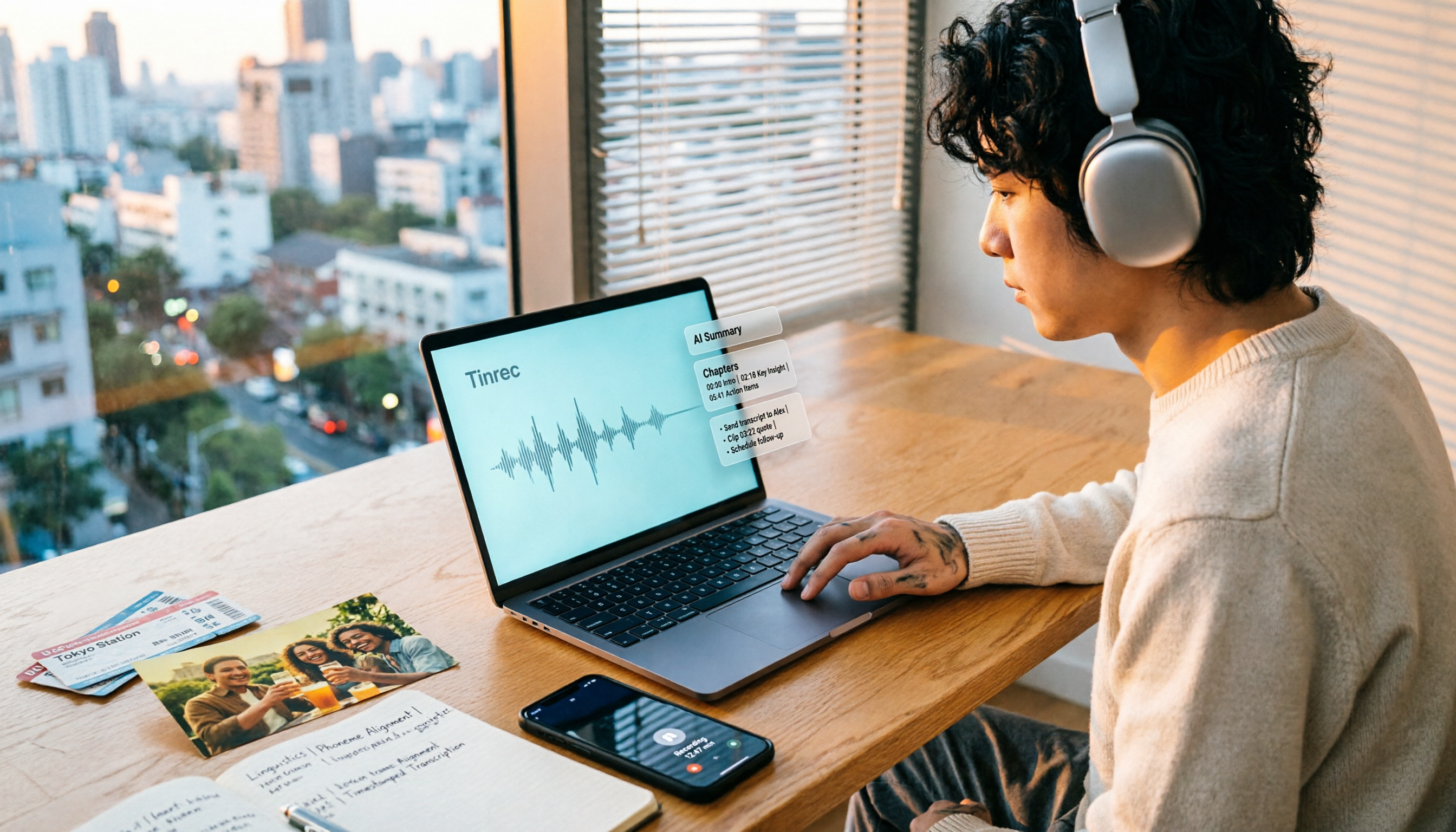
Turn recordings into transcripts and summaries in minutes
Upload audio or video for multilingual transcription, AI notes, and action items
How to Make a 2026 Life Recap Video: Tinrec Audio-to-Text + AI Summary
The biggest obstacle to a life recap video isn't editing—it's that you never watch it a second time. You need a workflow.
You've shot tons of travel, party, and class videos and want to make a life recap. Your first instinct is to open editing software, drag two hours of footage onto the timeline, and then stare blankly.
An even more common inefficient approach: throw the video into some AI summary tool, glance at the three keywords it spits out, and think you've grasped the content.
The problem is, a life recap isn't about keywords—it's about being able to go back and find what was said, who did what, and what you want to change next time.
Without a transcript and searchable data, videos just sit on your hard drive. Choosing the right tool can turn "watching videos" into "using videos."
Before Choosing a Life Recap Video Tool, Understand These 5 Key Points
Input sources: Can it handle your videos? Phone recordings, camera footage, online course replays, YouTube links? Tinrec supports audio/video file uploads and can import links for some public videos.
Chinese recognition and bilingual support: Taiwanese users often mix Chinese and English. Can the tool handle Chinese, Traditional Chinese, and mixed language? Tinrec covers Chinese, Traditional Chinese, and multiple languages, and supports real-time translation and bilingual viewing.
Can you ask follow-up questions after summarizing? A summary alone isn't enough. Can you ask, "Who mentioned the budget in this video?" Tinrec has AI Q&A that lets you ask questions about one or multiple videos.
Can you take the output with you? Can transcripts, summaries, chapters, to-dos, mind maps, document reports, and tables be exported to Notion, Google Docs, OneNote, Dropbox? Tinrec supports multiple export formats.
Free quota and paid plans: The free version has a basic quota, weekly plans suit short-term needs, Pro is for regular use, and annual plans are for long-term accumulation. Start with the free version and upgrade if needed.
Tinrec — Our Top Pick After Testing
Tinrec is an AI meeting notes and collaboration tool for individuals and teams, available on desktop, web, and mobile. It was originally designed for meeting notes, but it's also great for organizing life recap videos: convert travel, party, class, or interview videos into transcripts, then generate summaries, chapters, and to-dos.
Core features in action
Open Tinrec during a meeting, and it transcribes as it records. The same applies to life videos: throw in a three-hour family trip video, and it turns into searchable text. Later, to find "who said which B&B to book next time," just search the transcript instead of rewatching three hours.
AI summaries and chapters automatically break long videos into sections, generating summaries and key points. It's not just three keywords—it's structured chapters that let you quickly grasp what the video is about.
Even better is AI Q&A. After recording or uploading, you can ask Tinrec directly: "What are the three must-eat restaurants mentioned in this video?" It doesn't just give keyword search results; it answers based on semantic understanding. Currently, competitors at the same price point may not have this feature.
To-do extraction is also great for life recaps. Casual mentions like "send photos to Auntie next week" or "remember to book the next camping trip" can be organized into to-dos, so you can act on them right after.
If you want to continue processing, Tinrec supports multiple export formats, so you can take transcripts, summaries, and to-dos to Notion, Google Docs, OneNote, Dropbox, and other tools. It can also generate documents, reports, and tables, perfect for turning life videos into recap articles or plans.
For cross-language videos, you can use real-time translation to view the original and translation side by side. If a church, club, or project team wants to organize event videos together, the team version provides team spaces to centrally store and share data, and manage members, roles, seats, usage, and audits.
Testing notes
The product description doesn't provide a fixed error rate for life videos, and we don't recommend promising a fixed accuracy rate. Actual results depend on recording quality, background noise, accents, overlapping speakers, and technical terms. We suggest trying it with your own video—that's more accurate than official marketing.
Stop organizing recordings by hand
Upload audio or video and automatically get a transcript, summary, and action items
Pros
No need to invite a meeting bot; the desktop version captures system audio directly. After transcription, you also get summaries, chapters, to-dos, Q&A, translation, and export—not just a transcript. It handles Chinese, Traditional Chinese, and multilingual meeting scenarios, and has team hotwords to maintain technical terms.
Limitations
The free version has a basic quota; heavy use requires payment. Document and web imports consume shared import minutes, and quotas vary by plan. The team version offers a 7-day trial, 1 free seat, and 300 minutes of team shared import quota; paid seats provide 2,000 minutes of team shared import quota per month. Real-time recording under an active team plan and active seat currently does not deduct minutes. Prices, currencies, and promotions are subject to the official purchase page.
Who it's for
People who want to organize travel, class, party, and interview videos into searchable data. Those who need mixed Chinese-English transcription and bilingual viewing. Those who want to use AI to find key points and ask questions right after recording. Teams that want to collectively archive event videos and manage members and usage.
Besides Tinrec, What Other Options Are There?
YouTube Summary with ChatGPT: If you just want to quickly skim a YouTube video with subtitles, this type of extension can feed subtitles to ChatGPT for summarization. But note that it relies heavily on video subtitles; without CC subtitles, it won't work. The summary is usually just text, with no to-dos, Q&A, or team space. If you're organizing your own life videos that aren't on YouTube, these tools won't help. Tinrec can directly upload audio/video files and continue to generate to-dos and Q&A.
Notta: Notta is a multi-platform transcription tool with significant overlap with Tinrec, supporting meeting notes, document import, translation, and team plans. The free version offers 120 minutes per month, with a maximum of 3 minutes per item; Pro annual billing is about USD 8.17/month for 1,800 minutes per month; Business annual billing is about USD 16.67/seat/month, offering unlimited transcription, role permissions, and usage reports. However, Tinrec emphasizes bot-free desktop recording, team spaces, AI Q&A, and Agent post-processing, making it smoother for those who need Chinese meetings and post-meeting workflows.
TurboScribe: TurboScribe is suitable for cost-effective file transcription. The free version allows 3 files per day, up to 30 minutes per file; Unlimited annual billing is USD 120, about USD 10/month, with paid versions supporting up to 10 hours or 5 GB per file and up to 50 files at once. If you just need to transcribe many long videos into subtitles, TurboScribe has an advantage; but Tinrec focuses more on real-time meetings, post-meeting organization, Q&A, to-dos, and team collaboration.
Pitfall Guide: The 4 Most Common Mistakes in Making Life Recap Videos
Pitfall 1: Only looking at AI summaries, not keeping transcripts. Summaries miss details, and without a transcript, you can't verify. The right approach is to choose a tool that retains transcripts and timestamps, like Tinrec with searchable transcripts.
Pitfall 2: Throwing videos at tools that only accept subtitles. Self-shot videos usually don't have CC subtitles, so subtitle-dependent summary tools will fail. The right approach is to use a tool that supports audio/video file upload and transcription.
Pitfall 3: Ignoring Chinese and mixed Chinese-English. Taiwanese life videos often mix Chinese and English, Taiwanese, or technical terms. When choosing a tool, look at Chinese recognition and team hotwords. Tinrec covers Chinese, Traditional Chinese, and multiple languages, and the team version can maintain hotwords.
Pitfall 4: Treating "transcription" as the end goal. Just getting a transcript means you've only used half the value. Tinrec's AI Q&A, to-do extraction, chapters, and export are key to turning life videos into usable data.
Conclusion: Which One Should You Choose?
Want to turn life videos from phone or camera into transcript + summary + to-dos → Tinrec (supports audio/video upload, AI Q&A, multiple export formats).
Mixed Chinese-English, need bilingual or translation → Tinrec (covers Chinese, multiple languages, real-time translation).
Team wants to organize event videos together, manage members and usage → Tinrec Team (team space, roles and seats, usage analytics, audit logs).
Just need to quickly skim YouTube videos with subtitles → YouTube Summary with ChatGPT (free but relies on subtitles).
Just need to transcribe many long files into subtitles on a fixed budget → TurboScribe (advantage in batch transcription).
We suggest trying Tinrec's free version first: throw in a life video and see if the transcript, summary, and Q&A meet your needs. If you like it, consider upgrading—no need to pay upfront.
References
- ChatGPT's YouTube Summary Video Key Techniques, from Transcript to Summary - Mr. Mad
- YouTube Summary with ChatGPT: One-Click Summarize YouTube Video Content, No Time to Watch? No Problem - KOCPC
- Summarize YouTube with GPT: Free Online Video Summary Tool
- Save Time with Felo AI: Instantly Summarize YouTube Videos | Felo Search Blog
- Video Too Long to Watch? Essential for Learning and Fandom! Quickly Summarize Long Videos and Translate Foreign Language Videos! - PanSci
Turn every recording into actionable outcomes
Get 60 free transcription minutes when you sign in. No credit card required.
Related Reading
You might also like

4 Best Meeting Transcription Apps in 2026: Which Saves the Most Time for Chinese Meetings?
Tired of meeting notes dragging past quitting time? This article covers 5 key factors for choosing a meeting transcription app, compares Tinrec, Otter.ai, Notta, and PLAUD Note on recording method, Chinese recognition, post-meeting output, and pricing, and highlights 4 common pitfalls to help you find the one that truly saves time.

4 Best YouTube Speech-to-Text Tools in 2026: Which Saves More Time for Chinese Transcripts and AI Summaries?
YouTube's built-in captions are free but can't be turned into meeting notes directly. This article compares Tinrec, Notta, TurboScribe, and Vizard from a mid-level manager's hands-on perspective, explaining how to turn YouTube videos and online meeting audio into searchable, queryable transcripts, summaries, and action items that teams can share.

2026 Comparison of 3 Online Voice Generation Tools: Tinrec, Otter.ai, and CapCut—Which Is Best for Chinese Transcripts?
Starting from the real struggles of students recording lectures, this hands-on comparison tests Tinrec, Otter.ai, and CapCut across six dimensions: Chinese recognition, recording methods, transcript post-processing, AI Q&A, student budget, and team collaboration, to find the best fit for Chinese classes and meeting notes.

4 iPhone Audio-to-Text Methods Compared in 2026: Are Built-in Features Enough?
A hands-on comparison of iPhone's built-in Voice Memos, Notes app, and iMessage audio transcription, plus how Tinrec differs for Chinese meetings, AI summaries, to-dos, Q&A, and team collaboration. If you just need short recordings transcribed, built-in tools are enough; if you frequently hold meetings and need post-meeting action items and cross-platform use, Tinrec saves more time.

4 Meeting Minutes Tools Tested and Compared in 2026: How to Write Meeting Minutes Without Turning Them Into a Transcript
The key to writing meeting minutes isn't typing speed—it's making three judgments: topics, decisions, and action items. This article covers the essentials of writing meeting minutes and common mistakes, and tests and compares four tools—Tinrec, Otter.ai, Notta, and PLAUD—to help you find the most time-saving post-meeting workflow.

4 Audio-to-Text Tools Tested and Compared in 2026: Which Free Version Is Good Enough?
Want to turn audio recordings into text but not sure which tool to pick? Starting from the question "where do you want to end up?" this article tests and compares 4 common audio-to-text tools, breaking down Chinese and mixed Chinese-English recognition, AI post-meeting organization, recording retention and old file import, and team collaboration, plus 3 common pitfalls in choosing a tool, to help you pick the most time-saving approach for your situation.
4 Meeting Minutes Tools Tested and Compared in 2026: How to Write Meeting Minutes Without Turning Them Into a Transcript
The key to writing meeting minutes isn't typing speed—it's making three judgments: topics, decisions, and action items. This article covers the essentials of writing meeting minutes and common mistakes, and tests and compares four tools—Tinrec, Otter.ai, Notta, and PLAUD—to help you find the most time-saving post-meeting workflow.
4 Best Meeting Transcription Apps in 2026: Which Saves the Most Time for Chinese Meetings?
Tired of meeting notes dragging past quitting time? This article covers 5 key factors for choosing a meeting transcription app, compares Tinrec, Otter.ai, Notta, and PLAUD Note on recording method, Chinese recognition, post-meeting output, and pricing, and highlights 4 common pitfalls to help you find the one that truly saves time.

5 Best iPhone Audio-to-Text Solutions in 2026: Built-in Features vs. AI Meeting Tools
iPhone's built-in transcription isn't available on every model, and recording is just the beginning. This article debunks common myths and compares five solutions—Apple Voice Memos, Otter.ai, PLAUD recording hardware, and Tinrec—covering device compatibility, usage limits, cross-platform support, and team data ownership. Includes a buyer's guide and scenario-based recommendations to help you choose the most time-saving audio-to-text workflow.