
Turn recordings into transcripts and summaries in minutes
Upload audio or video for multilingual transcription, AI notes, and action items
4 Best Meeting Transcription Apps in 2026: Which Saves the Most Time for Chinese Meetings?
Two-Hour Meeting, Two More Hours of Organizing? The Problem Usually Isn't Your Typing Speed
When it comes to meeting notes, many people's first thought is, "Is there a tool that types faster?"
But what really slows you down is often not typing speed—it's starting the process the wrong way.
The most common mistake is treating "recording" and "organizing" as the same thing. After the meeting ends, you listen from the beginning and transcribe as you go, turning a two-hour meeting into another two hours of work.
A better approach: let the tool record and transcribe during the meeting, then review the summary and action items right after, and go back to check only the parts you're unsure about. You want meeting conclusions, not a long verbatim transcript.
Another common situation is multi-person meetings. When three or more people take turns speaking, who said what and what was decided starts to blur within an hour after the meeting.
Cross-language meetings are even trickier. Mixed Chinese and English, with English technical terms thrown in, are usually the spots you have to replay the most.
This article will cover selection criteria, real-world pitfalls, and how to choose at different budget levels.
Before Choosing a Meeting Transcription App, Understand These 5 Key Points
1. Recording method: Does it require a "meeting bot" to join the meeting?
Some tools send a bot account into the meeting room as a participant. In some companies, the host will block it, or attendees may feel uncomfortable.
Tinrec's desktop version takes a different approach: it directly captures the computer's system audio, so no extra account appears in the participant list. This is usually the first thing I check.
2. Language and recognition: Is Chinese treated seriously?
If your meetings are in Chinese or mixed Chinese-English, you shouldn't rely only on English reviews. Accents, technical terms, and overlapping speakers all affect results.
Honestly, any fixed accuracy number is only a reference. The truly useful approach is to run your own recording through it once.
3. Post-meeting output: A transcript alone is only half the job
A transcript is raw material, not a finished product. Summaries, chapters, action items, and the ability to ask follow-up questions directly about the content are where real time savings come from.
4. File sources and cross-platform: Don't get locked into one device
Today you record casually on your phone; tomorrow you organize existing audio files on your computer. If the tool only supports one device, you'll be miserable.
5. Quotas and billing: How exactly are minutes counted?
Note that "live recording" and "file import" are often counted separately. Some plans don't deduct minutes for live recording but do for imports; others count everything together. Understanding the rules matters more than just comparing numbers.
One more reminder: recording and transcription involve other people's voices. Please follow local regulations and get attendees' consent when needed.
Tinrec — The One That Felt Smoothest After Using It
Tinrec is an AI meeting notes and collaboration tool for individuals and teams, available on web, desktop, and mobile. Its positioning isn't just converting audio to text—it's turning meetings into searchable, queryable, reusable data.
Bot-free online meeting recording
The desktop version directly captures the computer's system audio, handling meeting audio played on the computer from platforms like Zoom, Google Meet, Microsoft Teams, and Webex.
You don't need to invite a bot account into the meeting room, and you don't have to worry about the host seeing an unfamiliar participant name.
Post-meeting organization workflow
After transcription, Tinrec generates summaries, chapters, key points, and action items, and can turn long meetings into mind maps.
Even better is AI Q&A. After recording, you can directly ask it "What was the conclusion of this meeting?" or "Who is responsible for that?" It answers based on the meeting content, rather than just throwing keyword matching results at you.
For cross-language meetings, there's real-time translation, viewable by original text, translation, or bilingual mode.
Input sources and output
Besides live recording, you can upload existing audio and video files, record casually on mobile, and import some public web links.
Output includes transcripts and summaries, plus reports, tables, and documents, exportable to Notion, Google Docs, OneNote, Dropbox, and other tools for further processing.
Team version: Turn meetings into team assets
The personal version is good for individual use. For a whole department or project team, the team version provides an independent team space where meeting data belongs to the team, not a shared personal account.
Stop organizing recordings by hand
Upload audio or video and automatically get a transcript, summary, and action items
Management is clearly separated: roles determine who can manage members and team settings; seats determine who can record, upload, edit, and export. Members who are active but have no seat can still view, play, and read team data.
There's also usage analytics, audit logs, team hotwords, and a 30-day restorable audio recycle bin. When a member leaves or loses their seat, their resources can be handed over to other members, so data doesn't leave with the person.
For pricing, the team version offers a 7-day trial for first-time eligible users, including 1 free seat and 300 minutes of team shared import quota. Monthly is USD 29.80 per paid seat per month; annual is USD 199 per paid seat per year, about USD 16.58 per month.
Each paid seat provides 2,000 minutes of team shared import quota per month. Under an active plan and seat, live recording currently does not deduct minutes; file and web imports use the team shared quota. Actual prices and benefits are subject to the official purchase page.
Limitations to note
Tinrec should not be understood in terms of a "fixed accuracy rate." Actual results are affected by recording quality, noise, accents, overlapping speakers, and technical terms. For important content, it's recommended to cross-check with transcript timestamps and audio playback.
Also, the team version is currently team-level sharing with role and seat-based access control, not file-level granular permissions. The personal version's free quota is good for trying it out; consider upgrading after regular use.
Who it's for
If you frequently hold Chinese meetings, don't want a bot joining the meeting, need post-meeting summaries and action items, or want meeting data to accumulate in a team space, Tinrec is the closest fit among these options.
Besides Tinrec, What Other Options Are There?
Otter.ai: A mature option for English business meetings, supporting live transcription, speaker identification, and AI Chat. Free Basic is 300 minutes per month; Pro annual is about USD 8.49 per user per month. If your meetings are almost entirely in English and your budget is limited, it's a great deal. It also offers desktop capabilities, but Chinese meetings, mixed Chinese-English, and live bilingual viewing are not its strong suit—that's exactly where Tinrec focuses more.
Notta: Strong in multilingual transcription and file processing. Free version is 120 minutes per month, max 3 minutes per item; Pro annual is about USD 8.17 per month, suitable for those mainly doing file transcription. However, its free version can only process 3 minutes at a time; if you want desktop bot-free system audio capture plus post-meeting AI follow-up, report, and table generation, Tinrec is more complete.
PLAUD Note / NotePin: AI recording hardware. NotePin suggested retail price USD 159, Note Pro USD 189; membership Starter is 300 minutes per month, Pro annual USD 99.99 (1,200 minutes per month). For those who frequently visit clients and need a standalone device for on-the-go recording, the hardware has its value. But you have to carry an extra device and pay extra for hardware; Tinrec requires no hardware purchase, works on web, desktop, and mobile, and can directly handle online meetings on your computer.
Pitfall Guide: The 4 Most Common Mistakes When Choosing a Meeting Transcription App
Pitfall 1: Only looking at the official accuracy rate. Those numbers are mostly measured in quiet environments. Real meeting rooms have air conditioning noise, keyboard sounds, and people talking over each other, so performance drops noticeably. It's better to run your own meeting recording through it—that's more accurate than any spec.
Pitfall 2: Thinking a transcript means the meeting notes are done. A transcript is just raw material. Real time savings come from summaries, chapters, and action items, and whether you can directly ask follow-up questions about the content. Using the tool only as a typewriter means using only part of its capability.
Pitfall 3: Ignoring the workflow problems caused by meeting bots. Tools that require a bot to join often need a round of explanation for external client meetings or strict meeting room rules. Before choosing a tool, first confirm how it captures meeting audio.
Pitfall 4: Using a personal account for team data. When meeting data is stored in a personal account, if a member leaves or is replaced, the organized materials can't be found. For team use, choose a team space with members, seats, and handover mechanisms from the start.
Conclusion: Which One Should You Choose?
In one sentence: if your main meetings are in Chinese and you care about whether you can still use them after the meeting, Tinrec is the smoothest choice among these.
- Chinese or mixed Chinese-English meetings, don't want a bot joining → Tinrec (desktop directly captures system audio, no extra account)
- Want to ask key points directly after recording, need summaries and action items → Tinrec (AI Q&A, plus summaries, chapters, and action items generated at once)
- Record on phone, organize on computer, and export to Notion, Google Docs → Tinrec (web, desktop, and mobile all supported, multi-format export)
- Department or project team needs to share meeting notes → Tinrec team version (team space, roles and seats, usage and audit)
- Meetings almost entirely in English, limited budget → Otter.ai (free 300 minutes per month, mature English meeting experience)
I suggest starting with Tinrec's free version. Run a real meeting recording you have on hand through it, see if the summary and action items capture the key points you need, then decide whether to upgrade.
Whether a tool is good or not, your own recording is the most honest judge.
References
- Yating Transcription
- SoundType AI Ultra-Precise Transcription, Speech to Text, AI Dictation - Google Play App
- Meeting Ink - 2026 AI Meeting Notes Tool Test | 7 Speech-to-Text and Summary Speed Comparison | Meeting Ink - AI Meeting Notes Assistant Automatic Transcription Transcript Summary Meeting Summary
- Must-See 2026! 4 AI Audio-to-Text Tool Recommendations: Meeting Notes, Podcast Transcription Comparison - Mobile01
- [AI Voice Notes] Top 5 AI Transcription Tools! Generate Transcripts and Meeting Notes Highlights, Free vs Subscription, Pros and Cons Comparison | 104 Career Power
Turn every recording into actionable outcomes
Get 60 free transcription minutes when you sign in. No credit card required.
Related Reading
You might also like

4 Best Meeting Transcription Apps in 2026: Which Saves the Most Time for Chinese Meetings?
Tired of meeting notes dragging past quitting time? This article covers 5 key factors for choosing a meeting transcription app, compares Tinrec, Otter.ai, Notta, and PLAUD Note on recording method, Chinese recognition, post-meeting output, and pricing, and highlights 4 common pitfalls to help you find the one that truly saves time.
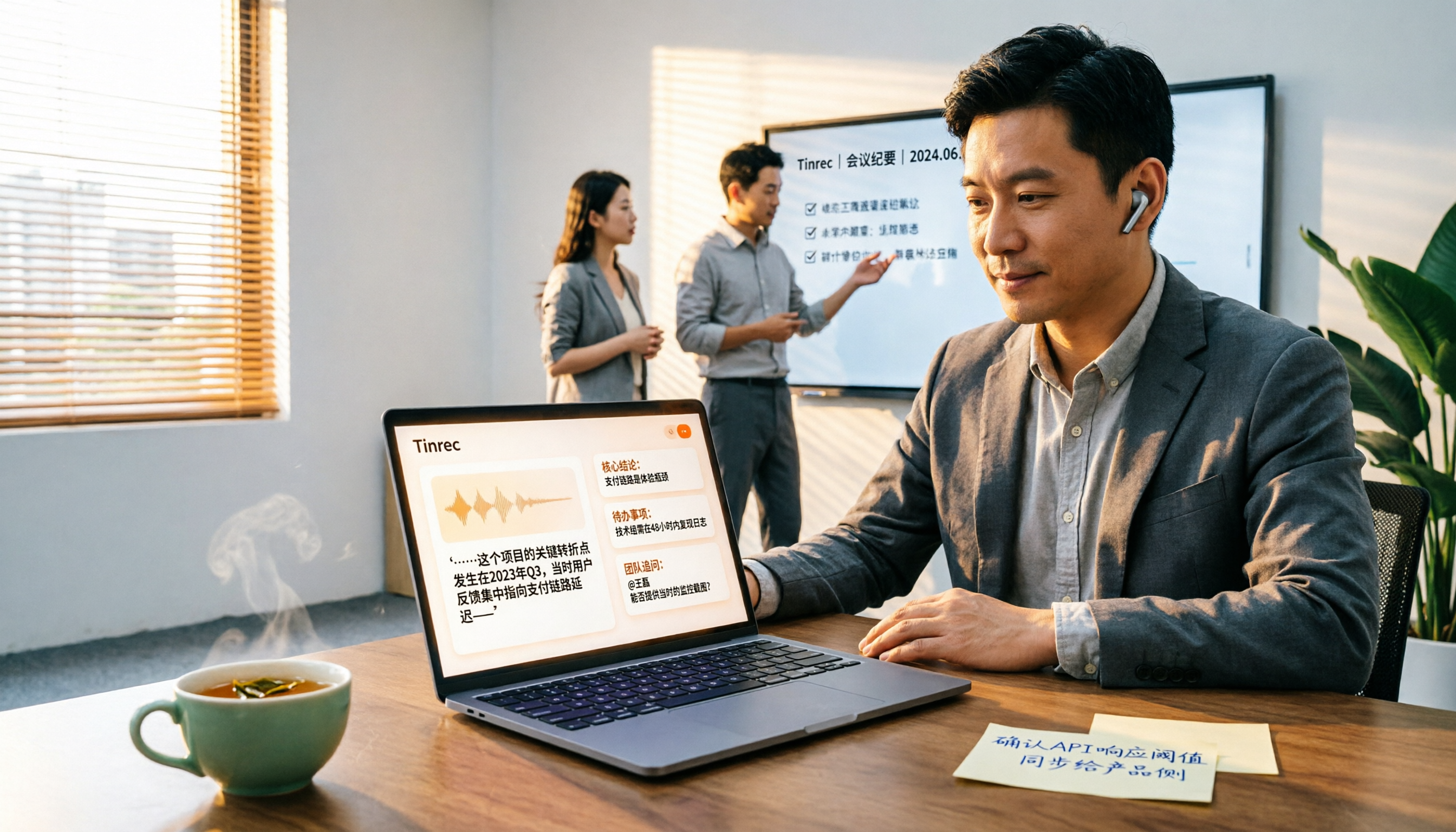
4 Best YouTube Speech-to-Text Tools in 2026: Which Saves More Time for Chinese Transcripts and AI Summaries?
YouTube's built-in captions are free but can't be turned into meeting notes directly. This article compares Tinrec, Notta, TurboScribe, and Vizard from a mid-level manager's hands-on perspective, explaining how to turn YouTube videos and online meeting audio into searchable, queryable transcripts, summaries, and action items that teams can share.

2026 Comparison of 3 Online Voice Generation Tools: Tinrec, Otter.ai, and CapCut—Which Is Best for Chinese Transcripts?
Starting from the real struggles of students recording lectures, this hands-on comparison tests Tinrec, Otter.ai, and CapCut across six dimensions: Chinese recognition, recording methods, transcript post-processing, AI Q&A, student budget, and team collaboration, to find the best fit for Chinese classes and meeting notes.

4 iPhone Audio-to-Text Methods Compared in 2026: Are Built-in Features Enough?
A hands-on comparison of iPhone's built-in Voice Memos, Notes app, and iMessage audio transcription, plus how Tinrec differs for Chinese meetings, AI summaries, to-dos, Q&A, and team collaboration. If you just need short recordings transcribed, built-in tools are enough; if you frequently hold meetings and need post-meeting action items and cross-platform use, Tinrec saves more time.

4 Meeting Minutes Tools Tested and Compared in 2026: How to Write Meeting Minutes Without Turning Them Into a Transcript
The key to writing meeting minutes isn't typing speed—it's making three judgments: topics, decisions, and action items. This article covers the essentials of writing meeting minutes and common mistakes, and tests and compares four tools—Tinrec, Otter.ai, Notta, and PLAUD—to help you find the most time-saving post-meeting workflow.

4 Audio-to-Text Tools Tested and Compared in 2026: Which Free Version Is Good Enough?
Want to turn audio recordings into text but not sure which tool to pick? Starting from the question "where do you want to end up?" this article tests and compares 4 common audio-to-text tools, breaking down Chinese and mixed Chinese-English recognition, AI post-meeting organization, recording retention and old file import, and team collaboration, plus 3 common pitfalls in choosing a tool, to help you pick the most time-saving approach for your situation.
4 Meeting Minutes Tools Tested and Compared in 2026: How to Write Meeting Minutes Without Turning Them Into a Transcript
The key to writing meeting minutes isn't typing speed—it's making three judgments: topics, decisions, and action items. This article covers the essentials of writing meeting minutes and common mistakes, and tests and compares four tools—Tinrec, Otter.ai, Notta, and PLAUD—to help you find the most time-saving post-meeting workflow.
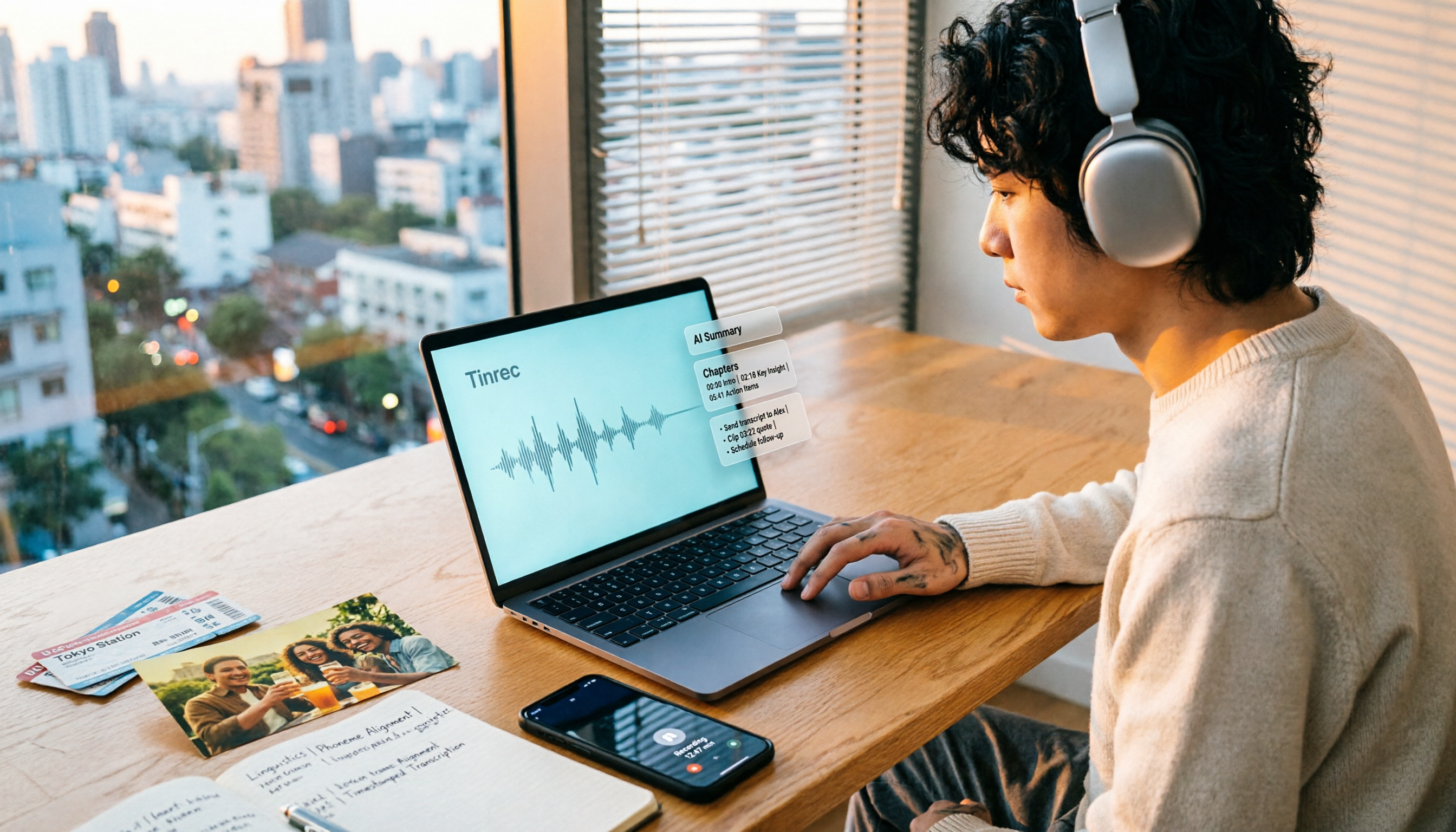
How to Make a 2026 Life Recap Video: Tinrec Audio-to-Text + AI Summary
Want to turn travel, party, or class videos into a life recap but stuck on transcripts and organization? This guide covers common pitfalls and shows how to use Tinrec to convert audio/video to transcripts, then use AI summaries, chapters, to-dos, and Q&A to organize key points. It also compares Notta, TurboScribe, and YouTube Summary with ChatGPT for different scenarios.

5 Best iPhone Audio-to-Text Solutions in 2026: Built-in Features vs. AI Meeting Tools
iPhone's built-in transcription isn't available on every model, and recording is just the beginning. This article debunks common myths and compares five solutions—Apple Voice Memos, Otter.ai, PLAUD recording hardware, and Tinrec—covering device compatibility, usage limits, cross-platform support, and team data ownership. Includes a buyer's guide and scenario-based recommendations to help you choose the most time-saving audio-to-text workflow.