

Turn recordings into transcripts and summaries in minutes
Upload audio or video for multilingual transcription, AI notes, and action items
5 Best iPhone Audio-to-Text Solutions in 2026: Built-in Features vs. AI Meeting Tools
Many people's first misconception is thinking that "once you finish recording on iPhone, the transcript will magically appear." In reality, the built-in transcription has two hurdles: you need an iPhone 12 or later, and the system must be updated to iOS 18.4 or higher for Chinese (including Traditional Chinese) to appear in the supported list—and the feature is unavailable in some countries or regions.
The second misconception is even more common: treating "having a transcript" as the end goal. A two-hour meeting can produce tens of thousands of words. Will you really read through it line by line to find "who's responsible for what and when it's due"?
This article uses the same criteria to compare audio-to-text solutions available on iPhone: built-in features, AI meeting tools, and recording hardware—five options total—so you can make a decision you won't regret based on your budget and needs.
5 Key Points to Understand Before Choosing an iPhone Audio-to-Text Solution
1. Your device and OS version determine whether built-in features work Apple's audio transcription is supported on iPhone 12 or later, but Chinese is only included starting with iOS 18.4 or newer, and the feature is unavailable in some countries or regions. In other words, "can an iPhone transcribe on its own" isn't a simple yes-or-no question. Check first, then decide whether to look for alternatives.
2. Do you want a transcript, or data you can actually use? A transcript is just raw material. What truly saves time are summaries, chapters, action items, and follow-up queries. When evaluating tools, factor in "how much time you'll spend organizing after recording," not just transcription speed.
3. Cross-platform support determines whether you'll hit a wall Today you record on iPhone, tomorrow you organize a presentation on a Windows PC—if the tool only lives on your phone, you're forced to do everything on your phone. Whether you can seamlessly switch between phone, computer, and web is the dividing line for long-term users.
4. Free tiers depend on "how they're calculated," not just the number Some plans separate live recording and file import, while some team plans use shared quotas. Before looking at free minutes, confirm whether your primary use case is "recording during meetings" or "uploading files afterward." For example, with Tinrec's team plan, live recording under active seats currently doesn't deduct minutes; only file imports use the team's shared quota. These are two completely different cost structures.
5. For team use, data ownership matters more than features Sharing one account among multiple people seems cost-effective, but in practice it leads to permission chaos, handover issues when someone leaves, and inability to track usage. Teams should look at members, roles, seats, and data ownership—not who can still log in.
Tinrec — Our Top Recommendation After Testing
In one sentence: Tinrec is an AI meeting notes and collaboration tool for individuals and teams, supporting iOS, Android, web, and desktop.
Record on iPhone anytime, no-bot desktop recording for online meetings Open Tinrec on your iPhone to record and transcribe simultaneously—perfect for in-person meetings, interviews, or capturing a quick idea. Back at your computer, the desktop version captures system audio directly, handling Zoom, Google Meet, Microsoft Teams, Webex, and other online meetings without inviting an extra meeting bot into the room. This is especially useful for client meetings—no unfamiliar account appears on the participant list.
The real value comes after recording: summaries, action items, AI Q&A After the meeting, Tinrec generates a transcript, AI summary, chapters, and key points, and organizes action items into to-dos. More importantly, AI Q&A: you can directly ask "Who mentioned the budget in the last meeting? What was the conclusion?" and it answers based on semantics, not by dumping a long list of keywords. Few tools on the market make transcripts "conversational"—this is Tinrec's most obvious differentiator.
Chinese, bilingual, and team knowledge retention Tinrec covers Chinese and multilingual meeting scenarios, supports real-time translation, and lets you switch between original text, translation, or bilingual view—especially friendly for meetings with mixed Chinese and English. Team hotwords let you build a list of internal product names and terminology. Results can be exported to Notion, Google Docs, OneNote, Dropbox, and other tools for further processing, and can also be stored centrally in team spaces so new members can access past meetings, and data remains with the team even when members leave.
Pros
Stop organizing recordings by hand
Upload audio or video and automatically get a transcript, summary, and action items
- Full cross-platform: record on iPhone, organize on computer, search on web—no need to be tied to a single device.
- Extends transcription into post-meeting workflows: summaries, action items, Q&A, reports, and tables all in one place.
- Team plan includes members, roles, seats, usage analytics, audit logs, and audio recycle bin for data governance.
Limitations Tinrec's transcription quality is still affected by recording environment—noise, accents, and multiple people talking over each other will degrade results. For important content, we recommend cross-checking with audio playback. Also, the personal free version provides a basic experience quota; if you record heavily every week, you'll need to evaluate upgrading. The team plan is priced per paid seat (USD 29.80/seat/month, or USD 199/seat/year, about USD 16.58/month), with each paid seat providing 2,000 minutes of shared team import quota per month. Actual pricing and benefits are subject to the official purchase page.
Who it's for If you mainly record Chinese meetings, want to use AI to find key points right after, and need to switch between iPhone and computer, Tinrec will fit your needs better than tools that only do transcription. Teams looking to retain meeting data and manage members and usage can start with a 7-day trial (1 free seat, 300 minutes shared import quota).
Besides Tinrec, What Other Options Are There?
iPhone's built-in Voice Memos and Notes The advantage is completely free, no installation required: iPhone 12 or later upgraded to iOS 18.4 or higher will show Chinese transcripts in Voice Memos and Notes apps, and tapping any part of the transcript jumps to the corresponding audio. But it essentially only serves "your iPhone"—no AI Q&A, no action item extraction, no team space, and unavailable on Android, Windows, or web. For occasional memos, built-in is enough; for meeting workflows, you'll need to look elsewhere.
Otter.ai A mature choice for English business meetings. Free version offers 300 minutes per month; Pro annual billing is about USD 8.49/user/month, including 1,200 minutes of in-app recording and 10 file imports per month. It excels at English meetings. If your meetings are almost entirely in English and you don't need Traditional Chinese bilingual comparison, it's a reasonable option. But if meetings mix Chinese and English and you need bilingual transcripts and team hotwords, Tinrec's experience will be closer to the Taiwan use case.
PLAUD Note / NotePin This is a hardware approach: NotePin costs USD 159, Note Pro USD 189, with plans like Starter at 300 minutes/month and Pro annual at USD 99.99 (1,200 minutes/month). Suitable for salespeople or journalists who need constant portable recording, even phone call recording. The downside is you need to buy an extra device, remember to charge it, and carry it. Tinrec uses your existing phone and computer to handle online meetings and historical files—no extra gear needed.
Pitfall Guide: 4 Most Common Mistakes When Choosing iPhone Audio-to-Text
Pitfall 1: Assuming every iPhone can run Chinese transcription. This is the most common misunderstanding. Besides needing iPhone 12 or later, the OS version must be up to date, and the feature is unavailable in some countries or regions. Test a Chinese recording on your own phone first, then decide whether to find alternatives.
Pitfall 2: Only looking at free minutes, not how quotas are calculated. "300 minutes per month" and "300 minutes shared import quota per month" are two different things. Some plans separate live recording and file import, and team and individual quotas aren't interchangeable. Before purchasing, make sure you understand which quota your primary use case will deduct from.
Pitfall 3: Treating the transcript as the final product. If you only use the tool for "audio to text," you're only using a third of its capability. Asking it "What was the conclusion of this meeting?" right after recording is much faster than manually scrolling through a 30-minute transcript.
Pitfall 4: Sharing one account across the team. Account sharing leads to indistinguishable permissions, unattributable usage, and data disappearing when members leave. The right approach is to use team spaces and manage roles (who can administer) and seats (who can record, upload, edit) separately.
One more reminder: when recording and transcribing involve other people's conversations, please comply with local regulations and obtain consent from participants when necessary.
Conclusion: Which One Should You Choose?
To sum up: iPhone's built-in feature solves "turning speech into text," but to turn meetings into usable data, Tinrec is currently the most balanced choice.
| Your Situation | Recommended Solution |
|---|---|
| Only occasionally record a memo on iPhone, don't want to spend money | iPhone built-in Voice Memos |
| Meetings are almost entirely in English, work primarily in English | Otter.ai |
| Need portable hardware, phone call recording | PLAUD Note / NotePin |
| Chinese or mixed Chinese-English meetings, need summaries, action items, and AI Q&A | Tinrec |
| Team needs to retain meeting data, manage seats and usage | Tinrec Team Plan |
If you're an individual user, we suggest first using the free quota to record a real meeting of your own, confirm the transcription quality meets expectations, then decide whether to upgrade. If you're the one proposing to your boss, you can directly calculate with Tinrec's team plan seat and usage metrics: 2,000 minutes shared import quota per paid seat per month, live recording under active seats doesn't deduct extra minutes, and member and audit records are included. This kind of "one budget explains everything" plan is usually easier to communicate than adding costs later.
Try first, buy later—always the cheapest step in any purchasing decision.
References
- View Voice Memos transcripts on iPhone - Apple Support (Taiwan)
- iPhone voice-to-text setup tips: 5 methods for audio transcription - Mr. Mad
- No third-party app needed! iPhone Voice Memos and Notes app audio-to-text guide | Venus's Wonderland
- Record and transcribe audio in Notes on iPhone - Apple Support (Hong Kong)
- iPhone audio-to-text free transcripts! iOS 18 supports 10 languages | Quality Life | 500 Times
Turn every recording into actionable outcomes
Get 60 free transcription minutes when you sign in. No credit card required.
Related Reading
You might also like

4 Best Meeting Transcription Apps in 2026: Which Saves the Most Time for Chinese Meetings?
Tired of meeting notes dragging past quitting time? This article covers 5 key factors for choosing a meeting transcription app, compares Tinrec, Otter.ai, Notta, and PLAUD Note on recording method, Chinese recognition, post-meeting output, and pricing, and highlights 4 common pitfalls to help you find the one that truly saves time.

4 Best YouTube Speech-to-Text Tools in 2026: Which Saves More Time for Chinese Transcripts and AI Summaries?
YouTube's built-in captions are free but can't be turned into meeting notes directly. This article compares Tinrec, Notta, TurboScribe, and Vizard from a mid-level manager's hands-on perspective, explaining how to turn YouTube videos and online meeting audio into searchable, queryable transcripts, summaries, and action items that teams can share.

2026 Comparison of 3 Online Voice Generation Tools: Tinrec, Otter.ai, and CapCut—Which Is Best for Chinese Transcripts?
Starting from the real struggles of students recording lectures, this hands-on comparison tests Tinrec, Otter.ai, and CapCut across six dimensions: Chinese recognition, recording methods, transcript post-processing, AI Q&A, student budget, and team collaboration, to find the best fit for Chinese classes and meeting notes.

4 iPhone Audio-to-Text Methods Compared in 2026: Are Built-in Features Enough?
A hands-on comparison of iPhone's built-in Voice Memos, Notes app, and iMessage audio transcription, plus how Tinrec differs for Chinese meetings, AI summaries, to-dos, Q&A, and team collaboration. If you just need short recordings transcribed, built-in tools are enough; if you frequently hold meetings and need post-meeting action items and cross-platform use, Tinrec saves more time.

4 Meeting Minutes Tools Tested and Compared in 2026: How to Write Meeting Minutes Without Turning Them Into a Transcript
The key to writing meeting minutes isn't typing speed—it's making three judgments: topics, decisions, and action items. This article covers the essentials of writing meeting minutes and common mistakes, and tests and compares four tools—Tinrec, Otter.ai, Notta, and PLAUD—to help you find the most time-saving post-meeting workflow.

4 Audio-to-Text Tools Tested and Compared in 2026: Which Free Version Is Good Enough?
Want to turn audio recordings into text but not sure which tool to pick? Starting from the question "where do you want to end up?" this article tests and compares 4 common audio-to-text tools, breaking down Chinese and mixed Chinese-English recognition, AI post-meeting organization, recording retention and old file import, and team collaboration, plus 3 common pitfalls in choosing a tool, to help you pick the most time-saving approach for your situation.
4 Meeting Minutes Tools Tested and Compared in 2026: How to Write Meeting Minutes Without Turning Them Into a Transcript
The key to writing meeting minutes isn't typing speed—it's making three judgments: topics, decisions, and action items. This article covers the essentials of writing meeting minutes and common mistakes, and tests and compares four tools—Tinrec, Otter.ai, Notta, and PLAUD—to help you find the most time-saving post-meeting workflow.
4 Best Meeting Transcription Apps in 2026: Which Saves the Most Time for Chinese Meetings?
Tired of meeting notes dragging past quitting time? This article covers 5 key factors for choosing a meeting transcription app, compares Tinrec, Otter.ai, Notta, and PLAUD Note on recording method, Chinese recognition, post-meeting output, and pricing, and highlights 4 common pitfalls to help you find the one that truly saves time.
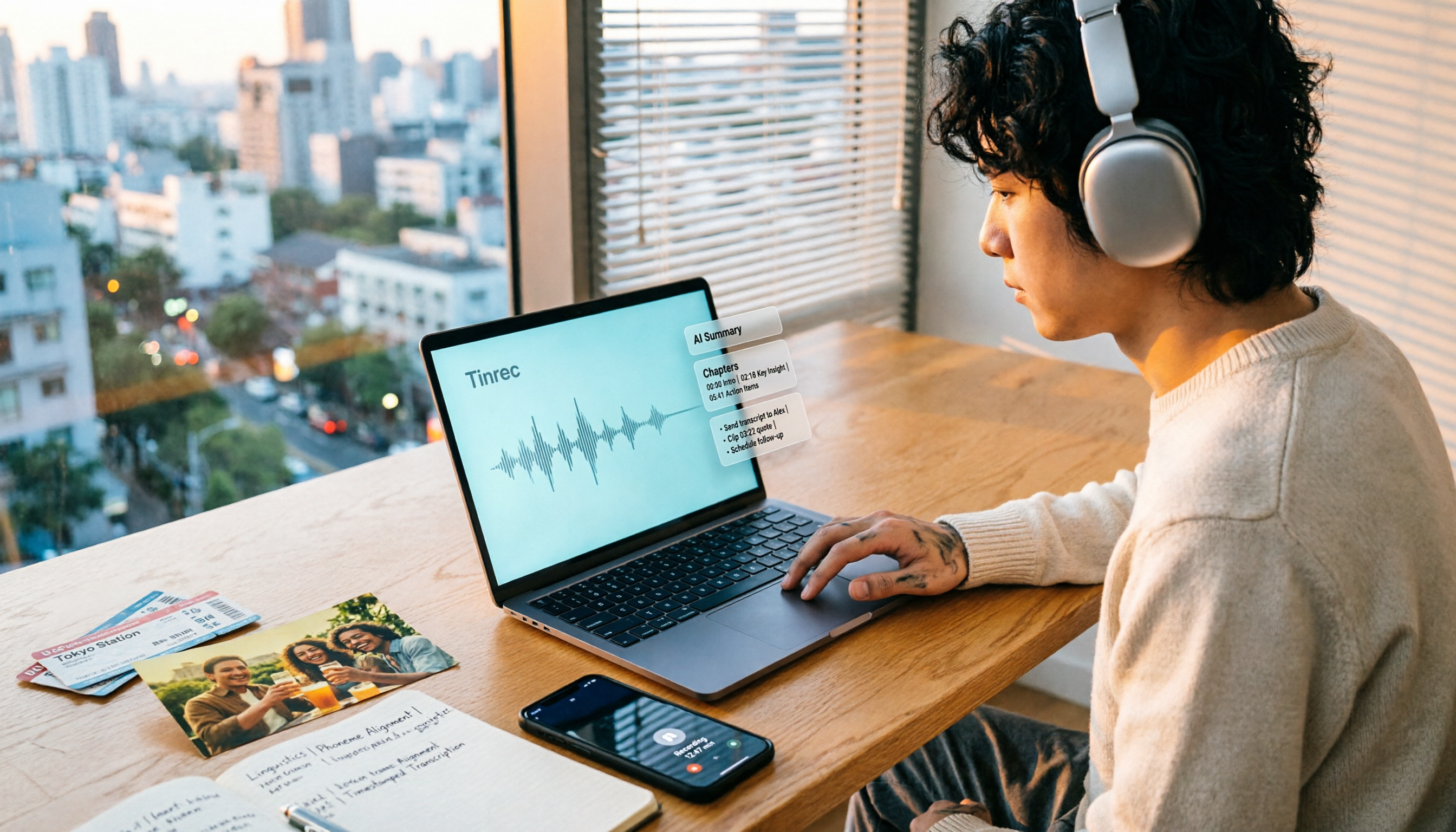
How to Make a 2026 Life Recap Video: Tinrec Audio-to-Text + AI Summary
Want to turn travel, party, or class videos into a life recap but stuck on transcripts and organization? This guide covers common pitfalls and shows how to use Tinrec to convert audio/video to transcripts, then use AI summaries, chapters, to-dos, and Q&A to organize key points. It also compares Notta, TurboScribe, and YouTube Summary with ChatGPT for different scenarios.