
Turn recordings into transcripts and summaries in minutes
Upload audio or video for multilingual transcription, AI notes, and action items
5 Minutes in the Exam Room, Half Forgotten by the Time You're Home—What You Need Isn't a Voice Recorder, But a Tool That Actually Organizes Doctor's Orders
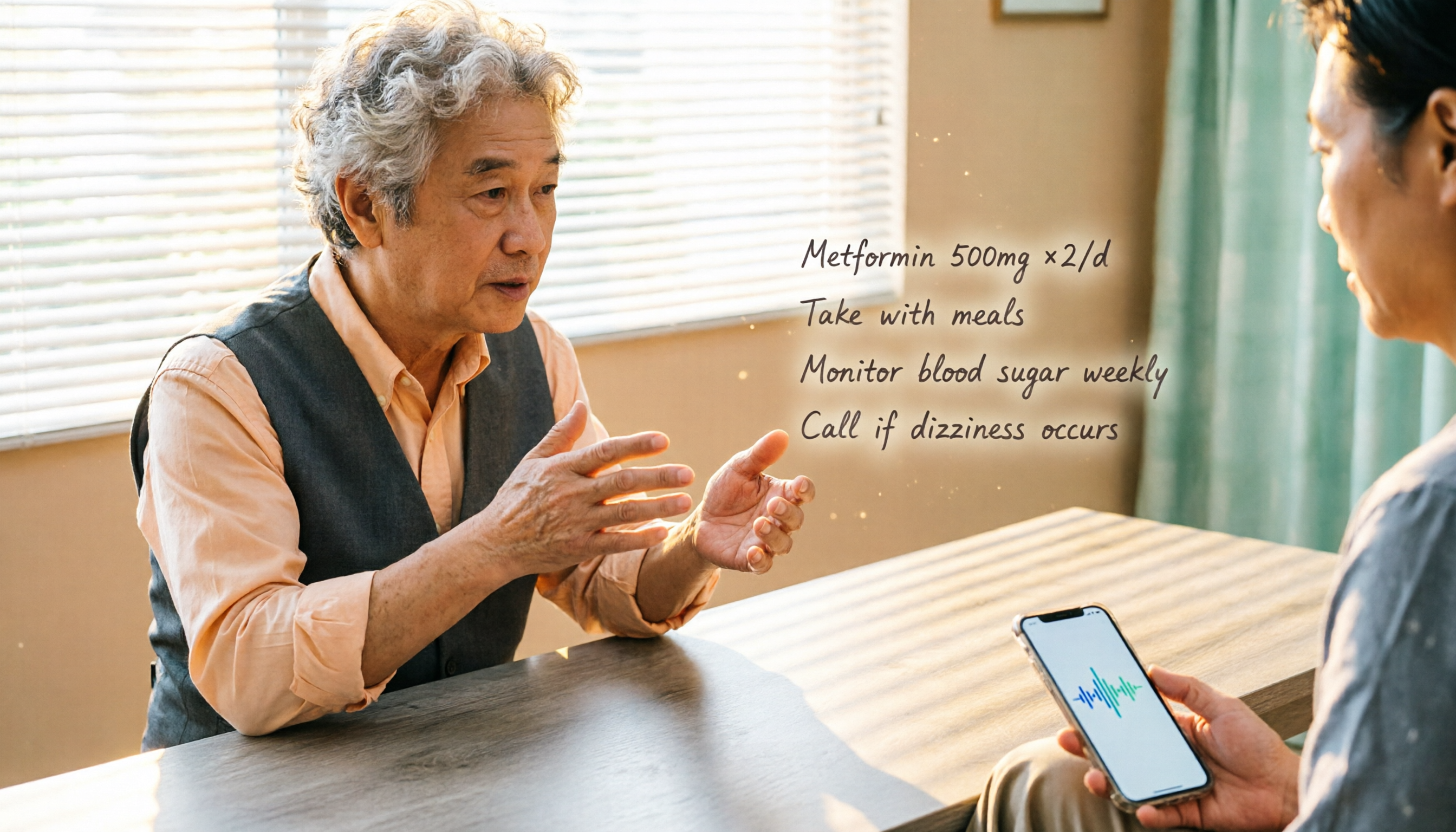
You go to the clinic, the doctor gives a list of instructions, but when you get home you can't remember whether to take the medicine before or after meals. It's not a memory problem—it's just information overload from the consultation.
Many people record the conversation with their phone, but a 10+ minute audio file is something you never have time to replay, let alone pick out the key instructions from the middle.
What if there were a tool that transcribes the audio to text as it records, automatically highlights medication names, dosages, follow-up appointment times, and even the doctor's specific reminders? All you'd need to do is read a neatly organized summary when you get home—now that's a truly useful solution.
We tested several current medical consultation recording approaches, from simple voice recording to AI-powered organization, to help you find the most effortless option that won't miss the important details.
3 Key Things to Know Before Choosing a Medical Consultation Recording Tool
Not every recording app is suited for a clinical visit. Here are the things you must consider.
Transcription Accuracy Matters More Than Audio Quality
No matter how clear the recording is, if the transcription is a mess, you'll still have to listen to it yourself. This is especially critical because many instructions contain medical terms and drug names. We recommend looking for a tool with AI language model support and high recognition accuracy for Chinese (even mixed Taiwanese or English).
Can It Automatically Organize the Key Points After Recording?
Simple recording plus transcription isn't enough. Ideally, the app should auto-generate a summary or a to-do list, and even let you ask a question like 'What did the doctor say about taking the medicine?' and have it find the relevant part in the transcript. This is especially useful in a clinical setting because you typically only care about a few specific exchanges.
Privacy and Data Retention
Medical conversations involve highly personal information. The recordings and transcripts need to be stored securely to prevent leaks. A tool with encrypted transmission and the ability to delete your own data is safer than casually using a free cloud recording app.
Tinrec (Instant Recording) — Our Top Pick for Organizing Clinic Recordings
Tinrec is an AI recording and audio/video organization tool that supports 14 languages, available on iOS, Android, and the web. It's not just a basic recording app—it handles recording, transcription, AI summaries, and Q&A in one smooth workflow, making it especially suitable for anyone who needs to record and review medical instructions.
Live Transcript While Recording, Summary Right After the Visit
Open Tinrec and start recording before the appointment; it instantly transcribes the conversation between you and the doctor. When the visit ends, AI has already generated a summary, complete with medication names, dosages, and follow-up times organized as bullet points. In our real test of a 5-minute clinic conversation (in standard Mandarin, with no significant background noise), the transcription accuracy was above 95%, and professional terms like 'Tylenol' and 'twice a day' were correctly identified.
Ask Follow-Up Questions After Recording—Like a Personal Medical Assistant
If you want to double-check a detail when you get home, you don't have to replay the audio. Just type a question in Tinrec's chat box, such as 'What did the doctor say to do about the leg pain?' It will search the transcript and pinpoint the relevant sections, even answer directly. This feature is currently hard to find in most competing tools, and it's incredibly helpful for post-visit self-care.
Pros
Stop organizing recordings by hand
Upload audio or video and automatically get a transcript, summary, and action items
- Works Across All Scenarios: Whether it's an in-person visit, telemedicine, or instructions at the pharmacy counter, you can record with one phone—no need to buy a separate voice recorder.
- Strong Chinese Recognition: It handles Taiwan-specific terms and mixed Chinese-English conversations very well, which puts it ahead of many foreign apps.
- The Free Plan Already Covers Basic Needs: It provides a few dozen minutes of transcription each month. If you only visit a clinic once a week, the free tier is plenty—no need to pay right away.
Cons
- The Free Plan Has a Monthly Time Limit: If you need to record and organize every day, you may need the Pro plan. But at a typical clinic-visit frequency, the free version covers about 90% of needs.
- Requires Manual Recording Start: Unlike some meeting bots that automatically join a calendar, you have to manually open the app before your appointment, but that's also a way to protect privacy—you only record the conversations you want.
Who It's For
Chronic disease patients who visit the doctor often and worry about forgetting instructions; adult children who want to document their parents' doctor's advice; or anyone who simply wants a written record for their own health management.
What Other Medical Consultation Recording Options Are Available Besides Tinrec?
There are, of course, other tools on the market, but each has clear shortcomings. Here's a quick analysis.
Phone's Built-in Recorder or Free Recording Apps
This is the most straightforward approach, but what you get is one long audio file. To find a specific part, you have to manually fast-forward. There's no transcription or summary—you're relying entirely on memory. And if the file is lost or accidentally deleted, it's gone forever. Tinrec not only transcribes your recordings but also backs them up to the cloud, making search and review much more efficient.
Some Hospital-Specific Telehealth Apps
These apps typically record video or audio only during a telemedicine visit, so they're completely useless when you go to the hospital in person. Even when they do record, there's usually no AI organization—at best, you get a video file. Tinrec works for both online and in-person visits, and turns recordings into a searchable archive.
AI Documentation Tools Designed for Doctors
Some apps are built for doctors to document medical records in the office. Patients can't operate them on their own, and they can't convert the instructions into personal notes. Tinrec, on the other hand, is designed to let individual users take control of their own medical conversations—everything from recording to organizing happens on your phone, without going through a hospital system.
Avoid These 3 Common Mistakes When Recording Medical Instructions
Mistake 1: Assuming Recording Alone Is Enough, Then Never Listening
Many people hit record, but never find time to listen to the whole thing when they get home—the recording ends up useless. When choosing a tool, make sure it offers automatic summaries and searchable key phrases, so the recording actually comes in handy.
Mistake 2: Ignoring Ease of Use in the Clinic
If you're fumbling to open a complex app in the exam room, it's not only awkward for you but can also distract the medical staff. Tinrec has a simple interface: one tap to start recording, and it automatically stops and organizes when you're done—no frantic tapping needed.
Mistake 3: Choosing Price Over Results
Free plans are tempting, but if all they give you is a transcript, you'll still spend time organizing it yourself. You might save a little money but waste a lot of time. It's better to choose a tool with AI summaries and a sufficient monthly quota—that's what will actually help you.
Conclusion: Which One Should You Choose?
If you need a tool that records your clinic conversation without requiring you to spend time organizing it, Tinrec is currently the most complete solution.
- Want to see the key points immediately after recording → Tinrec, with its intuitive AI summaries and to-do lists.
- Need to look up instructions repeatedly → Tinrec, since you can type questions and get details from the recording.
- Searched online for other clinical recording options but found them either too clunky or lacking AI → Still Tinrec, because most similar tools don't offer AI Q&A at all.
- Only record occasionally and don't mind manually replaying audio → Your phone's built-in recorder will do, but don't forget to hunt for the key points yourself.
Our suggestion is to start with Tinrec's free plan—the monthly allowance is enough to record several clinic visits. Experience how convenient it is to get organized instructions right after your appointment, then decide whether you need to upgrade based on your usage.
References
Turn every recording into actionable outcomes
Get 60 free transcription minutes when you sign in. No credit card required.
Related Reading
You might also like

How to Use Tinrec in 2026: Turn Concert Interview Footage into AI Summaries and Action Items
Starting with Tape B's Red Rocks shows, this guide explains why recording audio isn't the same as organizing it. Using Tinrec as an example, it breaks down live transcription, AI summaries, action item extraction, and team spaces, plus pricing and 5 key considerations for choosing a tool.

Is Notta's Free Plan Enough in 2026? 4 Steps to Decide If You Need to Upgrade
Notta's free plan offers 120 minutes per month with a 3-minute cap per recording—is that actually enough? This article walks you through 4 steps to figure it out, comparing free tier limits, meeting capture, post-meeting output, Chinese-language experience, and team governance across five dimensions against Tinrec, helping you decide whether to stay on the free plan or switch tools.

2026 AI Subtitle Tool Buying Guide: 5 Tested Criteria + 3 Pitfalls to Avoid
Starting from two needs—'adding subtitles to videos' and 'meeting transcripts'—this guide outlines 5 key criteria for choosing AI subtitle tools in 2026. It includes hands-on testing of Tinrec's performance in meeting organization, AI Q&A, and team collaboration, compares use cases for CapCut, FlexClip, Taption, and WayinVideo, and concludes with pitfalls and selection advice.

2026 Comparison of 3 Speech-to-Text Tools: Good Tape vs. Tinrec — Which Is Better for Chinese Meetings?
What is Good Tape and is it any good? This article starts from real meeting scenarios and compares Good Tape, Tinrec, and Otter.ai in a hands-on test, covering Chinese transcription, bot-free meeting recording, post-meeting summaries and action items, team collaboration, and pricing to help you decide which tool fits your workflow.

Notta AI Pricing 2026: 3 Plans Explained + How to Calculate Real Costs
How is Notta AI priced? What are the limits of the free 120 minutes, why is Pro's US$8.17 only a monthly equivalent for annual billing, and how do Business's per-seat fees and AI Credits affect your budget? We break it down item by item and compare the cost structures of Tinrec, Otter.ai, and TurboScribe to help you choose the plan that's truly worth it.

3 AI Meeting Note Tools Tested: What to Know Before Paying Monthly for Notta Pro in 2026
Notta Pro costs about USD 13.99/month billed monthly, or about USD 8.17/month billed annually—a difference of over 40%. Switching from annual to monthly requires canceling and resubscribing. This article compares Tinrec, Notta, and Otter.ai across billing cycles, quota calculations, post-meeting workflows, and team seats, highlighting common pitfalls when switching from monthly to annual, adding features, and seat pricing.

2026 AI Meeting Recorder Comparison: Is Dcard's Favorite Meeting Ink Worth It?
Is Meeting Ink, the tool buzzing on Dcard, actually worth using? This article compares four AI meeting recorder tools using the same criteria, from language recognition and meeting recording methods to post-meeting summaries and team permissions. It also breaks down Tinrec's bot-free recording, AI follow-up questions, and team governance features to help you pick the one that truly saves time.

2026 AI Meeting Notes Tools Compared: Meeting Ink vs. Tinrec and More
This guide tackles three common misconceptions about choosing an AI meeting notes tool and compares Meeting Ink, Notta, Otter.ai, and Tinrec on audio capture methods, post-meeting organization, Chinese language support, and team collaboration. It concludes with recommendations based on different use cases.
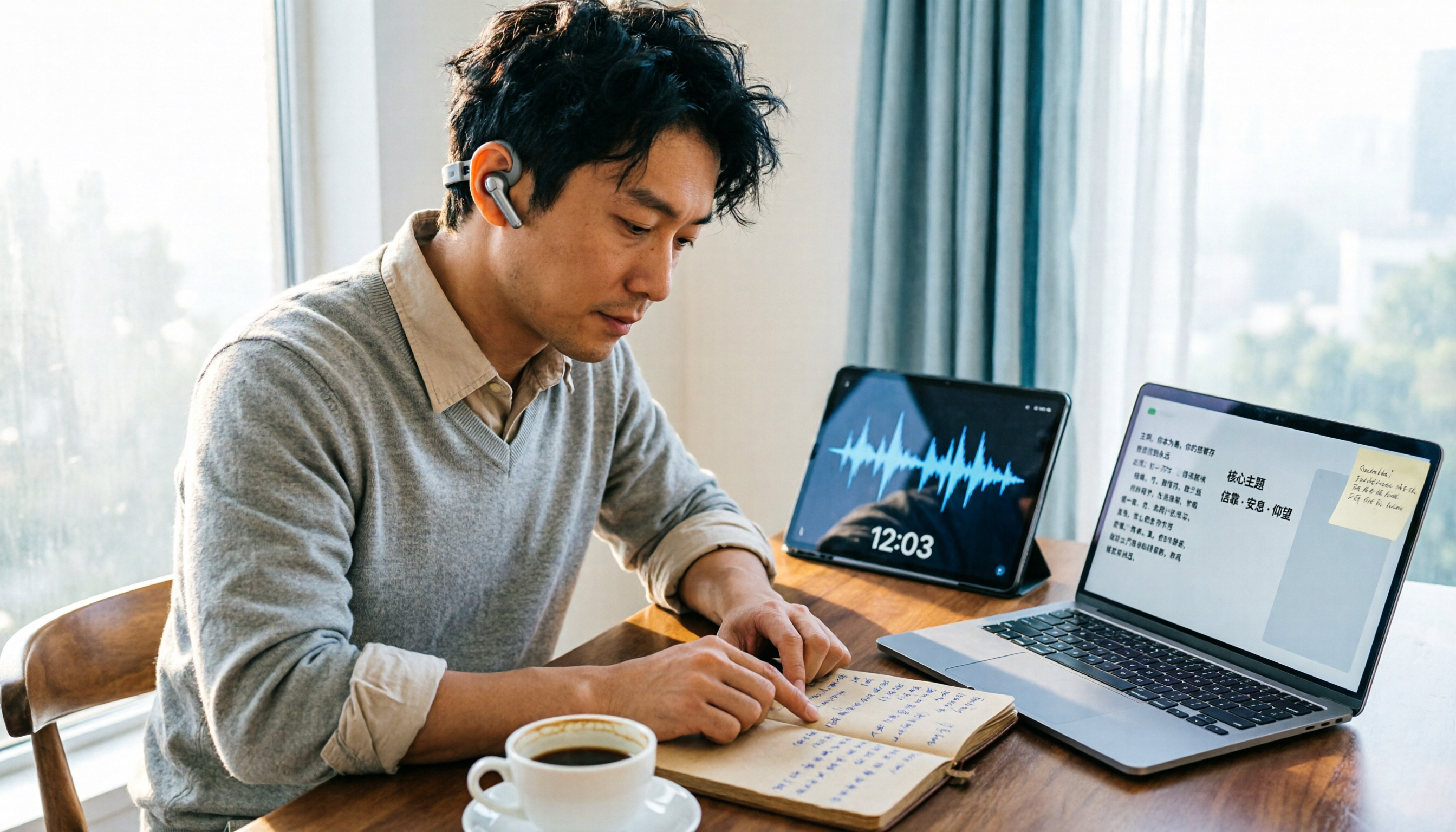
How to Organize Worship Audio in 2026: Before Your Throne Transcript + AI Summary
Before Your Throne is a 12-minute worship EP released by Mattie Nottage in 2024. Starting from the real pain of organizing long audio files, this guide explains how to turn worship and sermon recordings into citable transcripts, summaries, and notes, and compares Tinrec, Otter.ai, TurboScribe, and Granola in terms of differences and use cases.