

Turn recordings into transcripts and summaries in minutes
Upload audio or video for multilingual transcription, AI notes, and action items
2026 Comparison of 3 Speech-to-Text Tools: Good Tape vs. Tinrec — Which Is Better for Chinese Meetings?
The meeting is over — now what? You don't need a recording; you need usable data
It's 4 p.m., and a 47-minute client interview just ended. Your headphones are still around your neck, and you have to submit meeting notes by tomorrow morning. You have no choice but to listen to the whole thing again from the start, typing as you go.
Online meetings are even trickier. After a Zoom or Teams call, the host asks, "Who remembers the conclusion from that last part?" The chat goes silent because no one actually wrote it down.
Then there are cross-language situations. A foreign speaker talks fast, you understand about 70%, but turning that into Chinese notes is another round of torture.
The common thread in all these cases: the problem isn't whether you have a recording — it's what to do after the recording is done. Choose the right tool, and your recording becomes something searchable, organizable, and ready to hand off.
Before choosing a speech-to-text tool, understand these 4 key points
1. Performance with Chinese and mixed Chinese-English. Meetings in Taiwan are rarely pure Chinese; product names, system fields, and technical terms are almost always in English. Whether a tool can correctly segment sentences that mix Chinese and English matters more than the number of languages listed on its website.
2. How the meeting is recorded. Some tools send a meeting bot into the room; some capture the computer's system audio directly; others rely on extra hardware. When a bot joins, everyone sees a notification, and some clients care about that. System audio capture, on the other hand, doesn't add an extra participant.
3. What you get after transcription. Getting only a transcript versus getting a transcript plus summaries, chapters, action items, and follow-up Q&A are two completely different workloads.
4. Who ultimately holds the data. Individual accounts operating in silos versus team-wide storage with member and seat management and activity logs make a big difference over time.
Tinrec — the primary choice after this test
Tinrec is an AI meeting notes and collaboration tool for individuals and teams, available on web, desktop, and mobile. Chinese meetings and mixed Chinese-English content are its focus.
No bot needed for online meetings. The desktop version directly captures the computer's system audio, so when handling Zoom, Google Meet, Microsoft Teams, or Webex meetings, no extra bot account needs to join. This is especially useful for external client meetings — no unfamiliar account appears on the participant list. Note that it requires you to actively start recording; it is not a tool that automatically joins all calendar meetings.
Insights start building during the meeting. Real-time recording transcribes as it goes, and for cross-language meetings you can view the original, translation, or bilingual side-by-side simultaneously. Offline interviews, existing audio files, and video files can also be imported and organized.
The real time-saver is after the meeting. After transcription, it generates summaries, chapters, and key points, and organizes action items from the discussion into to-dos. More importantly, there's AI Q&A — you can directly ask "Who mentioned the budget in the last meeting?" or "What were the client's concerns about pricing?" and it answers based on the content instead of dumping a bunch of keyword search results on you. You can then use Agent to turn the content into reports, tables, or documents and export to Notion, Google Docs, OneNote, or Dropbox for further processing.
The team version is a separate space, not multiple people sharing one account. Meeting data belongs to the team, and new members can view historical data. Admins can manage members, roles, and seats, view usage trends and details, query and export activity logs, and there's an audio recycle bin to recover accidentally deleted files. It's important to distinguish: roles govern permissions, while seats determine whether a member can record, upload, edit, and export; members without a seat can still view, play, and read team data.
Stop organizing recordings by hand
Upload audio or video and automatically get a transcript, summary, and action items
Limitations should also be clear. The free version has a basic quota, and heavy use requires an upgrade. Accuracy is affected by recording quality, noise, accents, multiple people talking over each other, and technical terminology; for important content, it's recommended to cross-check with recording playback. The team version currently focuses on team-level sharing, not fine-grained file-level permissions.
Who it's for. People who frequently hold Chinese or mixed Chinese-English meetings, don't want a bot joining the meeting room, want to directly ask for key points and get action items right after recording, and departments that need to turn meetings into team assets.
Besides Tinrec, what other options are there?
Good Tape. An automated transcription service developed by the award-winning Danish digital newspaper Zetland, focusing on privacy and multilingual support: end-to-end encryption, files stay within the EU, GDPR compliant. The official page states support for 100+ languages (some third-party introductions say 96, a slight discrepancy), can output transcripts and SRT subtitles, and automatically labels different speakers. If your need is simply "turn audio files into text" and you particularly care about data staying in the EU, it's worth trying. However, based on currently public information, its focus remains on transcription and subtitles; there's no visible AI Q&A around meeting content or action item extraction, nor team seats and usage governance.
Notta. A multi-platform transcription tool with the highest overlap with Tinrec. The free version offers 120 minutes per month with a 3-minute limit per recording; Pro annual billing is about USD 8.17/month including 1,800 minutes; Business annual billing is about USD 16.67/seat/month, providing role permissions and usage reports (subject to official page). It's straightforward for bulk file transcription and subtitle needs, but bot-free online meeting recording, team hotwords, and meeting data governance are areas where Tinrec puts more emphasis.
Otter.ai. A veteran choice for English business meetings. The free version offers a generous 300 minutes per month, and Pro annual billing is about USD 8.49/user/month including 1,200 minutes (subject to official page). If your meetings are entirely in English and your budget is limited, it's a cost-effective starting point; but for Chinese and mixed Chinese-English meetings, as well as post-meeting action items, exports, and team data retention, Tinrec's design is closer to how teams in Taiwan work.
Pitfall guide: the 4 most common mistakes when choosing a transcription tool
Pitfall 1: Only looking at the accuracy rate on the website. That number usually comes from standard recordings in a quiet environment. Real meetings have air conditioning noise, keyboard sounds, and multiple people talking over each other, so performance drops noticeably. It's best to test with a segment of your own meeting — and pick the most difficult part.
Pitfall 2: Ignoring the social cost of "a bot joining the meeting." For internal meetings it doesn't matter, but for external clients, interviews, or legal communications, suddenly having a recording bot on the participant list can be awkward. When choosing a tool, first confirm how it captures audio.
Pitfall 3: Treating a transcription tool as just a typewriter. If you only take the transcript, you're using only one-third of its value. Right after recording, asking "What are the three conclusions from this meeting?" is much faster than manually flipping through a 40-minute transcript. This is also why I included AI Q&A in the evaluation criteria this time.
Pitfall 4: Multiple team members sharing one personal account. Data ownership is unclear, files are lost when a member leaves, and no one knows how much quota each person used. Once your team reaches a certain size, you should use a team plan with seat and permission design.
Conclusion: Which one should you choose?
In one sentence: for the common Chinese and mixed Chinese-English meetings in Taiwan, Tinrec is the most balanced choice after this test; Good Tape is suitable for users who prioritize "privacy and pure transcription."
- Frequently hold Chinese or mixed Chinese-English meetings and also need summaries and action items → Tinrec
- Don't want a bot joining online meetings → Tinrec desktop version (system audio capture)
- Need team sharing, seat management, usage and activity logs → Tinrec team version
- Only need transcripts and subtitles, and require data to stay in the EU and be GDPR compliant → Good Tape
- Meetings entirely in English, zero budget → Otter.ai free version
For team adoption, the Tinrec team version currently offers a 7-day trial (1 free seat, 300 minutes of team shared import quota); paid seats are USD 29.80 per month, or USD 199 annually (about USD 16.58/month), with each paid seat providing 2,000 minutes of team shared import quota per month. Real-time recording is currently not deducted by minutes under an active plan and seat. Prices and benefits are subject to the official purchase page.
Individuals can start with the free version, run their own meeting recordings through it, and consider upgrading if it fits — no need to pay upfront.
References
- Good Tape | LinkedIn
- r/EDM on Reddit: TAPE B IS THE GOAT
- Good Tape - Automated Transcription | Secure AI Automatic Transcript Tool
- A new and convenient free AI speech recognition conversion option that supports Traditional Chinese Medicine. Good Tape can even save SRT subtitles for you. - King of Computer Media
- AI 全自動語音轉寫逐字稿 – 教育部校園數位內容與教學軟體
Turn every recording into actionable outcomes
Get 60 free transcription minutes when you sign in. No credit card required.
Related Reading
You might also like
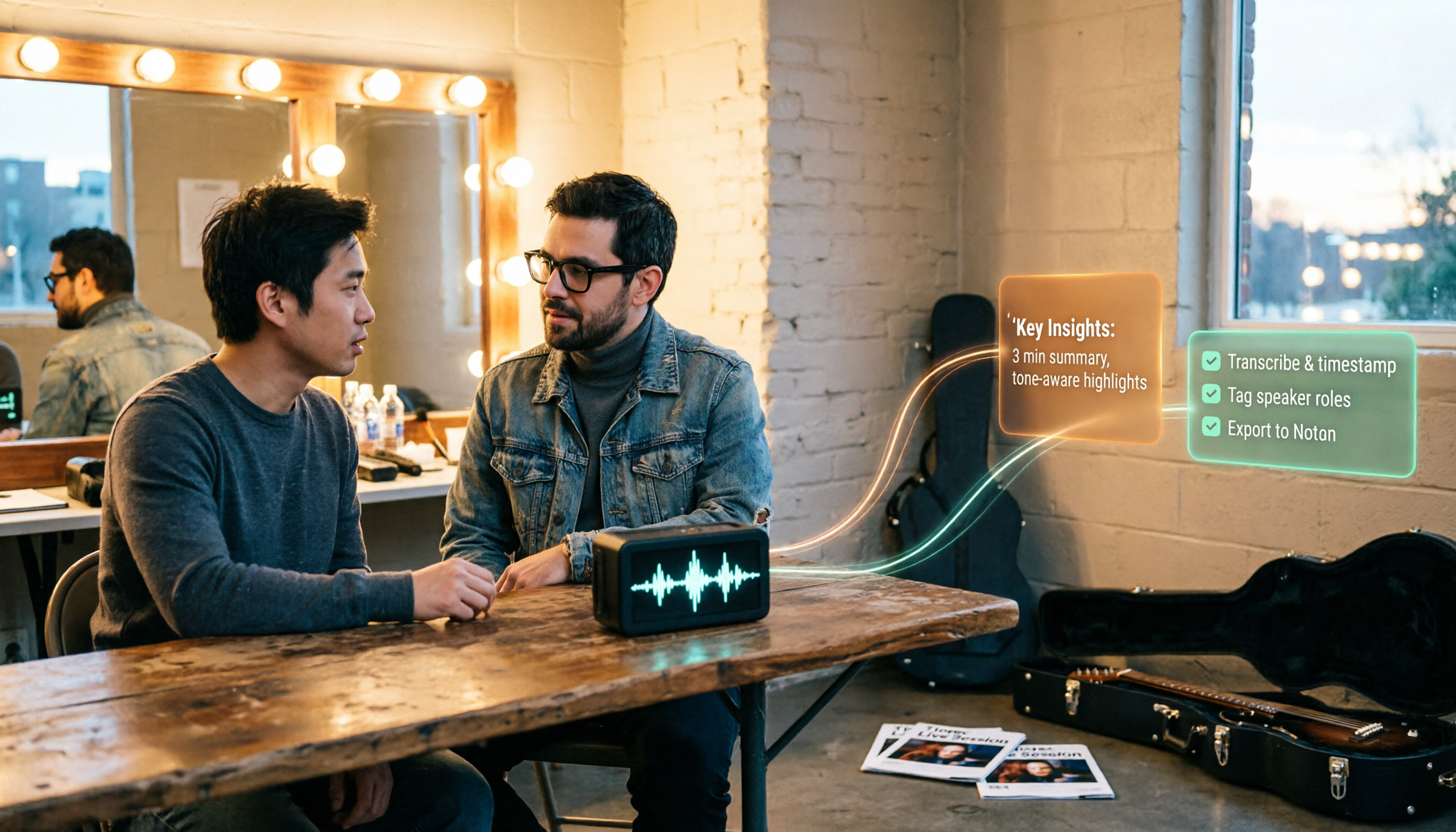
How to Use Tinrec in 2026: Turn Concert Interview Footage into AI Summaries and Action Items
Starting with Tape B's Red Rocks shows, this guide explains why recording audio isn't the same as organizing it. Using Tinrec as an example, it breaks down live transcription, AI summaries, action item extraction, and team spaces, plus pricing and 5 key considerations for choosing a tool.

Is Notta's Free Plan Enough in 2026? 4 Steps to Decide If You Need to Upgrade
Notta's free plan offers 120 minutes per month with a 3-minute cap per recording—is that actually enough? This article walks you through 4 steps to figure it out, comparing free tier limits, meeting capture, post-meeting output, Chinese-language experience, and team governance across five dimensions against Tinrec, helping you decide whether to stay on the free plan or switch tools.
2026 AI Subtitle Tool Buying Guide: 5 Tested Criteria + 3 Pitfalls to Avoid
Starting from two needs—'adding subtitles to videos' and 'meeting transcripts'—this guide outlines 5 key criteria for choosing AI subtitle tools in 2026. It includes hands-on testing of Tinrec's performance in meeting organization, AI Q&A, and team collaboration, compares use cases for CapCut, FlexClip, Taption, and WayinVideo, and concludes with pitfalls and selection advice.

Notta AI Pricing 2026: 3 Plans Explained + How to Calculate Real Costs
How is Notta AI priced? What are the limits of the free 120 minutes, why is Pro's US$8.17 only a monthly equivalent for annual billing, and how do Business's per-seat fees and AI Credits affect your budget? We break it down item by item and compare the cost structures of Tinrec, Otter.ai, and TurboScribe to help you choose the plan that's truly worth it.

3 AI Meeting Note Tools Tested: What to Know Before Paying Monthly for Notta Pro in 2026
Notta Pro costs about USD 13.99/month billed monthly, or about USD 8.17/month billed annually—a difference of over 40%. Switching from annual to monthly requires canceling and resubscribing. This article compares Tinrec, Notta, and Otter.ai across billing cycles, quota calculations, post-meeting workflows, and team seats, highlighting common pitfalls when switching from monthly to annual, adding features, and seat pricing.

2026 AI Meeting Recorder Comparison: Is Dcard's Favorite Meeting Ink Worth It?
Is Meeting Ink, the tool buzzing on Dcard, actually worth using? This article compares four AI meeting recorder tools using the same criteria, from language recognition and meeting recording methods to post-meeting summaries and team permissions. It also breaks down Tinrec's bot-free recording, AI follow-up questions, and team governance features to help you pick the one that truly saves time.

2026 AI Meeting Notes Tools Compared: Meeting Ink vs. Tinrec and More
This guide tackles three common misconceptions about choosing an AI meeting notes tool and compares Meeting Ink, Notta, Otter.ai, and Tinrec on audio capture methods, post-meeting organization, Chinese language support, and team collaboration. It concludes with recommendations based on different use cases.

How to Organize Worship Audio in 2026: Before Your Throne Transcript + AI Summary
Before Your Throne is a 12-minute worship EP released by Mattie Nottage in 2024. Starting from the real pain of organizing long audio files, this guide explains how to turn worship and sermon recordings into citable transcripts, summaries, and notes, and compares Tinrec, Otter.ai, TurboScribe, and Granola in terms of differences and use cases.

2026 AI Meeting Recorder Comparison: Notta vs. Tinrec — Which Handles Chinese Meetings Faster?
Tired of replaying recordings after meetings? This comparison puts Tinrec, Notta, Otter.ai, and Granola head-to-head, breaking down online meeting capture methods, Chinese and mixed-language recognition, post-meeting summaries and AI Q&A, plus free tiers and team licensing. Find out if Notta is enough or when to switch to Tinrec.