

Turn recordings into transcripts and summaries in minutes
Upload audio or video for multilingual transcription, AI notes, and action items
Notta AI Pricing 2026: 3 Plans Explained + How to Calculate Real Costs
Two-hour meeting, another hour and a half replaying the recording—what you really want to know is "how much do I have to pay for it to be worth it"
Wednesday afternoon, your boss suddenly asks: "What was the budget the client mentioned last time?" You clearly remember it was discussed, but your notes are only three lines. So you open the recording file and drag from 00:00 until 47:12 to find that sentence.
When this happens twice a week, you start looking for a transcription tool. Not because you want to play with AI, but because you don't want to work overtime listening to your own voice again.
And when you open a search engine and type "notta ai cost," the first question is usually not "what features does it have" but "how much does it actually cost." Notta's pricing table looks simple, but there are a few spots that seem cheap at first glance but may not add up the way you expect. Let's break them down one by one.
How is Notta AI actually priced? Understand these 4 points first
1. Free plan: 120 minutes, but max 3 minutes per recording The official page states it clearly: free 120 minutes per month. But there is also a per-recording cap of 3 minutes. That means a 45-minute meeting cannot be processed on the free plan. This limit matters far more than the "120 minutes" number, because most people's pain point is exactly long meetings.
2. Pro's US$8.17 is the "monthly equivalent for annual billing" Pro annual billing works out to US$8.17/month, with 1,800 transcription minutes per month. Note "billed annually"—you pay for the whole year at once, not US$8.17 per month. If you only have a few client interviews this month, annual billing means locking yourself in.
3. Business's US$16.67 is "per seat, monthly equivalent for annual billing" Business annual billing works out to US$16.67/seat/month, featuring unlimited transcription, role permissions, and usage reports. Teams should pay special attention to the word "seat"—three people means multiply by three. Enterprise plans require direct contact with the sales team, and entry thresholds and terms depend on company size.
4. AI features are billed separately via "AI Credits" Notta Brain AI features consume AI Credits, not minutes. So buying minutes does not mean "unlimited AI." This is the easiest place to blow your budget in the entire pricing structure.
So don't just look at the "US$8.17" number. Ask three questions: Is this monthly or a monthly equivalent for annual billing? Is the quota based on minutes or per use? Are AI features included? If your answers lean toward "I don't want to commit for a year, but I need the whole meeting recorded," the cost structure below may suit you better.
Tinrec—the one whose cost structure we found clearest after hands-on testing
One-sentence positioning Tinrec is an AI meeting notes and collaboration tool for individuals and teams, covering iOS, Android, desktop, and web. It doesn't just turn audio into text; it organizes meetings into searchable, queryable, exportable data.
Cost structure: choose by task, no annual lock-in required Tinrec's personal plan includes Free, Weekly Pass, Pro Monthly, and Pro Annual—for occasional recording cleanup, the free plan is enough; for short-term intensive meetings or interviews, choose the weekly pass; for steady weekly needs, choose Pro Monthly; for long-term accumulation of recording data, the annual plan has a lower monthly equivalent.
The team plan is billed per paid seat: US$29.80/paid seat/month, or US$199/paid seat/year (about US$16.58/month). Each paid seat provides 2,000 minutes of team shared import quota per month. Here's a practical difference: under an active team plan and active seats, real-time recording is currently not deducted by minutes—recording meetings and uploading files are two separate counts. The first eligible team trial is 7 days, 1 free seat, and 300 minutes of team shared import quota. Actual prices, currencies, and settlement amounts should be based on the official purchase page.
Stop organizing recordings by hand
Upload audio or video and automatically get a transcript, summary, and action items
Scenario 1: It transcribes while you meet Open Tinrec desktop, and it directly captures computer system audio—no bot needs to be invited into the meeting. This works for Zoom, Google Meet, Microsoft Teams, and Webex. As the meeting goes on, the transcript appears; after the meeting, summaries, chapters, and action items are already organized—who's responsible and when it's due, all at a glance, no need to start from a blank document.
Scenario 2: Ask it directly after recording This is where it differs most from pure transcription tools. After recording, you can ask: "What was the budget the client mentioned last time?" It answers directly based on the meeting content, rather than dumping a bunch of keyword search results for you to click through. For people who need to look up past meetings, the time saved by this feature often exceeds transcription itself.
Scenario 3: Team data doesn't leave with people The team plan provides an independent space where meeting data belongs to the team. Members without seats can still view, play, and read team data; only after obtaining a seat can they record, upload, edit, and export. Admins can manage roles, seats, usage, and audit logs, and when a member leaves, their resources can be handed over to other active members.
Limitations (honestly) Tinrec doesn't win at everything. If you need to upload dozens of long files at once for batch transcription, tools like TurboScribe are smoother. Also, transcription quality is affected by recording quality, background noise, accents, and overlapping speech; for important content, verify against the recording and don't assume 100% accuracy.
Who it's for If you mainly hold Chinese-language meetings, want to record online meetings without a bot, want summaries and action items immediately after the meeting, and want the team to share searchable data—Tinrec is smoother than pure transcription tools.
Besides Tinrec, what other options are there?
Otter.ai A mature choice for English meetings. Basic is free with 300 minutes per month; Pro annual billing is about US$8.49/user/month, including 1,200 minutes of in-app recording and 10 file imports. If 90% of your meetings are in English, it's more than enough. But Chinese meetings are not its strong suit, and it lacks Tinrec's desktop bot-free system audio capture for Chinese meetings.
TurboScribe High-value file transcription. Free plan: 3 files per day, max 30 minutes per file; Unlimited annual billing is US$120, about US$10/month, with paid plans supporting up to 10 hours or 5GB per file and 50 files per upload. It wins at batch processing of long files, but it focuses on file uploads and lacks Tinrec's real-time meeting recording, team space, and seat management.
PLAUD NotePin / Note Pro AI recording hardware, priced at US$159 / US$189, with Pro membership at US$99.99/year (1,200 minutes per month). The advantage is portability and recording phone calls. But you need to carry an extra device, and online meetings, historical documents, and team collaboration are not its strong suit; Tinrec does these without buying extra hardware.
Pitfall guide: 4 spots where AI transcription costs most easily trip you up
Pitfall 1: Treating "monthly equivalent for annual billing" as monthly. Numbers like US$8.17 and US$16.67 look great, but you pay the full annual amount. Ask yourself first: will I use this tool for all twelve months?
Pitfall 2: Looking only at total minutes, not the per-recording cap. Free 120 minutes sounds like a lot, but if each recording is limited to 3 minutes, you can't even handle one normal meeting.
Pitfall 3: Assuming buying minutes means all AI features are included. Transcription minutes and AI Credits are two separate billing systems; before buying, clarify which features use which quota.
Pitfall 4: Counting only headcount for teams, not seats and quotas. Team plans are billed per paid seat, and members and seats are two different things—some people only need to view and listen, not record and edit. Distinguishing this can save money.
Conclusion: How should you choose?
- Want to know Notta's price, mainly do English and file transcription, steady usage → Notta Pro annual (about US$8.17/month) is its best-value tier, but you must accept paying for a year upfront and watch out for AI Credits
- Mainly Chinese meetings, don't want an annual lock-in → Tinrec (Free / Weekly Pass / Pro Monthly, choose by task)
- Record Zoom, Meet, Teams without inviting a bot → Tinrec desktop
- Want summaries and action items immediately after the meeting, plus the ability to query meeting content → Tinrec
- Batch transcribe dozens of long files at once → TurboScribe
- Need to record phone calls on the go → PLAUD
Final note: you don't need to pay upfront. Use the free quota with one of your own real recordings to test the error rate and organization quality, then decide whether to pay. Also, remember to notify attendees before recording and comply with local regulations and company policies.
References
Turn every recording into actionable outcomes
Get 60 free transcription minutes when you sign in. No credit card required.
Related Reading
You might also like
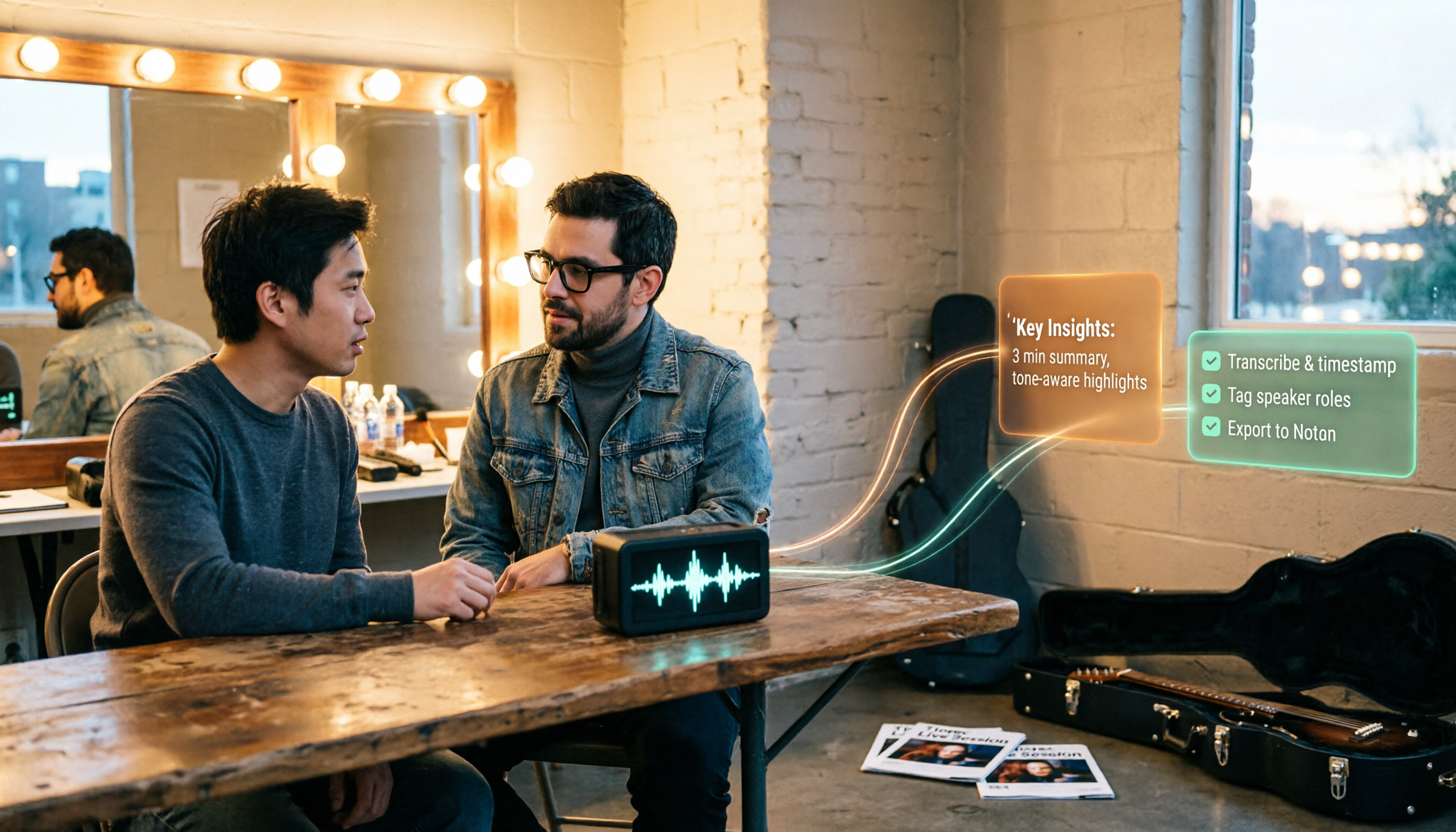
How to Use Tinrec in 2026: Turn Concert Interview Footage into AI Summaries and Action Items
Starting with Tape B's Red Rocks shows, this guide explains why recording audio isn't the same as organizing it. Using Tinrec as an example, it breaks down live transcription, AI summaries, action item extraction, and team spaces, plus pricing and 5 key considerations for choosing a tool.

Is Notta's Free Plan Enough in 2026? 4 Steps to Decide If You Need to Upgrade
Notta's free plan offers 120 minutes per month with a 3-minute cap per recording—is that actually enough? This article walks you through 4 steps to figure it out, comparing free tier limits, meeting capture, post-meeting output, Chinese-language experience, and team governance across five dimensions against Tinrec, helping you decide whether to stay on the free plan or switch tools.
2026 AI Subtitle Tool Buying Guide: 5 Tested Criteria + 3 Pitfalls to Avoid
Starting from two needs—'adding subtitles to videos' and 'meeting transcripts'—this guide outlines 5 key criteria for choosing AI subtitle tools in 2026. It includes hands-on testing of Tinrec's performance in meeting organization, AI Q&A, and team collaboration, compares use cases for CapCut, FlexClip, Taption, and WayinVideo, and concludes with pitfalls and selection advice.

2026 Comparison of 3 Speech-to-Text Tools: Good Tape vs. Tinrec — Which Is Better for Chinese Meetings?
What is Good Tape and is it any good? This article starts from real meeting scenarios and compares Good Tape, Tinrec, and Otter.ai in a hands-on test, covering Chinese transcription, bot-free meeting recording, post-meeting summaries and action items, team collaboration, and pricing to help you decide which tool fits your workflow.

3 AI Meeting Note Tools Tested: What to Know Before Paying Monthly for Notta Pro in 2026
Notta Pro costs about USD 13.99/month billed monthly, or about USD 8.17/month billed annually—a difference of over 40%. Switching from annual to monthly requires canceling and resubscribing. This article compares Tinrec, Notta, and Otter.ai across billing cycles, quota calculations, post-meeting workflows, and team seats, highlighting common pitfalls when switching from monthly to annual, adding features, and seat pricing.

2026 AI Meeting Recorder Comparison: Is Dcard's Favorite Meeting Ink Worth It?
Is Meeting Ink, the tool buzzing on Dcard, actually worth using? This article compares four AI meeting recorder tools using the same criteria, from language recognition and meeting recording methods to post-meeting summaries and team permissions. It also breaks down Tinrec's bot-free recording, AI follow-up questions, and team governance features to help you pick the one that truly saves time.

2026 AI Meeting Notes Tools Compared: Meeting Ink vs. Tinrec and More
This guide tackles three common misconceptions about choosing an AI meeting notes tool and compares Meeting Ink, Notta, Otter.ai, and Tinrec on audio capture methods, post-meeting organization, Chinese language support, and team collaboration. It concludes with recommendations based on different use cases.
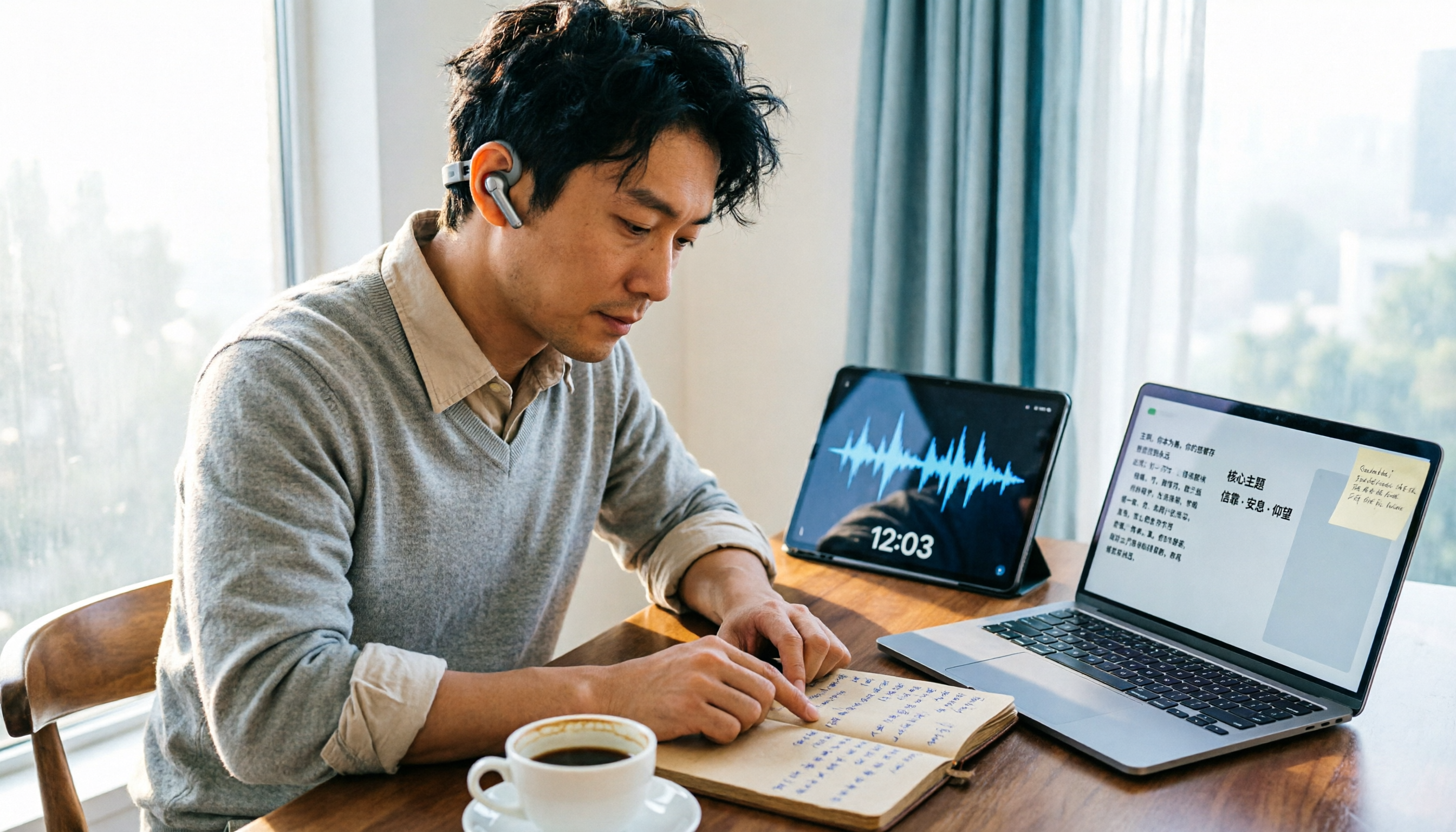
How to Organize Worship Audio in 2026: Before Your Throne Transcript + AI Summary
Before Your Throne is a 12-minute worship EP released by Mattie Nottage in 2024. Starting from the real pain of organizing long audio files, this guide explains how to turn worship and sermon recordings into citable transcripts, summaries, and notes, and compares Tinrec, Otter.ai, TurboScribe, and Granola in terms of differences and use cases.

2026 AI Meeting Recorder Comparison: Notta vs. Tinrec — Which Handles Chinese Meetings Faster?
Tired of replaying recordings after meetings? This comparison puts Tinrec, Notta, Otter.ai, and Granola head-to-head, breaking down online meeting capture methods, Chinese and mixed-language recognition, post-meeting summaries and AI Q&A, plus free tiers and team licensing. Find out if Notta is enough or when to switch to Tinrec.