

Turn recordings into transcripts and summaries in minutes
Upload audio or video for multilingual transcription, AI notes, and action items
A cross-department meeting just ended on a Wednesday afternoon, and your manager asks in the group chat: "Who mentioned that budget number earlier?"
You open the 43-minute recording on your phone and have no choice but to listen from the beginning.
This scenario is all too common in the office. The longer the meeting, the more time it takes to sort things out afterward. And if the discussion includes English terms, product codes, or industry jargon, replaying the whole thing can be more exhausting than the meeting itself.
That's why AI meeting recorder tools have become a staple for office workers in recent years. Notta is the first name many people find, but whether the free version is sufficient and whether it can handle Chinese meetings are the real questions.
In this article, I'll compare Tinrec, Notta, Otter.ai, and Granola across four areas: recording methods, Chinese language experience, post-meeting organization, and team licensing. This will help you decide which one deserves a spot in your daily workflow.
The real pain of meeting notes isn't "typing too slowly"
Most people think the problem with meeting notes is speed, but the real headaches usually come in three forms.
The first is "can't listen in time." After an online meeting, if a transcript isn't generated simultaneously, you have to replay the entire recording and pick out key points sentence by sentence.
The second is "can't find it." Recordings are stored on phones, meeting links in email, and conclusions scattered across chat rooms. Three months later, trying to look up a decision feels like starting over.
The third is "can't hand it off." When the responsible colleague leaves or transfers departments, meeting data stored in their personal accounts often disappears with them.
If you've encountered these situations, the problem isn't that you're not fast enough—it's that the tool only helps you "record" but not "use."
4 key points to understand before choosing an AI meeting recorder
1. How are online meetings recorded? Bot or system audio
There are two common approaches: one is to send a meeting bot into the room as a participant, and the other is to capture system audio directly on your computer.
The former is convenient, but having an extra "Notetaker" account in the meeting room can feel awkward in some client meetings. The latter doesn't disturb anyone but requires you to start the tool yourself.
There's no absolute right or wrong here—the key is to confirm it fits your meeting context.
2. Chinese and mixed Chinese-English recognition experience
Meetings in Taiwan are rarely pure Chinese; they usually mix Chinese with English product names and a few acronyms.
Note that no tool can guarantee a fixed accuracy rate. Actual performance depends on recording quality, air conditioning noise, accents, people talking over each other, and technical terminology. A practical approach is to test with a short segment of your own real meeting recording rather than relying solely on marketing copy.
3. What can you do after transcription
A tool that only provides a transcript is like swapping "listening for 40 minutes" with "reading for 40 minutes"—the time saved is limited.
The real differentiator is post-meeting processing: can it automatically generate summaries and chapters, extract action items, answer follow-up questions about the content, and export to tools you already use?
4. Free tier limits and team licensing
Free versions usually have monthly minute caps, and some also limit "single recording length"—an easily overlooked point.
If purchasing for a team, also clarify the difference between "roles" and "seats": who can manage members and who can upload/edit are often two separate things.
Tinrec — My top recommendation after this comparison
Tinrec is an AI meeting recording and collaboration tool for individuals and teams, available on web, desktop, and mobile.
It doesn't just convert audio to text; it turns meetings into searchable, queryable, exportable, and further processable data. After trying it out, I think it's the most complete in the "after the meeting" phase.
During meetings: no bot invitations needed
Tinrec's desktop version captures system audio directly, so for online meetings on Zoom, Google Meet, Microsoft Teams, or Webex, no extra bot account needs to join the room.
For in-person meetings or ad-hoc interviews, start real-time recording on your phone or computer to get a live transcript. For cross-language meetings, you can view the original, translation, or bilingual content simultaneously.
Note that this doesn't mean it "automatically joins all calendar meetings"—you still need to actively open Tinrec to start recording.
After meetings: summaries, action items, and follow-up questions all in one place
After the meeting, Tinrec generates summaries and chapters, breaking long meetings into readable sections and extracting action items from the discussion.
Even better is the AI Q&A. You can directly ask "What was the conclusion of this meeting?" or "What was the budget cap the client mentioned?" and it will answer based on the meeting content instead of dumping keywords for you to search through.
When you need to deliver, besides transcripts and summaries, you can generate reports, tables, and documents, and export to Notion, Google Docs, OneNote, Dropbox, and other tools for further editing.
Team use: data belongs to the team, not individuals
Stop organizing recordings by hand
Upload audio or video and automatically get a transcript, summary, and action items
Meeting data scattered across personal accounts is a hidden risk for many teams. Tinrec's team version provides a separate team space where meeting records belong to the team. New members can view historical data, and when members leave, resources can be handed over to others.
Admins can set owners, administrators, and regular members, assign or revoke seats, and view usage trends, member rankings, and audit logs. Team hotwords let you maintain company-specific terminology so professional terms are recognized more accurately.
Pricing and limitations
The personal version has a free tier to try basic quotas, plus weekly cards, Pro monthly, and Pro annual plans to suit different usage frequencies: weekly cards for short-term intensive interviews, Pro for regular weekly meetings.
The team version is USD 29.80 per paid seat per month, or USD 199 per paid seat per year (about USD 16.58/month). Each paid seat provides 2,000 minutes of team shared import quota per month. Eligible teams can try 7 days with 1 free seat and 300 minutes of shared import quota.
Note that the team version currently focuses on "team-level sharing": all active members can read team data, but members without seats can only view, play, and read—they cannot upload, edit, or export. It's not a file-level granular permission system. Also, team audio is kept in the recycle bin for 30 days before permanent deletion.
Who it's for
If you have weekly meetings with mixed Chinese and English, want to use AI to find key points right after recording, and need data to stay within the team, Tinrec is currently the most hassle-free choice.
Besides Tinrec, who are Notta, Otter.ai, and Granola for?
Notta: A veteran choice for multilingual transcription and file organization
Notta is the first service many people see when searching for AI meeting notes. It supports transcription in 58 languages and translation in 42 languages, handles online meetings, in-person conversations, and audio file uploads, and its browser extension can capture tab or Google Meet audio.
According to official information: the free version offers 120 minutes per month but limits single content to 3 minutes; Pro annual billing is about USD 8.17/month with 1,800 minutes per month; Business annual billing is about USD 16.67/seat/month with unlimited transcription, role permissions, and usage reports.
If your main need is "converting existing audio files to text," Notta's multilingual and file support is quite sufficient. But if you care about bot-free online meeting recording, post-meeting AI Q&A, and team data retention, Tinrec's focus is more evident.
Otter.ai: A mature option for English meetings
Otter is a long-standing name for English business meetings, covering Zoom, Teams, and Google Meet, with real-time transcription, speaker identification, AI Chat, and team management.
Currently, Basic is free with 300 minutes per month; Pro annual billing is about USD 8.49/user/month, including 1,200 minutes per month and 10 file imports.
If 80% of your meetings are in English, Otter is a reasonable choice. But Chinese and mixed Chinese-English organization is not its focus, which is why many teams in Taiwan turn to other tools.
Granola: Bot-free, but doesn't retain meeting audio
Granola also takes a bot-free approach, using desktop system audio and microphone for real-time transcription, combined with your own handwritten notes to generate meeting content. Basic is free; Business is USD 14/user/month.
Note that Granola doesn't support uploading pre-recorded audio files and doesn't save meeting audio. If you need to replay a specific statement afterward or organize existing recordings, Tinrec is more suitable for file import and audio retention.
Pitfall guide: 4 common mistakes when choosing an AI meeting recorder
Pitfall 1: Only looking at monthly minutes, not single-session length limits
Some free plans say "120 minutes per month," but the actual limit is "3 minutes per session," which can't cover a one-hour meeting. Before trying, confirm the single-session limit—it's more important than the monthly total.
Pitfall 2: Treating "having a transcript" as the end goal
A transcript is just raw material. If the tool can't extract summaries, chapters, and action items, you're just swapping "listening to meetings" for "reading meetings"—time isn't really saved.
Pitfall 3: Ignoring whether audio files are retained
Some tools keep only text, not audio. When you wonder "did I mishear that sentence?" not having the original recording to check can be more troublesome. Make "can I replay" a must-have when choosing.
Pitfall 4: Team purchasing only looks at per-head price, not roles and seats
"Members can view" and "members can edit" are two different things. For example, in Tinrec's team version, active members without seats can still view, play, and read team data, but uploading, editing, and exporting require a seat. Before purchasing, calculate the number of people who actually need to perform actions.
Also, recording and transcription involve personal data, so follow local regulations and obtain participant consent when necessary.
Conclusion: Which one should you choose?
After this comparison, each of the four tools has a clear positioning:
- Need Chinese and mixed Chinese-English meetings, don't want an extra bot account in the room → Tinrec, desktop version captures system audio most conveniently.
- Want to use AI to find key points, extract action items, and generate reports right after recording → Tinrec, its post-meeting Q&A and Agent processing are where it stands out.
- Meeting data should stay with the team, members may change → Tinrec team version, handles space, seats, usage, and auditing in one place.
- Have a bunch of existing audio files to batch transcribe, value multilingual support → Notta, solid foundation in transcription and translation.
- Meetings are almost entirely in English → Otter.ai, generous free tier and mature English experience.
- Only take casual meeting notes on Mac, don't need to retain audio → Granola is worth considering, but don't expect it to organize old recordings.
Honestly, there's no absolute best tool—only what fits your meeting style. A practical approach is to first run a free trial with your own real meeting recording—especially one with mixed Chinese-English, people talking over each other, and air conditioning noise. After reading the transcript, you'll know which one is worth keeping.
Tinrec's free version lets you experience basic recording, import, summaries, and transcription. Try it with one meeting first, and consider upgrading only if it works for you—no need to pay upfront.
References
Turn every recording into actionable outcomes
Get 60 free transcription minutes when you sign in. No credit card required.
Related Reading
You might also like

3 AI Meeting Note Tools Tested: What to Know Before Paying Monthly for Notta Pro in 2026
Notta Pro costs about USD 13.99/month billed monthly, or about USD 8.17/month billed annually—a difference of over 40%. Switching from annual to monthly requires canceling and resubscribing. This article compares Tinrec, Notta, and Otter.ai across billing cycles, quota calculations, post-meeting workflows, and team seats, highlighting common pitfalls when switching from monthly to annual, adding features, and seat pricing.

2026 AI Meeting Recorder Comparison: Is Dcard's Favorite Meeting Ink Worth It?
Is Meeting Ink, the tool buzzing on Dcard, actually worth using? This article compares four AI meeting recorder tools using the same criteria, from language recognition and meeting recording methods to post-meeting summaries and team permissions. It also breaks down Tinrec's bot-free recording, AI follow-up questions, and team governance features to help you pick the one that truly saves time.

2026 AI Meeting Notes Tools Compared: Meeting Ink vs. Tinrec and More
This guide tackles three common misconceptions about choosing an AI meeting notes tool and compares Meeting Ink, Notta, Otter.ai, and Tinrec on audio capture methods, post-meeting organization, Chinese language support, and team collaboration. It concludes with recommendations based on different use cases.
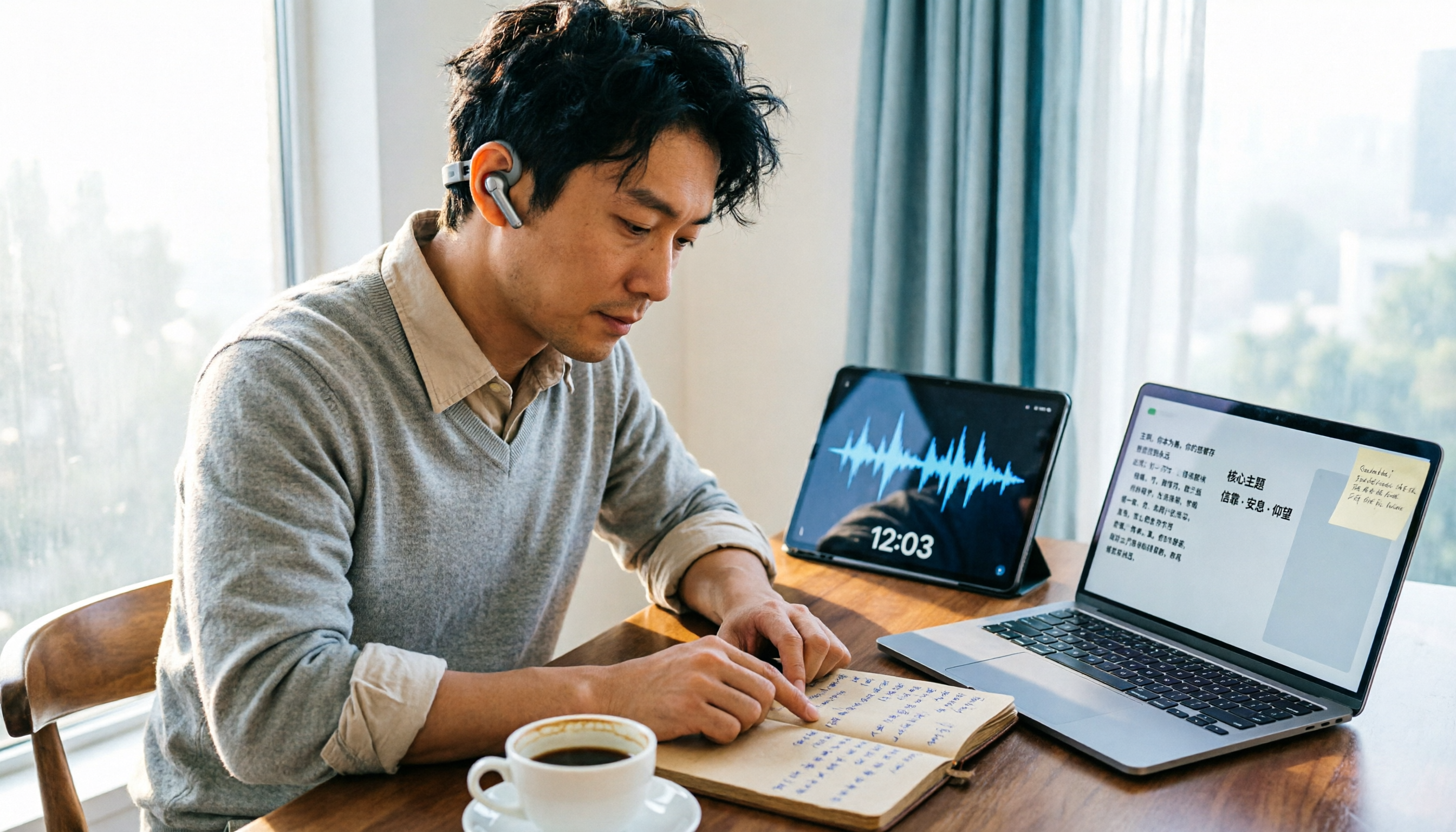
How to Organize Worship Audio in 2026: Before Your Throne Transcript + AI Summary
Before Your Throne is a 12-minute worship EP released by Mattie Nottage in 2024. Starting from the real pain of organizing long audio files, this guide explains how to turn worship and sermon recordings into citable transcripts, summaries, and notes, and compares Tinrec, Otter.ai, TurboScribe, and Granola in terms of differences and use cases.

2025 Comparison of 3 Audio-to-Text Tools: Notta vs. Tinrec for Chinese Meeting Notes—Which Saves More Time?
When choosing a meeting notes tool in 2025, don't just look at how many minutes are included each month. This article starts from three decision points: how audio gets in, what can be produced after transcription, and whether team data remains when people change. It compares Notta, Tinrec, and Otter, and breaks down Tinrec's bot-free recording, AI Q&A, action item extraction, and team spaces to help you decide which one truly saves that hour after meetings.
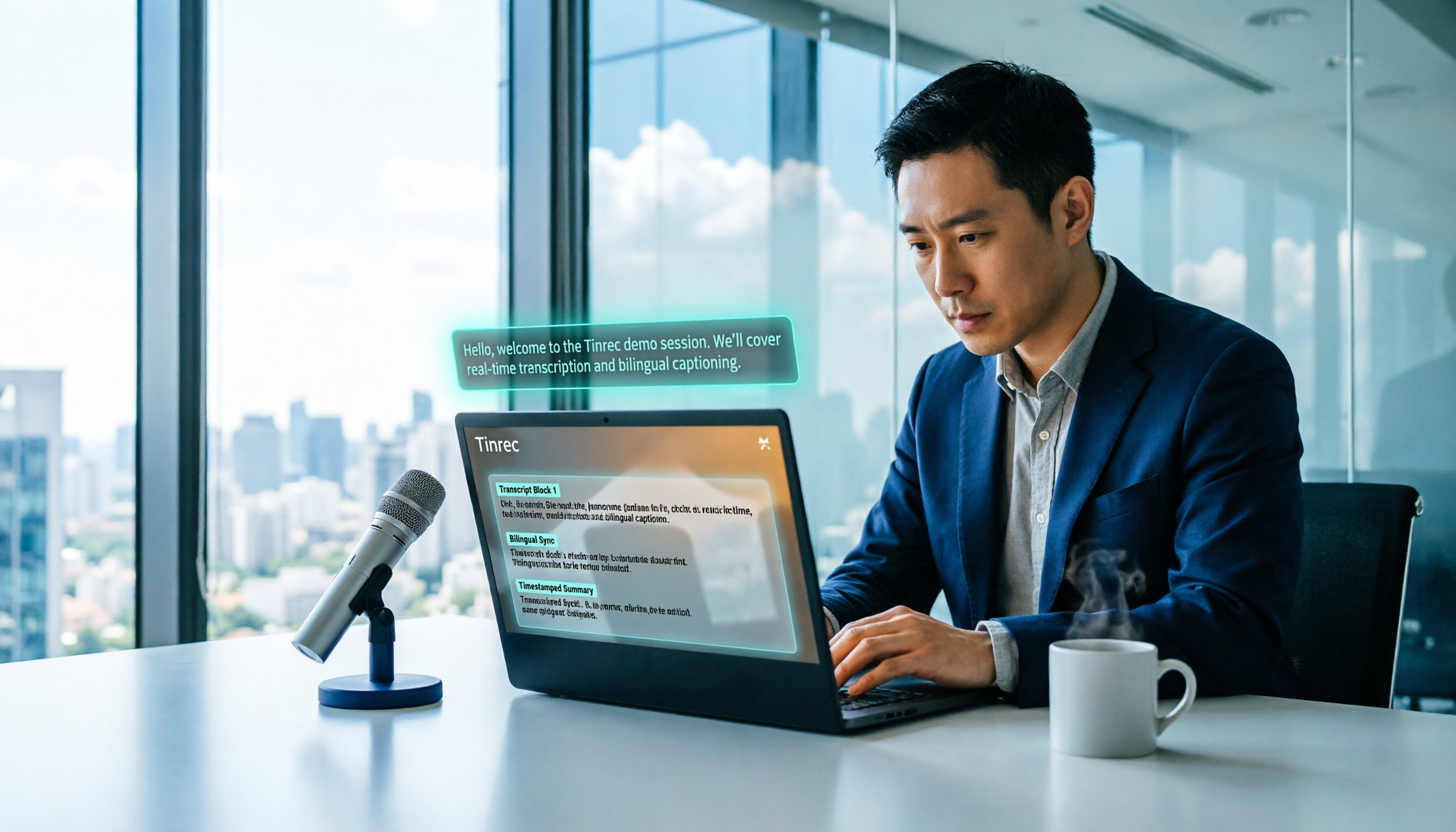
2026 Free Voice Translation Guide: Tinrec Real-Time Bilingual Subtitles + Transcript Organization
A hands-on comparison of Vidnoz and Tinrec, two voice translation tools you can start using for free, broken down across five dimensions: real-time performance, post-meeting output, audio sources, free quota, and team collaboration, to help you decide which one fits your meeting notes and video dubbing needs.

Tinrec vs Notta in 2026: 5-Dimension Comparison — Which Chinese Meeting Transcription App Is Worth Downloading?
Before searching for 'Notta AI app download,' understand the real limits of the free tier and how online meetings are captured. This article compares Tinrec and Notta across 5 dimensions—meeting audio source, post-meeting organization, Chinese performance, team collaboration, and quota calculation—to help you decide which app to download.
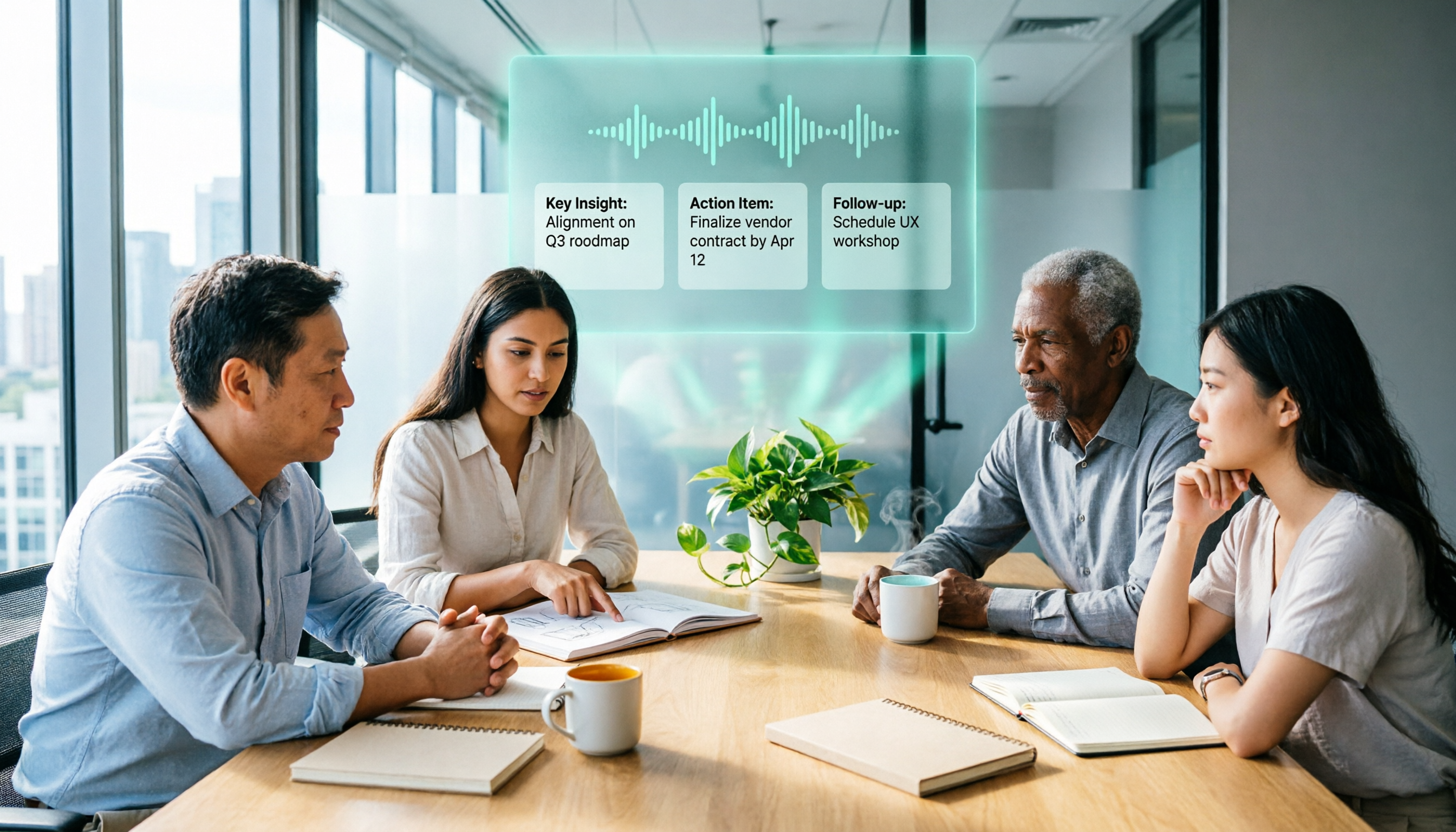
2026 AI Meeting Recorder Comparison: 3 Tools Tested, and the Notta Alternative Worth Buying
Thinking about Notta or comparing AI meeting note tools? This guide starts with what to clarify before buying, breaks down 5 key criteria—live transcription, bot-free recording, summaries and action items, AI Q&A, and team seat governance—and uses Tinrec as the main hands-on example, with team pricing and FAQs to help you spend on features you'll actually use.

2026 Voice-to-Text Tool Comparison: Tinrec vs Granola – Which Delivers More Complete Transcripts and Post-Meeting Organization?
Many people searching for voice-to-text tools actually want to turn meeting audio into searchable, queryable transcripts. This article compares Tinrec and Granola across five dimensions: input sources, audio retention, Chinese language experience, post-meeting organization, and team governance, helping you decide which tool better fits your meeting scenarios.