

Turn recordings into transcripts and summaries in minutes
Upload audio or video for multilingual transcription, AI notes, and action items
Tinrec vs Notta in 2026: 5-Dimension Comparison — Which Chinese Meeting Transcription App Is Worth Downloading?
Before Searching 'Notta AI app download,' Understand These 3 Common Misconceptions
Most people looking for this type of tool start the same way: after a one-hour online meeting, the transcript is still zero; interview recordings have been saved for three months but never listened to a second time. So they type 'Notta AI app download' into the App Store and install it as soon as they see 'free.'
The first misconception is treating 'free download' as 'free to use.' Notta's official free version is 120 minutes per month, with a maximum of 3 minutes per single recording—this limit is especially critical when recording meetings. A 40-minute discussion would need to be split into more than a dozen segments.
The second misconception is thinking a mobile app can record online meetings. What the phone records is the sound from the speaker, which has poor audio quality and picks up ambient noise; what you should really do is use the desktop version to capture the computer's system audio.
The third misconception is only comparing 'how many minutes of transcription' without comparing what you're left with after transcription. A transcript is just raw material; summaries, chapters, action items, and whether you can ask follow-up questions determine how much organization time you save.
This article breaks down Tinrec and Notta across 5 dimensions.
Before Choosing an AI Meeting Notes App, Understand These 5 Key Points
1. How meeting audio gets in. This is the most easily overlooked but most impactful factor. A meeting bot must join as a participant, while the desktop version captures system audio without one. If your meetings often include external clients, having an extra 'recording bot' join makes a big difference in perception.
2. What you get after transcription. With only a transcript, you still have to read through the entire meeting yourself. Having summaries, chapters, and action item extraction is what truly gives you back your time.
3. Actual performance in Chinese and multiple languages. Don't just look at the number of languages officially listed; check how smoothly it handles Chinese meetings and mixed Chinese-English scenarios. Actual results are affected by recording quality, noise, accents, multiple people talking over each other, and technical terminology—test with your own recordings.
4. Can the team take over. A tool for one person and a tool for a department are two different things. Check whether there are independent team spaces, how roles and seats are allocated, whether usage is visible, and who owns the data after a member leaves.
5. How quotas are calculated. Real-time recording and file import often follow two different sets of rules. Some plans don't deduct minutes for real-time recording but consume shared quota for file import—this makes a big difference for people who 'meet every day but rarely upload files.'
Tinrec: A Choice That Aligns on All 5 Dimensions
One-sentence positioning: Tinrec is an AI meeting notes and collaboration tool for individuals and teams that turns meetings into searchable, collaborative, actionable team data—not just converting audio to text.
Bot-free recording of online meetings. The desktop version directly captures computer system audio, so when handling meetings on Zoom, Google Meet, Microsoft Teams, Webex, and similar platforms, there's no need to invite a bot into the meeting room. When meeting with external parties, this matters more than any number on a spec sheet.
The real value shows after the meeting. After recording, AI generates summaries, chapters, key points, and action items, and you can continue asking questions about the meeting content—for example, directly asking 'Who mentioned the budget in the last meeting?' It answers based on semantics rather than throwing a string of keywords for you to search through yourself. When you need deliverables, you can generate meeting minutes, reports, tables, or export to Notion, Google Docs, OneNote, and other tools for further processing.
The team version is an independent space, not a shared account. The team version lets you create multiple team spaces, invite members via join links, set owners/admins/regular members, and assign or revoke seats. The most commonly misunderstood difference here is between 'roles' and 'seats': roles determine who can manage the team, members, and auditing; seats determine whether a member can record, upload, edit, import, and export. Active members without seats can still view, play, and read team data—they just can't use resources. When a member leaves or is removed, their team resources must be handed over to other active members, so data doesn't disappear when the person leaves.
Stop organizing recordings by hand
Upload audio or video and automatically get a transcript, summary, and action items
Quota design is friendly to frequent meeting users. The team version offers a 7-day trial with 1 free seat and 300 minutes of shared team import quota for first-time eligible users; paid seats provide 2,000 minutes of shared team import quota per seat per month; under an active team plan and active seats, real-time recording currently does not deduct minutes. The personal version includes a free version, weekly card, Pro monthly card, and Pro annual card—choose based on your usage tasks: weekly card for short sprints, Pro for regular weekly meetings, and annual card for long-term data accumulation.
Three clear advantages: First, the desktop version captures system audio without a bot, so online meetings don't need an extra participant; second, the post-transcription workflow is complete—summaries, action items, Q&A, export, and Agent post-processing all connect seamlessly; third, team governance is in place—members, roles, seats, usage analytics, audit logs, audio recycle bin, and team hotwords are all available, and data ownership is clear when members change.
Limitations should also be stated clearly: Some team version capabilities still need to be confirmed in the production environment before official public release; additionally, it is not a file-level permission system—currently it focuses on team-level sharing, with roles controlling governance and seats controlling usage eligibility. Recording and transcription involve personal data; please comply with local regulations and obtain participant consent as appropriate before use.
Who it's for: Teams that frequently hold Chinese or mixed Chinese-English meetings, don't want bots joining meetings, need to directly get minutes and action items after meetings, and want to accumulate meeting data as departmental assets.
Besides Tinrec, These Notta Alternatives Are Also Worth a Look
Notta: Strong in multi-platform transcription and translation, supporting 58 languages, covering meeting notes, file import, and team plans. The official free version is 120 minutes per month with a maximum of 3 minutes per recording; Pro annual billing is approximately USD 8.17/month with 1,800 minutes per month; Business annual billing is approximately USD 16.67/seat/month with unlimited transcription. If your main need is large-volume multilingual file transcription and subtitles, it's very suitable; but if you want bot-free system audio capture, post-meeting Agent processing, and team hotword management, that's where Tinrec fills the gap better.
Otter.ai: A mature choice for English business meetings, with a free version of 300 minutes per month and Pro annual billing at approximately USD 8.49/user/month. If your meetings are almost entirely in English, it's a great value; Chinese meetings and team data accumulation are not its strong suit.
PLAUD Note/NotePin: A hardware recording approach, with devices starting at USD 159 plus membership fees. Suitable for scenarios requiring portability and phone call recording; if you just need to handle online meetings on a computer, you may not need to buy an extra device.
Pitfall Guide: The 4 Most Common Mistakes When Downloading AI Transcription Apps
Pitfall 1: Only looking at the word 'free.' Free quotas usually come with a per-recording length limit, so long meetings need to be split. The right approach is to confirm both numbers: 'how many minutes per month' and 'maximum minutes per recording.'
Pitfall 2: Using a mobile app to record online meetings. The phone records ambient sound, and participants' voices go through the speaker and then into the microphone, naturally degrading transcription quality. For online meetings, use the desktop version to capture system audio; leave the mobile end for in-person interviews and ad-hoc notes.
Pitfall 3: Treating a transcription tool as just a transcript machine. Exporting only the transcript means using only a small part of the tool. After a meeting, first look at the summary and chapters to grasp conclusions, then use AI Q&A to confirm 'who is responsible for what and by when'—much faster than manually scrolling through a 30-minute transcript.
Pitfall 4: The whole team sharing one personal account. It's cheap, but data ownership is chaotic, and everything disappears once the account is deactivated. Once you have more than three people, consider an independent team space, manage with roles and seats, and arrange resource handover when members change.
Conclusion: Which One Should You Actually Download?
- Need to record Zoom, Meet, Teams meetings without a bot joining → Tinrec, desktop version captures system audio.
- Mainly Chinese or mixed Chinese-English meetings → Tinrec, with team hotwords for technical terminology.
- Need to directly get summaries, action items, minutes, or even generate reports and tables after meetings → Tinrec, the most complete post-transcription workflow.
- Department needs to share meeting data and manage seats and usage → Tinrec team version, data belongs to the team and can be handed over.
- Large-volume multilingual file transcription and subtitles on a limited budget → Try Notta's free version first, and confirm the 3-minute per-recording limit doesn't affect your workflow.
- Meetings are almost entirely in English → Otter.ai's free quota is indeed generous.
The most practical step before downloading: test with a recording of one of your own real meetings to see if the transcript is usable and whether the summary captures key points. The free quota is enough to run one or two meetings—if it works for you, then consider upgrading; no need to pay from the start.
References
Turn every recording into actionable outcomes
Get 60 free transcription minutes when you sign in. No credit card required.
Related Reading
You might also like

3 AI Meeting Note Tools Tested: What to Know Before Paying Monthly for Notta Pro in 2026
Notta Pro costs about USD 13.99/month billed monthly, or about USD 8.17/month billed annually—a difference of over 40%. Switching from annual to monthly requires canceling and resubscribing. This article compares Tinrec, Notta, and Otter.ai across billing cycles, quota calculations, post-meeting workflows, and team seats, highlighting common pitfalls when switching from monthly to annual, adding features, and seat pricing.

2026 AI Meeting Recorder Comparison: Is Dcard's Favorite Meeting Ink Worth It?
Is Meeting Ink, the tool buzzing on Dcard, actually worth using? This article compares four AI meeting recorder tools using the same criteria, from language recognition and meeting recording methods to post-meeting summaries and team permissions. It also breaks down Tinrec's bot-free recording, AI follow-up questions, and team governance features to help you pick the one that truly saves time.

2026 AI Meeting Notes Tools Compared: Meeting Ink vs. Tinrec and More
This guide tackles three common misconceptions about choosing an AI meeting notes tool and compares Meeting Ink, Notta, Otter.ai, and Tinrec on audio capture methods, post-meeting organization, Chinese language support, and team collaboration. It concludes with recommendations based on different use cases.
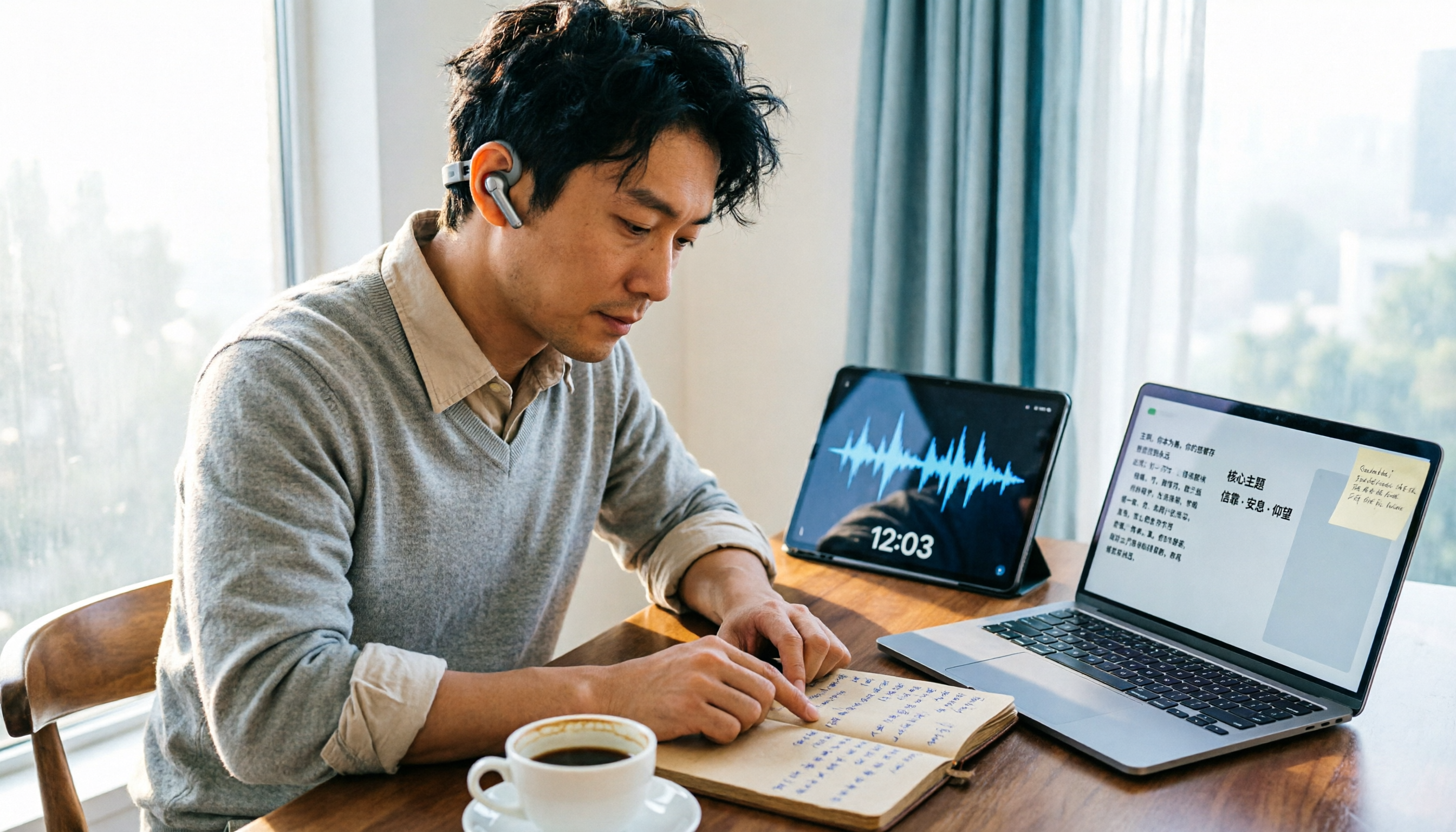
How to Organize Worship Audio in 2026: Before Your Throne Transcript + AI Summary
Before Your Throne is a 12-minute worship EP released by Mattie Nottage in 2024. Starting from the real pain of organizing long audio files, this guide explains how to turn worship and sermon recordings into citable transcripts, summaries, and notes, and compares Tinrec, Otter.ai, TurboScribe, and Granola in terms of differences and use cases.

2026 AI Meeting Recorder Comparison: Notta vs. Tinrec — Which Handles Chinese Meetings Faster?
Tired of replaying recordings after meetings? This comparison puts Tinrec, Notta, Otter.ai, and Granola head-to-head, breaking down online meeting capture methods, Chinese and mixed-language recognition, post-meeting summaries and AI Q&A, plus free tiers and team licensing. Find out if Notta is enough or when to switch to Tinrec.

2025 Comparison of 3 Audio-to-Text Tools: Notta vs. Tinrec for Chinese Meeting Notes—Which Saves More Time?
When choosing a meeting notes tool in 2025, don't just look at how many minutes are included each month. This article starts from three decision points: how audio gets in, what can be produced after transcription, and whether team data remains when people change. It compares Notta, Tinrec, and Otter, and breaks down Tinrec's bot-free recording, AI Q&A, action item extraction, and team spaces to help you decide which one truly saves that hour after meetings.

2026 Free Voice Translation Guide: Tinrec Real-Time Bilingual Subtitles + Transcript Organization
A hands-on comparison of Vidnoz and Tinrec, two voice translation tools you can start using for free, broken down across five dimensions: real-time performance, post-meeting output, audio sources, free quota, and team collaboration, to help you decide which one fits your meeting notes and video dubbing needs.
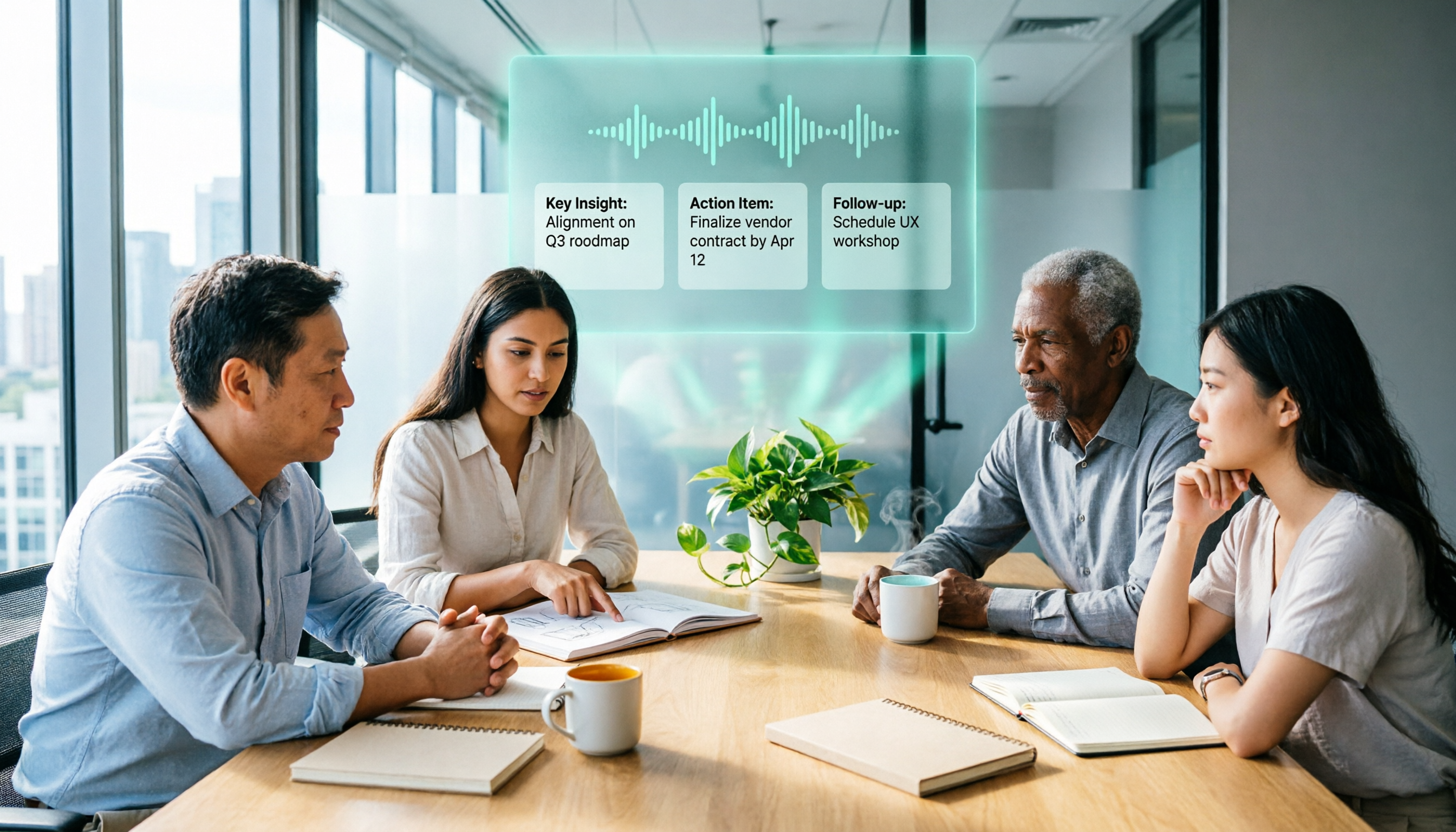
2026 AI Meeting Recorder Comparison: 3 Tools Tested, and the Notta Alternative Worth Buying
Thinking about Notta or comparing AI meeting note tools? This guide starts with what to clarify before buying, breaks down 5 key criteria—live transcription, bot-free recording, summaries and action items, AI Q&A, and team seat governance—and uses Tinrec as the main hands-on example, with team pricing and FAQs to help you spend on features you'll actually use.

2026 Voice-to-Text Tool Comparison: Tinrec vs Granola – Which Delivers More Complete Transcripts and Post-Meeting Organization?
Many people searching for voice-to-text tools actually want to turn meeting audio into searchable, queryable transcripts. This article compares Tinrec and Granola across five dimensions: input sources, audio retention, Chinese language experience, post-meeting organization, and team governance, helping you decide which tool better fits your meeting scenarios.