
Turn recordings into transcripts and summaries in minutes
Upload audio or video for multilingual transcription, AI notes, and action items
2026 AI Meeting Recorder Comparison: 3 Tools Tested, and the Notta Alternative Worth Buying
Before you hit the buy button, most people get stuck not on price but on these three questions: Do I actually need "recording," or do I need "what happens after the recording"? Can the tool handle the way I really meet—online meetings, in-person meetings, and phone interviews all mixed together? And if a team member leaves, will these meeting records stay with the team?
If you don't think through these three questions first, it's easy to buy a tool with a long feature list that you never actually use.
Tinrec is an AI meeting notes and collaboration tool for individuals and teams. It doesn't just turn audio into text—it turns recordings into searchable, summarizable, queryable, and exportable data, and builds them into collaborative meeting assets inside a team workspace. Below, I'll use it as the main example to help you figure out "should I buy, and which one should I buy."
What Can an AI Meeting Notes Tool Do for You?
Scenario 1: The meeting ends, and the notes come out with it
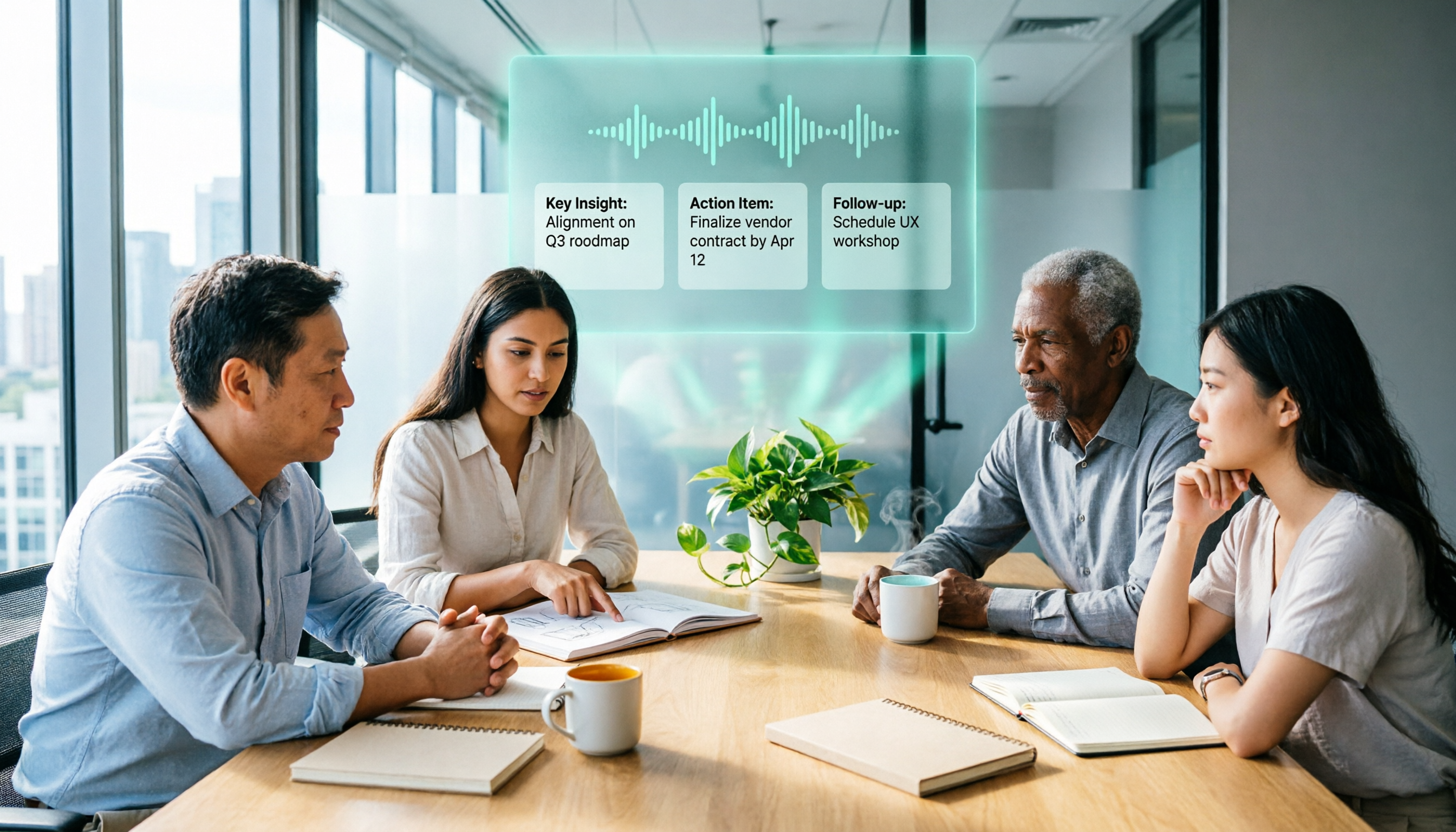
In the past, after a two-hour meeting, you might spend another hour writing up the notes. With Tinrec, for example, the transcript is generated live during the meeting, and afterward it directly produces a summary, chapters, and action items—who's responsible for what and what's next, listed clearly.
Scenario 2: No more inviting a bot to online meetings
Many people get stuck on "I don't want a bot showing up in the participant list." Tinrec's desktop app captures your computer's system audio directly—you run your Zoom, Meet, or Teams meeting, and it handles the recording and transcription without taking up a participant slot.
Scenario 3: Old recordings become findable data
You have a pile of old recordings, interview audio, and course videos—leaving them sitting there is the same as not having them. Tinrec supports importing audio and video files for transcription, and after transcription you can ask questions directly about the content.
When Choosing, Look at These 5 Core Capabilities First
1. Live transcription, not transcribing after the recording ends
Text appears while you record, so you can check in real time whether you've missed key points. Tinrec supports live audio-to-text transcription, suitable for in-person meetings, interviews, and on-site note-taking.
2. Bot-free online meeting recording
This is the key factor in whether "buying it will get you complained about by colleagues." Tinrec's desktop app handles Zoom, Google Meet, Microsoft Teams, Webex, and other meetings by capturing the device's system audio, with no extra bot joining. Note that this is you actively starting a recording, not automatically joining all calendar meetings.
3. Summaries, chapters, and action items—not just a transcript
A transcript is just raw material. Tinrec automatically generates summaries, chapter highlights, and action items, breaking long meetings into a scannable structure so you don't have to listen from minute one when reviewing afterward.
4. AI Q&A and post-meeting outputs
After transcription, you can ask directly: "What did the client say about the budget?" "Who's responsible for the next step from last time's decision?" Tinrec's AI Q&A responds based on the meeting content. Even better is Agent post-processing, which can further generate reports, tables, and documents, turning meeting content into deliverable work outputs.
5. Team workspace and seat governance
This is the most commonly overlooked point. Tinrec's team plan isn't "multiple people sharing one personal account"—it's an independent team workspace where you can manage owners, admins, and regular members, and distinguish "roles" from "seats": roles determine who can manage the team, seats determine who can record, upload, edit, and export. Members who are active but have no seat can still view, play, and read team data.
Real-World Use Cases
Sales and client meetings
The biggest fear in client interviews is missing commitments. Use Tinrec to record the entire conversation, then check the action item list afterward for "who promised what, and when they'll deliver," and export the organized content as follow-up materials.
Project weekly meetings and cross-department meetings
Weekly standups are highly repetitive and ideal for building a team knowledge base. Tinrec's team plan keeps Audio, Folder, and TODO in one place, so new members can review past meetings without starting from scratch.
Interviews and research
Researchers need transcripts, viewpoints, and quotable quotes. Tinrec keeps recordings and transcripts, searchable and replayable for verification, and supports multiple languages and live translation, so cross-language interviews are covered too.
Stop organizing recordings by hand
Upload audio or video and automatically get a transcript, summary, and action items
Courses and self-study
For online courses, lectures, and internal training, use Tinrec to transcribe while you listen, then review key points with AI Q&A right after class. The free plan lets you run a few sessions first to see if the workflow fits before deciding whether to upgrade.
Before Buying, Pay Attention to These 5 Points
1. How is usage quota calculated? Different actions consume quota differently. Tinrec's team plan currently states: each paid seat provides 2,000 minutes of team shared import quota per month; under an active team plan and active seats, live recording currently does not deduct by minute; file and web link imports consume team shared import minutes. Before buying, think clearly about whether you "record meetings often" or "import files often."
2. Performance with Chinese and mixed Chinese-English. Meetings in Taiwan almost always mix Chinese and English. Tinrec covers Chinese, Traditional Chinese, and multilingual scenarios, and supports team hotwords so you can add your company's product names and terminology. Actual results will still be affected by recording quality, accents, noise, and overlapping speakers—try it with your own recordings before buying.
3. Don't overestimate team permissions. Currently, Tinrec's team plan is mainly team-level sharing, with roles controlling governance and seats controlling usage eligibility. This is not a file-level granular permission system—if you need "different visibility for each file," confirm whether this approach works for you first.
4. Data ownership and handover. Team resources belong to the team, not to the individual who uploaded them. When a member leaves, is removed, or loses their seat, their team resources need to be handed over to other active members. Also, team audio moved to the recycle bin can be restored before permanent deletion; the current retention period is 30 days.
5. Check the official purchase page for trials and pricing. Tinrec's team plan offers a 7-day trial for first-time eligible users, 1 free seat, and 300 minutes of team shared import quota; team monthly billing is USD 29.80 per paid seat per month, annual billing is USD 199 per paid seat per year, equivalent to about USD 16.58 per month. The personal plan has a free version, weekly card, Pro monthly card, and Pro annual card—refer to the official website purchase page for actual prices and plans.
If You're Considering Notta
Notta and Tinrec overlap considerably, both covering multi-platform transcription, meeting notes, file import, and team plans. Based on current official information: the free version offers 120 minutes per month with a maximum of 3 minutes per item; Pro annual billing is about USD 8.17 per month with 1,800 minutes per month; Business annual billing is about USD 16.67 per seat per month, offering unlimited transcription, role permissions, and usage reports. Prices and benefits change, so check Notta's official pricing page again before ordering.
So where's the difference? If what you want is "bulk file transcription and subtitles," tools like Notta are already good at that. But if you care more about bot-free online meeting recording, the Chinese-language meeting experience, post-meeting AI Q&A and Agent post-processing, and seat, usage, and audit governance in a team workspace, Tinrec will be a closer fit. Simply put: it's not about who's stronger overall, but about which side your meeting scenarios lean toward.
FAQ
Q1: Is Tinrec's free version enough? You can run one or two meetings first to see. The free version provides basic quota to experience recording, import, summaries, and transcription; for short-term intensive use, consider the weekly card; if you have steady weekly meeting needs, consider Pro; if you need long-term data accumulation, look at the annual card.
Q2: Do I need to invite a meeting bot? No. Tinrec's desktop app captures your computer's system audio directly to record online meetings, without taking up a participant slot. But this is a recording the user actively starts, not automatically joining all calendar meetings.
Q3: Which meeting platforms are supported? It can handle meeting audio played on a computer from Zoom, Google Meet, Microsoft Teams, Webex, and others. This is technical audio capture and does not imply official partnerships with these platforms.
Q4: What's the difference between the team plan and the personal plan? Personal plan data is managed by the individual account. The team plan provides an independent team workspace where meeting data belongs to the team, plus capabilities such as members, roles, seats, shared benefits, usage analytics, audit logs, and audio recycle bin.
Q5: Can members without a seat see the data? They can view, play, and read team data, but cannot upload, edit, import, or export. To perform resource usage operations, a seat is required.
Q6: Can I expect 100% accuracy? It's not recommended to expect that. Tinrec can significantly reduce manual note-taking and organizing costs, but recording quality, accents, noise, and technical terminology all affect results. For important content, verify against transcript timestamps and recording playback. Also, follow local regulations for recording and transcription, and obtain participant consent when necessary.
Conclusion
When buying an AI meeting notes tool, what really matters is "can you use it directly after the meeting," not how many rows the feature list has. Think through your meeting types, quota calculation, and team permission needs first, then look back at price—usually you won't buy wrong.
If you have more than three meetings a week, I suggest running one or two sessions with Tinrec's free version first to feel the difference of transcribing while recording and getting summaries and action items right after the meeting. If it works well, then talk about upgrading or opening a team workspace—that's much more grounded than buying the highest-tier plan right away.
References
Turn every recording into actionable outcomes
Get 60 free transcription minutes when you sign in. No credit card required.
Related Reading
You might also like

3 AI Meeting Note Tools Tested: What to Know Before Paying Monthly for Notta Pro in 2026
Notta Pro costs about USD 13.99/month billed monthly, or about USD 8.17/month billed annually—a difference of over 40%. Switching from annual to monthly requires canceling and resubscribing. This article compares Tinrec, Notta, and Otter.ai across billing cycles, quota calculations, post-meeting workflows, and team seats, highlighting common pitfalls when switching from monthly to annual, adding features, and seat pricing.

2026 AI Meeting Recorder Comparison: Is Dcard's Favorite Meeting Ink Worth It?
Is Meeting Ink, the tool buzzing on Dcard, actually worth using? This article compares four AI meeting recorder tools using the same criteria, from language recognition and meeting recording methods to post-meeting summaries and team permissions. It also breaks down Tinrec's bot-free recording, AI follow-up questions, and team governance features to help you pick the one that truly saves time.

2026 AI Meeting Notes Tools Compared: Meeting Ink vs. Tinrec and More
This guide tackles three common misconceptions about choosing an AI meeting notes tool and compares Meeting Ink, Notta, Otter.ai, and Tinrec on audio capture methods, post-meeting organization, Chinese language support, and team collaboration. It concludes with recommendations based on different use cases.

How to Organize Worship Audio in 2026: Before Your Throne Transcript + AI Summary
Before Your Throne is a 12-minute worship EP released by Mattie Nottage in 2024. Starting from the real pain of organizing long audio files, this guide explains how to turn worship and sermon recordings into citable transcripts, summaries, and notes, and compares Tinrec, Otter.ai, TurboScribe, and Granola in terms of differences and use cases.

2026 AI Meeting Recorder Comparison: Notta vs. Tinrec — Which Handles Chinese Meetings Faster?
Tired of replaying recordings after meetings? This comparison puts Tinrec, Notta, Otter.ai, and Granola head-to-head, breaking down online meeting capture methods, Chinese and mixed-language recognition, post-meeting summaries and AI Q&A, plus free tiers and team licensing. Find out if Notta is enough or when to switch to Tinrec.

2025 Comparison of 3 Audio-to-Text Tools: Notta vs. Tinrec for Chinese Meeting Notes—Which Saves More Time?
When choosing a meeting notes tool in 2025, don't just look at how many minutes are included each month. This article starts from three decision points: how audio gets in, what can be produced after transcription, and whether team data remains when people change. It compares Notta, Tinrec, and Otter, and breaks down Tinrec's bot-free recording, AI Q&A, action item extraction, and team spaces to help you decide which one truly saves that hour after meetings.

2026 Free Voice Translation Guide: Tinrec Real-Time Bilingual Subtitles + Transcript Organization
A hands-on comparison of Vidnoz and Tinrec, two voice translation tools you can start using for free, broken down across five dimensions: real-time performance, post-meeting output, audio sources, free quota, and team collaboration, to help you decide which one fits your meeting notes and video dubbing needs.

Tinrec vs Notta in 2026: 5-Dimension Comparison — Which Chinese Meeting Transcription App Is Worth Downloading?
Before searching for 'Notta AI app download,' understand the real limits of the free tier and how online meetings are captured. This article compares Tinrec and Notta across 5 dimensions—meeting audio source, post-meeting organization, Chinese performance, team collaboration, and quota calculation—to help you decide which app to download.

2026 Voice-to-Text Tool Comparison: Tinrec vs Granola – Which Delivers More Complete Transcripts and Post-Meeting Organization?
Many people searching for voice-to-text tools actually want to turn meeting audio into searchable, queryable transcripts. This article compares Tinrec and Granola across five dimensions: input sources, audio retention, Chinese language experience, post-meeting organization, and team governance, helping you decide which tool better fits your meeting scenarios.