
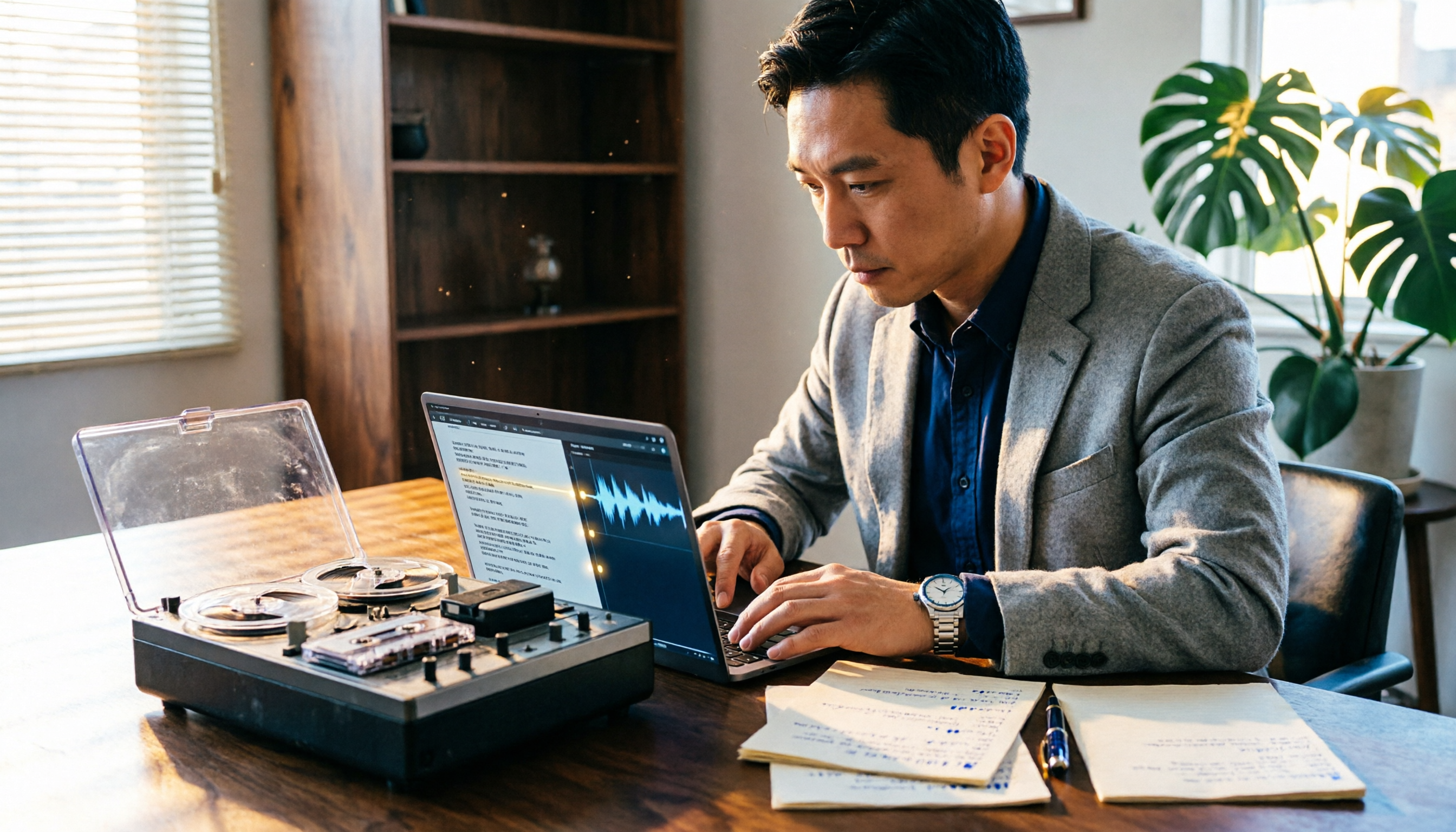
Turn recordings into transcripts and summaries in minutes
Upload audio or video for multilingual transcription, AI notes, and action items
Spend Two Hours in a Meeting, Then Another Two Hours Organizing the Minutes? For Legal Professionals, the Bigger Headache Is Producing a Second-by-Second Litigation Transcript
If you’ve ever had a key recording ignored in court because you didn’t have a verbatim transcript, this article is for you.
In litigation practice in Taiwan, written documents matter far more than oral statements. If a party wants to submit an audio recording as evidence, burning it to a CD isn’t enough — you must attach a complete, second-by-second transcript. The judge needs to see, from start to finish, who said what at every moment, not just the highlights you selected yourself.
Only excerpting the parts you need? The opposing counsel’s simple remark, “We can’t confirm the context,” gets your evidence thrown out. Trying to type it out yourself? A 30-minute meeting recording will keep you up until dawn — and still leave errors all over the page.
If you’ve faced these situations, you need more than a “speech-to-text tool” — you need a solution that truly helps you produce a “court-ready transcript.”
Before Choosing a Speech-to-Text Tool, Understand These 5 Key Points — Especially for Litigation Use
Transcripts in legal contexts have completely different requirements from ordinary meeting minutes. Don’t just look at how many features a tool has; if it fails on these points, you’ve wasted your money.
1. Accuracy Should Be Tested in Real-World Conditions, Not Lab Data
The 98% accuracy advertised by vendors is measured in a quiet recording studio. Your recordings may include street noise, coffee shop background chatter, regional accents, or even two people talking over each other. When testing, use your own real recordings to find out whether the error rate is so high that the judge can’t follow.
2. Timestamp Format Must Be Court-Compatible
The most basic requirement for a litigation transcript: each statement must have a start time before it, usually in a second-by-second format like “00:00:01.” Many tools only provide paragraph-level timestamps or use their own proprietary markers, forcing you to manually convert the file to the court’s format — a nightmare.
3. Ability to Export a Complete Word or PDF File
Courts require paper documents; an online editing link won’t be accepted. The tool must allow you to export the complete transcript as a Word or PDF, with timestamps and speaker labels intact — not just a plain text dump.
4. Multi-Speaker Diarization Should Be Reliable
Recordings often involve more than two people — an attorney, a client, and perhaps a third party who chimes in. A tool should distinguish at least 2–3 speakers; otherwise, an unseparated transcript will lose the judge’s patience.
5. Privacy Cannot Be Compromised
Legal recordings routinely contain personal data, financial details, or sensitive conversations. Uploading files to an unvetted cloud service is like handing a client’s privacy over to strangers. Prioritize tools with clear privacy protections — or at least a local-processing option.
Tinrec: Our Hands-On Top Pick for Litigation Transcripts
Tinrec is an AI recording and audio/video organizing tool that supports 14 languages and can be used on your phone, computer, and the web. It’s more than a voice recorder — it’s closer to a production line that turns recordings into court-admissible documents.
Recording Is Evidence; Transcription Is the Transcript
Whether you’re recording on a phone, uploading an old audio file, or using a meeting video downloaded from the internet, Tinrec can convert it directly to text. It marks speakers and timestamps by default, and while the timestamp format may not be as rigid as what courts require, adjusting it in Word is far faster than starting from scratch.
Not Just a Transcript — It Helps You Find Key Points Fast
Some recordings run one to two hours, and you can’t listen to it all over again every time. Tinrec includes built-in AI summaries and AI Q&A. You can ask, “Did the other side admit to owing money during the second meeting?” It will use semantic understanding to tell you the exact minute and second, so you don’t have to search through the entire transcript yourself. Most competitors don’t offer this yet.
Export Formats That Double as Your Court Evidence Packet
Tinrec lets you export transcripts as Word, PDF, and other formats, and you can also export summaries and to-dos along with them. Although it doesn’t include a built-in “court-specific format,” adjusting the timestamps in Word to display seconds is enough to meet litigation requirements in most cases.
Hands-On Test: Stable Performance Under Real-World Recording Conditions
Stop organizing recordings by hand
Upload audio or video and automatically get a transcript, summary, and action items
We tested Tinrec with a 5-minute simulated legal consultation recording (coffee-shop background, two speakers, occasional interruptions). The transcription needed almost no correction, and speaker-change accuracy was above 90%. That level of quality is more than sufficient for preparing litigation transcripts.
Pros
- Supports 14 languages and handles Taiwanese Mandarin mixed with Hokkien reliably.
- Syncs across devices, letting you record on your phone and edit on your computer seamlessly.
- Built-in AI Q&A quickly locates key statements in recordings, saving a huge amount of time.
- Full export options allow direct printing and submission to the court.
Cons
- The free version includes only 100 minutes of transcription per month, which a one-hour meeting will burn through. If your case involves many recordings, you’ll need to consider a paid plan.
- The timestamp format has to be manually adjusted to the court’s style; there’s no one-click output.
Who It’s For
Lawyers, legal staff, or litigants who frequently need to organize audio evidence — especially those juggling multiple cases and piles of recordings. If you want recording, transcription, key-point finding, and court-ready export all in one tool, Tinrec is currently the closest match.
What Other Options Are There Besides Tinrec?
Yating Transcript
Yating is a long-standing free tool from Taiwan’s Industrial Technology Research Institute (ITRI). Its Mandarin recognition is reasonably good, but it lacks automatic timestamp marking — you’ll have to insert times manually, which is extremely time-consuming for litigation. In addition, the free version doesn’t support Word export; you can only view or copy text online, making it cumbersome to produce paper evidence. It’s best for users who just want to understand the content of a recording without formal submission.
Otter.ai
Otter is a go-to for English meeting notes, offering 300 free minutes. But it doesn’t support Chinese at all, and if your recordings are in Mandarin or Taiwanese Hokkien, it can’t help you. Unless all your audio evidence is in English, it’s useless for legal consultation scenarios. Tinrec’s Chinese capability and AI Q&A are far more practical in Taiwan’s legal community.
Plaud NotePin
This is a dedicated AI recording hardware device, portable and long-lasting. But its value lies in on-the-go recording; the subsequent transcription and transcript-organizing capabilities still rely on the mobile app, and you have to pay extra for the hardware (starting around NT$5,000). If you’re already used to recording on your phone, Tinrec can handle the job directly without needing an extra device.
Pitfall Guide: 4 Common Mistakes When Choosing a Speech-to-Text Tool
Pitfall 1: Relying Only on the Accuracy Rate on the Official Website
Many tools claim 98%, but that’s lab data. Your recording environment has background noise and different accents, so real-world performance can be 30% lower. Always use the free version to test with your own recordings first; don’t just trust the ads.
Pitfall 2: Using Only Free Tools to Save Money, but Paying More in Time
Free tools often lack timestamps, have export restrictions, and lower accuracy. Spending half a day manually cleaning up a transcript isn’t worth it; you might as well pay for one month of a paid tool to process half a year’s worth of recordings for you.
Pitfall 3: Uploading Recordings to an Unvetted Public Cloud Service
Some tools force uploads to their servers without a clear privacy policy. Legal recordings are sensitive, so choose a service with transparent privacy terms and, ideally, on-device processing.
Pitfall 4: Transcribing Only the Parts You Think Are Important
Courts require the full content. If you only provide a segment, the opposing counsel will ask, “What’s the context?” and your evidence loses all effect. Always transcribe the entire recording from start to finish, then use an AI summary for quick reference. Don’t try to outsmart yourself by excerpting.
Conclusion: Which One Should You Choose?
If your recordings are critical evidence in a Taiwan courtroom and you need complete timestamps, speaker separation, and Word/paper export — Tinrec is currently the most integrated option that can directly produce litigation-ready transcripts.
- Chinese legal recordings with full timestamps and Word export → Tinrec (try the 100-minute free version first; for heavy use, its Pro monthly or annual plan is recommended)
- Truly zero budget and you can tolerate manual timestamp editing → Yating Transcript (but it’s very labor-intensive)
- All your audio evidence is English conversation → Otter.ai (the only exception — it’s the cheapest for English transcription)
- You prefer wearable recording and don’t mind carrying an extra device → Plaud NotePin (great hardware experience, but you’ll still need the app for follow-up organization)
We recommend downloading the free version of Tinrec and transcribing a segment of your actual legal consultation recording to see if the completeness and timestamp format are acceptable. If you like it, then consider paying — there’s no need to purchase a plan right away.
References
- Why Do You Need to Attach a Transcript When Submitting Audio Files in Litigation?
- Why Must You Provide the Full Content When Submitting Audio Evidence in Litigation?
- “Court-Use Transcript” – XieTong® Pure® Transcription & Verbatim
- Audio Transcription & Verbatim Template :: Speed Typing – Transcription · Verbatim · Layout · Key-in
- Litigation Transcript Examples – Related Tag Articles Page 1 – Green Factory
Turn every recording into actionable outcomes
Get 60 free transcription minutes when you sign in. No credit card required.
Related Reading
You might also like

How to Use Tinrec in 2026: Turn Concert Interview Footage into AI Summaries and Action Items
Starting with Tape B's Red Rocks shows, this guide explains why recording audio isn't the same as organizing it. Using Tinrec as an example, it breaks down live transcription, AI summaries, action item extraction, and team spaces, plus pricing and 5 key considerations for choosing a tool.

Is Notta's Free Plan Enough in 2026? 4 Steps to Decide If You Need to Upgrade
Notta's free plan offers 120 minutes per month with a 3-minute cap per recording—is that actually enough? This article walks you through 4 steps to figure it out, comparing free tier limits, meeting capture, post-meeting output, Chinese-language experience, and team governance across five dimensions against Tinrec, helping you decide whether to stay on the free plan or switch tools.

2026 AI Subtitle Tool Buying Guide: 5 Tested Criteria + 3 Pitfalls to Avoid
Starting from two needs—'adding subtitles to videos' and 'meeting transcripts'—this guide outlines 5 key criteria for choosing AI subtitle tools in 2026. It includes hands-on testing of Tinrec's performance in meeting organization, AI Q&A, and team collaboration, compares use cases for CapCut, FlexClip, Taption, and WayinVideo, and concludes with pitfalls and selection advice.

2026 Comparison of 3 Speech-to-Text Tools: Good Tape vs. Tinrec — Which Is Better for Chinese Meetings?
What is Good Tape and is it any good? This article starts from real meeting scenarios and compares Good Tape, Tinrec, and Otter.ai in a hands-on test, covering Chinese transcription, bot-free meeting recording, post-meeting summaries and action items, team collaboration, and pricing to help you decide which tool fits your workflow.

Notta AI Pricing 2026: 3 Plans Explained + How to Calculate Real Costs
How is Notta AI priced? What are the limits of the free 120 minutes, why is Pro's US$8.17 only a monthly equivalent for annual billing, and how do Business's per-seat fees and AI Credits affect your budget? We break it down item by item and compare the cost structures of Tinrec, Otter.ai, and TurboScribe to help you choose the plan that's truly worth it.

3 AI Meeting Note Tools Tested: What to Know Before Paying Monthly for Notta Pro in 2026
Notta Pro costs about USD 13.99/month billed monthly, or about USD 8.17/month billed annually—a difference of over 40%. Switching from annual to monthly requires canceling and resubscribing. This article compares Tinrec, Notta, and Otter.ai across billing cycles, quota calculations, post-meeting workflows, and team seats, highlighting common pitfalls when switching from monthly to annual, adding features, and seat pricing.

2026 AI Meeting Recorder Comparison: Is Dcard's Favorite Meeting Ink Worth It?
Is Meeting Ink, the tool buzzing on Dcard, actually worth using? This article compares four AI meeting recorder tools using the same criteria, from language recognition and meeting recording methods to post-meeting summaries and team permissions. It also breaks down Tinrec's bot-free recording, AI follow-up questions, and team governance features to help you pick the one that truly saves time.

2026 AI Meeting Notes Tools Compared: Meeting Ink vs. Tinrec and More
This guide tackles three common misconceptions about choosing an AI meeting notes tool and compares Meeting Ink, Notta, Otter.ai, and Tinrec on audio capture methods, post-meeting organization, Chinese language support, and team collaboration. It concludes with recommendations based on different use cases.
How to Organize Worship Audio in 2026: Before Your Throne Transcript + AI Summary
Before Your Throne is a 12-minute worship EP released by Mattie Nottage in 2024. Starting from the real pain of organizing long audio files, this guide explains how to turn worship and sermon recordings into citable transcripts, summaries, and notes, and compares Tinrec, Otter.ai, TurboScribe, and Granola in terms of differences and use cases.