
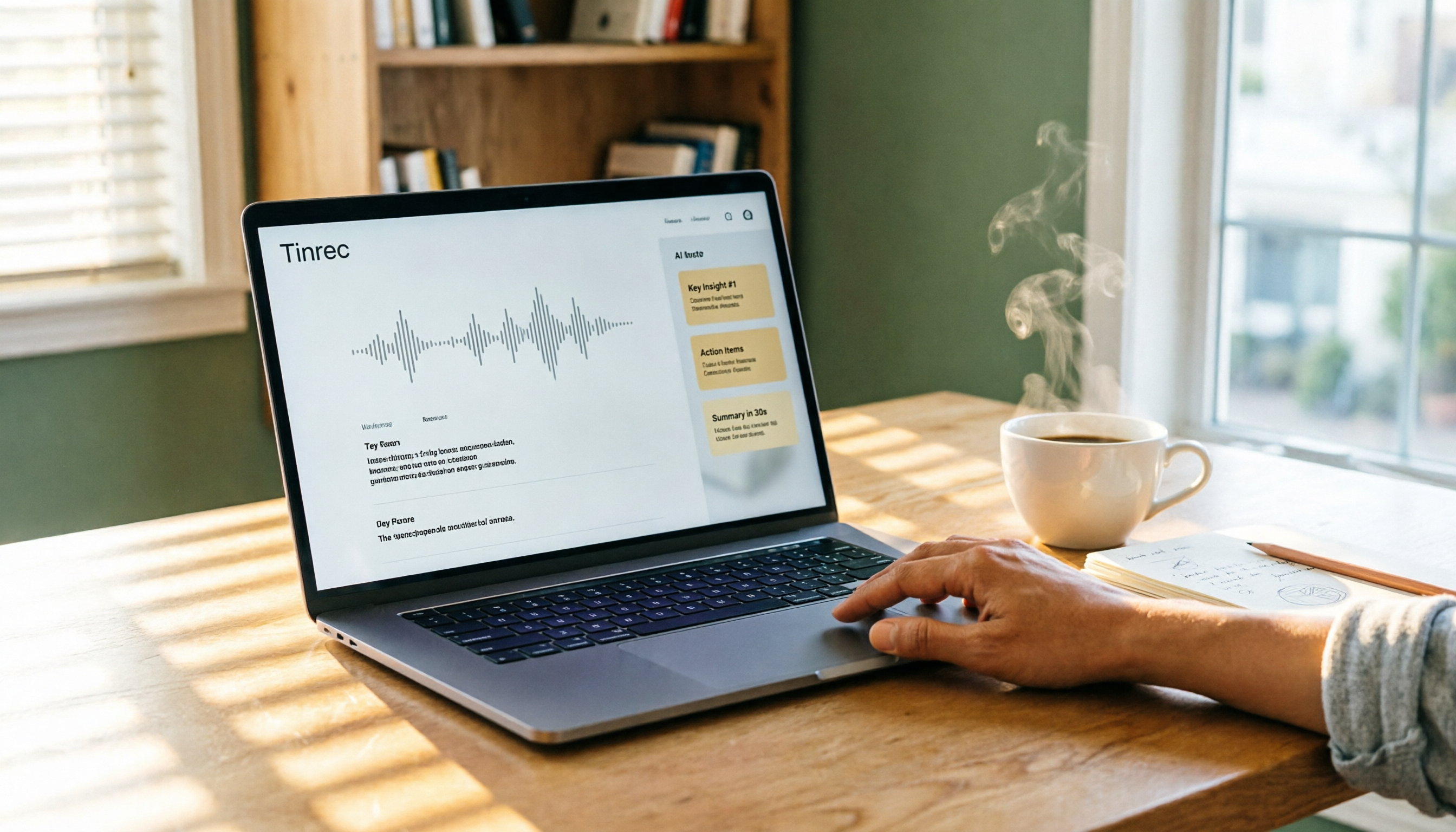
Turn recordings into transcripts and summaries in minutes
Upload audio or video for multilingual transcription, AI notes, and action items
Spent Two Hours in a Meeting, Then Two More on Notes? You Don't Need a Recorder — You Need a Tool That Organizes Automatically
After every meeting, the audio file sits quietly in your phone. You know it contains important decisions, action items, and tasks your boss suddenly called out — but to turn it into text? Just thinking about it is exhausting.
If the meeting is in English, a few online services can barely handle it. But for Chinese meetings, or even conversations mixing Chinese and English, many tools either produce fragmented transcripts or simply don't support them. Not to mention lecture recordings, interview videos, or YouTube tutorials — if you want to keep them as text notes, you have to listen and type at the same time.
In recent years, AI speech-to-text tools have improved rapidly and can now run directly in a browser — no software download needed. But with more options, new questions arise: Is the free plan enough? Which tool has the best Chinese comprehension? Can it go beyond a basic transcript and also organize key points and action items for you?
Over two weeks, I tested 5 online recording-to-text services that claim to work entirely in the browser with no installation. I used the same Chinese meeting recording, a Cantonese interview clip, and a YouTube tutorial as benchmark tests. Here are my practical findings so you can see which one fits you best.
Before You Buy an Online Recording-to-Text Tool, Understand These 4 Key Points
These tools come with all kinds of specs, but what actually matters in your daily use usually comes down to these four aspects. Understand them first, and you won't be swayed by marketing fluff.
1. Transcription Accuracy: Don't Just Trust Official Numbers — See What It Actually Handles
It's common to see “98% accuracy” on the official website, but that's often measured in a quiet recording studio with a single speaker and standard pronunciation. In your real-world scenario, there's air conditioning noise, keyboard clicks, multiple people talking at once, and even Taiwanese or Cantonese accents — so performance will suffer. In our tests, we deliberately added background noise and mixed Chinese-English vocabulary, and the differences immediately stood out.
2. AI Organization: The Transcript Is Just the Beginning
Many free tools only give you a dense text file; you still have to extract key points and action items yourself. But new-generation services can automatically generate summaries, chapters, and even let you “ask” for content, like searching your own knowledge base. If your purpose isn't just archiving but taking action, this feature will be critical.
3. Input Source Flexibility
Will you only use it to record meetings? Or do you also need to convert previously saved MP3 recordings, online tutorial videos, or interview video links into text? The file formats it supports and its ability to parse URLs directly will determine how much time you save in the future.
4. Free Plan and Paid Tier Thresholds
Not everyone needs a monthly subscription, but the limits of the free version directly affect how soon you'll need to upgrade. Some plans give you 300 minutes per month but only support English; others offer Chinese but cap the length of a single upload. Knowing your own usage frequency and comparing the “marginal cost” of paid plans will help you avoid getting stuck mid-task.
Tinrec (秒聽錄音) — Our Top Pick After Testing
Tinrec is an AI recording and audio/video organization tool that supports iOS, Android, and web versions. It handles 14 languages, including Chinese, English, and Japanese. It doesn't just transcribe; it turns your recordings, videos, and even web links into a searchable, organized personal database you can keep querying.
We tested it with a 5-minute Chinese meeting recording (with slight air conditioning noise and two speakers). Tinrec transcribed nearly everything correctly, with only a few technical terms and English abbreviations needing manual corrections. Even better, as soon as the recording ended, it automatically popped up a summary and four action items, pulling out who was responsible and the deadlines. I hardly needed to open my notes app.
Another feature that impressed me is “AI conversation query.” If you have hours of interview recordings, finding a specific discussion about “budget” used to require slow listening. But in Tinrec, you can type a question and it will use semantic understanding to give you the answer directly, complete with transcript timestamps. This is far more accurate than keyword search, and I haven't seen this in competing tools at the same price point.
Stop organizing recordings by hand
Upload audio or video and automatically get a transcript, summary, and action items
Tinrec also lets you paste YouTube, Bilibili, and other video links directly to generate transcripts and key summaries. For creators or students who need to organize online video material, the time saved is considerable.
Pros:
- High recognition completeness for Chinese, Cantonese, and mixed Chinese-English content; colloquial expressions are almost always understood correctly.
- Practical AI summaries, chapters, action items, and Q&A functionality — it truly evolves from “recording” to “organization.”
- Multiple input sources (live recording, file upload, web links) let one tool handle meetings, classes, and videos.
- Multiple export formats, with syncing to Notion, Google Docs, and more, for easy post-processing.
Limitations:
- The free plan has a relatively low monthly transcription allowance. If you have long meetings every week, you may need to upgrade; however, for light, occasional users, the free tier is enough to experience the full feature set.
- Video link parsing currently focuses on public content; private or copyrighted videos cannot be processed.
Who it's for: If you need to process Chinese or Cantonese content, want structured key points immediately after recording, or need to organize large amounts of audio/video across phone and computer, Tinrec is currently the most balanced option on the market.
What Other Options Are There Besides Tinrec?
Otter.ai Otter.ai is a classic tool for English meeting notes, with a generous free plan of 300 minutes per month. Speaker identification and real-time collaboration are excellent. But its strength is English; for Chinese meetings, its transcription completeness and sentence segmentation are clearly inferior to Tinrec, and it lacks optimization for Cantonese or mixed Chinese-English content. If you primarily need English transcription, Otter is still very strong; but for Chinese content, Tinrec is more reliable.
Notta Notta overlaps significantly with Tinrec, supporting multilingual transcription, real-time meeting notes, and file uploads. Notta's advantage is its variety of pricing plans, with some offering generous minutes. However, its AI organization leans toward standard summaries; it lacks Tinrec's deep conversation query and cannot directly transcribe video links. If you care a lot about “minutes-to-price ratio,” Notta is worth considering; but for post-transcription organization efficiency and flexibility, Tinrec is superior.
TurboScribe TurboScribe is a pure “upload file → text” tool. The free plan offers 3 files per day with a 30-minute limit per file, suitable for those with occasional long-file transcription needs. But it has no live meeting recording, AI summary Q&A, or action-item extraction. It simply outputs a text file, leaving the organization to you. If you already have a backlog of old recordings that need plain transcription, TurboScribe works as a simple helper; but for a complete workflow, it's better to start with Tinrec.
Pitfall Guide: 4 Common Mistakes When Choosing a Speech-to-Text Tool
Pitfall 1: Being Misled by “High Accuracy” Marketing Claims
As mentioned, lab-condition numbers don't match real-world scenarios. If you often record outdoor interviews or multi-person meetings, choose a service that offers a trial with your own audio. Testing it yourself is far more meaningful than trusting the official numbers.
Pitfall 2: Ignoring the “Editability” of Output
Some tools only let you copy and paste the resulting text, making it cumbersome even to add timestamps or fix typos. Check whether the tool provides an online editor and whether it supports export to .txt, .docx, .srt, and other formats — this greatly affects further use.
Pitfall 3: Only Looking at Price and Forgetting the “Time Cost”
A $5 monthly fee looks cheap, but if the tool has poor recognition, you'll spend twice as long proofreading; or if it lacks AI summaries, you'll have to re-listen to the entire recording. When you calculate it, the time cost can be far higher than the price difference. Choosing a tool that truly saves downstream steps is the real bargain.
Pitfall 4: Assuming All Tools Can Handle “Any Source”
Many people only find out after paying that the service only supports live recording, so previously saved MP3 files or web video links can't be imported at all. If you need to organize historical files or web videos, be sure to confirm the tool supports file uploads and URL parsing.
Summary: Which One Should You Choose?
After two weeks of intensive testing, Tinrec was our top recommendation in most scenarios, especially when you need to work with Chinese or Cantonese, or want structured summaries and action items quickly after recording. It doesn't just convert sound to text — it truly helps you understand the content.
Here's a quick selection guide:
- Chinese meetings or class recordings with automatic summaries and action items → Tinrec (most comprehensive AI organization, multi-source support)
- English-only meetings with a focus on live collaboration → Otter.ai (but Chinese is not its strength)
- A large backlog of old files that simply need transcription, no further organization → TurboScribe (use as a lightweight converter)
- Large monthly minute needs and no aversion to manual organization → Notta (flexible pricing plans)
Final tip: Don't rush to pay. Start with Tinrec's free plan — record a real meeting or class with it and feel the automatic organization. Once you get used to that “instant organization after recording” feeling, you probably won't go back.
References
- 2026: 6 Recommended Speech-to-Text Tools to Convert Recordings to Text for Free Online!
- Online AI Speech-to-Text Tool: Free MP3 or Recording Transcription into Text Script - MyEdit
- Unlimited Time! 3 Free AI Transcription Tools, Good and Recommended! AI Voice Notes Generate Meeting Minutes, Presentations, and Mind Maps | 104 Career Power
- Learn How to Convert Audio Files to Text!
- Free Transcript Software: 10 Recommended Tools to Convert Audio and Voice to Text (2023)
Turn every recording into actionable outcomes
Get 60 free transcription minutes when you sign in. No credit card required.
Related Reading
You might also like

5 Project Meeting Report Templates Compared for 2026: Which One Turns into an Action List Fastest?
We compare 5 project meeting report templates and tools—from manual Word templates to Tinrec, Notta, Otter, Fireflies, and TurboScribe—covering free limits, pricing, and best use cases to help you choose the fastest way to produce actionable meeting minutes.

2026 AI Meeting Recorder Comparison: Fathom vs Tinrec for Chinese Meeting Notes
We tested four AI meeting note tools—Tinrec, Fathom, Notta, and Otter.ai—in real meeting scenarios. From Chinese and mixed Chinese-English recognition to bot-free recording, post-meeting organization, and team data management, we explain why Fathom suits English sales teams and how Tinrec performs in Chinese meetings and team collaboration.
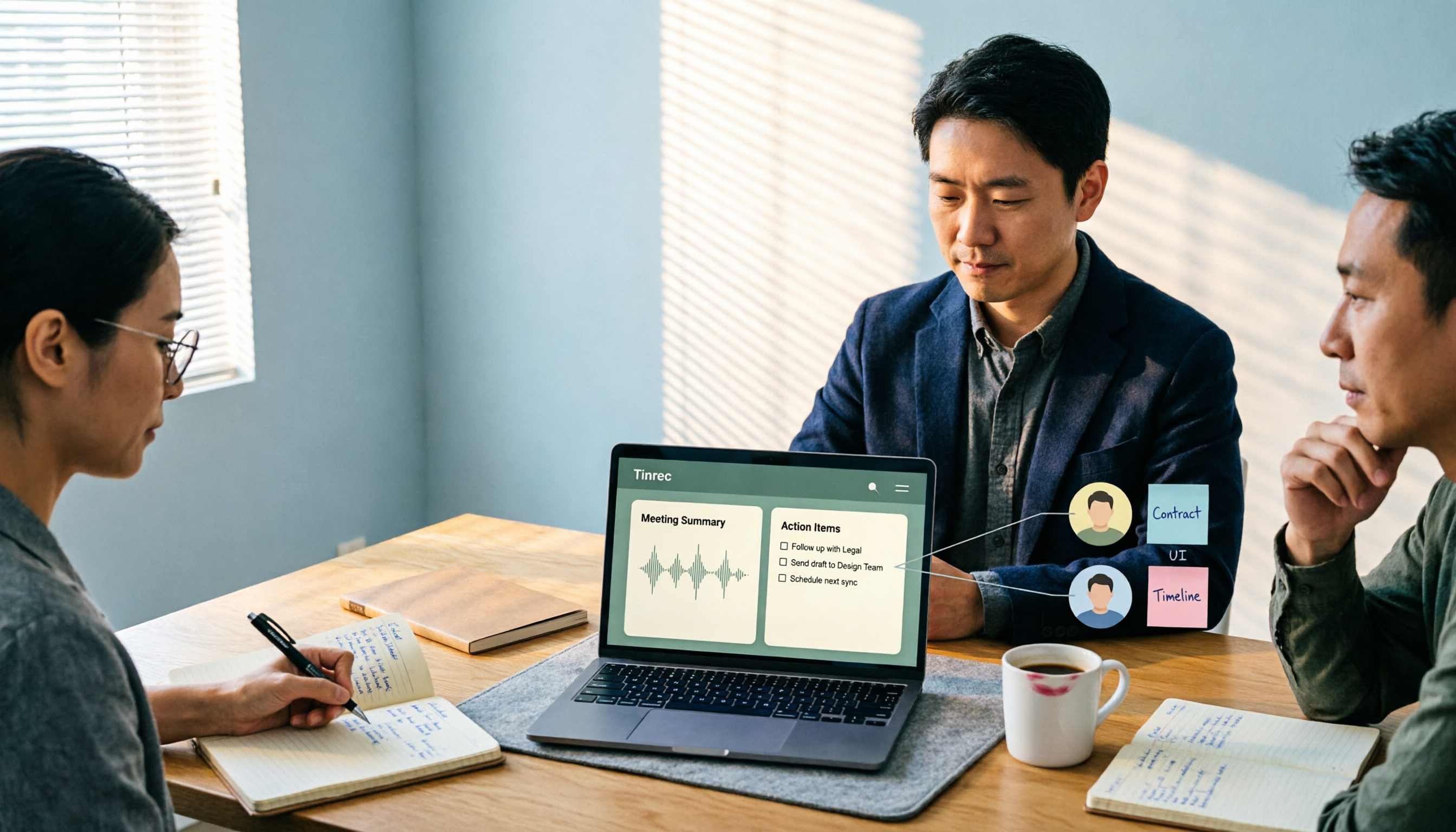
2026 Comparison of 4 Meeting Recording-to-Report Tools: How Fast Can You Get a Report After a Meeting?
Turning a meeting recording into a deliverable report isn't about transcription speed—it's about post-meeting output and team knowledge retention. This article tests Tinrec, Otter.ai, Granola, and TurboScribe from a mid-level manager's perspective, breaking down bot-free recording, summaries and action items, AI follow-up questions, audio retention, and team seat management, with scenario-based recommendations and three common pitfalls to avoid.

4 Meeting Minutes Tools Tested for 2026: Which One Turns Notes into a PPT Outline Fastest?
Still building a PPT outline after the meeting? We tested 4 meeting minutes tools, comparing transcription accuracy, structured output, AI Q&A, and team collaboration to find out which one turns meeting minutes into a PPT outline fastest.

6 AI Meeting Transcription Tools Compared for 2026: Fireflies.ai vs Tinrec — Which Should You Choose?
Based on hands-on experience, this comparison covers six AI meeting transcription tools — Tinrec, Fireflies.ai, Otter.ai, Notta, Granola, and TurboScribe — from bot and bot-free recording, Chinese recognition, post-meeting organization, to team data management, helping you choose the right solution for your work style.

2026 Team Meeting Tools Compared: The One Without a Meeting Bot Is the Easiest
From the perspective of a mid-level manager leading a 10-person team with 15 meetings a week, we tested and compared four team meeting tools: Tinrec, Granola, Otter.ai, and Notta. We examined five key points: how recordings are captured, post-meeting outputs, Chinese and mixed Chinese-English recognition, role and seat governance, and quota calculation. We also summarized the four most common purchasing mistakes to help you choose the one that truly preserves meeting assets.

2026 AI Meeting Minutes Tools Compared: Which One Generates a Word Report in One Click?
We tested 4 AI meeting minutes tools, comparing transcription, post-processing, Word export, and team data governance. Find out why Tinrec saves the most time for Chinese meetings and report output, plus 4 common buying mistakes to avoid.

Laxis vs Tinrec 2026: Which AI Meeting Tool Is Right for You? 5 Steps to Choose
Laxis and Tinrec both turn meetings into text, but they are built for different purposes. This article compares them across five dimensions—Chinese meeting handling, online meeting recording, post-meeting workflow, team data governance, and pricing—and provides a 5-step framework to help your team decide which one to choose.

2026 AI Meeting Note Tools Compared: Granola vs Tinrec for Chinese Meetings
We tested four AI meeting note tools including Granola and Tinrec, comparing Chinese and mixed Chinese-English recognition, audio retention and historical file import, post-meeting AI queries, and team data management. We also cover selection criteria and common pitfalls to help you choose the right tool for your meeting scenario.