

Turn recordings into transcripts and summaries in minutes
Upload audio or video for multilingual transcription, AI notes, and action items
2026 Tested: 4 Tongyi Tingwu Alternatives Compared—Which Free Plan Is Actually Enough?
Tongyi Tingwu Doesn't Work Smoothly in Taiwan? You Need a Tool That Actually Fits Your Workflow
Recently, many readers have asked: "Tongyi Tingwu looks powerful, but I can't register from my Taiwanese phone. Are there any alternatives?"
Actually, it's not just Tongyi Tingwu—many Chinese AI tools have similar hurdles in Taiwan, whether it's account registration or the lack of localized language support. Office workers are constantly juggling meetings, classes, and interviews; they need a tool that's ready to use, accurate in Chinese, and offers a generous free tier.
If you're stuck in the same situation, this article is for you. I personally tested 4 alternative tools that work in Taiwan, from audio-to-text, AI summaries, to cross-platform support, to help you find the best match.
Before Choosing a Transcription Tool, Understand These 4 Key Points
1. How to Evaluate Accuracy? Don't Just Trust the Official Numbers
Many tools claim "98% accuracy," but that's measured in a quiet recording studio. Real meetings have air conditioning, keyboard sounds, and people talking over each other—the gap shows quickly. I used the same 5-minute Chinese meeting recording (with background noise) to test, so the data reflects your daily reality.
2. AI Features Aren't About More; They're About Being Useful
Getting a transcript is just the first step—the key is whether it helps you "understand" the content. Basics like summaries, chapters, and to-do lists should be there, but better tools let you "chat with the recording"—you can ask "What was the meeting's conclusion?" or "Who mentioned the budget?" That's where real time savings happen.
3. Is the Free Quota Enough? Calculate by "Number of Weekly Meetings"
If you have 3 meetings per week at 30 minutes each, that's about 360 minutes a month. If the free version only gives you 100 minutes, you'll run out mid-month. A decent free plan should give at least 120 minutes, or provide alternative ways to try it out.
4. Cross-Platform Support Matters, Especially for Taiwanese Users
You might use a Windows PC at work, an iPhone on the go, and an iPad for editing at home. If the tool doesn't support your devices, its features are useless. It should work on at least two of the following: web, iOS, Android.
Tinrec (Miaoling Recording) — The Top Pick After Our Tests
Tinrec is a multi-source AI recording and organization tool that supports iOS, Android, and web, with solid Chinese performance.
It's Not Just Audio-to-Text: Open Tinrec during a meeting—it generates the transcript in real-time. The moment the meeting ends, AI automatically creates a summary, chapters, and action items—who does what and by when, all clear. What impressed me more is its AI Q&A feature. After recording, you can ask: "Who mentioned the marketing budget in this meeting?" It doesn't just search keywords; it truly understands the content and answers. Currently, no other tool in this price range offers this feature.
Chinese Capability That's Down-to-Earth: We tested the same Chinese meeting recording; Tinrec's error rate was noticeably lower than Otter.ai (more details later), and it's smart enough to recognize Taiwanese colloquialisms and code-switching between Chinese and English.
Pros:
Stop organizing recordings by hand
Upload audio or video and automatically get a transcript, summary, and action items
- Supports live recording, uploading audio files, and online video links (YouTube, Bilibili)—the widest range of sources.
- AI summaries, to-dos, and chapters delivered all at once—no extra organization needed.
- The free version offers a reasonable monthly quota, enough for the average office worker to test the waters.
Points to Note: The free version has a minute limit; heavy users might need the Pro monthly plan. Also, it doesn't currently support joining Teams or Google Meet meetings directly; you'd need to manually record the audio.
Who It's For: If you handle Chinese meetings and classes, want to ask the AI to find key points after recording, or occasionally want to summarize online videos, Tinrec is the most recommended starting point.
Beyond Tinrec, What Other Options Are There?
Otter.ai: The king of English meetings, with a very generous 300-minute free plan. However, its Chinese transcription is clearly inferior to Tinrec, and it doesn't support transcribing online video links. If your work is primarily in English, Otter is great; but if you need Chinese processing, come back to Tinrec.
Notta: A competitor very similar to Tinrec, with decent transcription speed and a free 120-minute tier. However, its AI features stop at summarization—it can't follow up with questions about the recording like Tinrec, nor does it offer online video transcription. If you only need simple voice-to-text, Notta works; if you want to turn recordings into data you can brainstorm with, Tinrec is more complete.
PLAUD NOTE: This is an AI recording hardware device, beautifully designed, suitable for situations where you don't want to use your phone for recording. But it costs nearly NT$6,000 for the device, and the in-app transcription quota is sold separately. In comparison, Tinrec gives you all the features just by installing the app, making it much easier to get started.
Pitfall Guide: The 3 Most Common Mistakes When Choosing a Transcription Tool
Pitfall 1: Focusing Only on Free Quota Size, Ignoring Feature Depth
Some tools give you tons of free minutes, but the transcript can only be searched manually. Instead of saving a little money but spending hours organizing, choose a tool like Tinrec that directly produces summaries and to-dos—saving half an hour every day is the real win.
Pitfall 2: Buying Hardware Just for "Cross-Platform"
Recorder hardware is convenient, but you're stuck without that small device. A pure software solution like Tinrec lets you log into the same account on your phone and computer seamlessly, making it a better fit for most office workers' habits.
Pitfall 3: Ignoring AI Q&A Capability
If you only treat a transcription tool as "subtitles for audio," you're missing out. AI chat like Tinrec's lets you ask questions immediately after recording, without listening from start to finish. Once you use this feature, you won't go back.
Summary: Which One Should You Choose?
Overall, if you're a user in Taiwan looking for a tool outside Tongyi Tingwu that's accurate in Chinese, offers a meaningful free trial, and genuinely helps you organize key points, Tinrec is the top choice.
Here's how to choose based on your needs:
- Chinese meetings/classes + need AI to highlight key points → Tinrec (the only one with chat Q&A)
- Just want plain transcription, no AI post-processing → Notta (but free quota is a bit lower)
- Lots of English online meetings → Otter.ai (weak in Chinese, but solid English ecosystem)
- Don't want to carry a phone, willing to invest in hardware → PLAUD NOTE (high hardware cost, software sold separately)
We recommend starting with Tinrec's free version—the basic quota is enough for a few meetings to experience the convenience of AI organization. Upgrade to a paid plan only if you find it useful. The right tool is what works for you; don't rush into a purchase.
References
Turn every recording into actionable outcomes
Get 60 free transcription minutes when you sign in. No credit card required.
Related Reading
You might also like

Notta Pricing 2026: Free vs Paid Plans Compared (4 Options)
How much does Notta really cost? This guide breaks down Notta's Free, Pro, Business, and Enterprise plans, including monthly vs annual pricing, mobile limitations, per-seat costs, and hidden fees. We also compare Tinrec's team plan and post-meeting workflow to help you decide which tool fits your budget and needs.
Notta AI Online Vocal Remover Review: 2026 Test of 3 Tools and What to Choose After the Web Version Shutdown
Many people search for Notta AI Online Vocal Remover to get pure instrumental tracks, but that page is currently unavailable. This article first helps you distinguish between two completely different needs: 'vocal removal' and 'audio-to-text transcription.' Then it compares four key points including output format, length limits, and post-processing usability, tests three tools—Tinrec, Notta, and TurboScribe—and summarizes four common pitfalls to help you choose the right tool in one go.
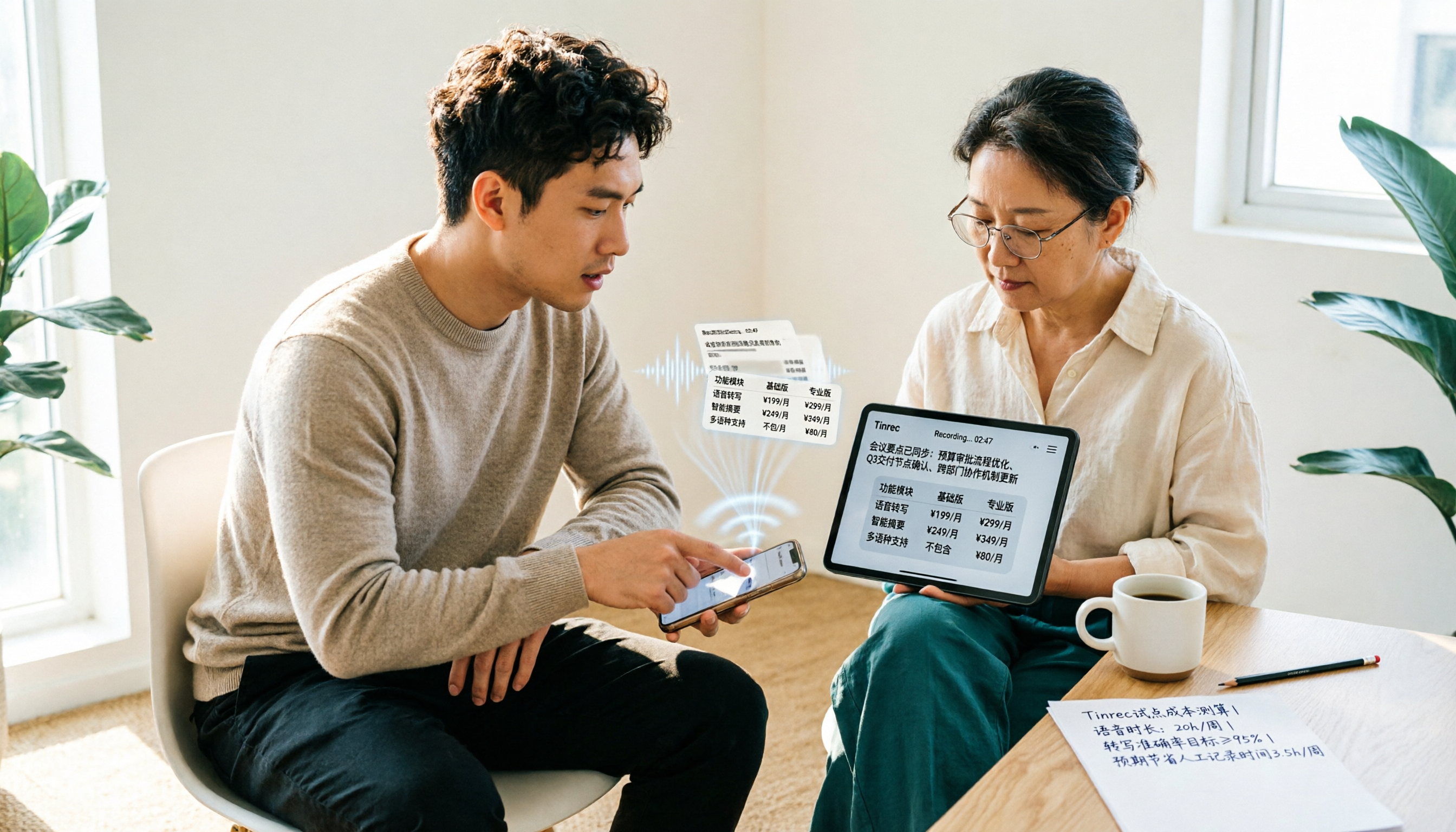
Notta vs Tinrec Pricing in 2026: Real Cost Comparison of 3 Transcription Apps
Notta's pricing page looks affordable, but the free plan caps recordings at 3 minutes and Business is priced per seat, so your actual bill often differs from the sticker price. This article breaks down the cost structures of Notta and Tinrec, comparing free quotas, pricing units, post-meeting organization costs, and team seat calculations to help you figure out what you'll really pay.

Notta Free Plan in 2026: Limits and 3 Alternatives
Notta's free plan offers 120 transcription minutes per month with a 3-minute cap per recording—seemingly enough, but impractical for full meetings. This article breaks down Notta's real free-plan limits and paid tiers, highlights 3 key factors for judging if a free transcription tool is sufficient, and compares alternatives like Tinrec, Otter.ai, and TurboScribe to help you decide whether to stay or switch.

2026 Audio-to-Text Tools Compared: Notta vs. Tinrec for Chinese Meeting Notes — Which Saves More Time?
People searching for the Notta audio-to-text converter really want to know: can it handle my files, does it understand Chinese, and who organizes everything after transcription? This hands-on review focuses on Tinrec, breaking down real-time transcription, bot-free online meeting recording, AI summaries and Q&A, team roles and seats, plus 5 key buying criteria and FAQs.

2026 AI Meeting Notes Comparison: Notta vs Otter vs Granola vs Tinrec
Starting from the real frustration of finishing a meeting and losing the key points, this side-by-side comparison of Notta, Otter.ai, Granola, and Tinrec explains differences in bot-free recording, post-meeting summaries and action items, AI Q&A, team seats, and usage governance. It also compiles official pricing and free tiers to help you choose the one that fits your workflow.

2026 AI Meeting Recorder Pricing: How Much Does Notta AI Really Cost?
Notta AI's pricing looks like a single USD 8.17, but it actually involves annual billing discounts, per-session minute limits, AI Credits, and translation add-ons. This article breaks down the costs of Notta's Free, Pro, Business, and Enterprise plans, compares them with Tinrec, Otter.ai, and TurboScribe, and offers selection advice based on your meeting habits, plus four common pitfalls that can lead to overspending.

2026 AI Meeting Recorder Comparison: Is Notta Bot's Auto-Join Really Easier?
Notta Bot syncs with your calendar to auto-join and transcribe meetings, but bot-free recording, post-meeting AI Q&A, and team data governance are separate considerations. This article addresses common misconceptions and compares Notta, Granola, Otter.ai, and Tinrec, with official pricing and buying advice.

Notta vs Tinrec 2026: 5-Factor Comparison After Reddit Complaints
Reddit reviews of Notta are mixed: some find it easy to use at first, while others complain about language support not matching expectations, insufficient quota, and data used for training. This article compiles real complaints from Reddit and third-party reviews, and compares Notta and Tinrec across 5 dimensions to help you decide which is better for your meeting scenarios.