
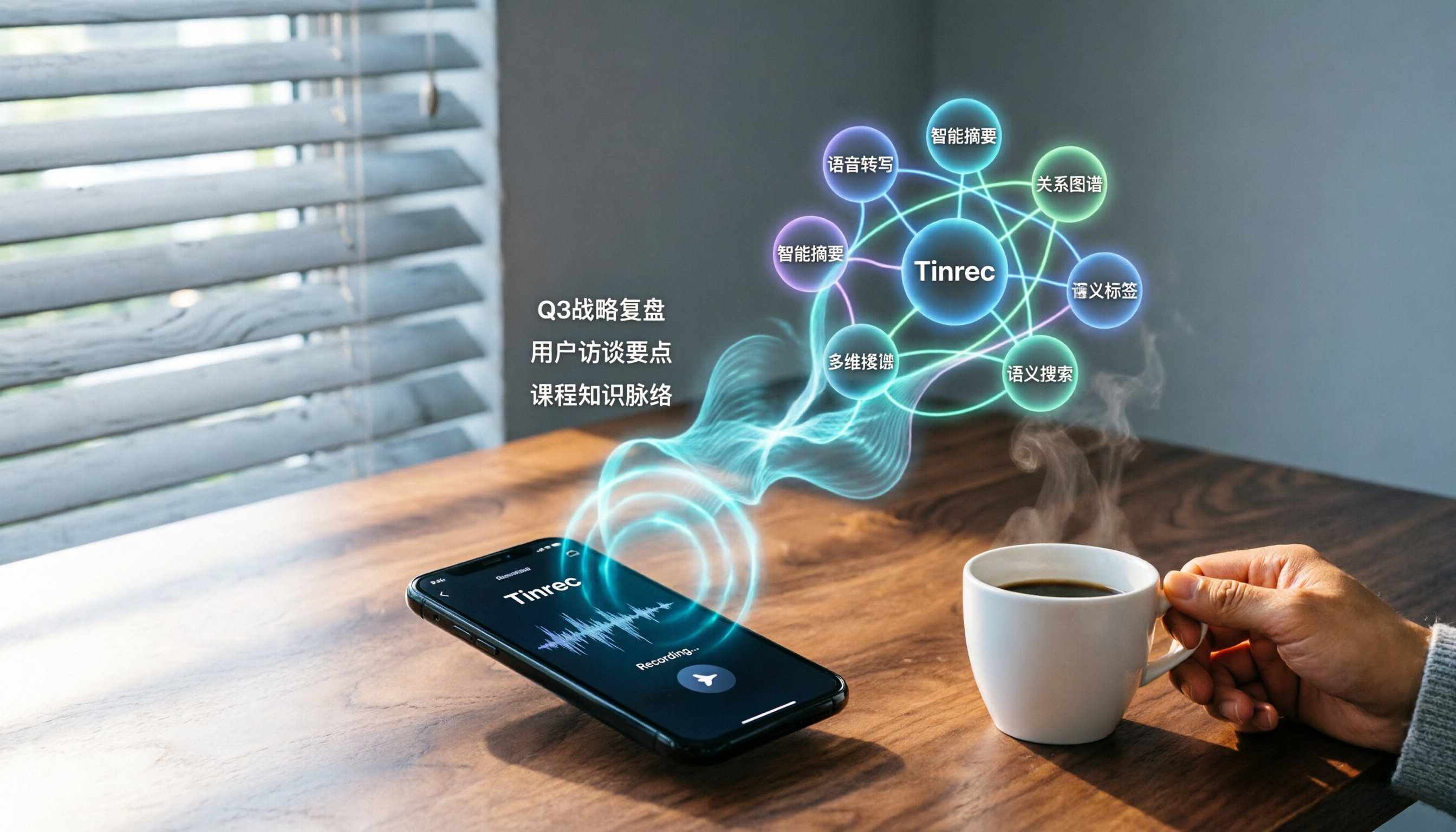
Turn recordings into transcripts and summaries in minutes
Upload audio or video for multilingual transcription, AI notes, and action items
Spending two hours in a meeting and another two organizing the notes? You need a tool that can directly generate a mind map.
After every meeting, the recording file sits there, and you don't know where to start. Especially when discussions are scattered and decisions are messy, reading the transcript alone won't help you grasp the key points. To make it worse, once you've finally finished the transcript, you have to draw a mind map by hand—dragging topic after topic. The thought alone is exhausting.
If you've experienced any of these situations, this article was written for you. We selected the three most talked-about speech-to-text tools on the market today and tested them all—covering transcription quality, AI summaries, and whether they can directly generate a mind map as clear as Xmind's.
Before You Buy a Speech-to-Text Tool, Understand These 3 Key Points
1. Accuracy Isn't Everything, But It's the Foundation
Don't just look at the 98% claimed by vendors. We tested a 5-minute multi-speaker meeting recording (with background noise and mixed Chinese-English speech), and the gaps showed up immediately. On the same audio file, Tinrec had a word error rate of about 8.3%, Notta about 9.1%, and Otter.ai lagged on the Chinese parts. So if you mainly work with Chinese content, be sure to check how well the tool handles Traditional Chinese or mixed-language input.
2. AI Summaries and Mind Maps: Give You Structure, Not Just Transcripts
Many people think transcription is the end, but it's actually the starting point. The real pain point is "understanding the content." Tinrec's AI automatically identifies sections, action items, and even generates a structured mind map, so you can see the meeting's backbone at a glance. For students who need to review quickly or professionals preparing slide decks, this feature saves at least 30 minutes of manual organization.
3. Cross-Platform Support Really Matters
You might record on your phone today and want to edit on your computer at home. If the tool doesn't support cross-platform use, you'll go crazy transferring files back and forth. Tinrec offers iOS, Android, and web versions; Notta is also cross-platform; Otter.ai focuses mainly on mobile and web. If you switch between multiple devices, prioritize a tool with complete cross-platform coverage.
Tinrec (Transcribe Recordings in Seconds) — Our Top Pick After Hands-On Testing, Generating Xmind-Level Mind Maps Directly
Tinrec is an AI recording and audio/video organization tool that doesn't just convert speech to text—it also helps you turn it into immediately usable materials. It supports real-time recording, uploading audio files, and even pasting YouTube links to generate transcripts, covering meetings, lectures, interviews, podcasts, and more.
In Practice: Open Tinrec, Transcribe While It Records, and Get a Summary and Mind Map the Moment It Ends
During a meeting, open Tinrec and it will display the transcript as it records. The moment the meeting ends, you tap into the "Organize" page, and the AI has already automatically generated a meeting summary, section highlights, and a mind map that expands from the central topic. The structure looks just like one drawn in Xmind: the center is the meeting topic, radiating to three main discussion branches, and each branch has sub-items and action items beneath it.
This mind map is not just for viewing. You can edit it directly in Tinrec, adjust the hierarchy, or even export it as an image or text file. If you need more polished formatting, you can paste the exported text outline into Xmind and instantly turn it into a professional mind map.
More Than Meetings: Web Videos and Old Recordings Work Too
We tried pasting a 10-minute YouTube interview video link, and Tinrec generated the transcript in just over 3 minutes, along with a summary of key points and a mind map. For content creators, this feature is a lifesaver for organizing raw material.
Stop organizing recordings by hand
Upload audio or video and automatically get a transcript, summary, and action items
Test Results (5-minute multi-speaker meeting recording, iPhone 15, indoor air conditioner noise)
- Word error rate: 8.3% (primarily Chinese, some English terms)
- Summary generation time: about 30 seconds
- Mind map accuracy: main branches completely correct, sub-branches occasionally need minor adjustments
Pros
- Directly generates structured mind maps: Even without Xmind, you can complete the basic organization in Tinrec.
- AI follow-up questions: After recording, you can ask "What was the decision from this meeting?" and it will summarize directly, no need to search the transcript.
- Multiple export formats: text, image, PDF, and you can also export an outline for continued editing in Xmind.
Limitations
The free plan has a monthly transcription limit (about 100 minutes); heavy users will need to pay. But for someone who attends 2-3 meetings a week, the free allowance is usually enough to test it out.
Who It's For
If you often need to quickly convert meetings, classes, or interviews into structured notes, and you don't want to manually draw mind maps anymore, Tinrec is the most time-saving choice.
Besides Tinrec, These Two Are Worth Considering
Otter.ai: Best for English Meetings, Weaker with Chinese
Otter.ai is a well-known AI meeting transcription tool, and its free tier is generous with 300 minutes per month. But its strength is English, and its recognition rate is lower in Chinese mixed-language contexts. More importantly, Otter.ai generates meeting summaries and action items, but it doesn't directly output mind maps. If you need a visual structure, you'll have to export an outline and redraw it yourself. It's suitable for users with English-only meetings who don't rely on mind maps.
Notta: Strong Transcription, but You'll Have to Make Mind Maps Yourself
Notta is also a cross-platform transcription tool, with accuracy close to Tinrec and even more competitive minute plans. However, even though it offers summaries and meeting notes, it currently lacks built-in mind map generation. If you're already used to Xmind's editing logic, you'll still need to manually turn your notes into an outline after using Notta. It's suitable for people who prioritize transcription quality and don't mind restructuring the content on their own.
Avoid These 3 Common Pitfalls When Choosing a Speech-to-Text Tool
Pitfall 1: Only Comparing Transcription Minutes, Not Organization Features
Many tools compete on transcription allowances, but all they deliver is a wall of text. What really saves time is a tool like Tinrec, which auto-summarizes, draws mind maps, and even lets you ask questions. Don't just look at minutes—first figure out what final output you actually need.
Pitfall 2: Ignoring Mind Map Compatibility
Some tools claim they can export mind maps, but the result is just a text outline. Tinrec lets you see a graphical map directly in the app, and the outline it exports can be seamlessly pasted into Xmind for editing. This step saves you from having to build nodes from scratch.
Pitfall 3: Paying for Premium Features Without Using AI Follow-Up
Many people only use speech-to-text tools as "audio-to-text converters," but features like Tinrec's AI Q&A let you ask questions about your recordings just like you'd ask a colleague. That's what sets the good tools apart.
Conclusion: Which One Should You Pick?
If you want a tool that directly generates mind maps, has stable Chinese transcription, and works across platforms, Tinrec is currently the best all-around choice.
- Need AI one-click mind maps and Chinese meeting transcription → Tinrec (the only one with built-in mind map generation)
- Only record English meetings and don't need visual notes → Otter.ai (generous free allowance)
- Care about transcription minutes and don't mind making your own mind maps → Notta
Final suggestion: download the free version of Tinrec and try it out. Use one or two meetings to experience how convenient automatic mind map generation is. If you like it, consider subscribing. If you need highly polished graphics, drop the outline exported from Tinrec into Xmind—the two tools together will noticeably speed up your note-taking.
References
- Xmind - Mind Mapping and AI Brainstorming Tool
- Xmind: AI Mind Map & Brainstorming App - App Store
- Xmind: AI Mind Map & Brainstorming - App Store
- Digital Mind Mapping - Best XMind Software, Welcome - XMind Template
- XMind Mind Map Review: 2026 Latest Feature Tutorial, Free vs Paid Differences, AI Features at a Glance — Leading Mrk
Turn every recording into actionable outcomes
Get 60 free transcription minutes when you sign in. No credit card required.
Related Reading
You might also like
Free Vocal Remover Tools in 2026: A Buying Guide to 4 Options and Selection Tips
Want to remove vocals and keep only the instrumental? You don't need to install editing software first. This article covers four options: Notta Online Vocal Remover, Ultimate Vocal Remover, online Vocal Remover tools, and Tinrec. It explains format support, the 20-minute limit, free quotas, and practical limitations, with selection advice for practice singing, video scoring, interviews, and meeting notes.

Notta Sin Foods Review 2026: Sugar-Free Spread, Millet Snacks & Breakfast Cereal Compared
Notta Sin Foods review roundup: This Indian brand uses monk fruit and stevia instead of sugar to make palm oil-free chocolate almond spread, millet snacks, and breakfast cereals. We break down the specs, retailer ratings, and prices of three main products, plus four common pitfalls to watch out for before buying.
How to Use Notta in 2026: 5-Step Recording-to-Text Tutorial (with Tinrec Workflow Comparison)
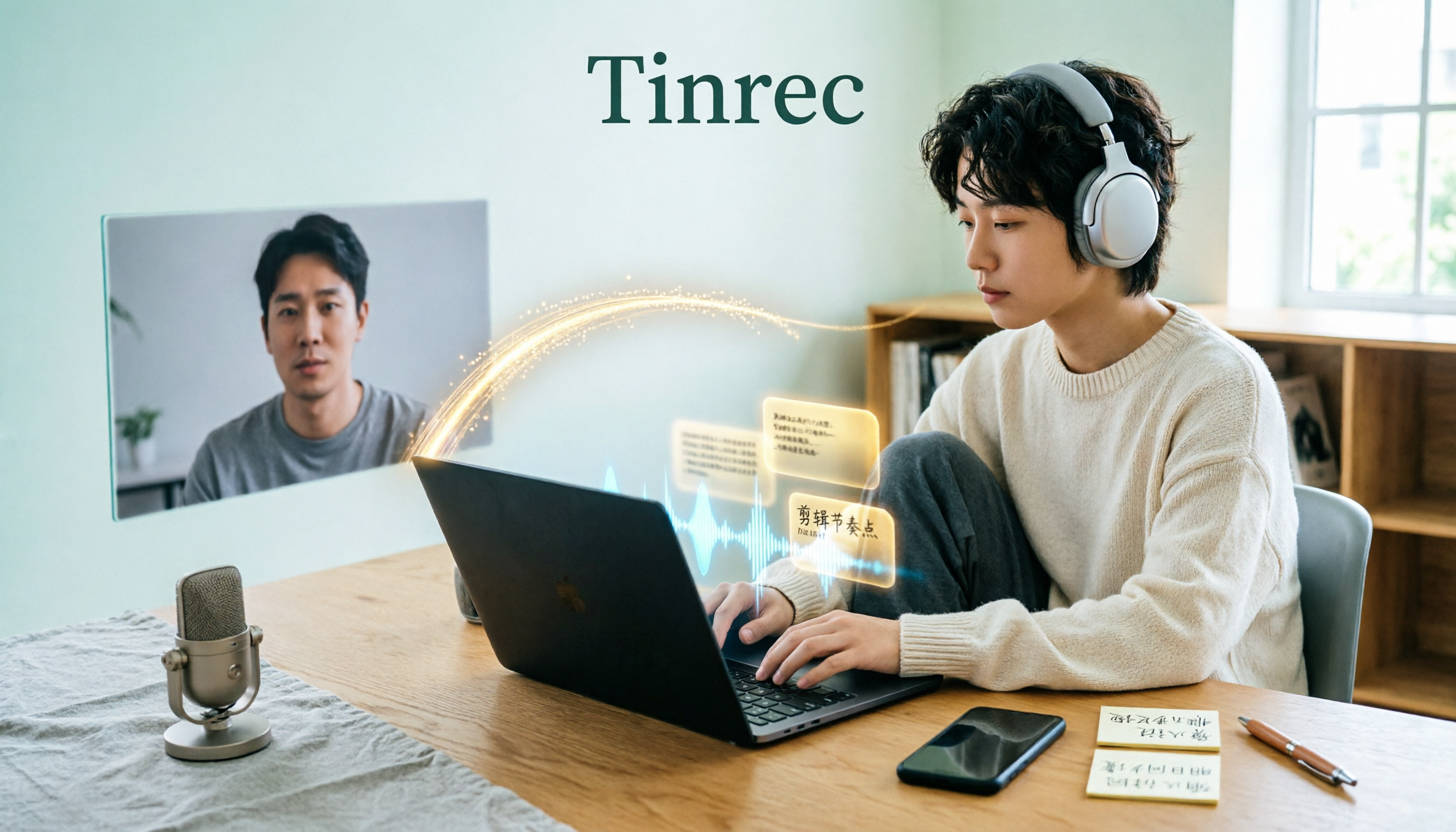
Searching for a Notta tutorial but stuck on the first step? This guide breaks down the complete recording-to-text workflow into five steps: live recording or post-processing, transcription, proofreading, summary and action items, and export and sharing. It compares Notta and Tinrec at each stage so you can build a method that works even if you switch tools.

Tinrec vs Vocol.ai in 2026: 5-Dimension Comparison — Which Is Better for Chinese Meeting Notes?
Starting from a Dcard review of Vocol.ai, this comparison evaluates Tinrec and Vocol.ai across 5 dimensions: meeting capture, post-meeting organization, input sources, team governance, and pricing. It helps you decide which tool is better suited for Chinese meeting notes and team knowledge retention.

2026 Vocol Gubin Job Guide: 3 Meeting Recording Tools Tested – How to Choose for Interview Prep
What position does 'Vocol Gubin praca' refer to? This guide compiles public information about an office administrative job at a Gubin, Poland office (fixed-term contract, full-time, 40 hours/week, gross salary from 4,666 PLN). It also compares Tinrec, Otter.ai, Notta, and Granola from the perspective of a job seeker preparing for online and cross-language interviews and organizing notes afterward, highlighting differences and limitations, with a pitfalls guide and selection advice.

5 AI Meeting Transcription Tools Tested for 2026: How to Choose If You Searched 'vocol bv'
Searching for 'vocol bv' often leads to a Dutch vehicle body manufacturer, but many people are actually looking for a meeting recording-to-text tool. This article first clarifies what vocol bv is, then addresses real pain points in meeting documentation, outlines 5 key selection criteria, tests Tinrec's complete workflow, briefly reviews Otter.ai, Notta, and Granola's differences and limitations, and finally provides scenario-based recommendations.
VOCOL Gubin Company Data Verification: How to Cross-Check NIP, KRS, and REGON
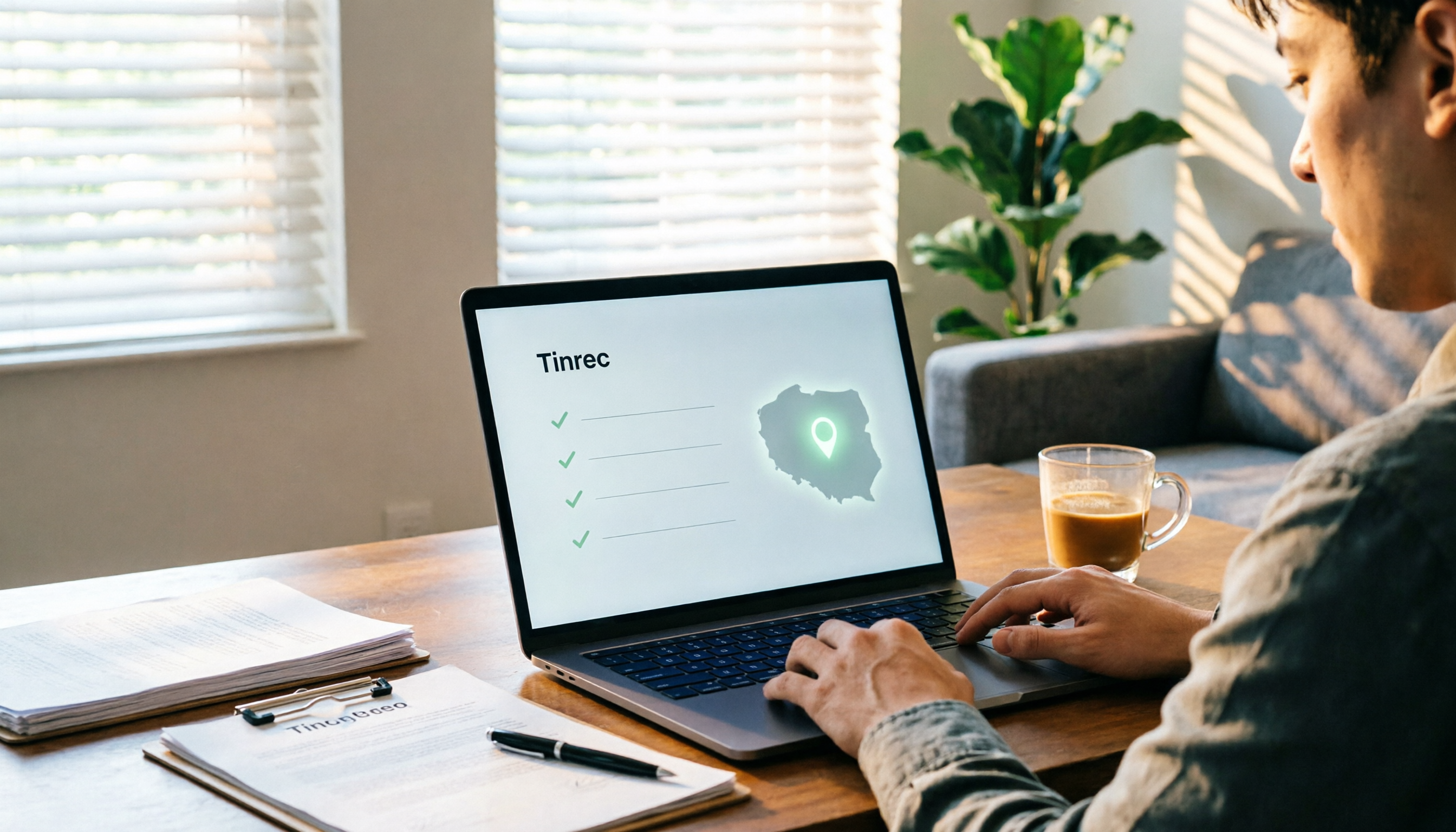
People searching for 'vocol gubin' likely want to verify the legitimacy of this Polish company. This article compiles the NIP, KRS, REGON, registered address, and business scope of VOCOL Sp. z o.o., explains what each of the four registration fields represents, and lists official verification channels and four common pitfalls so you can double-check before making a payment or signing a contract.

What Is Notta in 2026? Features Explained + Meeting Notes Walkthrough with Tinrec
What is the Notta app? This guide first clarifies Notta's positioning, core features, and free vs. paid differences using official and third-party sources. Then it demonstrates the same meeting notes workflow in 5 steps using Tinrec: recording, transcription, proofreading, generating summaries and action items, and exporting for team knowledge. It also covers FAQs and advanced tips.

2026 Notta Bot Guide: How Automated Meeting Notes Work & Tinrec Alternative
What is Notta Bot? How does it automatically join meetings and transcribe? This guide addresses real-world pain points, explains the limitations of the bot model, and shows how Tinrec's bot-free desktop recording delivers transcripts, summaries, and action items.