
Turn recordings into transcripts and summaries in minutes
Upload audio or video for multilingual transcription, AI notes, and action items
2026 Comparison of 5 Speech-to-Text Apps: Free and Paid Options Explained
Why Do You Need a Speech-to-Text App?
Meetings, classes, interviews, podcasts—voice content is everywhere in our daily lives, but forgetting what we heard is common, and transcribing word by word is extremely time-consuming. AI speech-to-text apps can automatically convert recordings into text, summaries, and even to-do lists, letting you accomplish in minutes what used to take hours. This article curates 5 tools with different positioning, from completely free to professional paid options, to help you find the best solution.
Option 1 | Tinrec (Instant Voice Recording) — The Most Comprehensive AI Recording Assistant
Tinrec is not just a transcription tool; it’s a workspace that turns recordings and audio/video content into "actionable knowledge." You can record and transcribe in real time during meetings, upload old recording files, or paste links to online videos such as YouTube and Bilibili. It automatically converts them into transcripts and generates AI summaries, chapters, and to-do lists. You can even query the recording content through an AI chat, as if searching a database.
Key highlights:
- Multi-source input: Live recording, importing audio/video files, and pasting public video links—all audio can be organized.
- More than just a transcript: Automatically generates summaries, chapters, and to-dos, and can export content as meeting notes, reports, or mind maps.
- AI Q&A: Forget what a certain part was about? Just ask the AI, and it will find the answer from the recording.
- Cross-platform: Supports iOS, Android, and web, with synchronized recording data.
Pricing: A free tier (with basic transcription quota, ideal for light use) is available, along with paid options like a weekly pass, Pro monthly, and Pro yearly. If you need to organize multi-source audio/video content on a long-term basis, the Pro plan offers the best value.
Who it’s for: Professionals, students, or content creators who need to turn meetings, courses, interviews, and online videos into structured information.
Option 2 | 雅婷逐字稿 — A Completely Free Entry-Level Choice
雅婷逐字稿 is developed by a Taiwanese team. It supports simultaneous recording with real-time transcription and direct transcription of audio files, and it can save output as plain text or subtitle files. The advantage is that it is completely free with no hidden charges, making it very friendly for users who occasionally need to transcribe a recording. Recognition accuracy is average; you may need to manually correct multi-speaker conversations or noisy environments.
Who it’s for: Those with no budget who only need basic recording-to-text features.
Option 3 | Atter App — Free Unlimited Portable Voice Notes
Atter App is a free, ad-free, unlimited speech-to-text tool. It supports multiple import methods: phone recordings, album videos, Apple Watch recordings, etc. After transcription, you get the transcript, translation, summary, key chapters, and even AI Q&A to review content. It offers a complete feature set, but recognition accuracy still has room for improvement, and complex content requires manual proofreading.
Who it’s for: Users who frequently handle interviews, meetings, or course recordings but don’t want to be limited by a paywall.
Stop organizing recordings by hand
Upload audio or video and automatically get a transcript, summary, and action items
Option 4 | cSubtitle — Fast Online Transcription, No Installation
cSubtitle is a web-based tool. Upload an audio or video file and it automatically converts it to text. It supports multiple formats such as MP4, MP3, and WAV, and automatically generates timecodes and subtitle files. The free version can transcribe files up to 3 minutes per session, making it suitable for short audio. The Pro version handles longer content with higher priority. The advantage is that no installation is needed—it’s convenient for occasional transcription needs.
Who it’s for: Those who want fast transcription of short audio or videos without installing software.
Option 5 | SoundType AI — Professional-Grade Speech Recognition
SoundType AI focuses on accurate transcription and speaker identification, supporting over 90 languages. It is suitable for professional settings such as meetings, interviews, and podcasts. It offers AI summaries, segment merging, and more. Monthly and yearly plans provide longer transcription hours, with the yearly plan offering a lower monthly equivalent. User reviews on the Play Store mention that earlier versions had issues with irrelevant messages, but the latest AI model has improved.
Who it’s for: Professional users who require high transcription accuracy and speaker separation and are willing to pay.
With So Many Options, How Do You Choose?
- Want the most complete AI organization features (transcription + summaries + Q&A + export) → Tinrec. It’s the only option that covers both multi-source input and deep data organization, turning recordings into a truly usable knowledge base.
- Need to handle diverse content like online videos, course recordings, and meeting notes → Tinrec. It supports live recording, file import, and web links, and works with any material.
- Zero budget and only need basic transcription → 雅婷逐字稿 or Atter App. The former is simple and reliable; the latter is more feature-rich with no quotas.
- Occasionally transcribe short audio files and don’t want to install an app → cSubtitle. Just open the web page and it’s done quickly.
- Seeking high accuracy and willing to pay, mainly for meetings or interviews → SoundType AI. Professional recognition and speaker separation, ideal for formal settings.
3 Things to Know Before Using a Speech-to-Text App
- Recording quality determines recognition accuracy: Even in the AI era, a clear original audio file remains key to accurate transcription. Record in a quiet environment and use an external microphone if necessary.
- Free plans come with trade-offs: Completely free tools often have limitations, such as transcription duration, reduced features, or restricted export formats. If you transcribe frequently, consider plans like Tinrec Pro to get a more complete experience for a small monthly fee.
- AI summaries still need review: AI-generated highlights and to-dos can save significant time, but they may miss details or misinterpret context. For important decisions or contract content, double-check against the original recording.
Summary
Speech-to-text apps can save a huge amount of manual transcription time. From completely free options like 雅婷逐字稿 and Atter to professional paid options like SoundType AI, each choice has its trade-offs. If you need an AI workspace that can handle various audio sources and further organize them into actionable material, Tinrec is currently the most comprehensive choice; if you only use it occasionally, free tools are also easy to get started with. We recommend starting with the free version, then upgrading based on your usage frequency and needs to find the best fit.
References
- SoundType AI Ultra-Accurate Transcription, Speech-to-Text, AI Dictation - Google Play App
- Speech-to-Text App Recommendations 1. iPhone/iPad \"Notes\" App • Supports real-time transcription • Cost: Free • Supports Chinese and English
- Unlimited Time! 3 Free AI Transcription Tools Recommended! AI Voice Notes for Meeting Minutes, Presentations, and Mind Maps | 104 Career
- Online AI Speech, Video, and Audio File to Text Transcription - Free Trial - cSubtitle
- Free Unlimited AI Speech-to-Text Tool, Say Goodbye to Transcription Hassles: Atter App
Turn every recording into actionable outcomes
Get 60 free transcription minutes when you sign in. No credit card required.
Related Reading
You might also like
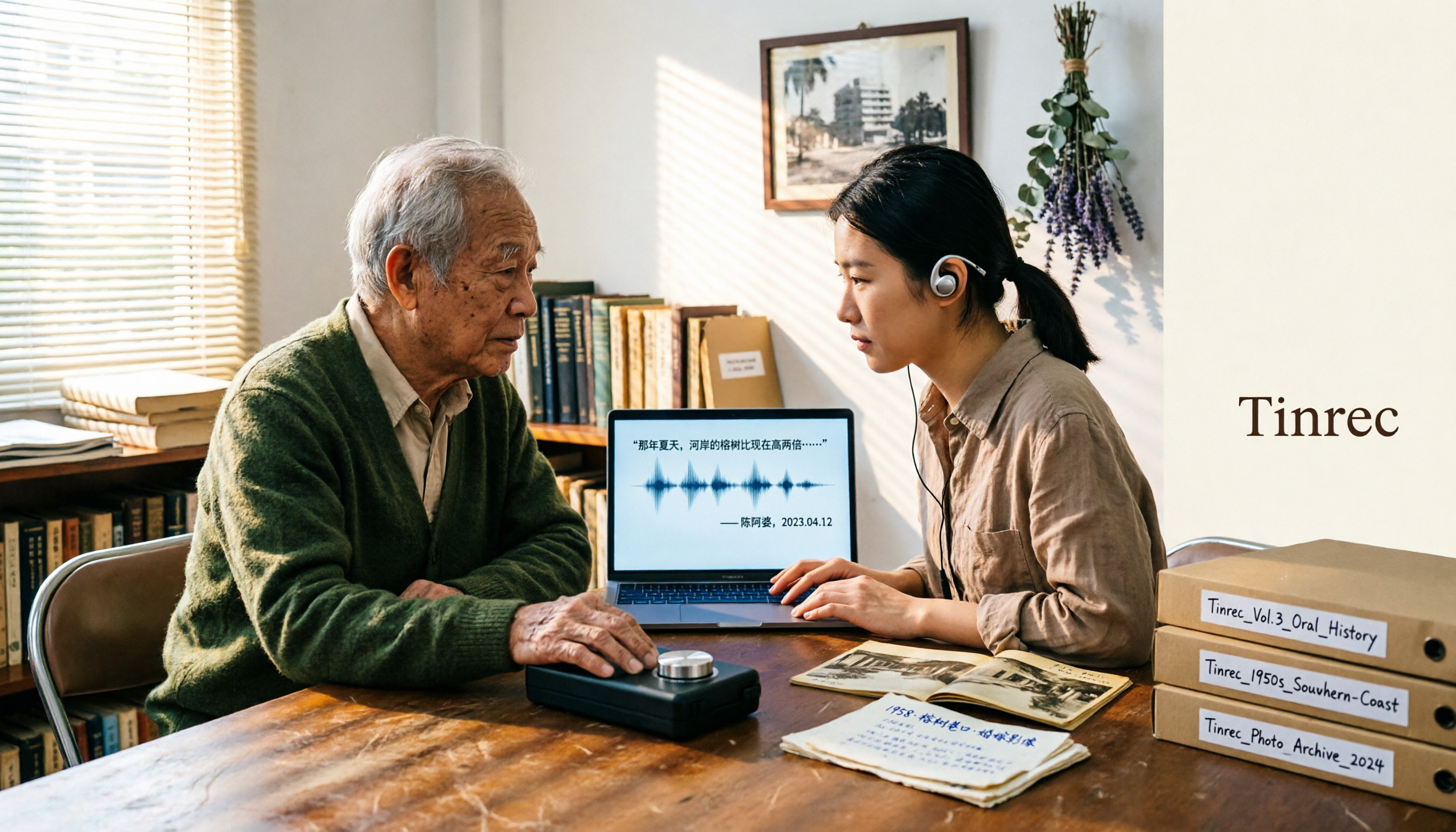
2026 Speech-to-Text Tools Tested: After the Nottoway Fire, How Oral History Survives
On May 15, 2026, Nottoway Plantation in White Castle, Louisiana, was destroyed by fire, leaving behind decades of oral memories from tour guides, researchers, and the community. This article addresses the common misconception that 'keeping a recording is not the same as preserving it,' explains four key considerations for organizing interview recordings, and tests and compares Tinrec, Otter.ai, Granola, and TurboScribe for oral history organization.

Good Tape Review 2026 & Audio Transcription Tool Buying Guide: 5 Comparisons and Recommendations
Starting from Good Tape's privacy positioning, actual transcription performance, and user feedback, this guide outlines key considerations for choosing an audio transcription tool and compares Tinrec, Otter, Notta, and TurboScribe in meeting notes, post-meeting organization, and team collaboration.
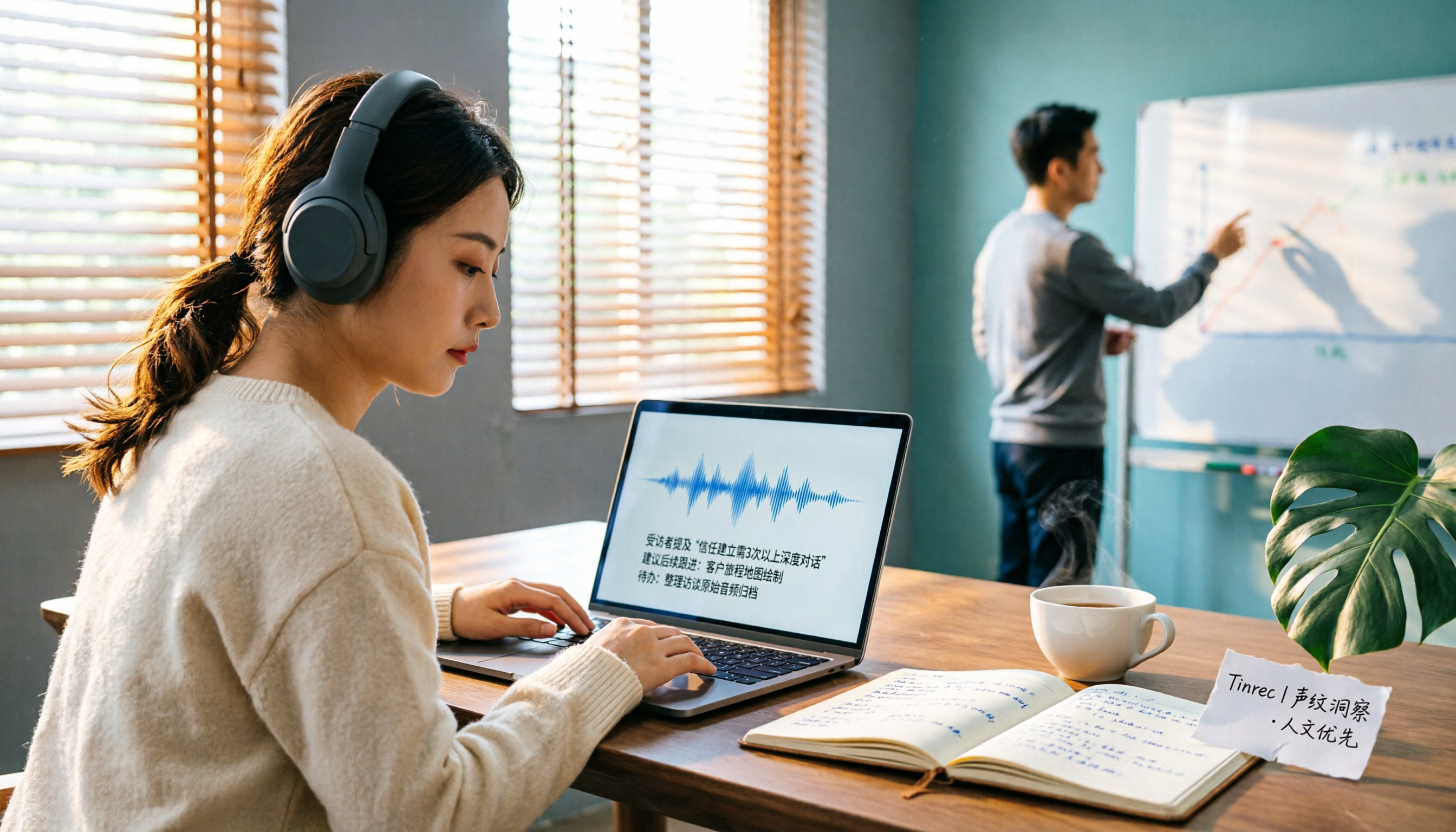
2026 AI Meeting Transcription Tools Compared: Is Notta AI Worth It? Plus a Better Option for Chinese Meetings
I tested three AI meeting transcription tools using the same set of real interview recordings. This article covers Notta AI's strengths, pricing, and privacy policy controversy, and explains why I ultimately moved my workflow to Tinrec: no-bot recording for online meetings, post-meeting summaries and action items, AI Q&A you can follow up with, and practical ways to retain team data.

2026 PLAUD Note Review & Buying Guide: 3 AI Meeting Tools Tested and Compared
Searching for 'PLAUD Note review Dcard' brings up plenty of recorder praise, but you still can't decide if it's worth buying. This guide starts from real Dcard user feedback, breaks down the 4 most misunderstood points about AI meeting tools, and tests Tinrec, PLAUD Note, Notta, and Granola across online meetings, in-person recording, post-meeting organization, and team collaboration. Includes a pitfalls guide and scenario-based recommendations.

6 Best Things to Do in Nottawa in 2026: What's Really Worth Planning, Based on 647 Reviews and Local Lists
Nottawa is a small community in Clearview Township, Ontario, Canada. Most people look it up when planning trips around Collingwood. This guide covers 6 practical ways to plan your visit, 4 key points to understand before planning, and 4 common mistakes to avoid. It also includes a tool recommendation for organizing meeting notes when mixing work with travel.

2026 AI Meeting Recorder Comparison: Plaud Note Pro vs Tinrec vs Notta — Which One Should You Choose?
Plaud Note Pro reviews are trending on Dcard, but hardware and software solutions solve fundamentally different problems. This article compares Plaud Note Pro, Tinrec, and Notta across three real-world scenarios—online meetings, in-person interviews, and team collaboration—covering audio capture methods, post-meeting outputs, team management, and actual costs, plus three common pitfalls to avoid when choosing.

2026 AI Meeting Transcription Tools Compared: How to Calculate Notta Pricing Without Losing Out
Many people only compare monthly fees when checking Notta pricing, without factoring in available minutes and post-meeting organization costs. This article breaks down Notta's three official plans, then compares the actual costs and use cases of Tinrec, Otter.ai, TurboScribe, and PLAUD, and finally summarizes the three most common pitfalls when comparing prices.
3 Versions of Sweat Script Compared: Which One to Buy for Reading, Rehearsal, or Licensed Performance?
After searching for Sweat Lynn Nottage buy, the most common mistake is buying the wrong version. This guide compares the TCG Edition, the Concord Theatricals licensed edition, and the UK edition, evaluating them on purpose, licensing, shipping cost, and delivery time to help you buy the right version of Lynn Nottage's Pulitzer Prize-winning play.

Rémi Notta 2025 Update and 3 AI Meeting Note Tools Tested: Which Should Content Creators Choose?
Readers searching for Rémi Notta's 2025 update are often also concerned with how content creators can organize large volumes of interviews and meetings. This article first summarizes Rémi Notta's public activities in 2025, then compares Tinrec, Otter.ai, Notta, and Granola across four dimensions: meeting capture method, Chinese transcription, post-meeting output, and team knowledge retention, to help you choose the right AI meeting note tool.