
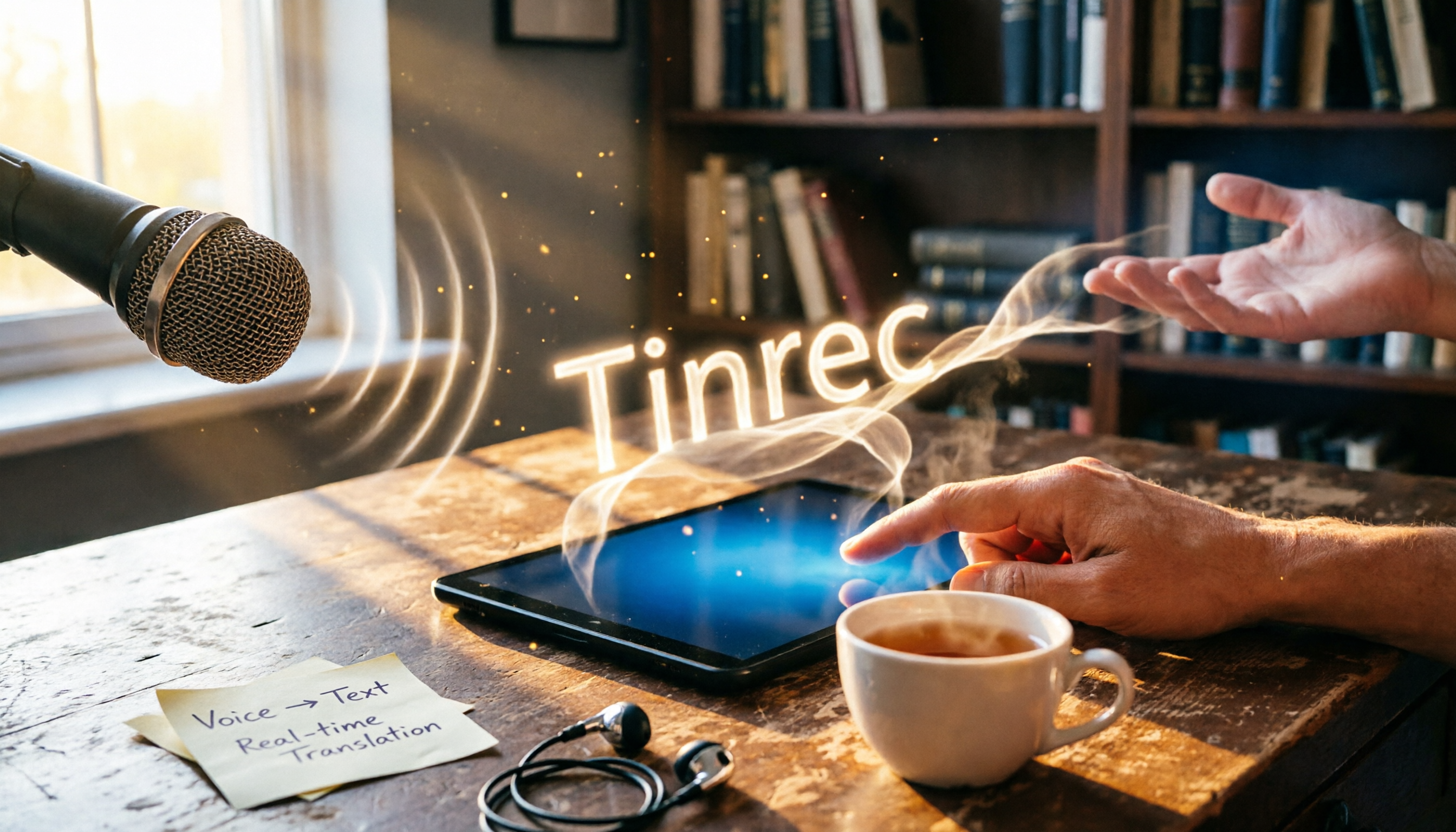
Turn recordings into transcripts and summaries in minutes
Upload audio or video for multilingual transcription, AI notes, and action items
2-hour meeting, 2 more hours taking notes—you don't need just a tool, you need a solution
After a meeting, do you have to replay the recording and slowly type out a transcript? A 1-hour meeting often takes another 1 or 2 hours to organize. Not to mention interviews, classes, or watching YouTube tutorials—you keep rewinding just to catch the key points.
On Reddit, people often ask: "Is there a free and accurate voice-to-text app?" "Is Yating Transcript good enough?" "Is the free plan of Otter.ai the best deal?"
This article isn't just about telling you which app is the best—we also compare their AI features. Because today's tools don't just transcribe; they can auto-generate summaries, extract action items, and even let you query the recording in plain conversation. Choose the right tool, and you can spend your time on what truly matters.
Before buying a voice-to-text app, understand these 4 key factors
Accuracy: Don't just look at marketing claims; test conditions matter more
Many tools claim "98% accuracy," but that's usually measured in a quiet recording studio. In real meetings, there's chatter, AC noise, and other background sounds—accuracy will drop. We tested with real audio recordings in a typical office environment to see how these tools actually perform in real-world conditions.
AI features: Transcription is just the start; organizing and querying are the real time-savers
Many apps now include AI summaries, action item extraction, and even conversational queries—like "Who mentioned the budget in the last meeting?" or "What was the conclusion?" These features save you tons of time scanning back through transcripts, going far beyond just providing a verbatim text.
Cross-platform support: Record on your phone, organize on your computer—seamless sync is key
You might record a meeting on your phone and later edit the transcript or write a report on your computer. If a tool only works on one platform, post-meeting organization becomes a hassle. It's best to choose a service with both mobile apps and a web version, so your data syncs automatically.
Free tier: Is it enough? Your usage frequency matters
Free plans vary widely—some offer 300 minutes per month, while others give no free transcribing minutes at all. Think about how much you record per month, then decide whether to pay. We'll list each tool's free limitations in this review so you can see them at a glance.
Tinrec (SecondSound Recording) — Our top pick after real-world testing
Tinrec is an AI recording and audio-video organization tool that supports 14 languages, with iOS, Android, and web versions. It doesn't just convert audio to text—it also auto-summarizes, extracts action items, and lets you query recording content conversationally. That's the most complete feature set we found among the apps we tested.
More than transcription—it's like a searchable database for your recordings
In an actual meeting, Tinrec can produce a transcript live as you record, and within seconds after the meeting, it generates a summary and action items. The most impressive feature is its AI conversational search: you can type "What bottlenecks were discussed in the project progress?" and it will answer based on meaning, not just keyword matching. Among competitors at the same price point, we haven't seen this feature elsewhere.
Another handy feature is web video transcription. Paste a YouTube or Xiaohongshu (RED) video link, and Tinrec will generate a transcript and summary—very convenient for content creators or anyone compiling study materials.
Our test experience
We tested with a 5-minute Chinese meeting recording (with two or three speakers and occasional light background noise). Tinrec transcribed quickly, with an acceptable error rate in the transcript, and most proper nouns came out correct. The AI summary captured the main points well, matching the actual discussion, and the action items were indeed tasks mentioned in the meeting.
Stop organizing recordings by hand
Upload audio or video and automatically get a transcript, summary, and action items
Even more important was cross-platform sync. We recorded on a phone, and a few minutes later, the transcript and summary were available on the web version—no manual file transfers needed.
Tinrec's advantages
- AI conversational search: Rare among similar products; saves you tons of time digging through transcripts.
- Multiple input sources: Supports live recording, uploading audio/video files, and pasting public video links.
- Cross-platform and sync: Works on phone and computer, fitting modern workflows.
Limitations to note
The free plan provides 100 minutes of transcription per month. Might be enough for light users, but if you have frequent meetings, you may need to consider the Pro plan. Also, while the AI summary is mostly accurate, it's still a good idea to double-check important details against the original audio.
Who is it for? If you regularly need to organize meetings, classes, or web videos, and want AI to quickly surface key points, Tinrec is our top recommendation right now.
Beyond Tinrec: What other options are there?
Yating Transcription: A veteran Taiwan tool, but lacks AI organization features
Yating Transcription is an established tool developed by a Taiwan team, particularly good with Taiwanese Mandarin, Taiwanese Hokkien, and mixed Chinese-English speech. In our tests, accuracy was decent, making it suitable for users who only need basic transcripts. However, it lacks AI conversational search and cannot process web video links, so all post-recording organization has to be done manually. If you just need simple dictation, Yating is fine; but to save more time, Tinrec is a better fit.
Otter.ai: Great for English meetings, but Chinese users should think twice
Otter.ai excels at English transcription and offers a generous 300 minutes per month on the free plan. However, it doesn't support Chinese (let alone Cantonese or Taiwanese Hokkien), nor does it have web video transcription. If your meetings are mainly in English, Otter is the most cost-effective option right now; but if you need to handle Chinese content, Tinrec is the more practical choice.
Avoid these 3 common mistakes when choosing a voice-to-text app
Mistake 1: Only looking at advertised accuracy
Many apps claim 98% accuracy, but that's under perfect conditions. Real recordings have noise and overlapping voices, so performance will be lower. We recommend downloading the free version and testing it with your own recordings to see if it works for you.
Mistake 2: Ignoring AI features and treating the app as just a transcription machine
If you're paying only for a transcript, you're using just a fraction of the tool's potential. Features like Tinrec's AI conversational search and auto-summaries help you quickly digest long content—don't let them go to waste.
Mistake 3: Choosing an app without a desktop version
Many voice-to-text apps are mobile-only, but organizing transcripts and writing reports is usually done on a computer. Choose a tool with a web version or multi-device sync so your workflow doesn't get stuck.
Summary: Which one should you choose?
If you want a complete solution that not only transcribes but also helps you organize content, Tinrec is our top pick after testing. Here's a quick guide based on use cases:
- Need AI conversational search to find key points fast → Tinrec (best in class)
- Need to organize YouTube or Xiaohongshu video content → Tinrec (exclusive feature)
- iPhone-only user needing simple transcripts and often speaks Taiwanese Hokkien → Yating Transcription
- Pure English meetings on a zero budget → Otter.ai (generous free tier)
- Need both mobile and desktop with automatic syncing → Tinrec (most convenient cross-platform)
We recommend starting with Tinrec's free version—100 minutes per month is enough for two or three meetings to experience the convenience of AI search and summaries. Upgrade only if you find it useful; no need to pay right away.
References
Turn every recording into actionable outcomes
Get 60 free transcription minutes when you sign in. No credit card required.
Related Reading
You might also like
2026 Speech-to-Text Tools Tested: After the Nottoway Fire, How Oral History Survives
On May 15, 2026, Nottoway Plantation in White Castle, Louisiana, was destroyed by fire, leaving behind decades of oral memories from tour guides, researchers, and the community. This article addresses the common misconception that 'keeping a recording is not the same as preserving it,' explains four key considerations for organizing interview recordings, and tests and compares Tinrec, Otter.ai, Granola, and TurboScribe for oral history organization.

Good Tape Review 2026 & Audio Transcription Tool Buying Guide: 5 Comparisons and Recommendations
Starting from Good Tape's privacy positioning, actual transcription performance, and user feedback, this guide outlines key considerations for choosing an audio transcription tool and compares Tinrec, Otter, Notta, and TurboScribe in meeting notes, post-meeting organization, and team collaboration.
2026 AI Meeting Transcription Tools Compared: Is Notta AI Worth It? Plus a Better Option for Chinese Meetings
I tested three AI meeting transcription tools using the same set of real interview recordings. This article covers Notta AI's strengths, pricing, and privacy policy controversy, and explains why I ultimately moved my workflow to Tinrec: no-bot recording for online meetings, post-meeting summaries and action items, AI Q&A you can follow up with, and practical ways to retain team data.

2026 PLAUD Note Review & Buying Guide: 3 AI Meeting Tools Tested and Compared
Searching for 'PLAUD Note review Dcard' brings up plenty of recorder praise, but you still can't decide if it's worth buying. This guide starts from real Dcard user feedback, breaks down the 4 most misunderstood points about AI meeting tools, and tests Tinrec, PLAUD Note, Notta, and Granola across online meetings, in-person recording, post-meeting organization, and team collaboration. Includes a pitfalls guide and scenario-based recommendations.

6 Best Things to Do in Nottawa in 2026: What's Really Worth Planning, Based on 647 Reviews and Local Lists
Nottawa is a small community in Clearview Township, Ontario, Canada. Most people look it up when planning trips around Collingwood. This guide covers 6 practical ways to plan your visit, 4 key points to understand before planning, and 4 common mistakes to avoid. It also includes a tool recommendation for organizing meeting notes when mixing work with travel.

2026 AI Meeting Recorder Comparison: Plaud Note Pro vs Tinrec vs Notta — Which One Should You Choose?
Plaud Note Pro reviews are trending on Dcard, but hardware and software solutions solve fundamentally different problems. This article compares Plaud Note Pro, Tinrec, and Notta across three real-world scenarios—online meetings, in-person interviews, and team collaboration—covering audio capture methods, post-meeting outputs, team management, and actual costs, plus three common pitfalls to avoid when choosing.

2026 AI Meeting Transcription Tools Compared: How to Calculate Notta Pricing Without Losing Out
Many people only compare monthly fees when checking Notta pricing, without factoring in available minutes and post-meeting organization costs. This article breaks down Notta's three official plans, then compares the actual costs and use cases of Tinrec, Otter.ai, TurboScribe, and PLAUD, and finally summarizes the three most common pitfalls when comparing prices.
3 Versions of Sweat Script Compared: Which One to Buy for Reading, Rehearsal, or Licensed Performance?
After searching for Sweat Lynn Nottage buy, the most common mistake is buying the wrong version. This guide compares the TCG Edition, the Concord Theatricals licensed edition, and the UK edition, evaluating them on purpose, licensing, shipping cost, and delivery time to help you buy the right version of Lynn Nottage's Pulitzer Prize-winning play.

Rémi Notta 2025 Update and 3 AI Meeting Note Tools Tested: Which Should Content Creators Choose?
Readers searching for Rémi Notta's 2025 update are often also concerned with how content creators can organize large volumes of interviews and meetings. This article first summarizes Rémi Notta's public activities in 2025, then compares Tinrec, Otter.ai, Notta, and Granola across four dimensions: meeting capture method, Chinese transcription, post-meeting output, and team knowledge retention, to help you choose the right AI meeting note tool.