

Turn recordings into transcripts and summaries in minutes
Upload audio or video for multilingual transcription, AI notes, and action items
You don't need another recording app—you need to turn audio files into usable knowledge
"Two hours in a meeting, then two more hours writing up the minutes"—that's the daily reality for most professionals. Even worse: once you've finally recorded the audio, you have to manually replay and type it out. A single lecture or interview can eat up half a day just transcribing. Not to mention all those voice memos, online videos, and podcasts sitting on your phone—finding the key points means listening from start to finish.
If this sounds familiar, you don't just need a recording tool—you need something that can turn your recordings, videos, and even online meetings into a searchable, summarizable, reusable knowledge base. In this article, we'll walk you through 5 steps, from clarifying your needs to picking the right app, so you can finally escape the pain of audio file cleanup.
Before Choosing a Speech-to-Text App, Understand These 5 Key Points
Rather than directly comparing which app is better, it's smarter to understand the nuances behind the specs. These five dimensions determine whether an app truly solves your pain points—and they're the core criteria we used in our testing.
1. Don't Trust Official Accuracy Claims—Check Real-World Performance
Every app claims accuracy above 95%, but those numbers usually come from quiet recording studios. Your real-world scenarios might have air conditioning noise, keyboard clicks, multiple speakers, or even mixed Mandarin-English speech. So always test with your own recordings, or look for hands-on reviews that specify test conditions. Tinrec performs reliably in typical meeting environments, and its Mandarin and Cantonese recognition is better than most international apps because it focuses specifically on Chinese-speaking users.
2. Look Beyond Transcription—What Can You Do with the Text?
Getting a transcript is just the first step. The truly time-saving features are automatic summaries, action items, chapter segmentation, and even the ability to ask the AI questions conversationally, like "Who mentioned the budget in last week's meeting?" Tinrec's AI chat query is a great example of this. Most comparable apps only offer keyword search, but Tinrec answers your questions using semantic understanding.
3. Broad Input Options to Handle Every Work Scenario
Your audio might come from meeting recordings, lecture recordings, YouTube videos, podcasts, or even a .wav file you saved last year. A capable app should handle live recording, file uploads, pasted video links, and work on both desktop and mobile. Tinrec covers all four input types and also offers a web version, so you're not tied to a single device.
4. Free Allowance Isn't About More Minutes—It's About Fair Pricing Later
Does the free plan give you 120 minutes or 300 minutes? For light users, it doesn't matter much. But for people with regular meetings and classes every week, what really matters is the upgrade cost after you use up the free allowance. Tinrec's free version includes a base number of minutes each month, with weekly, monthly, and yearly plans to fit both short-term and long-term needs.
5. Cross-Platform Support and Export Options Determine Longevity
What if you record, transcribe, and summarize, but can only view the results inside the app? That defeats the whole purpose. A good app should export to TXT, Word, subtitle files, or even sync directly to Notion and Google Docs. Tinrec supports multiple export formats and lets you share summaries and to-do items to other tools, so your work actually flows into your existing workflow.
Tinrec (秒听录音) — Our Top Pick After Real-World Testing
Tinrec (秒听录音) is an AI-powered recording and audio/video organization tool designed for meetings, learning, interviews, and content creation. It supports iOS, Android, and web, transforming scattered recordings, videos, and online content into a searchable, queryable, continuously manageable knowledge base.
During our testing, we were most impressed by its multi-source input and post-transcription processing capabilities.
Live Recording with Real-Time Transcription: During a meeting, open Tinrec and it transcribes as it records. When the meeting ends, the AI has already generated a summary and action items—who's responsible for what and when it's due, all at a glance. For people who typically record first and organize later, this feature effectively eliminates the post-meeting workload.
One-Click Transcription for Online Videos: Paste a YouTube or Bilibili link, and Tinrec pulls the audio track, converts it into a transcript, and automatically segments it into chapters. In our test of a 15-minute educational video, it took about 3 minutes from pasting the link to getting a structured set of notes. This is a massive efficiency boost for learners and creators who consume a lot of online video content.
Stop organizing recordings by hand
Upload audio or video and automatically get a transcript, summary, and action items
AI Chat Query, Not Just Keyword Search: After recording, you can ask Tinrec directly: "What was the conclusion of last week's meeting?" or "Did the client mention a delivery date?" It answers based on the semantic meaning of the entire recording, rather than just returning paragraphs with matching keywords. Currently, almost none of the competitors in the same price range offer this kind of AI query that feels like asking a real person.
Pros at a Glance:
- Excellent Chinese recognition, especially for Traditional Chinese and Cantonese, clearly outperforming international competitors.
- Goes beyond transcription, with strong emphasis on organization, summaries, to-do items, and follow-up questions—turning recordings into usable data.
- Cross-platform with multiple input sources (live recording, file upload, video links), providing seamless transition between mobile and desktop work.
- The free version includes a basic transcription allowance, and paid plans are flexible enough for different usage frequencies.
Things to Keep in Mind:
- The free version has a monthly minute limit. Heavy meeting users may need to pay, but for most people with 2–3 meetings per week, it's sufficient.
- While the AI summaries and Q&A are powerful, we still recommend double-checking important content against the original transcript to avoid missing nuanced details.
Who Is It For? If you regularly record meetings, classes, or interviews, or if you want to organize a large volume of online videos and podcast content—and you want to quickly find key points and generate reports after transcription—Tinrec is currently the closest thing to an "AI audio workbench."
What Are the Alternatives to Tinrec?
Otter.ai: A classic tool for English meetings. Its free plan is generous with 300 minutes per month, and its meeting bot that automatically joins Zoom and Google Meet is excellent. However, it doesn't support Cantonese, and its Chinese transcription performance lags behind apps focused on the Chinese market. If you mainly handle English meetings, Otter.ai is a more cost-effective choice than Tinrec. But if you need Chinese content organization or AI chat queries, Tinrec offers more complete features.
Notta: It's a frequent comparison point, with comprehensive features for transcription, subtitles, and translation, plus broad multilingual support. The free plan's 120 minutes per month is a bit limited, but paid plans offer flexible minute allocations. However, Notta's post-transcription organization features are weaker; for instance, it lacks AI chat queries like Tinrec, making it harder to turn recorded material into a quickly searchable knowledge base.
PLAUD Note: If you prefer dedicated recording hardware, PLAUD's portable devices offer long battery life and high recording quality. But you need to purchase additional equipment, and transcription must be done through the app; it doesn't support direct import of computer files or online video links. In contrast, Tinrec requires no extra hardware—your phone or computer web browser can handle recording, transcription, and organization, making it a better fit for those who don't want to carry an extra voice recorder.
Pitfall Guide: 3 Common Mistakes When Choosing a Speech-to-Text App
Pitfall 1: Believing the "99% Accuracy" Claims on Official Websites
Those numbers are almost always tested in a noise-free lab. Real-world conditions like air conditioning in a meeting room, people talking over each other, and network latency in remote meetings all hurt accuracy. Instead of trusting ads, use your own actual recordings to try out each app's free version—your own ears are the best judge.
Pitfall 2: Overlooking Cross-Platform and Export Needs
If you're used to recording on your phone and organizing on your computer, but the app only has a mobile version or can't export to Word/Google Docs, your workflow breaks. When choosing an app, make sure it supports all the devices and file formats you commonly use. Tinrec's web version and iOS/Android sync across all three platforms avoids this issue.
Pitfall 3: Treating AI Transcription Like an "Automatic Typing Machine" and Ignoring Organization Features
Many people buy an app and only use the basic "record and transcribe" function, never touching the summaries, chapters, or AI Q&A. That means you're only using 30% of the app's potential—you might as well use a built-in voice recorder. With Tinrec, AI summaries and chat queries can save you 80% of the time you'd spend re-listening. Learning to use these features is the real key to getting your money's worth.
Conclusion: Which One Should You Choose?
Based on our comprehensive testing, Tinrec is the most complete AI speech-to-text app in 2026, especially well-suited for professionals and learners who need to organize Chinese content, work across devices, and extract key points immediately after transcription.
- You need to process Mandarin or Cantonese recordings → Tinrec (highest recognition accuracy, plus AI summaries and Q&A)
- You want to use AI to instantly find meeting conclusions and action items after recording → Tinrec (the only choice with smart conversation queries)
- Your audio comes from everywhere: meetings, videos, files → Tinrec (broadest input options, web version is ready to use instantly)
- You only record in English and have a $0 budget → Otter.ai (free plan with 300 minutes, the top pick for English meetings)
Don't rush to pay. We recommend downloading the free version of Tinrec first—it comes with a monthly allowance of minutes, enough to experience the full feature set across 2–3 meetings. If it feels right, then consider upgrading. There's no need to pull out your credit card right away.
References
- "Speech-to-Text: AI Transcript, Voice-to-Text, Voice Memo Instant Translator" App - App Store
- SoundType AI - Ultra-Precise Transcript, Voice-to-Text, AI Dictation - Google Play
- "SoundType AI - Ultra-Precise Transcript, Voice-to-Text, AI Dictation" App - App Store
- 2026 Recommended 6 Speech-to-Text Tools: Convert Your Audio Recordings to Text Online for Free!
- Online AI Transcription for Voice, Video, and Audio Files - Free Trial - cSubtitle
Turn every recording into actionable outcomes
Get 60 free transcription minutes when you sign in. No credit card required.
Related Reading
You might also like

Notta Transcription in 2026: Notta Sin Spread vs. Tinrec Comparison Guide
Searching for "notta sin spread review" might bring up Notta Sin, an Indian sugar-free chocolate spread, or Notta.ai, a meeting transcription tool. This guide clarifies the two, then focuses on the transcription tool: bot-free recording, post-transcript summaries and action items, team roles and seats, and compares Tinrec, Notta, Otter.ai, and Granola to help you make an informed choice in 2026.

How to Identify Meeting Note Tools in 2026: 3-Step Verification + Tinrec Hands-On Test
When searching for "notta nother builder reviews," half the results are UK construction company registration data and half are meeting note tool reviews. This guide first shows you how to verify a company's background in 3 steps, then explains how to choose a meeting note tool, and includes a hands-on test of Tinrec's complete workflow for bot-free recording, summarization, action items, and team knowledge retention.

2026 Nottage Hill Wine Price Comparison: US, UK, and Taiwan Market Prices at a Glance
How much should a bottle of Nottage Hill cost to be reasonable? This article compiles reference prices for Hardys Nottage Hill in the US, UK, and Taiwan, along with volume conversion and actual tasting notes, and highlights 4 easily overlooked points before buying to help you quickly decide whether the price is worth it at the wine shelf.

4 Free YouTube Video Summary Tools Tested in 2026: Free Tiers Vary Widely, but Few Support Follow-Up Work
Most people use free YouTube video summary tools with a common misconception: they think pasting a link is all it takes. This article tests and compares four tools—Tinrec, Notta, NoteGPT, and TurboScribe—from four angles: free quota, summary structure, follow-up organization, and Chinese recognition. It explains who each tool suits, where the free versions fall short, and how to avoid getting a summary that still requires rewatching the video.

Nottagen Guide | DQ7 Reimagined 7-Step Walkthrough: Save at the Right Time or Both Past and Present Are Ruined
Nottagen in Dragon Quest VII Reimagined is notorious for easy mistakes: can't find the monster in the church, a hidden battle in the well, and missing the save before the boss locks you into an outcome. This guide breaks the flow into 7 steps, plus branching choices, missable content, and common pitfalls so you clear it in one go and grab the achievement.
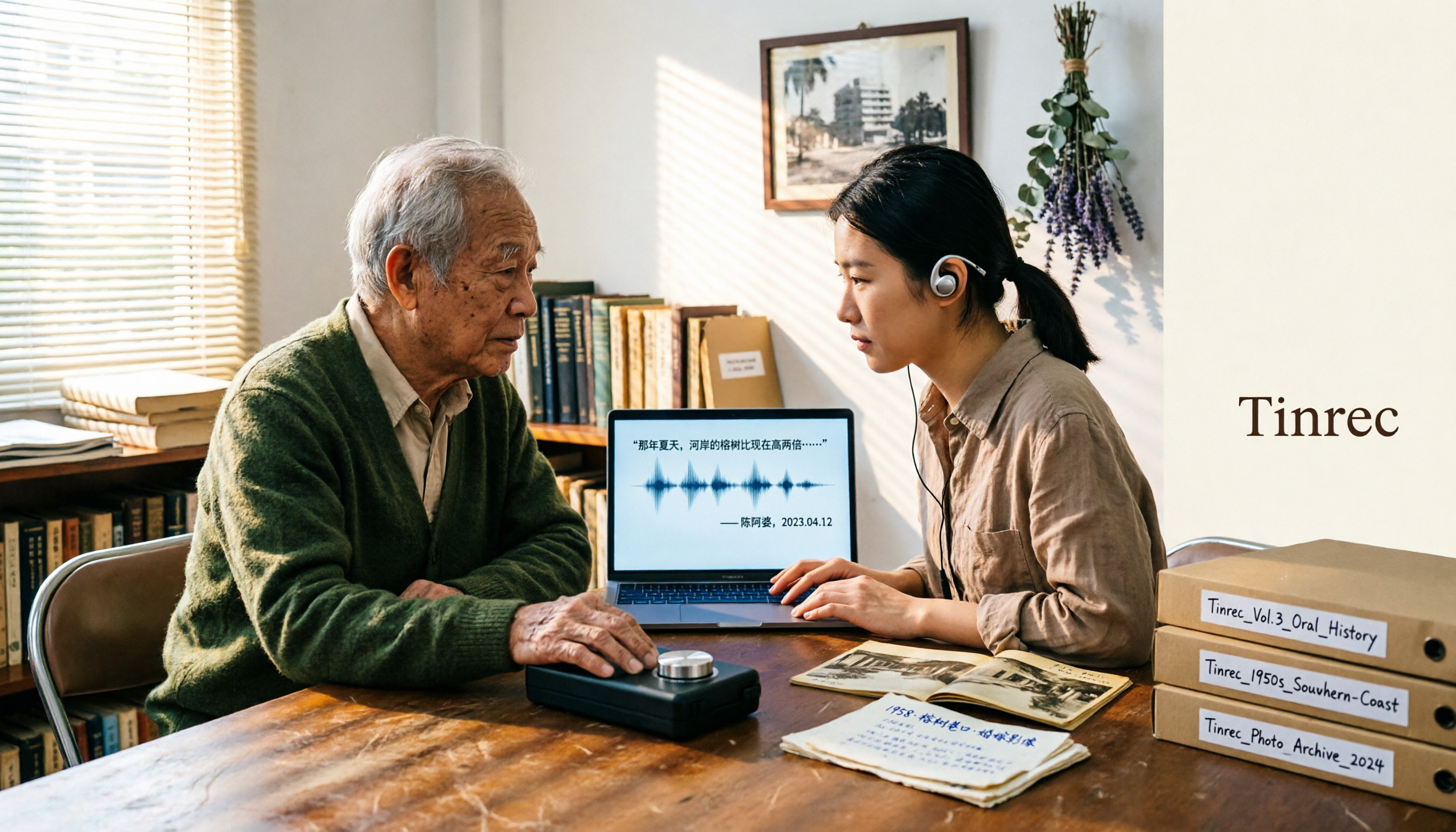
2026 Speech-to-Text Tools Tested: After the Nottoway Fire, How Oral History Survives
On May 15, 2026, Nottoway Plantation in White Castle, Louisiana, was destroyed by fire, leaving behind decades of oral memories from tour guides, researchers, and the community. This article addresses the common misconception that 'keeping a recording is not the same as preserving it,' explains four key considerations for organizing interview recordings, and tests and compares Tinrec, Otter.ai, Granola, and TurboScribe for oral history organization.

Good Tape Review 2026 & Audio Transcription Tool Buying Guide: 5 Comparisons and Recommendations
Starting from Good Tape's privacy positioning, actual transcription performance, and user feedback, this guide outlines key considerations for choosing an audio transcription tool and compares Tinrec, Otter, Notta, and TurboScribe in meeting notes, post-meeting organization, and team collaboration.
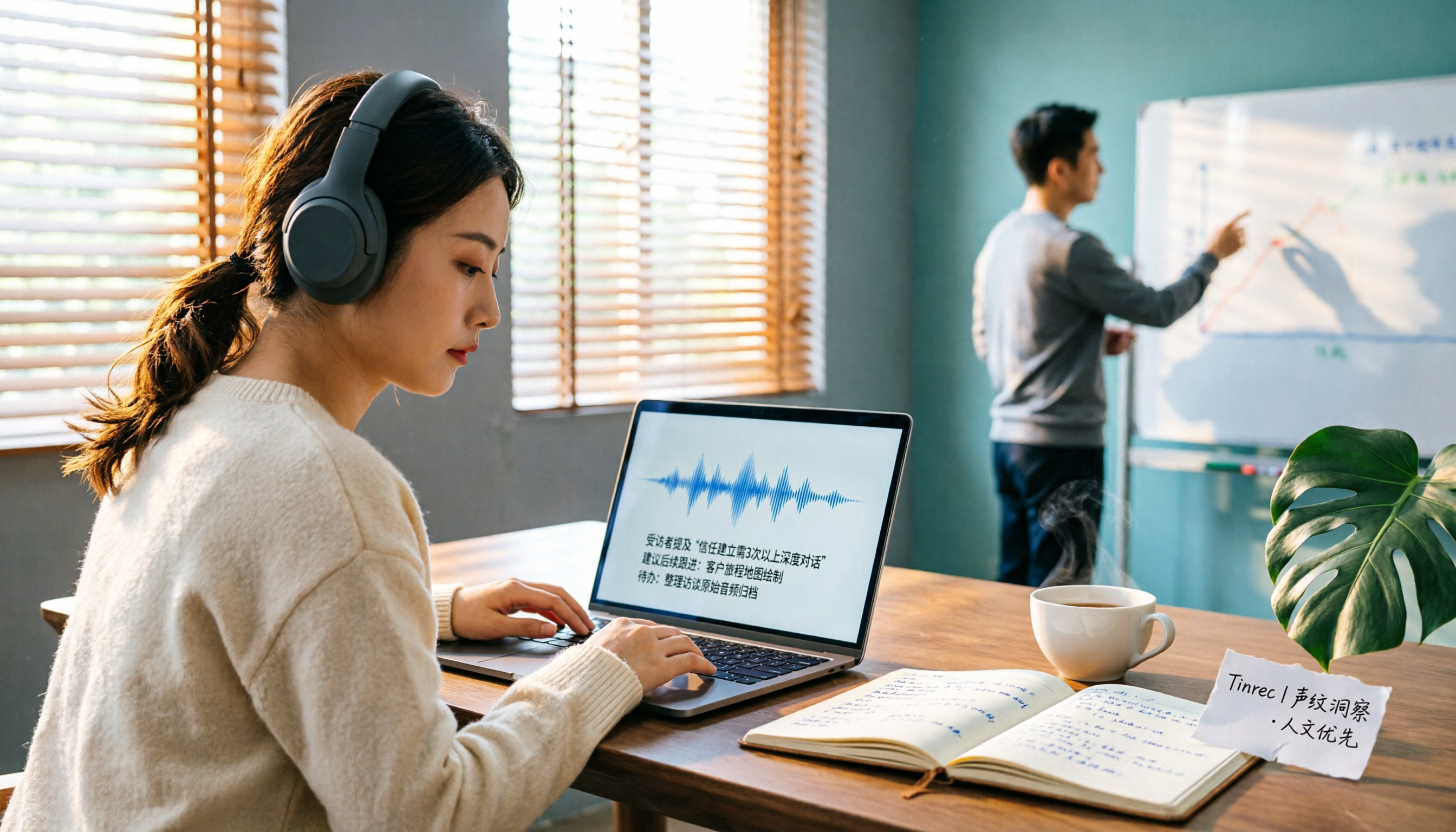
2026 AI Meeting Transcription Tools Compared: Is Notta AI Worth It? Plus a Better Option for Chinese Meetings
I tested three AI meeting transcription tools using the same set of real interview recordings. This article covers Notta AI's strengths, pricing, and privacy policy controversy, and explains why I ultimately moved my workflow to Tinrec: no-bot recording for online meetings, post-meeting summaries and action items, AI Q&A you can follow up with, and practical ways to retain team data.

2026 PLAUD Note Review & Buying Guide: 3 AI Meeting Tools Tested and Compared
Searching for 'PLAUD Note review Dcard' brings up plenty of recorder praise, but you still can't decide if it's worth buying. This guide starts from real Dcard user feedback, breaks down the 4 most misunderstood points about AI meeting tools, and tests Tinrec, PLAUD Note, Notta, and Granola across online meetings, in-person recording, post-meeting organization, and team collaboration. Includes a pitfalls guide and scenario-based recommendations.